Free OnlineAI Artwork Generator
How to Create Finished Artwork with AI
Choose the Final Destination
Write the Art Direction
Generate and Compare Candidates
Refine the Winner and Export

From Attractive Image to Purpose-Built Artwork
Compose for the Destination
Tell the AI where the artwork will appear and what must remain readable around it. Our custom AI artwork generator can plan a central label zone, a quiet cover area, a border-safe card subject, or a wide campaign crop from the start.
Guide the Look with References
Start from text alone or upload a sketch, color reference, product asset, or mood image. Explain which parts should guide subject, composition, palette, or material treatment instead of leaving the visual direction implicit.
Describe a Medium, Not a Preset
Ask for translucent watercolor blooms, carved linocut edges, layered paper fibers, matte gouache, or impasto-like marks. Material language helps the AI artwork creator deliver a more intentional surface than a generic style label.
Build a Coherent Artwork Family
Request coordinated campaign images, card sets, packaging variants, or a wall-art triptych with recurring palette, texture, lighting, and motifs. Mew Design can use Nano Banana Pro or GPT Image 2.5 when they fit the brief.
Revise the Chosen Direction
Keep the composition that works and describe one correction through Chat Edit. Move an object, clean an edge, reduce background detail, rebalance a palette, or make a series member feel more consistent without restarting the entire brief.
Free to Test, Clean to Export
Sign up for free AI credits and test the online AI artwork maker before choosing a plan. Download finished images without a watermark as PNG or JPG for digital layouts, marketing projects, or print-ready design compositions.
How to Brief AI for Usable Artwork
- Define the Canvas: State the ratio, orientation, crop, safe margins, and where later typography or labels need quiet space.
- Direct the Eye: Name the primary subject, action, viewpoint, placement, visual hierarchy, foreground and background, and amount of negative space.
- Describe the Surface: Specify medium traits such as brush edges, paper grain, ink hatching, pigment transparency, collage layers, or printmaking texture.
- Set Constraints: List the palette, lighting, required motifs, reference-image role, and unwanted elements. Describe visual qualities instead of asking to copy the exact style of a living artist.
AI Artwork Prompts Built Around Real Deliverables
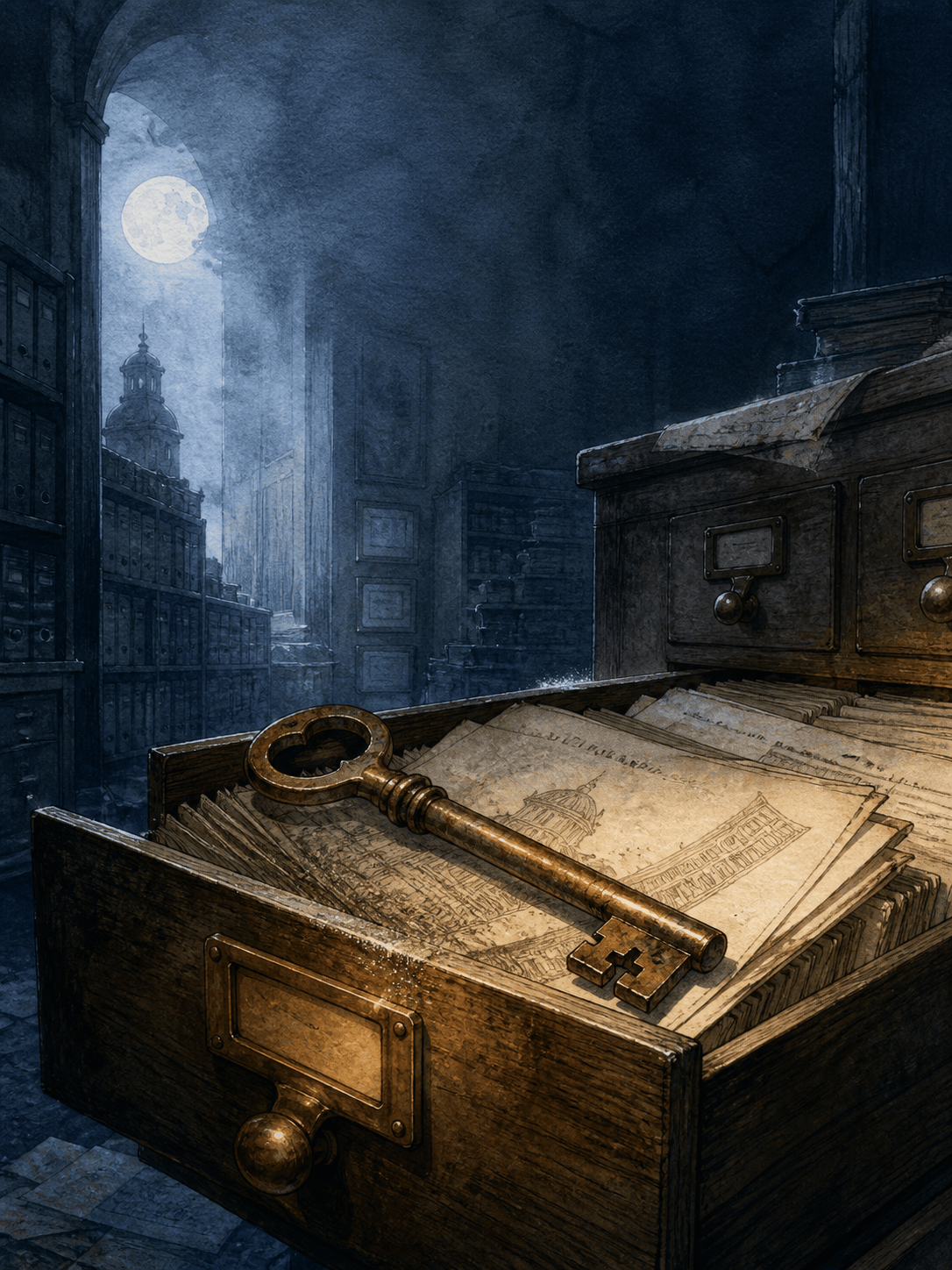
Historical Mystery Book Cover: Create 2:3 cover artwork for a novel set in a moonlit archive. A tarnished brass key lies across an open catalog drawer; distant shelves dissolve into blue-gray shadow. Restrained engraved-ink and watercolor treatment, one warm amber accent, strong central clue, quiet upper third for a title to be added later. No text, logos, mockup, or border.
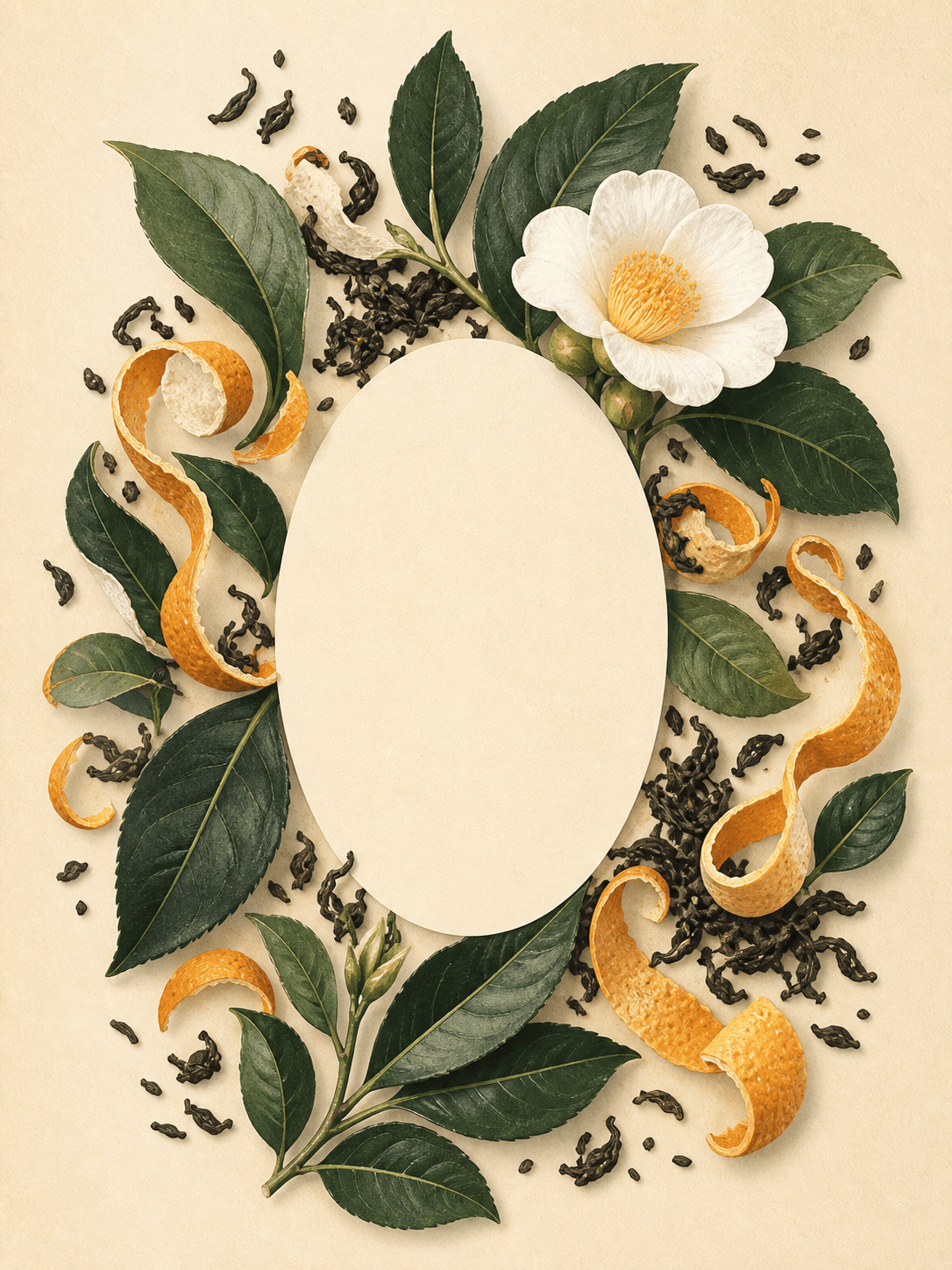
Botanical Tea Packaging: Create 3:4 packaging illustration for a bergamot black tea. Camellia leaves, sliced citrus peel, and a single white blossom curve around a clean oval label zone. Layered gouache and cut-paper fibers, forest green, cream, and muted orange, refined natural mood, balanced detail, no words or brand marks.
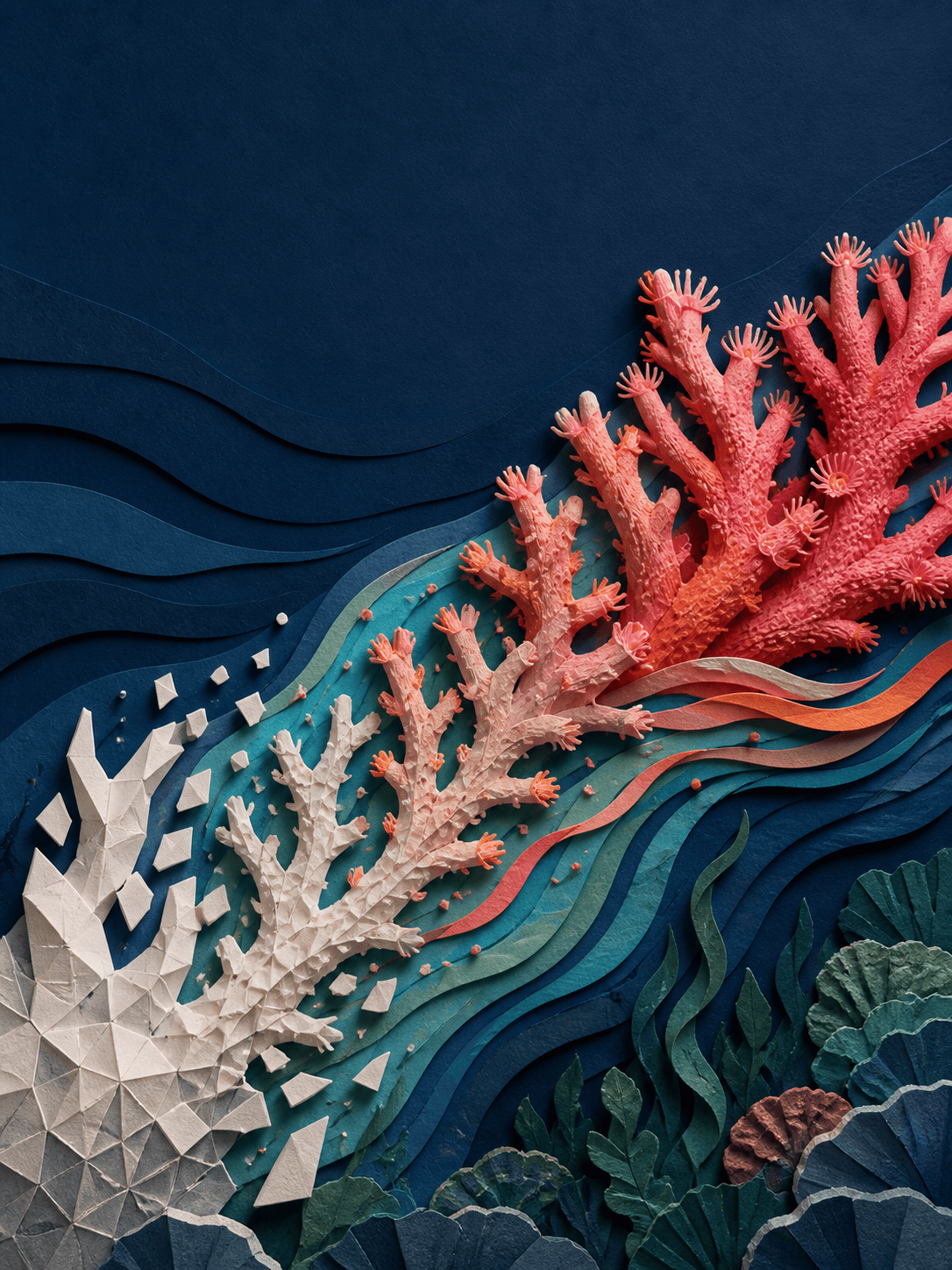
Science Editorial Artwork: Make a 4:3 editorial illustration about ocean heat and coral recovery. A coral branch transitions from bleached geometric fragments on the left to living textured forms on the right, connected by flowing temperature bands. Sophisticated paper-cut depth, coral pink, deep navy, sea green, clear symbolic story, room for a headline above, no labels or numbers.
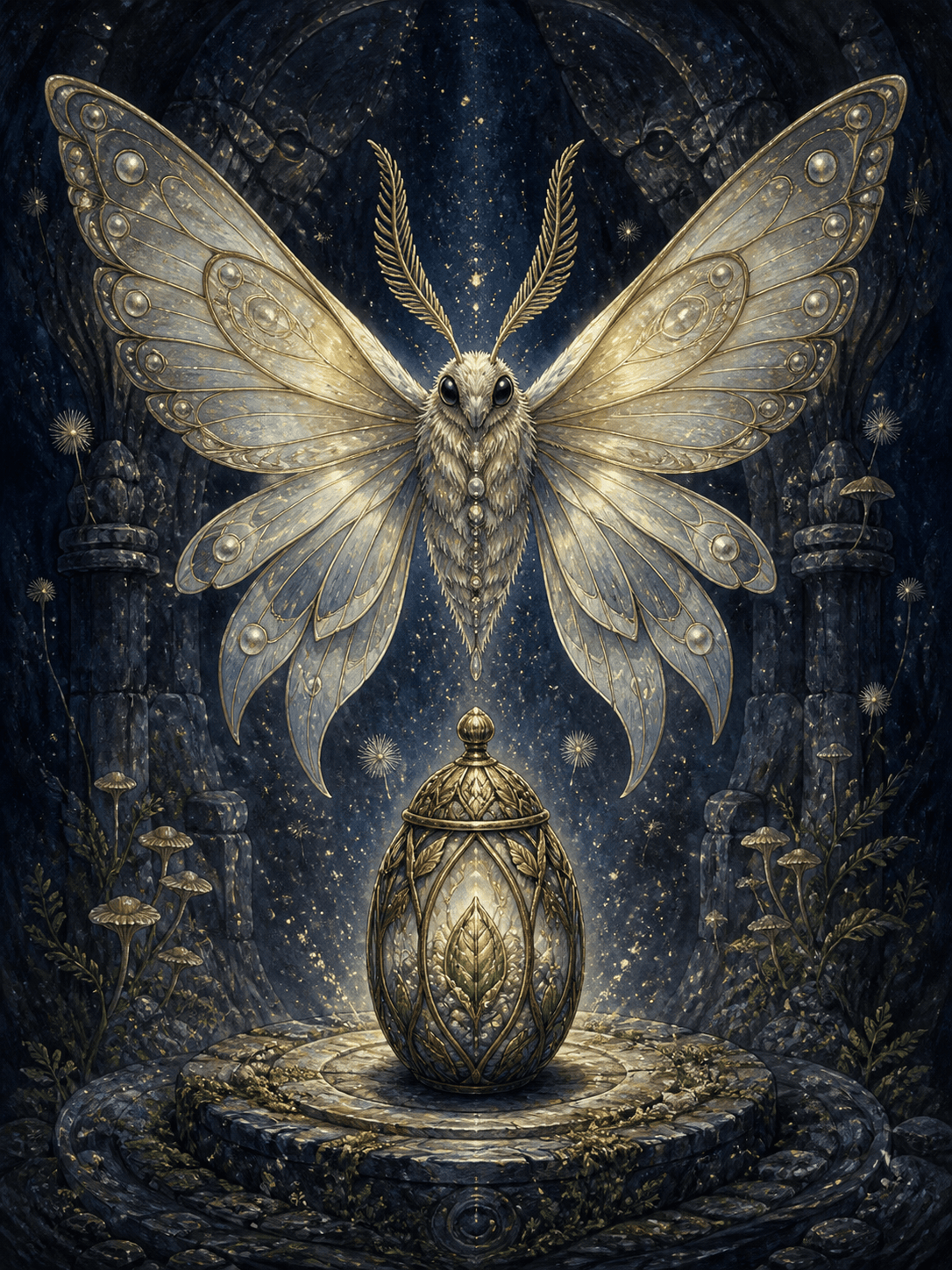
Fantasy Card Artwork: Design 2:3 card art of a luminous moth guardian hovering above an ancient seed vault. Readable centered silhouette, layered wings, tiny floating spores, dark indigo environment, pearl and moss highlights, intricate ink-and-gouache finish. Keep important details inside safe margins; no frame, title, stats, or symbols.
Seasonal Retail Artwork Series: Generate three coordinated campaign artworks for an autumn home collection: one square hero image, one 4:5 social image, and one 16:9 banner. Repeat the same woven leaves, ceramic forms, rust-and-olive palette, soft side light, and tactile collage texture while adapting the focal placement and negative space to each crop. No text or logos.
Contemporary Wall-Art Triptych: Create a three-piece 2:3 abstract artwork series based on tidal geology. Each panel should stand alone and connect through a continuous horizon, layered mineral shapes, charcoal lines, matte plaster texture, sand, slate blue, oxidized copper, and off-white. Calm asymmetry, consistent scale, edge-to-edge art, no frames or text.





