Free OnlineAI Eye Color Detector
How to Detect Eye Color From a Photo With AI
Choose a Clear Eye Photo
Upload and Describe the Check
Review the Visible Color Mix
Refine and Export the Result

A More Useful Eye Color Analyzer for Real Photos
Ask a Specific Visual Question
Tell Mew Design which eye to inspect and whether you want a simple color family, a comparison of two shades, or notes on visible rings and flecks. Natural-language context helps keep the answer relevant.
See More Than One Flat Label
Eyes often show gradients and mixed tones. This online eye color analyzer can describe the dominant visible shade together with secondary colors instead of forcing every photo into one oversimplified word.
Compare Ambiguous Color Families
Ask focused questions about hazel versus green, amber versus brown, or blue versus gray. The result stays tied to the uploaded photo and acknowledges when lighting or image quality makes the boundary uncertain.
Turn the Answer Into a Visual Card
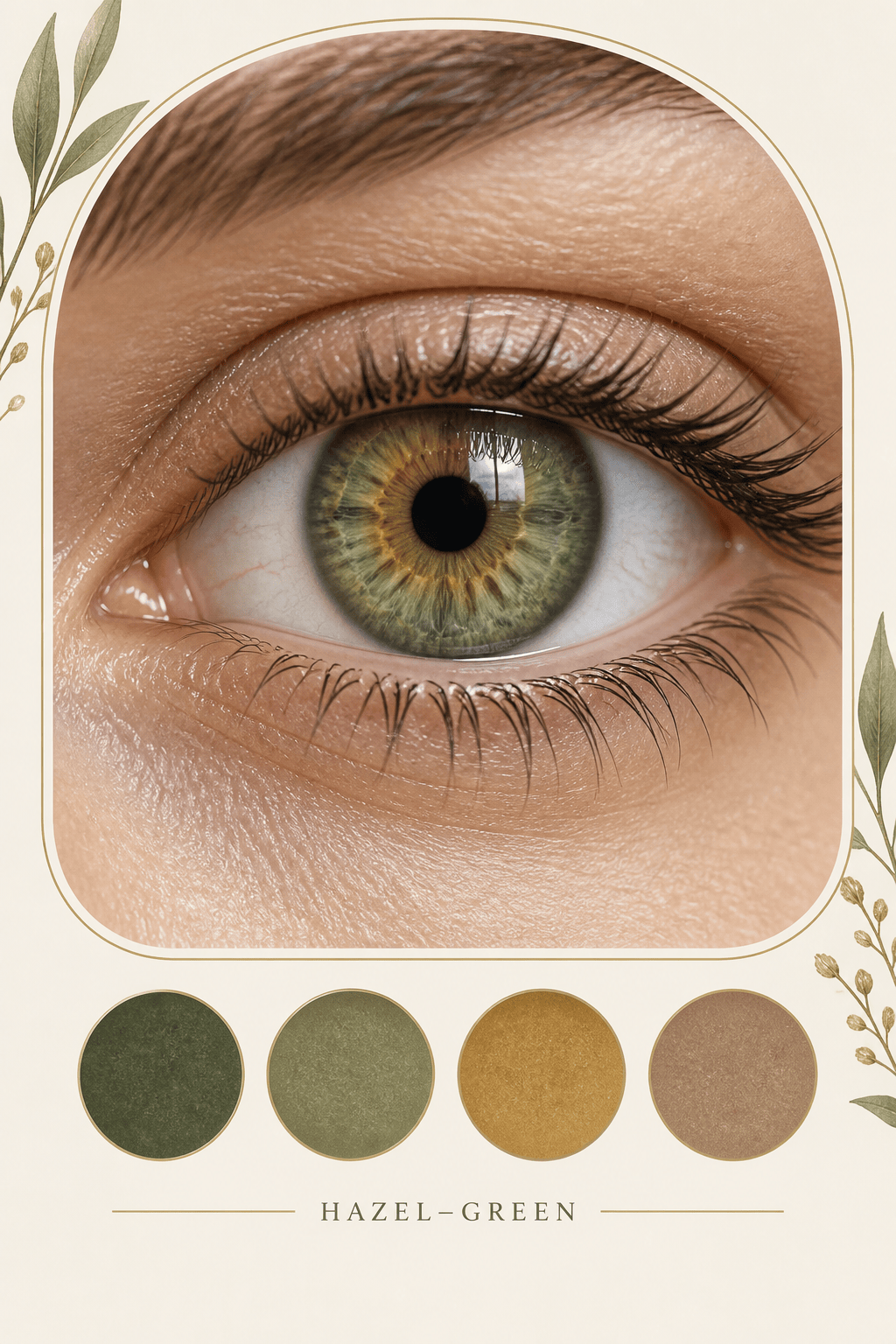
Go beyond a text reply. Ask the free AI eye color detector to create a clean iris card with the eye crop, a cautious color-family label, visible-tone notes, and palette swatches for sharing or creative reference.
Refine the Presentation in Chat
Click Chat Edit to change labels, remove an unnecessary claim, enlarge the eye crop, soften the palette, or compare two photos side by side without rebuilding the result from scratch.
Keep Detection and Recoloring Distinct
First describe the eye color visible in the source photo. If you later want a cosmetic preview, create a separate eye-color edit while preserving pupils, catchlights, eyelids, facial identity, and original lighting.
How to Prepare a Photo for Eye Color Analysis
- Use Neutral Daylight: Face a bright window or open shade, but avoid direct sun and flash. Even light reveals the iris without a large white reflection or a warm indoor color cast.
- Fill the Frame With the Iris: Choose a sharp close-up where the colored ring is large enough to inspect. A distant selfie, motion blur, eyelashes across the iris, or compressed screenshot reduces useful detail.
- Remove Color-Changing Variables: Do not use beauty filters, colored contacts, tinted glasses, dramatic makeup spill, or colored lamps when the goal is to estimate the visible natural shade.
- Set Clear Boundaries: Ask for a visual color description only. Do not use a photo result to infer health, genetics, identity, personality, or contact-lens safety.
Eye Color Analysis Requests for Common Questions
Single-Eye Check: Analyze the visible color of the iris in my uploaded close-up. Ignore the pupil, sclera, reflections, lashes, skin, and background. Give the dominant color family and up to two secondary visible tones, and flag any uncertainty from lighting or focus.
Hazel or Green: Compare the green, gold, and brown areas visible in my uploaded iris photo. Explain whether the image appears closer to hazel or green and what visible distribution supports that estimate. Do not make genetic, rarity, or medical claims.
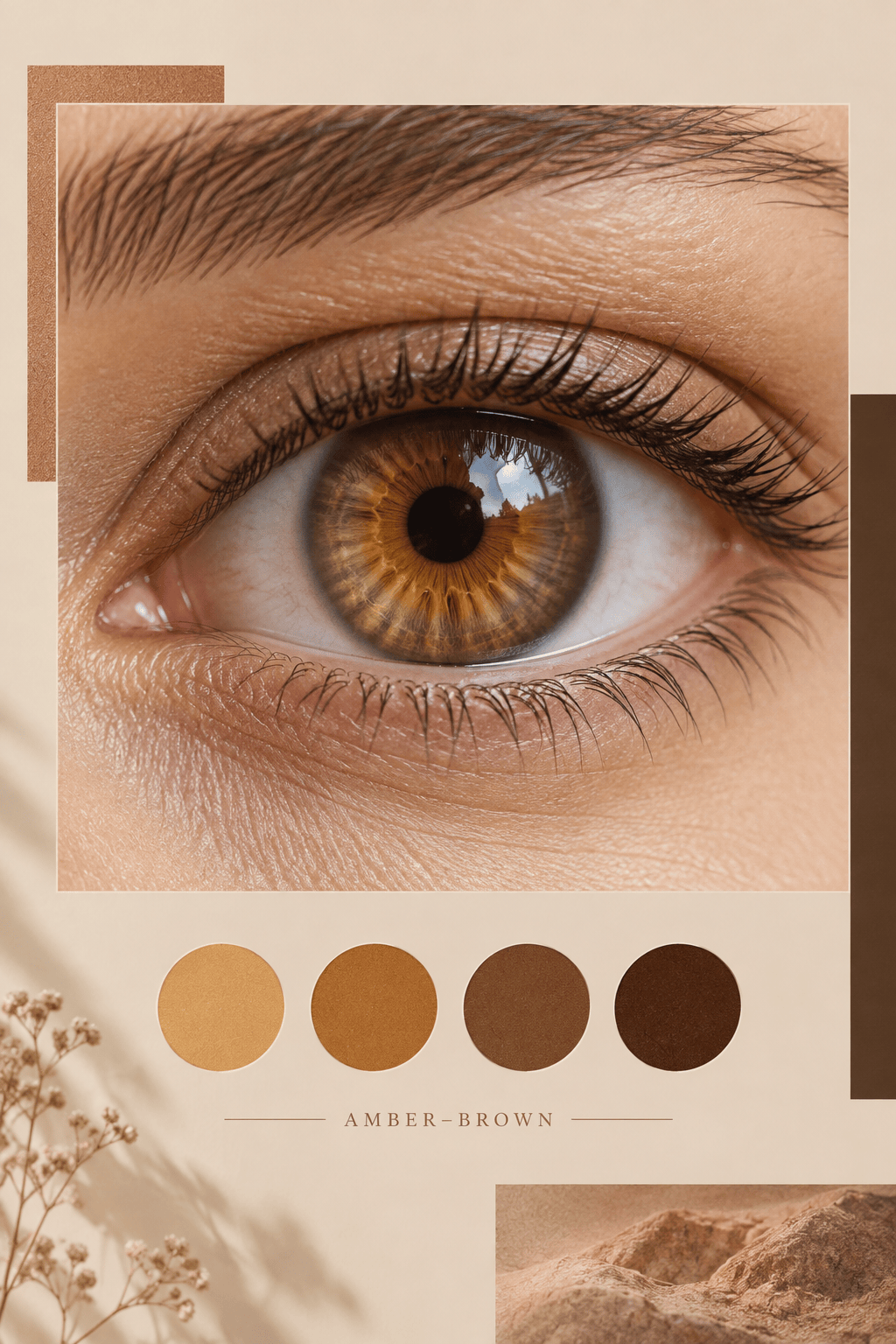
Amber or Brown: Inspect my uploaded eye photo in neutral daylight and compare amber-gold tones with light-brown tones. Describe only what is visible in the iris, note glare or color cast, and avoid calling the result exact.
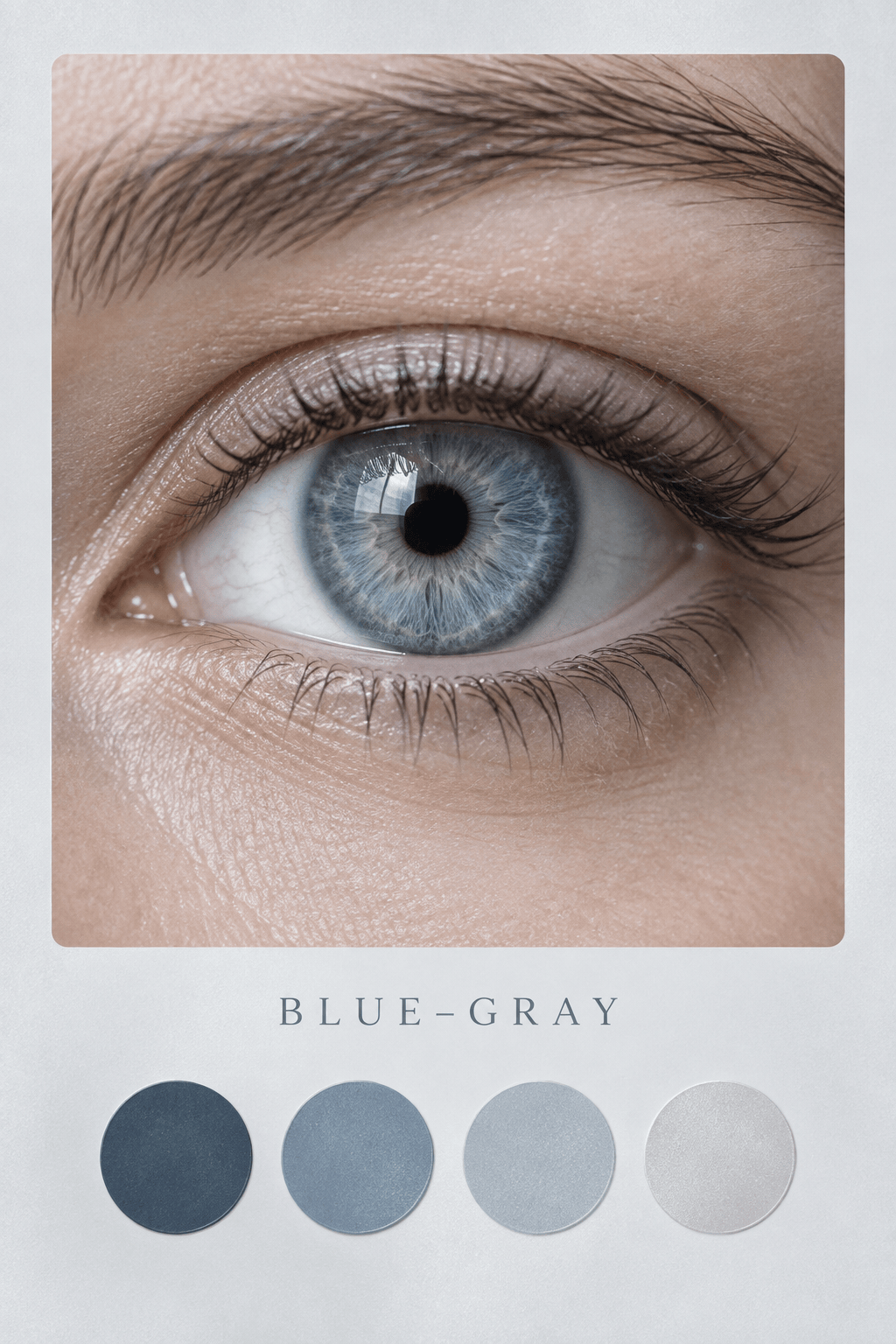
Blue or Gray: Analyze the uploaded close-up for blue, gray, and green-gray tones. Separate the outer iris from the ring near the pupil, and say when camera white balance or reflections make the distinction uncertain.
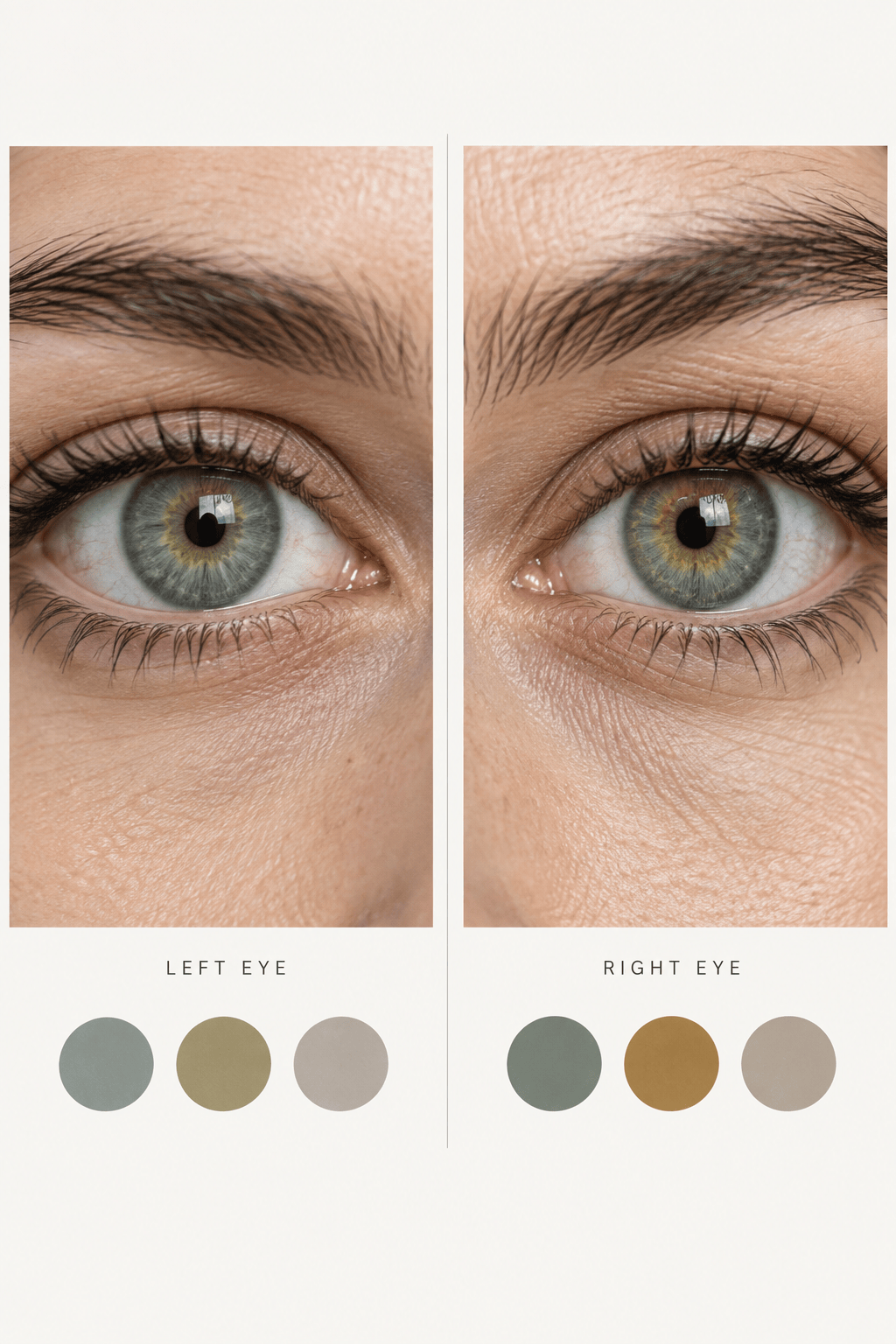
Left and Right Eye Comparison: Compare the visible iris color in my two uploaded eye photos. Describe similarities and differences by color family and location, but do not diagnose heterochromia or infer a health condition.
Shareable Eye Color Card: Use my uploaded close-up to create a clean 4:5 iris color card. Include the eye crop, one cautious dominant-color label, three palette swatches based on visible tones, and a note that lighting can affect appearance. No rarity score or medical claims.





