Nano Banana ProFree AI Image Generator
How to Use the Nano Banana Pro AI Image Generator Online
Sign Up and Get Free Credits
Describe What You Need
Adjust and Download
Key Features of the Nano Banana Pro AI Image Generator
Flawless Text Integration
The days of unreadable text are over. The Nano Banana Pro excels at rendering headlines and long sentences accurately, making it the ideal choice for poster design and marketing materials where spelling matters.
Smart Photo Editing
Beyond creation, this tool offers precise control. Acting as a powerful AI image generator & photo editor, it allows you to modify lighting, change backgrounds, or replace objects in existing images using simple text commands.
Search Grounding for Accuracy
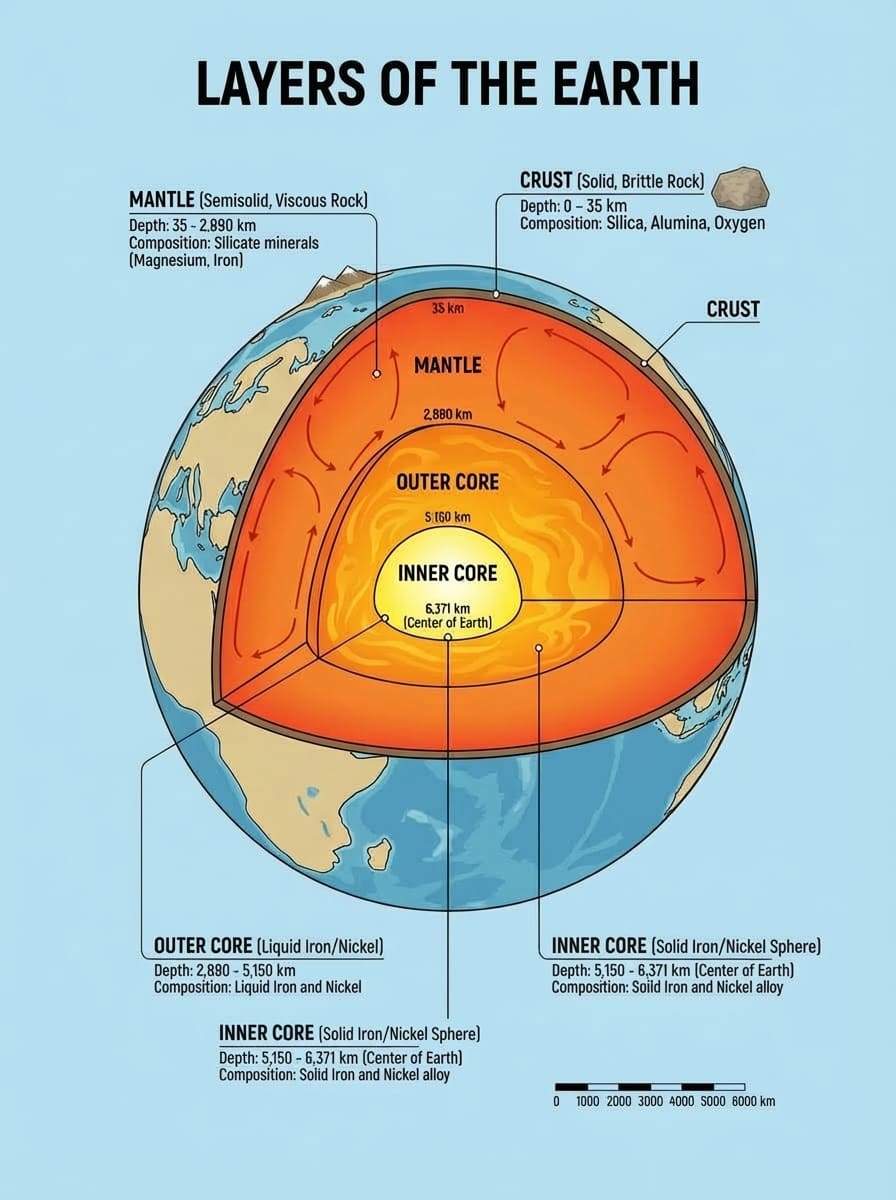
Powered by Google’s live data, the model verifies facts before drawing. If you request a chart about "Coffee Production by Country," the generated infographic will reflect real-world data trends, not random numbers.
Massive Context Window
Maintain consistency across your projects. With a 14-image context window, you can upload your brand assets or character references. The AI analyzes them to ensure new generations match your established style perfectly.
Multilingual Text Capability
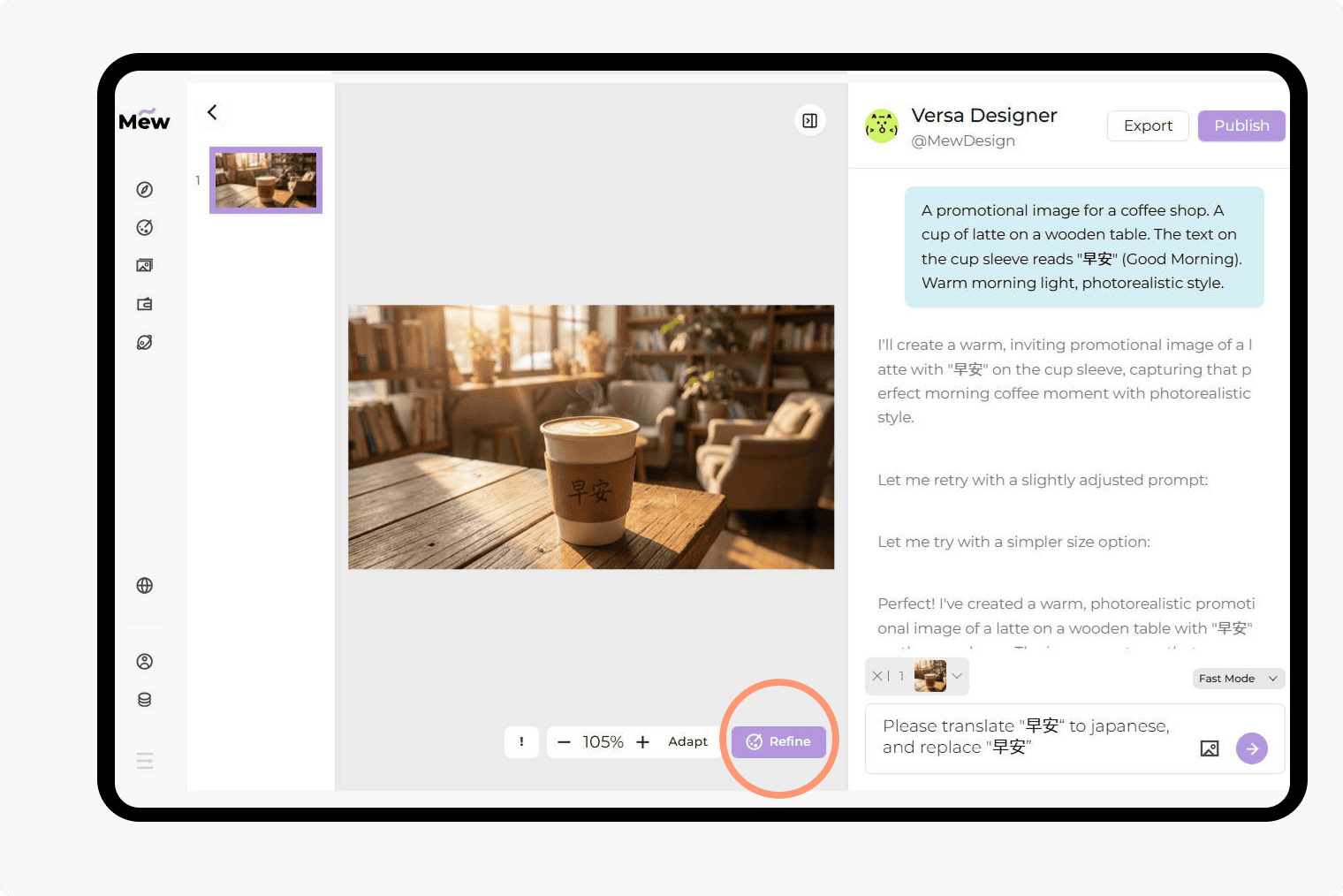
Expand your reach globally. You can instruct the AI to generate or translate text within an image into different languages, such as Chinese, Spanish, or French, while keeping the original design aesthetic intact.
Code & Visual Synergy
If you use Nano Banana Pro on Mew Design, you get additional benefits. The platform pairs Nano Banana 2’s image capabilities with Gemini 3’s coding logic, letting you create visuals and build the surrounding layout without hallucinations and ready for real production.
How To Write Effective Image Prompts
- Quote Your Text: Always use double quotation marks for text you want displayed (e.g., text says "Welcome").
- Define the Medium: Clearly state if you want a photo, a vector illustration, a 3D render, or an oil painting.
- Set the Scene: Describe lighting (soft, cinematic, neon) and camera angle (wide shot, macro, aerial view).
- Be Specific: Instead of "a dog," try "a golden retriever wearing a red bandana."
Explore the Best Nano Banana Pro AI Image Generator Prompts
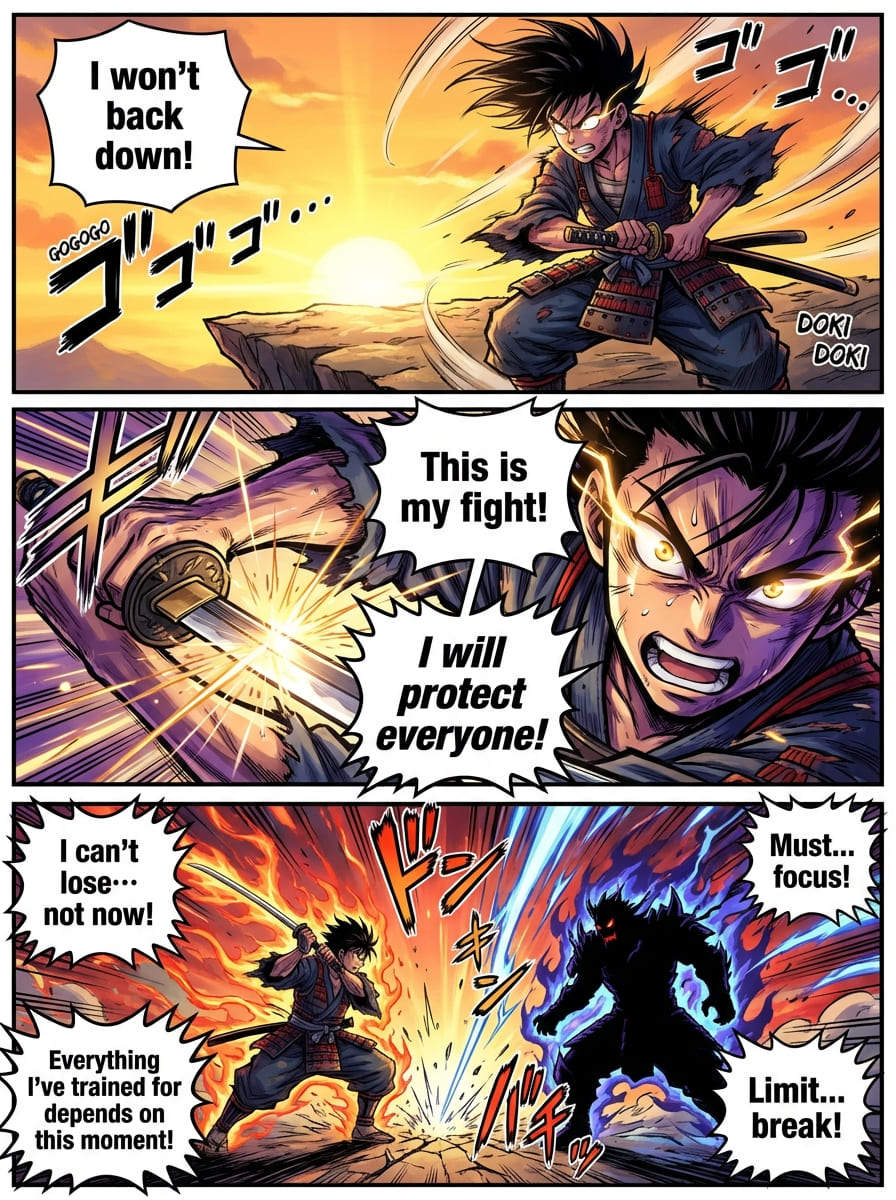
The Manga/Comic Creator (Creative Play): A black and white manga panel. A young samurai draws his sword, intense expression, speed lines in the background. A speech bubble contains the text "I will not lose!". Japanese comic style, high contrast.
The Search-Based Infographic (Smart Data): A vertical timeline infographic showing the history of space exploration milestones. Events include Sputnik, Apollo 11, and Mars Rovers. Accurate dates and visual icons for each event. Clean design.
The 3D Icon Set (UI/UX Design): A set of isometric 3D icons for a cloud storage app: a folder, a cloud, and a lock. Soft pastel colors, matte finish, floating on a white background. Consistent lighting from the top left.
The Detailed Product Shot (Commercial): Professional photography of a running shoe splashing into a puddle of water. High shutter speed, freezing the water droplets. The shoe logo is clearly visible. Dynamic angle.
The Atmospheric Concept Art (Game Design): A cyberpunk street market at night. Neon signs reflecting in rain puddles. One neon sign reads "NOODLES". A robot vendor serves a customer. Cinematic lighting, teal and orange color palette.
A fantasy landscape with floating islands, magical waterfalls, ancient temples, mystical atmosphere, epic illustration style





