Free OnlineAI Photo Collage Maker
How to Make a Photo Collage with AI
Pick Your Photos and Main Moment
Turn Your Brief Into a Layout
Check Faces, Crops, and Captions
Export for Sharing or Printing

Your Photos, With a Layout That Tells the Story
Start With Photos That Matter
Use your own photos as inputs for a family photo collage, trip recap, or birthday keepsake. Tell the agent which people, moments, and details deserve the most space.
Find the Right Frame for Each Moment
This AI photo collage generator takes layout direction in everyday language. Request equal frames for a balanced photo grid or a larger main image for a clear focal point.
Adjust the Layout in Conversation
Use Chat Edit to ask for more breathing room, a different background, or a caption moved away from a face. Review each revision against your source photos.
Add a Date or a Few Words
Give a travel photo collage a destination or a birthday collage a short greeting. Supply the exact wording and ask for readable text outside important photo areas.
Take the Collage Beyond Your Screen
Create a photo collage online for a social post or a printable gift. Export as PNG, JPG, or PDF without a watermark, and check the file for its intended use.
Reuse a Style for Your Next Recap
Turn a successful collage workflow into a reusable Mew Skill. Carry your preferred borders, colors, and caption style into future recaps with less repeated setup.
Choose Photos That Work Together
- Choose Clear Originals: Upload the clearest available versions. Avoid screenshots with interface controls or images that already have heavy compression.
- Match Photos to Frames: Mix portrait and landscape shots deliberately. Request padding around a photo when a tight crop would cut off a face or product.
- Separate Layout From Retouching: Say which photo details must stay unchanged. AI generation can alter details, so compare faces, hands, and products with the originals.
- Set the Destination First: Choose the output shape before arranging the photos. Keep captions brief and leave space around the edges for printing.
Photo Collage Layouts and Fixes to Try
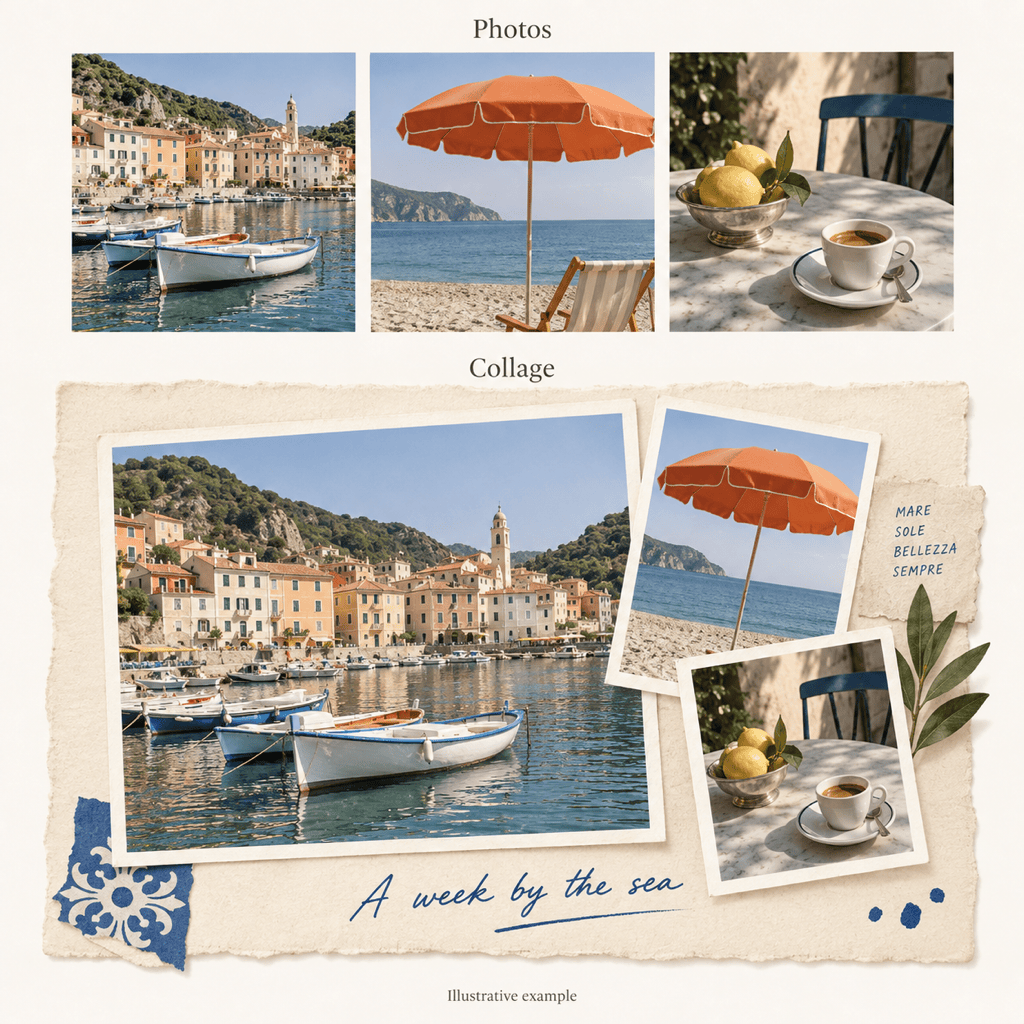
Arrange my uploaded travel photos as a square scrapbook collage. Make the landscape view the main image, place the detail shots around it, and use subtle paper borders. Leave a small space for my destination caption.
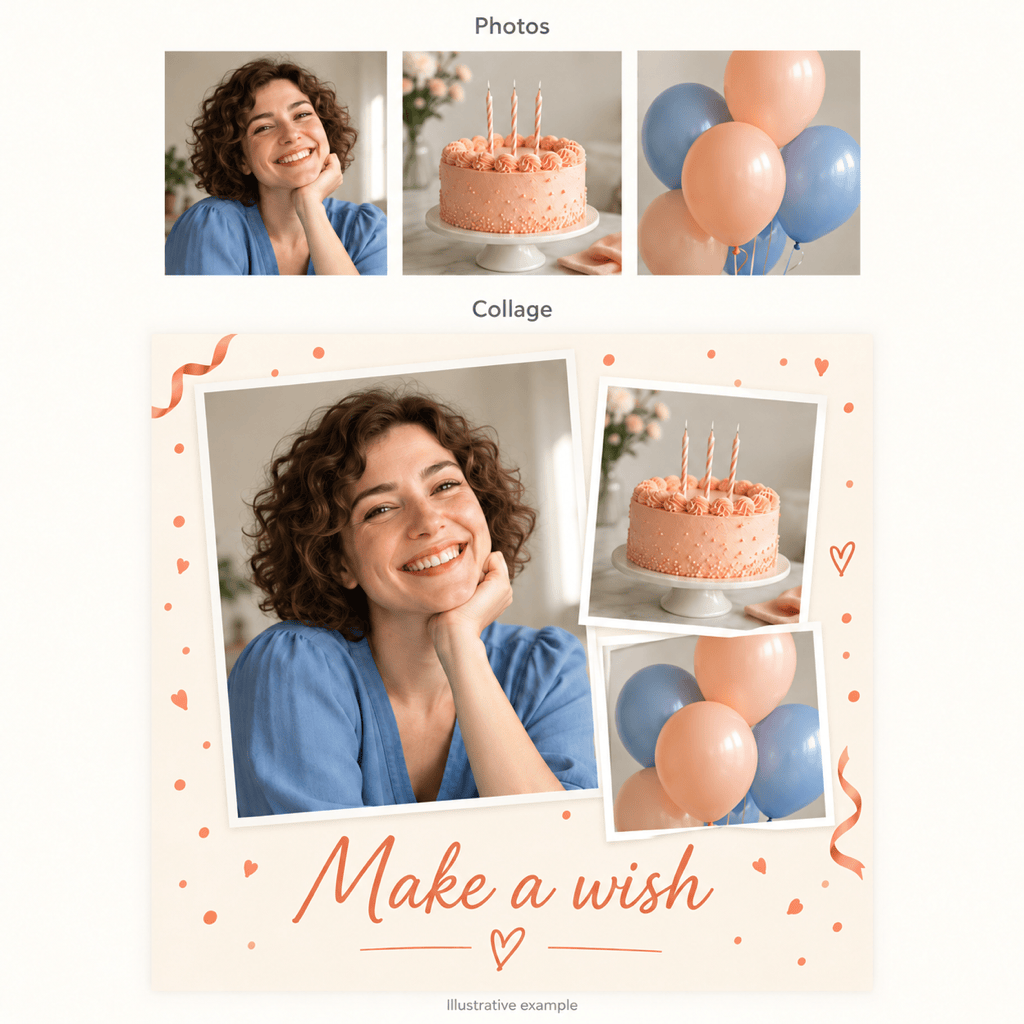
Create a birthday photo collage from my uploads. Place the birthday portrait in the largest frame and arrange the celebration photos around it. Keep the supplied greeting separate from faces and use a cheerful, uncluttered background.
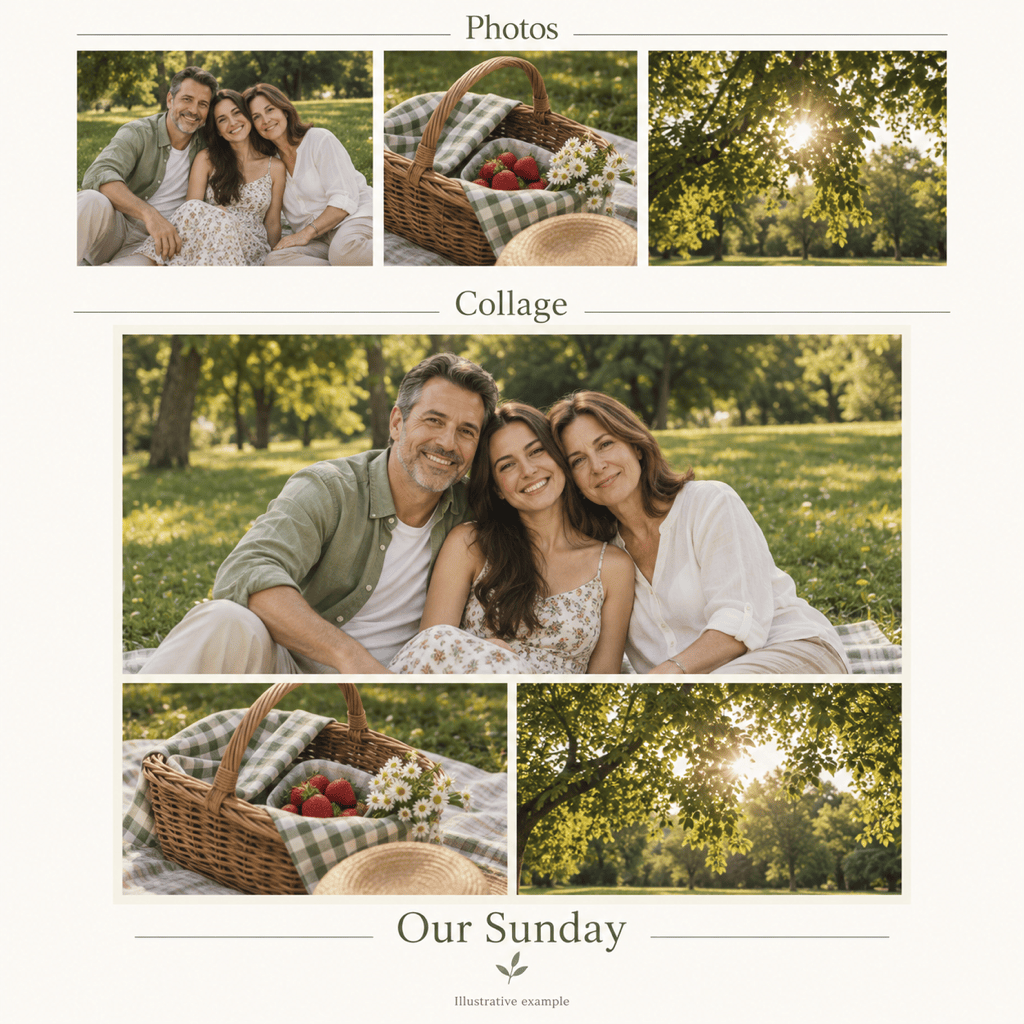
Make a printable family photo collage from my uploads. Use a simple grid with one larger group photo, white gutters, and a generous outer margin. Keep every face visible and use only the date I supply.
Arrange my uploaded photos into a 4:5 collage for an Instagram feed post. Use a clear main image and fewer, larger supporting frames so the photos remain readable on a phone. Keep any caption short.
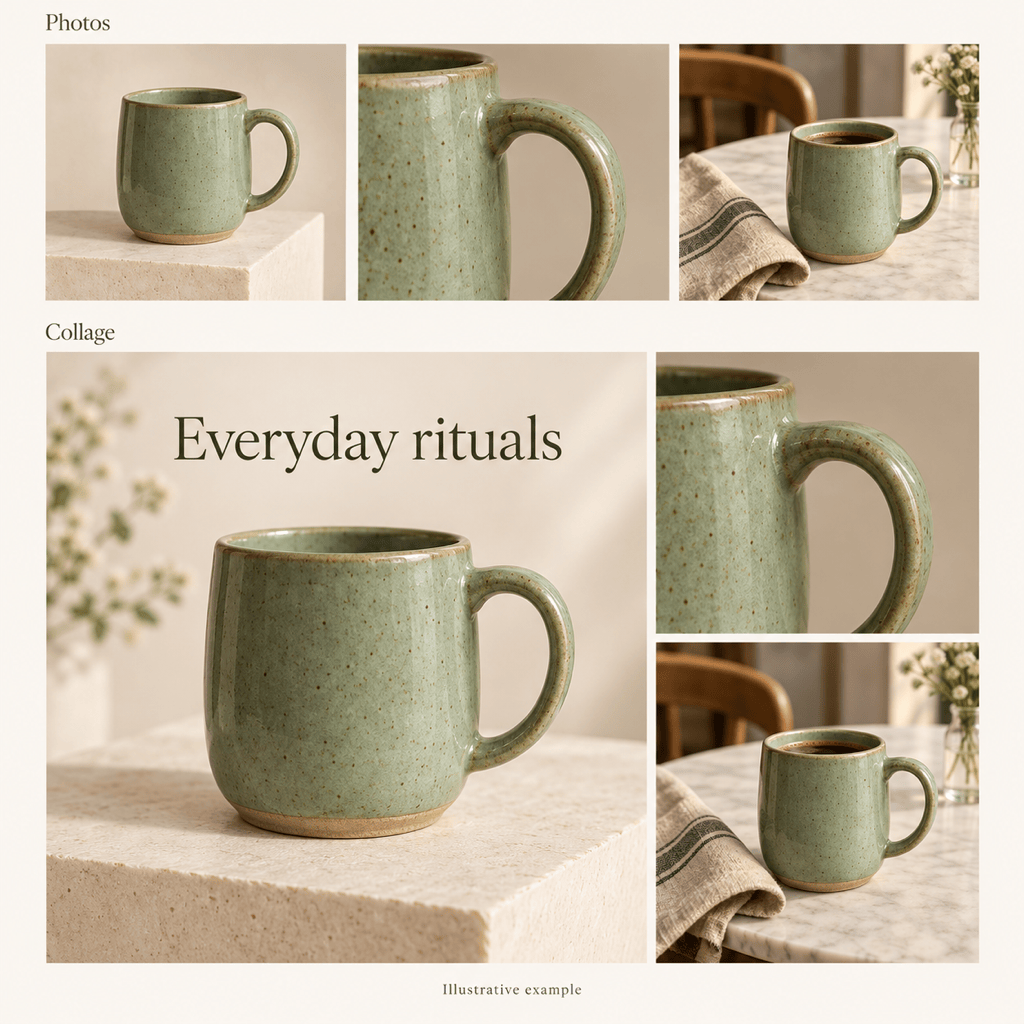
Make a product photo collage using my uploaded product views. Place the overall view beside detail shots in a clean catalog layout. Keep product colors, shapes, and supplied branding unchanged; avoid decorative elements over the product.
Revise this collage to fit the full photos inside their frames. Add neutral padding where needed instead of cropping faces or important objects. Keep the photo order and captions, and make the gaps between frames consistent.





