Free OnlineMinecraft AI Art Generator
How to Create Minecraft-Inspired Art with AI
Choose the Artwork's Job
Describe Blocks, Camera, and Mood
Generate and Inspect the Logic
Refine the Image and Export
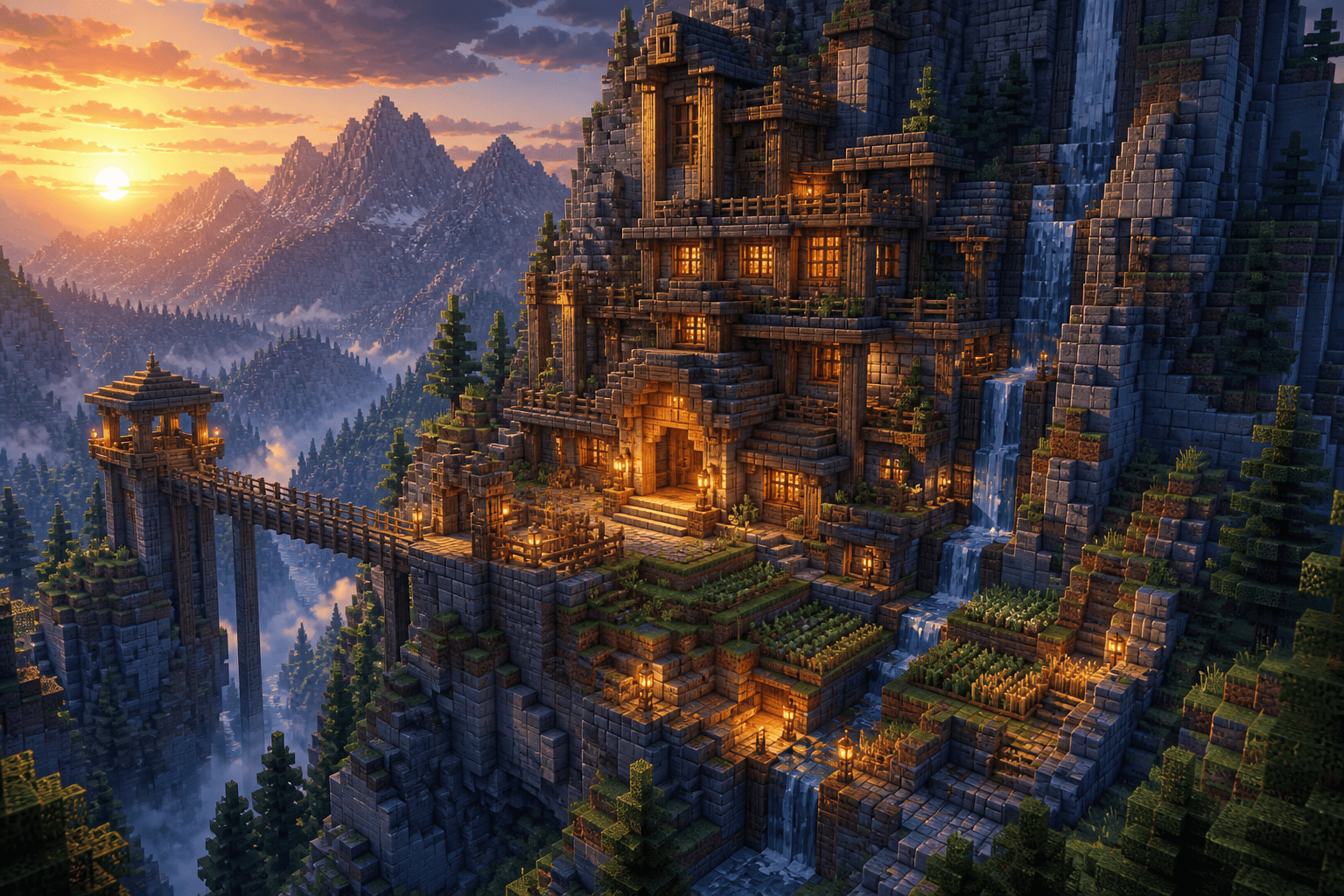
From Rough Build Idea to Block-World Concept Art
Text-to-Scene Direction
Describe a base, village, cavern, landscape, or original character in ordinary language. Mew Design turns the brief into a complete Minecraft-inspired artwork instead of asking you to model every cube first.
Reference-Guided Restyling
Upload a photo or sketch you own or may use, then keep its subject and composition while exploring a block-built visual treatment. Ask for original forms rather than copied official textures, characters, logos, or UI.
Camera and Block-Scale Control
Direct an isometric overview, aerial build study, cinematic wide shot, close character portrait, or first-person-like composition. State whether the blocks should feel coarse, miniature, monumental, or tightly pixelated.
Build, Biome, and Character Variations
Explore alternate roof shapes, terrain, seasons, palettes, outfits, and lighting without rebuilding the scene from zero. For broader cross-genre assets, continue with the AI Game Asset Generator.
Targeted Chat Edit
Request one practical change at a time—wider bridge, cleaner silhouette, warmer sunset, fewer decorative blocks, stronger subject separation, or empty title space—while keeping the useful parts of the concept.
Honest Image Export
Use free credits to test ideas and export selected images as PNG or JPG under the current plan terms. The output is a visual reference, not a `.mcworld`, `.schematic`, `.litematica`, resource pack, material list, or guaranteed 64×64 skin.
Describe Blocks, Scale, Camera, and Biome
- Define the block language: Ask for cube-built forms, stepped silhouettes, a readable block scale, controlled pixel texture, and clear material families instead of only saying “pixel art.”
- Direct the camera: Choose isometric, aerial, wide establishing, first-person-like, or portrait framing, then name the focal point and any negative space needed for copy.
- Build the atmosphere: Specify biome, terrain, season, weather, time of day, palette, fog, and window or lava glow so the scene tells one coherent visual story.
- Check practical limits: Generated blocks and perspective may not obey game rules. Review the concept, then manually translate it into valid dimensions, materials, textures, or skin mapping in the appropriate tool.
Minecraft AI Art Generator Prompt Examples
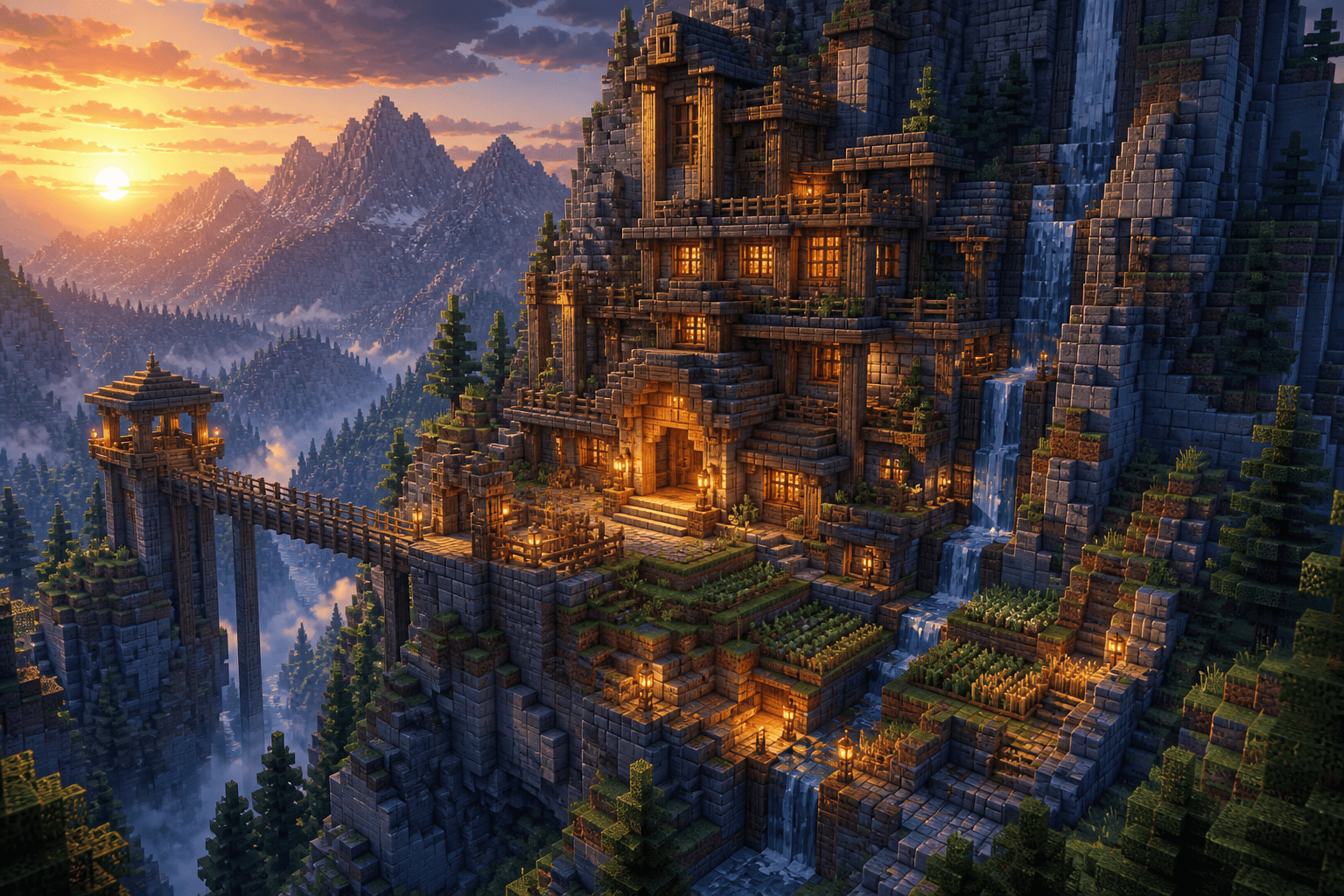
Design a Minecraft-inspired survival base built into a rugged mountain above a spruce valley. Use large readable stone and timber blocks, stepped farms, a suspension bridge, warm window light, and a high three-quarter camera at sunset. Keep the structure original, visually plausible, and free of text, logos, UI, and official characters.
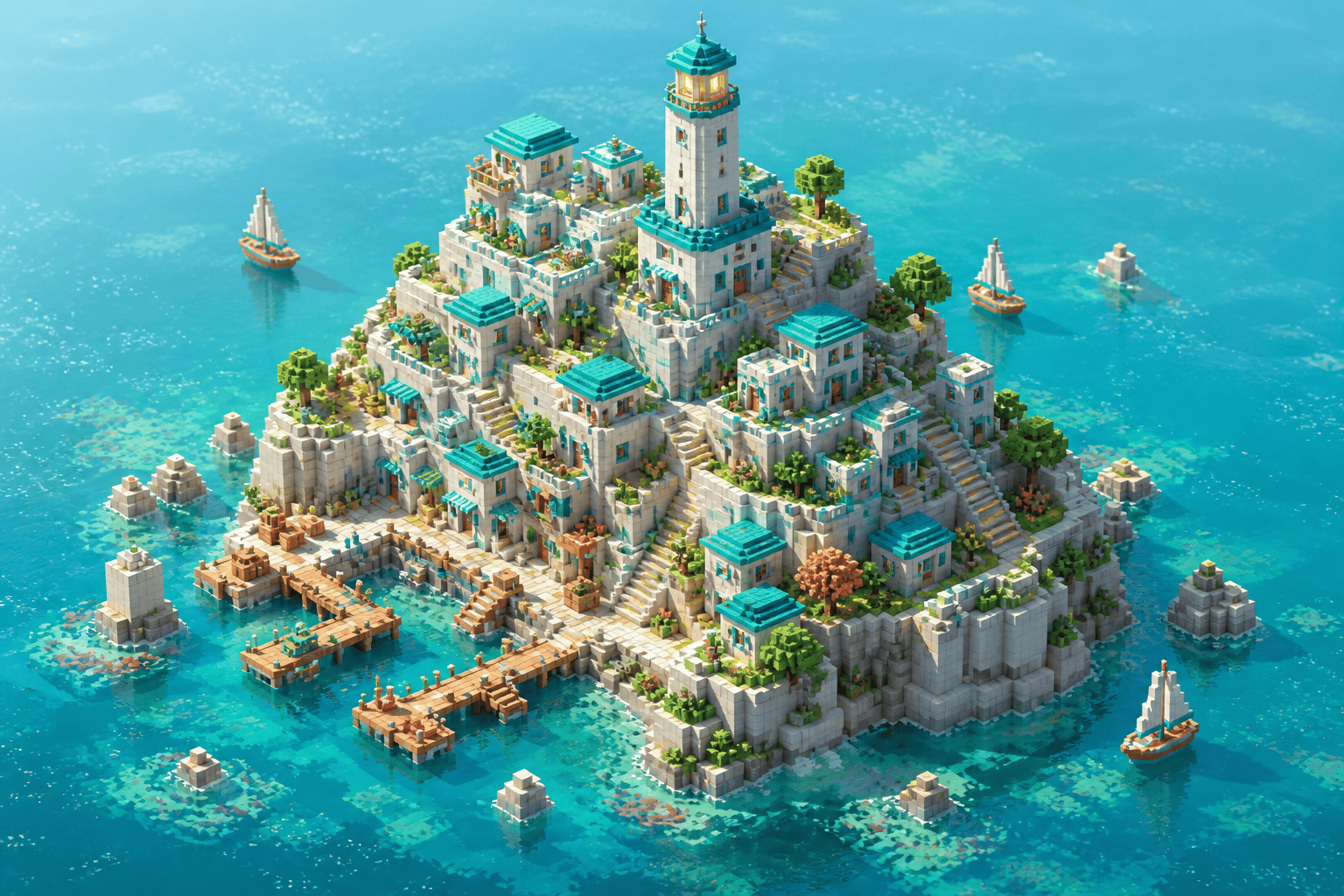
Create an isometric coastal block-world village on terraced cliffs, with compact white-stone houses, teal roofs, a tall lighthouse, docks, gardens, and small sailboats. Use crisp cube geometry, turquoise water, bright morning light, and a clean 3:2 landscape composition with no labels or watermark.
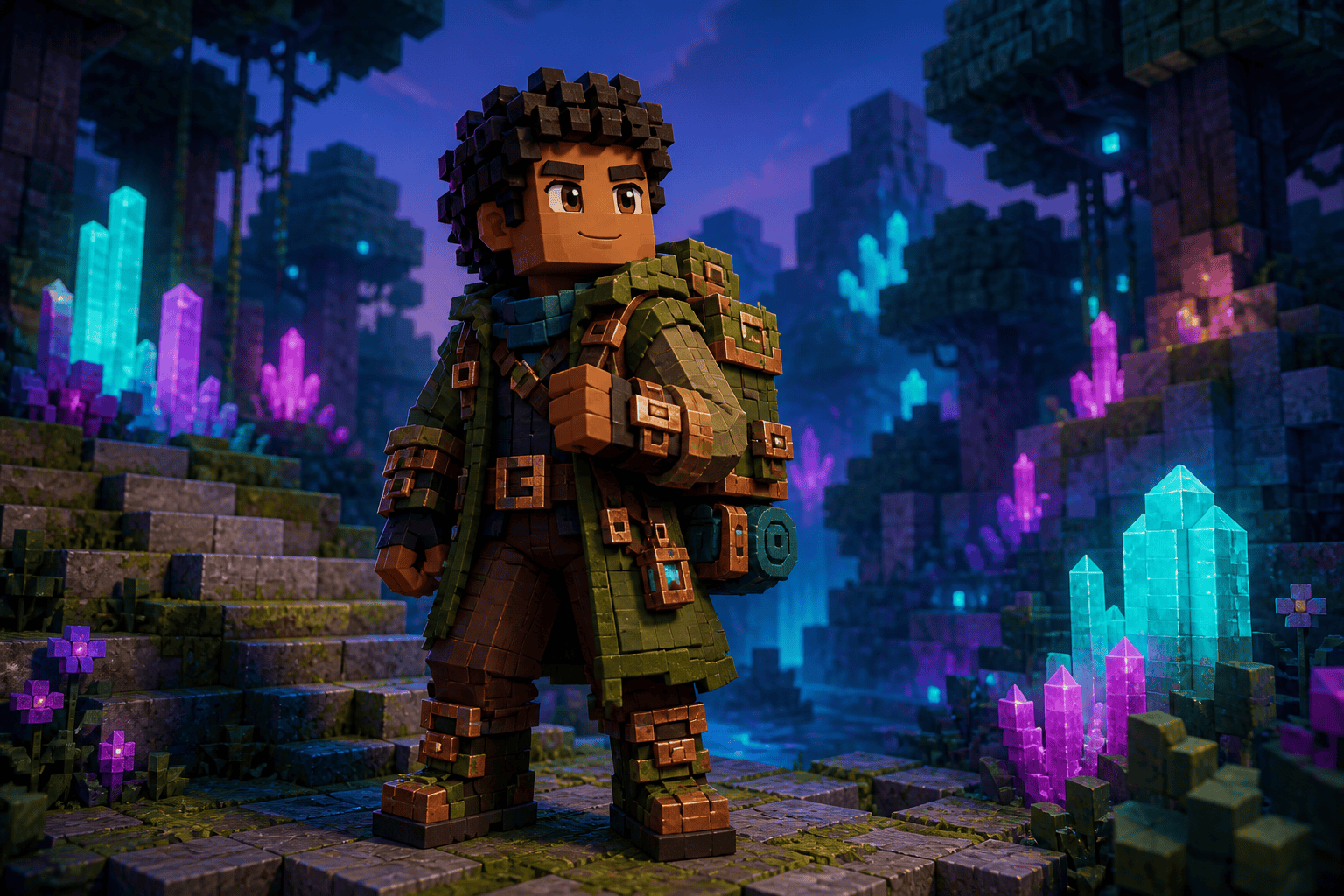
Generate an original blocky explorer character concept standing in a luminous crystal forest. Give the character a moss-green travel coat, copper tools, a square backpack, and a friendly determined pose. Use chunky voxel proportions, magenta-and-cyan cave light, and no existing game character, logo, or copied skin design.
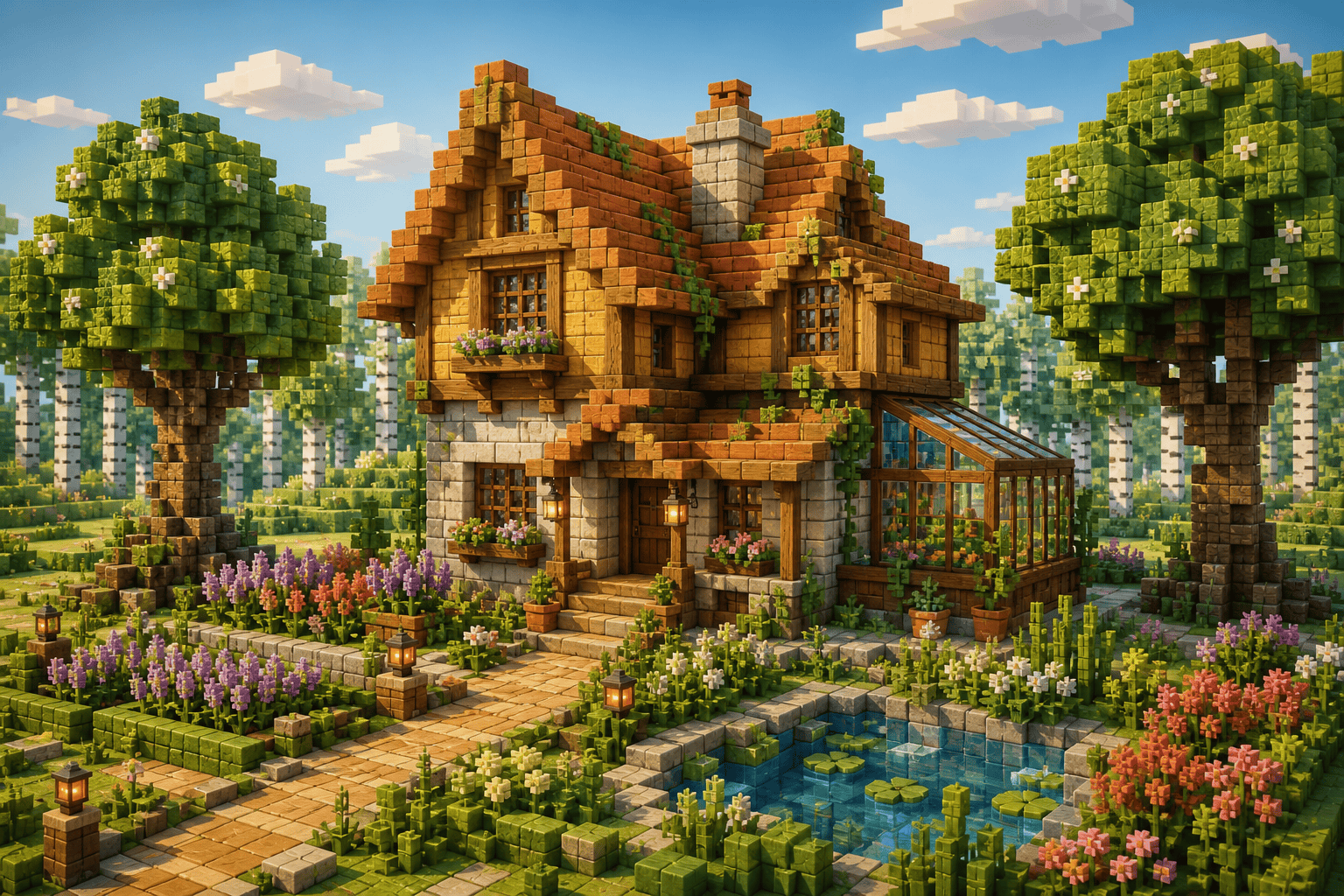
Turn my permitted cottage photo into a Minecraft-inspired build concept while preserving the front-facing composition, roof shape, garden path, and two large trees. Translate surfaces into original cube-built stone, timber, leaves, and flowers; use soft afternoon light and do not copy official textures.
Create a dramatic Minecraft-style thumbnail artwork of a tiny block-built expedition camp facing an enormous glowing cavern. Use a low camera, strong depth, orange crystal light against deep blue shadows, one clear focal subject, and open sky area for title text to be added later. Do not render text or UI.
Generate a top-down Minecraft pixel art AI concept for a floating garden island with a circular pond, four crop plots, curved stone paths translated into stepped blocks, and a small glass greenhouse. Use a limited spring palette, readable edges, and an uncluttered square layout; output an image reference, not a build plan.





