Free OnlineAI Game Asset Generator
How to Create Consistent 2D Game Assets with AI
Write an Asset Brief Around Gameplay
Lock a Shared Visual Language
Generate Small Sets and Test Readability
Correct Inconsistencies with Chat Edit

Why Mew Design Works for AI Game Asset Creation
Brief Assets by Gameplay Role, Not Just Appearance
Describe how an item is collected, equipped, read, or used. Mew Design can connect visual emphasis to function, such as a wide grip for a weapon icon or a bright central shape for a quick-read ability.
Build Consistent Families from a Style Anchor
Upload an approved asset, palette, screenshot, or style board and identify the rules to preserve. Generate related props and icons with shared perspective, materials, outlines, lighting, and canvas occupancy.
Explore Multiple Asset Categories in One Workflow
Move between inventory items, environment props, UI ornaments, character portraits, key art, loading backgrounds, and marketing concepts while carrying the same original world and visual language.
Repair Visual Drift Through Chat Edit
Ask to keep shape and camera while matching another asset's line weight, reducing gloss, moving the shadow, thickening the outline, or standardizing margins. Focused revisions are useful when a set starts to feel inconsistent.
Create Original Placeholder and Preproduction Art
Generate fast alternatives for game jams, prototypes, pitch decks, feature briefs, and art-direction reviews. Use original characters and worlds, and avoid protected franchise assets, logos, or exact artist imitation.
Export Honest Raster Outputs Without a Watermark
New users receive free credits and can export PNG or JPG images without a watermark. Mew Design does not create 3D meshes, UVs, PBR maps, rigs, collisions, code, audio, or guaranteed engine-ready animation and tile data.
How to Write an Effective AI Game Asset Prompt
- Specify View and Canvas Use: Name front, side, top-down, three-quarter, or isometric view, plus padding and how much of the frame each asset should occupy.
- Define the Style Anchor: State palette, outline, rendering method, light direction, material language, shadow, and detail density—or attach one approved reference.
- Generate by Category: Keep weapons, potions, UI icons, environment props, and portraits in separate small batches so scale and function remain easy to compare.
- Name the Production Boundary: Ask for raster concept art or isolated-looking objects, not meshes, rigging, collision, executable UI, animation data, or automatically seamless tiles.
Customizable AI Game Asset Prompt Examples
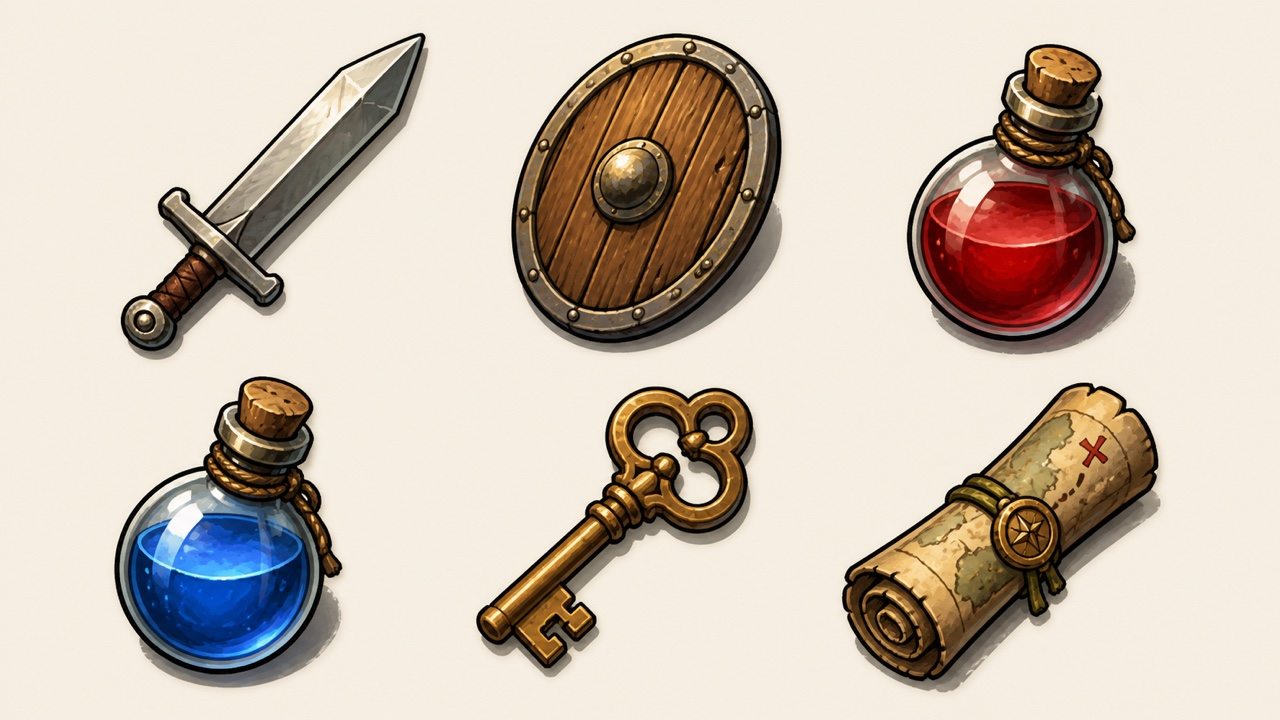
Fantasy Inventory Kit: Create six cohesive item icons—iron sword, oak shield, two potions, brass key, rolled map—in three-quarter view, equal scale and padding, bold dark outline, warm upper-left light, hand-painted RPG style, neutral background, no labels or UI frames.
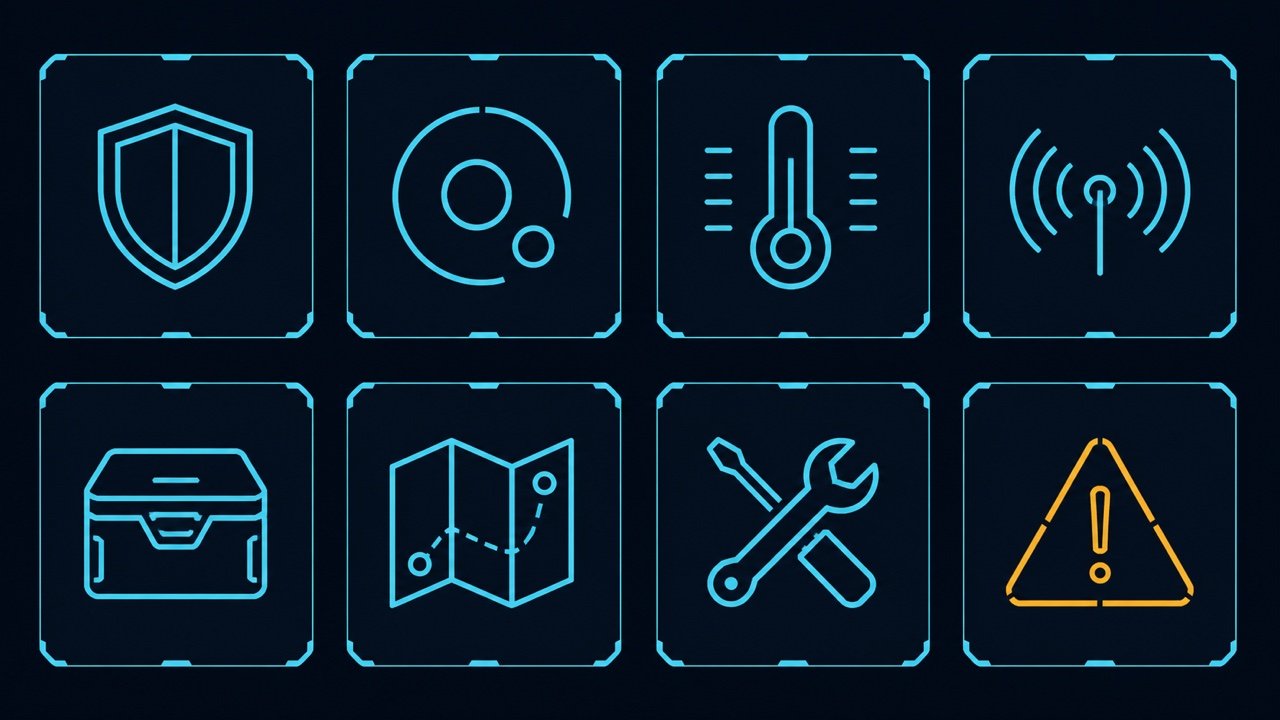
Sci-Fi HUD Icons: Design eight original interface icons for shield, oxygen, heat, signal, inventory, map, repair, and warning. Thin cyan geometry on dark navy tiles, consistent 2-pixel-like stroke, one clear symbol per tile, high contrast at 32px, no words, brands, gradients, or existing game UI.
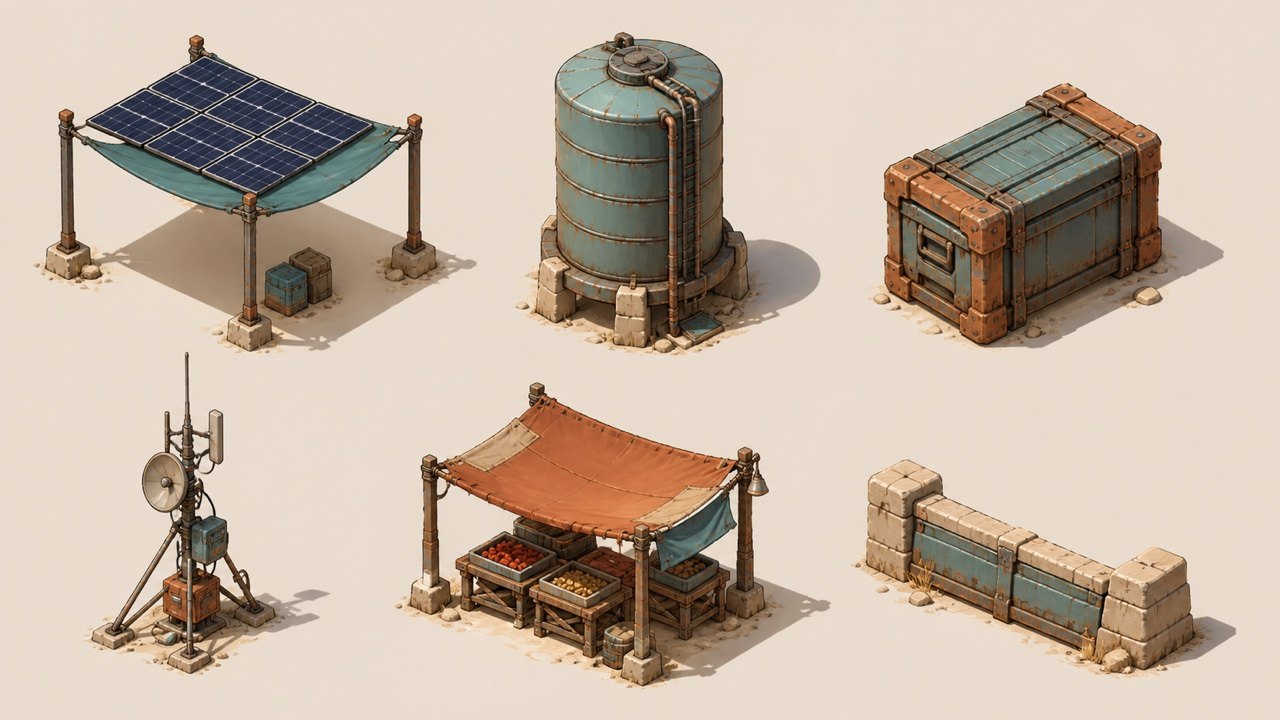
Isometric Desert Props: Generate a set of six environment props for an isometric desert settlement: solar canopy, water tank, cargo crate, antenna, fabric market stall, and low stone barrier. Same camera, scale, sun direction, sand-and-teal palette, clean separated arrangement, no characters or text.
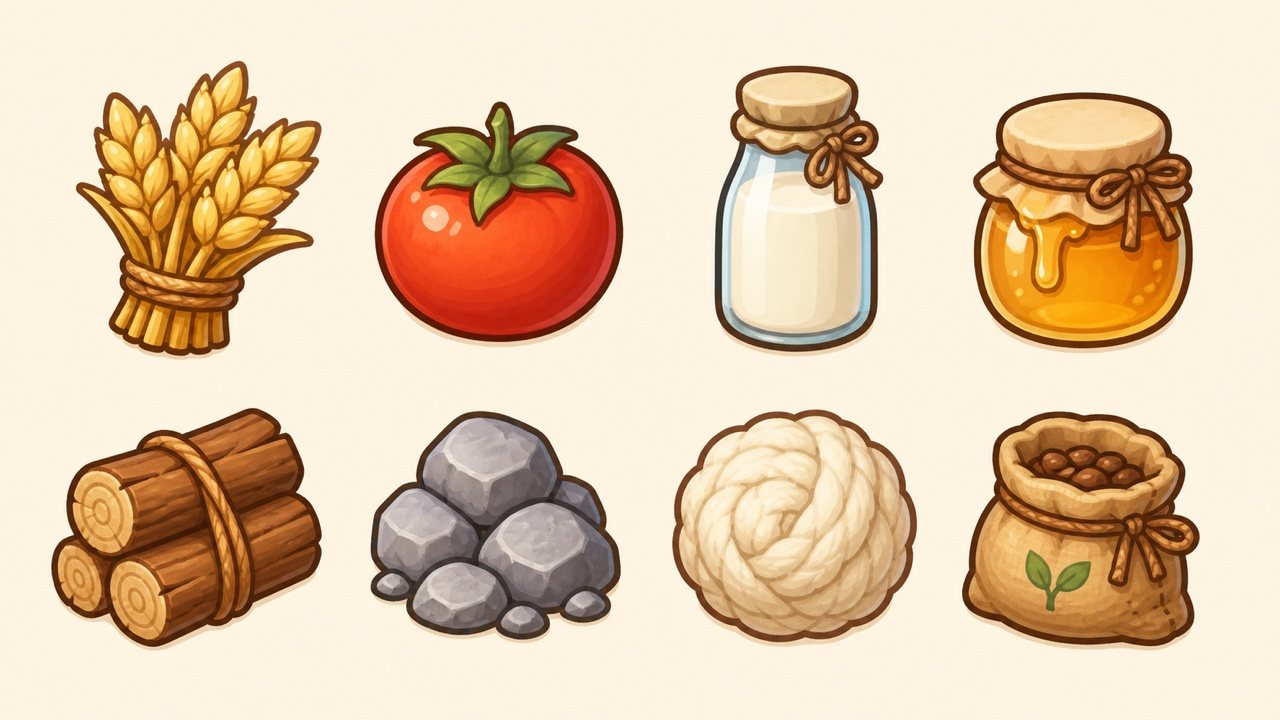
Cozy Farming Resources: Create eight friendly resource icons—wheat, tomato, milk bottle, honey jar, wood bundle, stone pile, wool, and seed pouch. Soft rounded shapes, warm pastel palette, thick brown outline, centered with equal margins, simple mobile-game readability, no numbers or labels.
Character Portrait Set: Illustrate four original crew portraits from one solarpunk exploration game: botanist, mechanic, navigator, and medic. Same chest-up crop, camera, green-gold rim light, clean painterly style, distinct silhouettes and equipment, neutral circular backdrop, no text or franchise resemblance.
Consistency Repair: Keep all approved item shapes, sizes, positions, labels-free background, and colors unchanged. Match only the shield and map to the sword's thicker dark outline, warm upper-left highlight, compact lower-right shadow, and 12% canvas padding. Do not redesign the objects.





