Free OnlineAI Sprite Generator
How to Create a Clear Game Sprite Concept with AI
Choose the Sprite's Job and Viewing Angle
Set Scale, Silhouette, and Palette Rules
Approve One Anchor Sprite Before More Poses
Refine the Sprite with Chat Edit, Then Finish the Sheet

Why Use Mew Design as Your AI Sprite Concept Generator
Design Around Gameplay Readability
Describe what players must recognize at a glance: weapon reach, enemy threat, team color, pickup rarity, casting direction, or damage state. Mew Design can prioritize silhouette and contrast instead of adding decorative detail that disappears in-game.
Explore Pixel-Art-Inspired Styles from a Written Brief
Test compact retro, chunky 16-bit-inspired, soft handheld-RPG, high-contrast arcade, top-down adventure, or modern pixel-painting directions without tracing a protected game or copying a living artist's exact style.
Keep Character Identity Anchored to a Reference
Upload an image you own or can use and identify the traits that must survive: head-to-body ratio, hair shape, jacket, weapon, palette, outline, and camera. Create original pose and direction concepts around that anchor.
Correct Visual Drift Through Chat Edit
Keep the approved face and outfit while shortening a sword, widening a stance, restoring a missing glove, matching the outline, simplifying a silhouette, or aligning the apparent ground line. Focused edits make a concept board easier to hand off.
Prototype Heroes, Enemies, Items, and Effects
Use one conversation to explore a playable hero, NPC lineup, monster family, collectible set, projectile, slash arc, spell burst, or impact effect for a pitch, game jam, design review, or early gameplay mockup.
Export Honest Raster References Without a Watermark
New users receive free credits and can export PNG or JPG images without a watermark. Mew Design does not guarantee true pixel-grid files, alpha transparency, aligned animation frames, looping motion, GIFs, JSON atlases, pivots, collision data, or direct Unity or Godot import.
How to Write an Effective AI Sprite Generator Prompt
- Name the Camera and Facing Direction: Specify side, front, back, top-down, three-quarter, or isometric view and whether the character faces left, right, up, or down.
- Define a Pixel Language: State target scale, palette size, outline thickness, cluster shape, dithering level, shading steps, and whether curves should look stepped or smooth.
- Fix the Anchor Points: Describe canvas occupancy, foot position, ground line, center, weapon reach, and consistent head height so later poses are easier to compare.
- Request One Motion Beat at a Time: Plan idle, contact, recoil, recovery, or directional poses separately. Do not assume one generated image includes animation timing, equal cells, or continuity.
Customizable AI Sprite Generator Prompt Examples
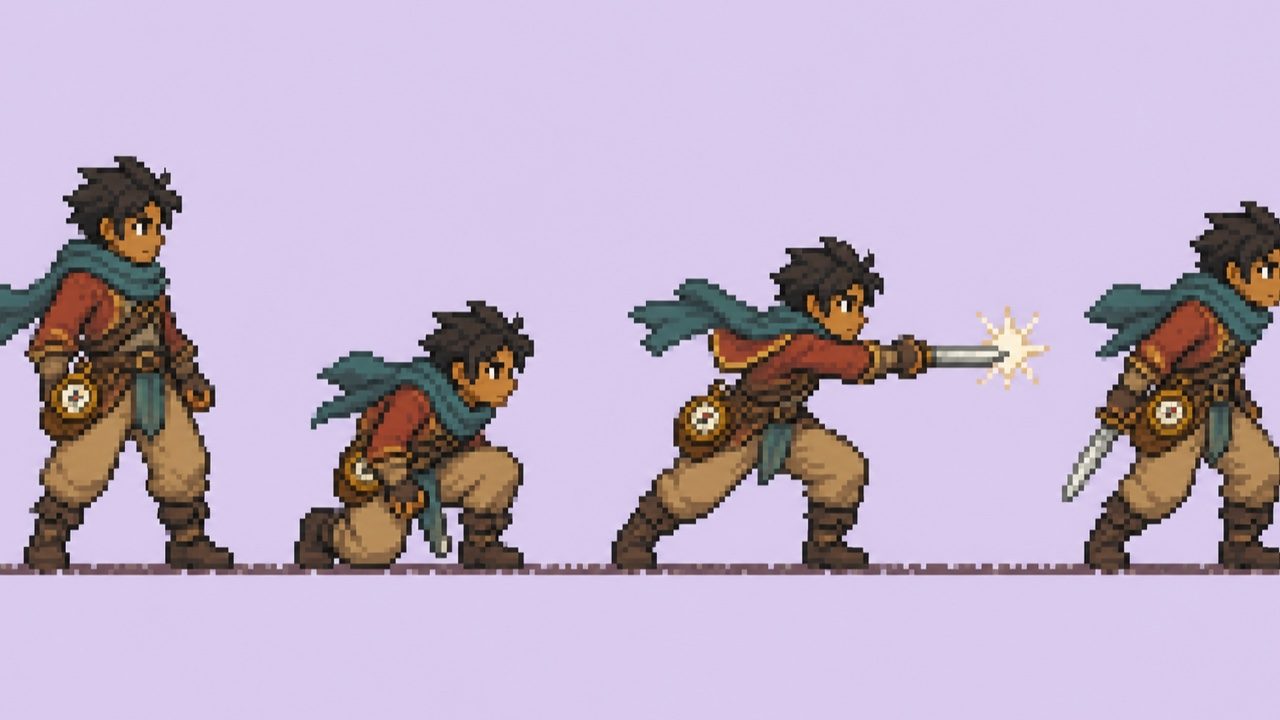
Side-View Hero: Create one original 32×32-inspired pixel character sprite of a desert courier facing right, compact proportions, teal scarf, rust jacket, readable boots, 12-color palette, crisp dark outline, one ground line, plain light background, no scenery, UI, text, or extra poses.
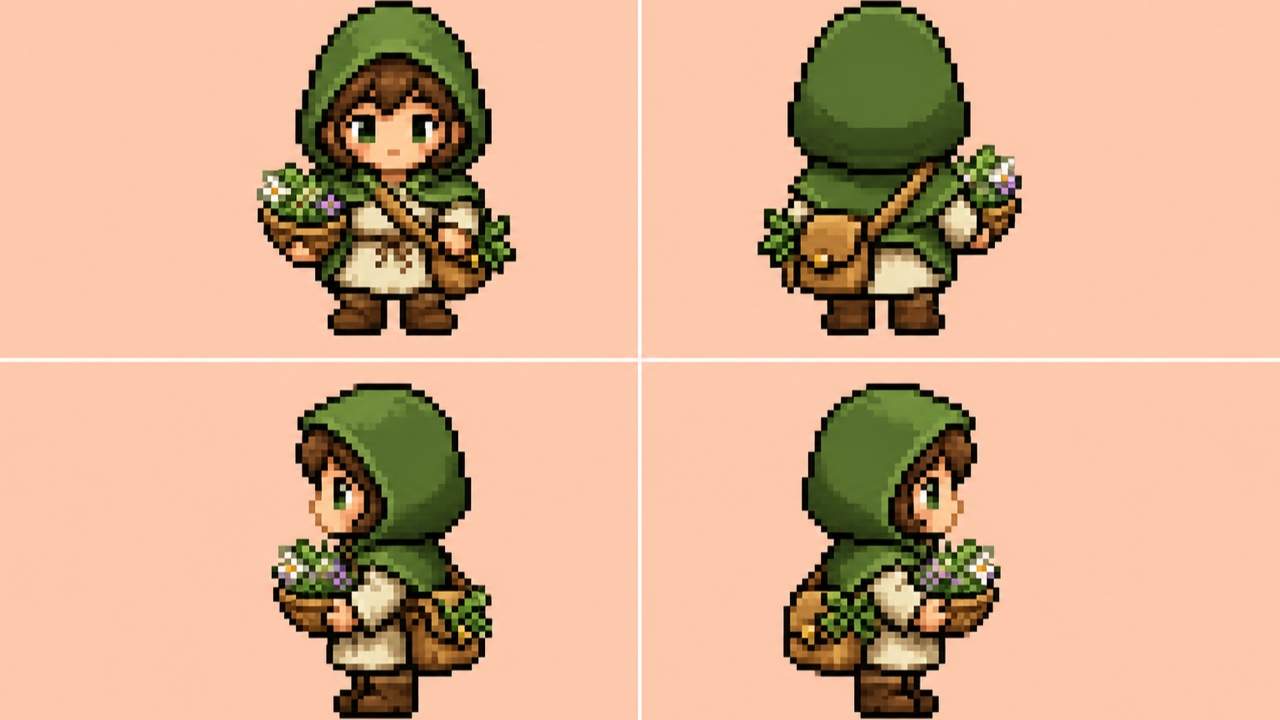
Top-Down RPG Directions: Show one original forest herbalist in four static directional views—front, back, left, right—with the same green hood, tan satchel, height, palette, outline, occupied area, and foot position. Clean 2-by-2 concept board, no walk-cycle claim, labels, scenery, or franchise resemblance.
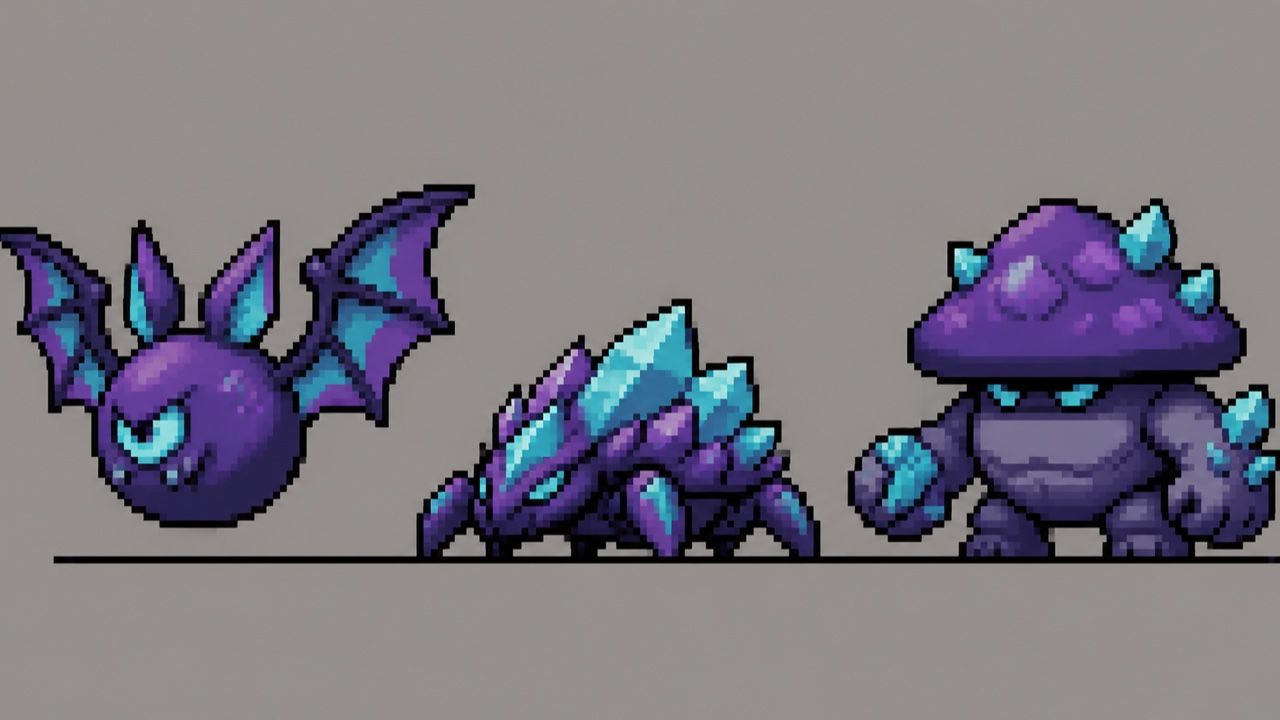
Side-Scroller Enemy Set: Design three related cave enemies—a round bat, crawling crystal beetle, and squat mushroom brute—with different attack silhouettes but one violet-cyan cave palette, left-facing side view, equal apparent scale, heavy outer outline, plain background, no animation frames or text.
NPC Lineup: Create five cozy-town NPC sprite concepts: baker, carpenter, gardener, librarian, and courier. Front three-quarter view, 48×48-inspired scale, shared warm palette and outline, distinct hats and carried objects, consistent head height and ground line, no existing-game resemblance.
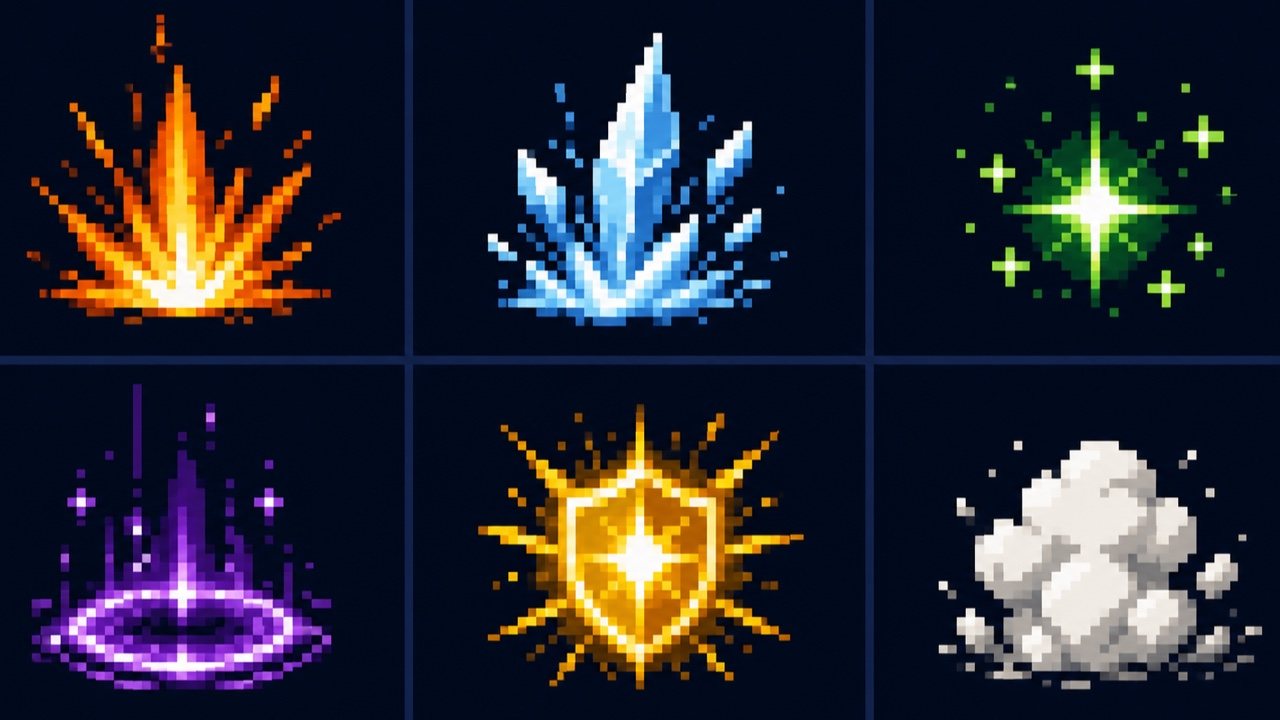
Magic Effects: Create six original pixel-art effect concepts—small fire burst, ice shard impact, green heal sparkle, purple teleport ring, yellow shield flash, and white dust puff. Centered, high-contrast silhouettes, limited palettes, equal visual weight, dark neutral board, no words, icons, characters, or logos.
Sprite Consistency Edit: Keep the approved character's face, teal scarf, rust jacket, 3-head proportions, side-view camera, colors, and ground line. Change only the attack concept: widen the stance, move the compass pouch behind the hip, and shorten the blade arc so the silhouette remains readable. Do not add frames or redesign the outfit.





