Free OnlineAI Minecraft Texture Generator
How to Create Minecraft Textures with AI
Choose the Pack Direction
Describe the Texture Anatomy
Edit for Clean Pixels
Test in a Resource Pack

Why Use Mew Design for Minecraft Texture Creation
Resolution-Aware Pixel Art
Ask for a vanilla 16x look or a controlled 32x/64x Minecraft texture style. The prompt keeps the pixel clusters, outline weight, and contrast intentional instead of shrinking a painterly image into a blurry tile.
Cohesive Resource-Pack Sets
Reuse a palette, light source, material vocabulary, and edge treatment across stone, planks, tools, crops, or GUI icons. An AI Minecraft resource pack generator should help a set feel authored, not like unrelated one-off images.
Seamless Block Surfaces
Describe brick, ore, wood, fabric, or magical crystal as a repeatable tile. Ask for quiet borders and consistent face cues so a custom Minecraft block texture can cover a wall without an obvious vertical or horizontal seam.
Readable Items and Icons
Create swords, food, tools, potions, currencies, and inventory symbols with a strong silhouette, limited colors, and transparent edges. This Minecraft item texture generator workflow prioritizes what players can recognize in a hotbar.
Reference-Guided Variations
Upload a moodboard, an existing palette, or a neighboring vanilla texture, then request a new material or matching item. Use references you own or have permission to adapt, and ask for original designs rather than an exact copy.
Ready for the Next Tool
Export clean PNG assets for a Java or Bedrock resource-pack workflow, continue UV and model work in Blockbench, or validate a small set before scaling up. Chat Edit keeps iteration focused on the texture instead of restarting from a blank canvas.
How to Write an Effective Minecraft Texture Prompt
- Name the material: Describe stone, spruce, copper, ice, nether brick, foliage, glass, or a fictional material with the roughness, cracks, highlights, and color family you want.
- Control the grid: Choose 16x for a vanilla-scale pack, 32x for extra texture room, or 64x for a detailed pack. Ask for crisp pixel clusters and no smoothing so the result does not look like downscaled concept art.
- Plan the edges: For blocks, request seamless tiling and matching faces. For items and GUI assets, request a transparent background, a clean outline, and a silhouette that remains legible in a small hotbar slot.
- Keep the set consistent: Repeat the same palette, light direction, outline weight, contrast range, and naming language across prompts. Then test a small group beside vanilla textures before generating the whole resource pack.
AI Minecraft Texture Prompt Examples
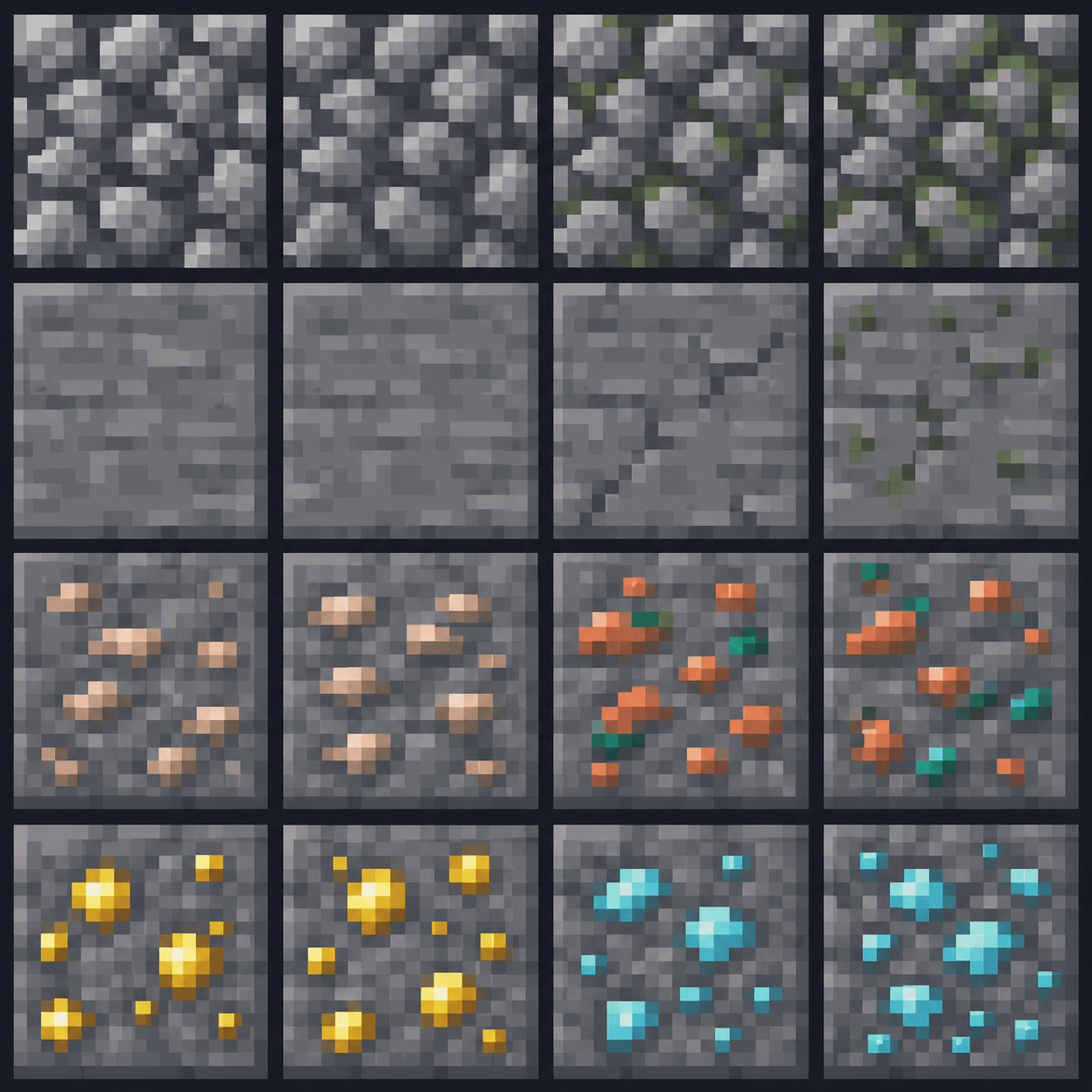
Create a set of square 16x Minecraft block textures for a survival stone tier: cobblestone, smooth stone, and iron ore. Use readable dark outlines, a cool gray palette, small ore clusters, a shared top-left light source, and perfectly seamless edges.
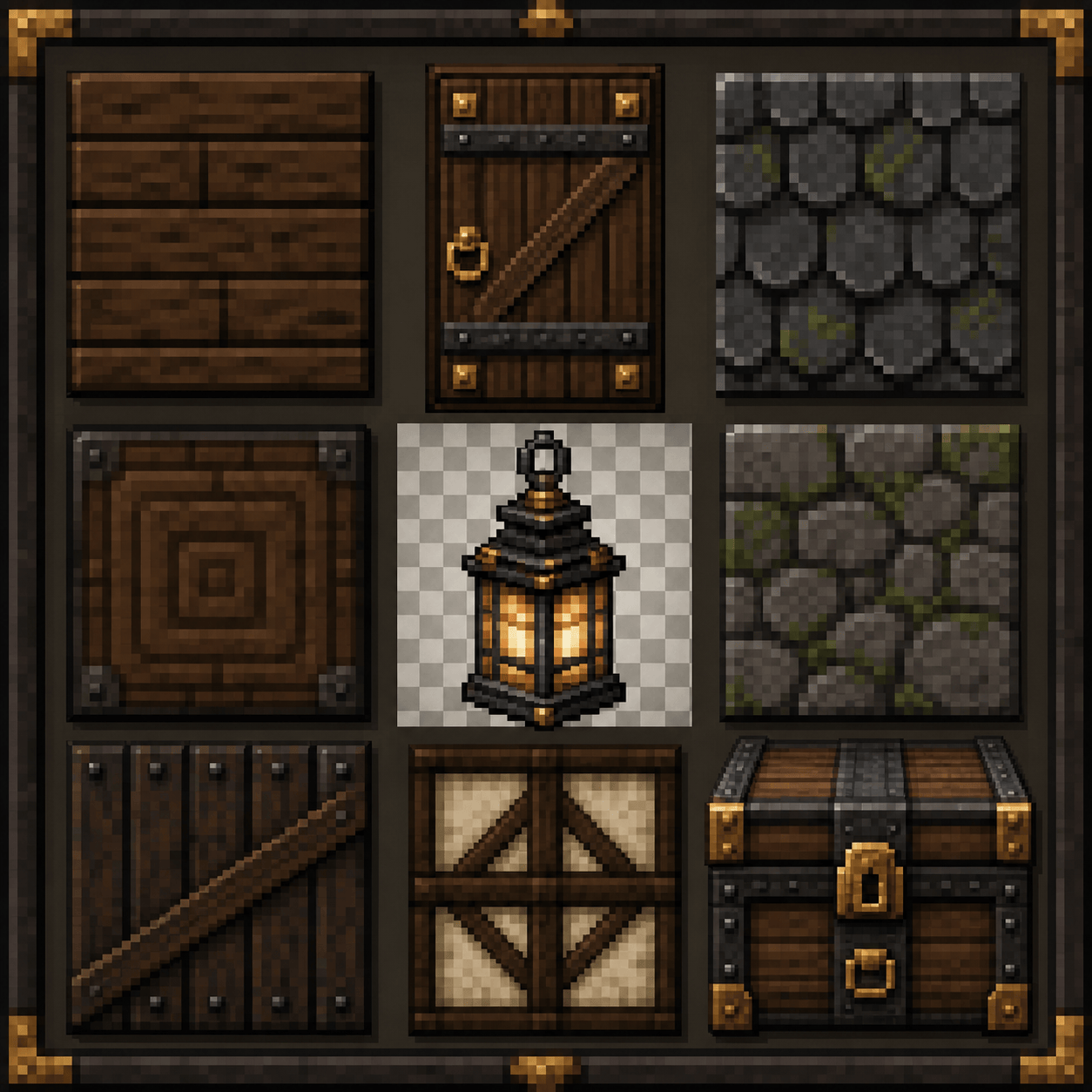
Design a cohesive 32x medieval resource-pack texture family: spruce planks, a timber door, a stone roof tile, and a lantern item. Keep warm brown and brass colors, chunky pixel clusters, transparent edges on the item, and matching material highlights across every asset.
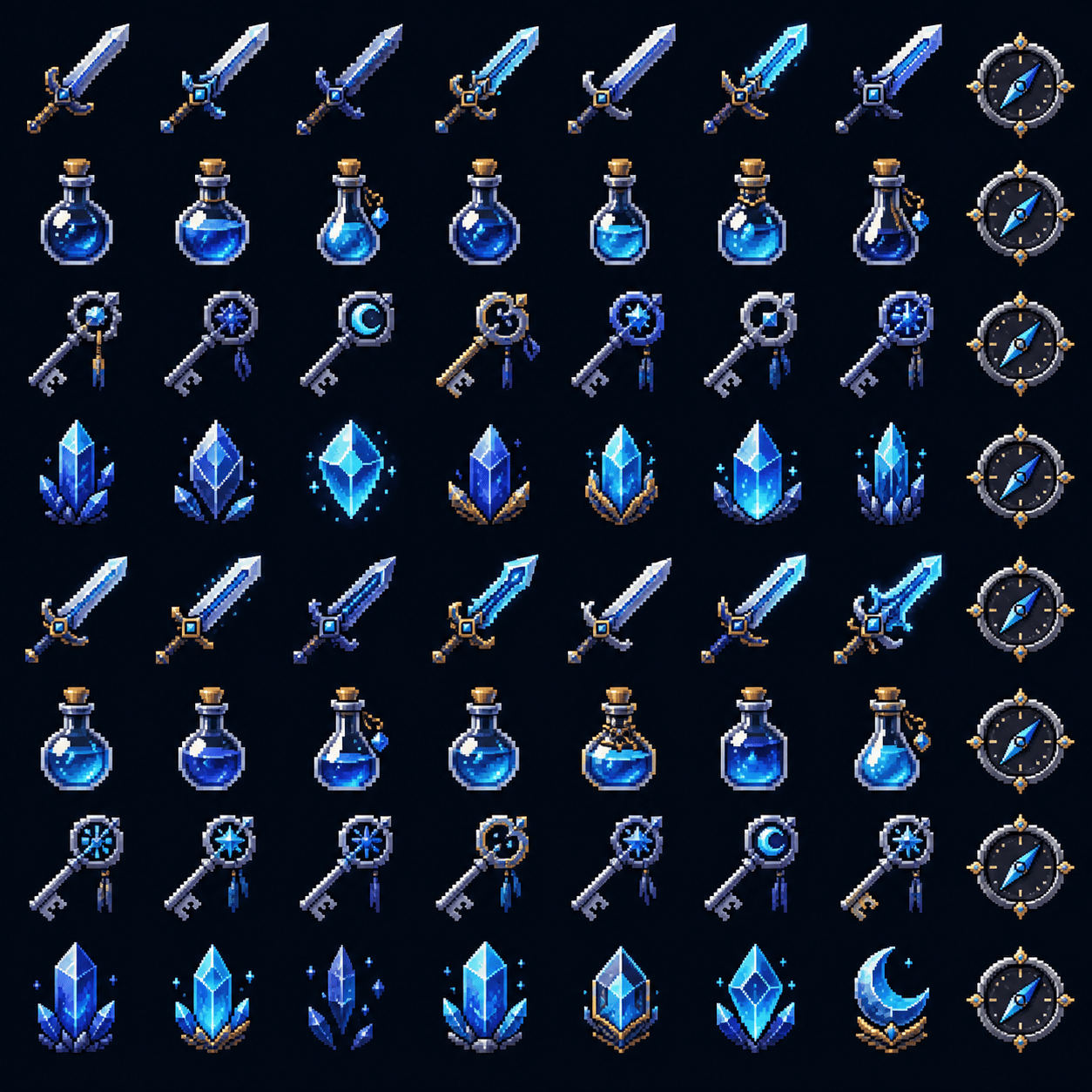
Create 64x fantasy RPG item textures for a Minecraft server: moonsteel sword, healing potion, rune key, and mana crystal. Give each item a strong hotbar silhouette, transparent PNG background, restrained glow pixels, and the same indigo-and-silver palette.
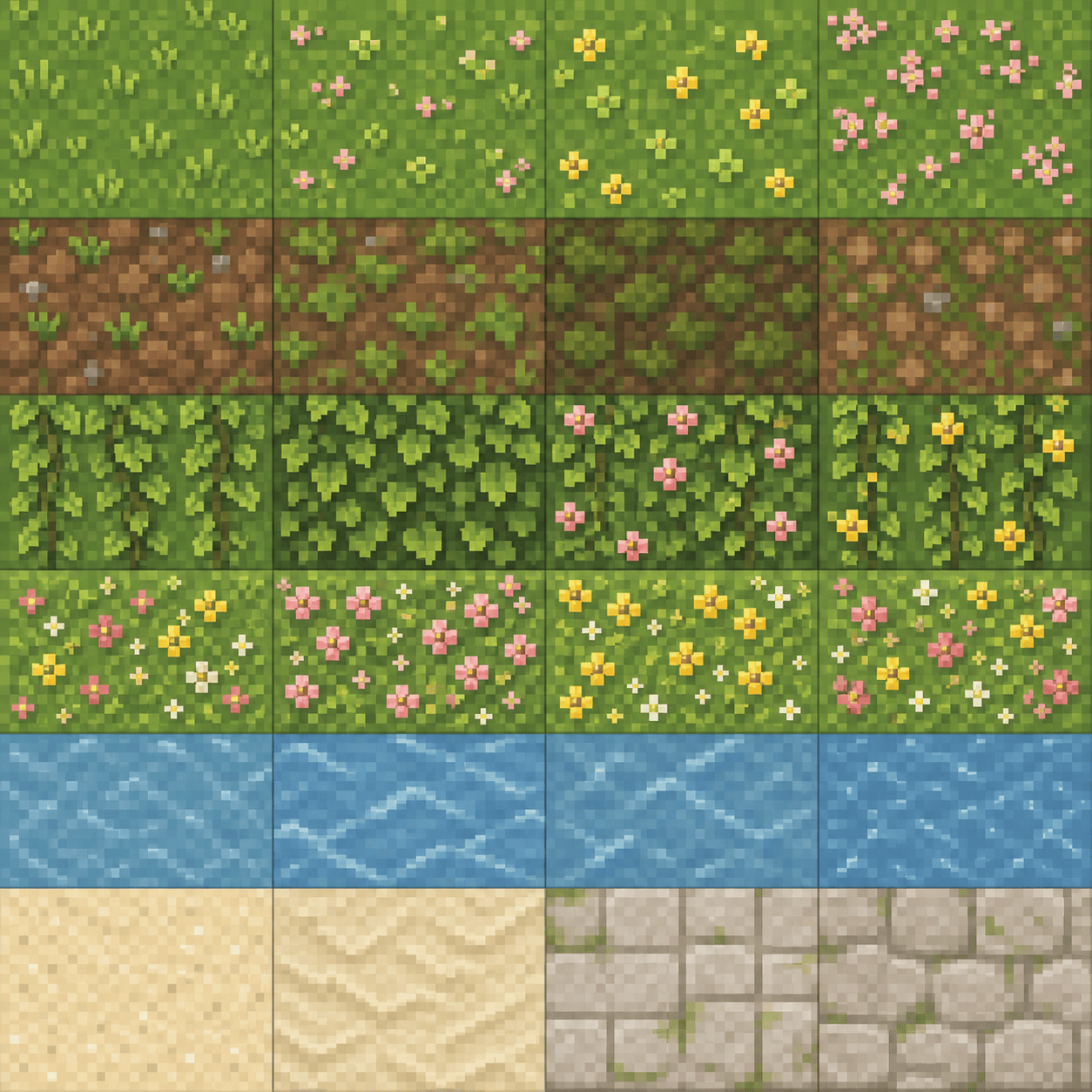
Make seamless 16x cottagecore biome textures for grass, mossy dirt, leafy vines, and a calm blue water tile. Use soft but crisp pixel clusters, no painterly gradients, subtle variation between repeats, and a palette that sits beside vanilla Minecraft foliage.
Create a clean 32x sci-fi GUI icon set for a Minecraft technology mod: energy cell, circuit board, wrench, warning symbol, and inventory slot. Use high contrast, simple silhouettes, transparent backgrounds, a dark graphite frame, and no tiny text.
Generate a coordinated Nether-themed resource-pack set with a cracked basalt block, ember brick, crimson fungus, and a fire-resistance potion. Use deep charcoal, red-orange accents, one light direction, readable silhouettes, and separate seamless block tiles plus transparent item PNGs.





