Free OnlineAI Watch Try On
How to Try On a Watch with AI
Frame the Wrist
Prepare the Timepiece Reference
Set Placement and Proportion
Audit the Wrist Shot

Watch Details That Make an On-Wrist Preview Believable
Work from Two Specific Images
Upload your own wrist photo and a permitted watch product image, then point to both with @. The two-reference workflow gives this AI watch virtual try on a clearer subject, camera angle, and timepiece target than a text-only request.
Direct the Case-to-Wrist Relationship
Describe round, square, rectangular, cushion, or tonneau geometry together with the visual case size, lug span, wrist side, and wearing position. This helps the preview communicate proportion while remaining an image-based estimate rather than a calibrated watch-size tool.
Preserve Dial, Bezel, and Crown Cues
Call out the dial color, indices, hands, date window, subdials, bezel treatment, pushers, crown side, and case finish that matter. Generated details can drift, so compare the result with the source image before using it for shopping, publishing, or sales.
Make Metal, Crystal, and Strap Feel Real
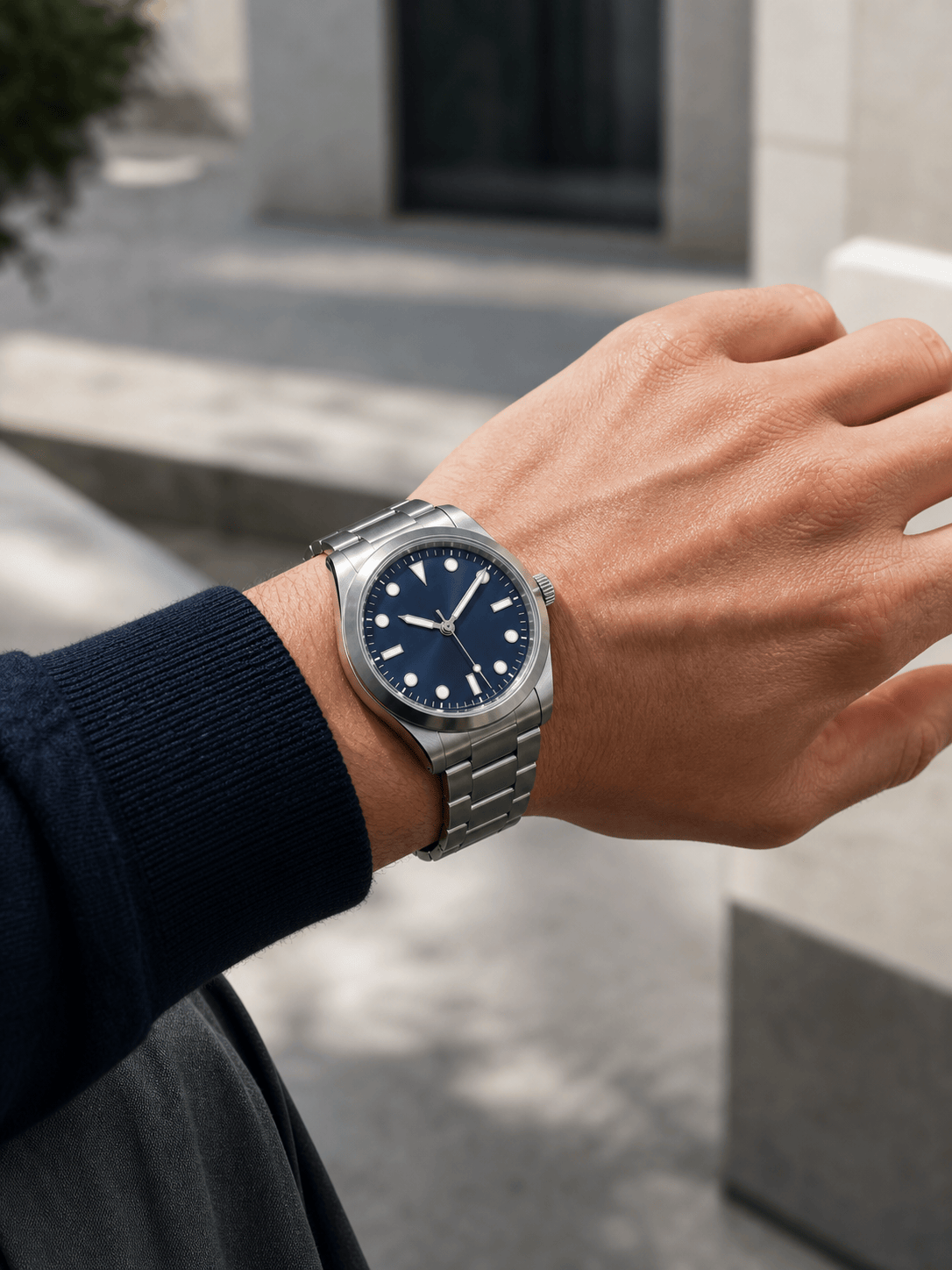
A convincing watch wrist shot needs more than placement. Ask for controlled reflections on steel or gold-tone metal, believable crystal glare, leather grain, rubber texture, bracelet articulation, contact shadows, and a strap that wraps behind the wrist instead of floating above it.
Place the Watch in a Real Style Context
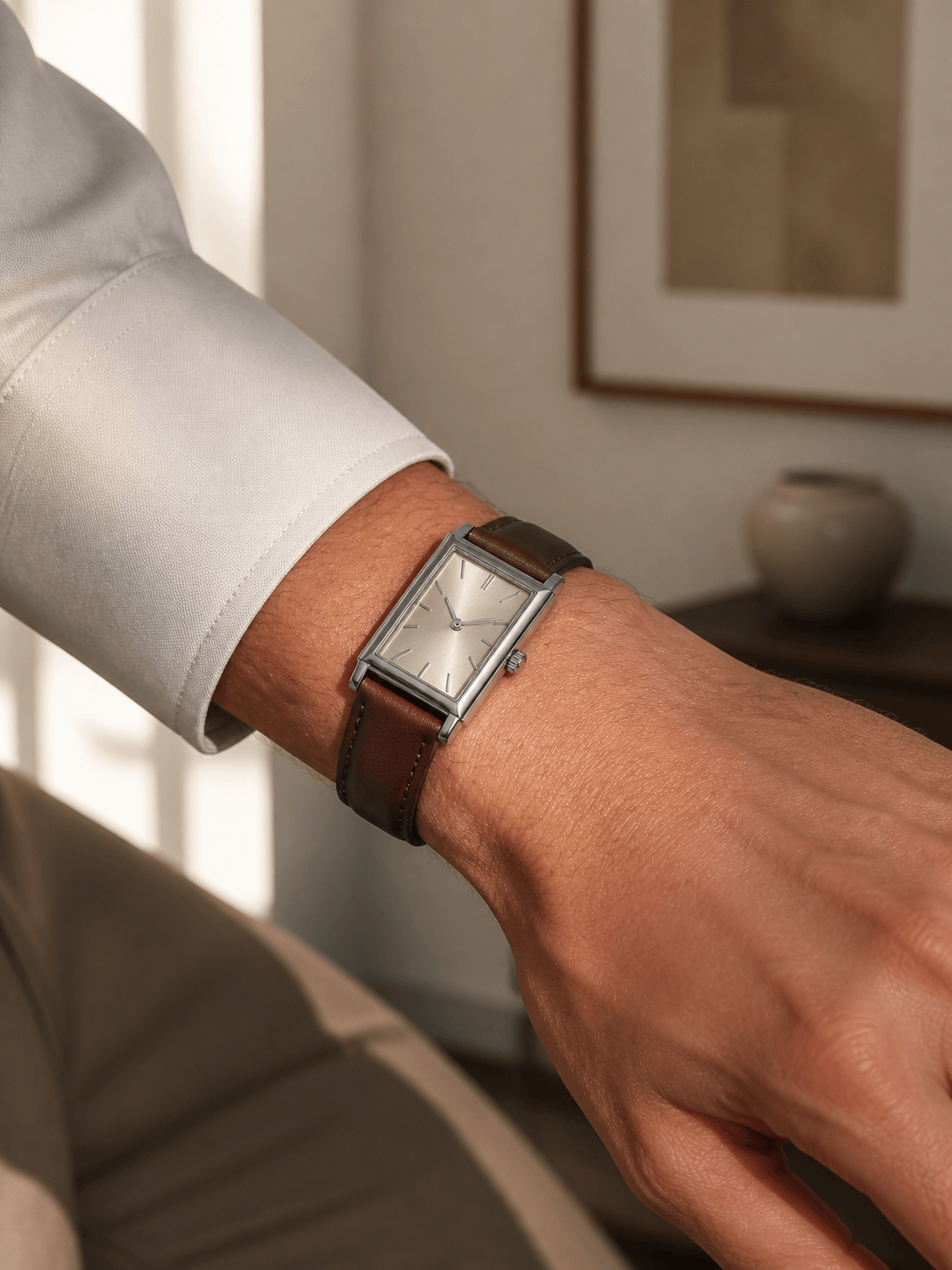
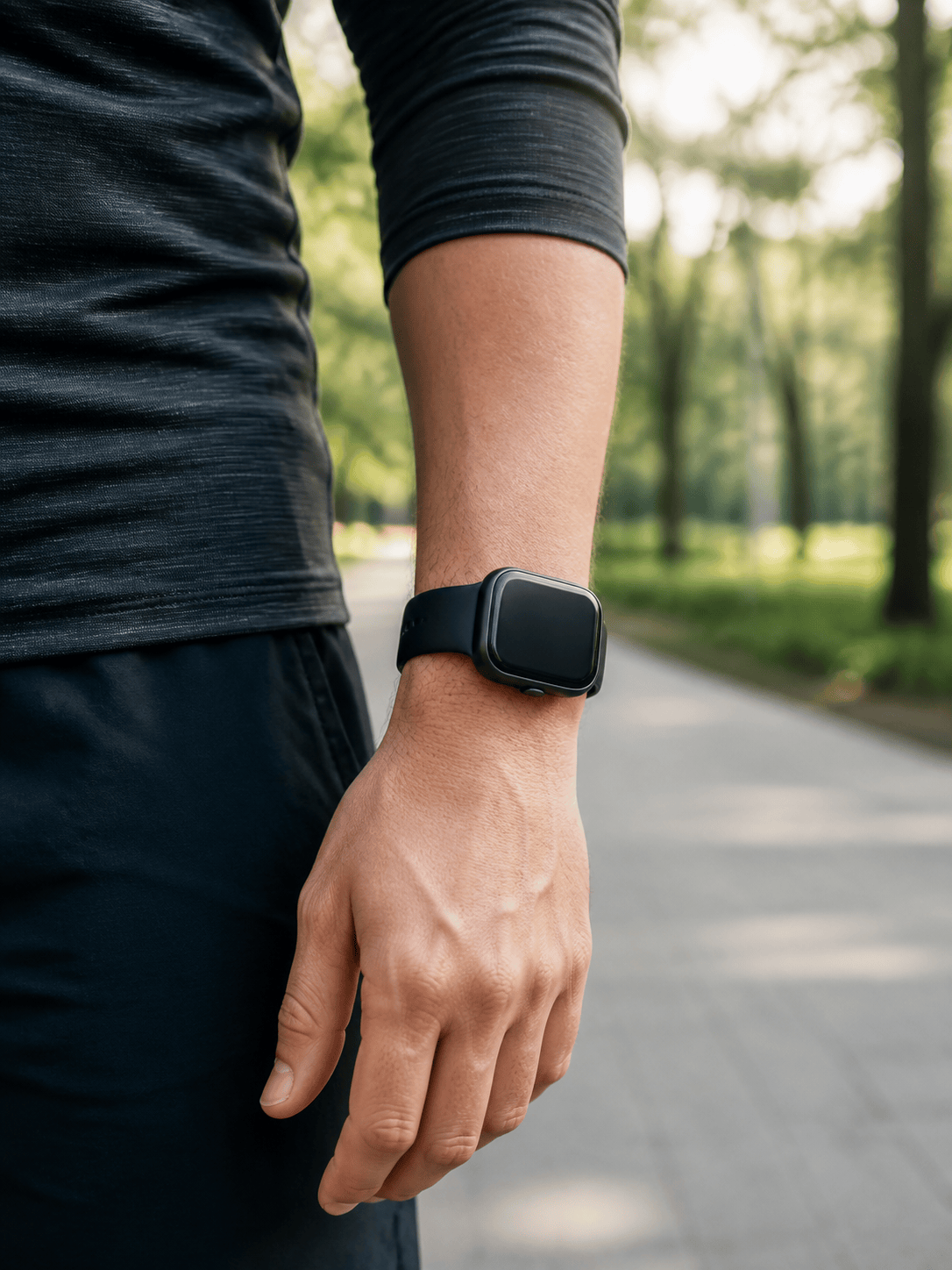
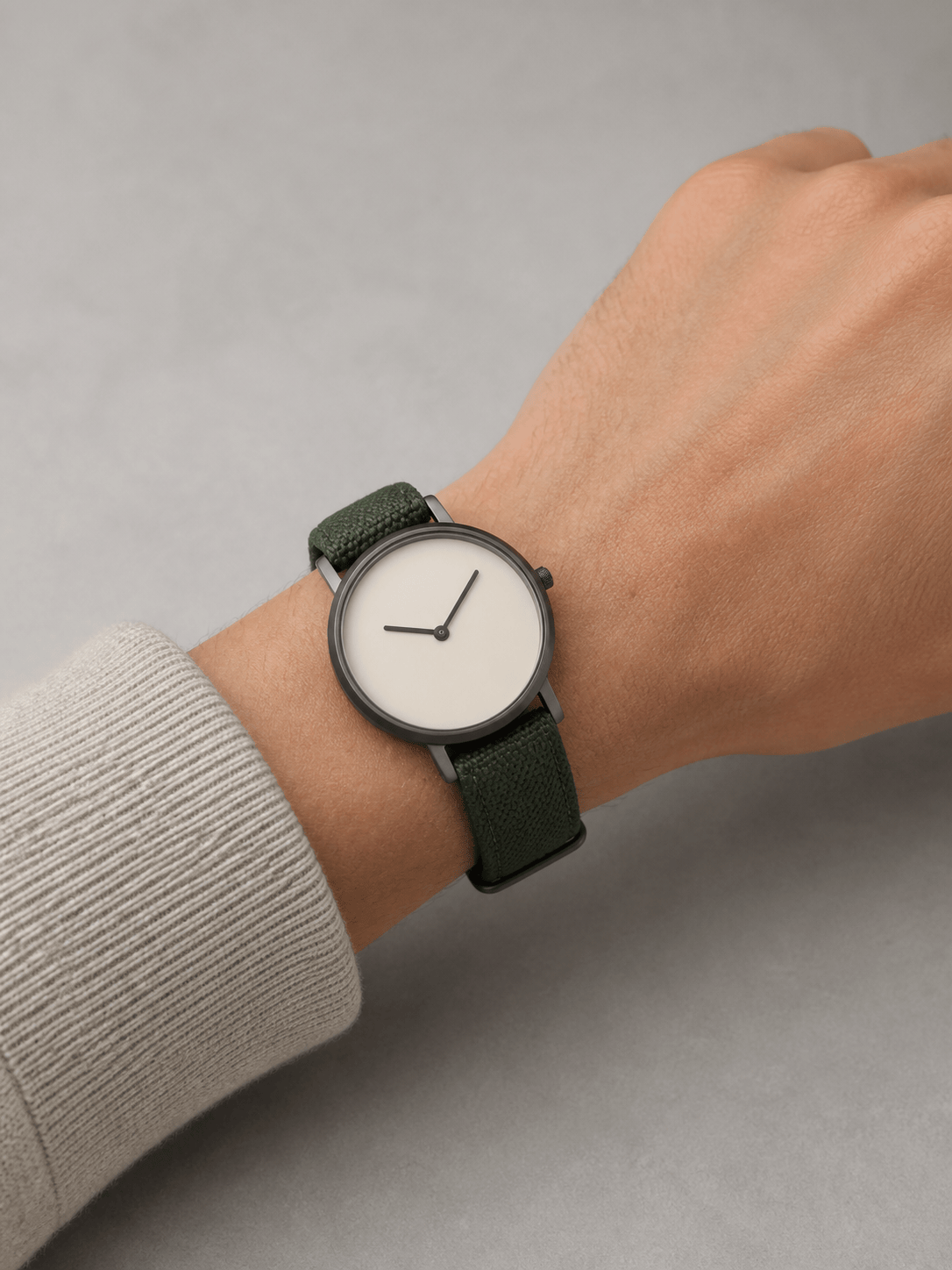
Use the online watch try on to see a slim dress watch beside a shirt cuff, a steel sports watch in daylight, a smartwatch with activewear, or a minimalist piece with a casual outfit. Keep the original person, tattoos, skin texture, clothing, and background unchanged when those details support the decision.
Correct Artifacts and Build Comparisons
Use Chat Edit when the case rotates, a lug merges with skin, the crown changes sides, the dial softens, or the bracelet bends incorrectly. Free AI credits after signup let you test visual alternatives, compare strap or case directions, and export watermark-free PNG or JPG images.
How to Prompt AI for a Convincing Watch Wrist Shot
- Describe the base photo: State the wrist side, camera angle, hand pose, lighting, sleeve position, and whether the person, tattoos, skin texture, outfit, and background must stay unchanged.
- Name the watch geometry: Specify the case shape, approximate diameter if known, lug span, thickness impression, crown side, dial orientation, and where the case should sit relative to the wrist bone.
- Lock the product cues: List the dial color, indices, hands, complications, bezel, case finish, strap or bracelet material, stitching, clasp, and any details that must be checked against the original reference.
- State the visual goal: Ask for a shopping comparison, personal style preview, collector wrist shot, smartwatch lifestyle image, or ecommerce visual. Treat the result as an appearance study and verify dimensions, comfort, authenticity, and product claims separately.
AI Watch Try-On Prompts for Six Wrist Decisions
Steel sports watch: Use @[wrist photo] as the base and @[watch photo] as the reference. Place the round brushed-steel sports watch on the left wrist at a natural three-quarter angle, just behind the wrist bone. Preserve the hand, jacket sleeve, outdoor light, dark dial, rotating bezel, crown side, and bracelet finish. Add realistic contact shadows and crystal glare; no logos, text, or extra accessories.
Leather dress watch: Replace the simple watch in @[portrait] with the slim rectangular dress watch from @[product image]. Keep the adult person, tailored shirt cuff, skin tone, pose, and warm indoor background unchanged. Match the cream dial, polished silver-tone case, brown leather grain, buckle, and narrow profile; let the strap pass naturally beneath the wrist with no floating edges.
Smartwatch lifestyle preview: Put the rounded-square smartwatch from @[watch reference] on the right wrist in @[fitness photo]. Keep the running pose, face, body, activewear, and morning park light. Preserve the matte dark case, black sport band, clean unbranded screen, and button position; show believable motion-free anatomy and a secure strap without adding health data or brand marks.
Small-versus-large case comparison: From @[wrist photo] and @[watch reference], create two separate on-wrist images with the same camera angle, crop, wrist, dial, strap, and lighting. Version one should read as a discreet 36 mm case; version two as a stronger 42 mm case. Keep this a visual comparison only and do not label either result as an exact measurement.
Watch strap try on: Keep the watch head, dial, case, wrist, hand, pose, and studio background in @[base image] unchanged. Create separate versions with a black leather strap, tan suede strap, stainless-steel bracelet, and dark green fabric strap. Match each material’s texture, lug attachment, wrap, buckle or clasp, shadows, and reflections; no extra text or logos.
Ecommerce wrist shot: Place the unbranded minimalist watch from @[product image] on the adult model’s wrist in @[model photo]. Use a clean close crop with soft daylight and natural skin texture. Preserve the pale dial, two hands, slim rose-gold-tone case, fine mesh bracelet, and crown position. Leave quiet negative space for a product page, but add no copy, logos, pricing, or claims.





