Free OnlineAI Watch Generator
How to Design a Watch with AI
Choose the Watch Architecture
Define Proportions and Components
Generate a Useful View Set
Refine and Prepare the Handoff

A Faster Way to Shape a Complete Watch Design System
Control the Whole Timepiece
Our AI watch design workflow responds to connected decisions across the case, bezel, crystal, crown, dial, hands, indices, complications, lugs, strap, bracelet, and clasp instead of treating the watch as a generic accessory.
Develop a Sketch Without Losing Its Core Idea
Upload a drawing or authorized reference and state what should remain—such as the cushion case, asymmetric lugs, dial grid, or integrated bracelet. Mew Design can turn that visual cue into a more polished original concept.
Direct Dial Hierarchy and Legibility
Guide marker contrast, numeral style, hand length, lume areas, subdial balance, date placement, and smartwatch widget density. The custom watch design is still a concept, so inspect every time marker and label carefully.
Compare Views, Materials, and Colorways
Request front, profile, caseback, macro, three-quarter, or on-wrist views, then explore brushed titanium, polished steel, ceramic, leather, rubber, fabric, or integrated-link variants with consistent presentation.
Make Focused Revisions in Conversation
Keep the direction you like and ask Chat Edit for a thinner bezel, shorter lugs, quieter crown guards, a cleaner dial, a different strap taper, or a new studio angle without rewriting the entire brief.
Create Presentation-Ready Watch Mockups
Use free AI credits after signup to develop unbranded concept renders for early feedback, pitch decks, portfolios, campaigns, and collection planning. Watermark-free images help communicate direction before technical development begins.
How to Write a Watch Brief the AI Can Visualize
- Set the Size and Silhouette: Mention case diameter, round, square, cushion, or tonneau form, thickness impression, lug shape, and whether the design should feel compact, balanced, rugged, or ultra-thin.
- Build the Dial System: Describe dial color and finish, indices or numerals, hand shape, minute track, date position, subdials, GMT hand, moonphase, digital display, or smartwatch widgets—and keep the hierarchy readable.
- Name Materials and Connections: Specify steel, titanium, ceramic, resin, leather, rubber, fabric, or other materials, plus surface finish, bezel type, crown treatment, lugs, bracelet links, stitching, taper, and clasp.
- Request Views and Guardrails: Ask for front, side, caseback, macro, on-wrist, or four-view product-sheet imagery. Exclude logos, trademarks, warped numerals, duplicate crowns, impossible hand stacks, extra watches, and watermarks.
Watch Design Prompts for Distinct Timepiece Categories
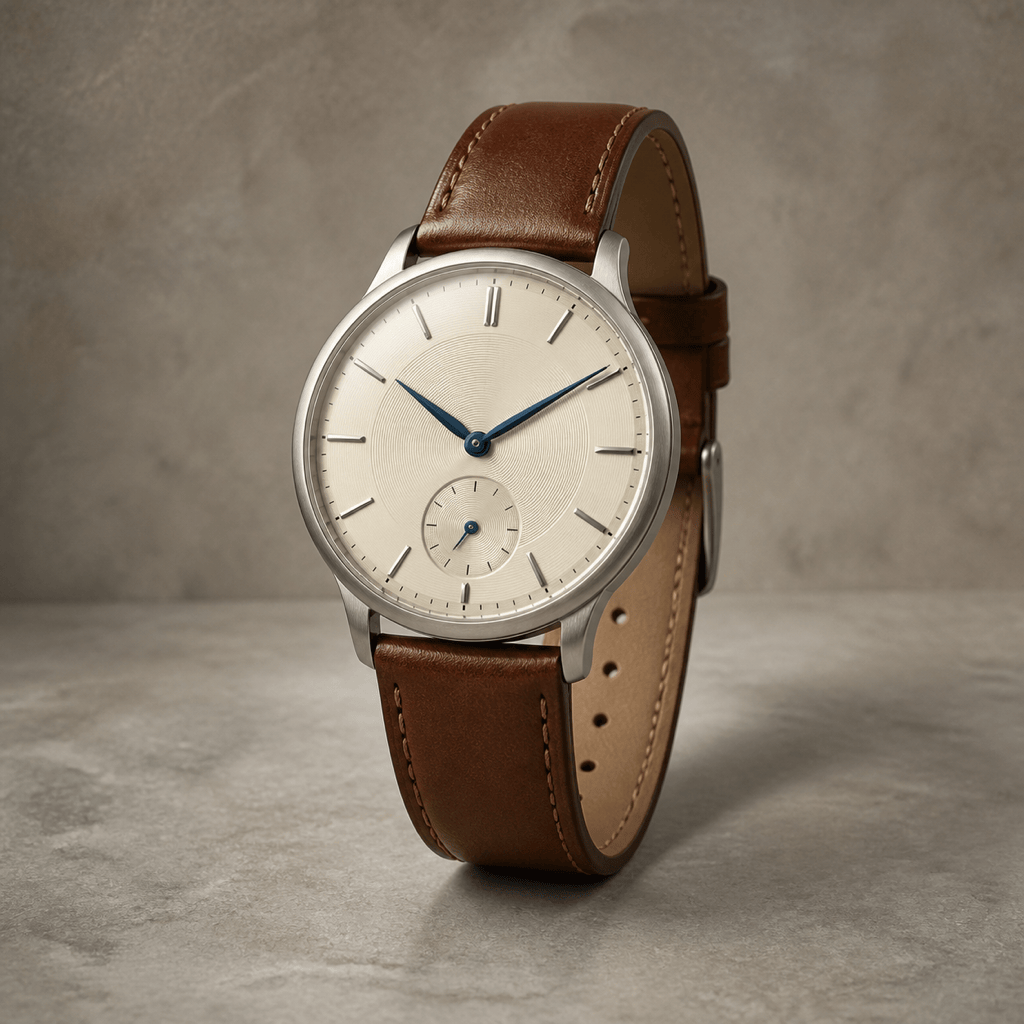
Minimalist Dress Watch: Create an original 38 mm unisex dress watch with a slim brushed titanium case, eggshell dial, applied baton indices, blue dauphine hands, small seconds at 6 o'clock, and a tapered chestnut leather strap. Front three-quarter studio render on warm gray, no logo or text.
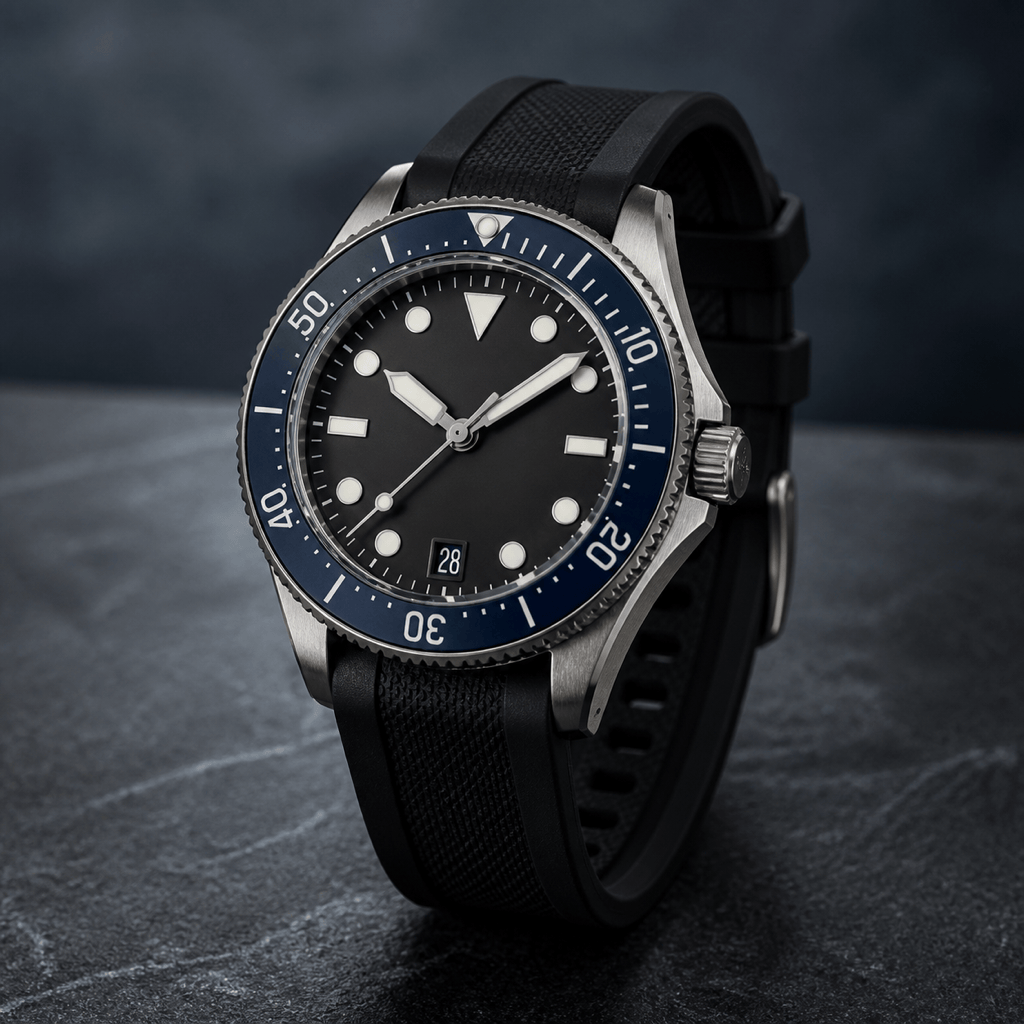
Modern Dive Watch: Design a 41 mm stainless steel dive watch with compact crown guards, a unidirectional matte navy ceramic bezel, high-contrast circular lume plots, broad luminous hands, a color-matched date wheel at 6, and a textured black rubber strap. Show front and side-profile views; original unbranded design.
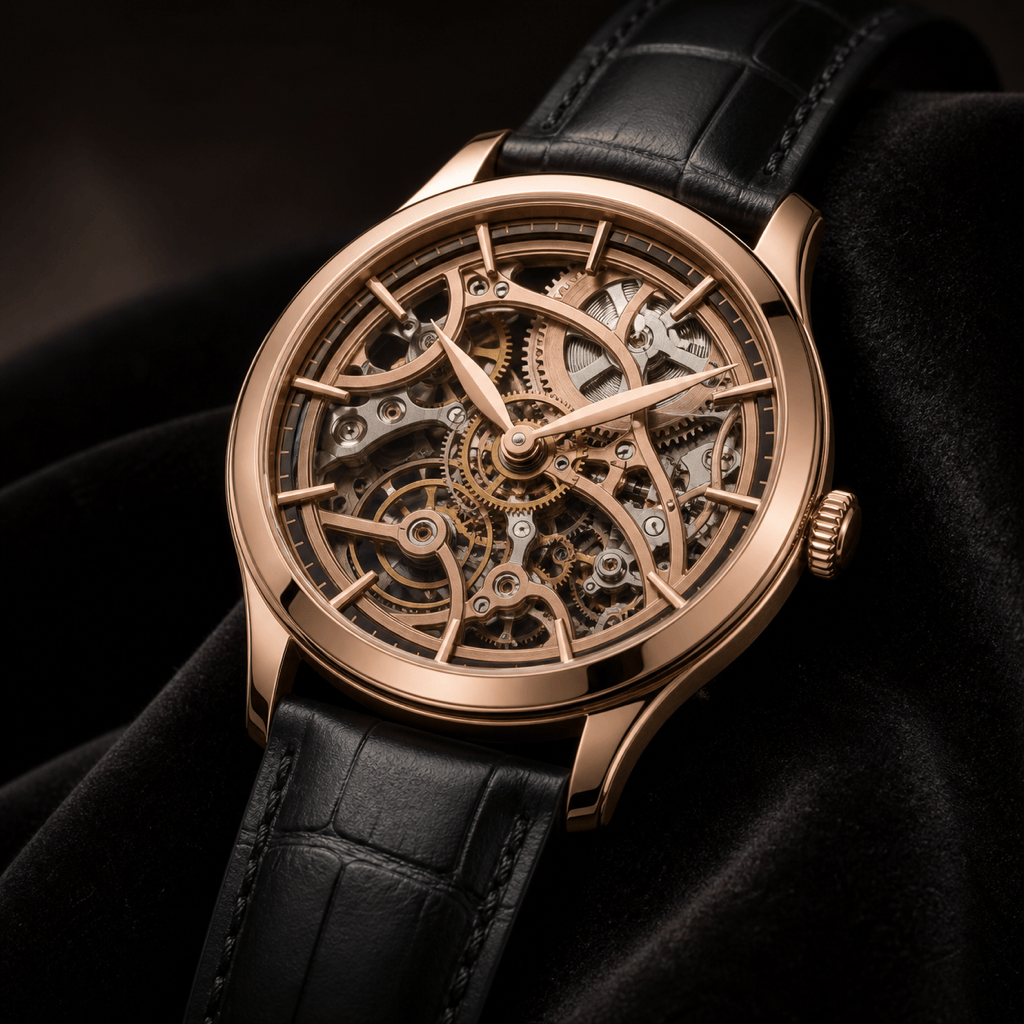
Skeleton Luxury Concept: Generate an original 40 mm rose-gold skeleton watch concept with a restrained openworked dial, visible mechanical-style bridges, slim faceted indices, leaf hands, a polished fixed bezel, and a black leather strap. Macro three-quarter product image with realistic metal reflections; no brand marks.
Field GMT Watch: Create a rugged 39 mm field GMT watch in bead-blasted steel with a matte olive dial, large cream Arabic numerals, orange GMT hand, fixed 24-hour inner scale, date at 3, drilled lugs, and a sand canvas strap. Natural daylight product shot on a topographic-map surface, no readable map labels.
Watch Design from Sketch: Use my uploaded [watch_sketch.png] as an authorized shape reference. Preserve the asymmetric cushion case and recessed crown, refine the lug-to-strap transition, add a charcoal sunburst dial, brushed steel surfaces, simple luminous baton hands, and a three-link bracelet. Present front, profile, and caseback concept views.
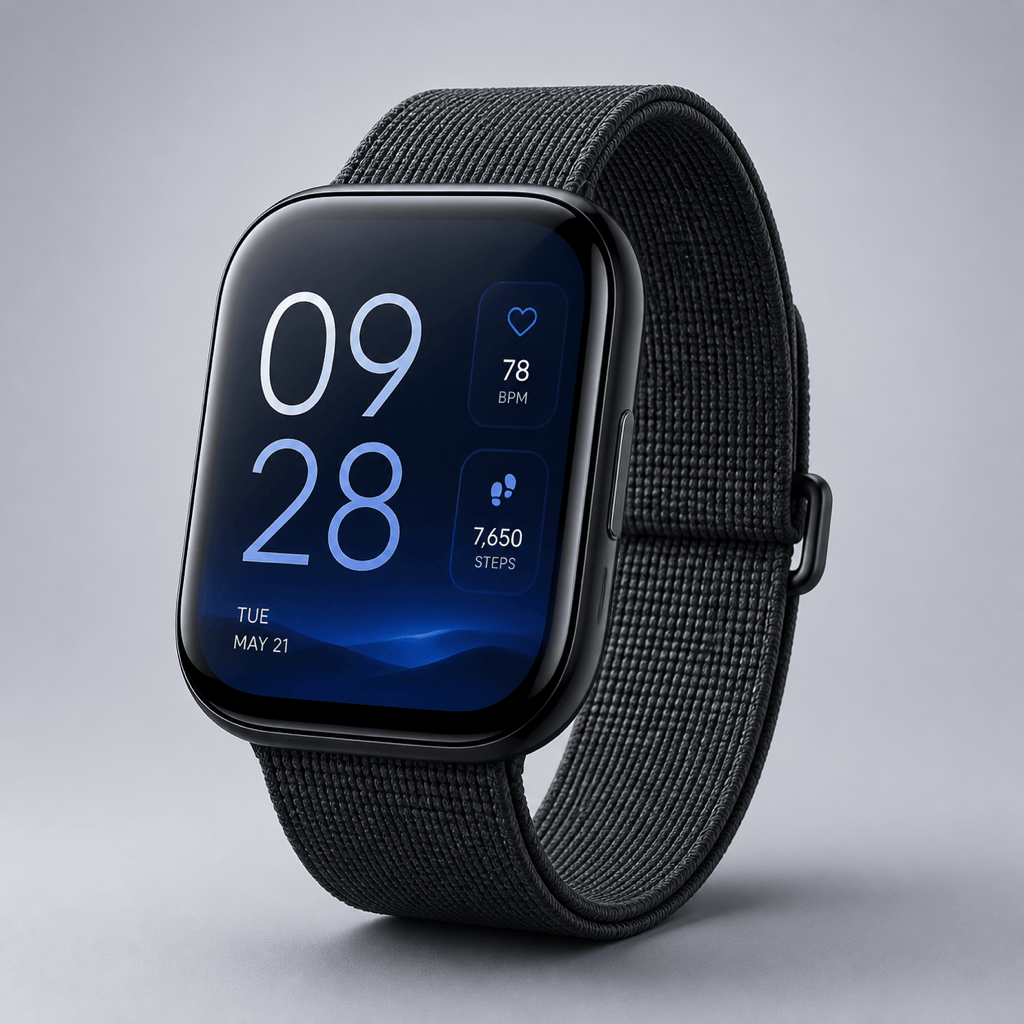
Smartwatch and Face Concept: Design an original square smartwatch with a softly curved black ceramic case, flush side button, slim graphite woven strap, and edge-to-edge display. Create a legible fitness face with large digital time, restrained heart-rate and step widgets, and a deep blue gradient. Show one front product view; no logos or copied interface.





