Free OnlineAI Jewelry Try On
How to Try On Jewelry with AI
Choose the Right Person Photo
Add the Jewelry Reference
Describe Placement and Scale
Inspect, Refine, and Export

Jewelry Previews Built for Styling and Product Decisions
Start from a Real Product Image
Reference a retailer photo, catalog image, transparent cutout, or screenshot. Mew Design can follow the visible silhouette, setting, chain, and finish more closely than a generic jewelry preset.
Guide Category-Specific Placement
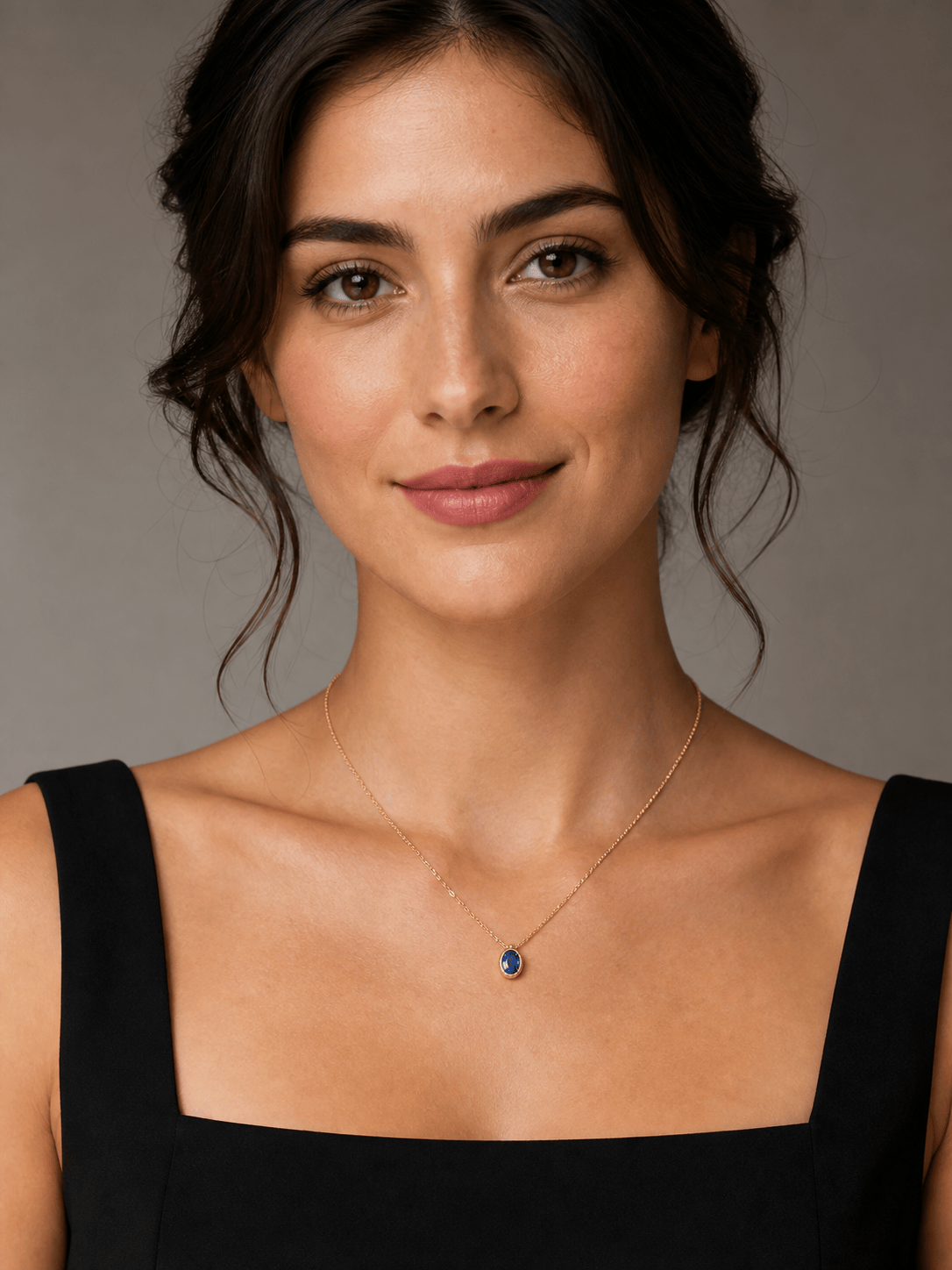
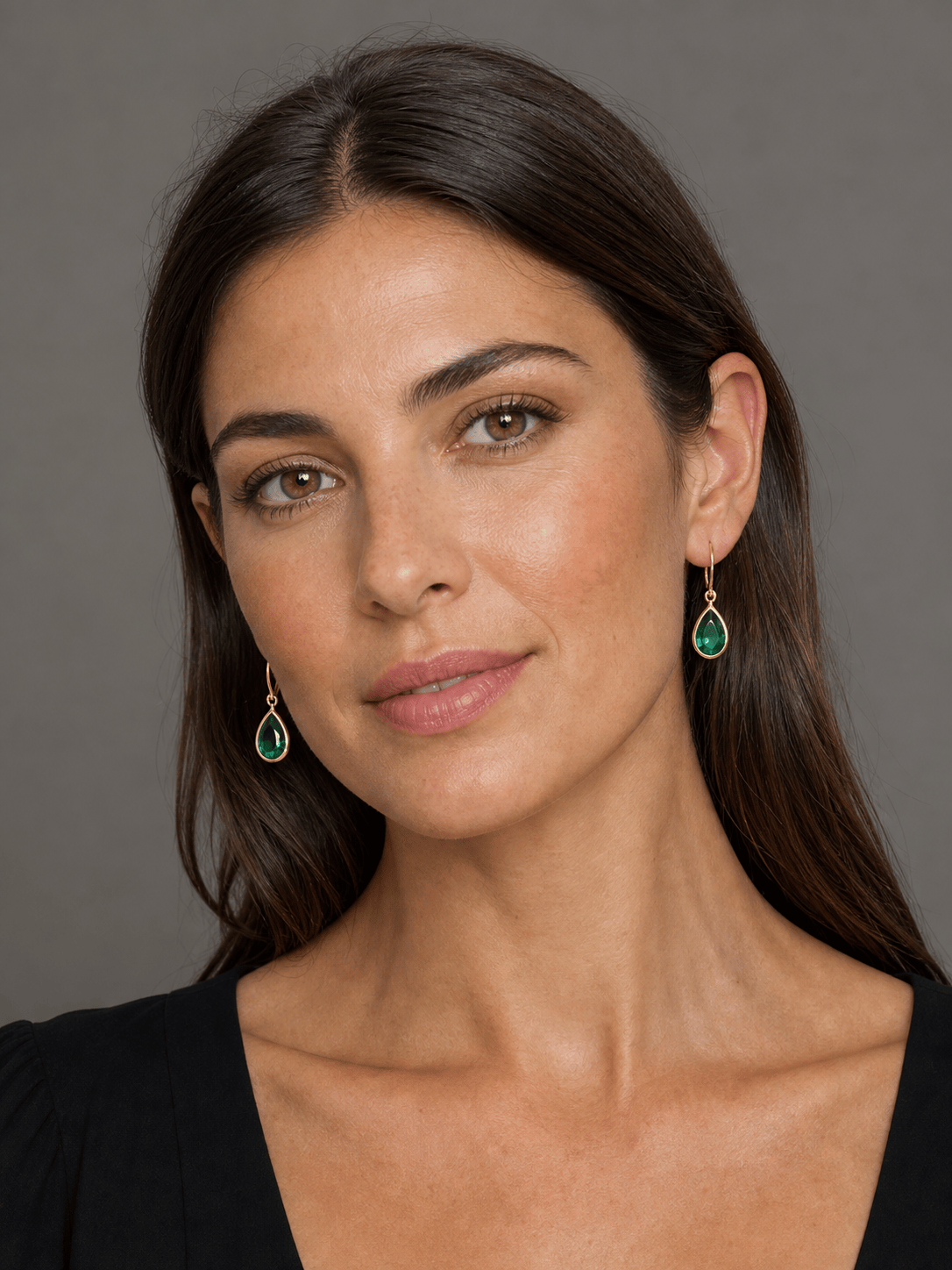
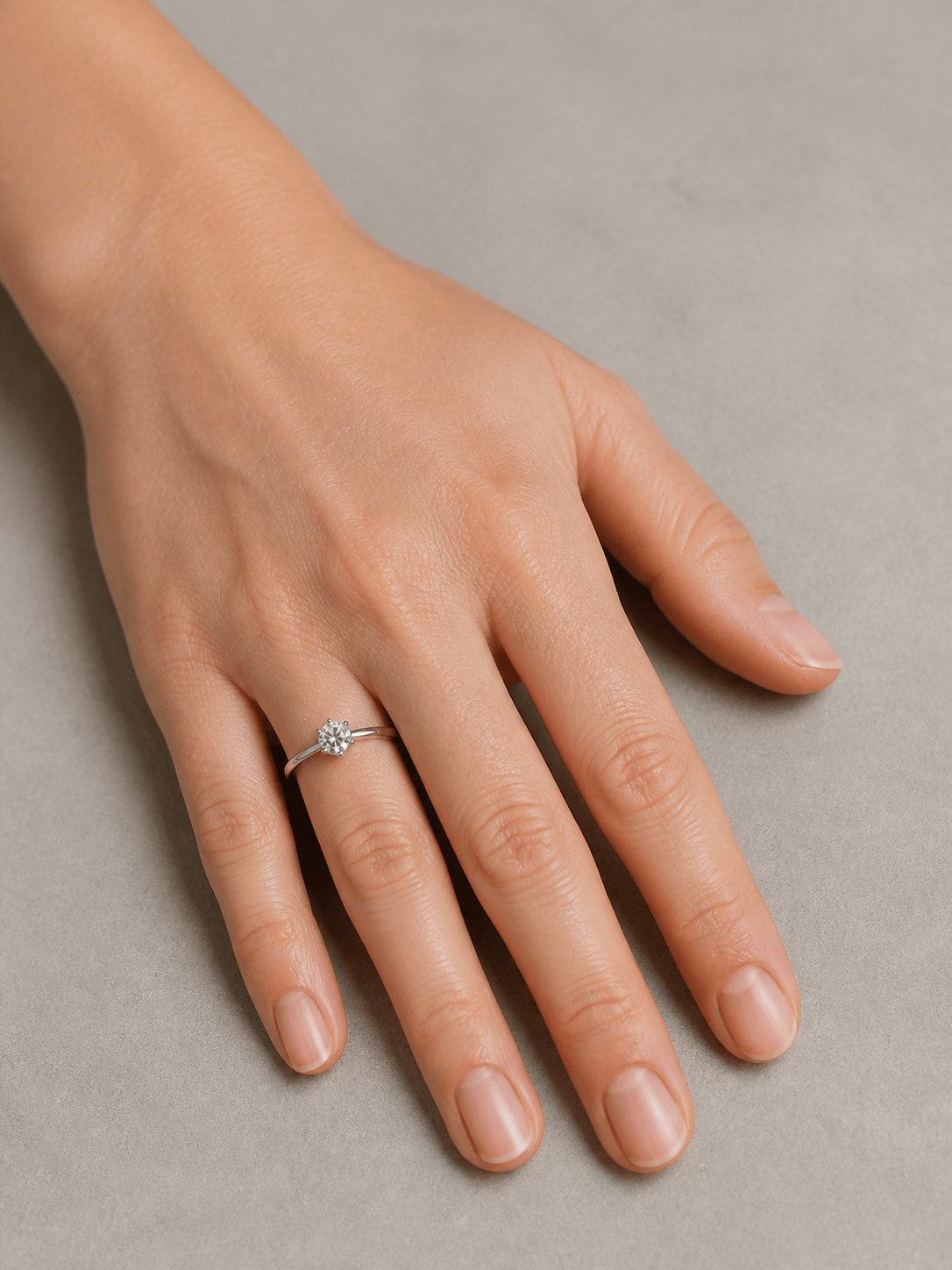
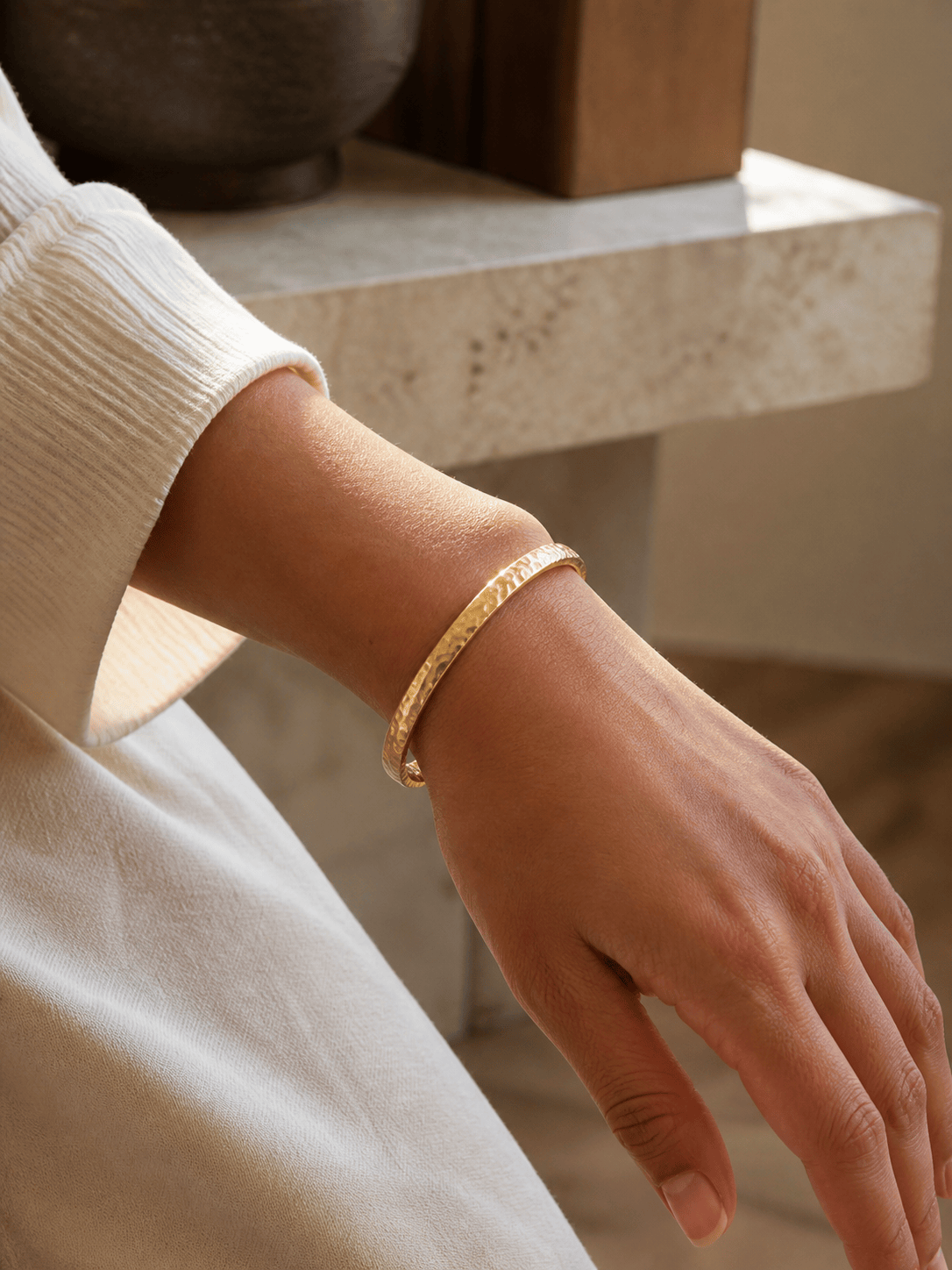
An AI necklace try on can follow the collarbone and neckline, while an AI earring try on can align studs, hoops, or drops with visible earlobes. Rings and bracelets can follow finger and wrist curvature.
Match Metal, Stones, and Light
Describe yellow gold, rose gold, silver, platinum, pearls, or colored gemstones. Ask for reflections, sparkle, contact shadows, and color temperature that agree with the original photo.
Keep the Model and Scene Consistent
Preserve identity, skin tone, expression, hair, makeup, clothing, pose, hands, crop, and background so the result stays focused on the jewelry instead of redesigning the entire image.
Correct Small Errors Through Chat
Use Chat Edit to center a pendant, shorten a chain, move an earring to the lobe, reduce ring scale, follow wrist perspective, restore a stone color, or soften an unrealistic highlight.
Compare Looks and Export Cleanly
Use free AI credits after signup to test metal finishes, stone colors, necklace lengths, or matching sets. Export watermark-free PNG or JPG images for shopping comparisons, moodboards, social posts, or ecommerce concepts.
How to Prompt AI for a Convincing Jewelry Try-On
- Match the photo to the piece: Show the neck and ears for necklaces or earrings, an open hand for rings, and a clear wrist for bracelets. Avoid blur, filters, covered skin, and harsh mixed light.
- Protect product geometry: Name pendant shape, chain style, hoop diameter, drop length, ring setting, stone count, bracelet width, and any details that must remain recognizable.
- Describe physical interaction: Explain where the piece attaches or rests, how it curves around the body, what passes behind hair or clothing, and where natural contact shadows should appear.
- Verify before publishing: Compare facets, prongs, engraving, hallmarks, chain links, clasps, and stone colors with the actual product. Regenerate or edit any detail that drifts.
AI Jewelry Try-On Prompts for Six Real Use Cases
Necklace shopping preview: Put the delicate yellow-gold pendant from @[product image] on @[portrait]. Keep the face, hair, cream blouse, and background unchanged. Use a short chain that follows the collarbone, center the oval pendant above the neckline, preserve the blue stone, and add subtle contact shadows.
Earring style comparison: Apply the emerald drop earrings from @[earring photo] to both visible earlobes in @[selfie]. Preserve identity, makeup, hairstyle, and lighting. Match the gold settings and teardrop stones, place the hooks naturally, and let tucked hair overlap the upper hardware where appropriate.
Ring-on-hand preview: Add the solitaire ring from @[ring reference] to the ring finger in @[hand photo]. Keep hand anatomy, skin texture, nails, pose, and table unchanged. Match the slim platinum band and round center stone, follow finger perspective, and create a realistic contact shadow without enlarging the stone.
Bracelet campaign concept: Place the hammered gold cuff from @[bracelet image] around the wrist in @[lifestyle photo]. Preserve sleeve, hand pose, background, and warm afternoon light. Follow wrist curvature, keep the cuff opening visible, and match the metal reflections to the scene.
Bridal jewelry set: Add the pearl drop earrings and fine pearl necklace from @[set reference] to @[bridal portrait]. Keep the person's face, veil, dress, bouquet, and venue unchanged. Align the necklace with the neckline, attach earrings to the lobes, and use soft ivory pearls with restrained highlights.
Ecommerce model series: Use @[model photo] and create four consistent images with the same pose, crop, skin tone, lighting, and gray background. Apply the necklace references @[item1], @[item2], @[item3], and @[item4] separately, preserving each chain style, pendant silhouette, metal color, and relative scale for catalog comparison.





