Free OnlineAI Texture Generator
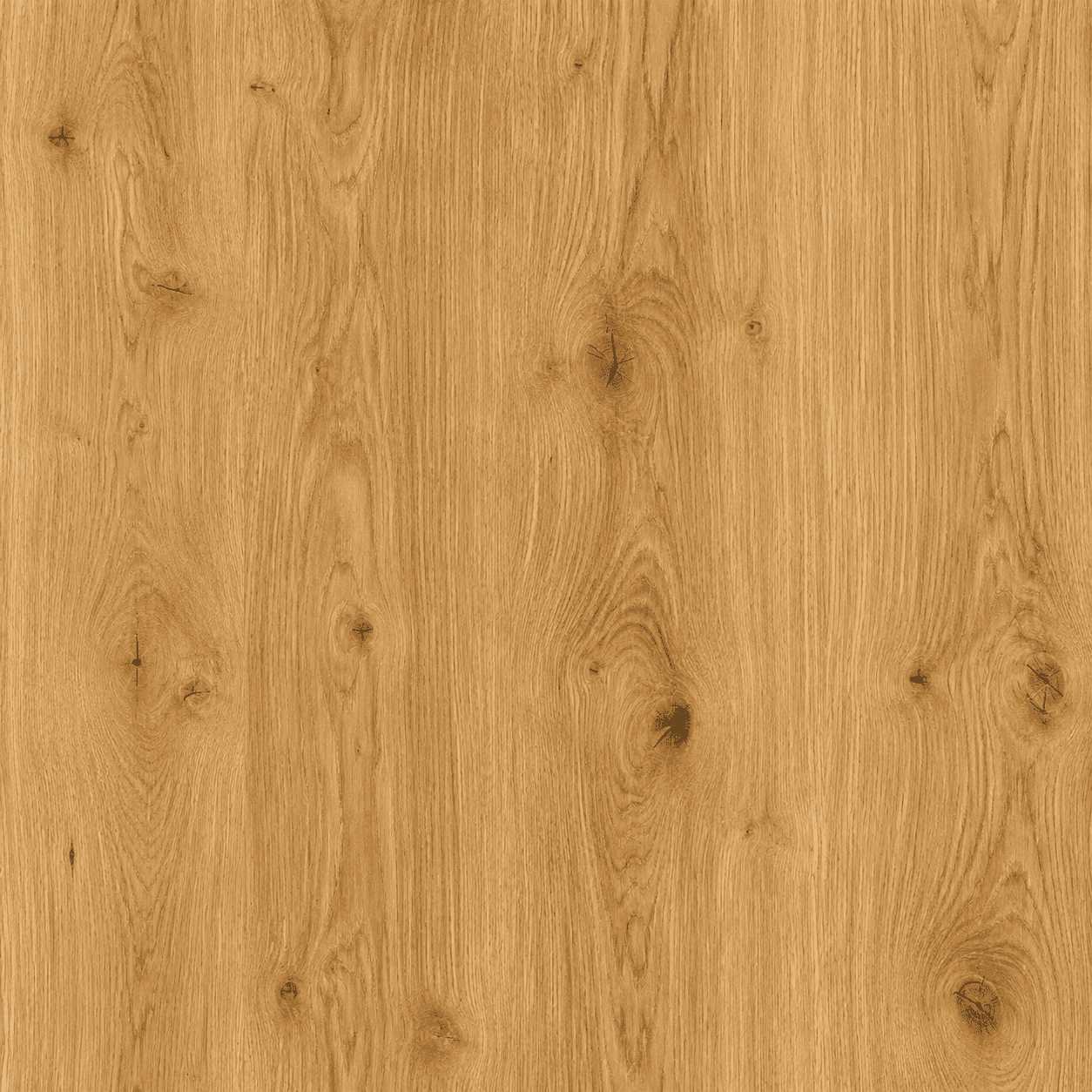

How to Generate Textures with AI
Describe your texture idea
AI generates your texture
Refine the texture details
Export and use

Why Choose Mew Design as Your AI Texture Maker
Natural-language Texture Creation
Describe the material, grain, color, lighting, and mood in plain language. Mew Design turns your idea into an AI-generated texture without complex tools.
Free to Start and Ready to Export
Try this AI texture generator for free upon signing up. Export finished textures as PNG or JPG without watermarks for digital or print use.
Detailed Surface and Material Styles
Create wood, stone, fabric, marble, paper, metal, grunge, and abstract textures with advanced image models like Nano Banana Pro and GPT Image 2.5.
Reference-based Texture Generation
Upload a texture photo, product image, or style reference. The AI can follow its color, surface rhythm, and visual character while creating a new texture.
Multiple Texture Variations
Generate several texture directions at once, compare different color palettes, surface details, or pattern scales, and choose the version that fits your project.
Easy Texture Refinement
Use Chat Edit to adjust surface detail, noise level, color balance, lighting, or pattern density without starting again from a blank prompt.
How to Write a Good Prompt for AI Texture Generation
- Material Type: Say what texture you want to create, such as wood, marble, fabric, paper, stone, metal, leather, concrete, or abstract grain.
- Surface Details: Describe the visible qualities of the surface, including cracks, fibers, veins, scratches, weave, roughness appearance, stains, or natural imperfections.
- Pattern Behavior: Mention whether the texture should feel seamless, repeat-friendly, organic, geometric, dense, subtle, or evenly distributed.
- Color and Lighting: Include the main colors, contrast level, shadows, highlights, and whether the lighting should be flat, soft, dramatic, or natural.
AI Texture Design Examples You Can Modify and Use
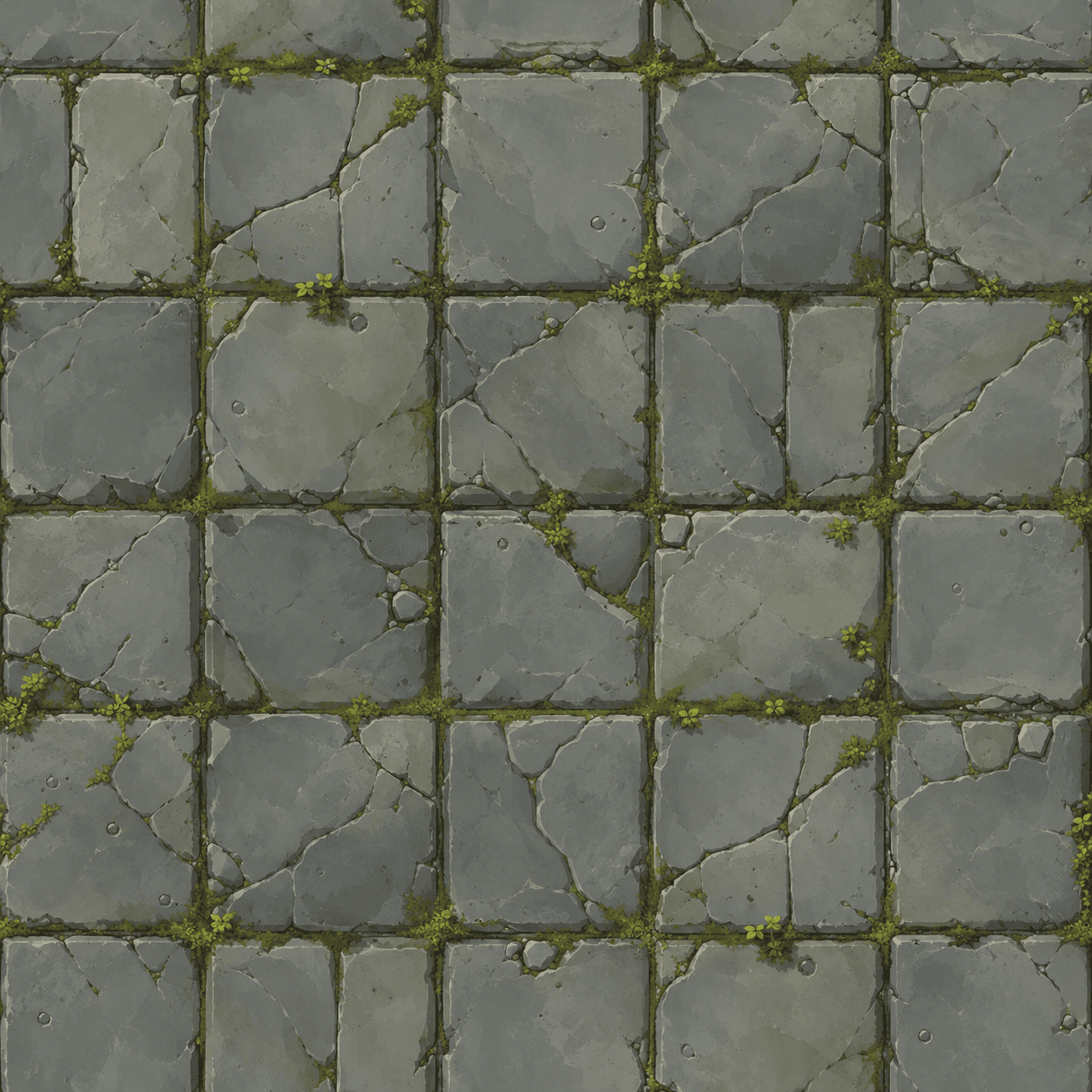
Seamless Stone Texture: Create a seamless-looking stone wall texture for a game environment or 3D concept. Material: weathered gray stone blocks Surface details: cracks, chipped edges, subtle moss, light dirt Pattern behavior: repeat-friendly, evenly distributed, no obvious center focus Lighting: soft and even Final use: background texture for game scenes, posters, and concept boards
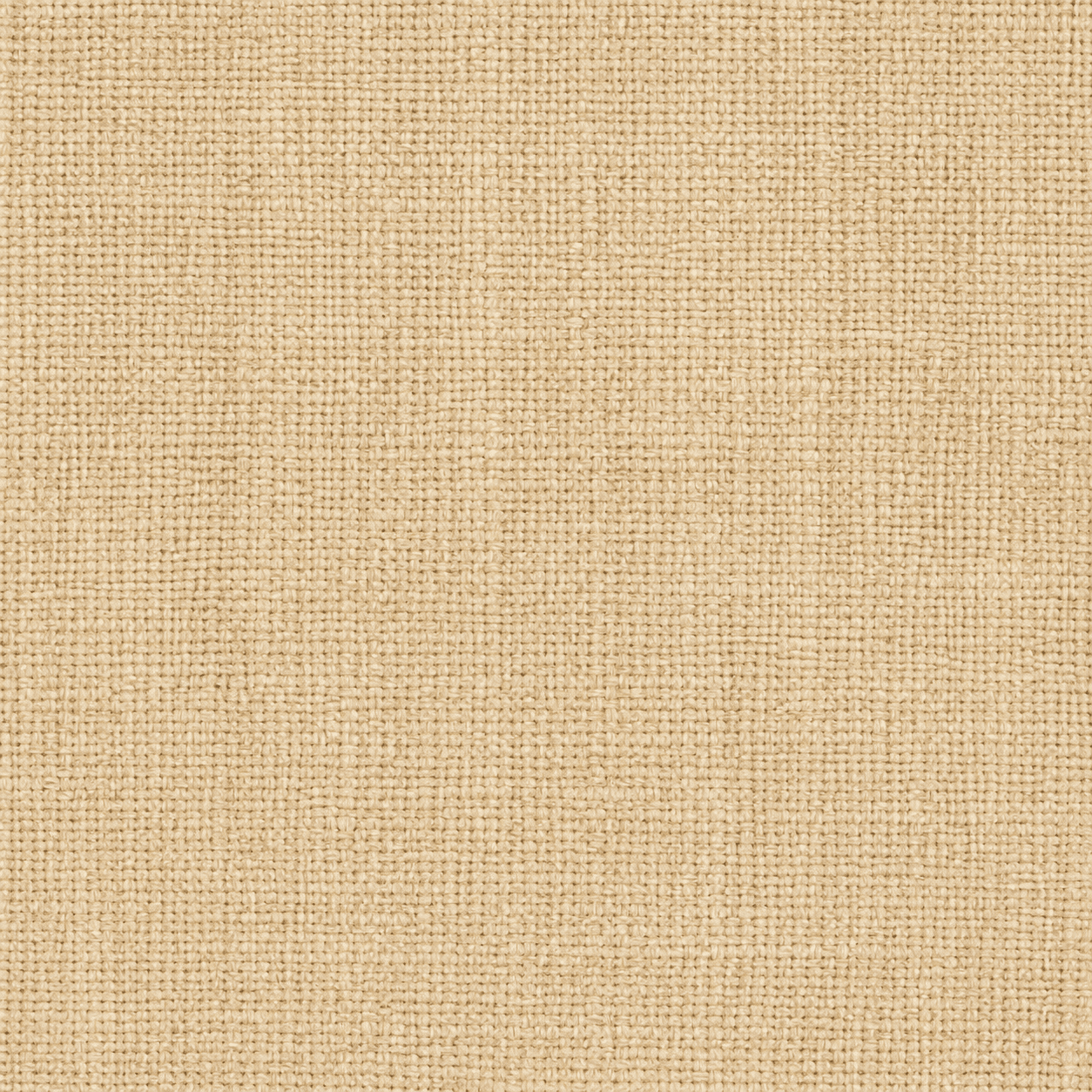
Linen Fabric Texture: Generate a natural linen fabric texture. Material: woven linen Surface details: visible thread pattern, fine fibers, soft wrinkles Colors: beige, cream, and warm neutral tones Pattern behavior: subtle, clean, repeat-friendly appearance Final use: fashion mockups, packaging, interior mood boards, and product backgrounds
Black Marble Texture: Create a luxury black marble texture with elegant gold veins. Surface details: smooth stone finish, thin irregular veining, subtle depth Colors: deep black, charcoal, gold accents Lighting: soft reflective highlights Final use: premium packaging, brand backgrounds, website visuals, and print design
Vintage Paper Texture: Design a vintage paper texture for posters and editorial layouts. Material: aged paper Surface details: fibers, grain, light stains, worn edges, subtle fold marks Colors: warm ivory, faded beige, soft brown Pattern behavior: natural and understated Final use: poster backgrounds, menus, invitations, and printable designs
Brushed Metal Texture: Create a brushed metal texture for a tech product background. Material: silver aluminum Surface details: fine horizontal brush lines, slight scratches, clean surface reflection Colors: silver, cool gray, soft highlights Style: modern and industrial Final use: product mockups, website headers, and digital advertising visuals
Abstract Gradient Texture: Generate an abstract texture background for social media and poster design. Visual style: smooth gradient with soft grain Colors: purple, blue, and warm pink Surface details: subtle noise, layered blur, gentle light movement Pattern behavior: clean, modern, not too busy Final use: Instagram posts, event posters, digital banners, and presentation covers





