Free OnlineAI Text to Image Generator
How to Generate an Image from Text with AI
Describe the Image You Have in Mind
Generate a Visual Direction
Refine It with Chat Edit
Download and Put It to Work

Why Mew Design Works for Text-to-Image Creation
Plain Language In, Purposeful Image Out
You do not need a string of technical tags. Describe what the image should communicate, and the AI Design Agent interprets the subject, relationships, visual hierarchy, and destination before it generates.
A Strong Model for Each Visual Brief
Mew Design brings leading image workflows together, including Nano Banana Pro and GPT Image 2.5. Create photorealistic scenes, illustrations, graphic layouts, or text-rich concepts without moving between separate tools.
Reference Images Keep the Direction Grounded
Upload a visual reference, product photo, logo, or brand asset when words alone are not enough. The text to image AI generator can use it to guide style, composition, or subject details while creating a new result.
Edits Stay in the Same Conversation
Generation is only the first pass. Use Chat Edit to replace an object, shift the mood, simplify the scene, change the background, or request a new crop instead of rebuilding the prompt from scratch.
More Reliable Words Inside Images
For posters, packaging, signs, and social graphics, quote the exact copy you need. Our online AI image generator uses layout-aware models that reduce misspellings and distorted lettering; always review important text before publishing.
Free Credits and Watermark-Free Exports
Try the free AI text to image generator with signup credits, explore several visual directions, and download selected results without a Mew Design watermark.
What Makes a Strong Text-to-Image Prompt
- Name the visual medium: Say whether you want a natural photo, watercolor illustration, 3D render, collage, poster, or another clear visual form.
- Direct the composition: Mention close-up or wide framing, viewpoint, subject placement, and useful negative space when the final layout depends on them.
- Quote any required text: Put exact words in quotation marks and specify their role, placement, and typography. Review every letter before using the result.
- Refine one issue at a time: After generation, ask for a single targeted change while stating what should stay unchanged. This makes revisions easier to control.
Text-to-Image Prompts for Real Creative Projects
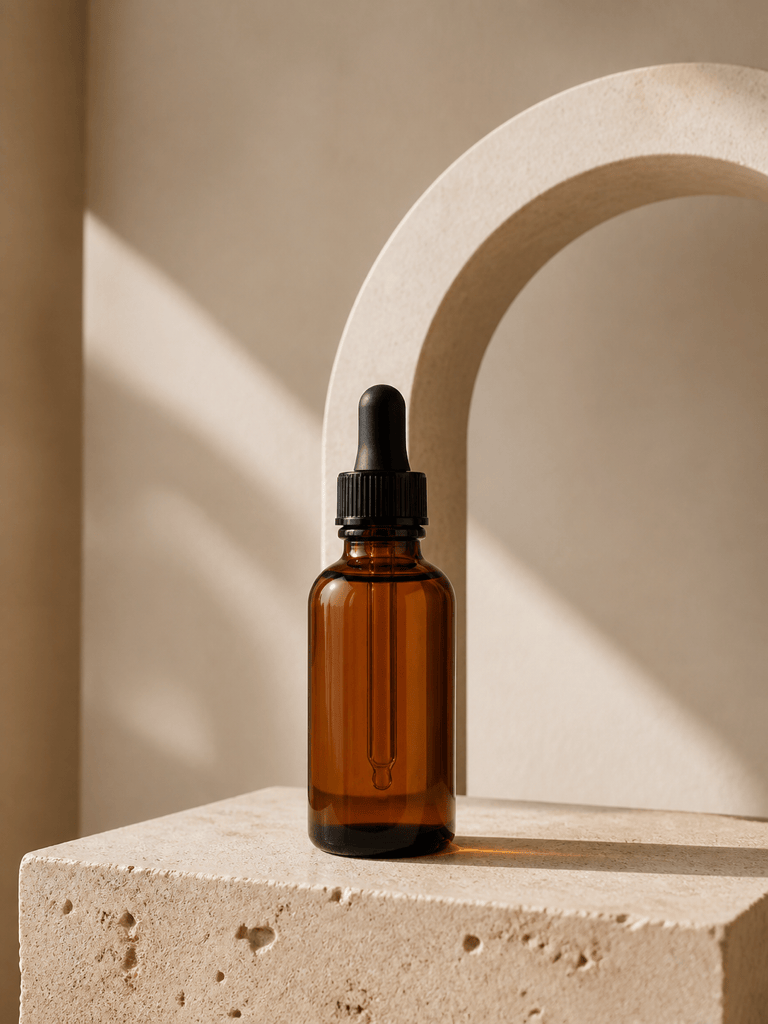
Photorealistic Product Image: Create a premium studio photo of an amber skincare dropper bottle on pale travertine, soft morning light, crisp glass reflections, warm neutral palette, vertical composition, clean negative space, no label, no logo, no watermark.
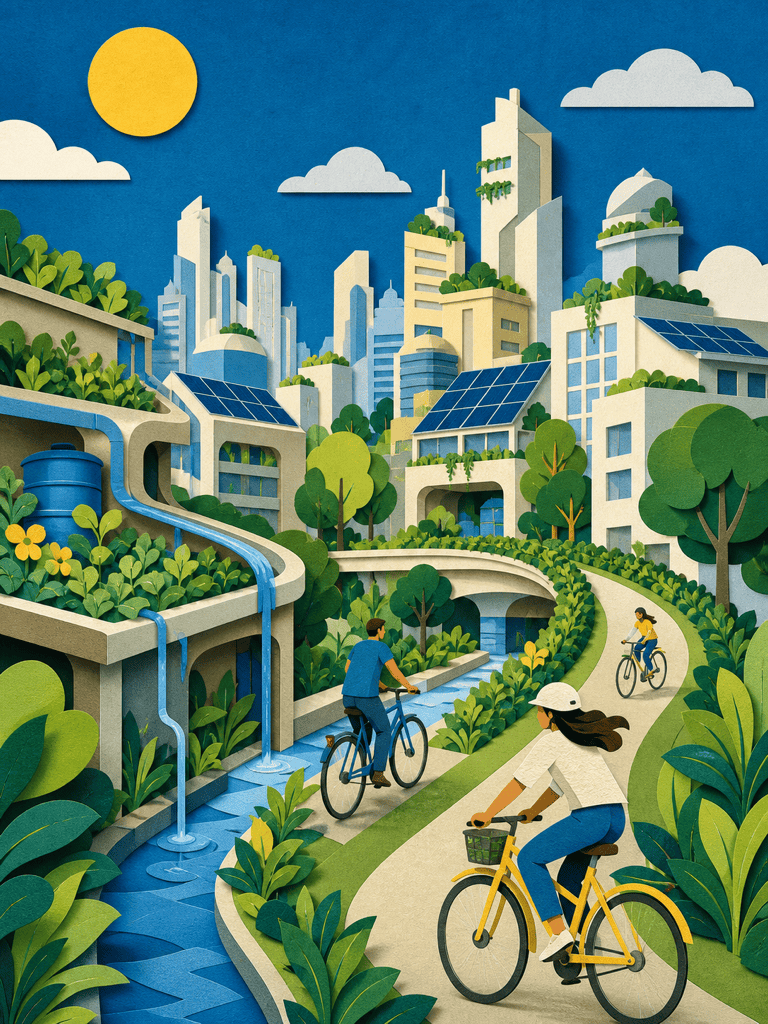
Editorial Illustration: Illustrate a small city powered by rooftop gardens and community solar panels, cut-paper collage style, layered organic shapes, optimistic blue and green palette, sophisticated magazine aesthetic, no text.
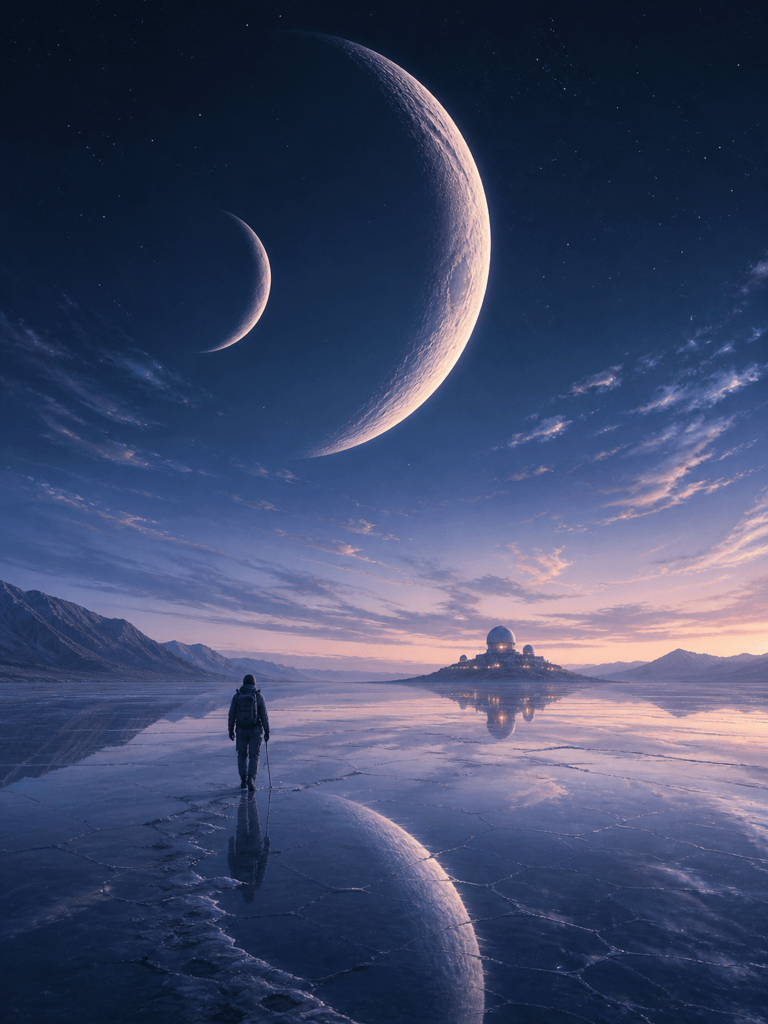
Fantasy Concept Art: A lone astronomer crossing a salt desert beneath two enormous crescent moons, windblown coat, distant observatory lights, cinematic scale, indigo and silver palette, atmospheric digital painting, vertical composition.
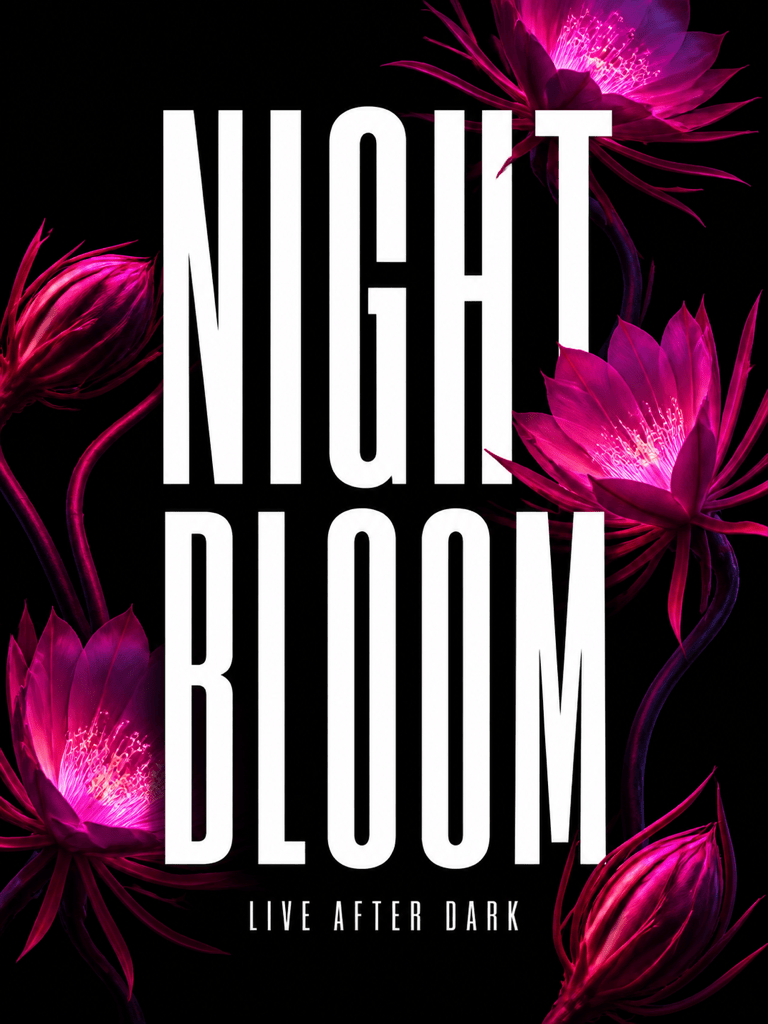
Typography Poster: Design a bold music poster with the exact title "NIGHT BLOOM" and subtitle "LIVE AFTER DARK". Oversized condensed type, luminous magenta flowers on black, sharp hierarchy, generous margins, vertical poster, no extra words.
Social Media Food Photo: Top-down photograph of handmade citrus pastries on a cobalt table, hard midday shadows, playful editorial styling, square crop, space for a short caption, no hands, no text, no logo.
Children's Book Illustration: A curious red panda librarian rolling a ladder through a moonlit treehouse library, warm watercolor and pencil texture, gentle expressions, cozy amber lamps, full-page storybook composition, no text.
Website Hero Background: Abstract translucent glass ribbons forming a soft wave over a midnight blue field, subtle cyan highlights, premium technology mood, wide 16:9 composition, uncluttered center area for white headline copy, no text.
Reference-Guided Brand Visual: Use my uploaded product photo as the subject reference. Place the product in a misty alpine morning scene with realistic scale and reflections, preserve its shape and colors, leave clean space above for campaign copy, no added logo.





