Free OnlineAI Table Generator
How to Generate Tables with AI
Describe the table you need
Generate the table layout
Refine the table details
Export and share

Why Choose Mew Design as Your AI Table Maker
Create Tables from Text, Notes, or URLs
Paste raw information, meeting notes, feature lists, or webpage URLs, and our AI table creator organizes the content into a structured table automatically.
Built for Comparison and Decision-Making
Create product comparisons, feature matrices, pricing tables, and side-by-side evaluations that are easy to scan and understand.
Accurate Text and Layout Control
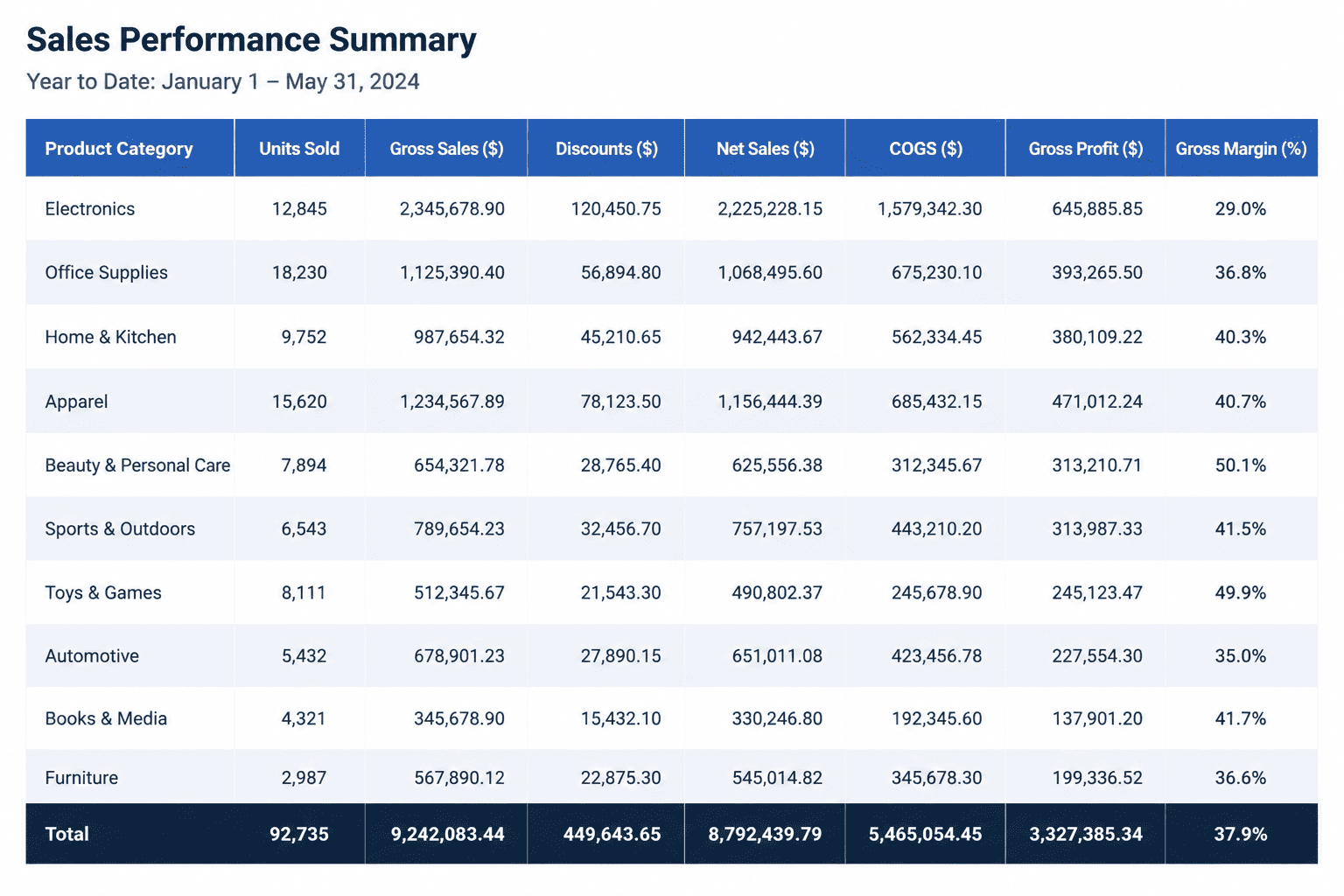
Unlike many image generators, Mew Design maintains clear labels, readable content, and organized table structures that remain useful after export.
Refine Content Through Conversation
Need additional columns, reordered categories, or different highlighting? Simply tell the AI what to change instead of rebuilding the table.
Match Your Brand Style
Upload logos, brand colors, or existing design assets to create tables that fit seamlessly into presentations, reports, and marketing materials.
How to Write a Good Prompt for AI Table Creation
- Content: Specify the information that should appear in the table. Example: Product names, pricing, features, specifications, or schedule details.
- Structure: Describe the columns, rows, and categories you want. Example: Compare three products across pricing, integrations, support, and security.
- Visual Style: Mention whether the table should be minimalist, presentation-ready, corporate, educational, or infographic-style.
- Final Use Case: Explain where the table will be used. Example: Website pricing page, investor presentation, sales deck, report, or classroom material.
AI Table Prompt Examples You Can Try
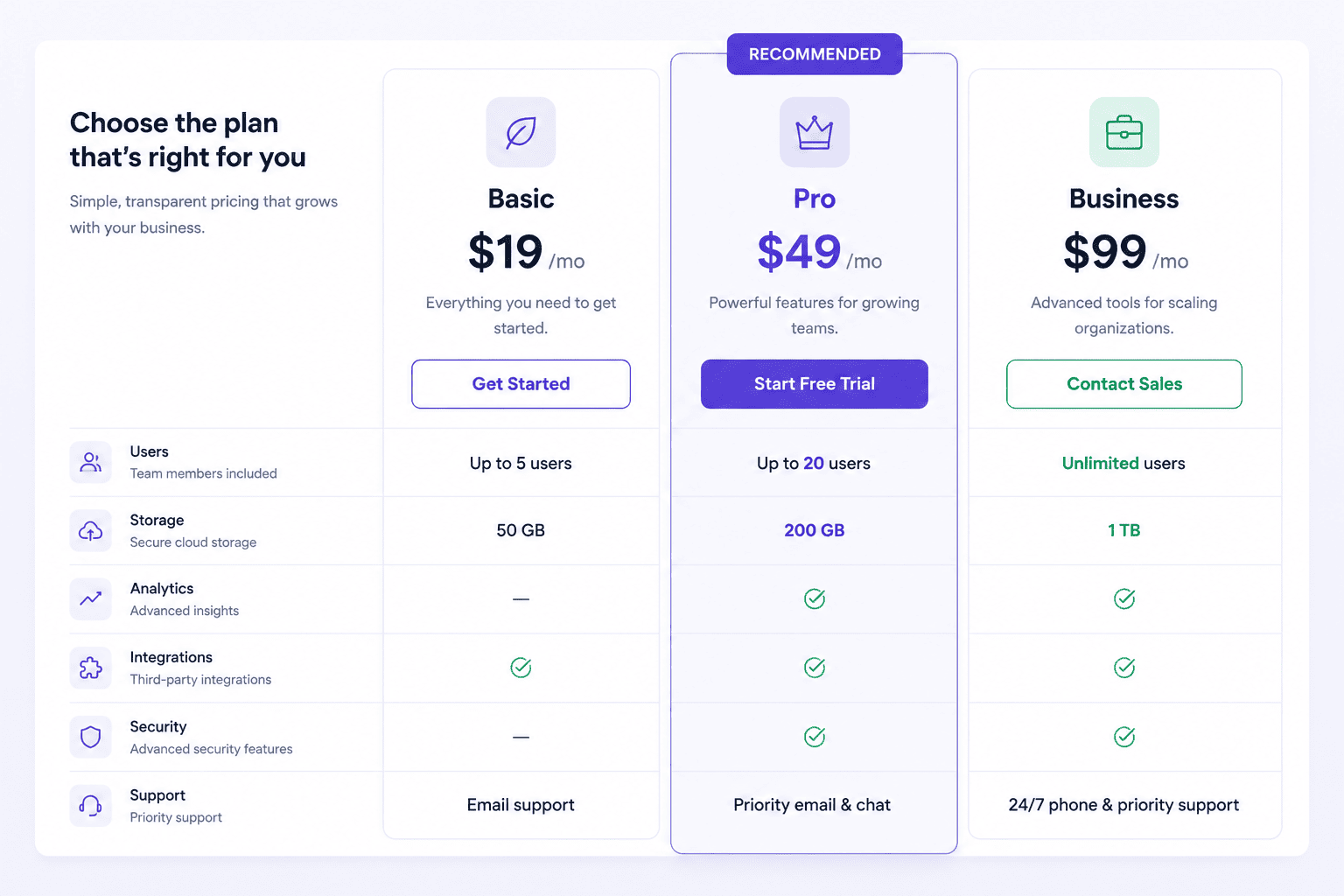
SaaS Pricing Table: Create a pricing table for a software product. Plans: Starter, Professional, Enterprise; Rows: Price, Storage, Team Members, AI Features, API Access, Support Level. Highlight the Professional plan and design the table for a modern SaaS website.
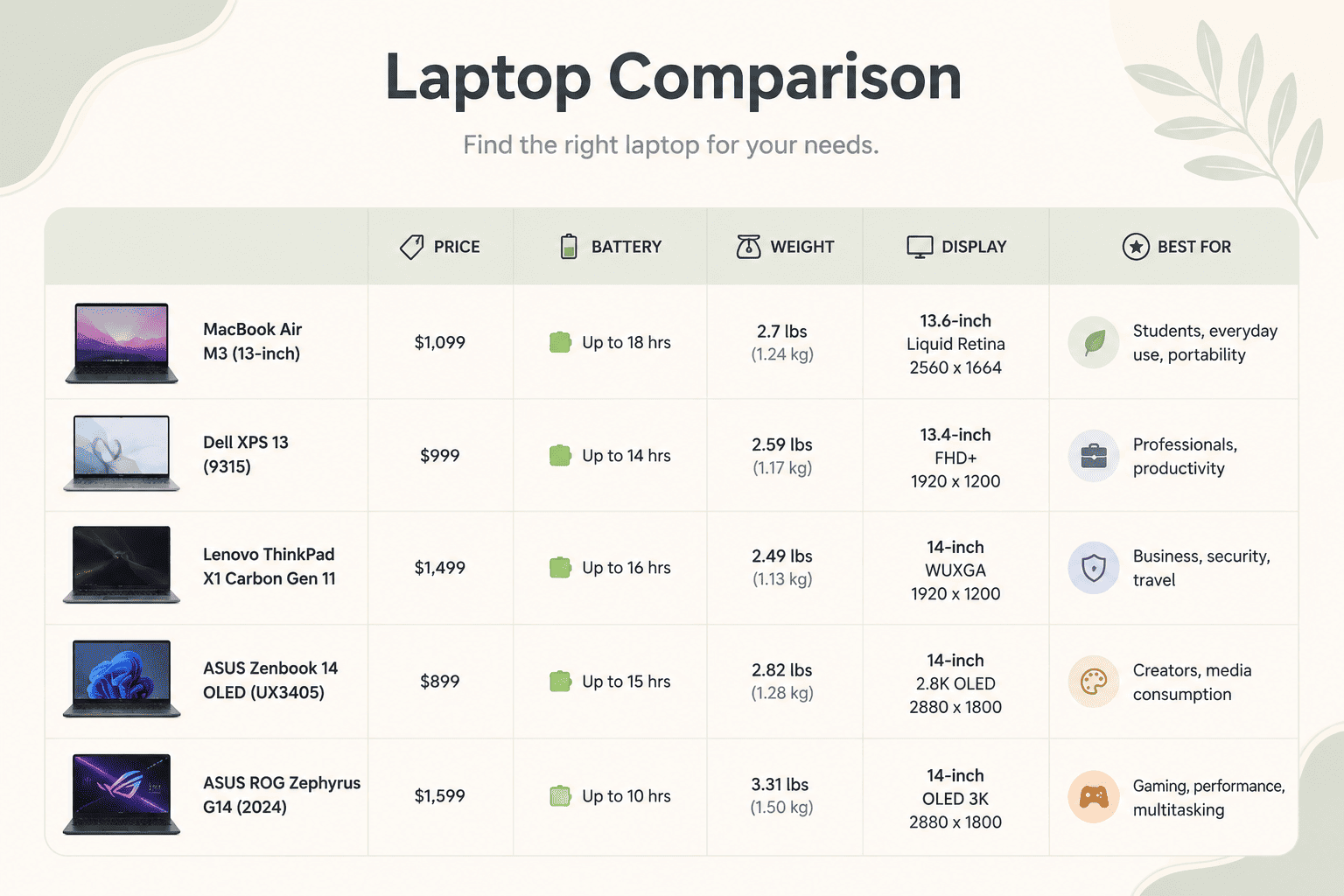
Product Comparison Table: Create a comparison table for [Product A][Product B][Product C] Compare: Price, Key Features, Pros, Cons, Target Audience. Use a presentation-ready design suitable for sales meetings.
Marketing Channel Comparison: Create a table comparing SEO, Google Ads, LinkedIn Ads, and Email Marketing. Include: Cost, Time to Results, Scalability, Lead Quality, Best Use Cases. Use a clean infographic style.
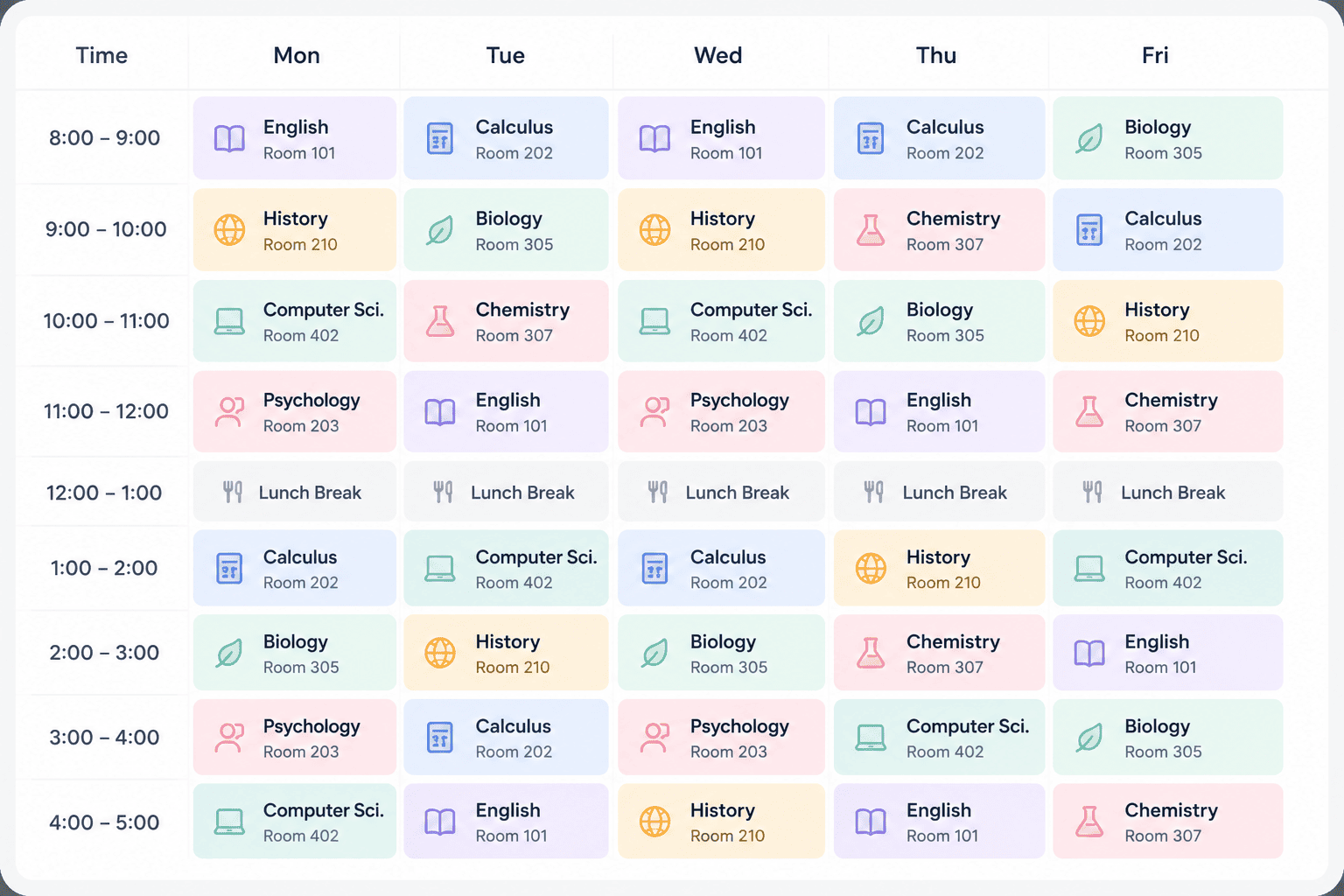
Monthly Study Plan: Create a monthly study schedule table. Columns: Week 1–4. Rows: Math, Science, History, Practice Tests, Revision. Use color-coded educational styling.
Employee Training Matrix: Create a training matrix for a team. Columns: Employee Names. Rows: Product Training, Compliance Training, Technical Certification, Leadership Program. Use a professional HR presentation style.
Feature Comparison Chart: Create a software feature comparison table. Compare: [Your Product] [Competitor A] [Competitor B] [Competitor C]. Include: Core Features, Integrations, Automation, Security, Pricing. Design the table for a product marketing presentation.





