Online FreeAI Schedule Generator
How to Make a Schedule with AI in 5 Steps
Sign Up and Receive Free Credits
Input Your Details and Style
Automated Design Generation
Refine Through Chat or Manual Editing
Export and Stay Organized
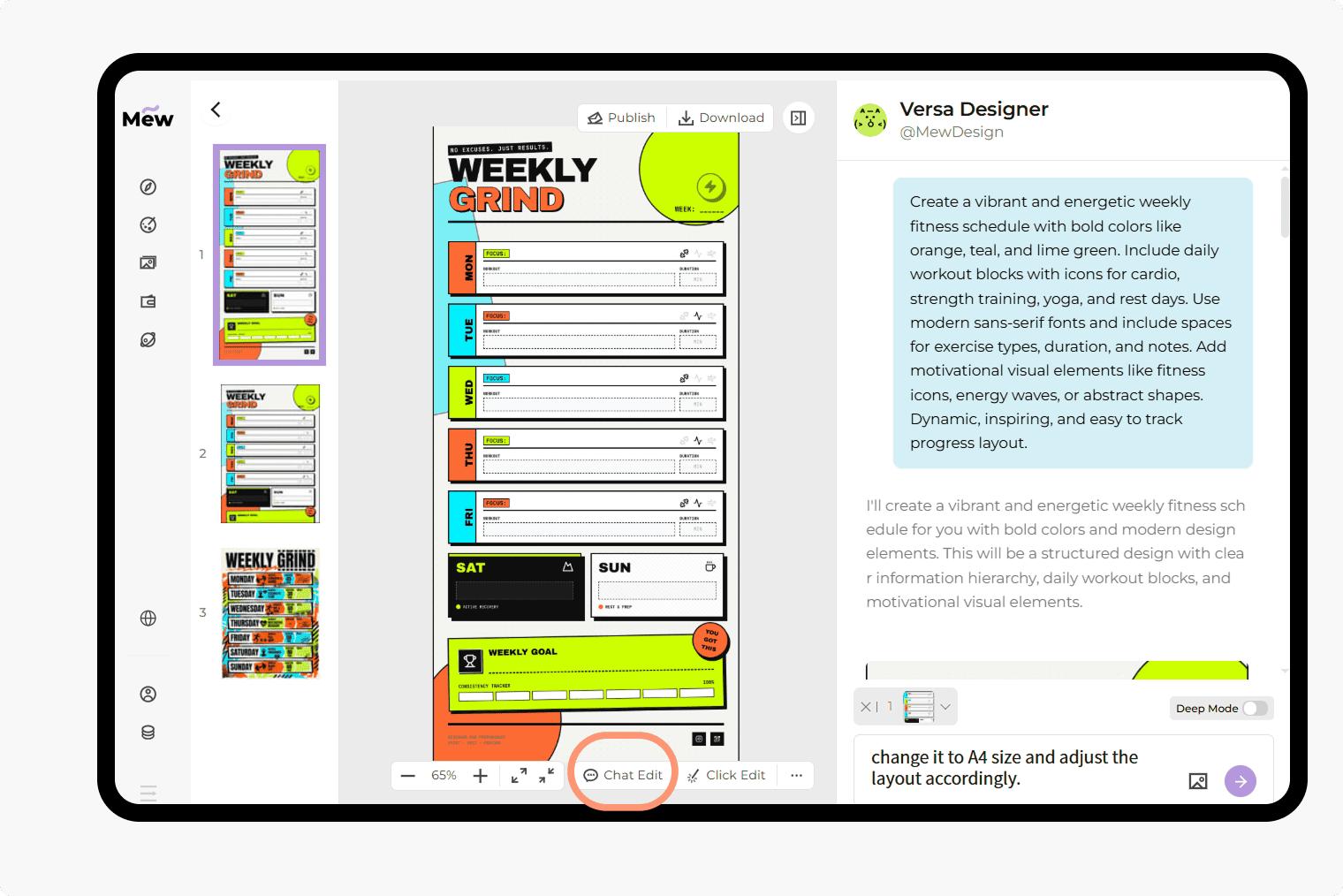
Why Choose Mew Design as Your AI Schedule Generator
Create Schedules Your Way
Our AI schedule maker transforms your text descriptions into fully customized weekly or daily layouts. No design experience is needed and no rigid grids—every schedule matches your routine.
Precise Text and Time Accuracy
Legibility is vital for productivity. We minimize the text distortions common in other AI tools, delivering crisp, readable names and time blocks in every AI-generated schedule.
Dual-Mode Editing for Total Control
Experience the best of both worlds. Click "Chat Edit" to modify your design through conversational AI, or choose the "Click Edit" to manually adjust individual layers for a pixel-perfect finish.
A Consistent Series for Long-Term Planning
Consistency is key. Ask Mew Design for a series of schedules—like a month-long employee schedule project—that keeps the same look across every page.
Professional Brand Integration
Easily add your brand assets or reference a specific schedule style. Our AI agent learns the style and integrates logos and brand elements into the layout for a clean, consistent result.
Specialized Layouts for Every Need
Whether you’re building a college schedule for a busy semester or managing employee shifts for your business, our AI adjusts the layout to fit the real demands of each scenario.
How to Write Effective Prompts for Your Schedule
- Define the Context: Clearly state if you are making a Class schedule, Employee shift roster, or Daily deep-work planner.
- Organize Your Content: Group tasks by time or priority so the AI understands the hierarchy.
- Suggest a Palette: Mention colors that fit your environment, such as Calm Sage Green, Slate and Navy Blue, or High-Contrast Dark Mode.
- Direct the Agent: If you have a specific vision, ask the AI to "include a notes section" or "highlight weekends in red."
Sample Prompts to Help You Create Your Schedule
For Higher Education: Use the aiImageTool to create a weekly class schedule for a first-year medical student. Style: Calm sage green and white. Layout: Hour-by-hour grid from 8 AM to 8 PM. Content: [Insert Subject Names and Room Numbers]. Include a small icons for study breaks.
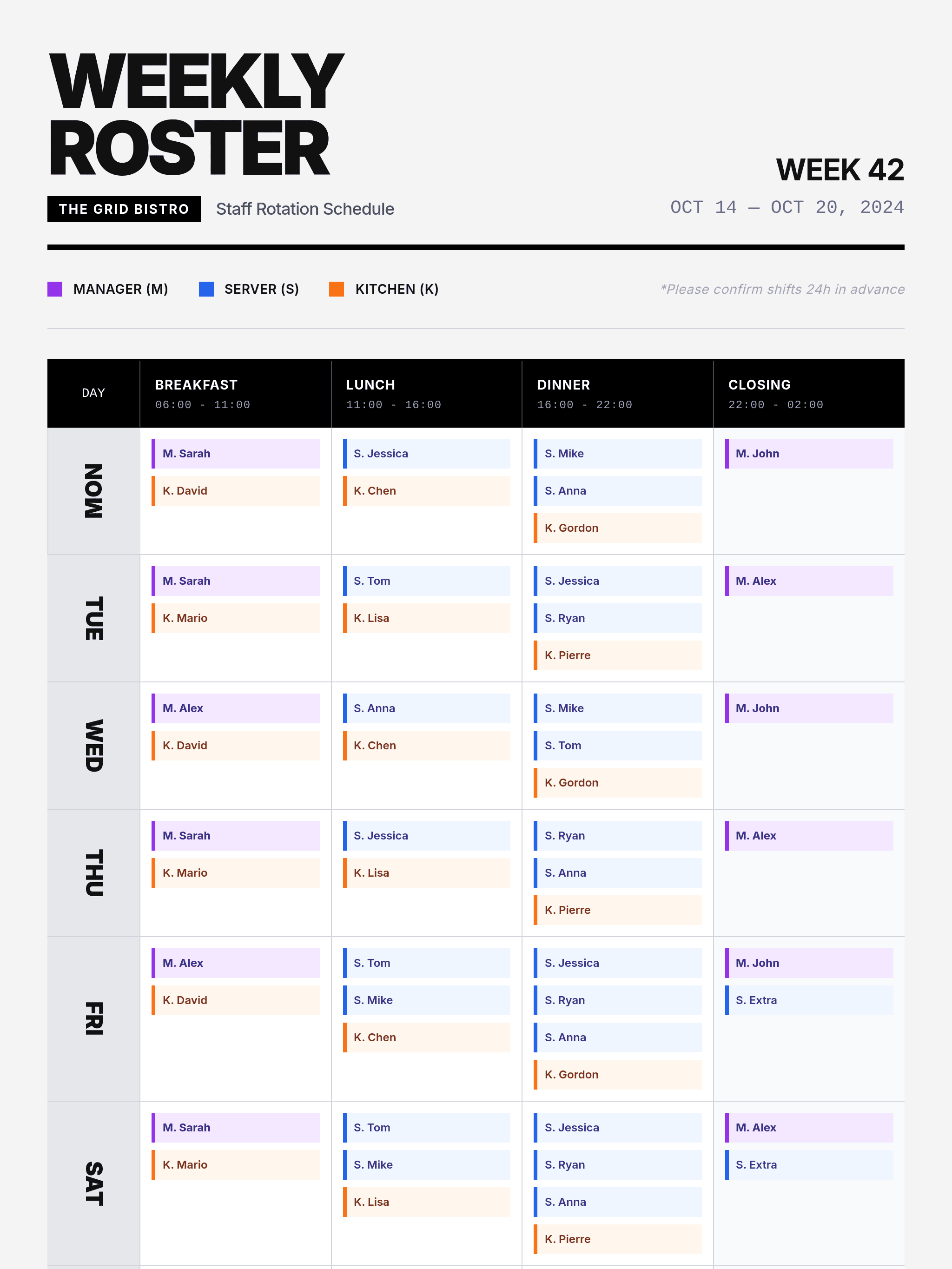
For Employee Management: Design a 7-day employee shift roster for my team. [Upload Company Logo] for the header. Style: Professional and clean. Content: [Insert Employee Names and Shift Hours]. Highlight the weekend shifts in a different color.
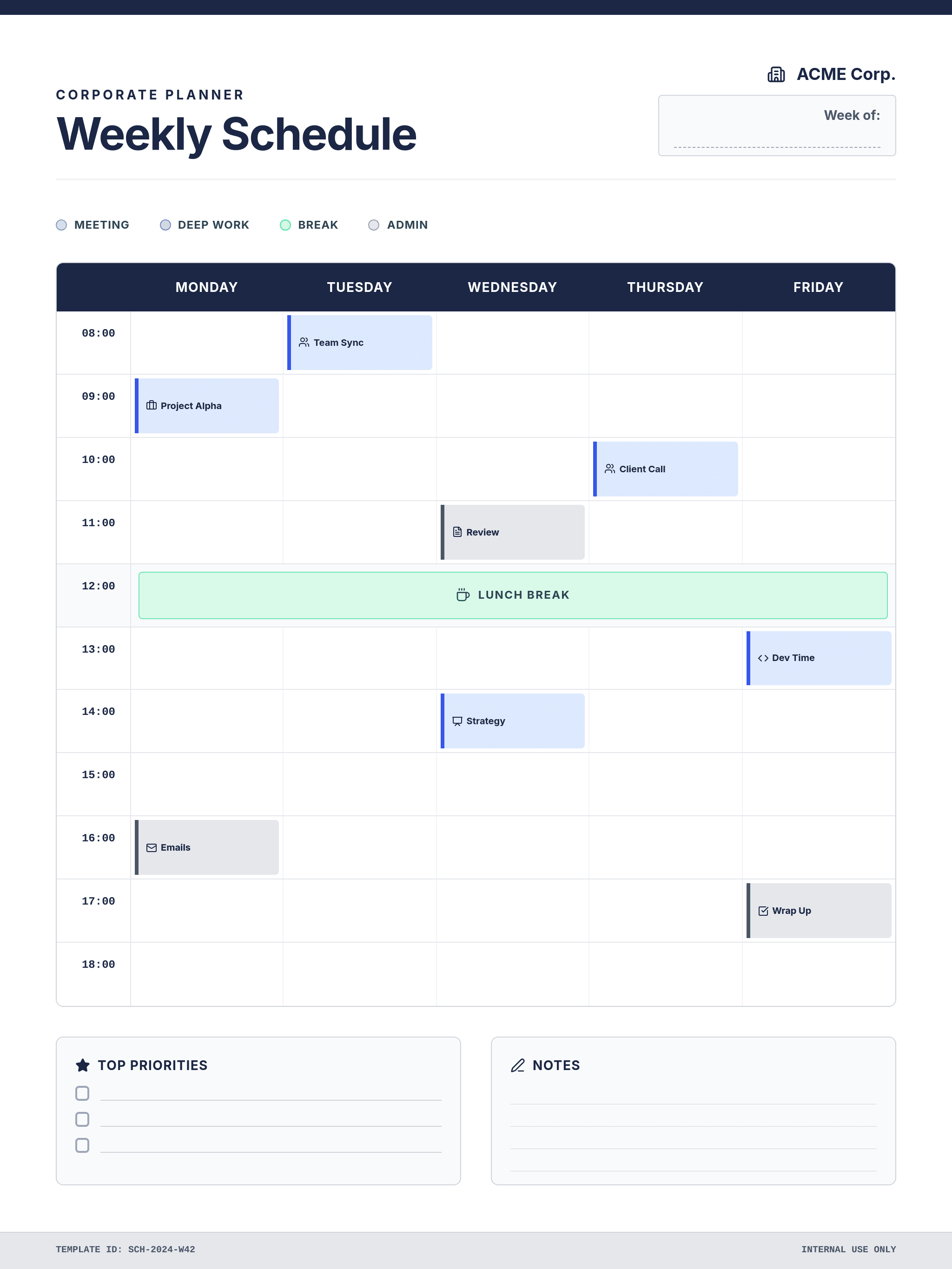
For Personal Productivity: Design a daily schedule for an entrepreneur. Style: Minimalist with bold typography. Include blocks for 'Deep Work', 'Meetings', and 'Fitness'. Content: [Insert Daily Tasks]. Add a 'Daily Quote' placeholder at the top.
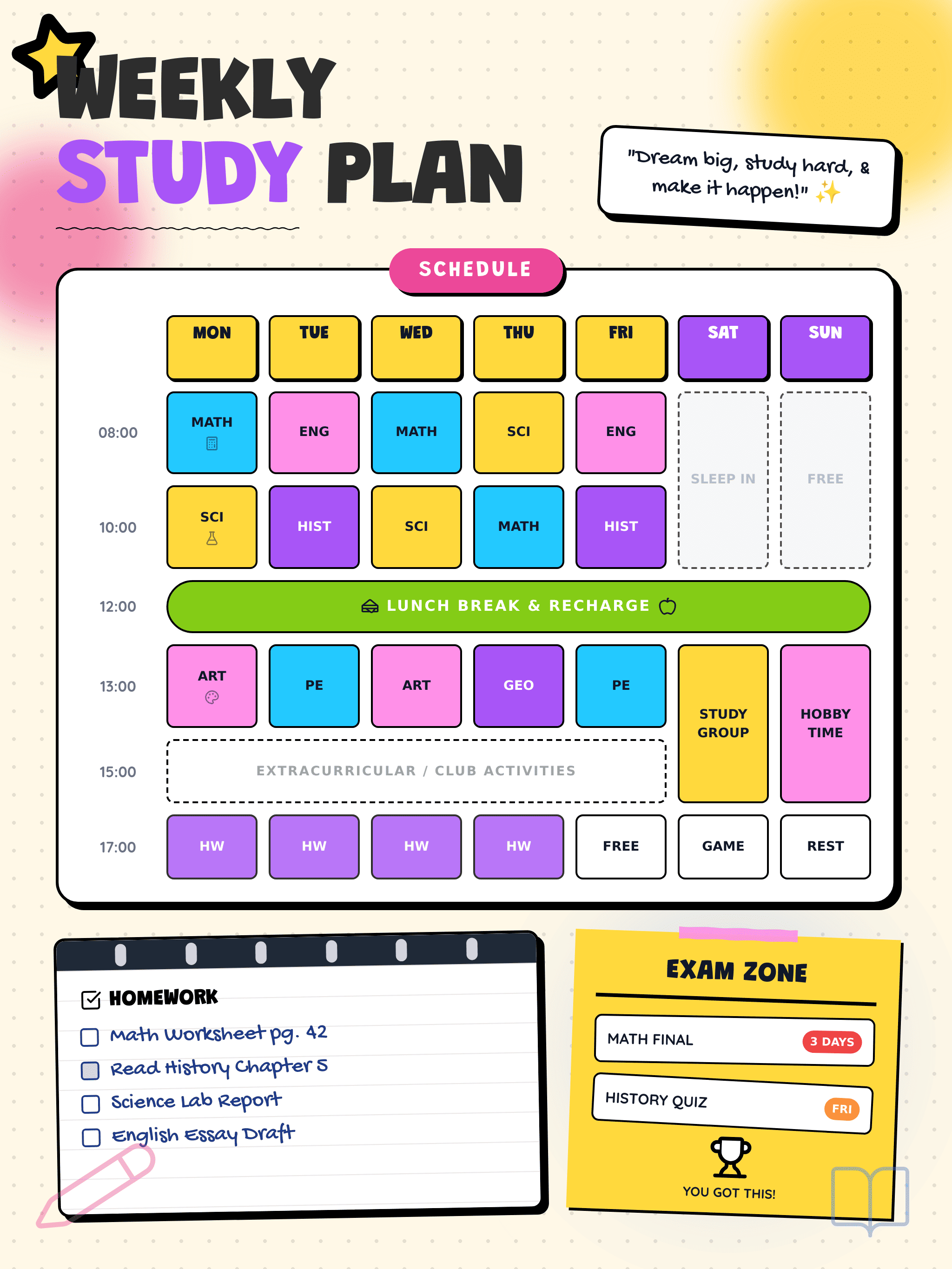
For K-12 Classrooms: Use the aiImageTool to create a visual classroom schedule for a 3rd-grade teacher. Style: Playful and colorful with icons for 'Art', 'Math', and 'Recess'. Content: [Insert Lesson Times]. Ensure the font is large and easy for children to read.
For Project Timelines: Generate a monthly project schedule for a 2026 product launch. Format: Gantt-chart style. Style: Corporate blue and gray. [Upload Reference Image] for the aesthetic. Content: [Insert Milestones and Deadlines].
For Fitness and Health: Use the aiImageTool to create a 12-week marathon training schedule. Layout: Weekly view with checkboxes for completed runs. Style: High-energy with motivational backgrounds. Content: [Insert Daily Mileage and Rest Days].





