Free OnlineAI RPG Generator
How to Create RPG Art with AI
Describe the RPG World
Generate the First Visual
Keep the Art Direction Coherent
Export for Your Workflow

Build a Distinct RPG World with Mew Design
Explore More Than One Hero
A game art generator should help you picture the world too. Create environments, creatures, relics, and visual concepts around the cast.
Direct the Look in Plain Language
Describe painterly fantasy, pixel art, anime-inspired illustration, or science-fantasy concept art without learning a complex design editor.
Refine Individual Details
Use Chat Edit to request a clearer silhouette, different armor, a quieter background, or a new camera angle without rewriting the whole brief.
Use References to Guide Continuity
Bring a reference image into the conversation to guide palette, costume language, and mood across related RPG visuals. Review each output for continuity.
Create a Repeatable Visual Workflow
Save a successful art direction as a Mew Skill for later characters, locations, and item designs, so the next brief starts with familiar visual rules.
Try Ideas Before Committing
Start with free AI credits after signup, compare visual directions, and export selected image concepts without a watermark.
How to Keep RPG Visuals Consistent
- Name the Output: Ask for a character portrait, environment concept, item illustration, or UI concept. State the framing and intended placement.
- Lock Visual Anchors: Repeat the distinctive colors, costume pieces, symbols, and materials that should connect related images.
- Design for the Destination: A game pitch image can be cinematic; a small avatar or token needs a clean silhouette and readable face.
- Review Before Production: Inspect anatomy, objects, text, consistency, rights, and export dimensions. Treat generated art as a concept to validate for your project.
RPG Art Ideas to Generate
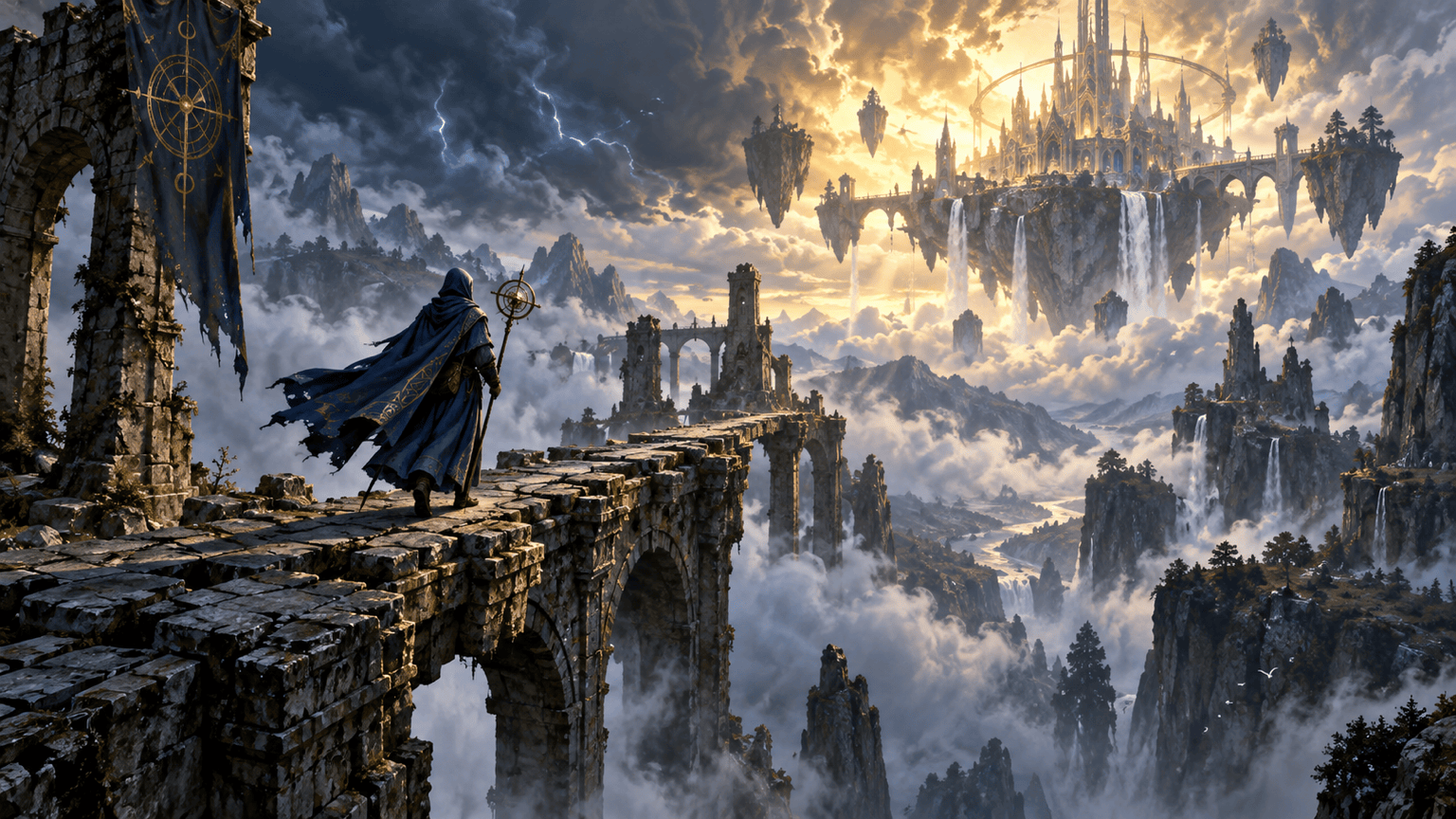
Create an original 16:9 fantasy RPG key art scene: a lone storm cartographer crosses a ruined bridge toward a floating citadel. Painterly lighting, clear focal point, no text, logos, or known franchise elements.
Create a full-body RPG character concept of an elderly desert healer with layered indigo robes, a brass water flask, and a distinctive crescent staff. Show one readable figure against a simple background; no text.
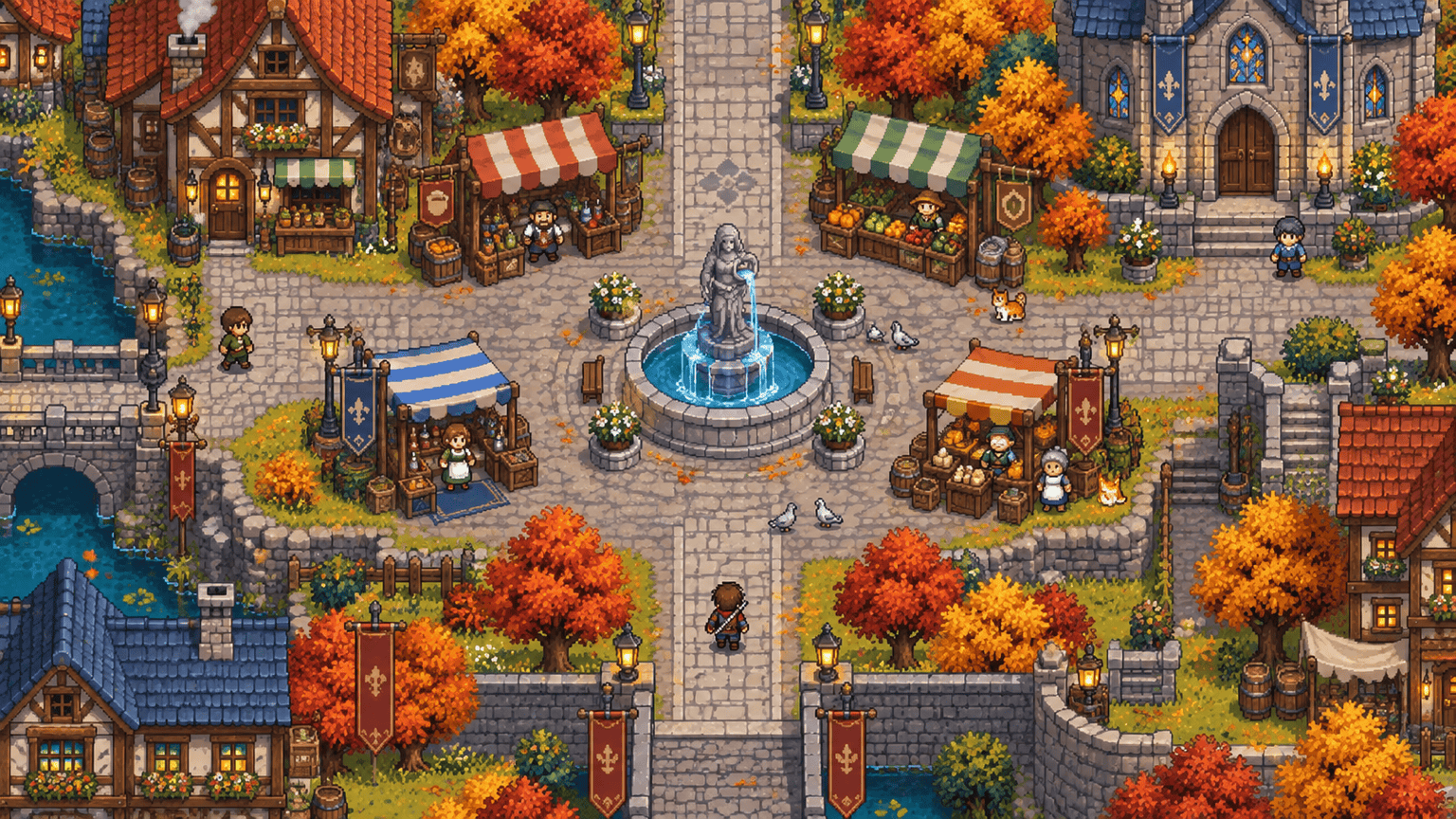
Create a top-down pixel-art RPG town square with market stalls, a fountain, two clear paths, and a warm autumn palette. Keep shapes readable at game scale; no labels or UI.
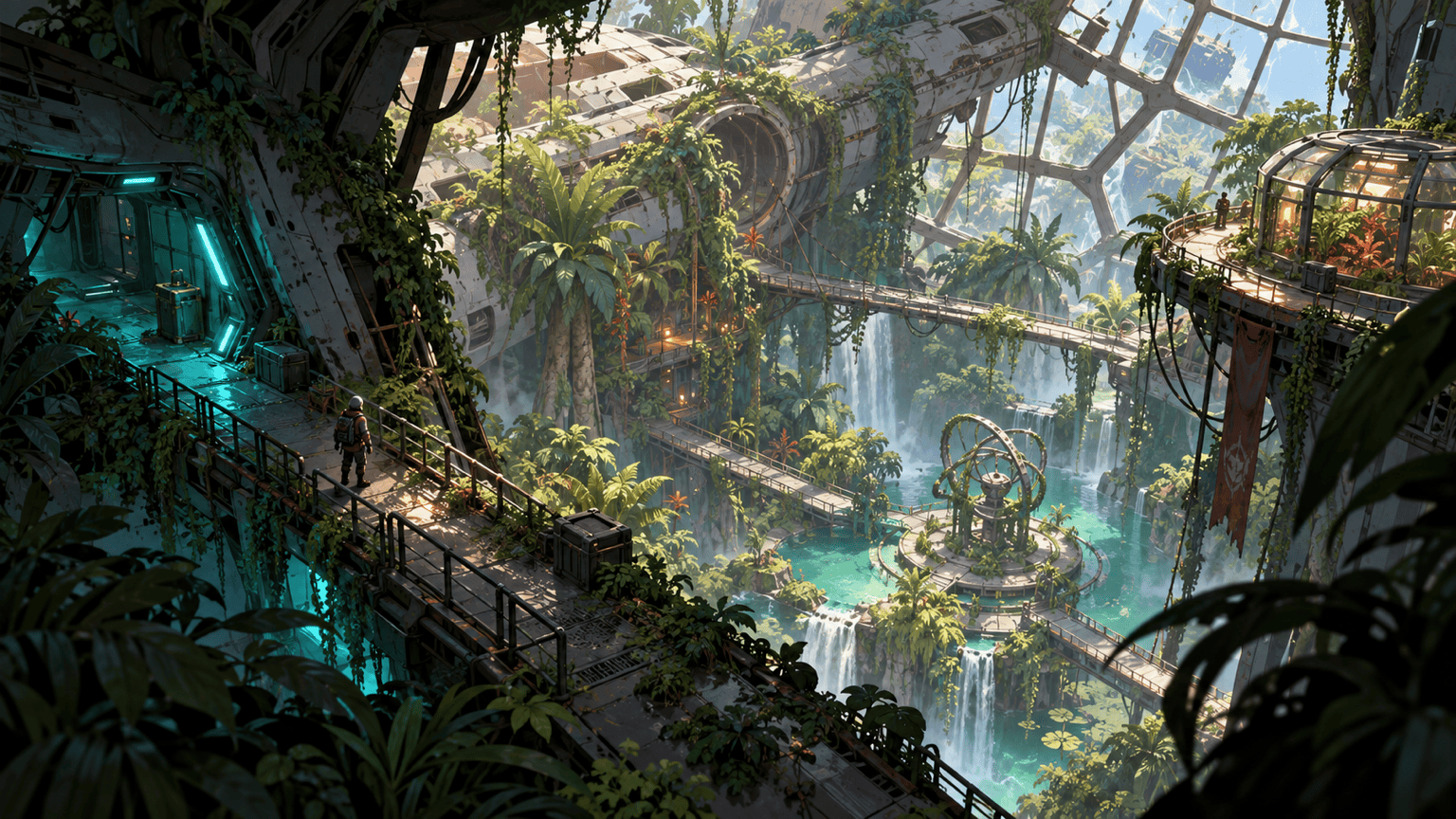
Create an isometric science-fantasy RPG environment concept of a greenhouse inside a crashed starship. Combine overgrown plants, broken hull panels, and soft turquoise emergency lights; no characters or text.
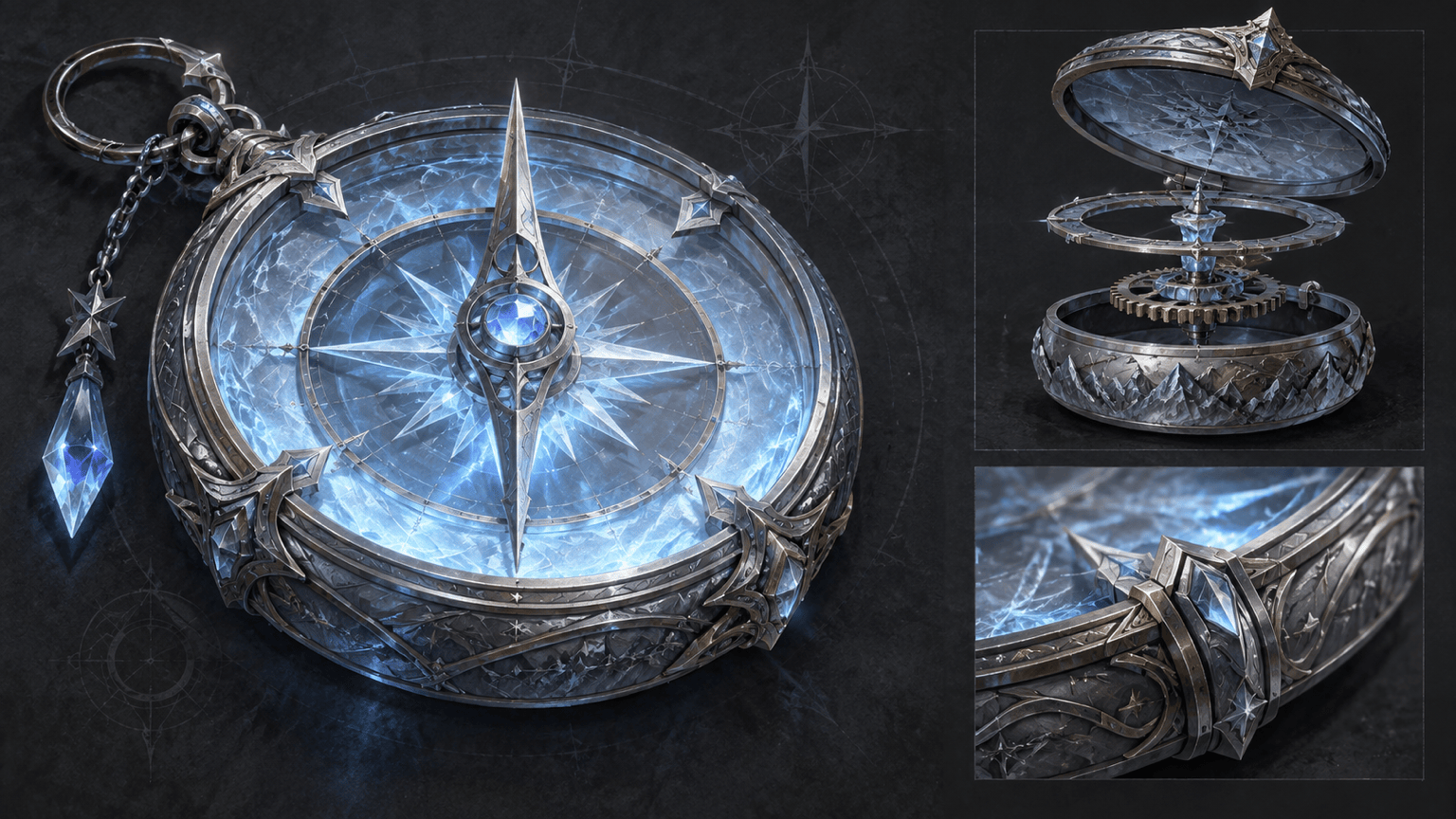
Illustrate an original RPG item card concept: a frostglass compass with silver fittings and a pale inner glow. One isolated object on a quiet dark backdrop, clear silhouette, no text or border.
Create a visual concept for an RPG inventory screen with a compact item grid, equipment silhouette, and restrained fantasy ornament. Use placeholder shapes instead of readable text and keep the layout clear.





