Free OnlineAI World Generator
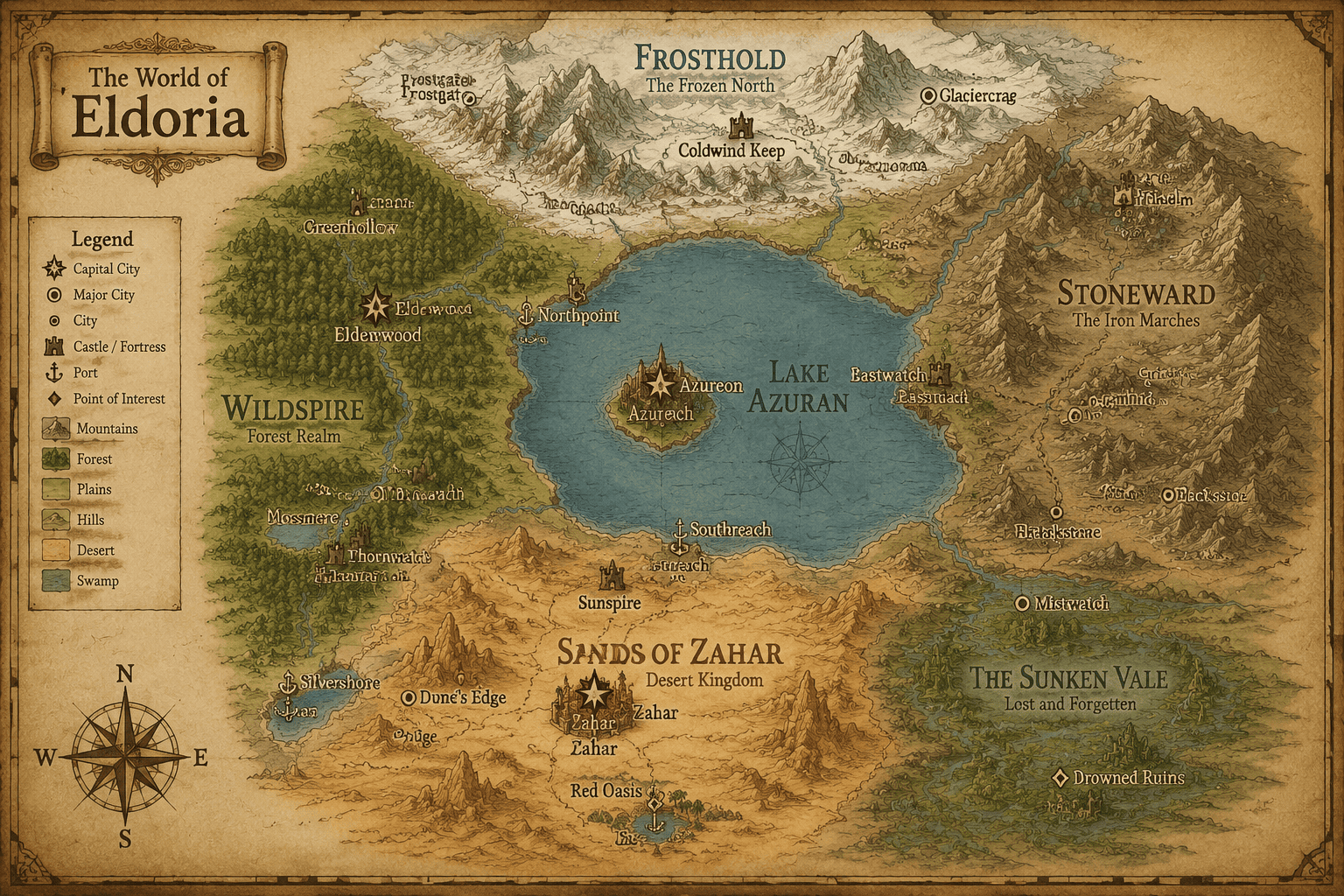
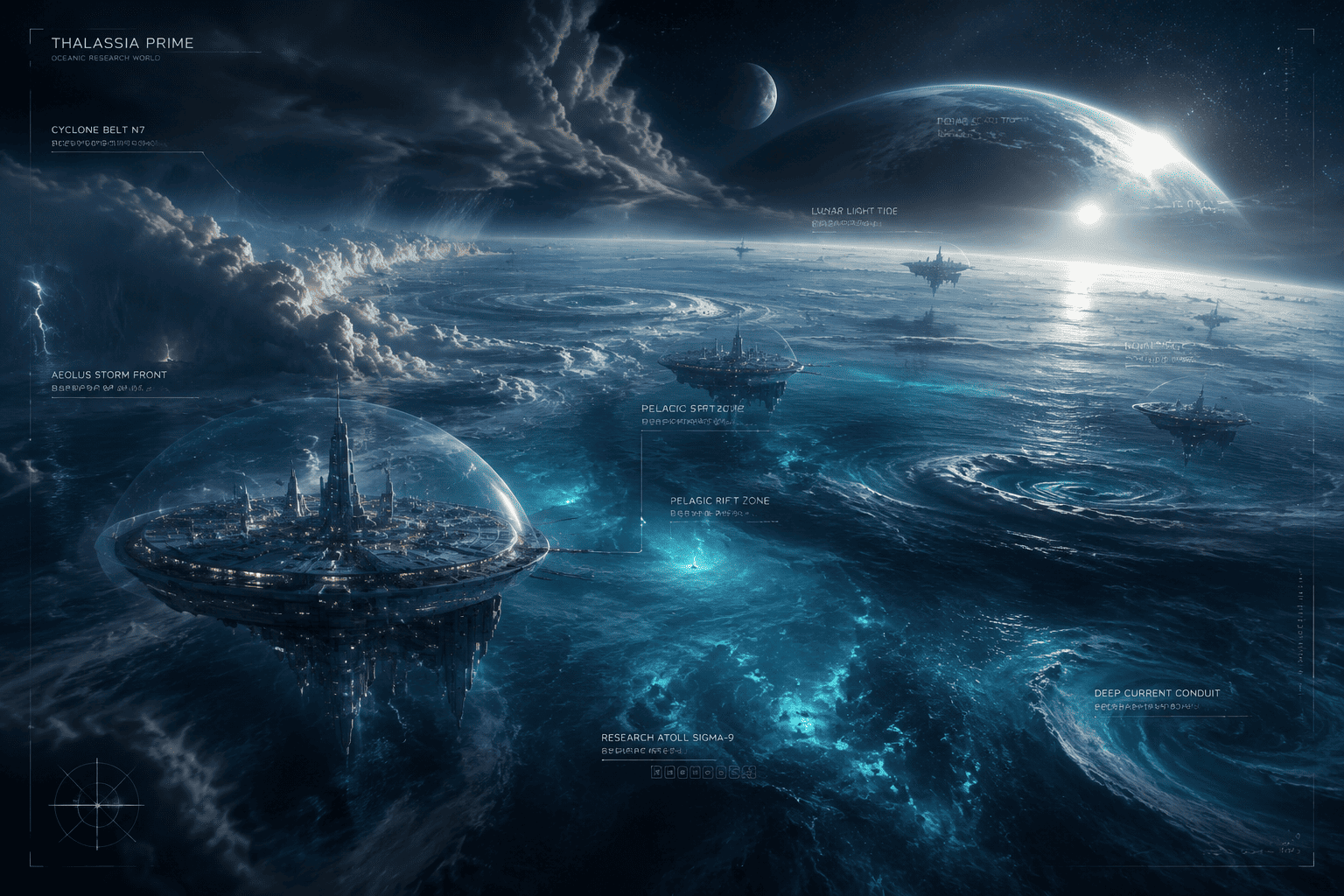
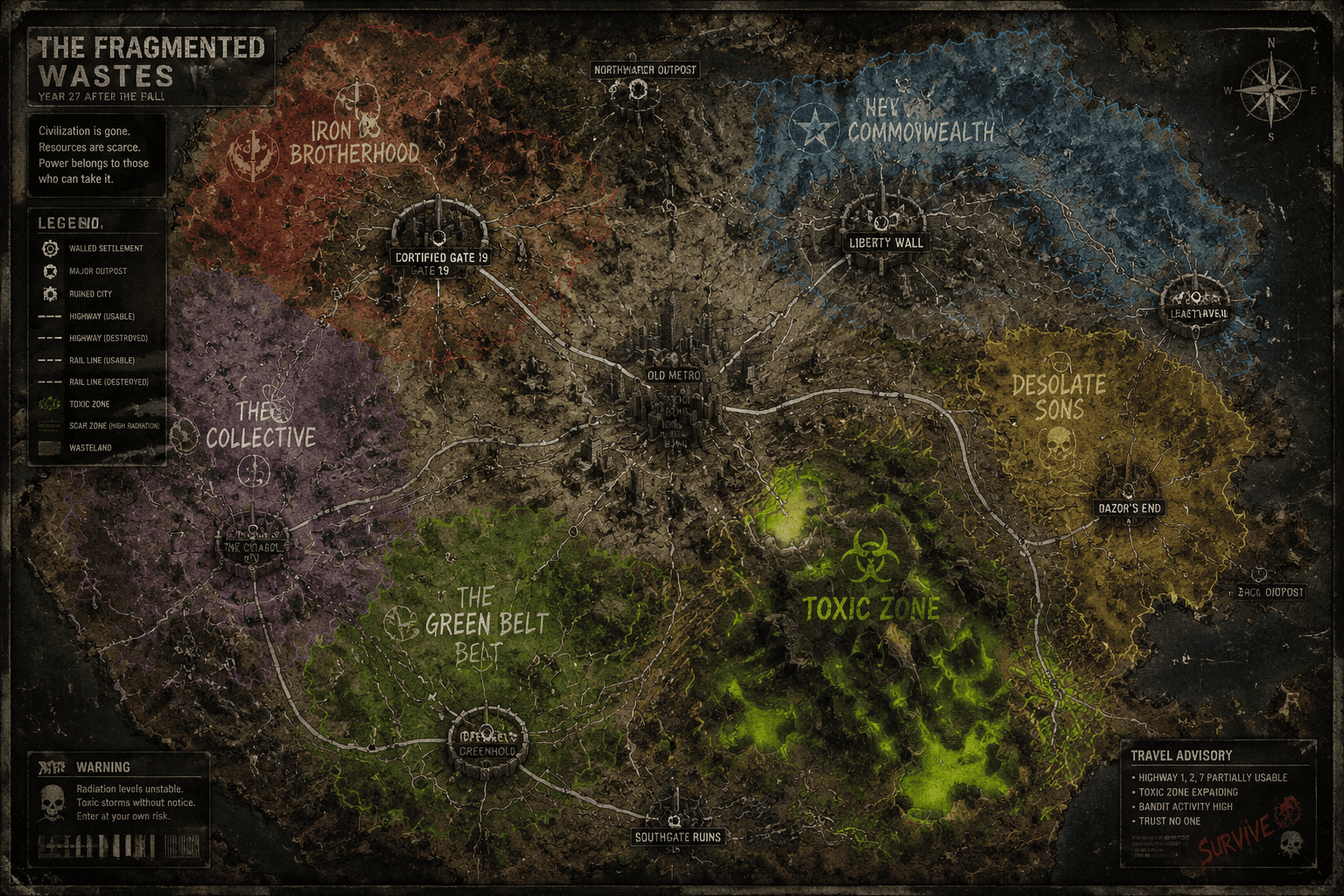
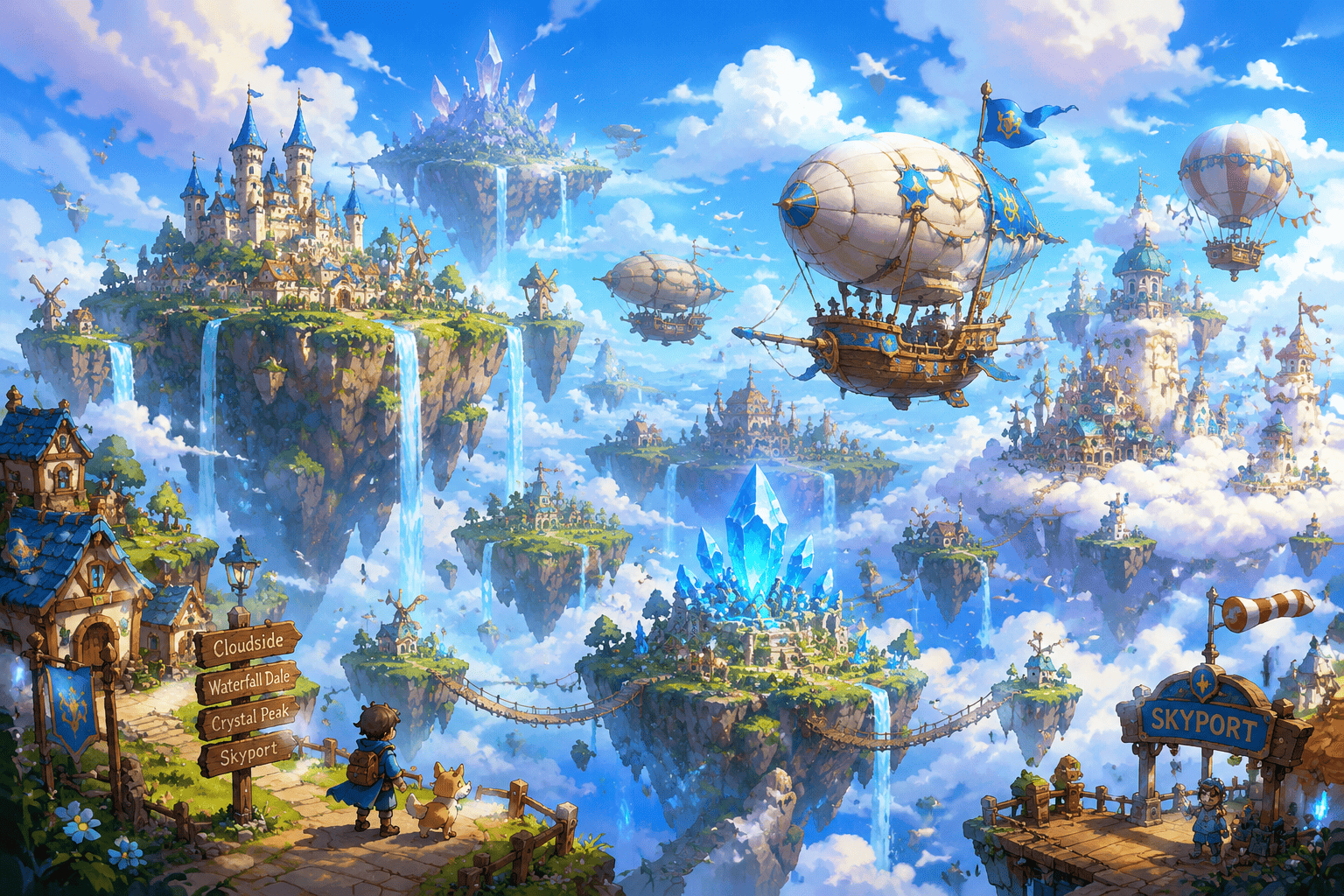
How to Generate a Fictional World with AI
Start with the world premise
Map the big geography
Add factions and landmarks
Refine for lore or gameplay

Why Mew Design Works for Worldbuilding
Geography and lore stay connected
The AI worldbuilding generator can connect terrain, factions, landmarks, and story tension so the setting feels usable.
Map and concept-art directions
Ask for a parchment fantasy world map, sci-fi colony overview, faction territory board, or cinematic world key art.
Good for writers and game masters
Create references for novels, tabletop campaigns, game pitches, lore documents, or creative decks.
Reference your existing canon
Upload a rough map, campaign note, faction list, or mood board when the new world needs to fit an existing project.
Iterate by region
After the first world draft, ask for a closer view of one kingdom, port city, wasteland, biome, or conflict zone.
Readable visual hierarchy
Mew Design helps keep major regions, labels, borders, and landmarks visually distinct instead of turning the world into texture.
How to Write a Worldbuilding Prompt
- Premise: State fantasy, sci-fi, post-apocalyptic, mythic, cozy, dark, or another genre direction.
- Geography: Name landforms, seas, routes, borders, climate zones, and important travel constraints.
- Civilizations: Add factions, cultures, cities, ruins, resources, religions, or political tensions.
- Output use: Specify campaign map, fiction reference, concept art, VTT handout, or pitch deck visual.
AI World Generator Prompt Examples
Generate a sci-fi frontier planet with domed cities, mining zones, alien forests, orbital elevator, faction territories, and a clean concept-map layout.
Create a cozy fantasy island world with coastal villages, mushroom forests, ferry routes, lighthouse ruins, and warm illustrated map styling.
Design a dark mythic world split by a cursed river, with sacred mountains, dead marshes, pilgrimage roads, and labeled regions.
Make a worldbuilding board for a desert empire, including capital city, oasis routes, rival clans, trade goods, and architectural mood references.
Create a floating-islands world with sky bridges, airship ports, storm belts, temple islands, and distinct cultural regions.
Generate a faction territory map for an RPG campaign with color-coded zones, landmarks, conflict borders, and readable labels.





