Free OnlineAI DND Art Generator
How to Create DND Character and Campaign Art with AI
Choose the Asset and Crop
Lock the Visual Anchors
Generate the Campaign Artwork
Refine and Prepare for Play

A Campaign-Aware Art Workflow for Players and GMs
Describe the Character Behind the Stats
Write the hero's role, history, temperament, posture, clothing, and signature object in ordinary language. The AI DND art generator translates those story cues into an original visual concept instead of calculating game rules.
Turn Sketches and Minis into References
Upload a permitted doodle, portrait, painted miniature photo, palette, or mood board and explain what it should guide. The AI fantasy RPG art maker can use it for appearance, costume, color, or atmosphere without requiring polished source art.
Correct Continuity Through Chat
Ask Chat Edit to restore a scar, remove an extra weapon, simplify a crest, change a cloak color, or adjust the crop. Focused revisions make it easier to protect the details your party already associates with a character.
Build a Coherent Party and World
Create related heroes, NPCs, monsters, locations, and relics around a shared medium, palette, lighting logic, and cultural motifs. Reuse references and repeat the same visual rules when generating a campaign series.
Compose for Sheets, Tokens, and Handouts
Request a clean square portrait with a bold silhouette for a small token, a waist-up image for a character sheet, or a wide scene for a session handout. You can also ask Mew Design to remove the background for an isolated subject.
Try Concepts Free, Without a Watermark
Sign up for free AI credits, test original DND campaign art ideas online, refine the strongest result, and export approved PNG or JPG images without a watermark. Available generations depend on the credits and options you use.
How to Prompt AI for Better Tabletop Character Art
- Choose the Asset and Framing: Say portrait, full body, token, NPC handout, monster reveal, party scene, item card, or top-down location concept. Add square, portrait, or wide framing and describe how large the subject should appear.
- Build a Recognizable Identity: Include apparent age, build, face shape, skin, hair, scars, expression, posture, clothing layers, and one or two signature objects. Separate permanent traits from details that may change between scenes.
- Direct the Story and Medium: Explain the character's narrative role, current action, environment, time of day, mood, palette, and rendering approach, such as painterly fantasy, ink wash, storybook, realistic concept art, or pixel art.
- Add Continuity and Safety Rules: Repeat invariant traits, reuse a permitted reference, and list common failures to avoid: extra limbs, fused weapons, duplicate gear, unreadable runes, text, logos, official characters, copied artist styles, signatures, or watermarks.
AI DND Art Prompts for Characters, Creatures, and Campaigns
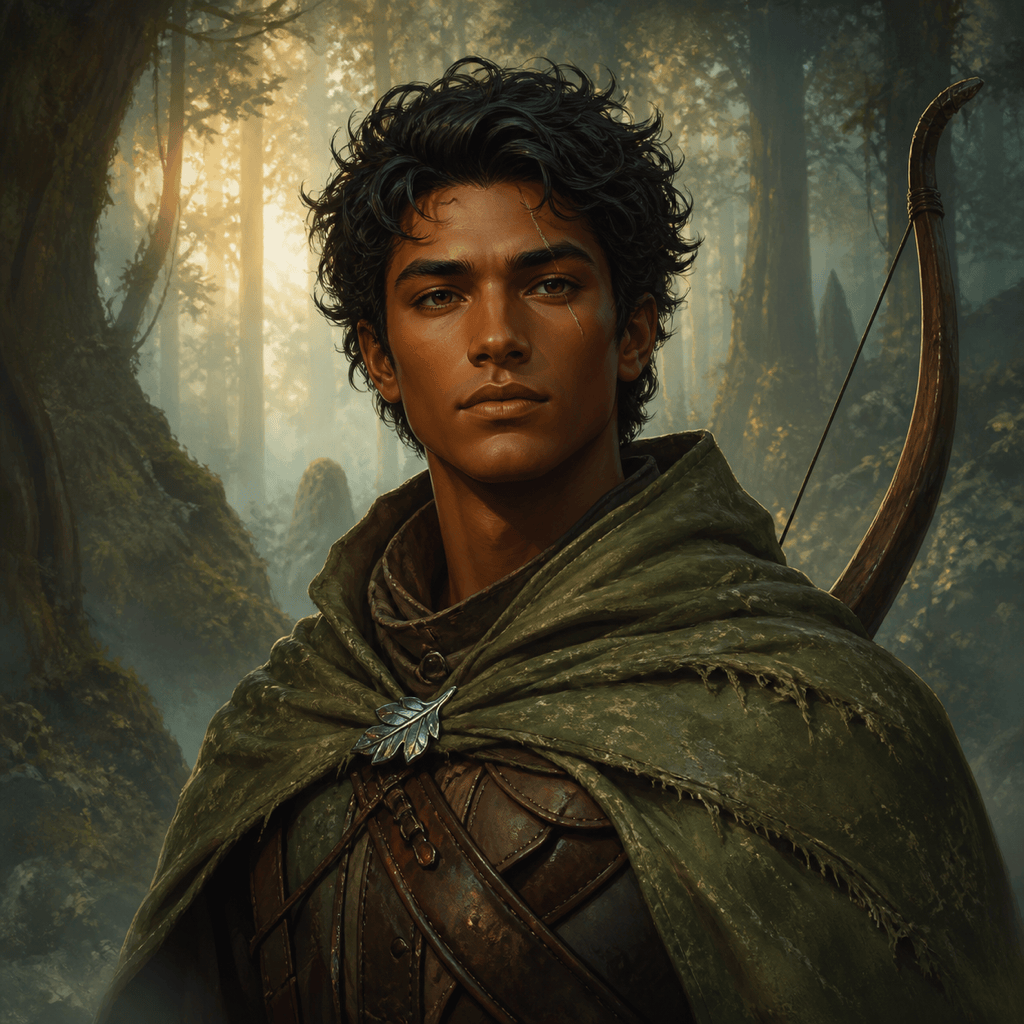
Woodland Ranger Portrait: Create a square waist-up portrait of an original middle-aged ranger with cropped black curls, a left-eyebrow scar, moss cloak, recurved bow, and brass leaf compass on a misty pine trail. Painterly fantasy illustration, muted green and amber, calm alert expression, token-safe margin, no text, logo, extra weapon, signature, or watermark.
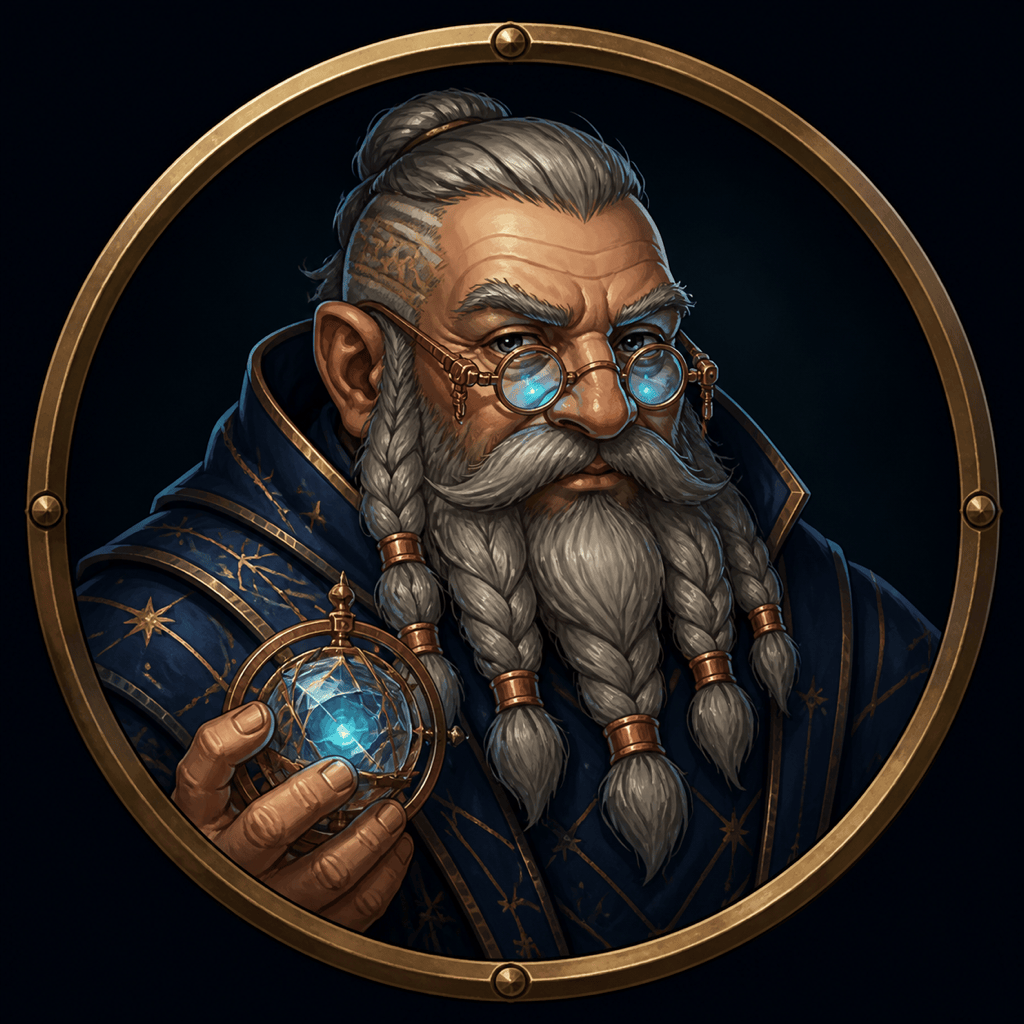
Token-Ready Arcane Scholar: Create a centered head-and-shoulders portrait of an original dwarf astronomer with silver braids, soot-stained cheeks, round brass goggles raised above the eyes, and a midnight-blue robe stitched with simple star dots. Plain deep-indigo background, bold silhouette, high facial clarity at small size, no border, letters, official symbols, extra glasses, or watermark.
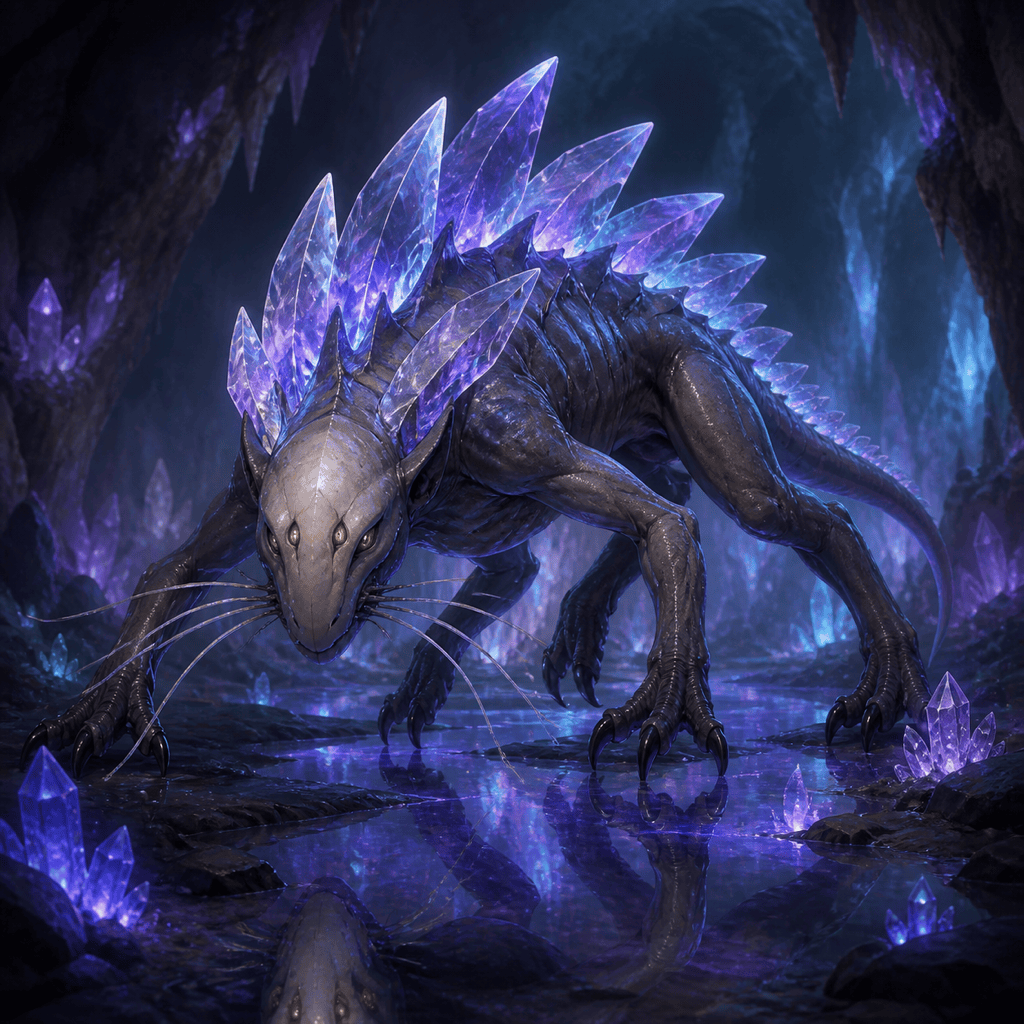
Original Cave Monster Handout: Design a six-legged subterranean predator with translucent crystal plates along its back, a broad digging snout, two small eyes, and pale feelers sensing vibrations. Show one coherent creature stalking across a mineral cavern with a human-sized lantern nearby for scale. Dark natural-history fantasy painting, no existing franchise creature, extra limbs, text, gore, signature, or watermark.
Recurring Villain Portrait: Create a waist-up portrait of an original court alchemist in her sixties with copper-brown skin, white coiled hair, one cloudy eye, burgundy gloves, and a cracked porcelain vial held at chest height. Candlelit archive, controlled crimson and smoke-gray palette, restrained sinister expression, painterly realism, no crown, skull motif, text, logo, or famous-character resemblance.
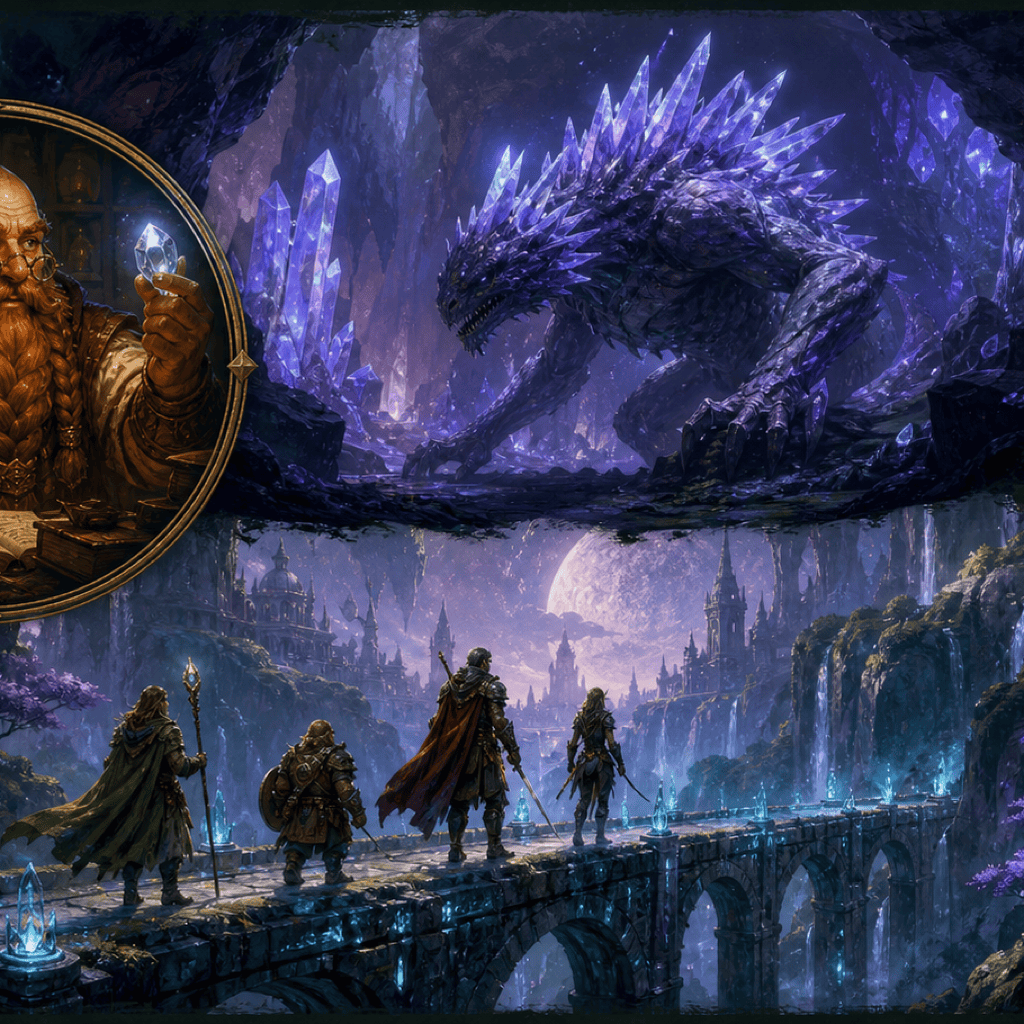
Four-Person Party Scene: Illustrate four original adventurers crossing a broken sky bridge during a thunderstorm: a shield-bearing human guardian, a halfling cartographer protecting a map case, an elf storm caller guiding blue wind, and a broad dwarf medic helping the group forward. Clear left-to-right action, distinct faces and gear, cinematic wide feeling inside a square crop, no duplicate people, fused limbs, lettering, official emblems, or watermark.
Magic Item Handout: Create an original relic called a tideglass lantern: an aged bronze hand lantern containing a floating sphere of seawater and one tiny pearl of light. Three-quarter product-style view on dark slate, blue-green reflections, believable metal and glass, isolated composition, no label, writing, hand, game UI, logo, signature, or watermark.
Memorable Tavern NPC: Create a warm square portrait of an original retired goblin-sized courier who now runs a roadside soup stall, with weathered green skin, one notched ear, patched saffron apron, wooden ladle, and an amused skeptical expression. Cozy firelight, hand-painted storybook fantasy, simple blurred stall background, no menu text, brand marks, extra hands, or watermark.
Top-Down Location Concept: Create a top-down illustrated concept of an abandoned observatory built over a circular canyon, with a collapsed brass telescope, four readable walkways, two entrances, a central star mosaic, and patches of alpine snow. Clear room separation and scale cues for a GM handout, but no grid, labels, numbers, tokens, official setting symbols, or claim of tactical accuracy.





