Free OnlineAI Game Character Generator
How to Create a Game Character with AI
Define the Character's Role
Generate the First Concept
Refine the Design in Chat
Export and Test the Character

Why Choose Mew Design for AI Game Character Creation
Turn a Role into a Visual Concept
Start with a class, faction, backstory, or gameplay role. Mew Design translates those ideas into visible choices such as silhouette, costume, materials, equipment, pose, and mood.
Explore Distinct Game Art Styles
Use the online AI video game character generator for fantasy concept art, sci-fi realism, anime and JRPG looks, stylized mobile heroes, or pixel-inspired characters powered by leading image models.
Guide New Versions with References
Upload a chosen character concept or style reference before creating another pose, outfit, or scene. Reference-led generation gives the AI a clearer visual anchor for related character artwork.
Revise Specific Details with Chat Edit
Keep the parts that work and ask for targeted changes to armor, props, palette, expression, framing, or background. You can iterate without rewriting the entire brief each time.
Build a Reusable Art Direction
When you find a successful workflow, package the visual direction, character rules, and output conventions into a Mew Skill. Reuse it for later heroes, enemies, and NPC concepts with less repeated setup.
Prepare Flexible Character Artwork
Create portraits, full-body concepts, lineup ideas, or isolated character art. Ask to remove the background when you need a transparent PNG for mockups, UI tests, or further editing.
What to Include in a Game Character Prompt
- Role and World: Name the class, faction, era, environment, personality, and gameplay function so costume and equipment choices feel intentional.
- Silhouette and Features: Specify body type, age range, hair, face, proportions, signature shapes, and two or three traits that must stay recognizable.
- Gear and Art Direction: Describe clothing layers, armor, weapons, materials, palette, and a broad visual style such as stylized fantasy, retro pixel art, or sci-fi realism.
- View and Output: Ask for a portrait, full-body pose, isolated concept, action shot, or multi-view sheet. Add camera angle, background, and any details to avoid.
AI Game Character Prompts for Popular Art Styles
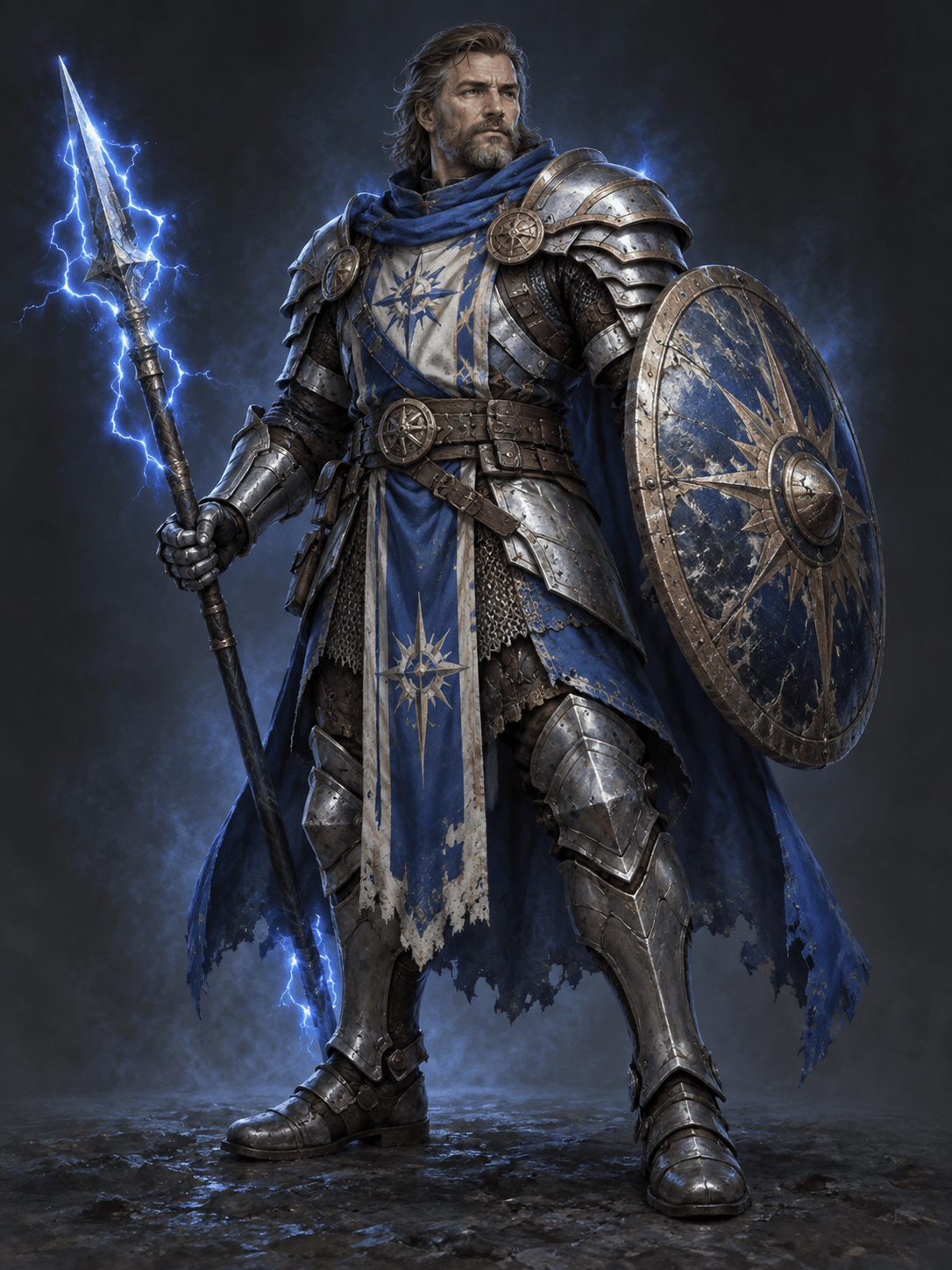
Create a full-body fantasy RPG character concept for an original storm paladin. Broad triangular silhouette, layered silver armor with blue cloth, a weathered round shield, a short lightning spear, calm veteran expression, neutral three-quarter pose, painterly game concept art, plain dark background, no text or logos.
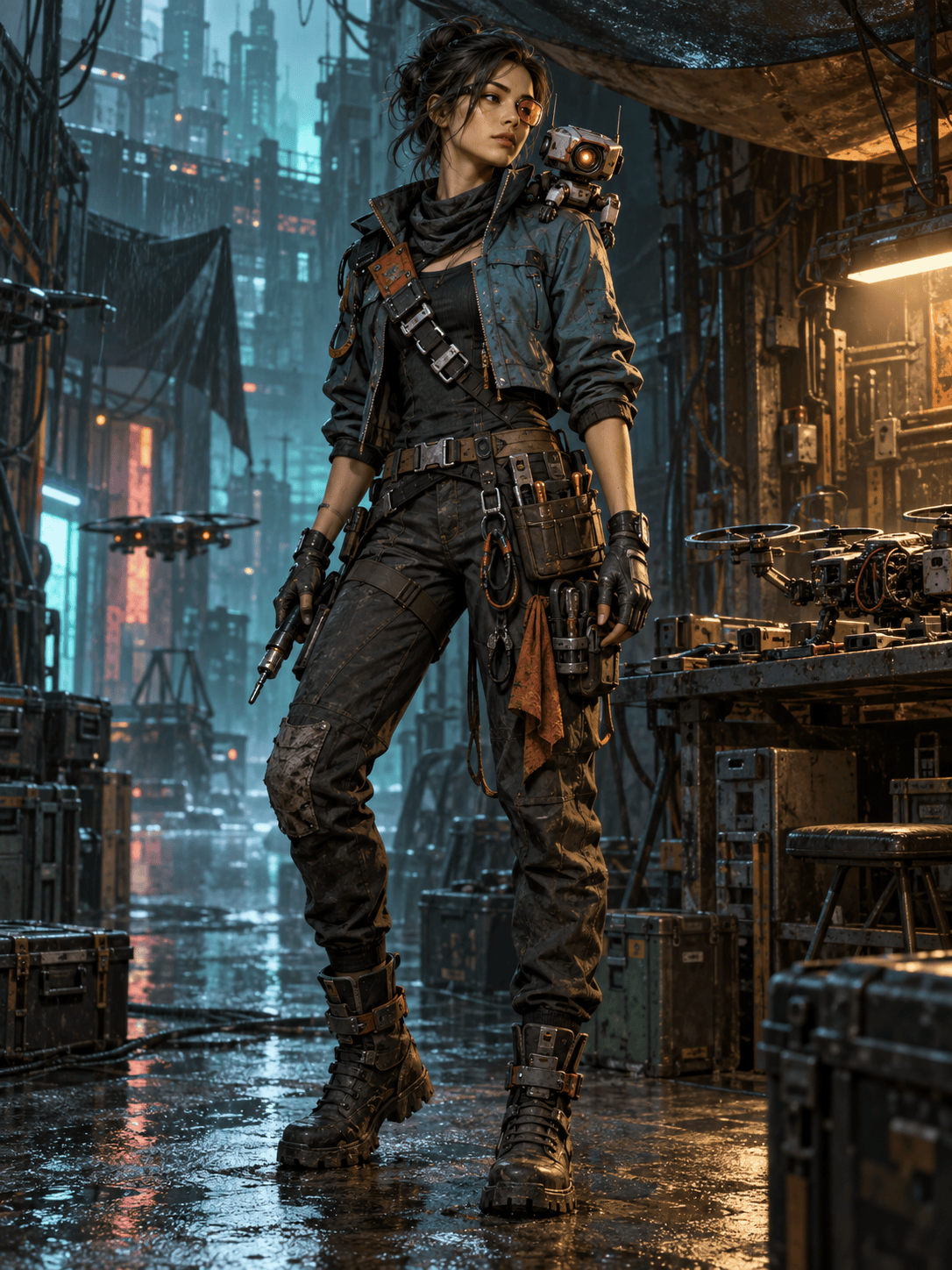
Design an original cyberpunk game character: a stealth mechanic who repairs illegal drones. Slim utility jacket, asymmetrical tool harness, one amber visor lens, compact repair bot on the shoulder, teal and rust palette, full body, readable silhouette, cinematic sci-fi realism, rain-lit alley, no franchise references.
Generate an anime JRPG mage for an original sky-island adventure. Young adult cartographer, layered white-and-coral robes, floating compass rings, wind-tossed dark hair, confident casting pose, bright cel shading, clean linework, full-body character art on a pale cloud backdrop.
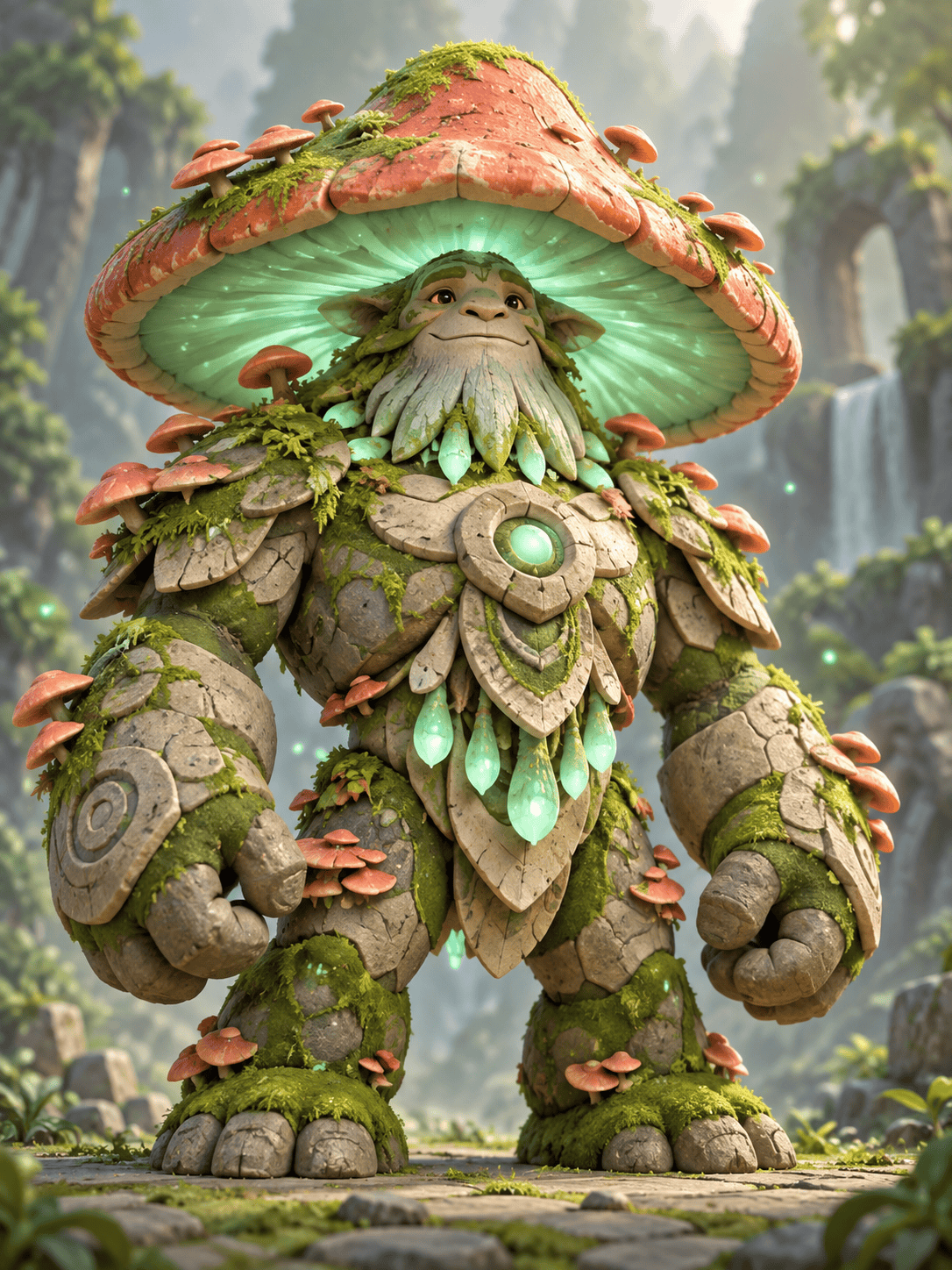
Create a stylized mobile game boss character: an ancient mushroom guardian with a huge bell-shaped cap, stone armor plates, glowing mint spores, short powerful limbs, friendly but imposing expression, bold simplified shapes, saturated colors, centered full-body render on a clean background.
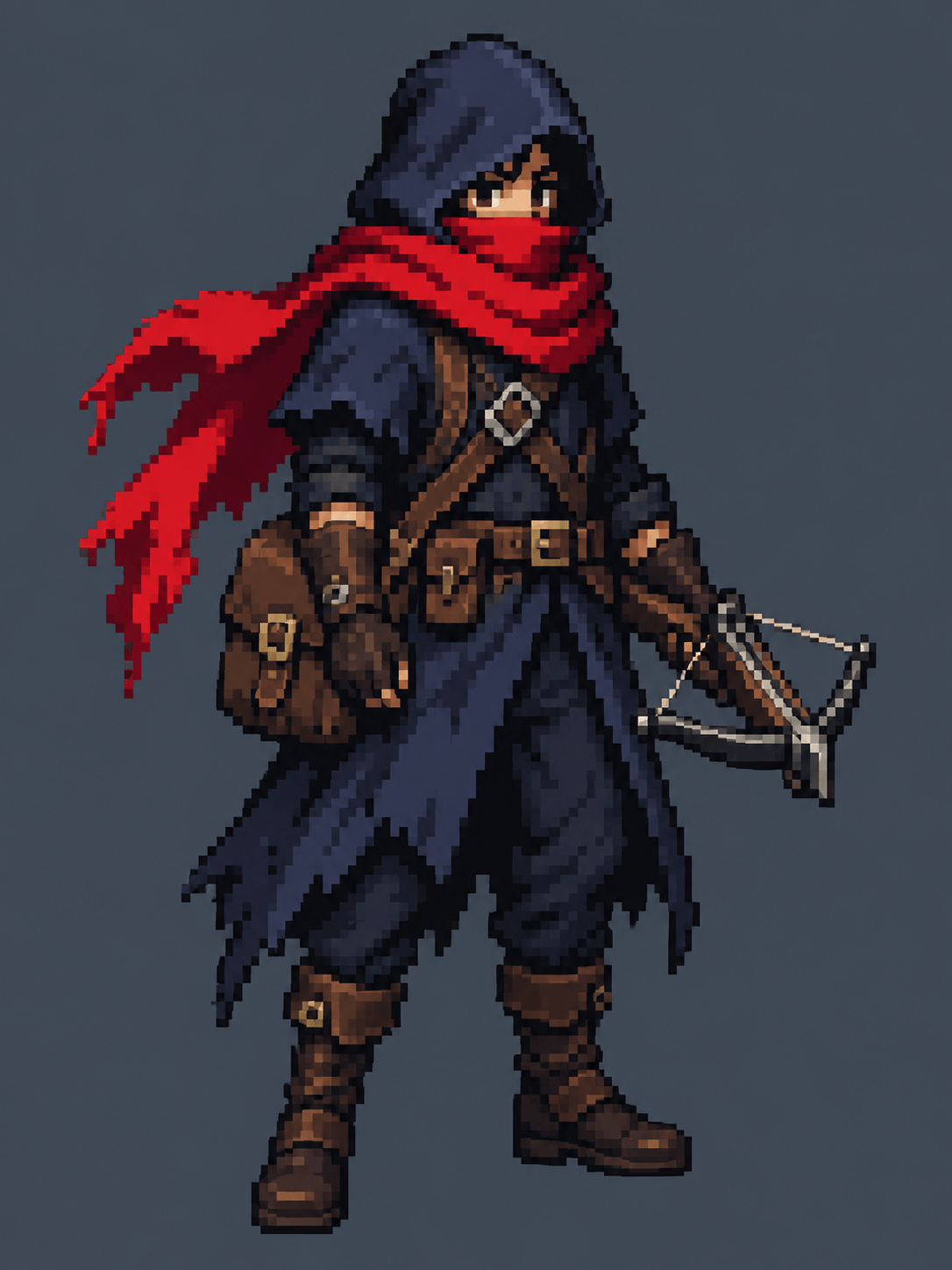
Create a 32-bit-inspired pixel art rogue for a top-down RPG. Hooded courier with a red scarf, compact crossbow, leather satchel, strong two-color silhouette, limited 24-color palette, crisp hard pixel edges, front three-quarter idle pose, transparent-looking plain backdrop, no blur or smooth painting.
Build a character turnaround concept for an original space-colony medic. Keep the same face, short coiled hair, orange emergency jacket, white medical pack, and crescent-shaped scanner across front, side, back, and three-quarter views. Neutral pose, even studio lighting, simple light background, consistent proportions, no text.





