Free OnlineAI Portrait Generator
How to Create a Portrait With AI
Choose a Photo or Invent a Subject
Direct the Portrait Session
Compare Expressions, Not Just Styles
Retouch With Restraint and Crop for Use

Portrait Control From Expression to Final Crop
Start With a Selfie or a Written Character
Use the free AI portrait generator online as a photo-led self-portrait maker or a text-to-portrait creator. A source photo supplies identity and facial structure; a written brief gives you freedom to design an original adult subject without an existing image.
Direct Pose, Gaze, and Expression
A portrait changes meaning when the subject looks into the lens, turns away, smiles softly, or holds a formal posture. Specify these choices instead of relying on a broad style preset, and state which expression or pose from a reference photo must remain.
Shape Believable Light and Texture
Describe window light, a large softbox, dramatic split light, a clean high-key studio, or a cinematic rim light. Mew Design can route suitable portrait work through models such as Nano Banana Pro or GPT Image 2.5, while your brief prioritizes natural skin, fabric, hair, and depth.
Keep the Person Recognizable Across Variations
Name the identity anchors that matter: face shape, eye color, nose, hairstyle, freckles, glasses, or another signature feature. Reference images and repeated instructions can improve consistency across professional, editorial, and artistic variations, although every result should be checked because an exact likeness is not guaranteed.
Move Between Photography and Portrait Art
Create a restrained business portrait, a cinematic profile picture, black-and-white editorial photography, a textured oil painting, a graphic illustration, or an original fantasy character. The AI art portrait generator follows the visual medium you describe instead of forcing every subject through one preset look.
Finish for Profiles, Covers, and Prints
Use Chat Edit to change the backdrop, reduce retouching, make a square profile crop, extend a vertical cover, or remove the background for another design. Signup credits let new users try portrait directions, and finished PNG or JPG exports are watermark-free.
Direct the Portrait Like a Photo Shoot
- Frame the Face and Body: Choose a tight headshot, head-and-shoulders view, half-body pose, or environmental portrait. Add camera height, body angle, gaze direction, hand visibility, and the space needed around the subject.
- Direct Expression and Light: Name the emotional read and lighting setup: relaxed confidence with soft window light, focused intensity with split light, or warmth with a broad studio key. Avoid vague requests such as “make it cinematic” without visible details.
- Describe Finish and Context: Specify wardrobe, backdrop, palette, lens feel, depth of field, skin texture, retouching level, and medium. For portrait art, describe materials such as oil, gouache, charcoal, ink, or graphic shapes rather than naming a living artist.
- Protect Identity and Rights: List the facial features and accessories that must stay, plus unwanted changes such as age drift, altered skin tone, asymmetrical eyes, broken teeth, duplicate jewelry, or invented text. Upload only authorized images and obtain consent where required.
Portrait Prompts for Six Different Briefs
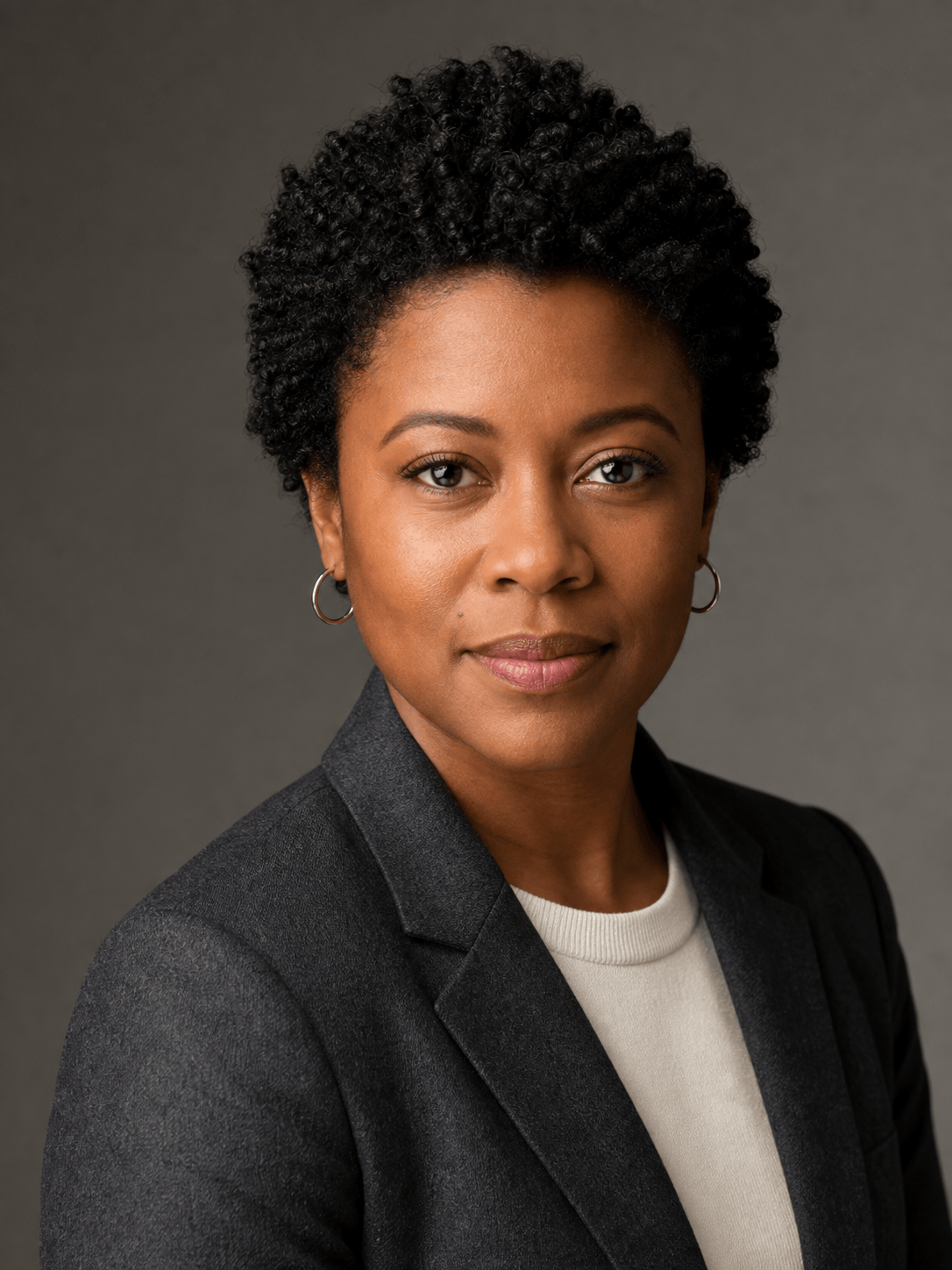
Professional Profile Portrait: Use @[authorized selfie] as the identity reference. Preserve the adult subject's facial proportions, natural hair, glasses, skin tone, and relaxed expression. Create a clean head-and-shoulders portrait in a charcoal blazer over a cream shirt, warm light-gray studio background, large soft key light, subtle fill, realistic skin texture, square crop for a company directory. No tie, text, logo, heavy retouching, or identity drift.
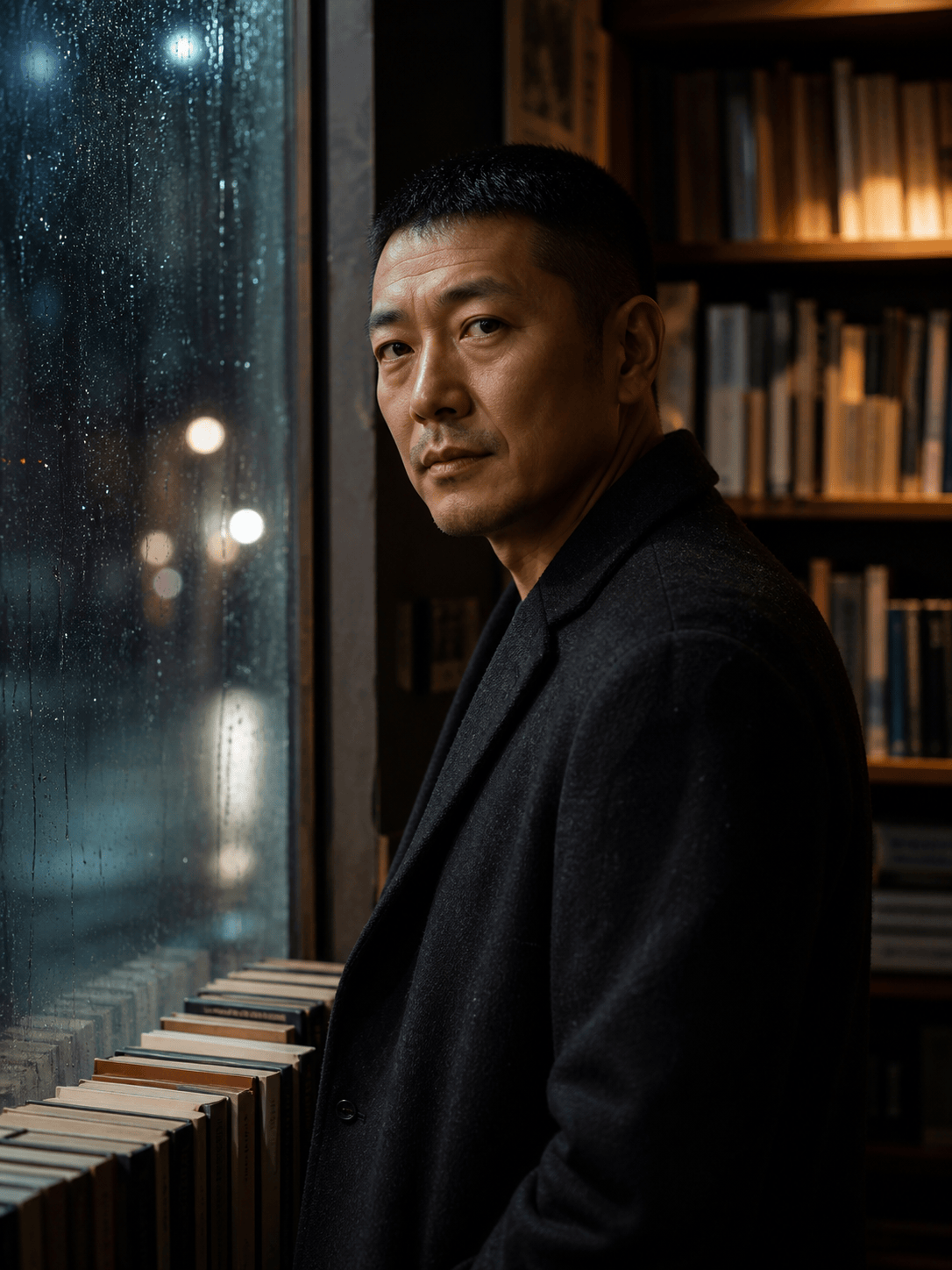
Cinematic Editorial Portrait: Create an original adult subject with close-cropped hair and a thoughtful expression, waist-up beside a rain-streaked bookshop window at night. Eyes looking just past camera, dark wool coat, teal street ambience with a restrained amber edge light, 50mm documentary feel, visible fabric and skin texture, vertical magazine crop, no brands or text.
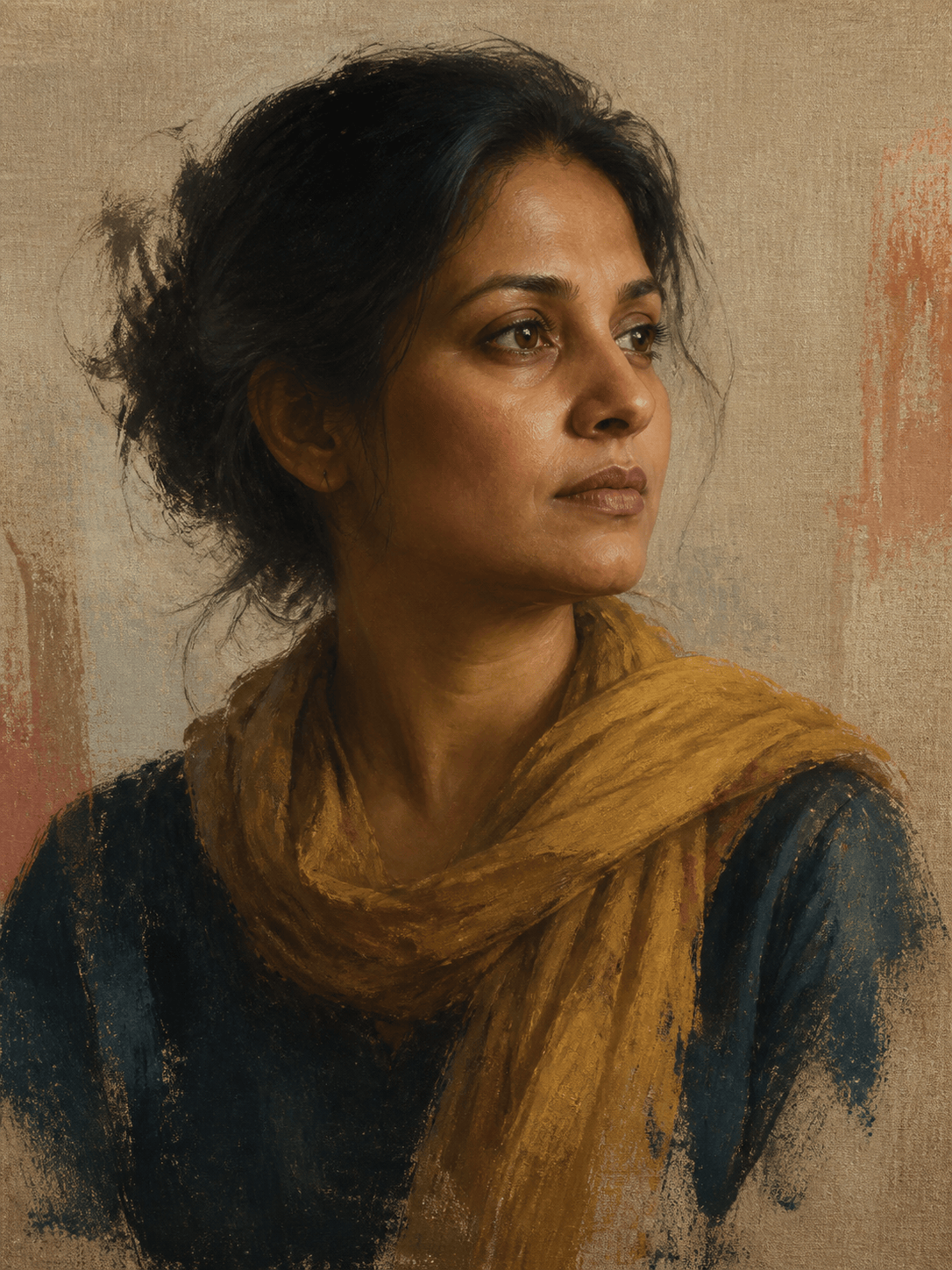
Painterly Self-Portrait: Transform @[authorized portrait] into a contemporary oil-and-gouache painting. Preserve the adult subject's face shape, three-quarter profile, nose, textured hair, and ochre scarf. Use visible dry-brush marks, layered umber, indigo, and muted coral, rough linen ground, quiet museum portrait composition. Do not copy another artwork or named artist.
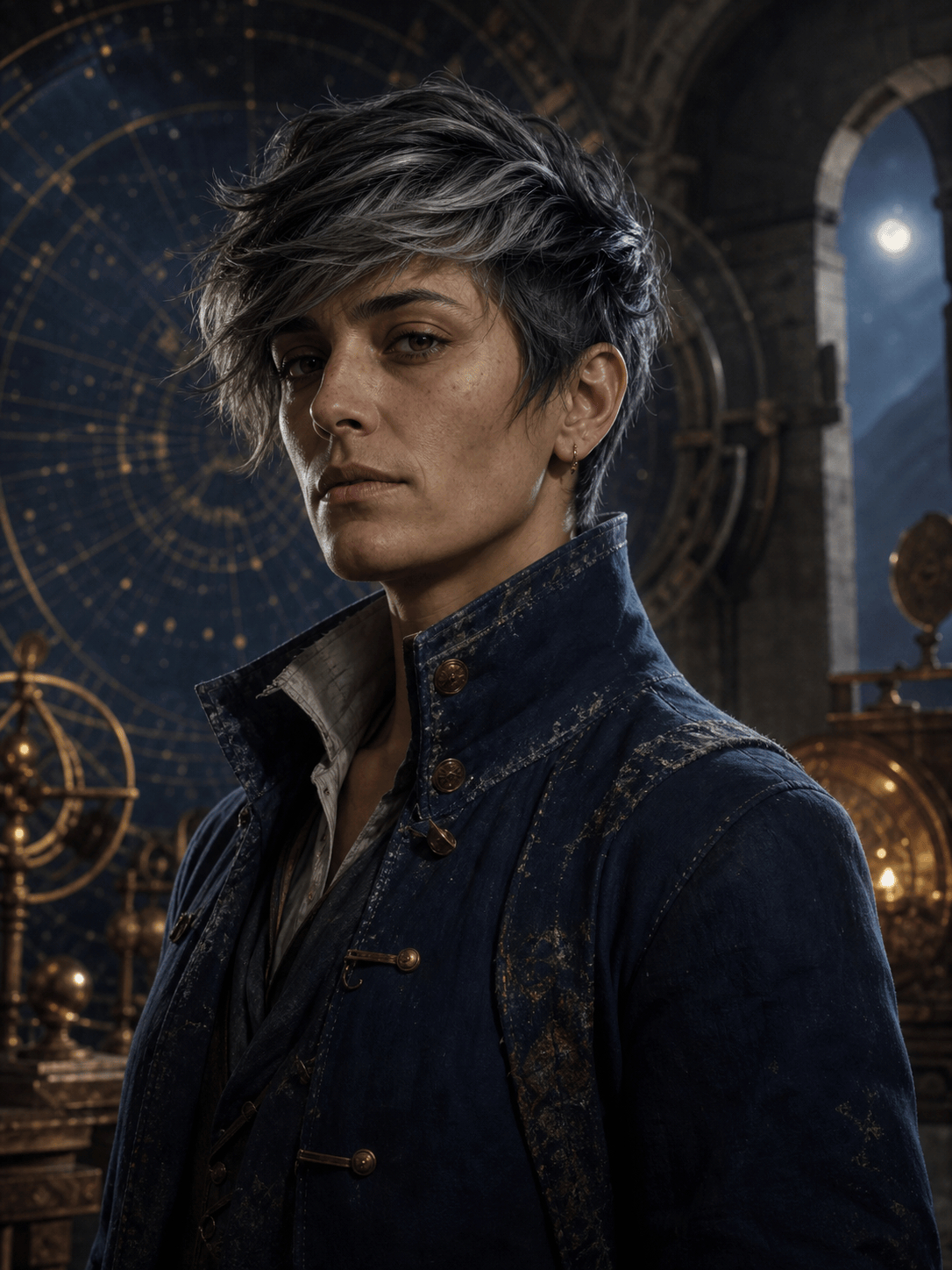
Original Fantasy Character: Create a portrait of an original adult celestial navigator, androgynous presentation, weathered indigo coat with brass fasteners, short silver-black hair, observant expression, standing inside a stone observatory with a blurred mechanical star map behind. Painterly realism, cool moonlight and warm instrument glow, chest-up 3:4 crop, no franchise symbols or text.
Black-and-White Musician Portrait: Create a documentary portrait of an original adult jazz bassist after rehearsal, seated beside the instrument with hands relaxed and fully visible. Worn black shirt, direct but tired gaze, side-lit rehearsal room, monochrome film grain, rich shadow detail, 35mm environmental framing, no stage logos, captions, or celebrity resemblance.
Consistent Team Portrait Direction: Create separate head-and-shoulders portraits for the authorized adult subjects in @[team references]. Preserve each person's identity, age, hair, glasses, and skin tone. Apply the same eye-level camera, soft gray background, navy-and-neutral wardrobe direction, large diffused key light, subtle fill, natural retouching, and square crop. Do not blend faces or make everyone look like the same person.





