Free OnlineAI Pop Art Generator
How to Create Pop Art with AI
Upload a photo or describe your idea
Generate your pop art design
Refine the artwork
Export and share

Why Choose Mew Design for AI Pop Art Creation
Transform Texts or Photos into Pop Art
Upload portraits, pets, products, or selfies and turn them into colorful pop art artwork with bold shapes, strong contrast, and graphic styling.
Explore Different Pop Art Styles
Generate Warhol-inspired portraits, comic book artwork, retro advertising visuals, modern pop art posters, and contemporary gallery pieces from the same image.
Generate Multiple Creative Variations
Create several color schemes and artistic directions at once, making it easy to compare different pop art concepts before choosing a favorite.
Learn from Reference Artwork
Upload pop art examples you like, and the online AI pop art maker can capture the visual language while creating an original piece based on your subject.
Refine Artwork Through Conversation
Want brighter colors, stronger outlines, or a more comic-inspired look? Simply tell the AI what to change instead of starting over.
Free Online Pop Art Trial
Try this free AI pop art generator with complimentary credits and explore different artistic styles before exporting your final artwork.
How to Write a Good Prompt for AI Pop Art
- Subject: Describe who or what should appear in the artwork, such as a portrait, pet, product, celebrity-style illustration, or object.
- Pop Art Style: Mention styles such as Warhol-inspired, comic book, retro advertising, halftone print, or modern pop art.
- Color Treatment: Specify bold colors, neon palettes, high contrast combinations, or monochrome variations.
- Final Usage: Explain whether the artwork is intended for wall art, posters, profile pictures, gifts, social media, or canvas printing.
AI Pop Art Prompt Examples You Can Use
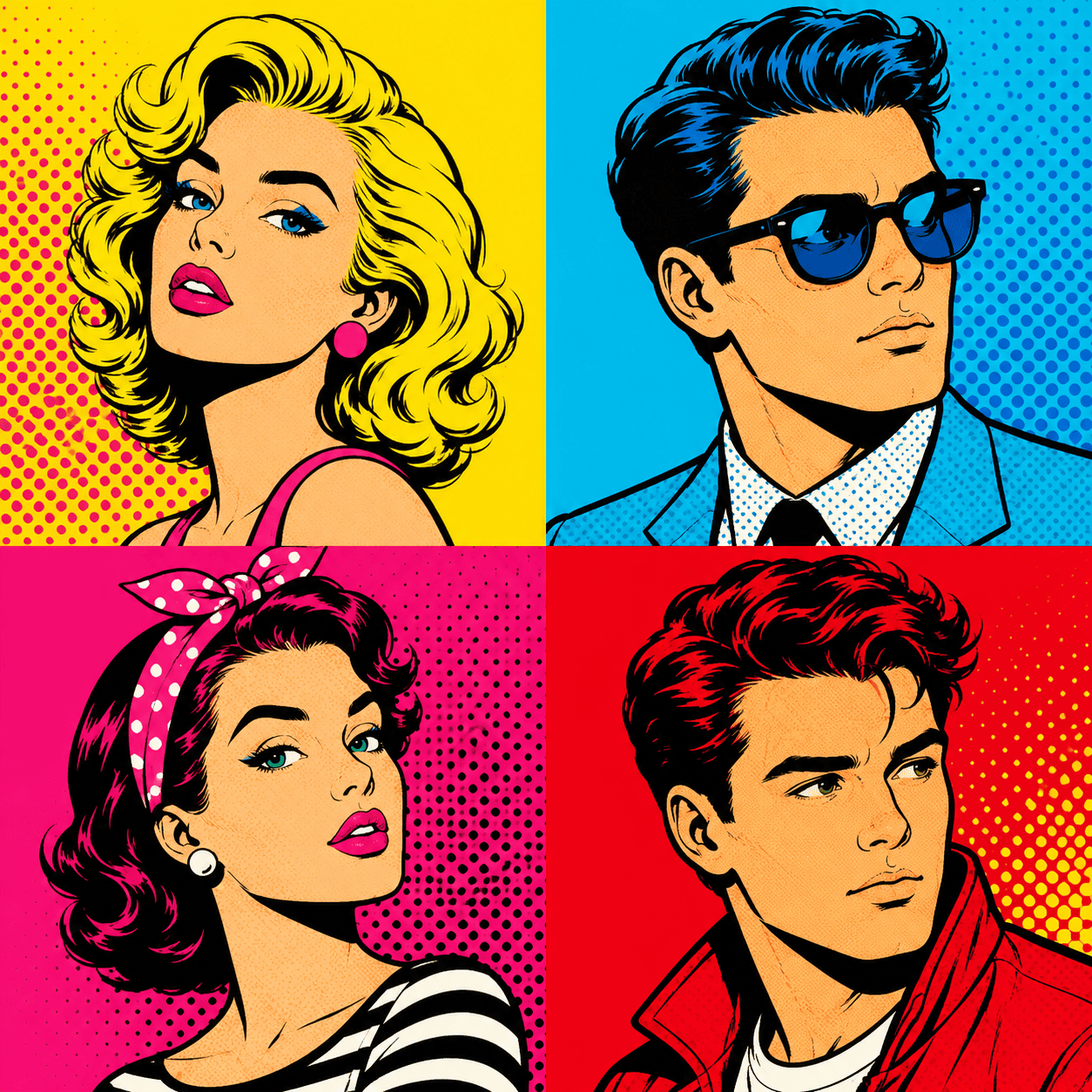
Warhol-style Portrait: Transform @[upload portrait photo] into a classic pop art portrait inspired by 1960s gallery artwork. Create a four-panel composition featuring different vibrant color palettes, bold outlines, high contrast shadows, and subtle halftone textures. Maintain facial likeness while emphasizing graphic shapes and artistic color separation. Design the final piece as a square poster suitable for canvas printing.
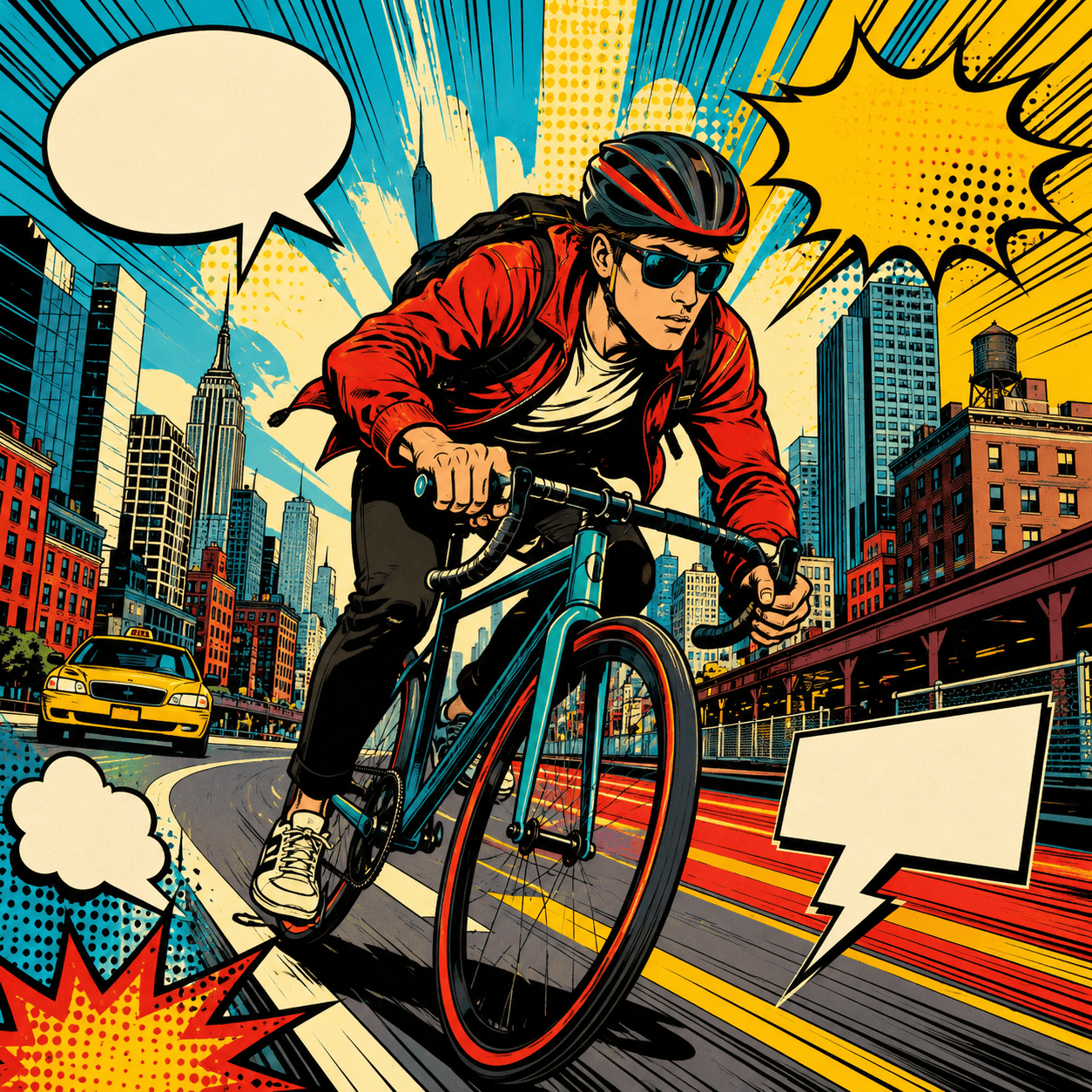
Comic Book Superhero Poster: Turn @[upload photo] into a comic book pop art illustration. Add dramatic outlines, action-style composition, speech bubbles, halftone printing effects, and vibrant red, yellow, and blue colors. Create a dynamic poster that feels like the cover of a vintage comic book.
Pop Art Pet Portrait: Convert @[upload pet photo] into a colorful pop art pet portrait. Use bold graphic shapes, bright complementary colors, playful expressions, and clean outlines. Create a modern wall-art composition suitable for framing and home decoration.
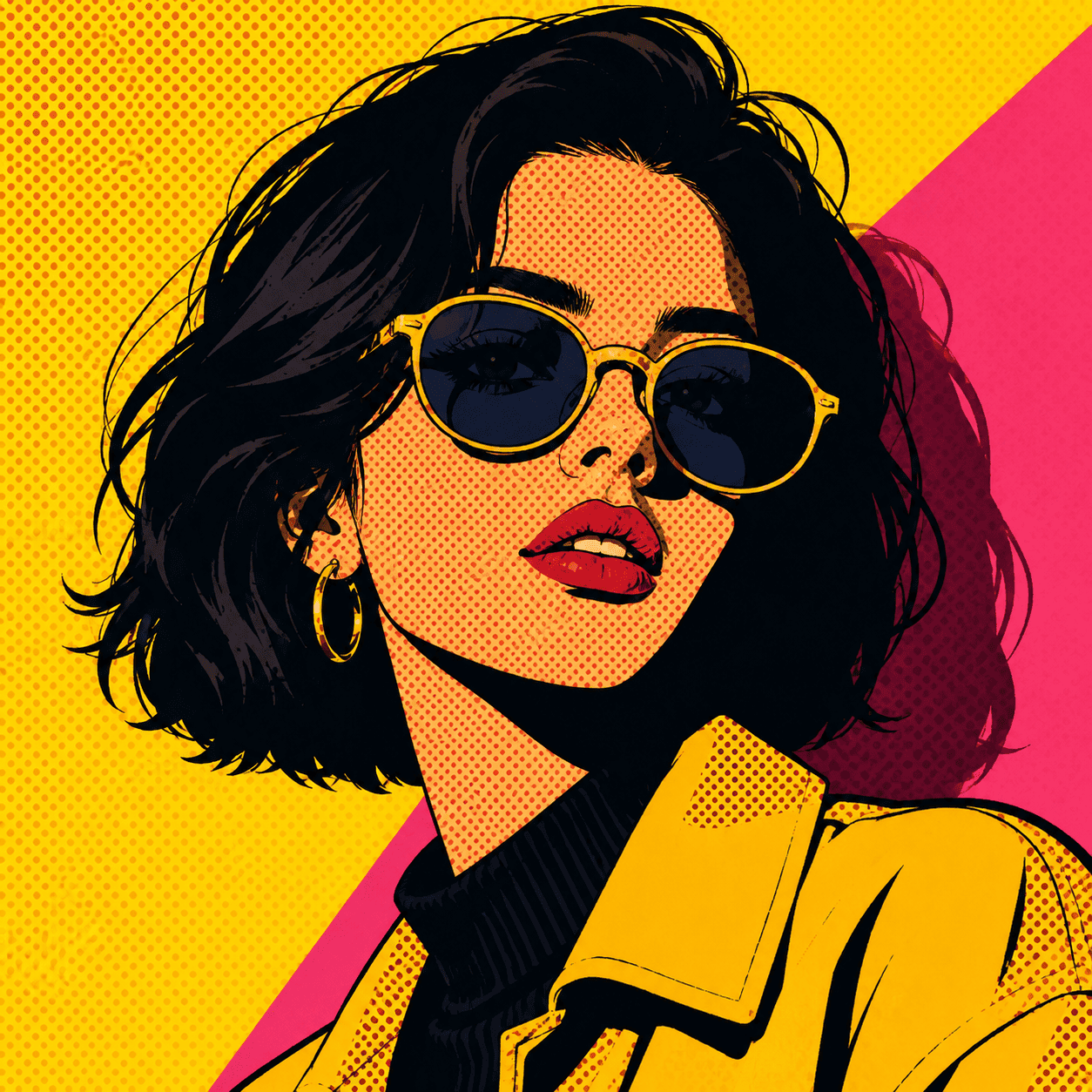
Pop Art Profile Picture: Transform @[upload selfie] into a contemporary pop art avatar. Use strong contrast, neon colors, simplified shapes, and a clean background. Design it specifically for social media profile use while keeping the face recognizable.
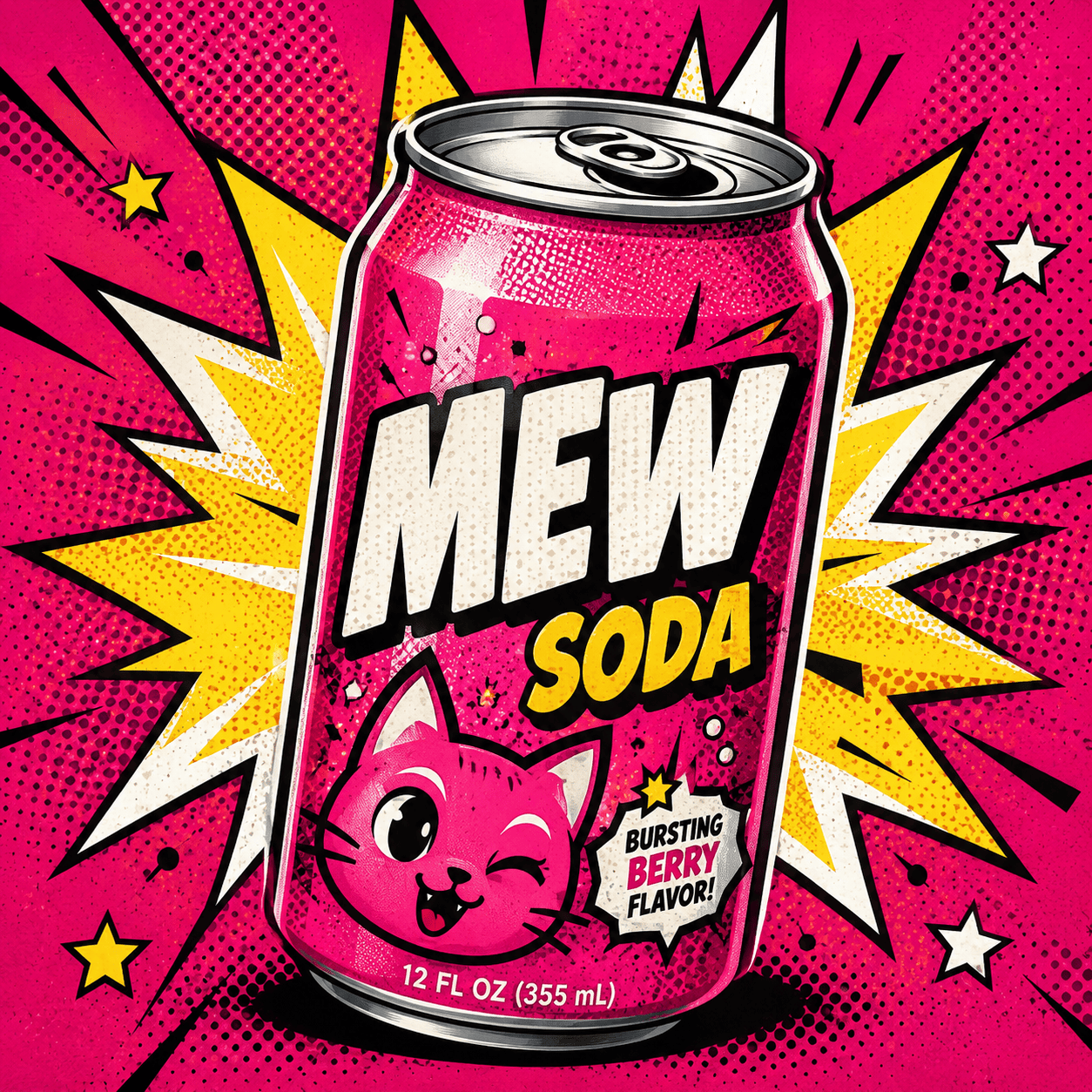
Pop Art Product Advertisement: Create a retro pop art advertising poster featuring [upload product photo]. Use comic-inspired graphics, bold typography, bright color blocks, and vintage commercial poster aesthetics. Include space for product messaging and branding.
Modern Gallery Pop Art: Create an original contemporary pop art artwork inspired by modern gallery exhibitions. Combine abstract shapes, bold color contrasts, graphic patterns, and artistic typography. Design the piece as large-format printable wall art.





