Free OnlineAI Selfie Generator
How to make AI selfies
Upload a clear selfie
Describe the selfie style
Generate AI selfie variations
Refine and export

Why use this AI selfie generator
Natural portraits from plain language
Describe the selfie you need in everyday words. Our AI selfie generator understands portrait intent, background, lighting, outfit, crop, and social platform context.
Upload your own photo
Start from an existing selfie so the free AI selfie maker can preserve recognizable facial structure, hair, expression, and personal details instead of making a random face.
Professional and casual styles
Create LinkedIn headshots, creator profile photos, dating app portraits, ID-style images, travel looks, or stylized avatars from the same source photo.
Easy chat edits
Ask for direct changes after generation. This AI selfie generator lets you try a cleaner background, different lighting, alternate wardrobe, new framing, or a less edited look without restarting.
Built for image quality
Generate polished portraits with sharp facial details, balanced lighting, and cleaner backgrounds using advanced models such as Nano Banana Pro and GPT Image 2.5.
Free to try online
Test the online AI selfie maker in your browser with free AI credits after signup. Create variations, compare styles, and export watermark-free results.
What makes a good AI selfie prompt
- Name the use case: Say whether the result is for LinkedIn, Instagram, TikTok, a dating profile, a resume, a team page, or a creative avatar.
- Describe the look: Include lighting, background, outfit, expression, camera crop, color tone, and whether the portrait should feel realistic, editorial, playful, or cinematic.
- Protect identity details: Ask the AI to keep your face recognizable, preserve hairstyle or facial hair, and avoid over-smoothing if you want a natural result.
- Edit in follow-up: After the first draft, use the free AI selfie maker to request practical changes such as less retouching, a brighter background, a different jacket, or a square crop for social profiles.
AI selfie prompt examples
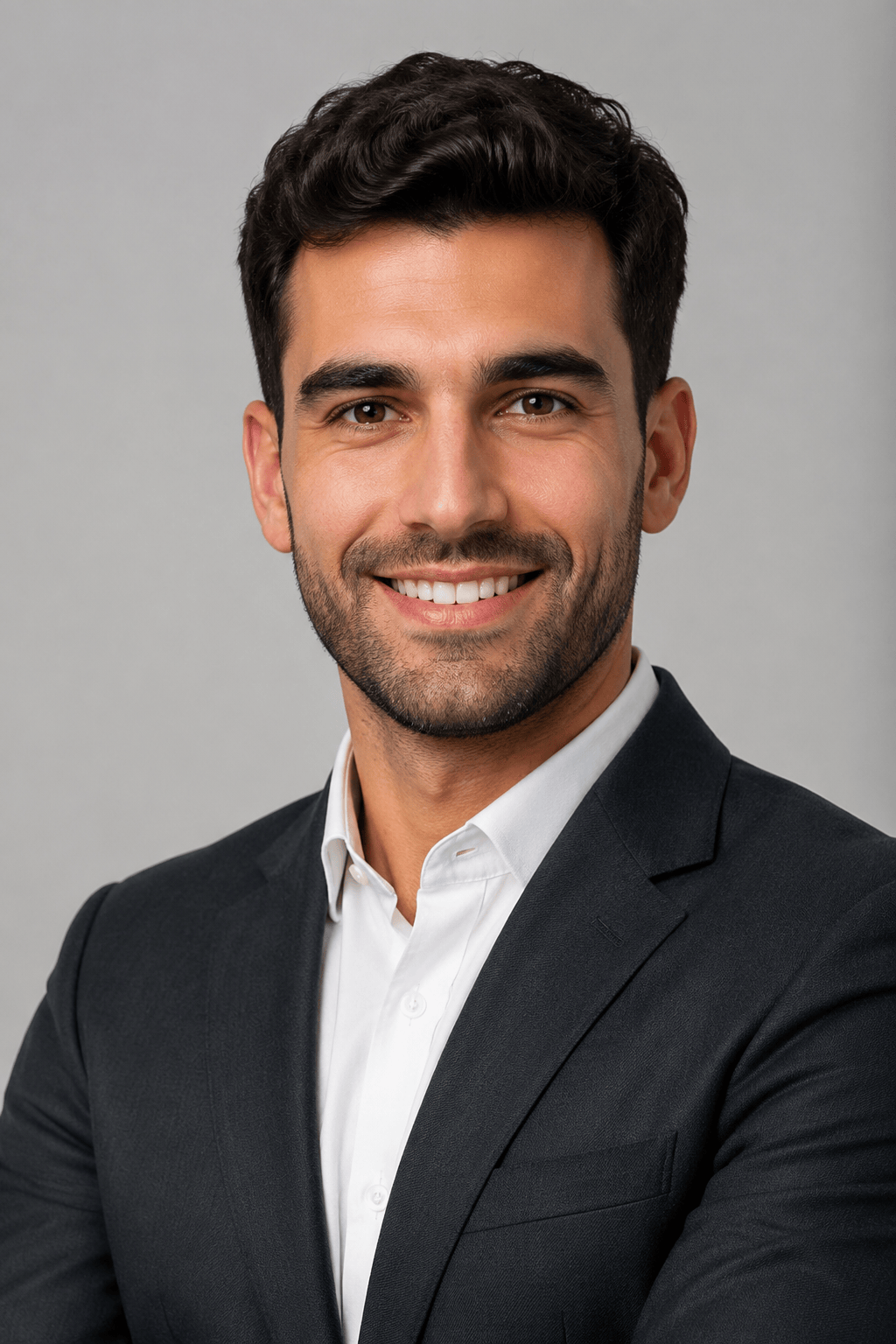
Use my uploaded selfie to create a realistic LinkedIn headshot. Keep my face recognizable, add soft studio lighting, a navy blazer, a clean gray background, and a confident natural smile.
Turn my selfie into a warm dating profile photo. Keep the portrait realistic, use golden hour outdoor lighting, a relaxed expression, casual weekend clothes, and a softly blurred city park background.
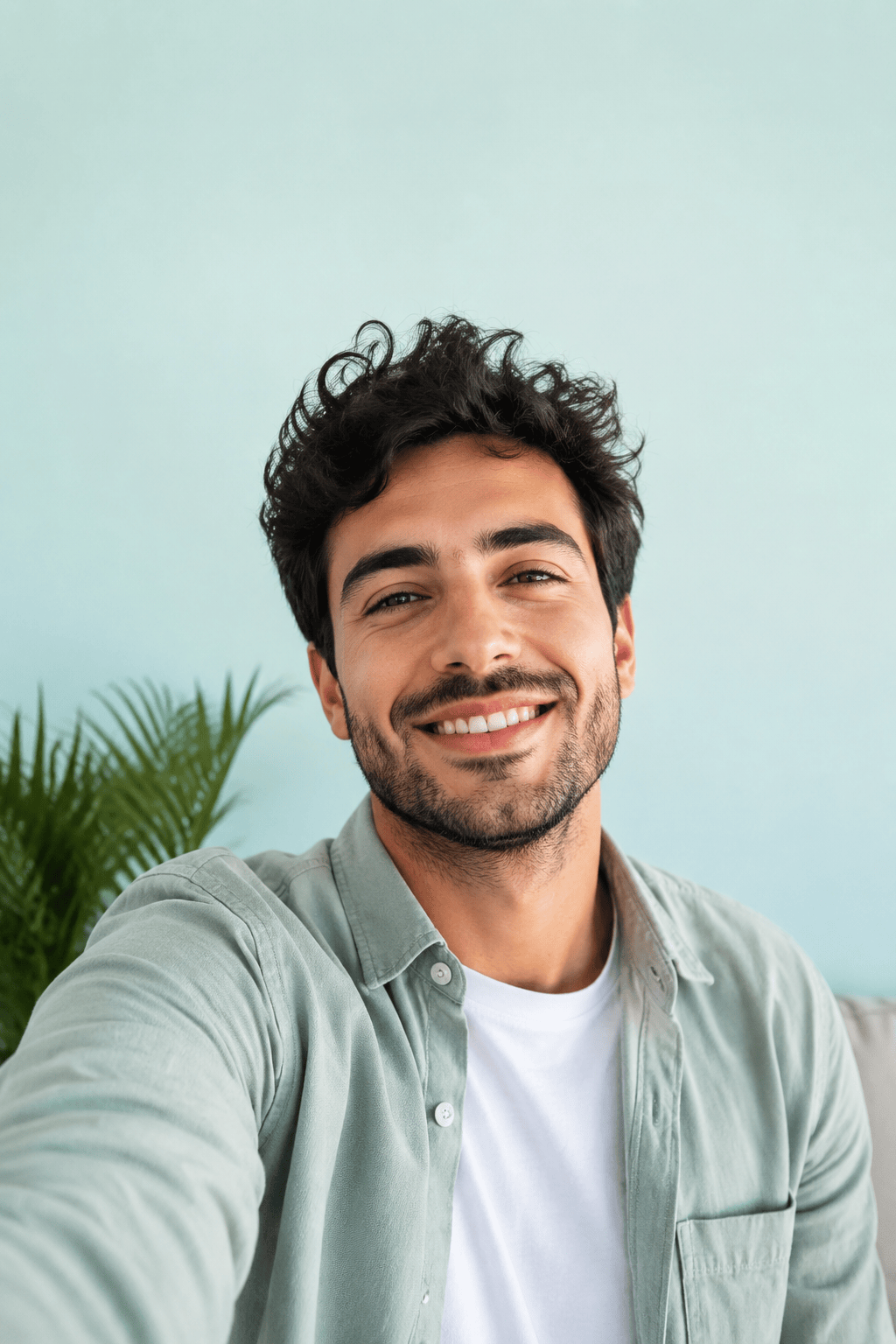
Create an Instagram profile picture from my selfie. Use a square crop, bright natural light, a clean pastel background, crisp facial details, and a friendly creator-style look.
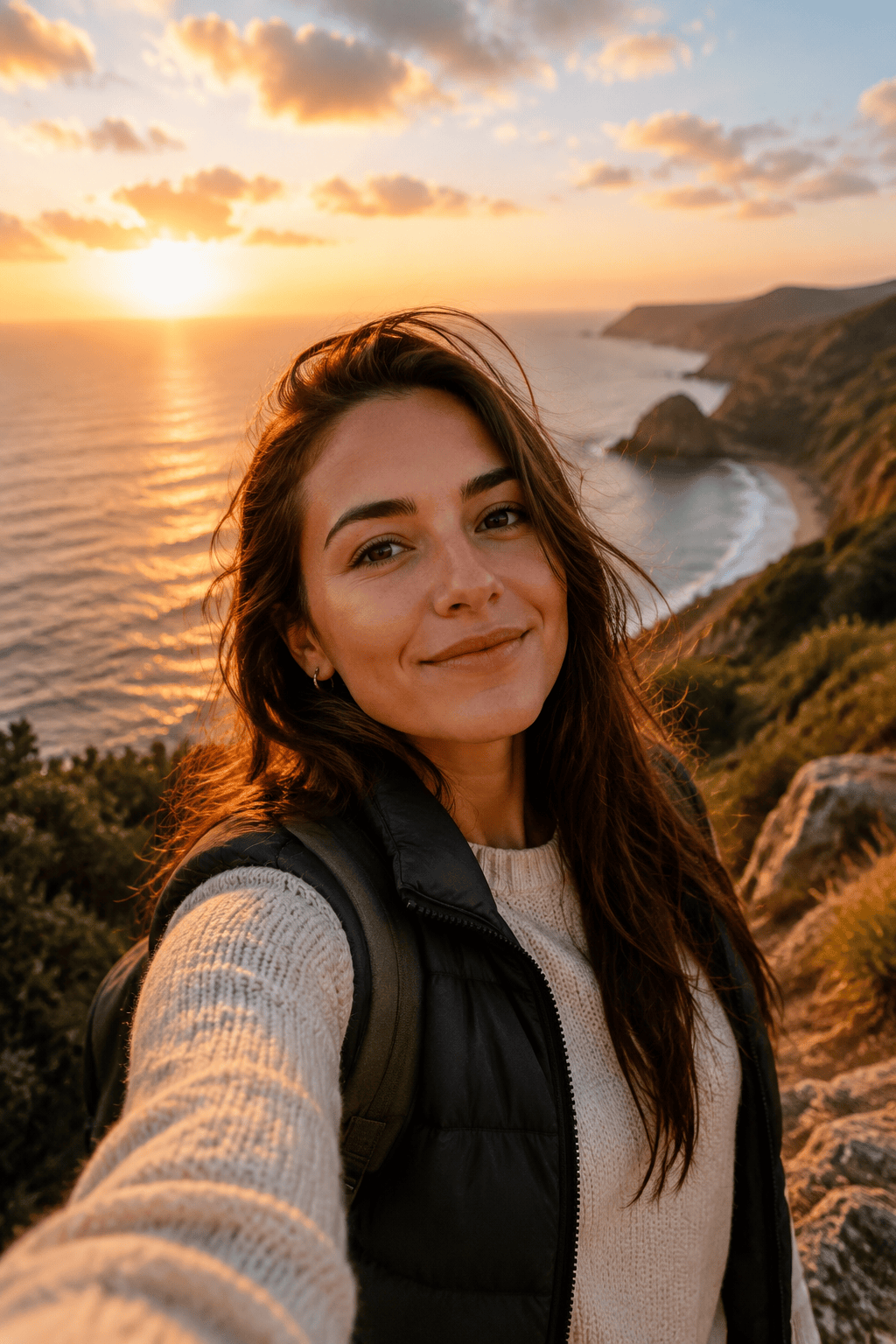
Make a cinematic travel selfie based on my photo. Place me near a coastal overlook at sunset, keep my face natural, use wind-swept hair, warm color grading, and realistic lens depth.
Create a polished team page portrait from my selfie. Use business casual clothing, even studio lighting, a white background, natural skin texture, and a professional but approachable expression.
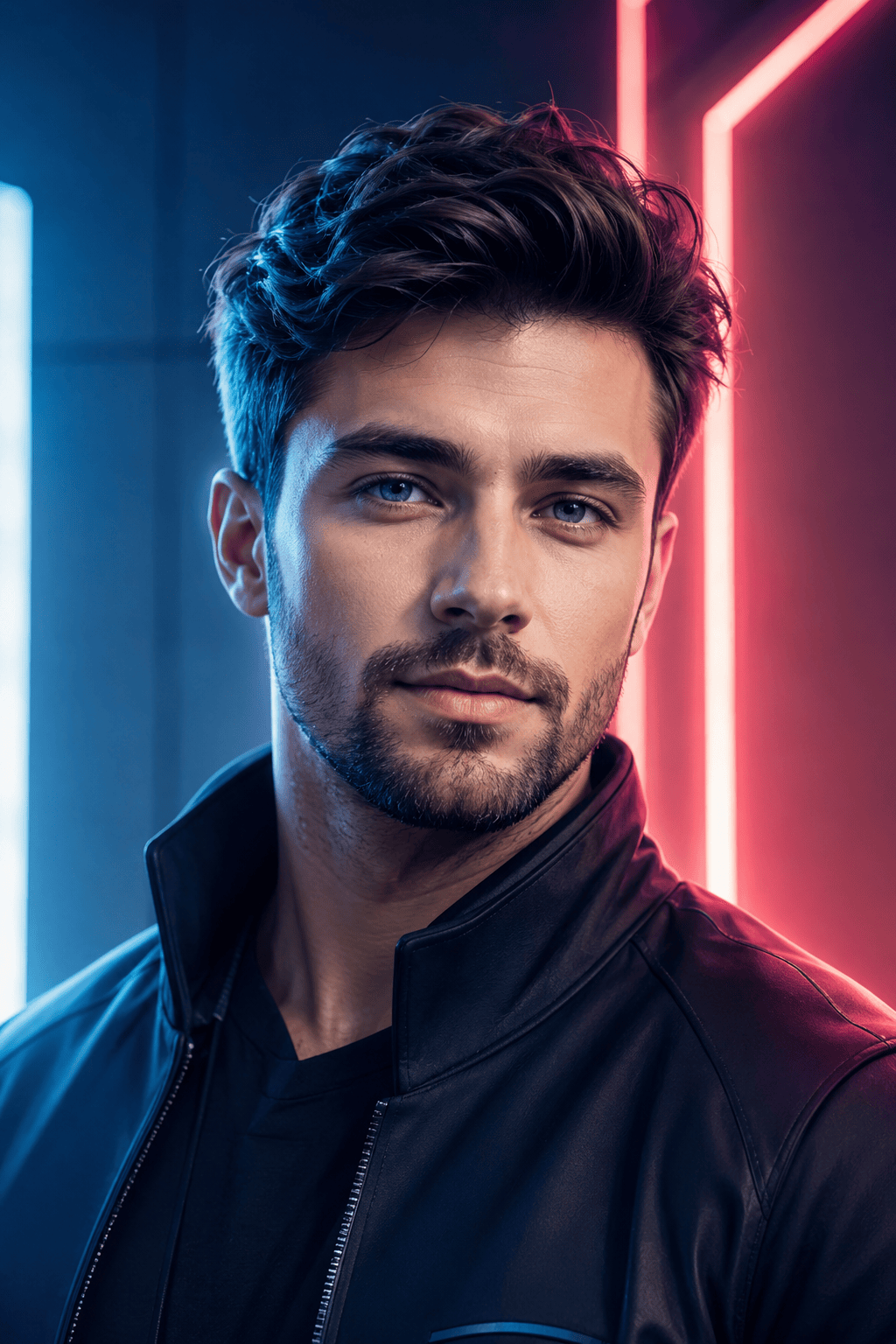
Turn my selfie into a creative AI avatar for social media. Preserve my main facial features, add a clean futuristic jacket, soft neon rim light, and a modern blue-purple background.





