Free OnlineAI Illustration Generator
How to Create an Illustration with AI
Brief the Illustration
Set the Visual Language
Direct the Revision
Export for Its Final Placement

Illustration Control Beyond a One-Line Prompt
Art Direction in Everyday Language
Describe gouache, ink, collage, clean flat shapes, expressive linework, or another visual direction in plain English. Mew interprets the brief as an AI illustration maker, so you can focus on the idea and audience rather than prompt syntax.
Reference-Led Visual Cohesion
Upload a sketch, mood board, approved illustration, or character reference to guide the next result. Reusing the same reference and defining details helps related assets share a recognizable palette, texture, and shape language.
Composition for the Final Placement
Ask for a wide website hero with headline space, a portrait story page, a centered spot illustration, or an editorial crop. The composition follows the destination instead of forcing every idea into the same frame.
Related Images for a Visual Series
Generate several directions or build a connected set for a campaign, article series, brand system, or picture-book draft. Repeat character anchors and art-direction terms to reduce visual drift between scenes.
Targeted Revisions with Chat Edit
Keep the parts that work and describe only what should change. You can revise color, pose, expression, background, objects, crop, or level of detail through the same design conversation.
Free Credits and Honest Raster Output
Try the free AI illustration generator with signup credits, then export watermark-free PNG or JPG files. For a vector-like appearance, request clean flat shapes and minimal texture; the exported result remains a raster image, not an editable SVG.
How to Prompt AI Like an Art Director
- Subject and message: Describe who or what appears, what is happening, and the idea the image should communicate—not just a list of objects.
- Medium and mark-making: Specify watercolor washes, ink contours, cut-paper layers, gouache texture, pencil hatching, or clean vector-inspired shapes. Name visible qualities rather than relying only on a broad style label.
- Composition and destination: State the final placement and crop, such as a 16:9 website hero with negative space, a portrait picture-book page, or a compact editorial spot illustration.
- Continuity anchors: For a series, repeat the character's defining features, palette, line weight, and texture in every brief. Attach the same approved reference when possible, then review each image for drift.
Copy-Ready Illustration Briefs for Real Projects
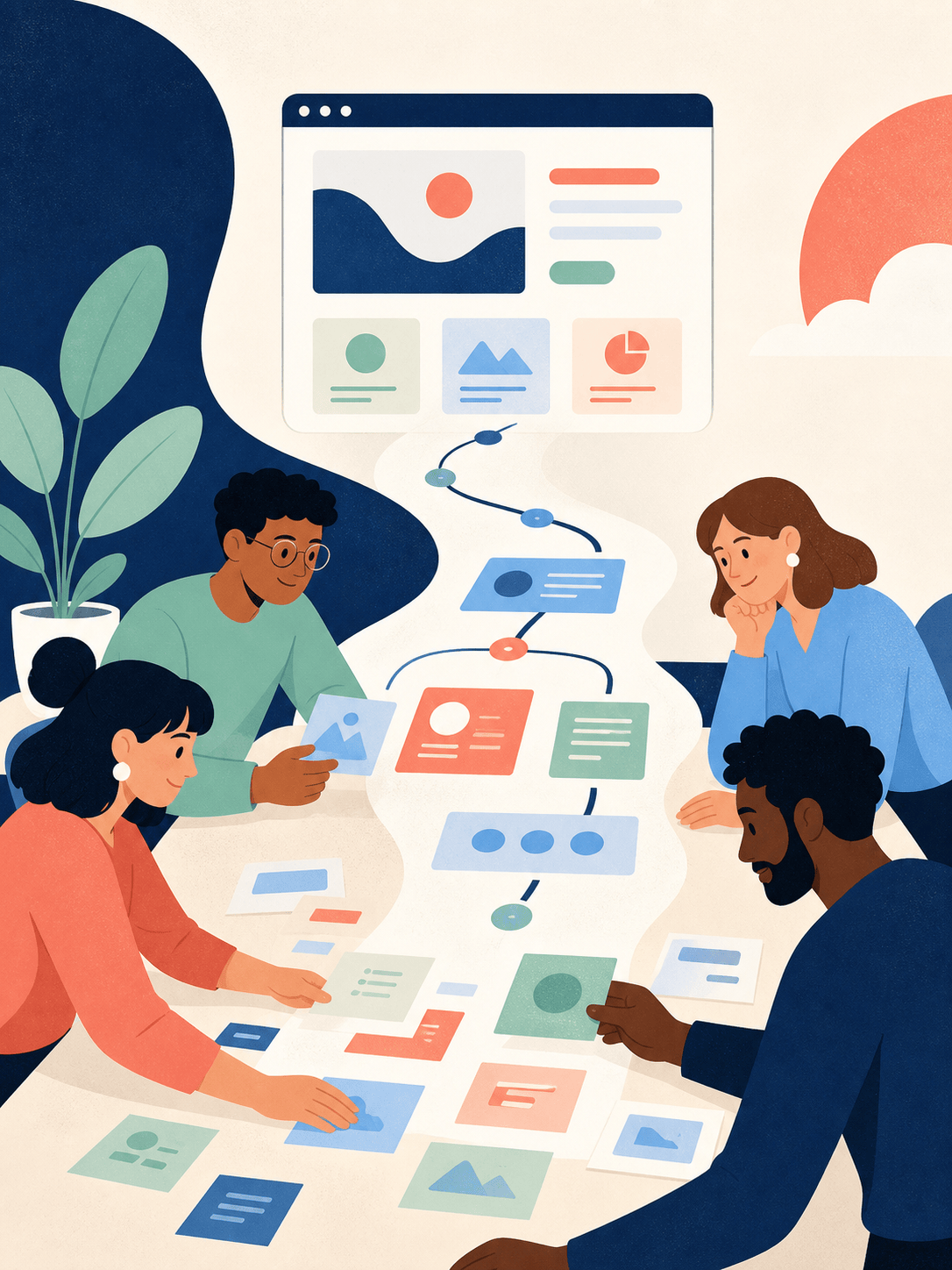
Create a 16:9 website hero illustration for a privacy-first analytics startup. Show a friendly team viewing a clear dashboard represented by simple abstract cards and a protective translucent shield. Flat geometric shapes, dark indigo, electric blue, soft lilac, and off-white, subtle grain, modern editorial feel, generous empty space on the left for a headline, no words or logos.
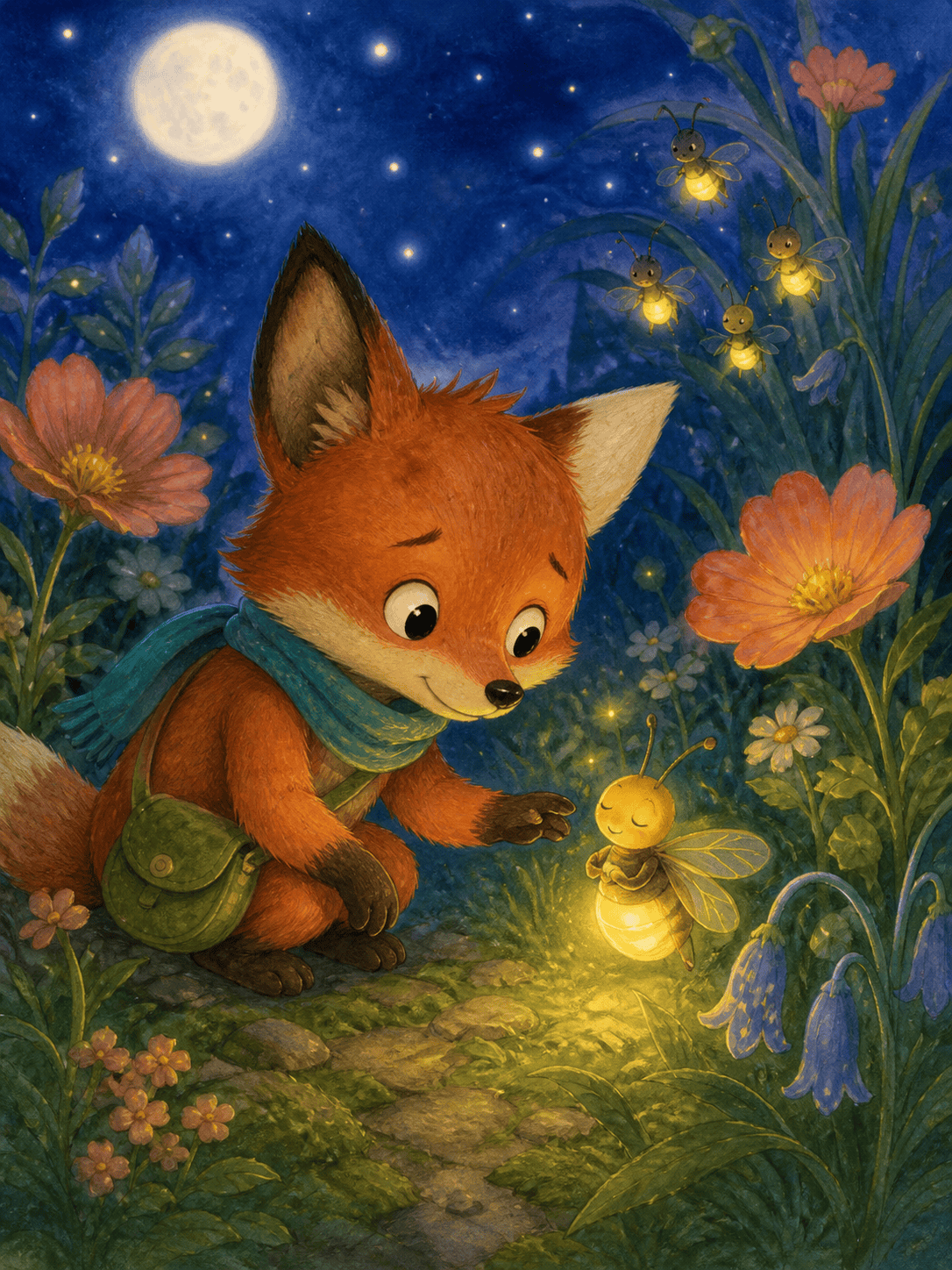
Create a 3:4 children's book illustration of Pip, a small rust-red fox with one cream-tipped ear, a teal scarf, and a round green satchel, helping a sleepy firefly find its family in a moonlit garden. Warm watercolor and colored-pencil texture, gentle expressions, low viewpoint, soft indigo and golden light, age 4–7, no text. Keep Pip's defining features clear for later scenes.
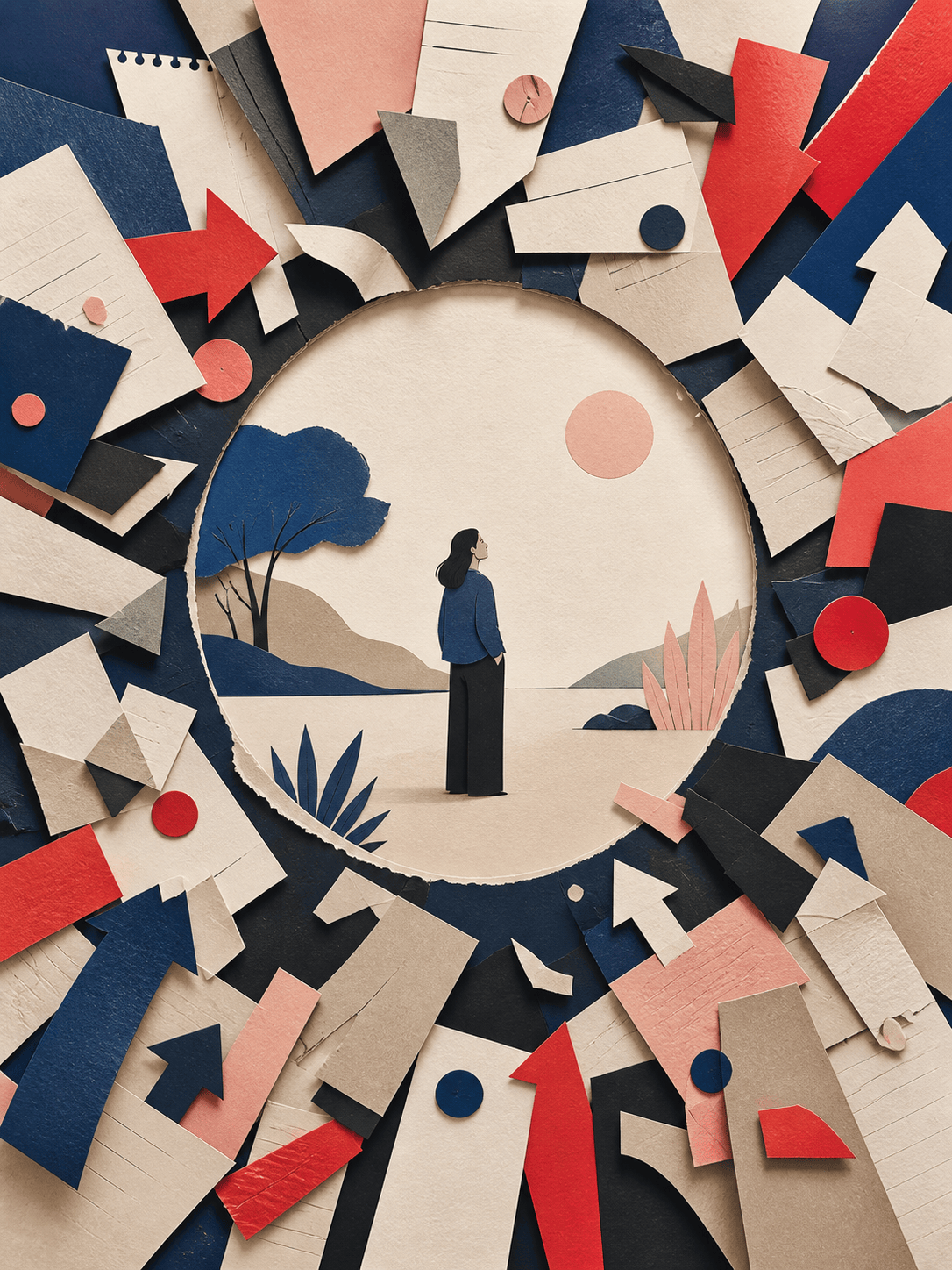
Create a portrait editorial illustration about information overload. A person stands calmly inside a quiet circular space while layered paper notifications, arrows, and fragments swirl outside it. Sophisticated cut-paper collage, muted cobalt, vermilion, sand, and charcoal, strong central metaphor, tactile edges, magazine-quality composition, no lettering.
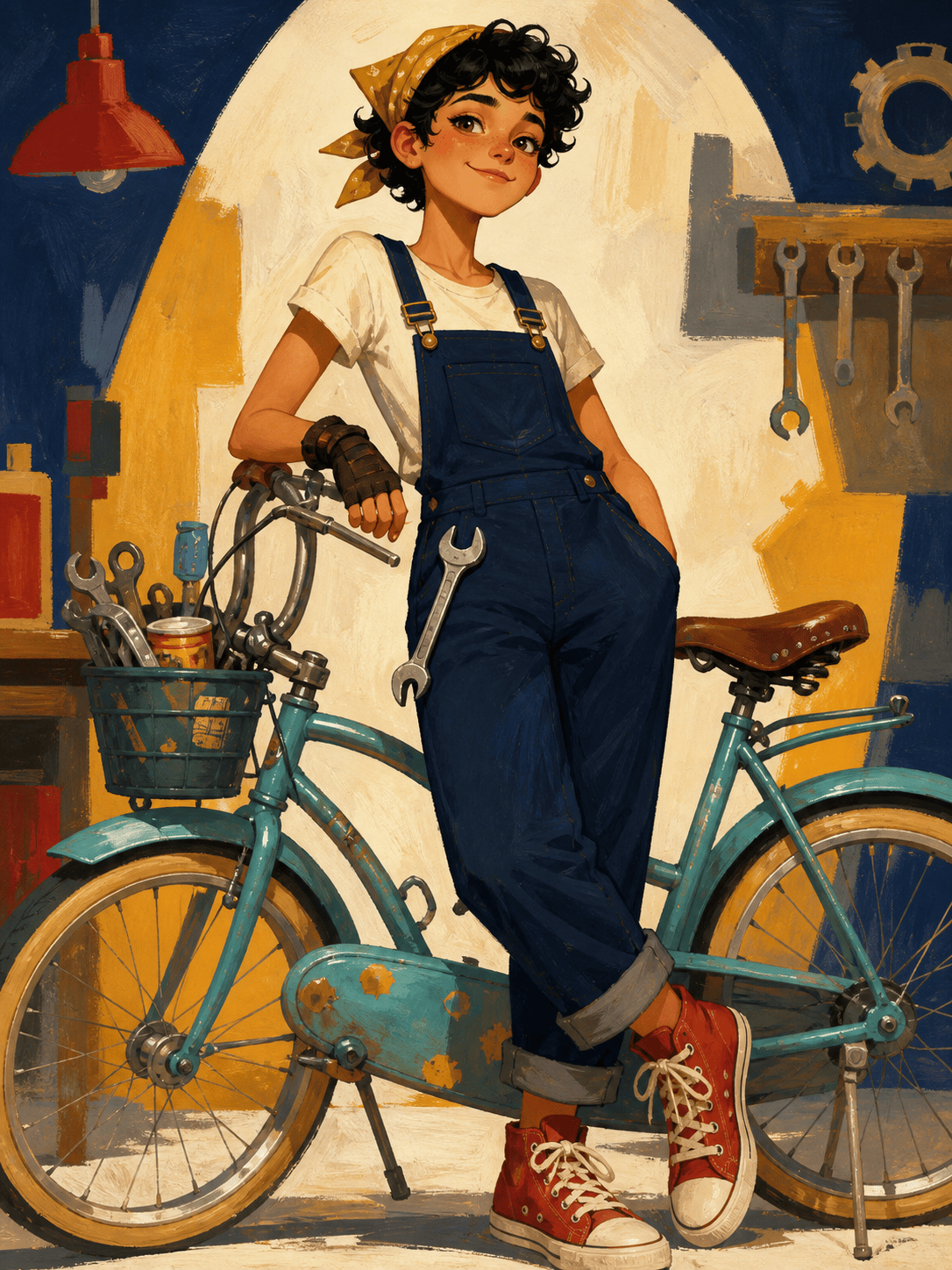
Design a character exploration sheet for Nori, an adventurous young bicycle mechanic with short black curls, a mustard bandana, navy overalls, red high-top shoes, and a silver wrench clipped at the waist. Show one full-body hero pose, one working pose, and three facial expressions. Expressive gouache animation style, clean light background, consistent proportions and costume, no text labels.
Create a coordinated set of four square spot illustrations for a sustainable banking app: saving for a home, sharing a bill, planting long-term investments, and protecting an emergency fund. Use the same rounded characters, forest green, peach, sky blue, and warm beige palette, clean flat shapes, subtle stipple texture, consistent scale and line weight, transparent-looking plain backgrounds, no words.
Create an educational editorial illustration explaining urban pollination for a museum blog. Show a cross-section of balconies, street trees, and a rooftop garden connected by the flight path of bees and butterflies. Clear visual hierarchy, precise natural forms, screen-printed texture, friendly but scientifically grounded, emerald, yellow, brick red, and cream, no labels or invented data.
Create a vertical gouache food illustration for a seasonal recipe article. Show a rustic bowl of roasted tomato soup, torn basil, toasted bread, and scattered heirloom tomatoes viewed from slightly above. Painterly brush texture, warm red and terracotta palette with fresh green accents, elegant editorial styling, uncluttered cream background, no typography.
Create a 3:4 travel editorial illustration of a quiet coastal train passing lemon groves above the Mediterranean at sunrise. Layered ink and watercolor, loose but confident linework, sea blue, citrus yellow, coral, and faded green, atmospheric depth, human-scale storytelling, sophisticated magazine cover art, no words or brand marks.





