Free OnlineAI Kaleidoscope Generator
How to Create Kaleidoscope Art with AI
Choose a Source and Destination
Direct the Symmetry and Materials
Generate and Inspect the Pattern
Refine, Test, and Export

Why Mew Design Fits Kaleidoscope Art Workflows
Turn Plain Words into Radial Art
Describe petals, crystal shards, paper cutouts, neon glass, or another visual language. The AI kaleidoscope pattern generator converts the brief into a centered composition without requiring manual reflection tools.
Build from Your Photo or Reference
Upload a flower, fabric, architecture detail, or abstract image to guide colors and forms. State what should remain recognizable and what can dissolve into mirrored geometry.
Shape the Center Through Conversation
A kaleidoscope succeeds or fails at its focal point. Ask for a cleaner rosette, fewer wedges, stronger contrast, or more breathing room and continue refining the current image with Chat Edit.
Explore Distinct Material Directions
Compare luminous stained glass, faceted crystal, watercolor blooms, cut paper, metallic foil, or flat vector-like geometry. Material cues give the same symmetry a different mood and practical use.
Create Versions for Real Formats
Use this online AI kaleidoscope maker to explore square covers, vertical phone backgrounds, widescreen art, and tile concepts. Generate separate compositions so important detail survives each crop.
Start Free and Export Clean Images
New users receive free AI credits after signup. Compare pattern directions, refine the strongest result, and export completed PNG or JPG images without a watermark.
How to Prompt AI for Balanced Kaleidoscope Art
- Choose the Source Motif: Name the flowers, minerals, architecture, fabric, or abstract shapes to repeat. If you upload an image, explain which colors, textures, or recognizable details should guide the new artwork.
- Describe the Symmetry: State a centered radial composition, mirrored wedges, an approximate count such as six, eight, or twelve, and whether the center should feel bold, airy, or densely layered.
- Set Color and Material: Give a focused palette plus a finish such as stained glass, watercolor, faceted crystal, cut paper, metallic foil, embroidery, or flat geometric illustration.
- Name the Output Checks: Specify the aspect ratio and destination. Request clean joins, no accidental faces, text, logos, or muddy center; for repeat patterns, ask for a seamless tile and test the exported image in a grid.
Kaleidoscope Prompts for Photos, Patterns, and Covers
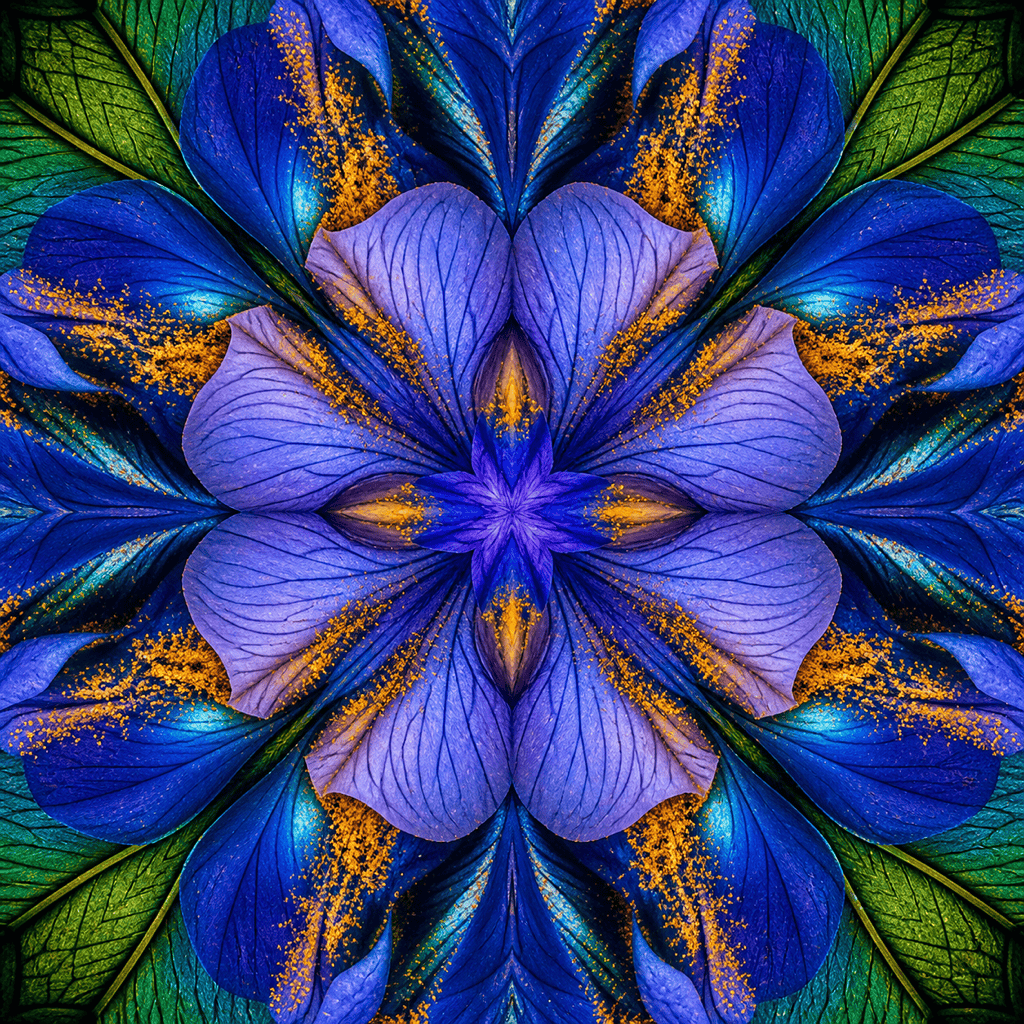
Photo-to-Kaleidoscope Flower: Use @[uploaded macro flower] as the color and texture reference. Transform its blue petals, amber pollen, and fine veins into a square kaleidoscope with eight clean mirrored wedges and one sharp floral center. Keep the source palette recognizable but make the final image fully abstract, with no text or watermark.
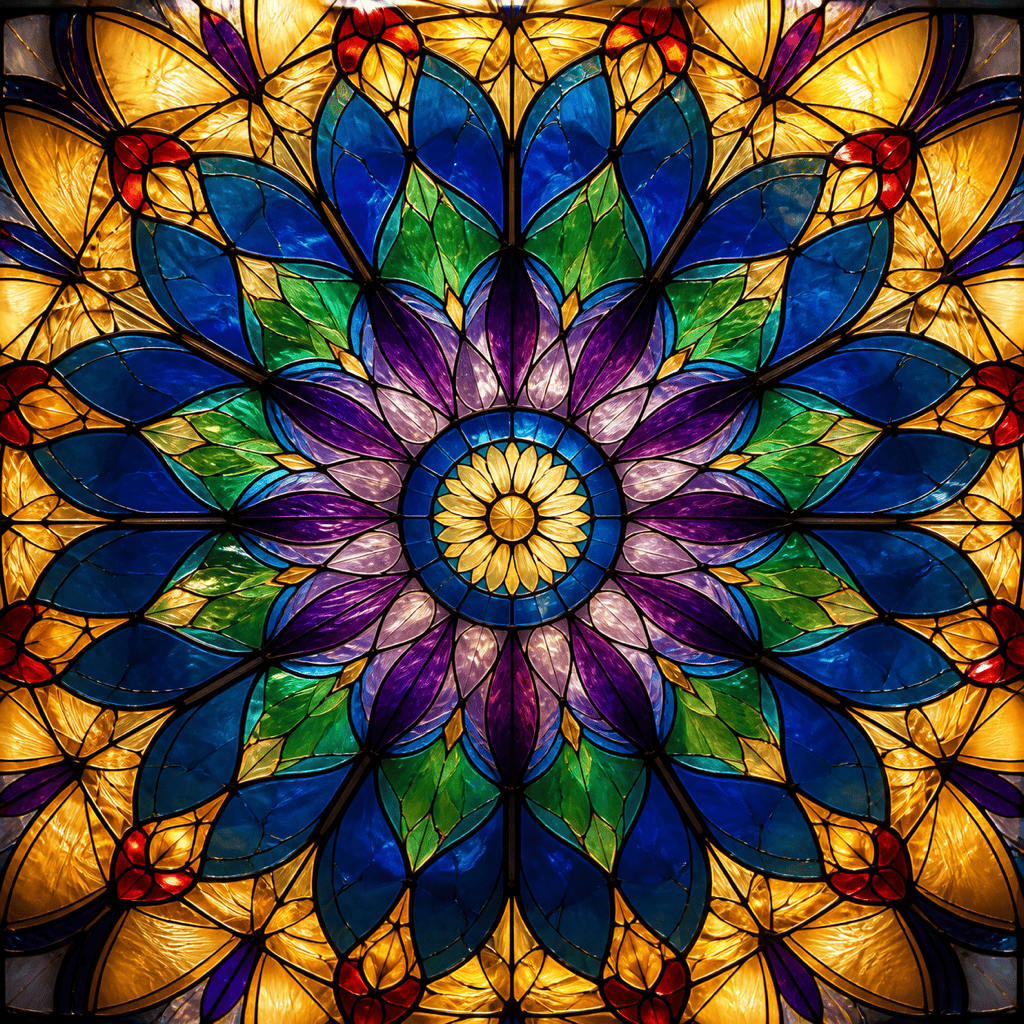
Stained-Glass Wallpaper: Create a luminous kaleidoscope rosette from sapphire, emerald, violet, and warm-gold glass. Use twelve mirrored radial sections, dark lead lines, realistic translucent texture, a calm circular center, and rich detail that remains readable as a desktop background. No symbols, words, or logo.
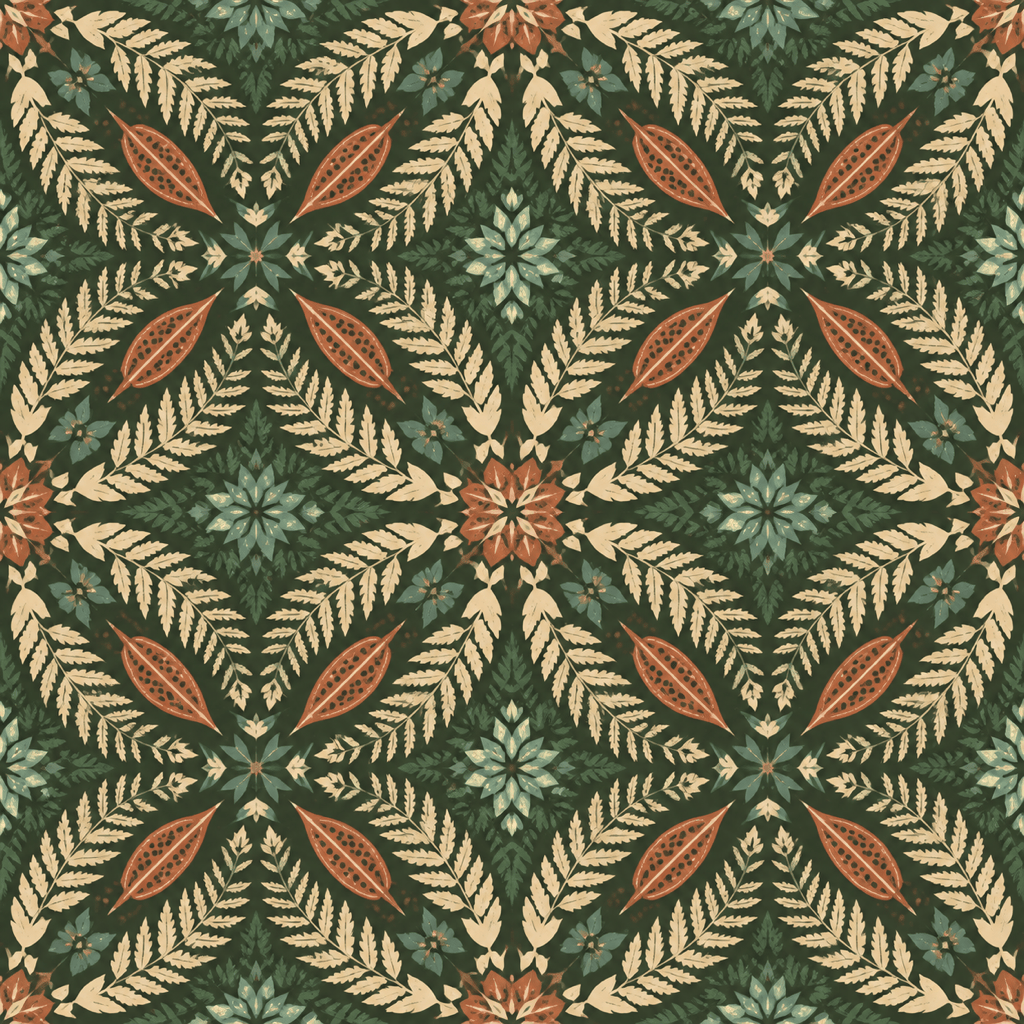
Seamless Fabric Concept: Design a square repeat tile made from mirrored fern leaves, seed pods, and small geometric flowers. Use forest green, terracotta, cream, and muted teal with a screen-printed textile texture. Make the kaleidoscope units connect cleanly across every edge and show no obvious border; no text or isolated central badge.
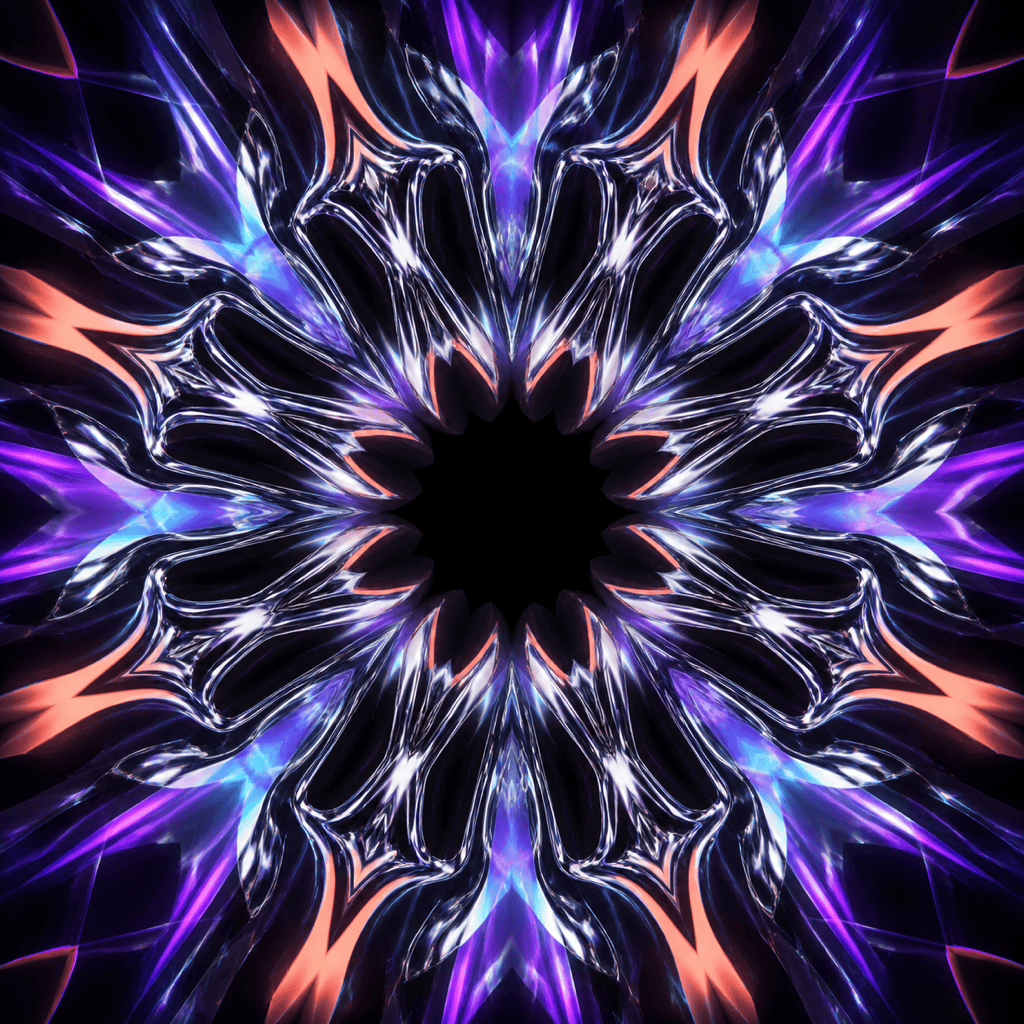
Psychedelic Album Cover: Generate a square twelve-segment kaleidoscope built from liquid chrome ribbons, ultraviolet light, coral orange, and electric cyan. Use a strong central eye-like void without a literal eye, crisp mirrored geometry, controlled glow, deep black corners, and clear room for title typography added later. Generate no text.
Minimal Paper-Cut Poster: Make a six-part kaleidoscope from precise paper-cut circles, arcs, and leaf shapes. Limit the palette to cobalt, tomato red, cream, and black. Use a matte handmade-paper texture, bold open center, generous negative space, and clean poster-like geometry without gradients or words.
Vertical Crystal Phone Wallpaper: Create a 9:16 kaleidoscope wallpaper of translucent quartz shards and tiny light prisms. Place the brightest radial center below the middle so the clock area stays calm. Use icy blue, lavender, silver, and restrained rose light, detailed reflections, dark clean top margin, and no text or icons.





