Free OnlineAI Wallpaper Generator
How to Create a Wallpaper with AI
Choose the Screen and Safe Areas
Describe the Scene and Mood
Generate a Screen-Ready Draft
Chat Edit, Export, and Apply

Why Mew Design Works for Custom AI Wallpapers
Composition That Respects Your Screen
A useful wallpaper leaves room for the interface. Tell this AI desktop wallpaper generator where icons, widgets, the taskbar, or the phone clock will sit, and shape the focal point around those areas.
From Plain Words to Original Background Art
Describe a quiet alpine lake, a dark OLED pattern, or a neon city in everyday language. Mew can route the idea through capable image models such as GPT Image 2.5 or Nano Banana Pro when they fit the request.
Desktop, Phone, and Ultrawide Directions
One crop rarely suits every display. Create separate horizontal, vertical, and ultrawide compositions so the subject remains intentional instead of being stretched or cut off.
Turn a Photo into a Personal Wallpaper
Upload a photo or visual reference and ask Mew to extend, restyle, or redesign it as a custom background. Reference images help preserve the palette, subject, or atmosphere you care about.
Refine the Result by Conversation
If the first draft feels crowded, use Chat Edit and ask for more negative space, softer contrast behind icons, a shifted focal point, or a coordinated lock-screen version.
Free to Try and Watermark-Free
Start the free AI wallpaper maker with credits after signup, explore several styles, and export finished backgrounds without a watermark in practical PNG or JPG formats.
How to Prompt AI for a Better Wallpaper
- Set the Screen: Use 16:9 for many desktops, 9:16 for phone backgrounds, or 21:9 for ultrawide monitors. Check your actual device ratio before exporting.
- Protect the Interface: Ask for quiet negative space behind desktop icons, the lock-screen clock, widgets, and the dock so the wallpaper stays readable in daily use.
- Build a Visual Recipe: Name the subject, art direction, palette, lighting, texture, mood, and focal-point placement instead of relying on a single style word.
- Remove Distractions: Request no text, logos, watermarks, busy corners, duplicate objects, or tiny high-contrast details unless they are essential to the concept.
AI Wallpaper Prompts for Every Screen
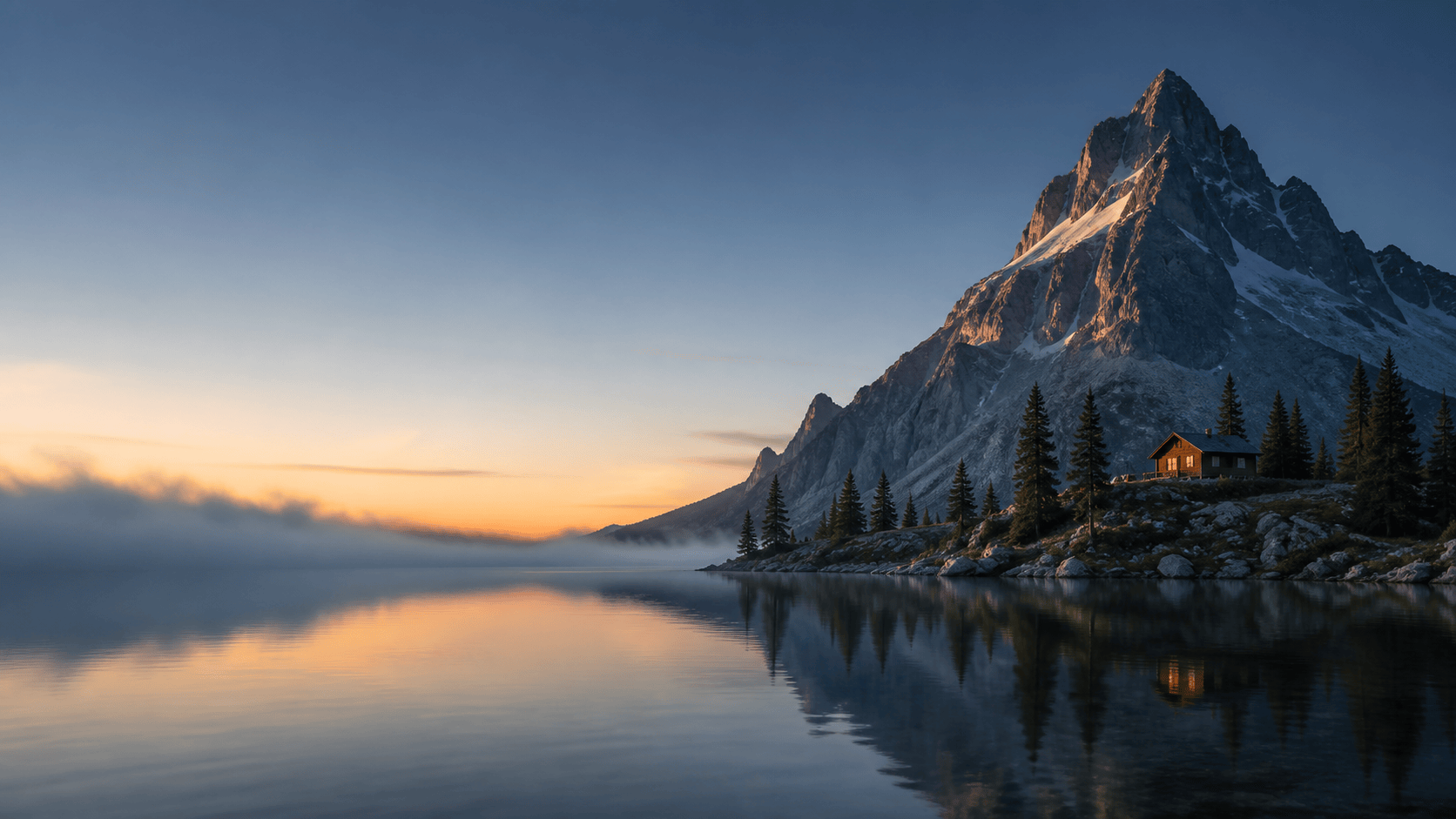
4K-Style Nature Desktop: Create a 16:9 desktop wallpaper of a remote alpine lake at sunrise, photorealistic, soft mist, pine silhouettes, cool blue shadows and warm light, focal peak on the right third, broad low-detail sky and darker open space on the left for icons, no text or logo.
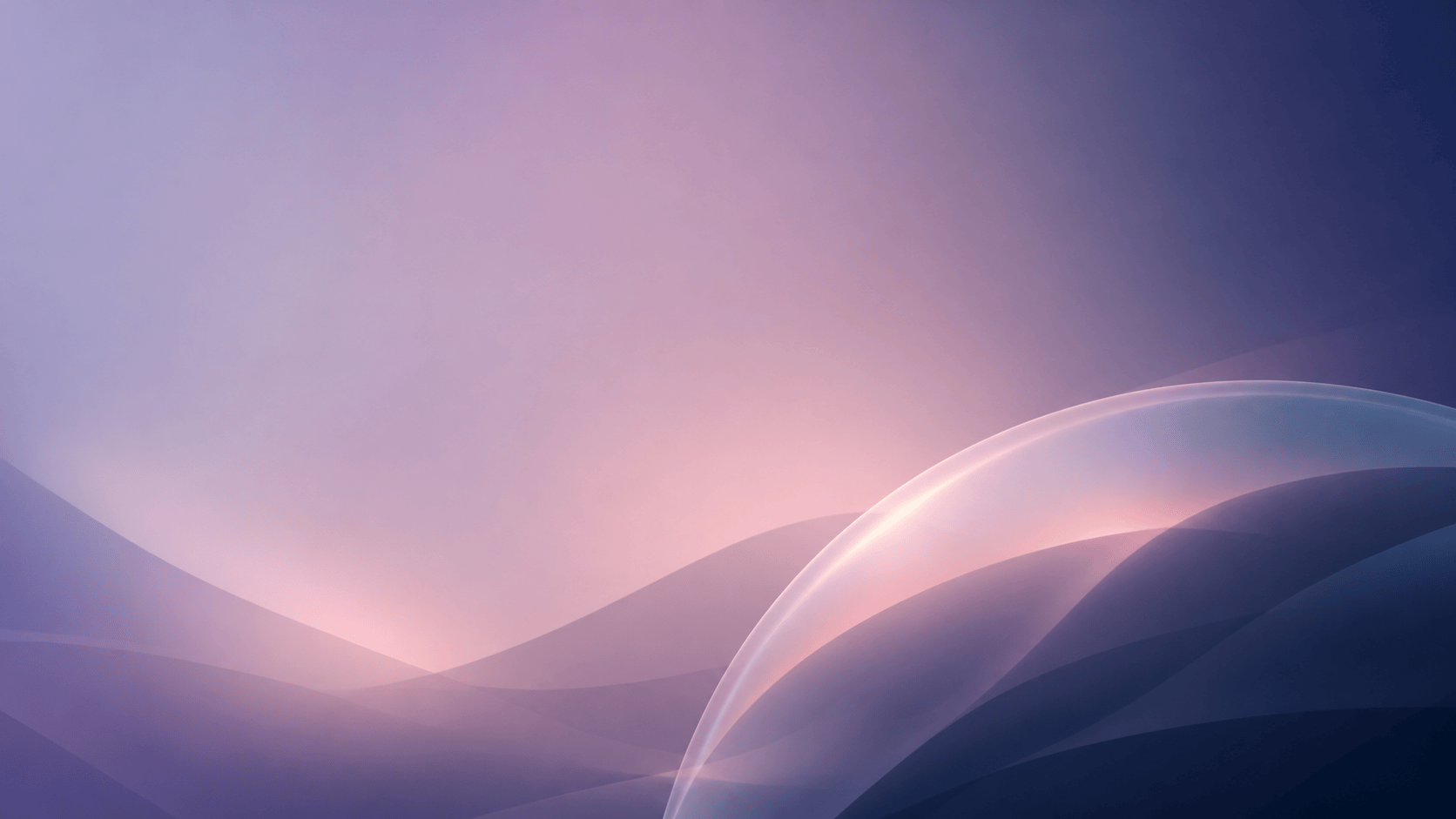
Minimal Phone Background: Create a 9:16 phone wallpaper with smooth lavender, blush, and midnight-blue gradients, one soft translucent arc near the lower third, clean top area for the lock-screen clock, low visual noise behind app icons, matte finish, no text or watermark.
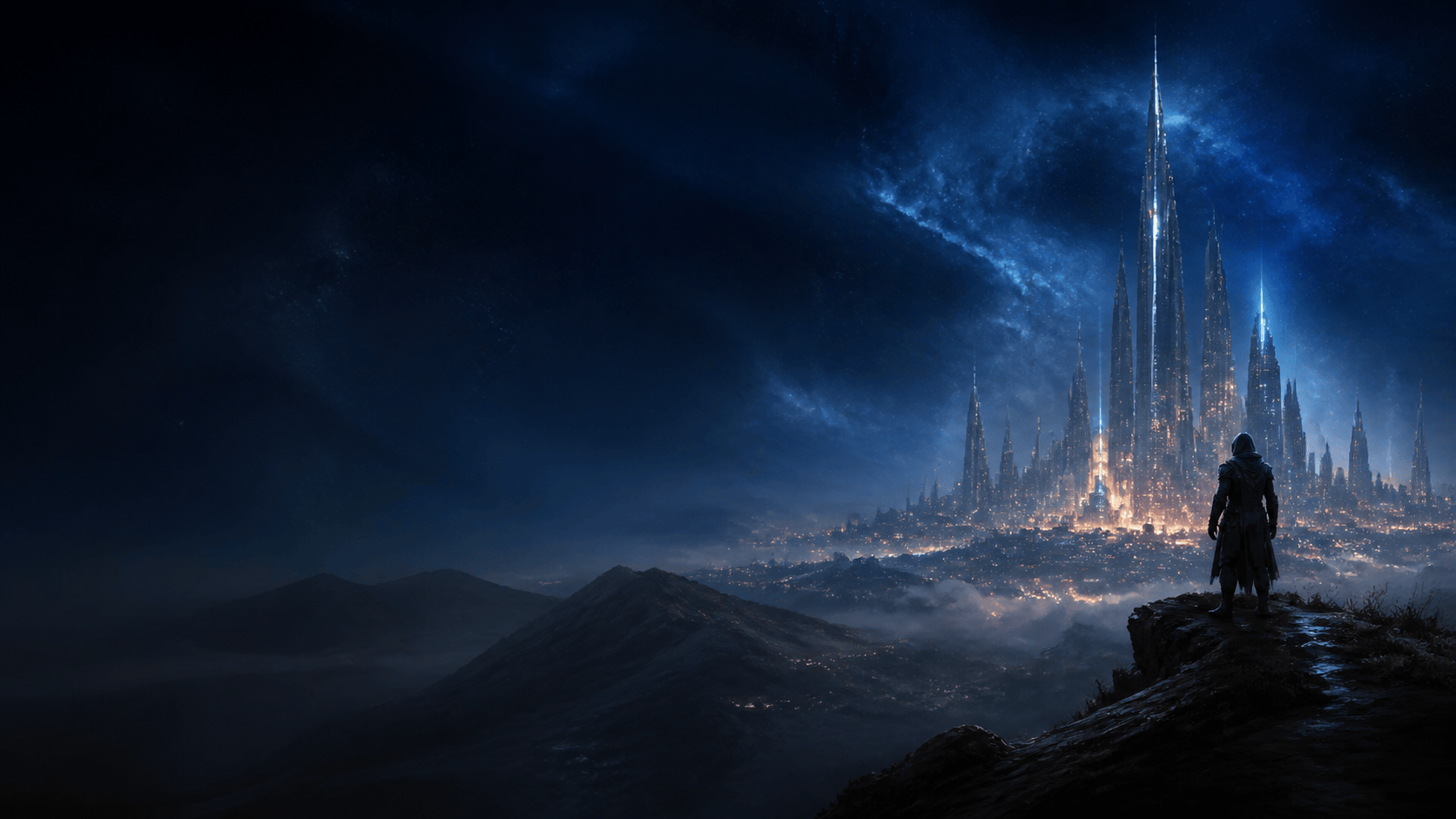
Ultrawide Gaming Setup: Generate a 21:9 sci-fi desktop wallpaper of a lone explorer overlooking a luminous megacity, cinematic scale, cobalt and amber lights, subject on the far right, dark nebula-like negative space across the left half for desktop icons, crisp silhouette, no game logos or text.
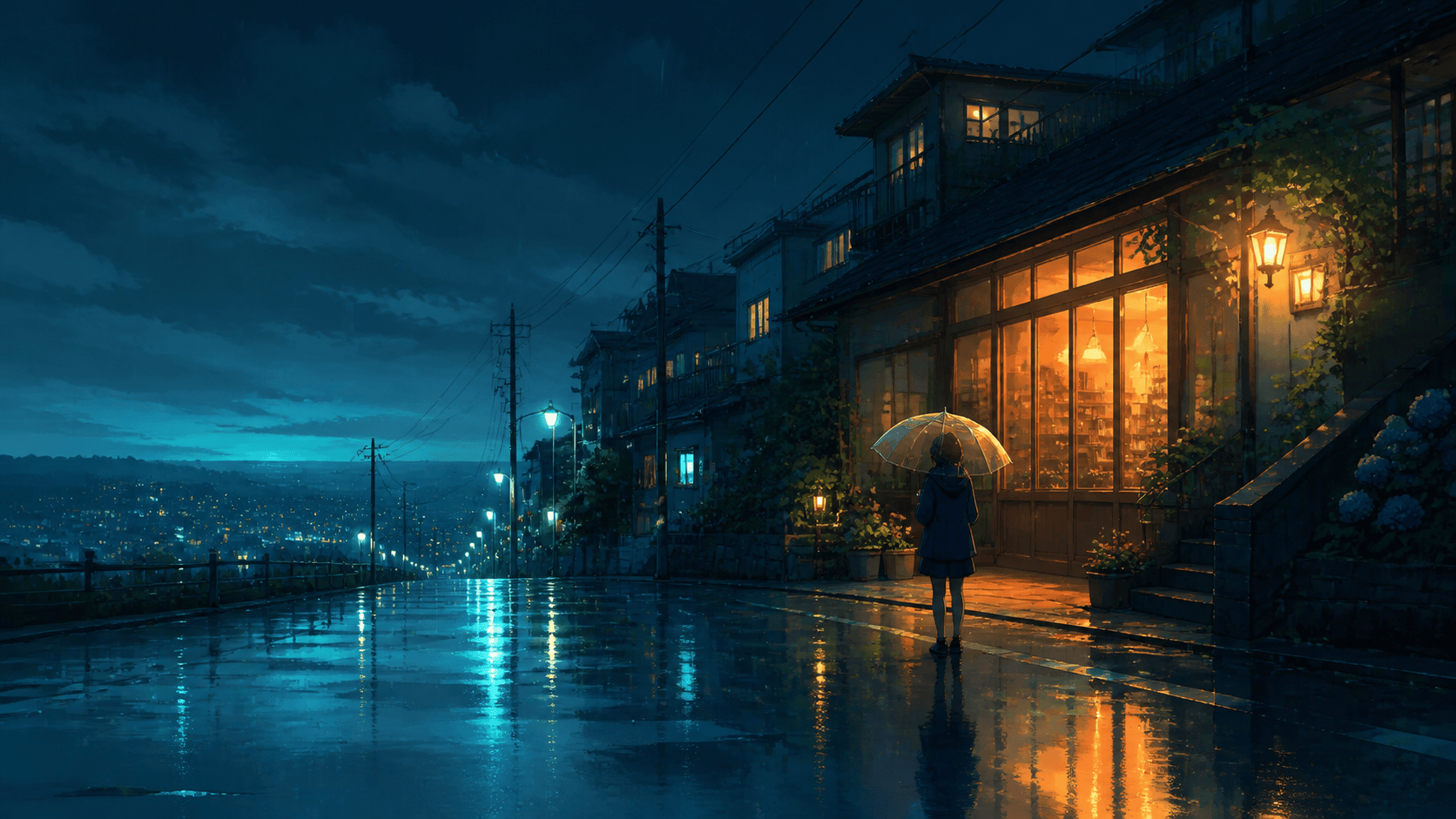
Anime-Inspired Rainy City: Make an original 9:19.5 phone wallpaper of a quiet rainy street at night, expressive hand-drawn animation aesthetic, cyan reflections and warm shop lights, small figure below the middle, open dark sky around the clock area, no recognizable characters, text, or logos.
Custom Wallpaper from a Photo: Use my uploaded coastal photo as the visual reference. Extend it into a 16:9 desktop background, preserve the natural rocks and sunset palette, place the horizon on the upper third, add clean low-detail water on the left for icons, keep the scene realistic, and add no text.
Dark OLED Wallpaper: Design a 9:16 abstract phone wallpaper with a near-black background, sparse electric-blue contour lines, one subtle glowing form near the lower center, true dark negative space around icons and the clock, elegant and minimal, no words, logos, or watermark.





