Free OnlineAI Funny Image Generator
How to Create Funny Images with AI
Set Up the Visual Joke
Generate the First Comic Beat
Sharpen the Punchline
Crop, Caption, and Share

Why Mew Design Helps Visual Jokes Land
Plans the Setup and the Twist
Describe a normal scene and the detail that breaks it. The AI humor image maker can connect the character, action, environment, and prop so the joke feels intentional instead of randomly strange.
Remixes Photos Without Losing the Subject
Upload a permitted selfie, pet photo, product shot, or sketch and state what must stay recognizable. Use the funny AI image generator from photo to change the situation, costume, scale, or art direction while protecting key traits.
Repairs the Reaction Through Chat
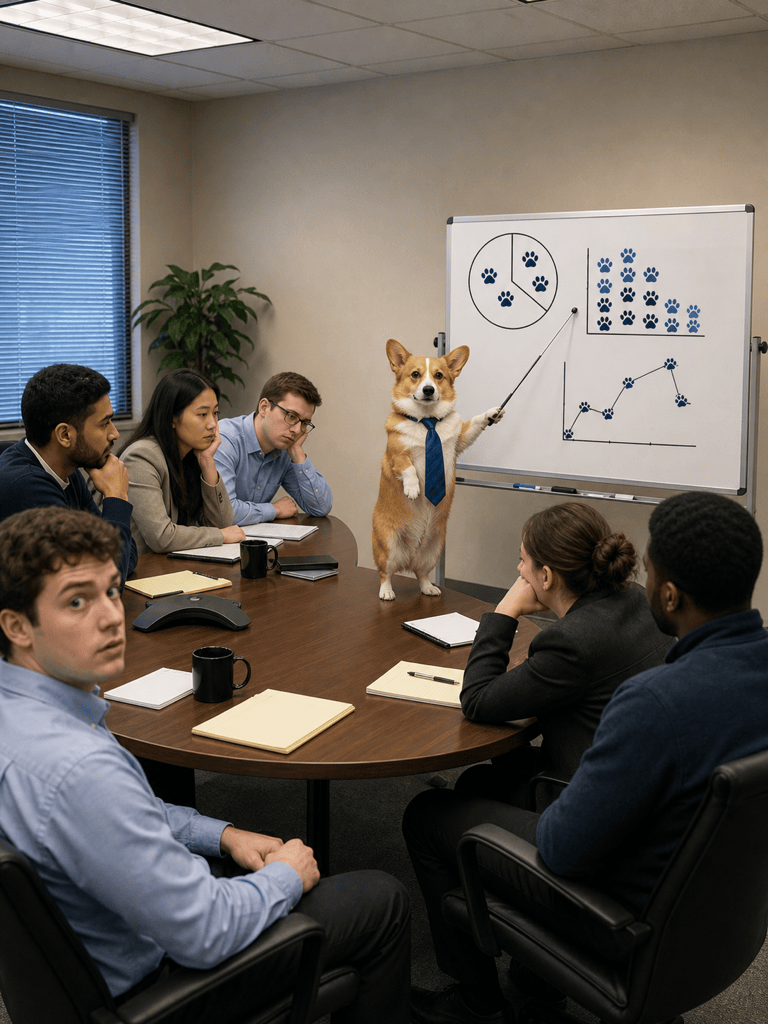
Comic timing often depends on one face or gesture. With Chat Edit, you can make the dog look more suspicious, point the raccoon toward the reveal, fix a paw, or simplify the background without discarding the whole image.
Moves Across Comedy Styles
Create photorealistic absurdity, deadpan editorial art, 3D clay comedy, clean cartoons, or intentionally rough doodles. For more focused looks, continue with the AI cartoon generator or explore ChatGPT MS Paint prompts.
Builds Variations for the Feed
Turn one concept into a square reaction picture, vertical Story, landscape thumbnail, or caption-free version. Reuse the strongest subject and joke while changing framing, color, or intensity for each channel.
Free to Test and Ready to Export
Start the free funny AI image generator online with signup credits, compare several directions, refine the best result, and download watermark-free PNG or JPG files for personal or creative projects.
How to Prompt AI for a Funnier Image
- Ground the setup:Start with a familiar place or routine such as a commute, class, family photo, video call, gym session, or grocery run. A believable baseline makes the strange element easier to read.
- Choose one reversal:Give a pet an overly serious job, make a tiny object enormous, swap expected roles, or reveal a ridiculous hidden detail. Avoid stacking five unrelated jokes into one frame.
- Direct the reaction:Name the expression, pose, eyeline, and who notices the joke. Deadpan, proud, confused, suspicious, and overly determined reactions often communicate better than a generic smile.
- Set the crop and limits:State square, vertical, or landscape format and where the image will be shared. If you need text, provide one short exact caption; also list unwanted extra characters, logos, clutter, or duplicate props.
Funny AI Image Prompts for Pets, Photos, and Social Posts
Pet Comedy: Turn my uploaded dog photo into a square photorealistic reaction image. Preserve the white chest patch, floppy left ear, and red collar. Place the dog at a restaurant table studying a three-page dessert menu with intense concentration, tiny reading glasses low on the nose, one untouched biscuit on a plate, warm evening light, deadpan humor, no text or logos.
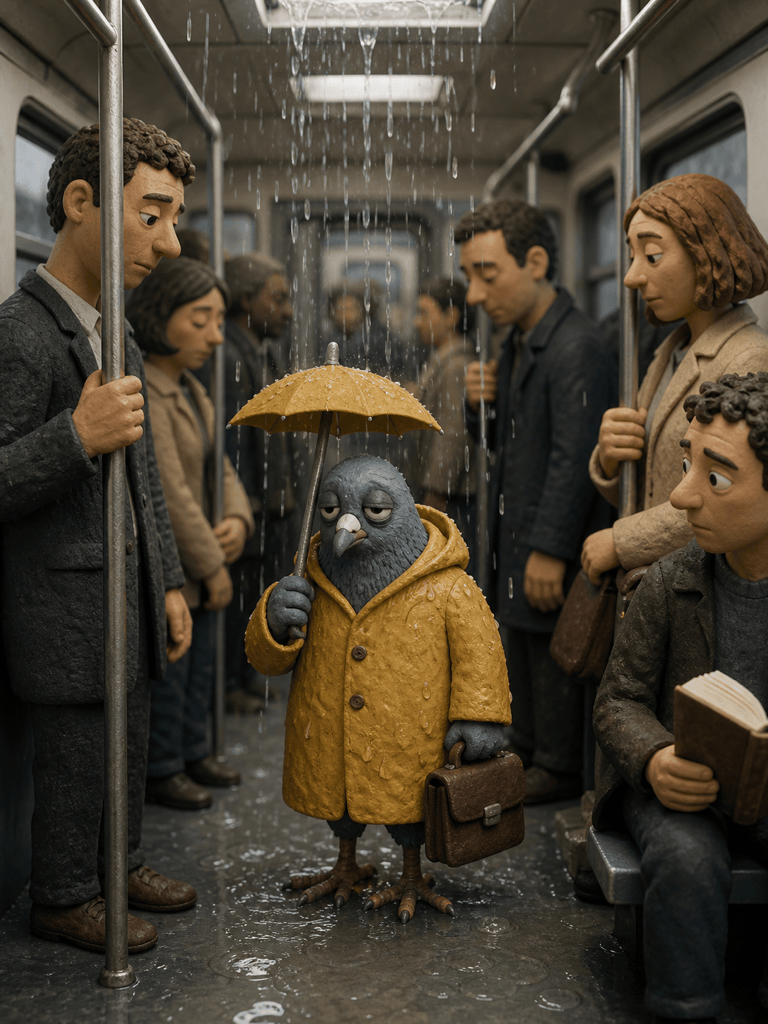
Workplace Absurdity: Create a vertical 3D clay-style image of a pigeon commuting on a crowded subway. The pigeon wears a raincoat, grips a tiny briefcase, and looks exhausted while every human passenger politely gives it space. Soft handmade textures, serious documentary framing, clear facial reactions, one visual joke, no caption.
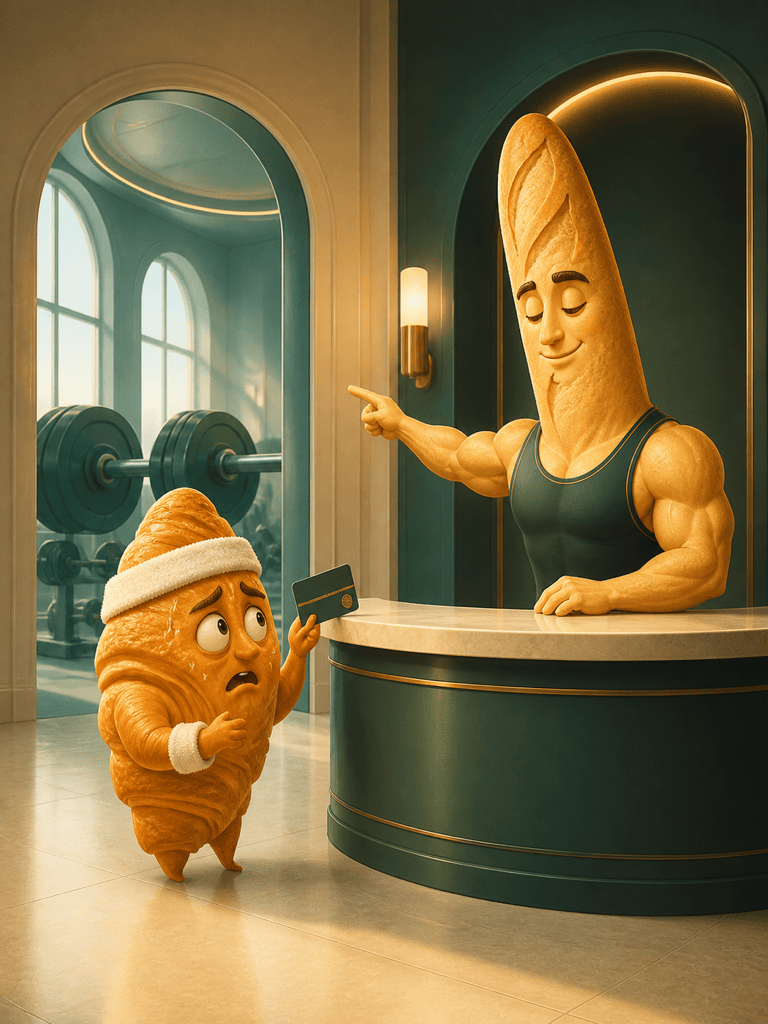
Funny Food Character: Make a clean editorial illustration of an anxious croissant checking into a luxury gym. The croissant wears a sweatband and holds a tiny membership card while a muscular baguette receptionist points toward the weights. Warm bakery colors, simple background, expressive poses, magazine-quality composition, no words.
Photo Remix: Use my permitted vacation photo and keep every person recognizable. Change only the background so the group appears to be posing calmly on the moon while a confused hotel bellhop carries their beach umbrellas behind them. Match the original lighting and camera angle, playful rather than humiliating, no brands or text.
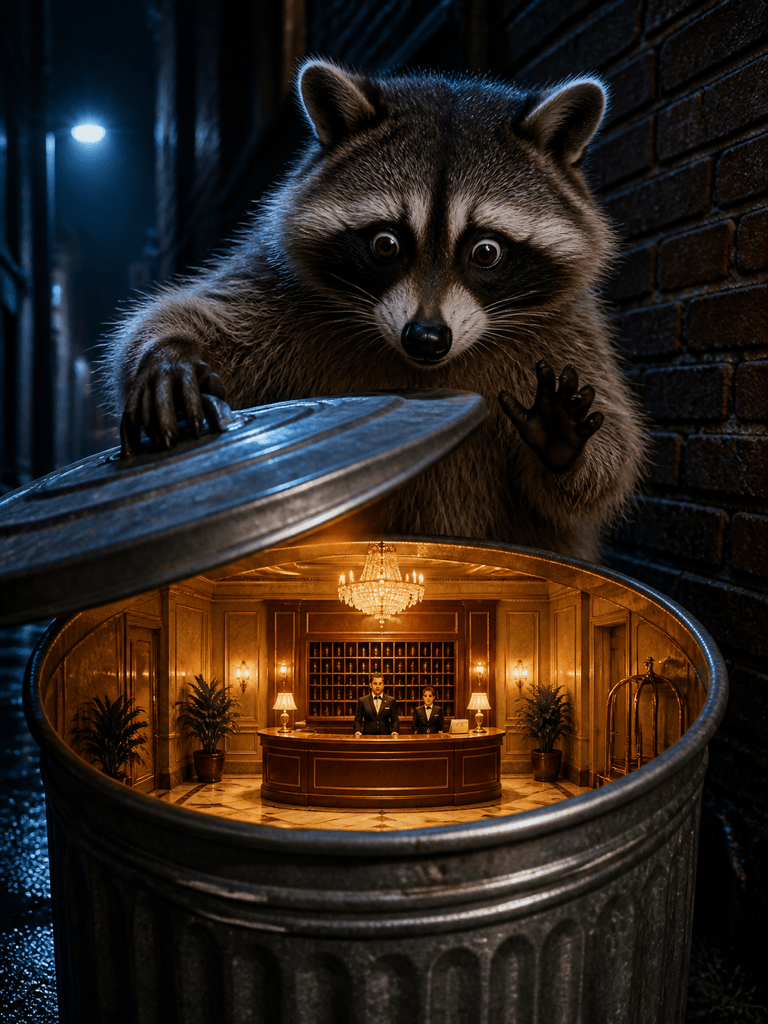
Reaction Picture: Create a cinematic close-up of a raccoon opening a trash-can lid and discovering a tiny five-star hotel lobby inside. The raccoon freezes with one paw in the air, eyes wide; miniature staff remain completely professional. Night alley, warm golden light from the hidden lobby, crisp focal reveal, landscape crop, no caption.
Wholesome Classroom Joke: Illustrate a serious owl teaching a night class called Advanced Napping to a row of sleepy woodland animals. The owl points at a diagram of a pillow, one squirrel takes frantic notes, gentle storybook gouache, readable silhouettes, friendly humor for a classroom slide, no embedded text.





