Free OnlineAI Dog Image Generator
How to Generate a Custom Dog Image with AI
Choose Text or a Pet Photo
Build the Dog’s Look
Protect the Recognizable Details
Prepare the Portrait to Share

Why Choose Mew Design as Your AI Dog Image Generator
Breed-Aware Descriptions
Ask for a Shiba Inu, greyhound, mixed-breed puppy, or a precise combination of ears, muzzle, build, and coat. The text-to-dog generator turns those traits into a coherent subject.
Pet Photos as the Starting Point
Upload your own dog instead of describing it from memory. Reference-image guidance helps preserve the face, fur pattern, eye color, and familiar expression.
Portrait Styles With Personality
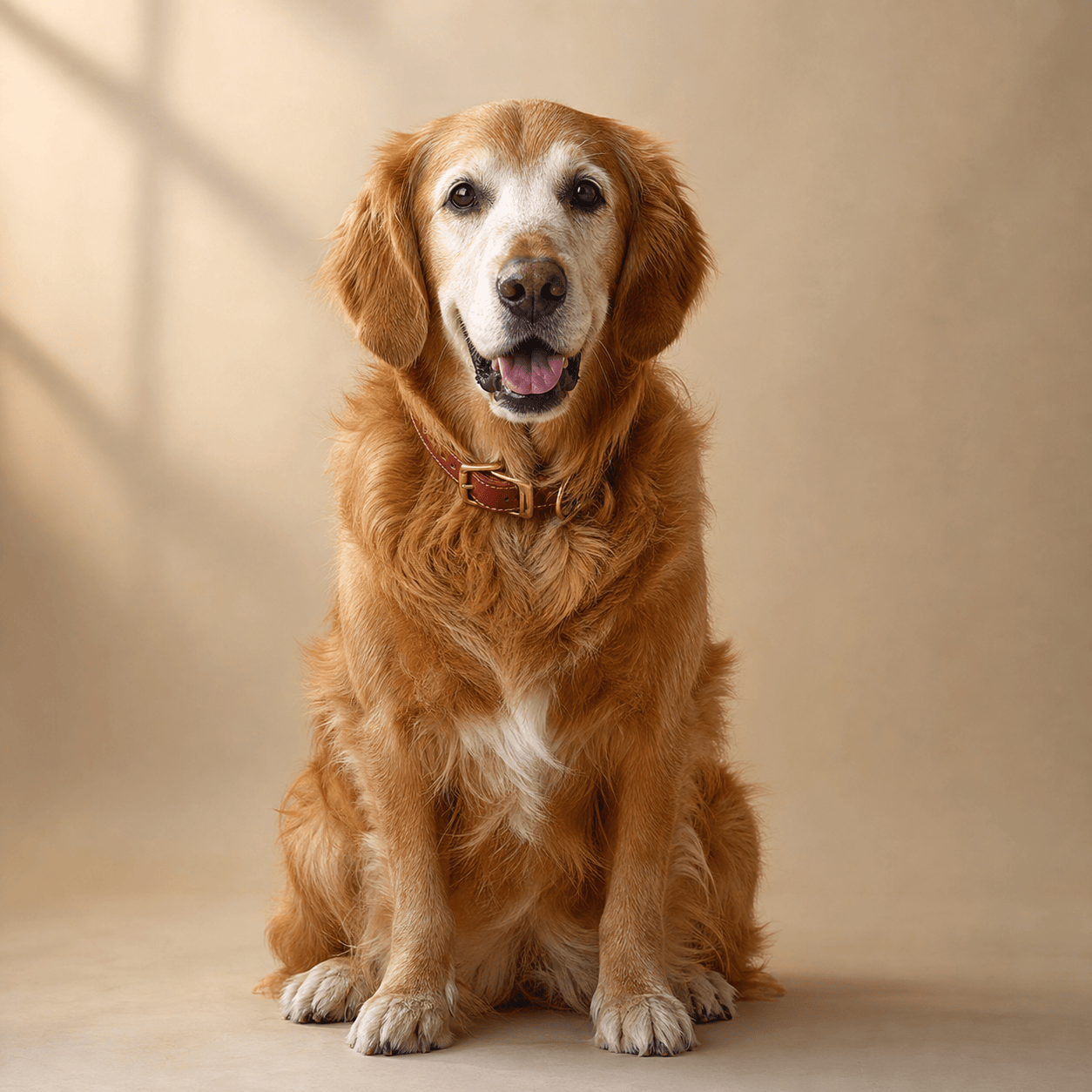
Recast the same pet as a royal oil painting, cozy watercolor, clean sticker, comic hero, fantasy explorer, or realistic studio photograph.
Fix One Trait, Not the Whole Dog
Chat Edit lets you request a targeted change—such as floppy ears, a blue collar, or a simpler background—without abandoning the portrait that already feels right.
More Than One Best Friend
Create a coordinated portrait of two or more pets, and describe their placement, size, and expressions so each animal has a clear role in the composition.
Gift-Ready, Watermark-Free Images
Try the free AI pet portrait generator with signup credits, then export watermark-free PNG or JPG files for personal prints, cards, profiles, and creative projects.
How to Write an Effective AI Dog Image Prompt
- Name identity anchors: Call out the asymmetrical patch, collar, eye color, bent ear, or muzzle shape that must remain recognizable.
- Separate dog and scene: Describe the pet first, then add the outfit, background, lighting, camera crop, and final art medium.
- Guide group portraits: List each pet from left to right and identify size differences so two dogs do not merge into one generic subject.
- State the destination: Ask for a square profile photo, vertical print, sticker cutout, holiday card, or storybook page to shape the composition.
AI Dog Image Prompts You Can Customize and Reuse
Generate a photorealistic black Labrador puppy running through shallow ocean water, wet fur, joyful expression, droplets frozen in sunlight, low action camera, no collar.
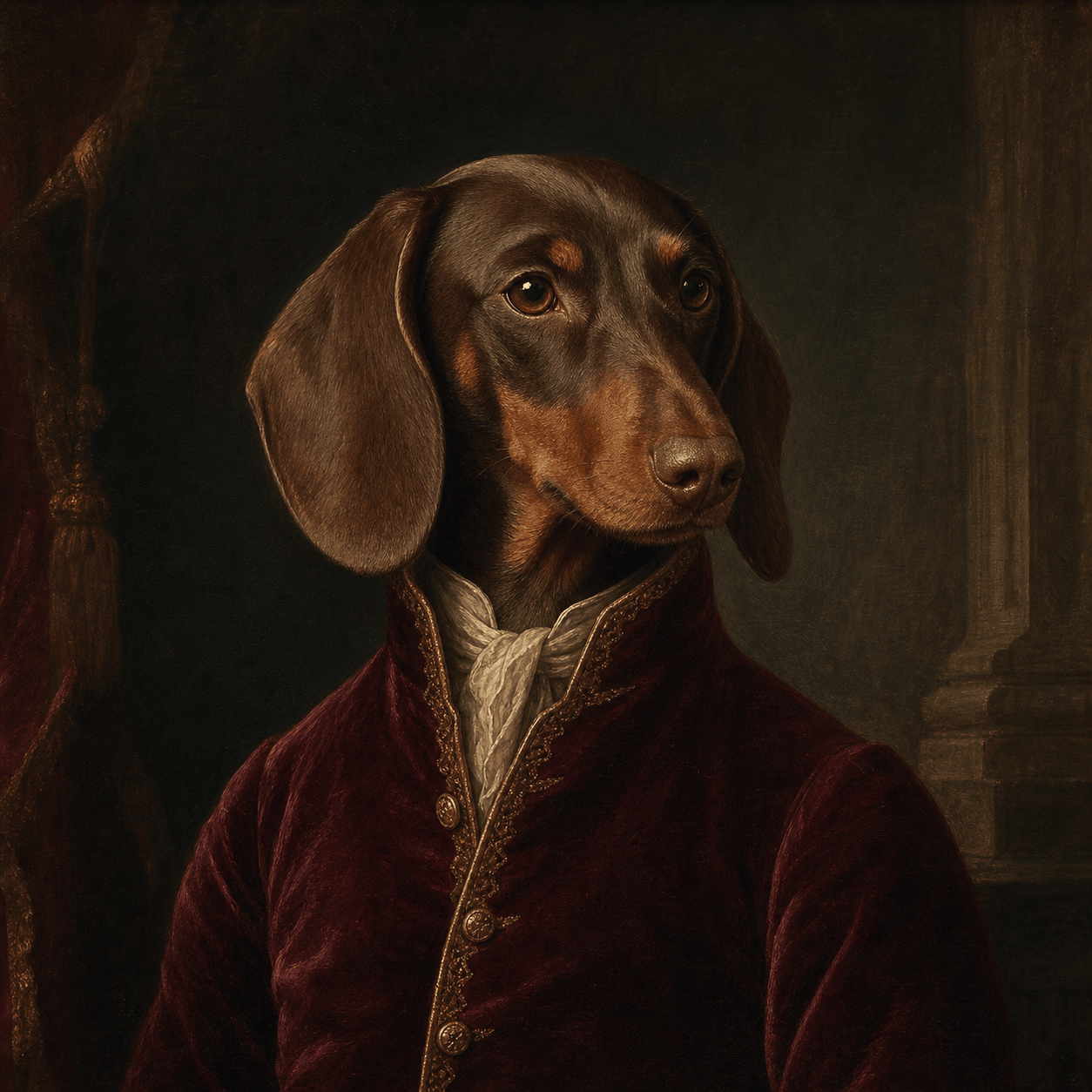
Turn my uploaded dachshund photo into a dignified royal oil portrait, preserve the long ears and chocolate dapple coat, burgundy velvet jacket, dark museum background, square crop.
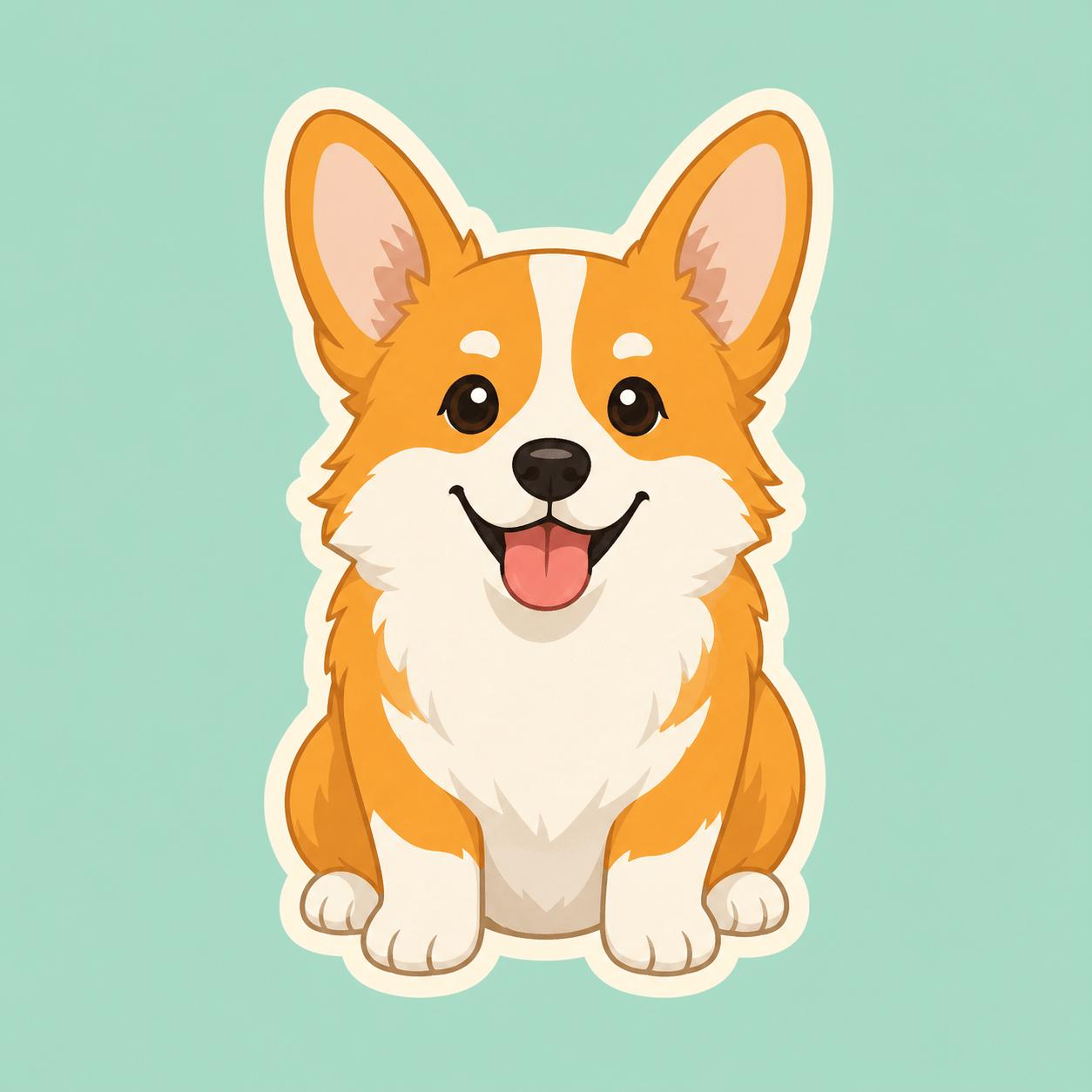
Create a cheerful corgi sticker avatar with upright ears, orange-and-white markings, tongue out, thick clean outline, flat pastel background, centered and no lettering.
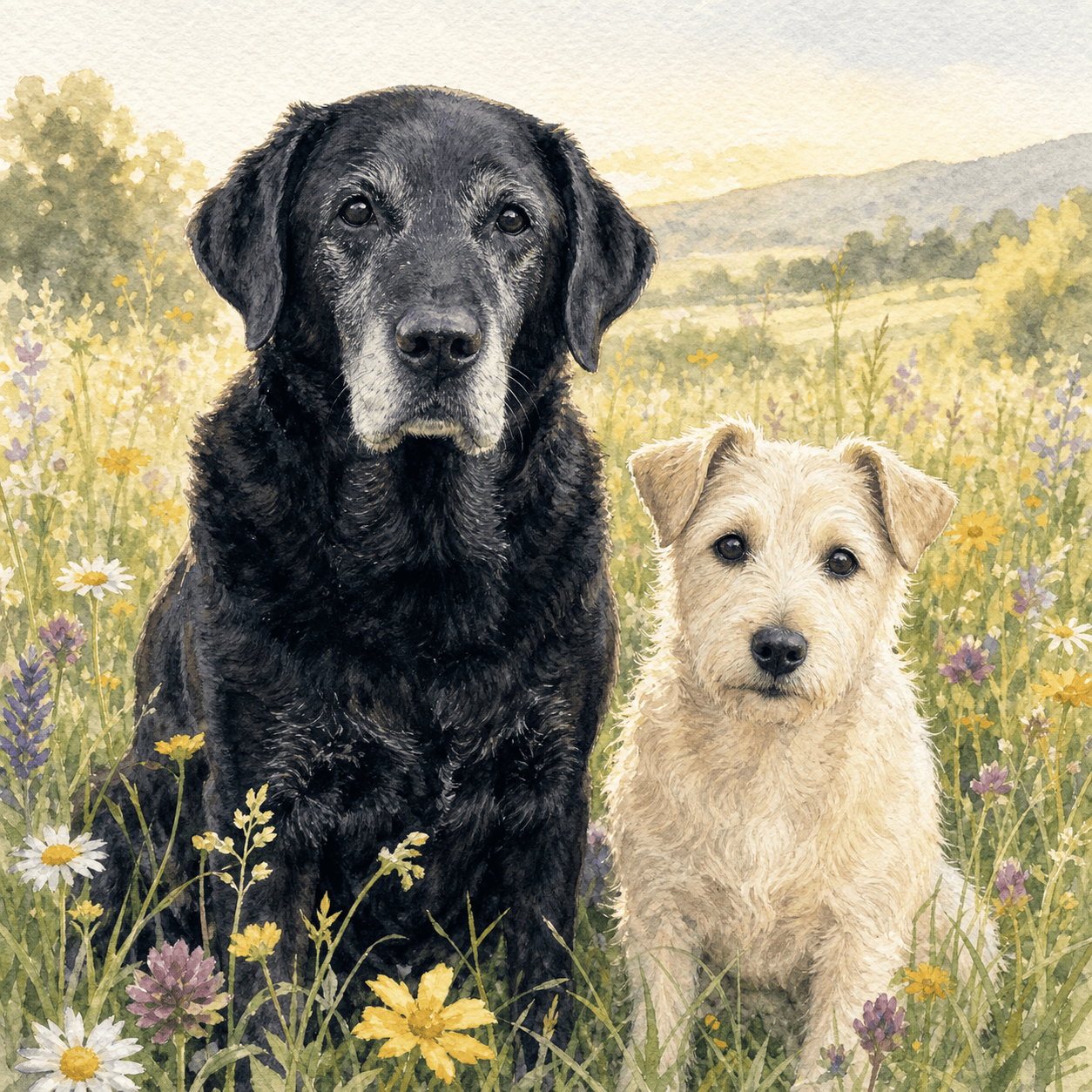
Paint a gentle memorial portrait of two uploaded senior dogs sitting together in a wildflower meadow, preserve both faces and coat patterns, soft watercolor, warm morning light, no halo or text.
Design a children’s book character based on a tiny scruffy terrier who carries a red backpack and explores a rainy city, expressive ink and gouache illustration, full body.
Create an adoption profile image for a friendly mixed-breed dog, realistic shelter photography, eye-level gaze, soft neutral background, bright natural eyes, space below for separate layout text.





