Free OnlineAI Fantasy Image Generator
How to Create Fantasy Images with AI
Build the World Brief
Generate the First Image
Direct Focused Revisions
Export It for Your World

Why Mew Design Works for Fantasy Image Creation
Story Context Shapes the Image
Describe who lives in the world, what just happened, and how the place should feel. The AI fantasy art generator uses that context to connect subject, setting, props, and atmosphere instead of scattering unrelated fantasy details.
One Workflow, Many Fantasy Subjects
Create a mixed story scene here, or move into focused tools for an AI character generator, AI fantasy landscape generator, or AI mythical creature generator.
References Keep the Art Direction Grounded
Upload a sketch, costume reference, palette, map, or earlier image. This fantasy art generator from photo and image references can follow important visual cues while developing a new character, environment, or scene.
Chat Edit Targets the Weak Detail
Keep the parts that work and ask for a precise change: cleaner hands, larger wings, older stonework, a calmer palette, stronger moonlight, less fog, or more negative space around the focal subject.
Variations Support Coherent Worldbuilding
Explore alternate costumes, biomes, weather, creatures, or camera angles while reusing your established references. For maps, factions, and connected setting boards, continue with the AI world generator.
Free to Test, Ready to Export
Sign up for free AI credits, try the fantasy image creator online, refine the strongest direction, and export watermark-free PNG or JPG images for your creative project.
How to Write a Fantasy Image Prompt That Feels Original
- Anchor the focal subject: Name the character, creature, landmark, or magical event and describe the pose, silhouette, anatomy, costume, material, or defining feature viewers should notice first.
- Give the world a reason: Add the location, action, era, culture, weather, and one story clue. These details make enchanted forests, castles, ruins, and battle scenes feel connected rather than decorative.
- Direct the visual language: Specify portrait or wide scene, camera distance, lighting source, palette, contrast, texture, and an art direction such as painterly high fantasy, dark fantasy realism, watercolor, or storybook illustration.
- State the destination and constraints: Mention RPG portrait, novel reference, game concept, wallpaper, or social post. Add constraints such as full body, readable wings, clear hands, room for a title, consistent references, or no text.
Fantasy Image Prompts for Characters, Worlds, and Creatures
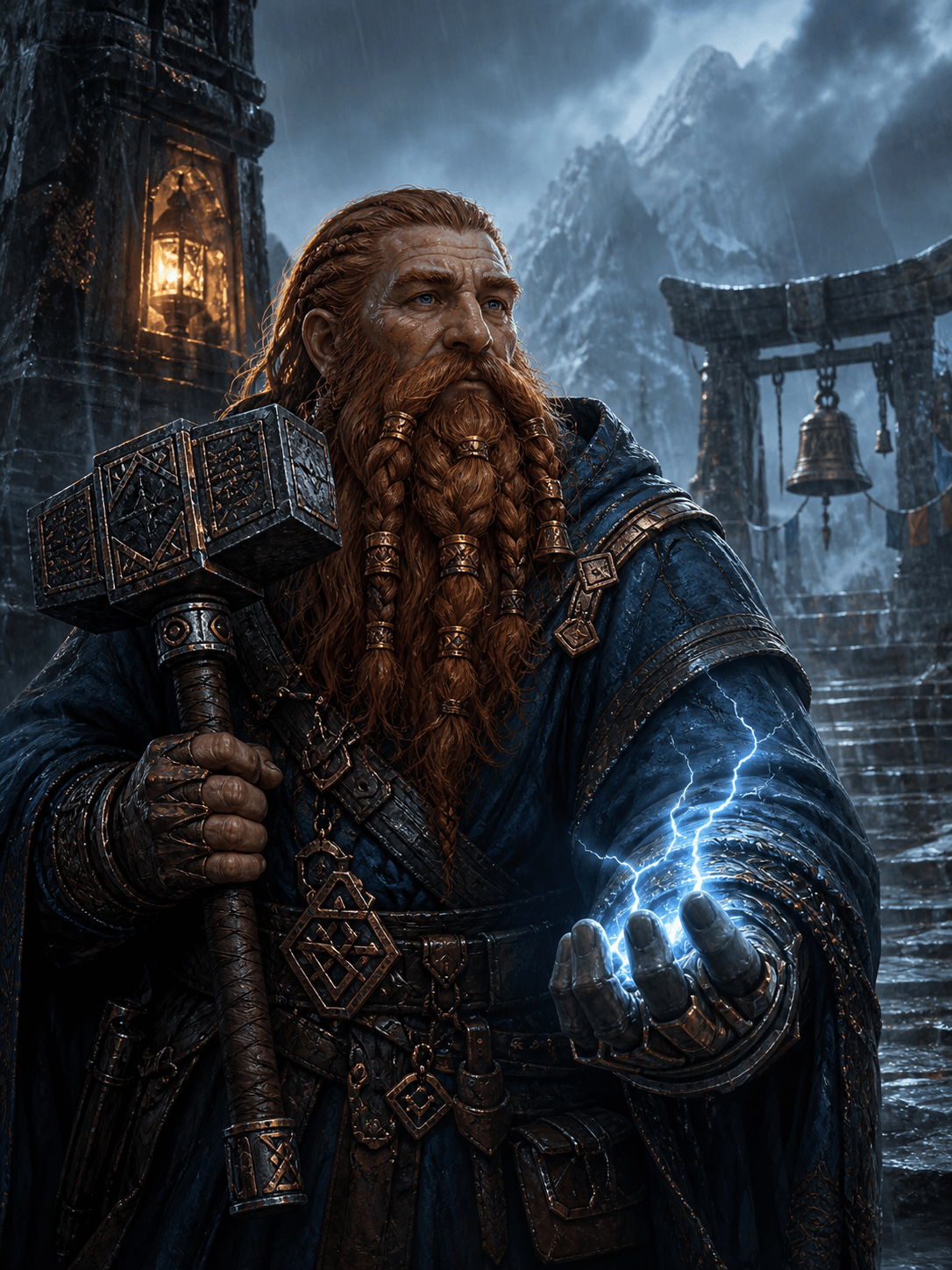
RPG Character Portrait: Create a waist-up portrait of an original dwarf storm priest for a tabletop campaign. Copper-braided beard, weathered blue robes, rune hammer, calm protective expression, rain-lit mountain shrine, painterly fantasy art, square composition, no text.
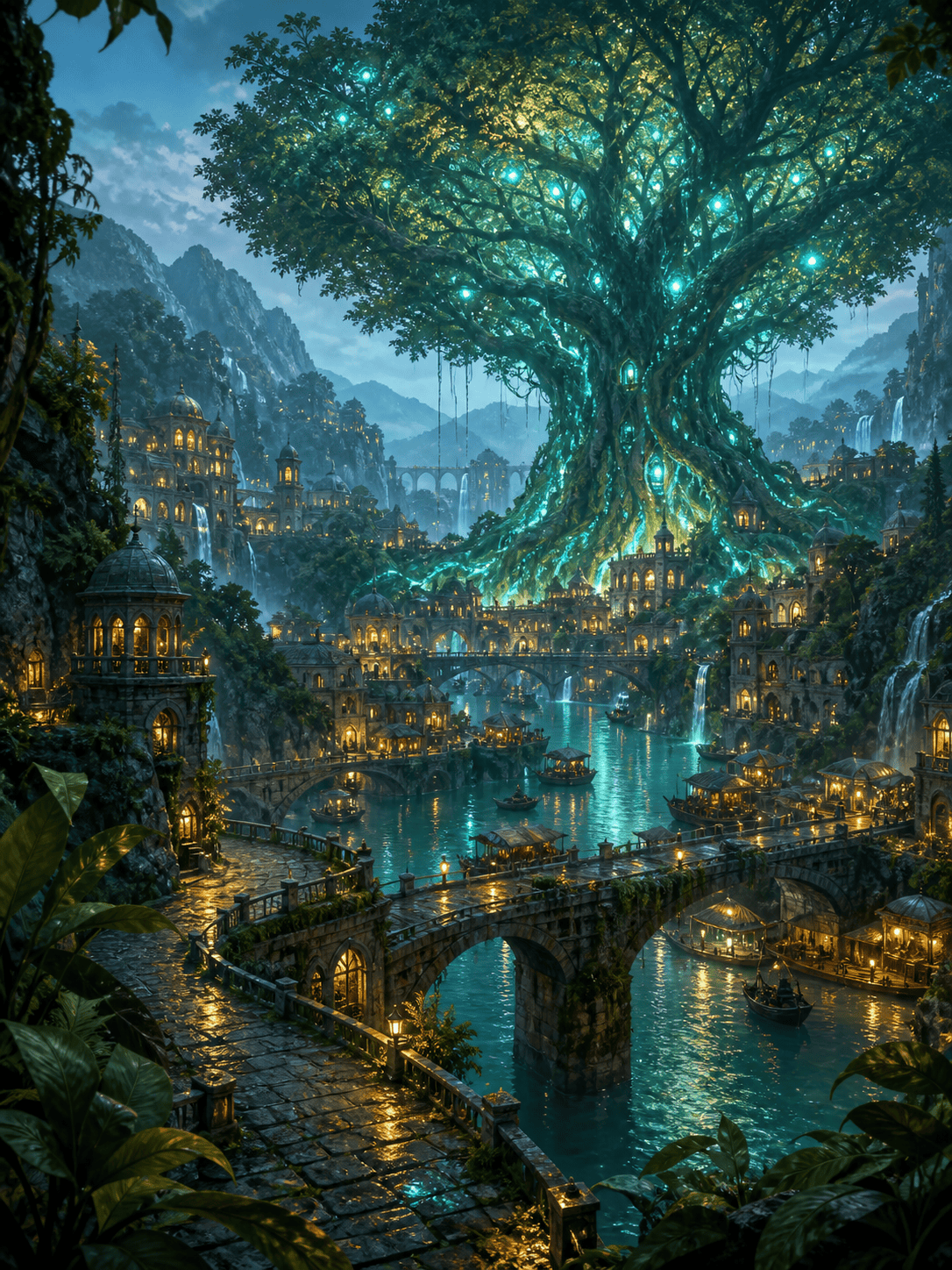
Enchanted Landscape: Generate a wide fantasy landscape of a riverside city built around a colossal luminous tree. Layered bridges, tiny market boats, mist after rain, warm windows against teal twilight, clear foreground, midground, and background, cinematic concept art for a novel setting.
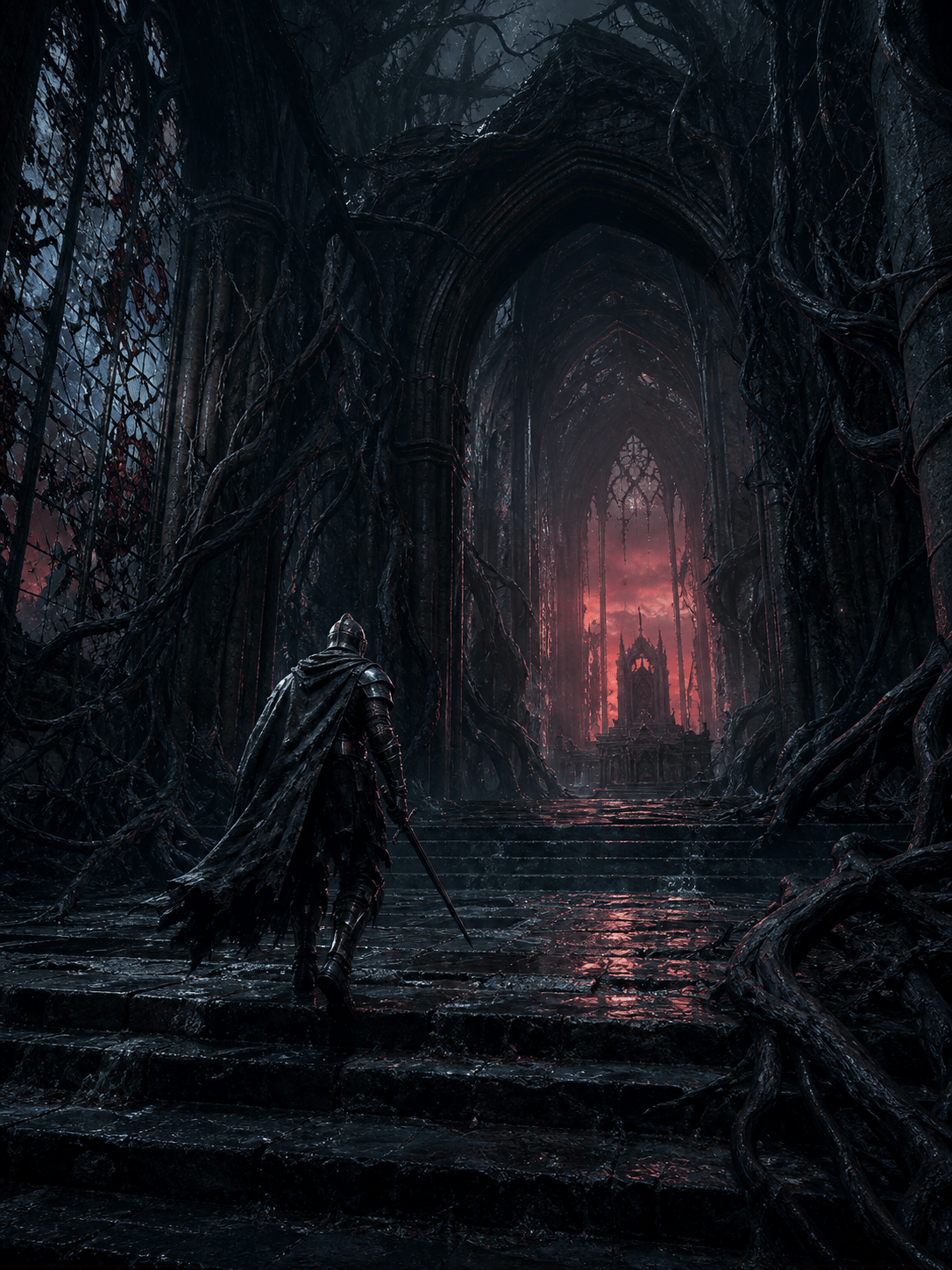
Dark Fantasy Scene: Make a dark fantasy image of a lone knight entering a cathedral swallowed by black roots. Broken stained glass, drifting ash, weak red dawn, wet stone reflections, restrained palette, low camera angle, tense but non-graphic atmosphere, vertical key art.
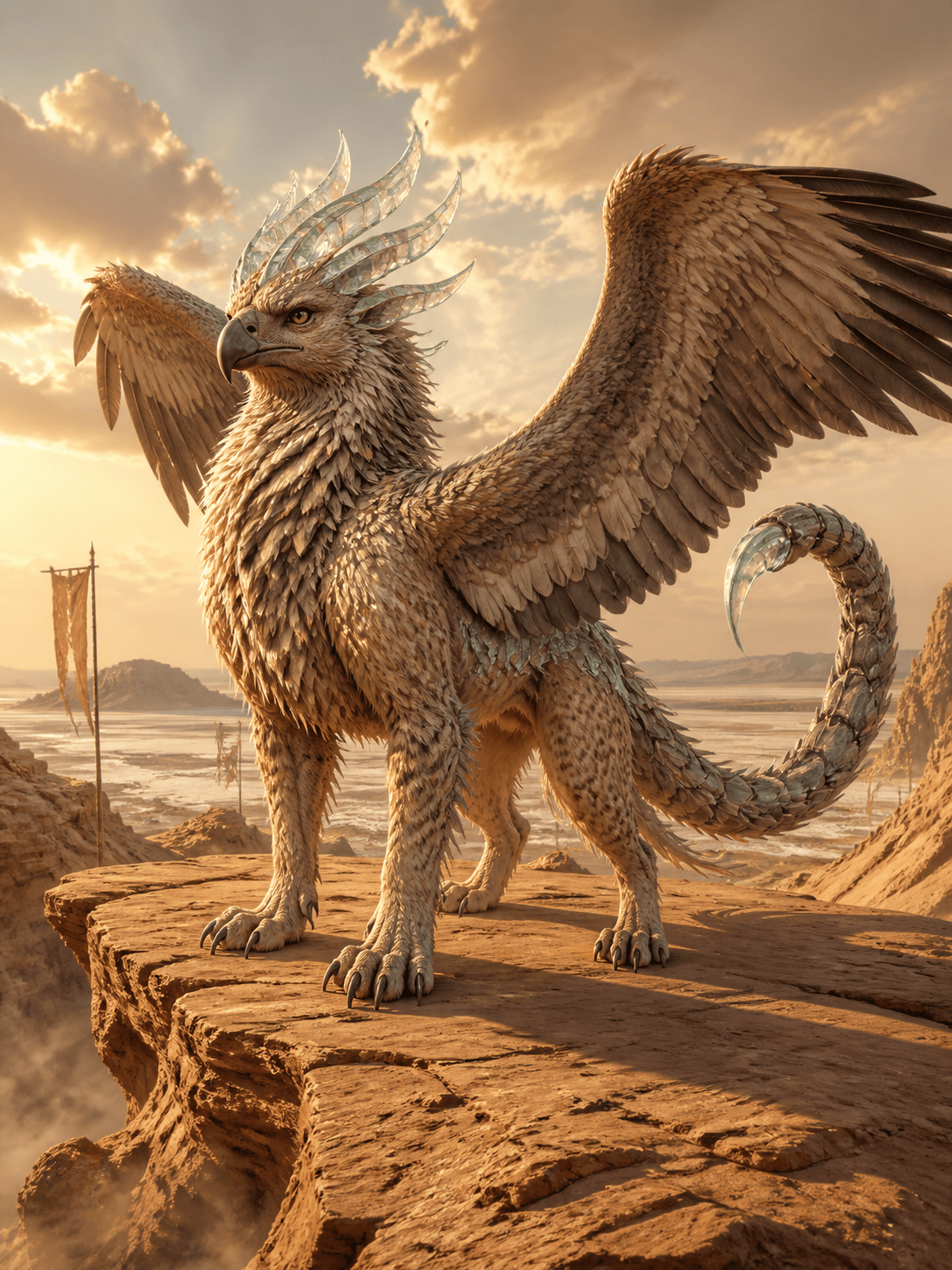
Mythical Creature Concept: Design an original desert griffin with vulture wings, sand-cat paws, glassy horn plates, and a scorpion-like tail. Full-body readable silhouette on a wind-carved plateau, golden backlight, detailed creature concept art, no labels or text.
Fantasy Wallpaper: Create a 16:9 wallpaper of floating islands linked by aqueducts above an endless cloud sea. Waterfalls vanish into mist, sunrise behind a crystal citadel, two tiny airships for scale, luminous high-fantasy painting with calm blue and gold color harmony.
Storybook Illustration: Illustrate a young fox alchemist delivering glowing medicine through a mushroom village at dusk. Friendly woodland residents, tiny lanterns, soft gouache texture, warm autumn palette, gentle expressions, layered storybook composition for a children’s fantasy tale.





