Free OnlineAI Fantasy Landscape Generator
How to Create a Fantasy Landscape with AI
Choose the scene type
Set viewpoint and scale
Control light and atmosphere
Refine the focal point

Why Mew Design Helps Fantasy Scenery Feel Intentional
Mood before random detail
The AI fantasy scenery generator can prioritize tone, scale, and story atmosphere instead of filling the canvas with unrelated effects.
Landscape uses are different
Ask for a wallpaper, RPG background, book-cover environment, game concept, or worldbuilding reference and shape the composition accordingly.
Architecture and terrain together
Blend castles, temples, bridges, ruins, villages, or portals into mountains, forests, islands, and coastlines.
Lighting is editable
Use Chat Edit to shift from golden sunrise to cold moonlight, foggy mystery, storm drama, or magical glow.
Reference images guide style
Upload a mood board, palette, sketch, or previous world art to keep your fantasy setting consistent.
Wide-format composition control
Create 16:9 vistas with clear foreground, midground, and background for cinematic use.
How to Prompt AI for Fantasy Landscapes
- Location: Name the place: floating city, ancient forest, mountain fortress, glowing cave, or ruined temple.
- Focal point: Tell the AI what should draw the eye, such as a castle, path, portal, tree, waterfall, or distant city.
- Atmosphere: Describe time of day, weather, magic effects, palette, painterly texture, and emotional tone.
- Use case: Mention wallpaper, RPG backdrop, book cover, game concept art, or worldbuilding board.
Fantasy Landscape Prompt Examples
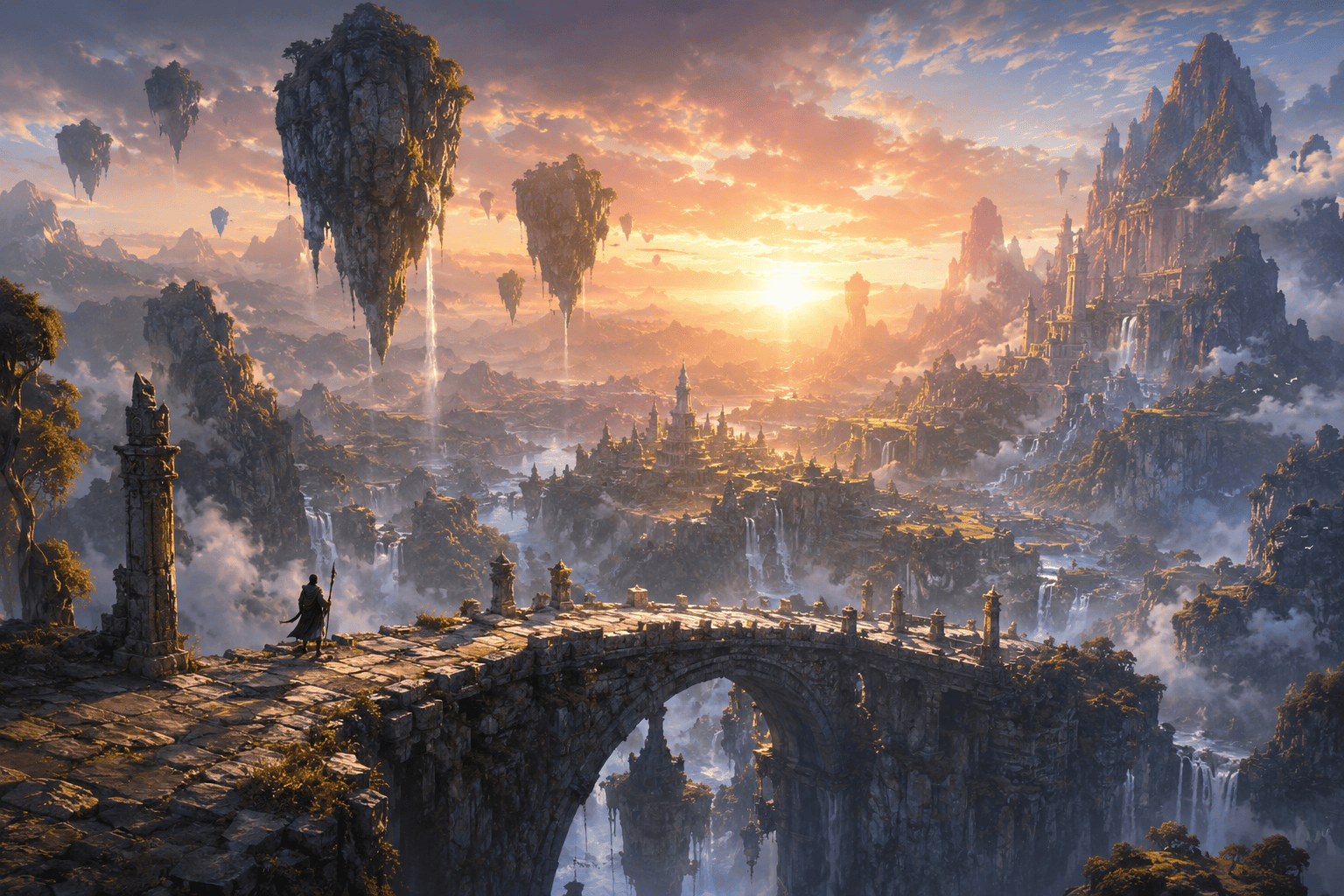
Generate floating islands above a sea of clouds, rope bridges, waterfalls falling into mist, warm sunrise light, and epic 16:9 fantasy scenery.
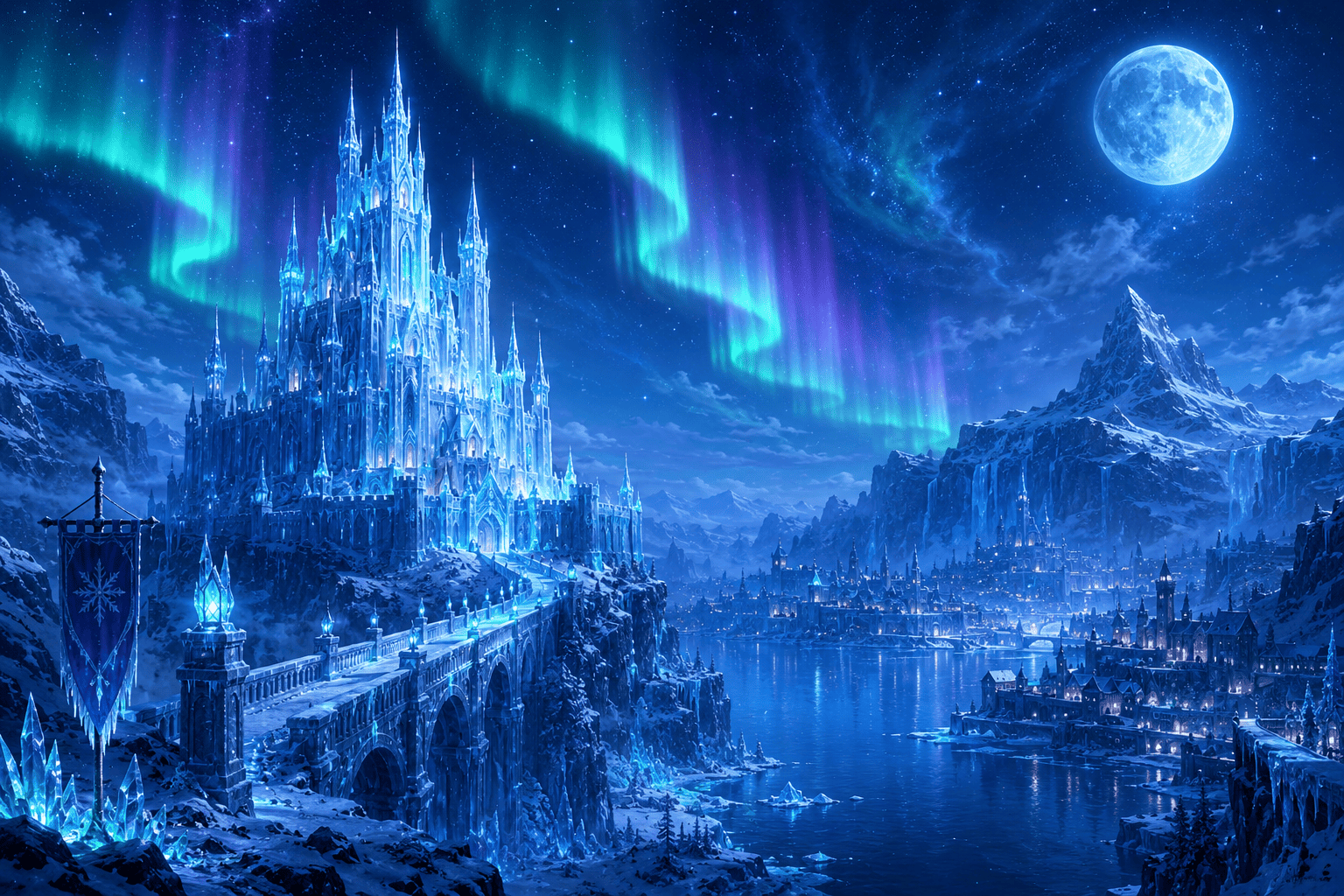
Create a castle valley concept with snow-capped mountains, river road, tiny village lights, dramatic clouds, and painterly book-cover mood.
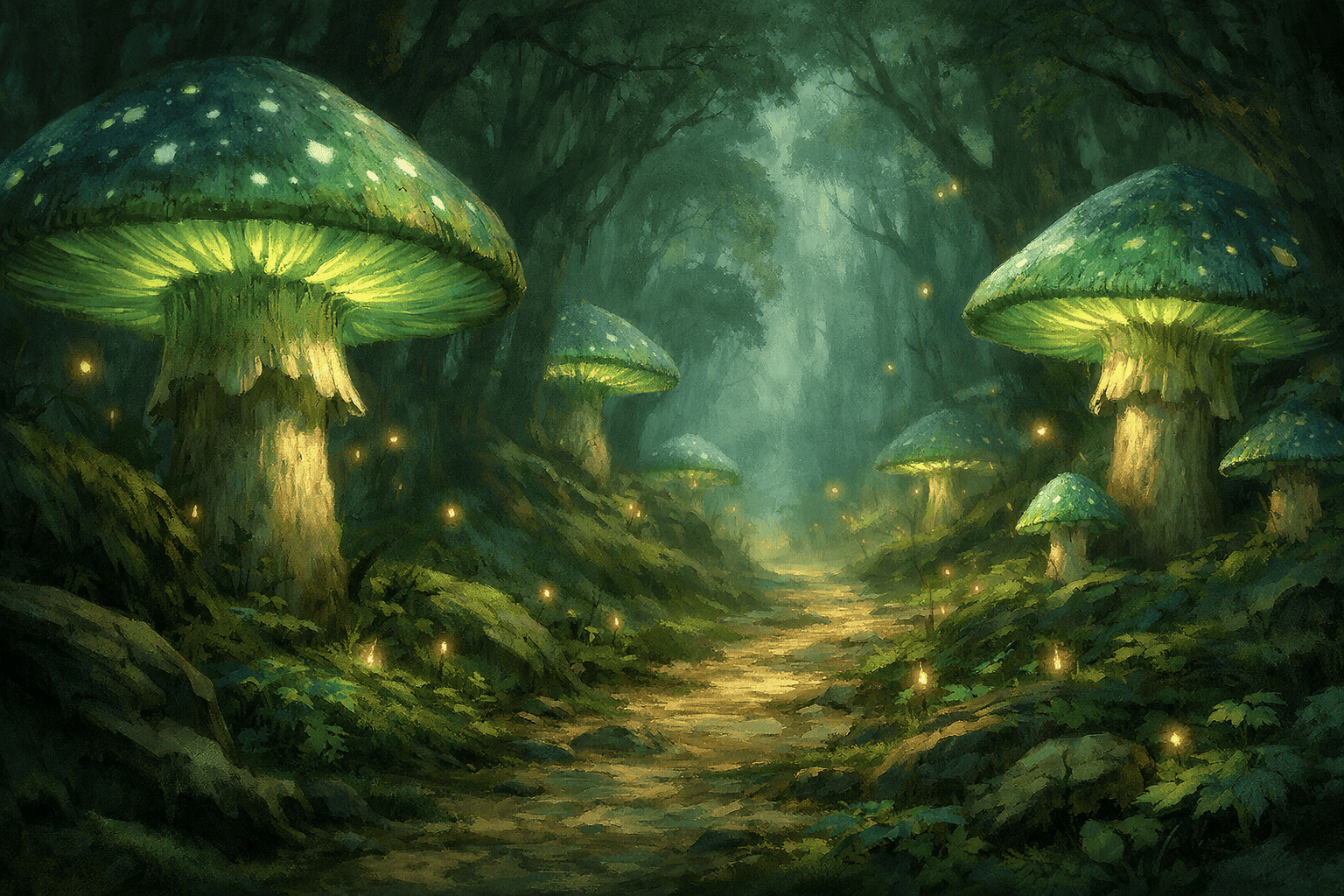
Design a magical forest landscape with giant mushrooms, fireflies, mossy stones, hidden door, and soft fairytale lighting.
Make a dark fantasy battlefield landscape after a storm, ruined banners, distant fortress silhouette, cold blue palette, and cinematic depth.
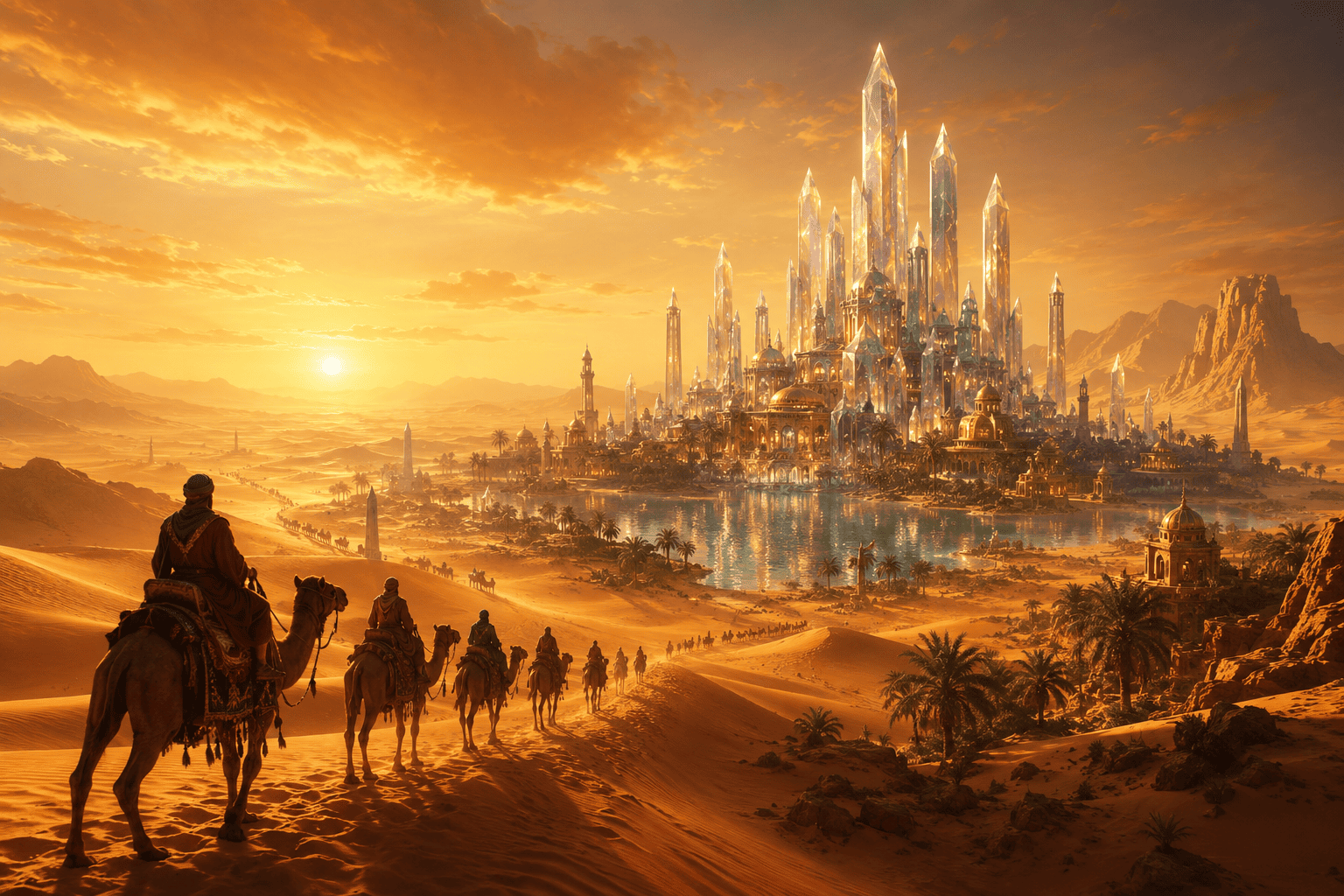
Create a desert temple landscape with golden dunes, ancient statues, sunbeams, and a mysterious portal at the center.
Generate a cozy fantasy village background with warm windows, autumn trees, curved bridge, and gentle evening sky.





