Free OnlineAI Face Enhancer
How to Enhance a Face in a Photo with AI
Upload the Strongest Original
Describe What Needs Clarity
Generate and Compare the Face
Correct Details and Export

Enhance the Face Without Losing the Person
Focus the Edit on Facial Detail
Use this AI portrait enhancer to target a soft or noisy face without automatically restyling the whole image. Describe the affected person or area when only one face needs attention.
Protect Recognizable Features
Tell the AI to preserve facial proportions, expression, age, skin tone, freckles, hairstyle, glasses, and pose. Identity-aware instructions reduce unwanted drift and make review easier.
Keep Real Skin Texture
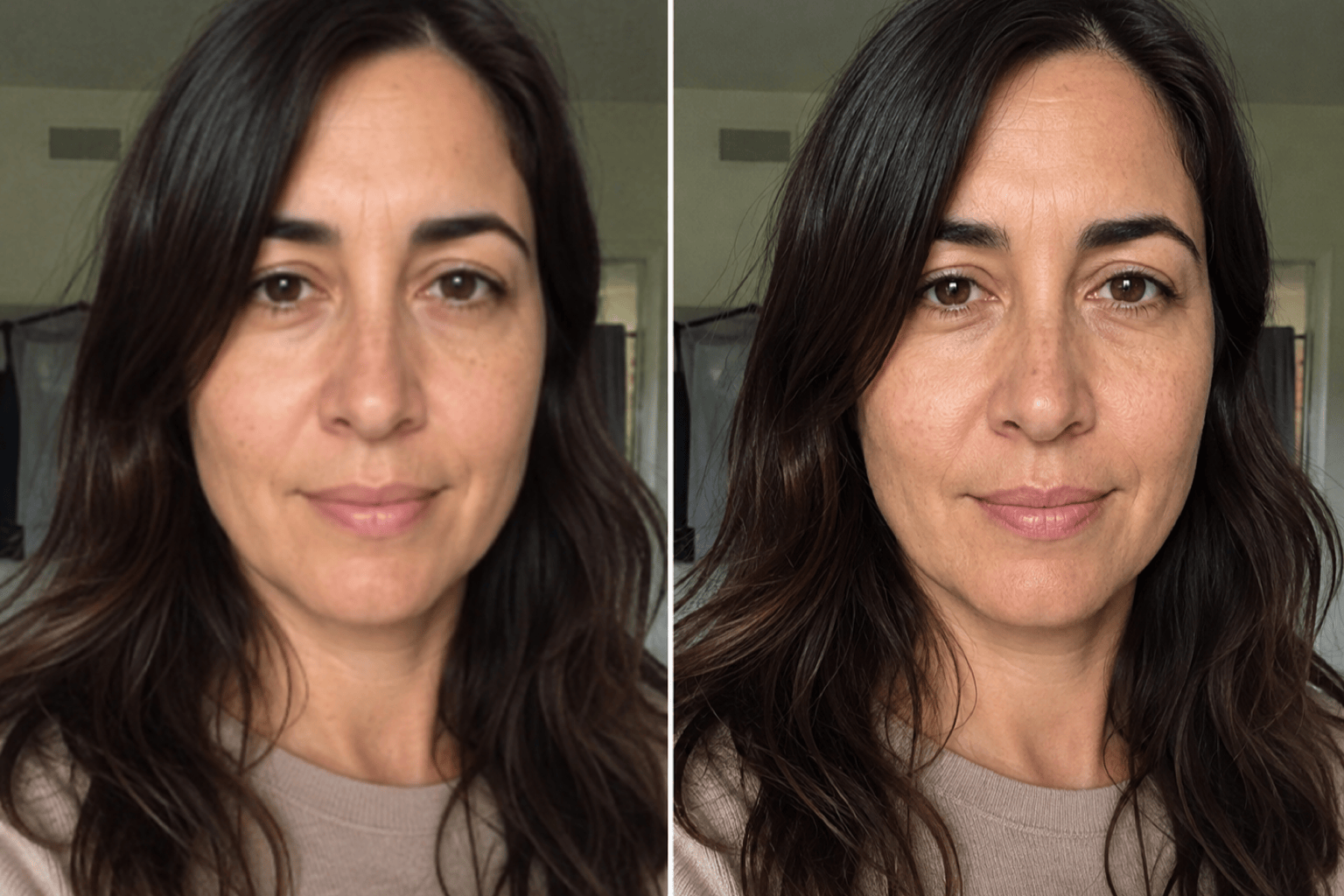
Ask for conservative sharpness, restrained denoising, and natural pores instead of waxy smoothing. The free AI face enhancer online follows your finish brief rather than forcing a beauty filter.
Fix One Artifact in Chat
If the first result invents eyelashes, changes teeth, adds a halo, or over-smooths skin, click Chat Edit and request one focused correction while keeping the approved details unchanged.
Choose the Right Photo Workflow
Use the AI Photo Fixer for whole-image problems, AI Photo Restoration for scratches and tears, or the AI 4K Upscaler for a measured pixel target.
Start Free and Export Clean Results
Sign up for free AI credits, test a face enhancement, and compare versions before committing. Finished edits can be exported without a watermark as PNG or JPG files.
Tell AI What to Clarify—and What to Preserve
- Name the defect: Separate mild blur, compression, noise, low light, fading, or poor contrast. Prioritize the problem that matters most instead of asking for a vague total makeover.
- Lock the identity: List facial proportions, expression, age, skin tone, eye shape, teeth, hairline, freckles, glasses, and pose when they need to stay unchanged.
- Control the texture: Request natural pores, fine lines, realistic hair, restrained denoising, and moderate sharpness. Explicitly reject waxy skin, halos, invented detail, and beauty reshaping.
- Match the destination: Mention a profile photo, social crop, family album, presentation, or modest print so the aspect ratio and finish suit the final use.
Face Enhancement Prompts for Real Photo Problems
Blurry Phone Portrait: Enhance @[phone_portrait] by reducing mild hand-shake blur and compression noise. Clarify the eyes, eyebrows, lips, and hair edges naturally while preserving identity, facial proportions, expression, skin texture, clothing, background, and crop. No beauty reshaping, plastic skin, invented eyelashes, text, or watermark.
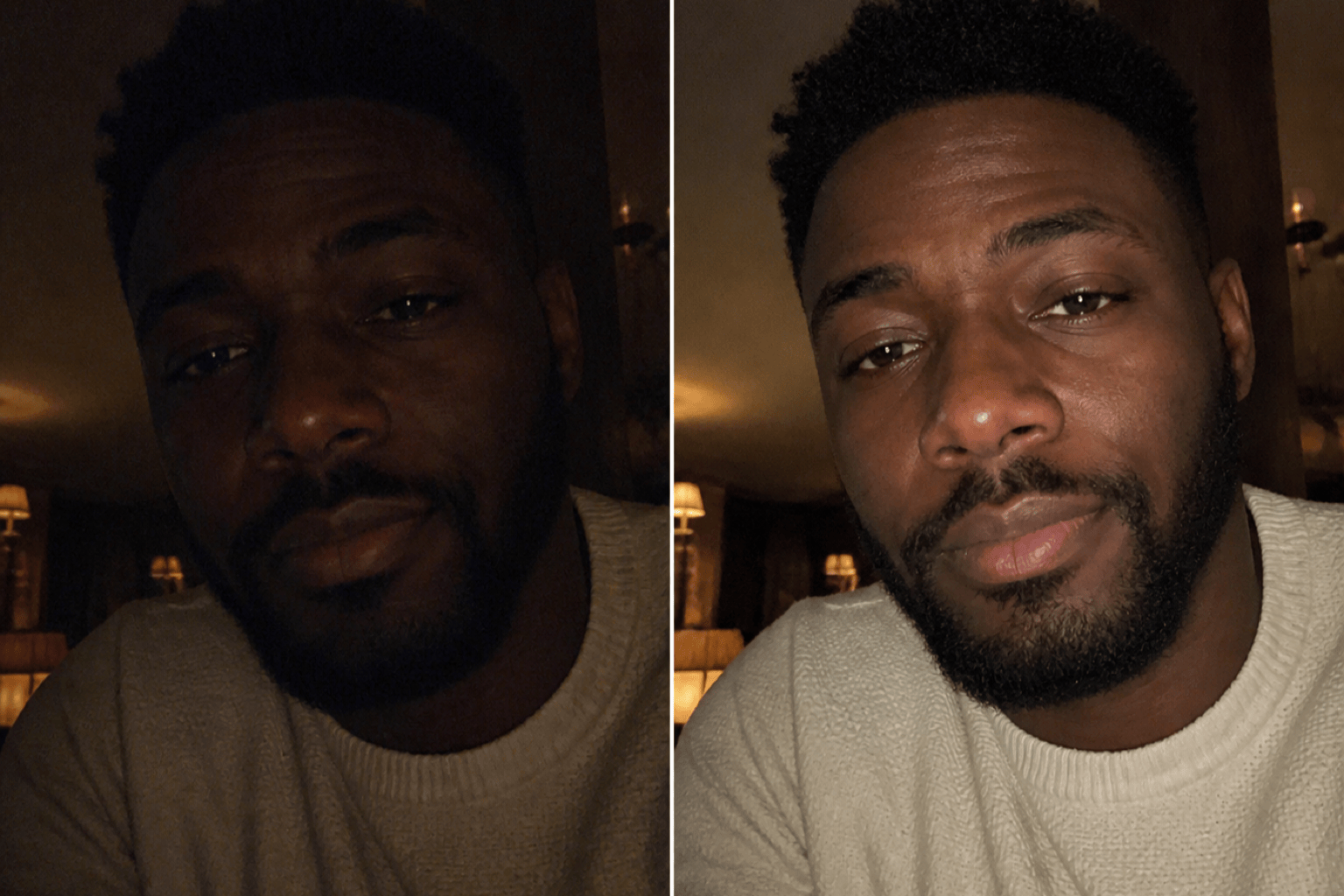
Low-Light Selfie: Improve @[dark_selfie] with balanced facial exposure, cleaner shadow noise, neutral skin color, and gentle detail recovery. Keep the evening mood, face shape, smile, freckles, hairstyle, glasses, background lights, and camera angle unchanged. Avoid flat lighting, aggressive smoothing, or HDR halos.
Compressed Profile Picture: Clean up @[profile_photo] for a square social avatar. Reduce JPEG blocks, clarify the face and hair at small size, and keep a circular-safe crop. Preserve the person's exact identity, expression, age, skin tone, clothing, and original background color; do not add makeup or redesign the portrait.
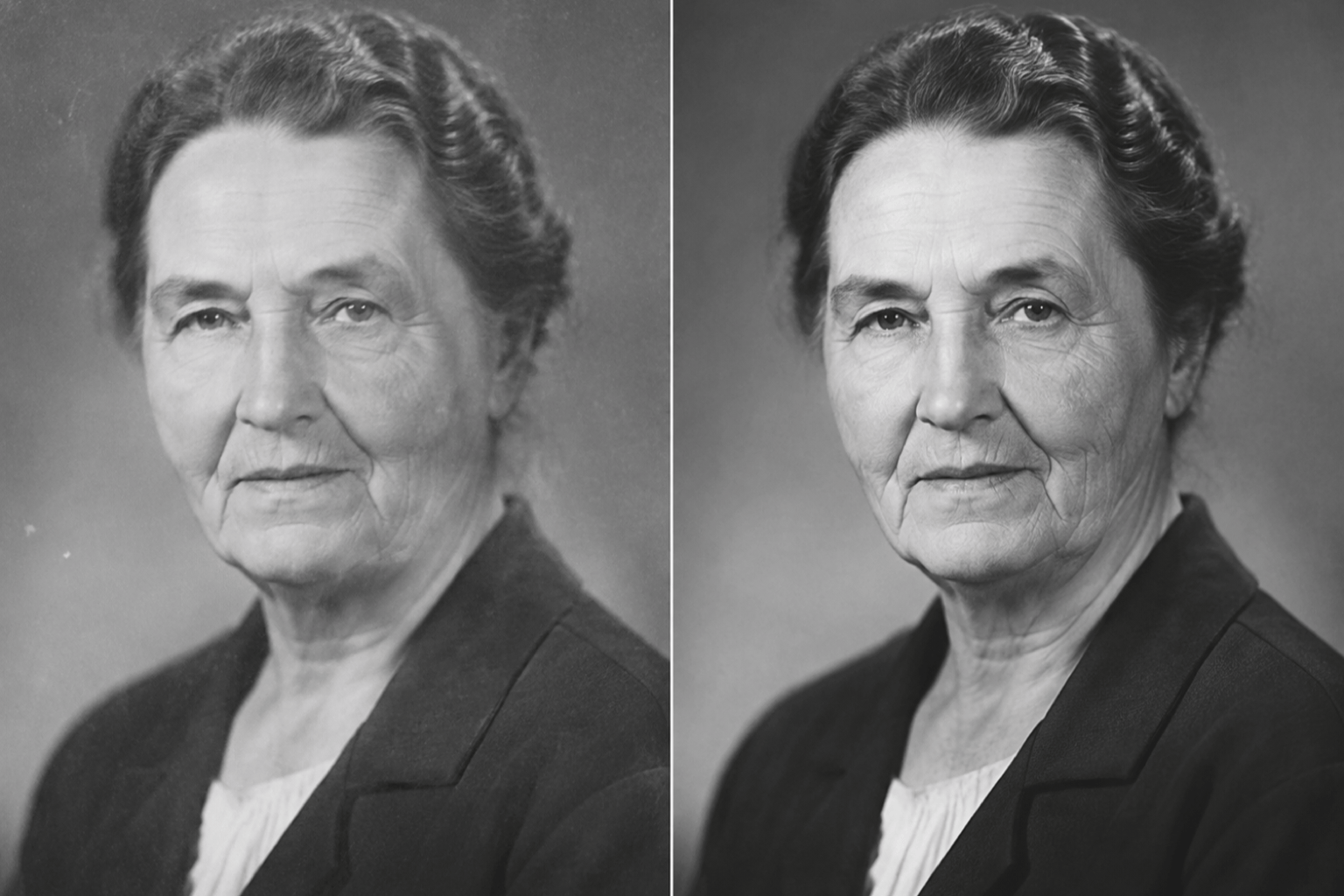
Old Family Portrait Face: Enhance the adult face in @[old_portrait] conservatively. Reduce scan noise and mild facial softness, recover moderate eye and hair detail, and keep the original monochrome tone, age, expression, clothing, film grain, and period character. Do not colorize, modernize, or invent missing features.
Small Faces in a Group Photo: Improve the visible adult faces in @[group_photo] with restrained denoising and clarity. Keep every person's identity, age, expression, position, body, clothing, background, and event lighting unchanged. Apply a consistent enhancement level and avoid replacing uncertain facial detail.
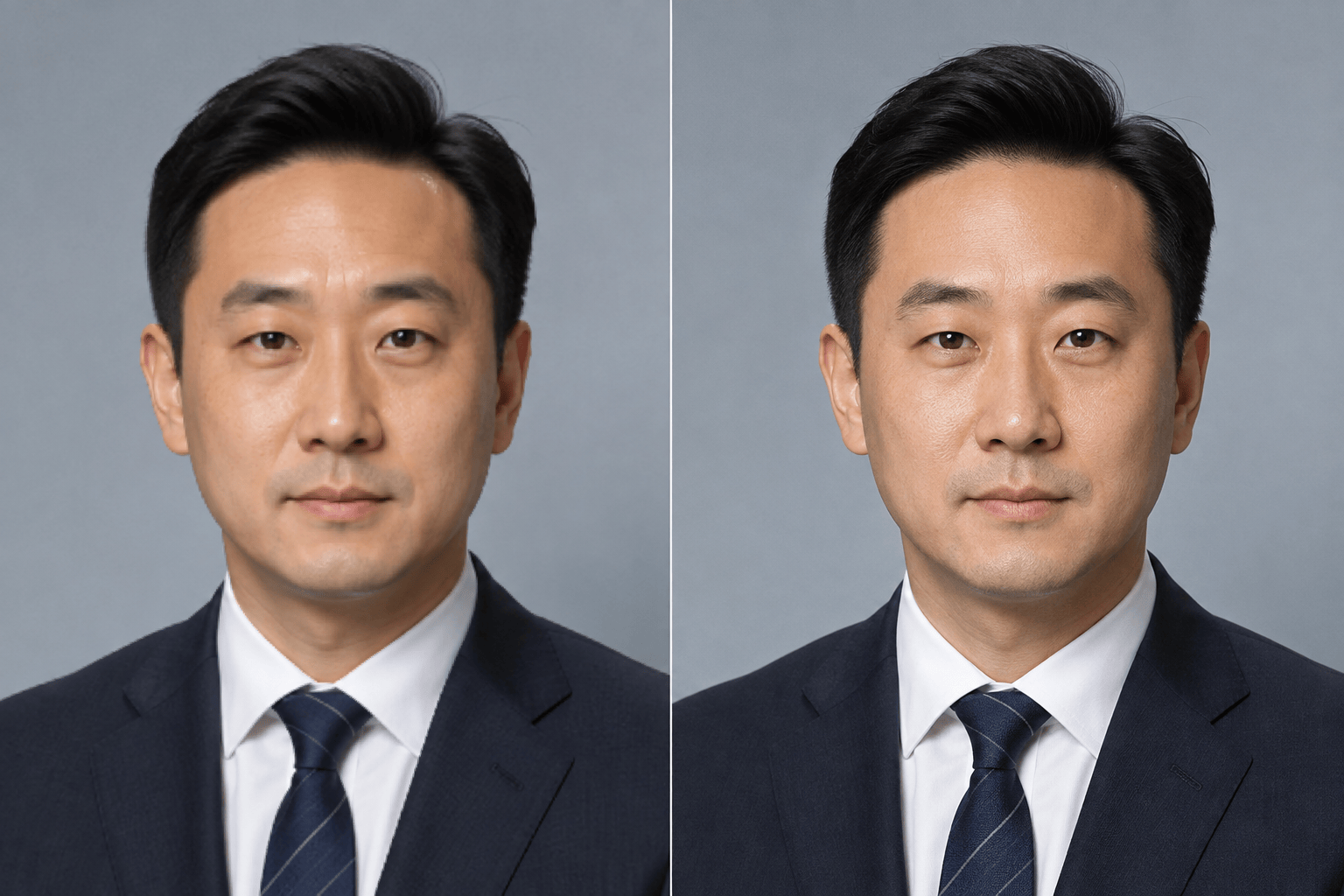
Professional Headshot Cleanup: Refine @[headshot] for a company profile by reducing slight softness, balancing skin tones, controlling forehead shine, and clarifying hair and eyes. Preserve facial structure, natural pores, fine lines, expression, wardrobe, background, and crop. Keep the result believable, not airbrushed.





