Free OnlineAI Photo Restoration
How to Restore Old Photos with AI
Upload the Best Available Scan
Describe the Repair and Guardrails
Generate and Compare the Restoration
Refine and Download a Copy

Restoration Control for Photos That Matter
Repair by Describing the Damage
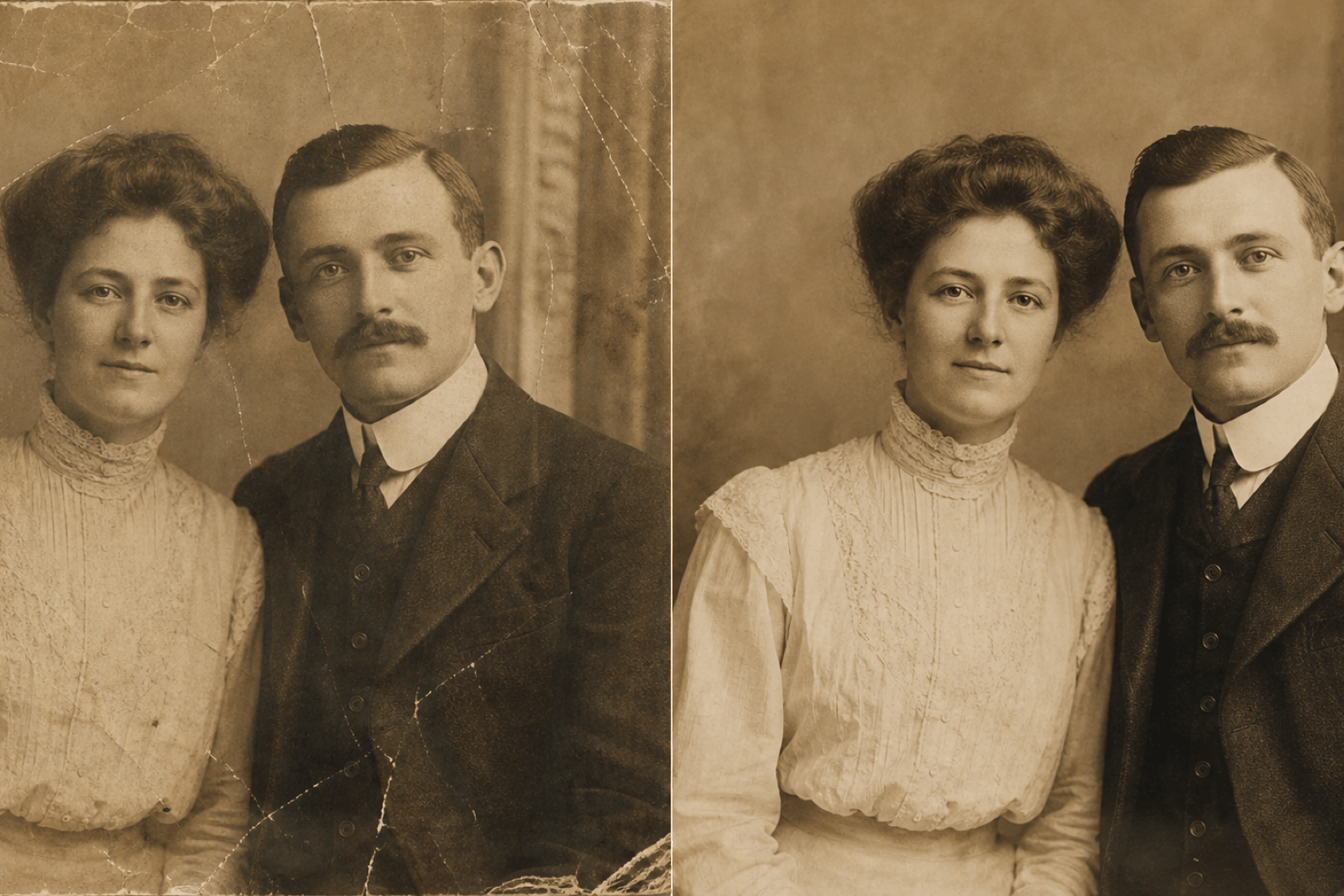
Instead of learning clone stamps and masks, tell the AI photo restorer what happened to the print: long scratches, fold lines, dust, stains, fading, or a torn corner.
Set Identity-Preservation Guardrails
Ask the AI to keep facial structure, age, expression, hairstyle, pose, clothing, and composition close to the source. Always compare important faces with the original because severely missing detail must be estimated.
Choose Restoration, Colorization, or Both
Use our AI old photo restoration workflow to make a faithful cleaned black-and-white copy, a naturally recolored version, or separate outputs for each treatment.
Correct One Detail Through Chat
If the first result feels too smooth or changes a small object, use Chat Edit and request a focused correction without rewriting the whole restoration brief.
Create Gentle and Strong Variations
Generate a conservative repair for family archives and another version with stronger sharpening or color recovery. Side-by-side options help you choose how much change feels appropriate.
Free to Try and Watermark-Free
Try AI photo restoration online with free AI credits after signup. Download finished images without a watermark in PNG or JPG format for sharing, albums, and personal reprints.
How to Prompt AI for Faithful Photo Restoration
- Start with preservation: List identity, expression, pose, clothing, objects, framing, and period details that should not change.
- Separate repair from style: First ask for scratches, stains, fading, and blur to be repaired. Request colorization or stronger sharpening as a separate version.
- Describe damage by location: Mention details such as a crease across the left cheek, a torn lower-right corner, or fading around the edges.
- Limit invention: For missing faces or objects, ask the AI to make minimal, context-consistent repairs and leave uncertain details understated.
Photo Restoration Prompts for Real Damage
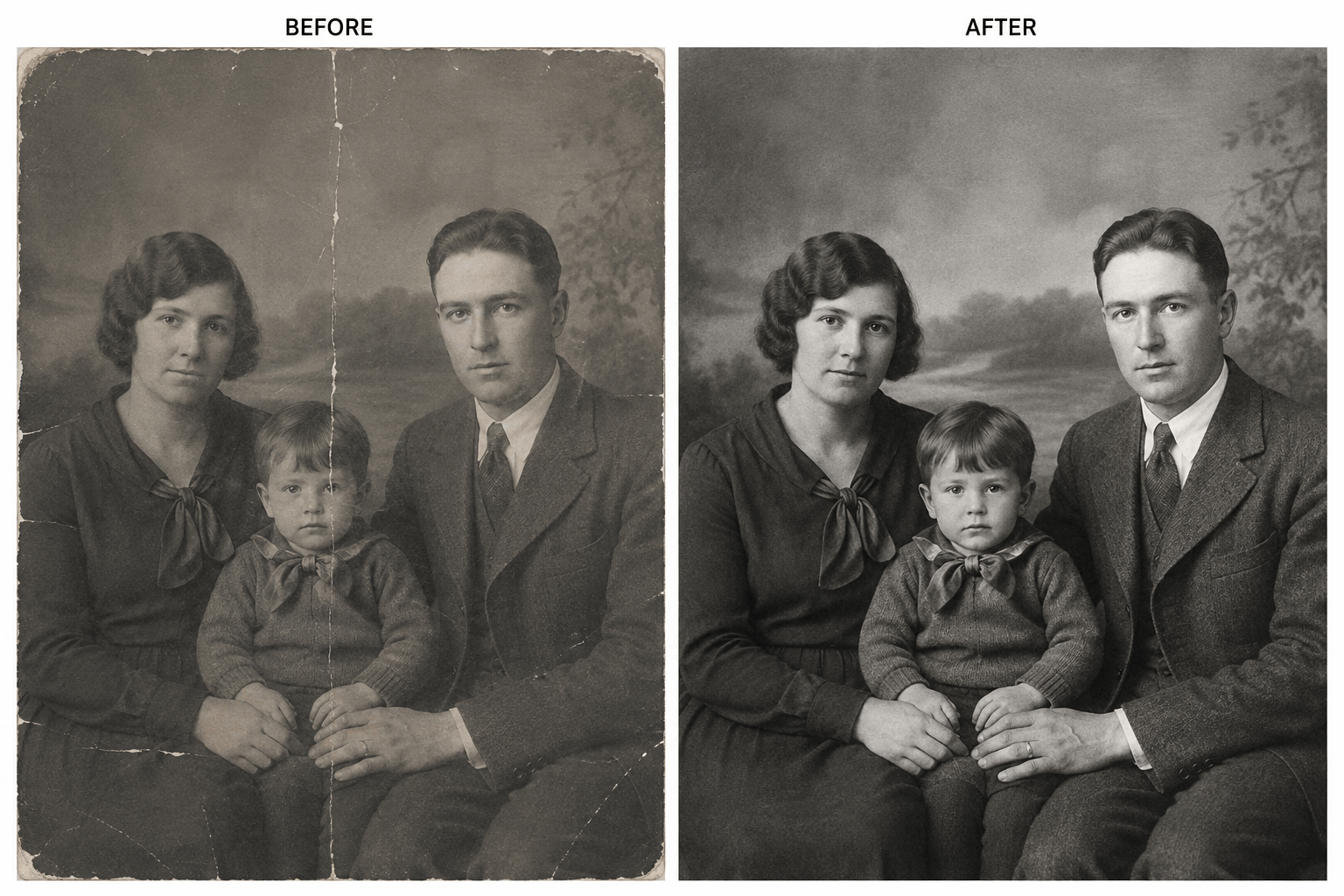
Gentle Family Portrait Repair: Restore this scratched black-and-white family portrait without changing any face, expression, pose, clothing, or background object. Remove dust, thin scratches, and the center fold; balance contrast; retain realistic film grain; keep the result black and white.
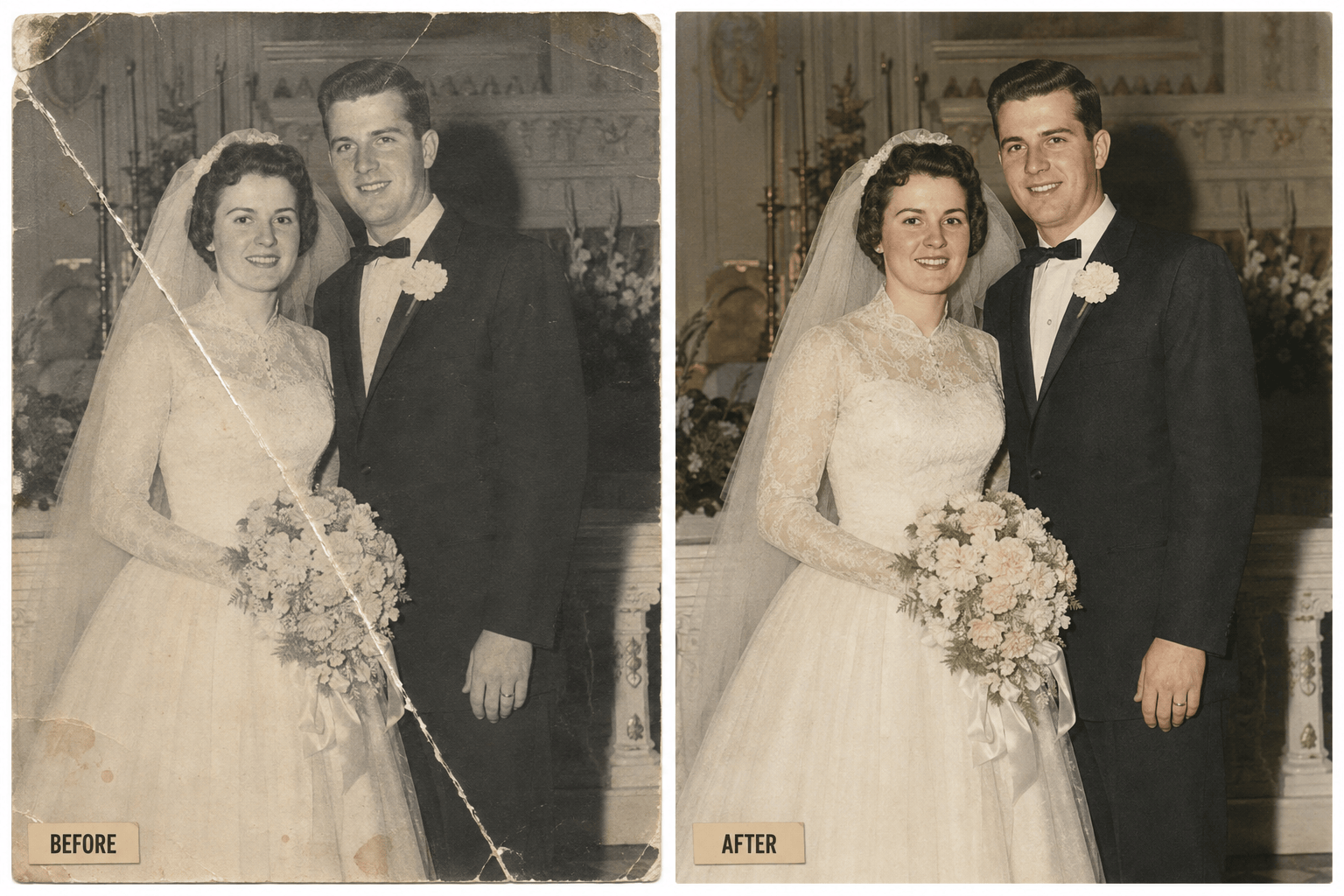
Old Wedding Photo Colorization: Repair this faded 1950s wedding photo, remove creases and stains, then create a separate naturally colorized copy with restrained period-appropriate tones. Preserve the couple's identity, clothing design, flowers, venue, lighting direction, and composition.
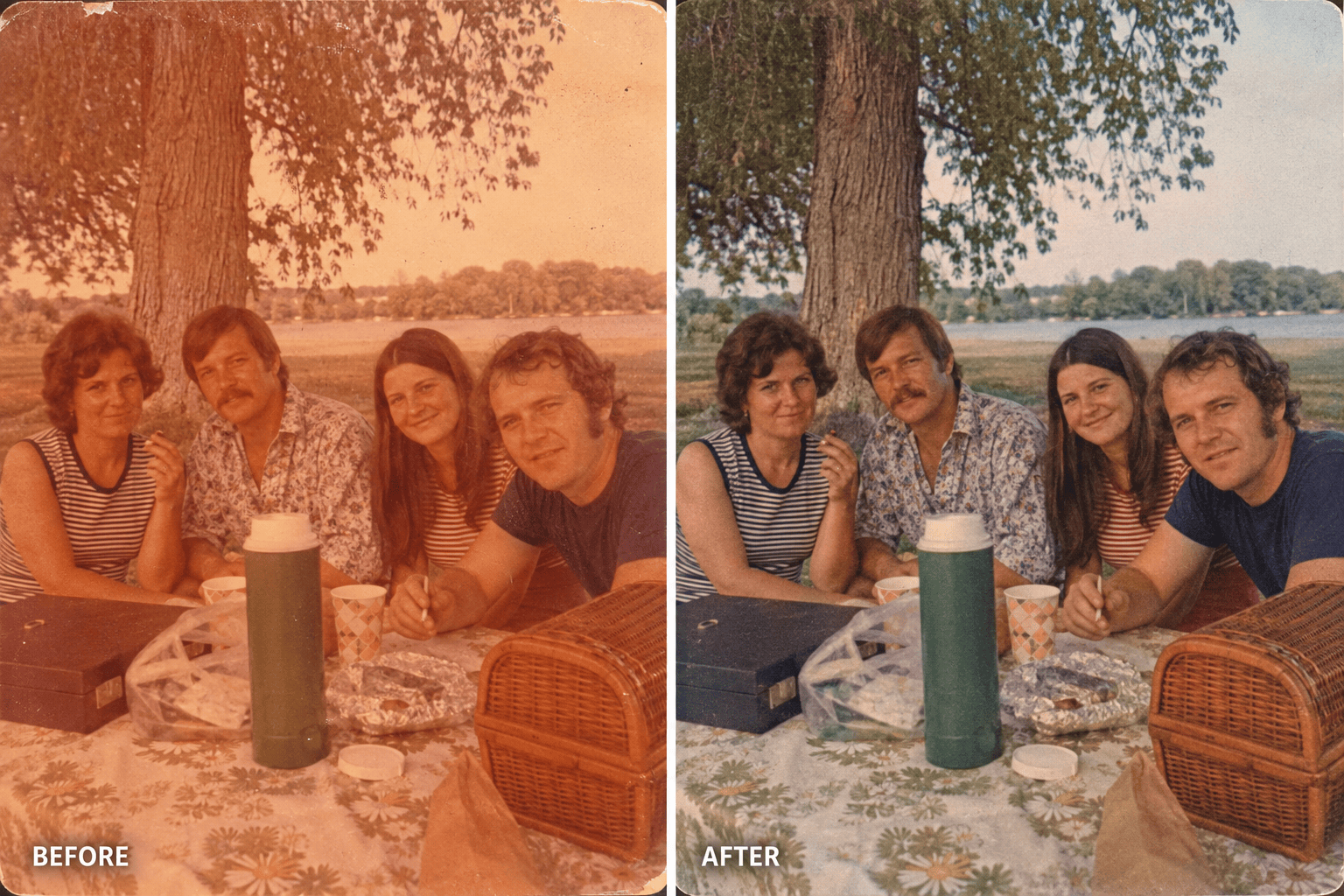
Faded 1970s Color Photo: Recover the original-looking color in this warm, faded 1970s family snapshot. Reduce the orange cast, restore balanced skin tones and clothing colors, remove dust, and improve clarity gently. Do not modernize the palette or smooth faces.
Torn Group Photo Repair: Repair the torn edges and missing lower-left background of this old group photo. Keep all people exactly where they are and preserve each visible face, hand, uniform, badge, and sign. Reconstruct only the damaged paper areas with minimal new detail.
Low-Resolution School Portrait: Improve this small scanned school portrait for a modest reprint. Reduce blur and compression, clarify the eyes and hair gently, and preserve the child's real facial proportions, freckles, age, expression, clothing, and studio backdrop. Avoid beautification and plastic skin.
Historical Street Photo Cleanup: Clean this archival street photograph by removing scratches, spots, and uneven exposure. Preserve the original monochrome tone, grain, signage, vehicles, architecture, clothing, crowd arrangement, and frame edges. Do not add modern objects or color.





