Upscale Images Online withAI 4K Upscaler
How to Upscale an Image to 4K with AI
Diagnose the Source at 100%
Calculate the Pixel Target
Protect What Must Not Change
Compare, Correct, and Export

Make Images Larger Without Making Them Look Processed
Add Pixels for a Real Destination
Start with the screen, crop, marketplace slot, poster, canvas, or presentation that needs the file. This 4K image upscaler workflow ties the target resolution and aspect ratio to an actual use instead of enlarging every image by the same factor.
Choose Fidelity Over Flash
Some files need faithful enlargement; others can accept newly imagined texture. State how conservative the AI should be so pores, fabric, foliage, clouds, paint, or digital brushwork do not become unnaturally crisp or stylistically different.
Keep Faces Human
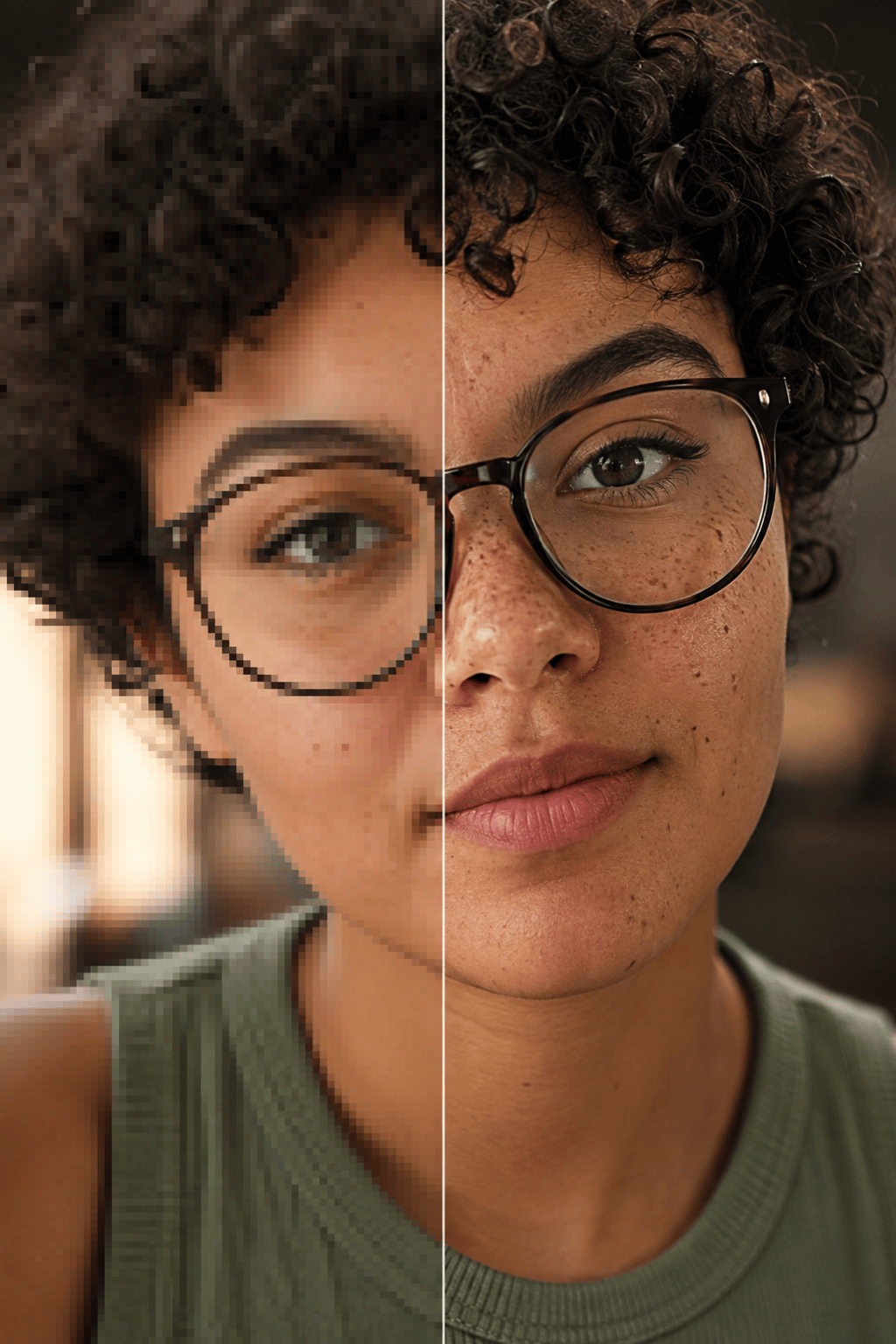
When using the AI photo upscaler on a portrait, preserve identity, expression, age cues, skin texture, hairline, eyelashes, and glasses. Compare the source and result closely—extra sharpness is not useful if the person no longer looks like themselves.
Hold Product Edges and Flat Art
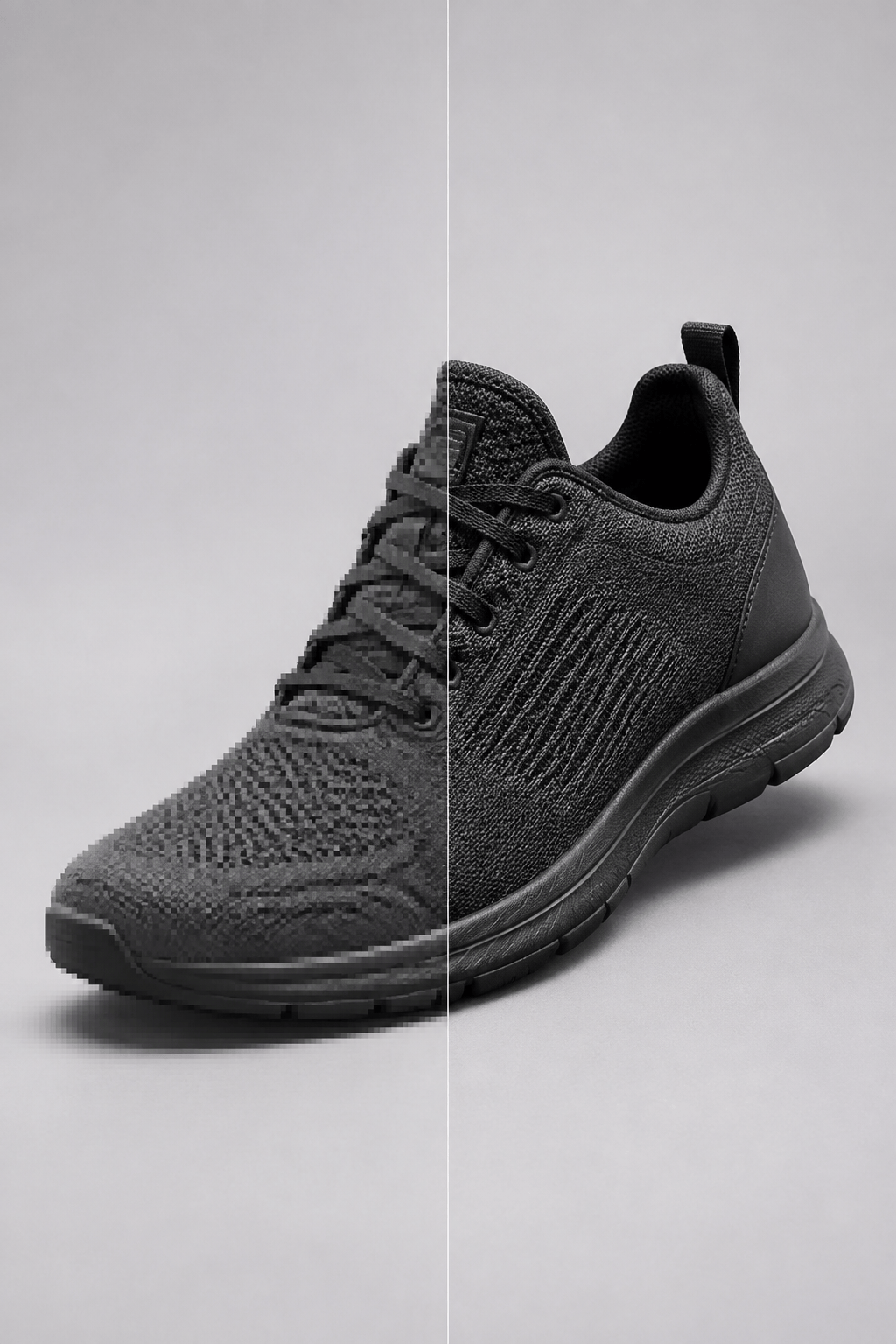
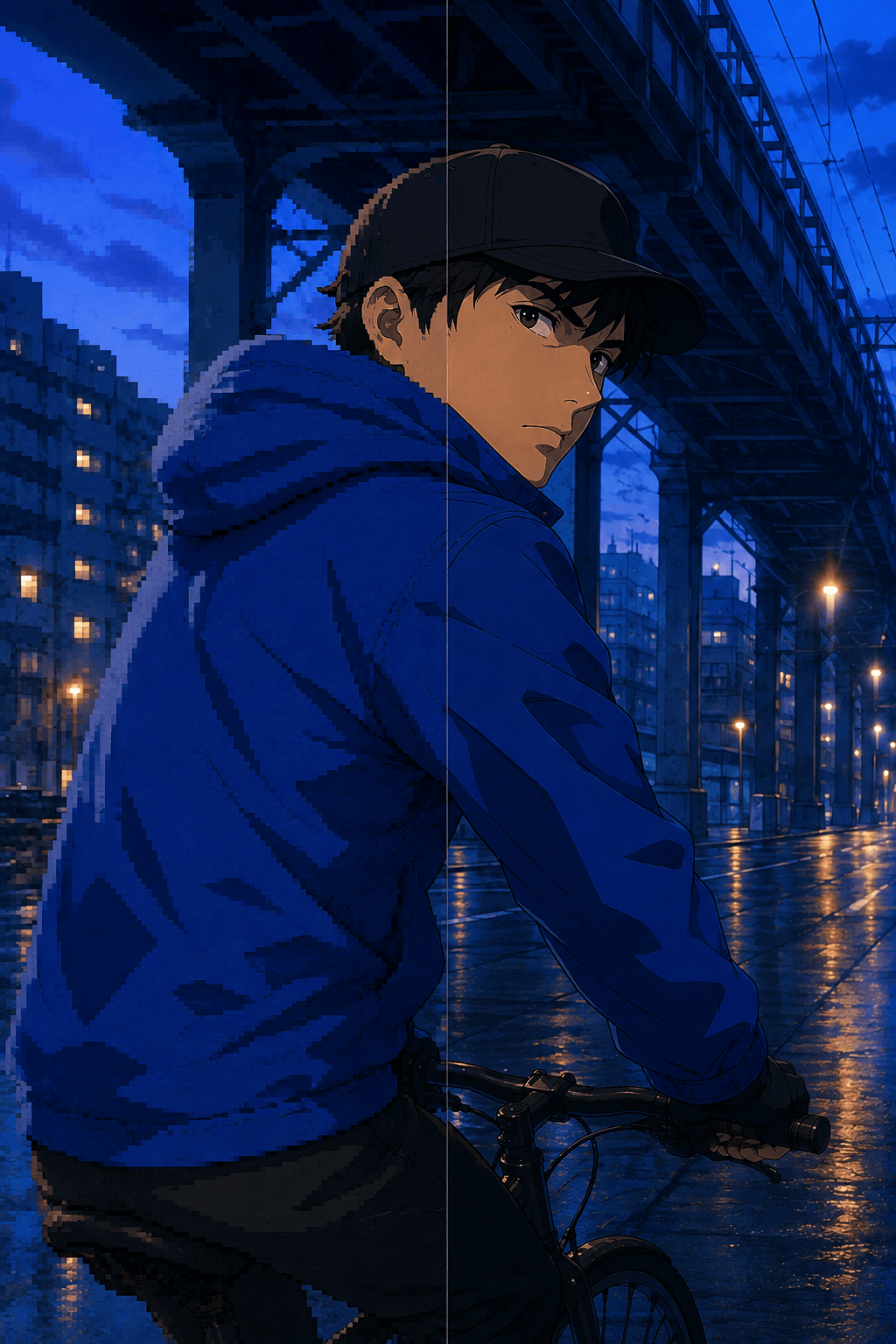
Product silhouettes, packaging geometry, logos, type, anime lines, and flat color regions need controlled edges rather than photographic texture. Ask the AI image upscaler for 4K output to keep shapes, spacing, line weight, and color blocks unchanged while reducing jagged pixels.
Repair One Artifact in Chat
Use Chat Edit when an upscale introduces a halo, waxy skin, false lettering, noisy shadow, repeated pattern, or color shift. Request a narrow correction and preserve the approved framing, subject, and enhancement level.
Finish with a Measured Export
Start with free AI credits and download the selected result without a watermark as JPG or PNG. Check the actual pixel dimensions, aspect ratio, edge crop, and file quality afterward; the phrase 4K describes an output target, not a guarantee that every missing detail was recovered.
Prompt for Resolution, Not a New Picture
- Do the Pixel Math: A 1920×1080 image needs 2× enlargement to reach 3840×2160; a 960×540 image needs 4×. If the source is square or portrait, preserve that ratio instead of forcing it into a 16:9 4K frame.
- Set the Reconstruction Limit: Use words such as conservative, source-faithful, or no invented detail for documentary photos, people, products, text, and logos. Permit subtle creative texture only when enhancing AI art or illustration where interpretation is acceptable.
- Name the Source Type: Describe whether the image is a portrait, product photo, old scan, landscape, anime frame, line drawing, or AI artwork. Each needs different treatment of skin, grain, hard edges, flat colors, and texture.
- List the Failure Zones: Ask the model to avoid false eyelashes, plastic skin, crunchy foliage, edge halos, ringing, checkerboard texture, invented letters, bent packaging, shifted colors, removed grain, and excessive HDR contrast.
4K Upscale Prompts for Photos, Products, Art, and Anime
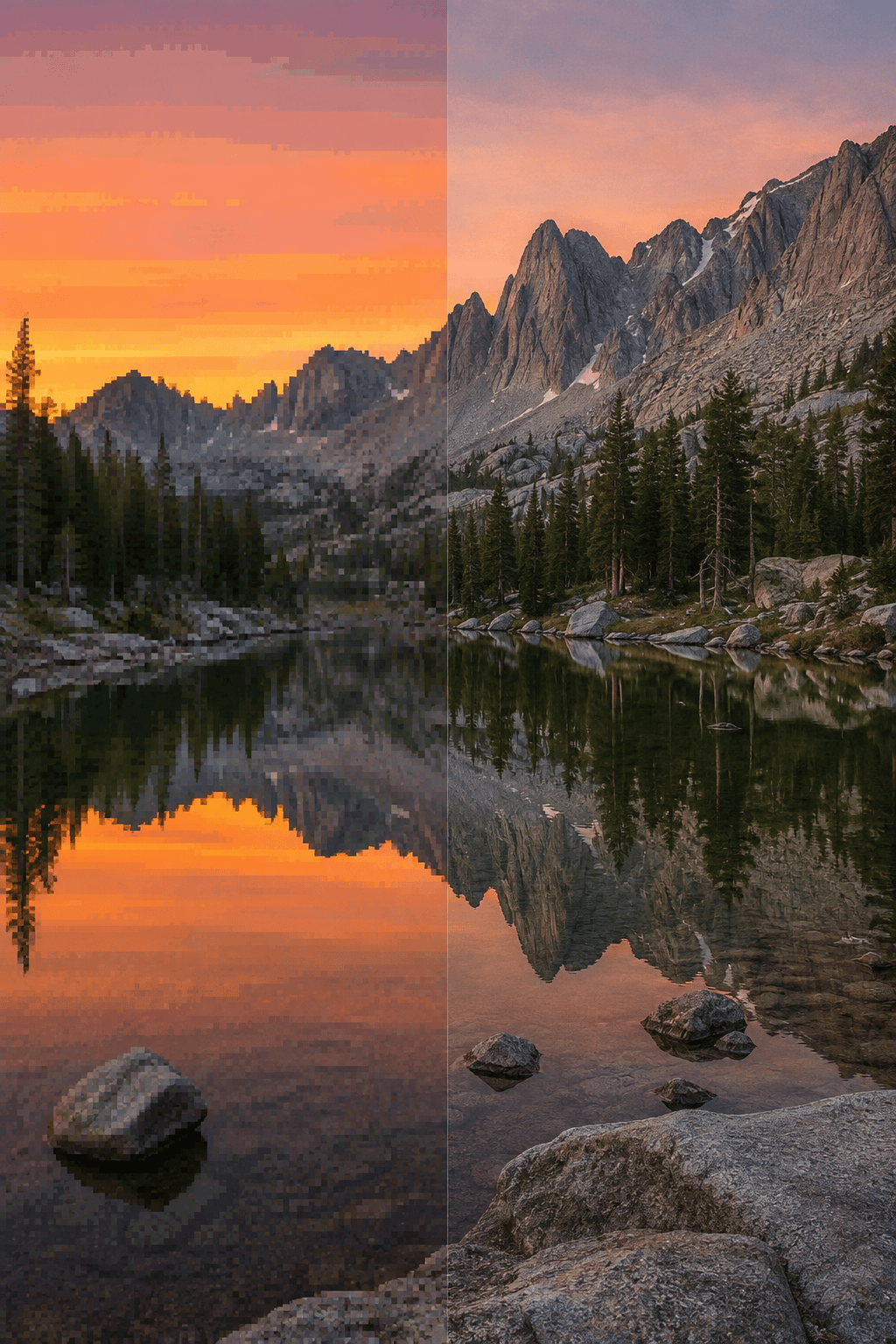
4K landscape wallpaper: Upscale @[landscape] from 1920×1080 to 3840×2160 for a desktop wallpaper. Preserve the exact crop, mountain silhouettes, cloud shapes, dawn colors, atmospheric haze, and natural lens softness. Reduce compression blocks and mild noise; recover restrained rock and foliage detail without crunchy sharpening, HDR halos, new trees, altered sky, text, or watermark.
Portrait photo: Enhance @[portrait] by 4× for a high-resolution profile image. Preserve the person's identity, facial proportions, expression, age, skin texture, freckles, hairline, individual curls, glasses, clothing, crop, and original light. Reduce JPEG artifacts and slight softness conservatively. No face reshaping, beauty filter, plastic skin, invented eyelashes or teeth, new accessories, changed background, text, or watermark.
Product photo for ecommerce: Upscale @[product_photo] to a 4K-ready master while preserving the exact product silhouette, proportions, label placement, packaging seams, material color, reflections, shadow direction, and white background. Clean jagged edges and compression noise without bending geometry, rewriting label text, inventing surface texture, increasing saturation, adding props, or changing the crop.
4K anime upscaler: Enlarge @[anime_frame] to a 3840-pixel-wide master while keeping the original aspect ratio. Preserve character design, facial expression, eye shape, line weight, cel-shaded color blocks, highlights, background layout, and frame crop. Smooth stair-stepped edges and compression artifacts without adding photo texture, extra linework, gradients, text, logos, characters, or watermark.
AI art for print: Upscale @[ai_artwork] by 4× for a gallery-print working file. Preserve composition, subject silhouette, palette, lighting, brush direction, and negative space. Add only subtle coherent microtexture to fabric, stone, and clouds; remove mushy patches and repeated artifacts without redesigning the subject, crowding quiet areas, adding typography, or producing oversharpened edges.
Old scanned photo: Enhance @[old_scan] to a larger archival master while preserving every person, identity, expression, clothing, period detail, crop, monochrome tonality, and natural film grain. Reduce scanner noise, dust, mild scratches, JPEG blocks, and edge softness conservatively. Do not colorize, modernize faces, remove meaningful objects, invent text, erase all grain, or create waxy skin.





