Free OnlineAI Drawing Generator
How to Create a Drawing with AI
Define the Subject and Medium
Add Visual Direction or a Reference
Generate the First Drawing
Refine Through Chat and Export

Drawing Control Without a Complex Art Setup
Speak in Real Drawing Terms
Ask for contour lines, cross-hatching, soft graphite, dry marker, stippling, ink wash, or visible construction marks. The text to drawing generator follows medium-specific direction instead of polishing every idea into the same glossy image.
Guide the Result With Your Image
Upload a permitted portrait, pet photo, object, or rough composition and explain what must remain recognizable. This makes the AI drawing generator from photo useful for keepsakes, concept studies, and visual reinterpretation.
Edit One Creative Decision at a Time
Use Chat Edit to strengthen a silhouette, simplify the background, change the palette, adjust line weight, or preserve the subject while trying a different drawing treatment—without rebuilding the whole prompt.
Move From Rough Sketch to Finished Illustration
Choose loose ideation or a presentation-ready result. For deeper pencil, ink, and storyboard guidance, use the AI Sketch Generator; for polished paintings and fantasy concepts, explore the AI Digital Art Generator.
Compare Coherent Drawing Variations
Create alternative poses, crops, palettes, or levels of detail while keeping the same subject and medium. A small, controlled set helps you choose a direction rather than settling for the first output.
Try It Free and Export Cleanly
New users receive free AI credits after signup. Test our free AI drawing generator online, refine the result, and download watermark-free PNG or JPG files for personal or professional creative workflows.
How to Prompt AI for a Better Drawing
- Name the marks: Choose clean contours, loose gesture lines, fine cross-hatching, soft graphite shading, stippling, bold ink, or colored-pencil grain.
- Direct the composition: State the viewpoint, crop, pose, focal point, negative space, and portrait, square, or landscape format.
- Explain reference use: When uploading an image, say what to preserve—identity, silhouette, pose, proportions, palette, or framing—and what may change.
- Set boundaries: Request or exclude text, signatures, borders, background clutter, photorealism, or extra objects so the drawing fits its destination.
AI Drawing Prompts for Distinct Creative Jobs
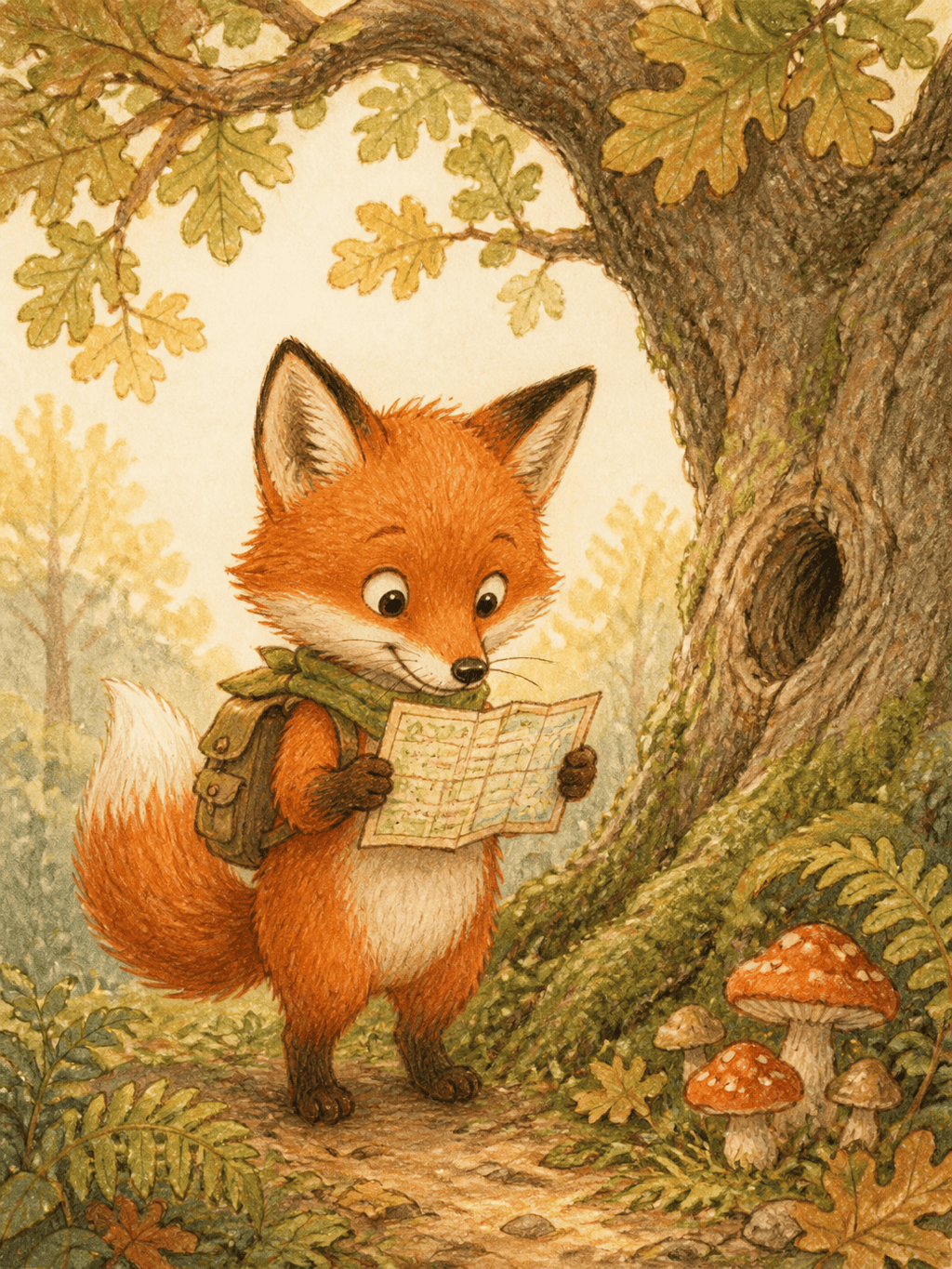
Children's Book Illustration: Draw a curious red fox reading a tiny map beneath an old oak tree, colored-pencil and light watercolor style, warm woodland palette, friendly shapes, clear focal point, 3:4 portrait page, no text.
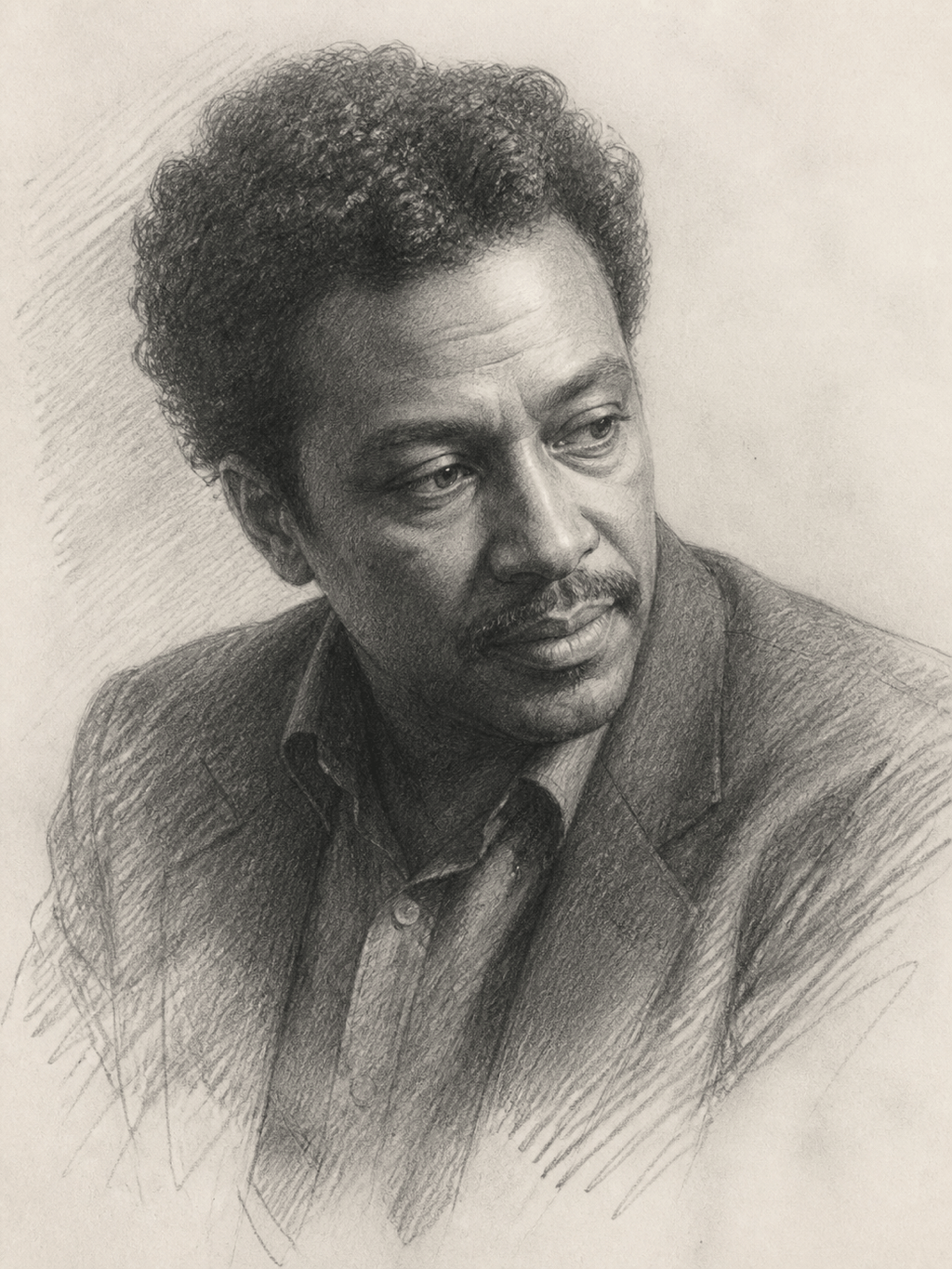
Pencil Portrait: Create a graphite portrait drawing of an adult jazz pianist in three-quarter view, expressive eyes, natural facial texture, soft side lighting, controlled cross-hatching, off-white sketchbook paper, shoulders visible, 3:4 composition.
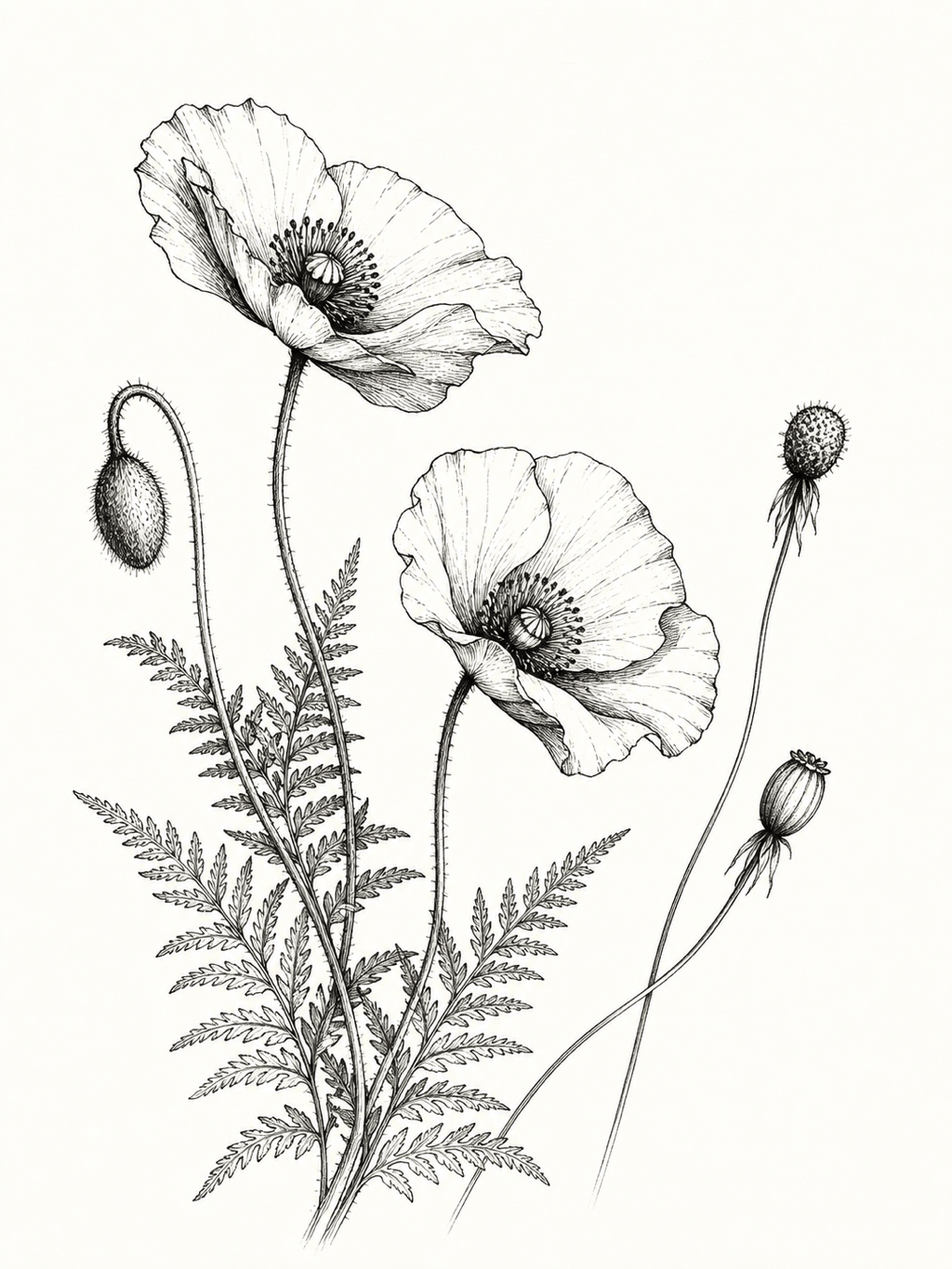
Botanical Line Art: Make a clean black-ink line drawing of wild poppies and fern leaves, varied line weight, restrained stippling, elegant negative space, white background, printable 3:4 wall-art composition, no frame or signature.
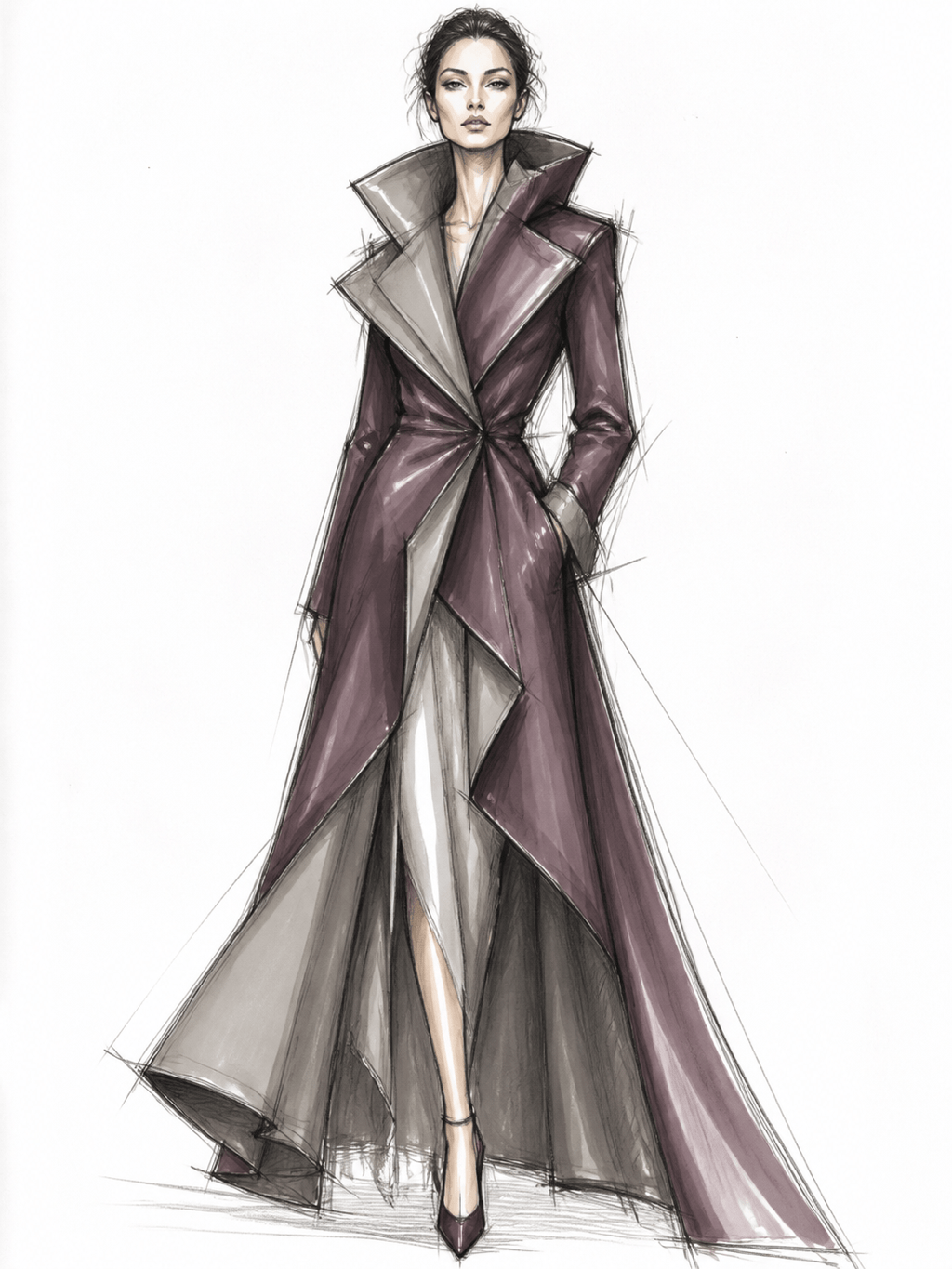
Fashion Concept Drawing: Design a marker-and-pencil fashion illustration of a sculptural evening coat, full figure, confident pose, elongated fashion proportions, charcoal lines, muted plum accents, white studio background, fabric folds clearly described.
Pet Photo to Drawing: Turn @[uploaded pet photo] into a warm colored-pencil keepsake. Preserve the pet's markings, face, pose, and expression; simplify the room into a soft neutral background; add visible pencil grain and gentle shading.
Product Idea Drawing: Create a three-view industrial design drawing of a compact travel coffee maker, black fineliner with gray marker shading, clear silhouette and practical proportions, front, side, and three-quarter views on one clean concept sheet, no labels.





