Free OnlineAI Digital Art Generator
How to Create Digital Art with AI
Describe your creative vision
Generate digital artwork
Refine the AI-generated artwork
Download and Share

Why Choose Mew Design as Your AI Digital Art Generator
Create Art Through Natural Conversation
Describe a concept, atmosphere, character, or scene in your own words. The AI design agent transforms your ideas into original digital artwork without requiring artistic skills.
Explore Different Artistic Styles
Generate fantasy art, digital paintings, sci-fi artwork, surreal compositions, concept art, and other creative styles from a single idea.
Use Reference Images as Creative Direction
Upload artwork, mood boards, or inspiration images. The online AI digital art generator can learn from the visual style and create original pieces that match your desired aesthetic.
Refine Artwork Without Starting Over
If the first draft isn't perfect, continue the conversation and ask the AI to adjust details, styles, colors, or composition while preserving the core concept.
Generate Multiple Creative Variations
Explore different interpretations of the same concept by generating several versions in a single Chat, making it easier to discover new artistic directions.
Free AI Digital Art Generator to Get Started
New users receive free AI credits to try this free AI digital art generator, create original artwork, and export watermark-free results.
How to Write a Good Prompt for AI Digital Art Creation
- Subject Matter: Describe the character, environment, object, or scene you want to create. Example: Ancient dragon flying above snowy mountains
- Artistic Style: Specify the visual approach. Example: Digital painting, fantasy art, cinematic concept art, surreal artwork, realistic rendering
- Mood and Atmosphere: Describe the emotional tone and visual feeling. Example: Mysterious, epic, dreamlike, futuristic, peaceful
- Colors and Lighting: Explain the visual details that define the artwork. Example: Golden sunset lighting, neon blue highlights, dramatic shadows
AI Digital Art Prompt Examples You Can Modify and Use
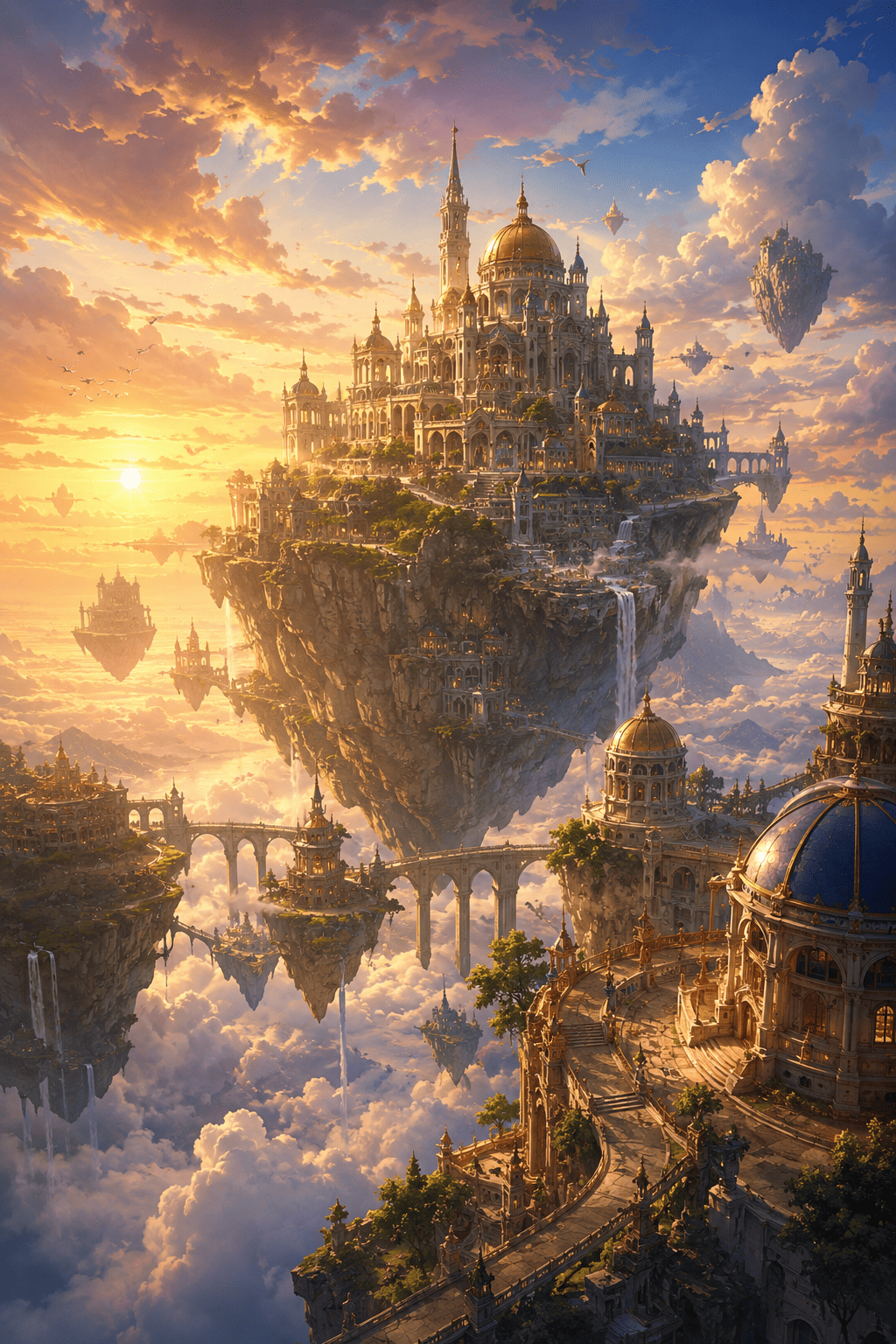
AI Fantasy Concept Art: Create a fantasy digital painting of a floating kingdom above the clouds. Include waterfalls flowing into the sky, glowing magical architecture, and cinematic lighting. Use a high-detail concept art style suitable for a fantasy game.
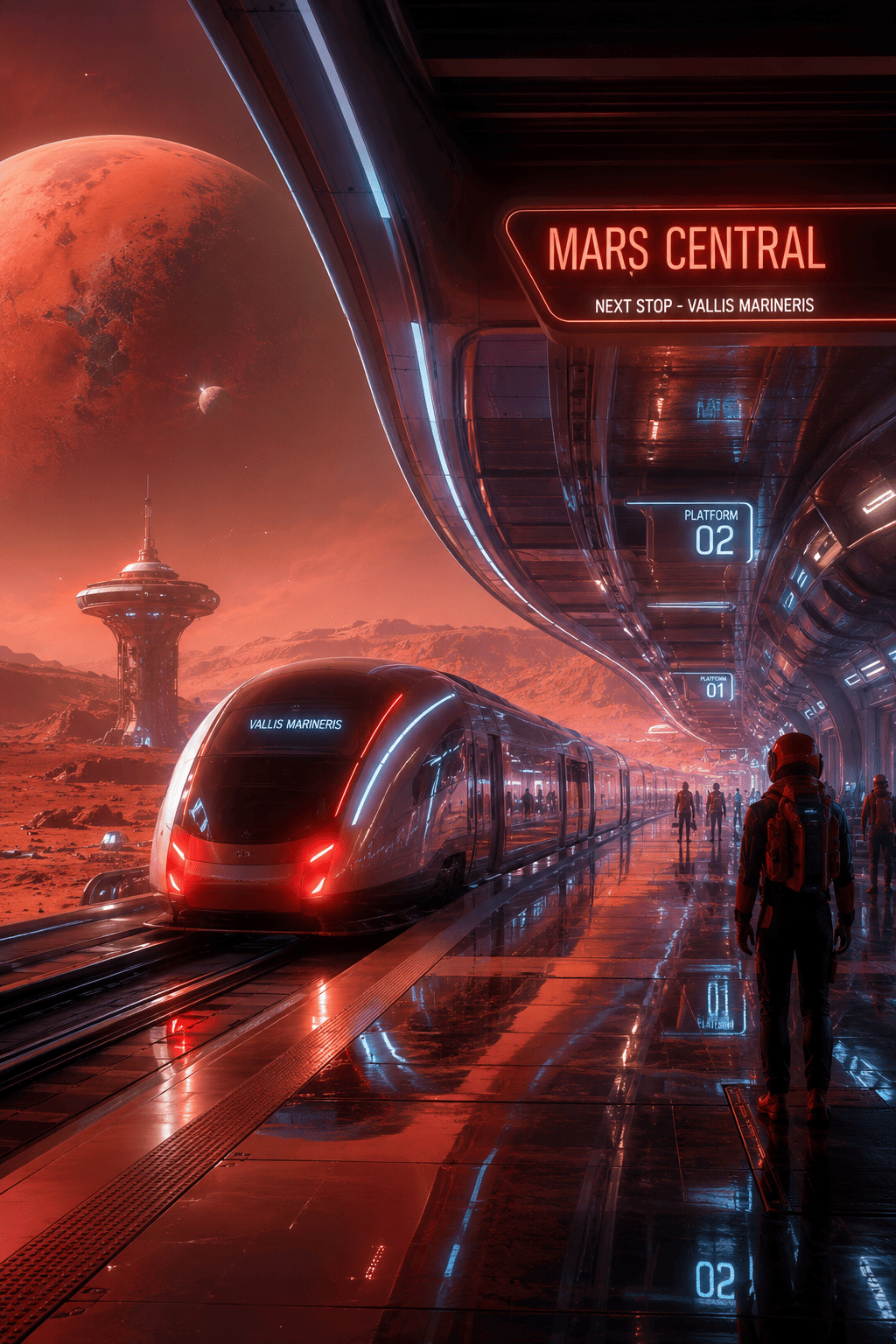
AI Sci-Fi Environment Design Create futuristic digital artwork showing a sustainable city on Mars. Include advanced technology, biodomes, transportation systems, and realistic science-fiction aesthetics.
AI Character Artwork: Design a powerful cyberpunk bounty hunter with advanced armor, glowing implants, and a futuristic city background. Use detailed digital painting techniques and cinematic lighting.
AI Surreal Art Project: Create surreal digital artwork featuring giant floating flowers above an endless desert. Use dreamlike colors, imaginative scale, and painterly textures.
AI Album Cover Illustration: Create digital artwork for an indie electronic music album. Use abstract energy forms, neon lighting, atmospheric effects, and a modern artistic composition.
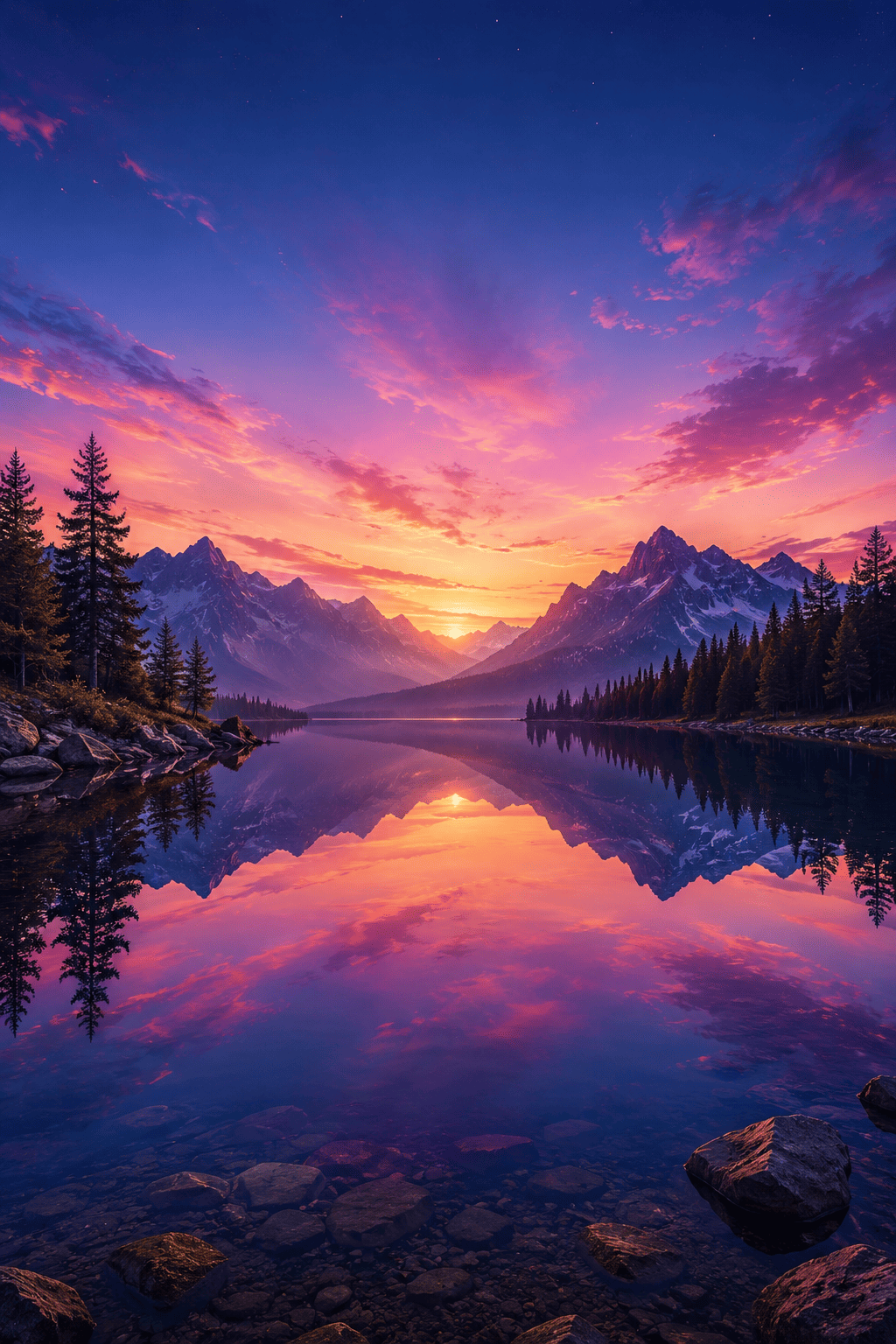
AI Nature-Inspired Artwork: Create a highly detailed digital painting of an ancient forest illuminated by bioluminescent plants. Include magical wildlife, soft lighting, and a fantasy-inspired atmosphere.





