Free OnlineAI Sketch Generator
How to Create a Sketch with AI
Describe the drawing brief
Add references if needed
Generate the sketch study
Refine and export

Why Mew Design Works for AI Sketch Generation
Real drawing language
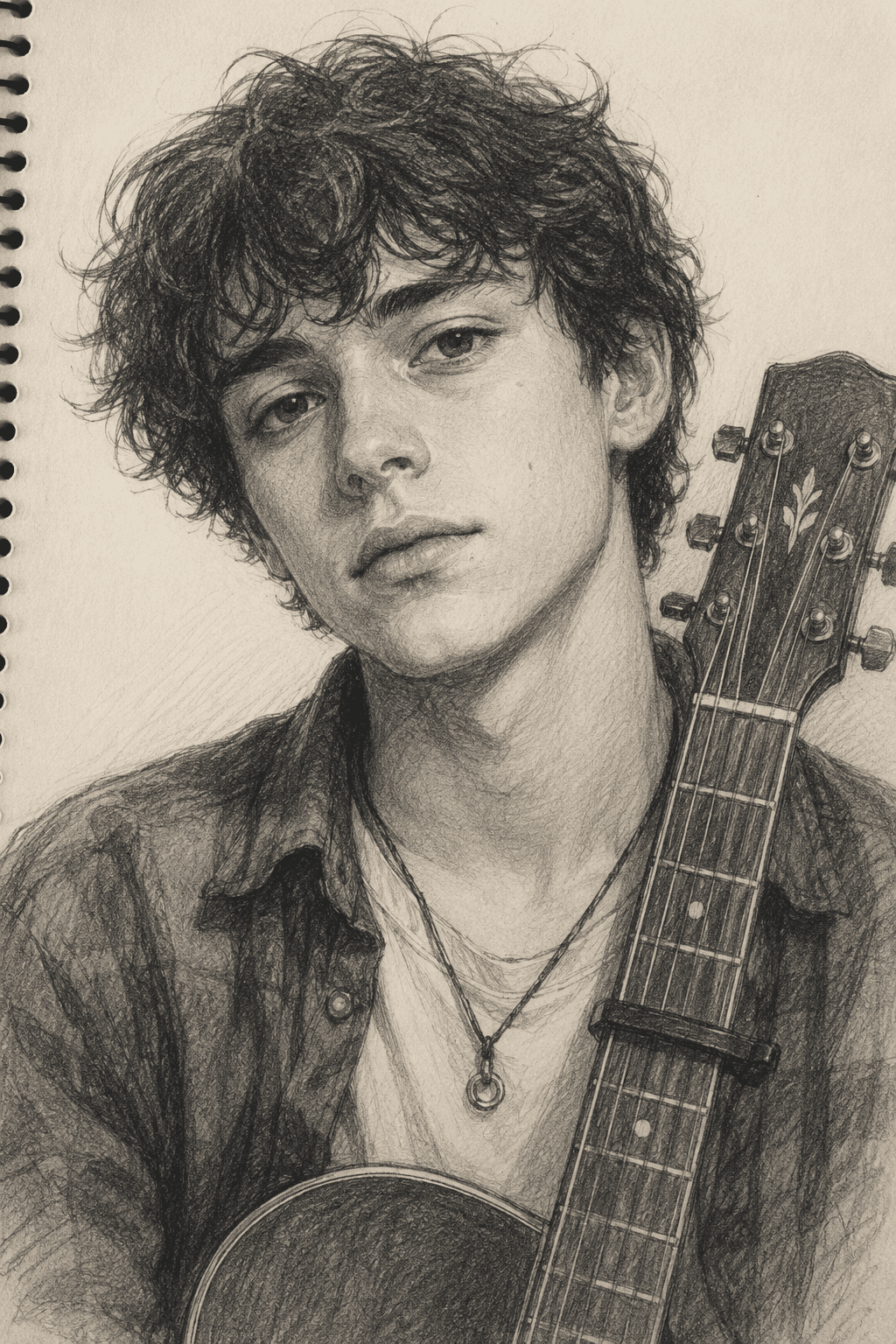
Control graphite texture, hatching, contour lines, cross-hatching, paper tone, and loose construction marks instead of getting a polished painting by accident.
Useful for drafts and studies
Generate portrait sketches, product studies, fashion drawings, architecture sketches, storyboards, or creature sheets before moving into final art.
Photo and reference support
Upload a face, product, room, or rough composition and ask Mew Design to reinterpret it in a sketch style.
Linework edits through chat
Request cleaner outlines, more gesture energy, softer shading, stronger perspective, or less detail without rewriting the whole prompt.
Different sketch mediums
Move between pencil sketch generator, ink drawing, charcoal mood study, technical concept sketch, and line art sketch styles.
Exports for creative workflows
Use the final sketch in portfolios, mood boards, product ideation, story planning, or as a reference for finished illustration.
How to Write a Good AI Sketch Prompt
- Subject and pose: Describe the person, object, scene, product, creature, or storyboard moment and the viewpoint.
- Drawing medium: Choose pencil, ink, charcoal, graphite, marker, line art, fashion sketch, or concept sketch.
- Line and shading: Mention hatching, contour lines, gesture marks, soft shading, clean outlines, or rough construction lines.
- Reference use: Upload a photo, product image, rough sketch, or style sample when continuity matters.
AI Sketch Prompt Examples
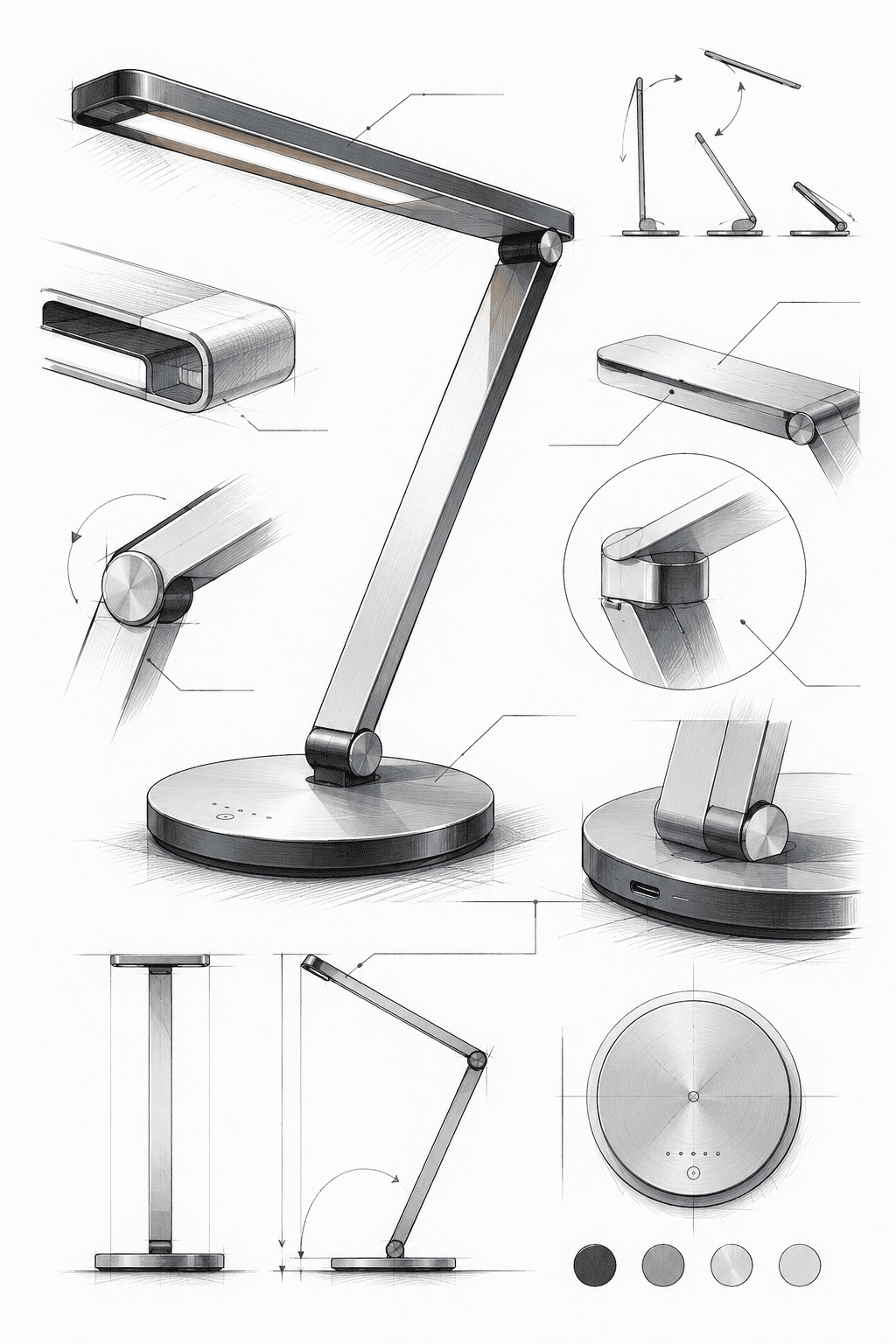
Generate a product concept sketch for a modern desk lamp with perspective lines, hatching, and design-studio presentation style.
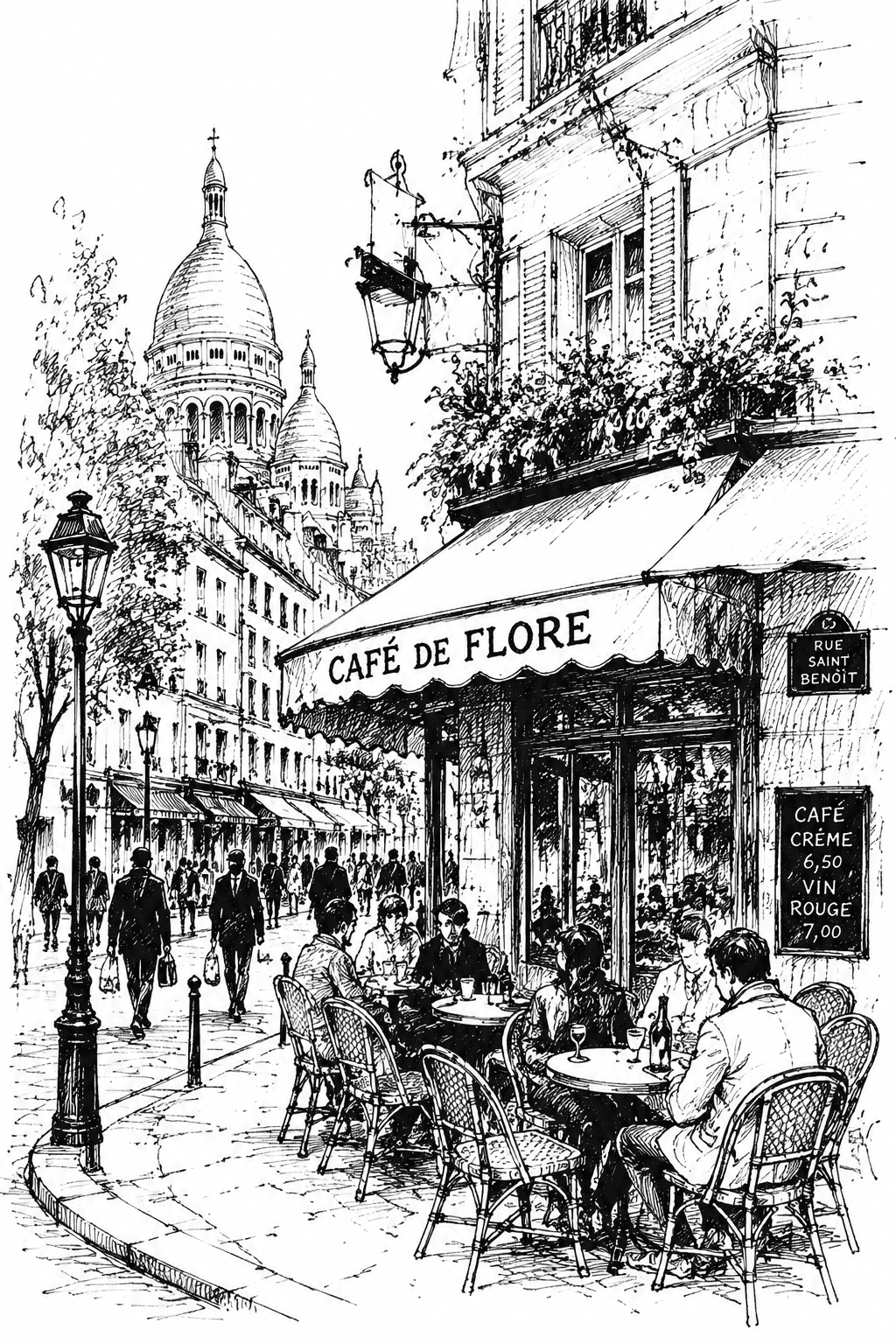
Make an ink line art sketch of a city street cafe with loose architecture, people silhouettes, and cross-hatching.
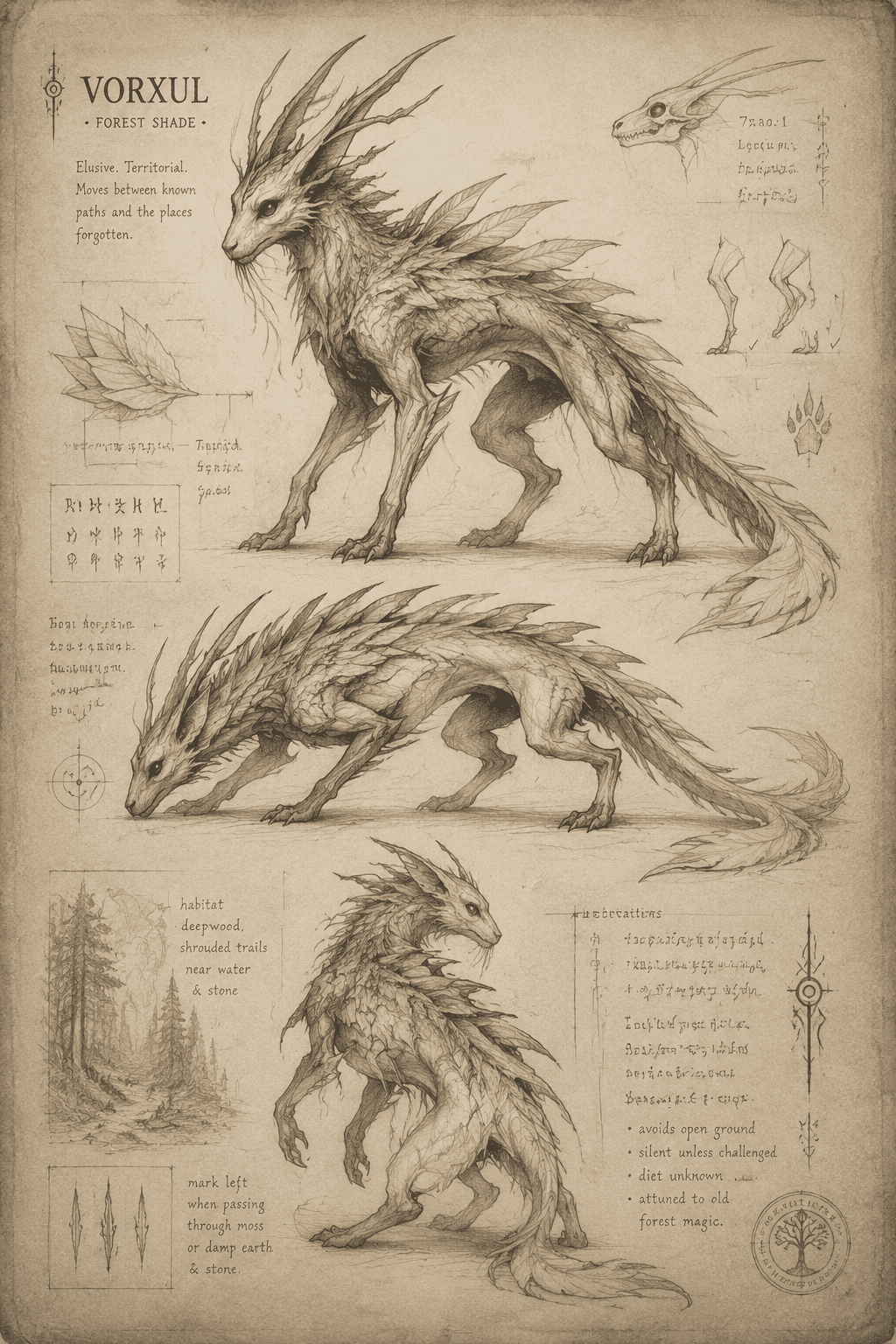
Create a fantasy creature sketch sheet with three poses, rough graphite lines, aged paper texture, and concept art energy.
Design a fashion sketch of a long evening dress with flowing fabric, pencil linework, and minimal shading.
Create a storyboard-style sketch for a short film scene with three frames and clear camera composition.
Turn @[upload product photo] into a clean line art sketch with white background and subtle shadow marks.





