Free OnlineAI Christmas Face Swap
How to Make a Christmas Face Swap with AI
Choose Two Clear Photos
Name the Face and the Scene
Generate and Check the Blend
Refine and Share

A Christmas Face Swap You Can Direct
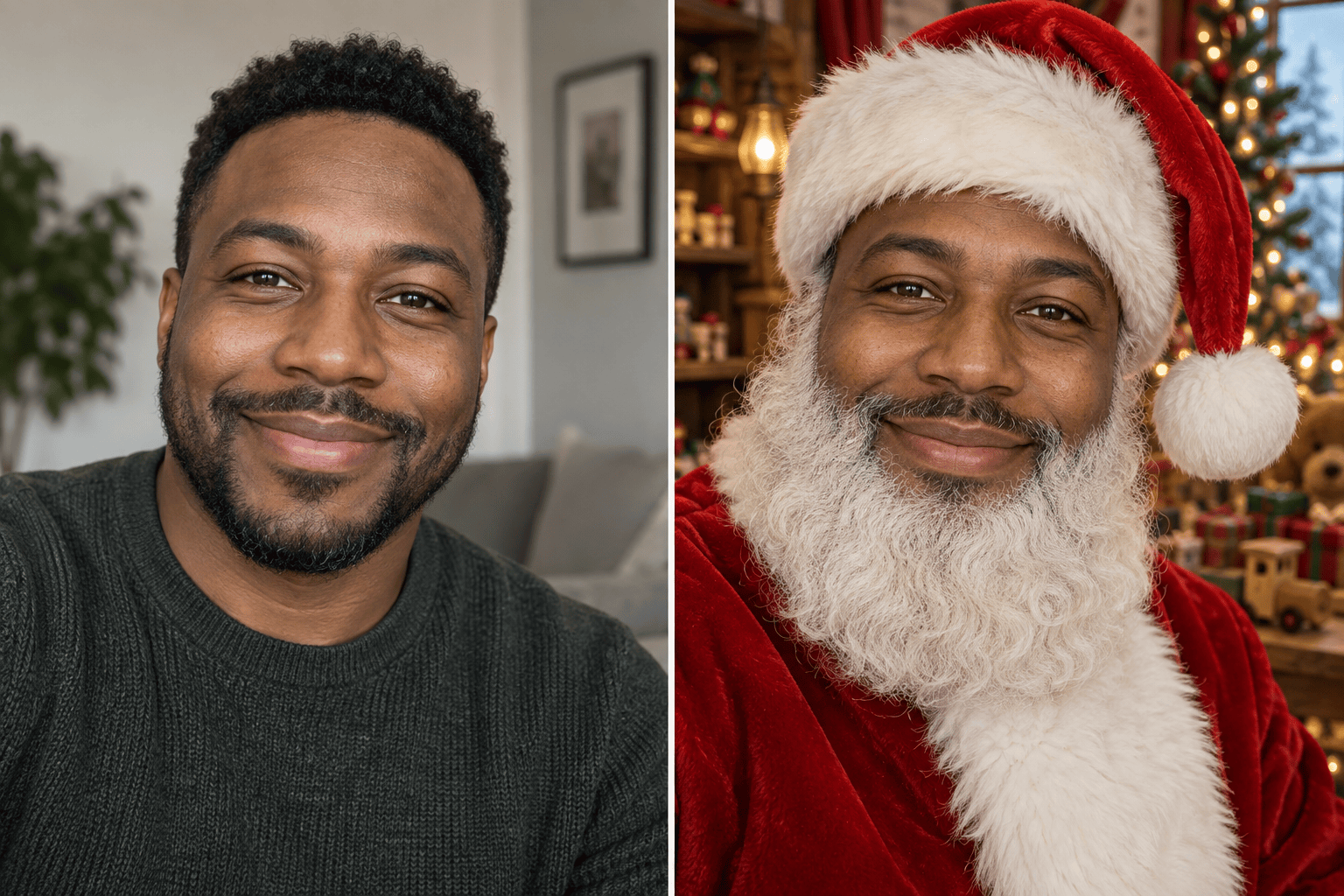
Keep the Holiday Scene
Ask Mew Design to change the face while preserving the Santa suit, elf hat, pose, decorations, and crop in your chosen base photo.
Blend Beyond the Face Edge
For a realistic Santa face swap, specify the head angle, expression, skin tone, shadows, and camera texture so the new face fits the scene.
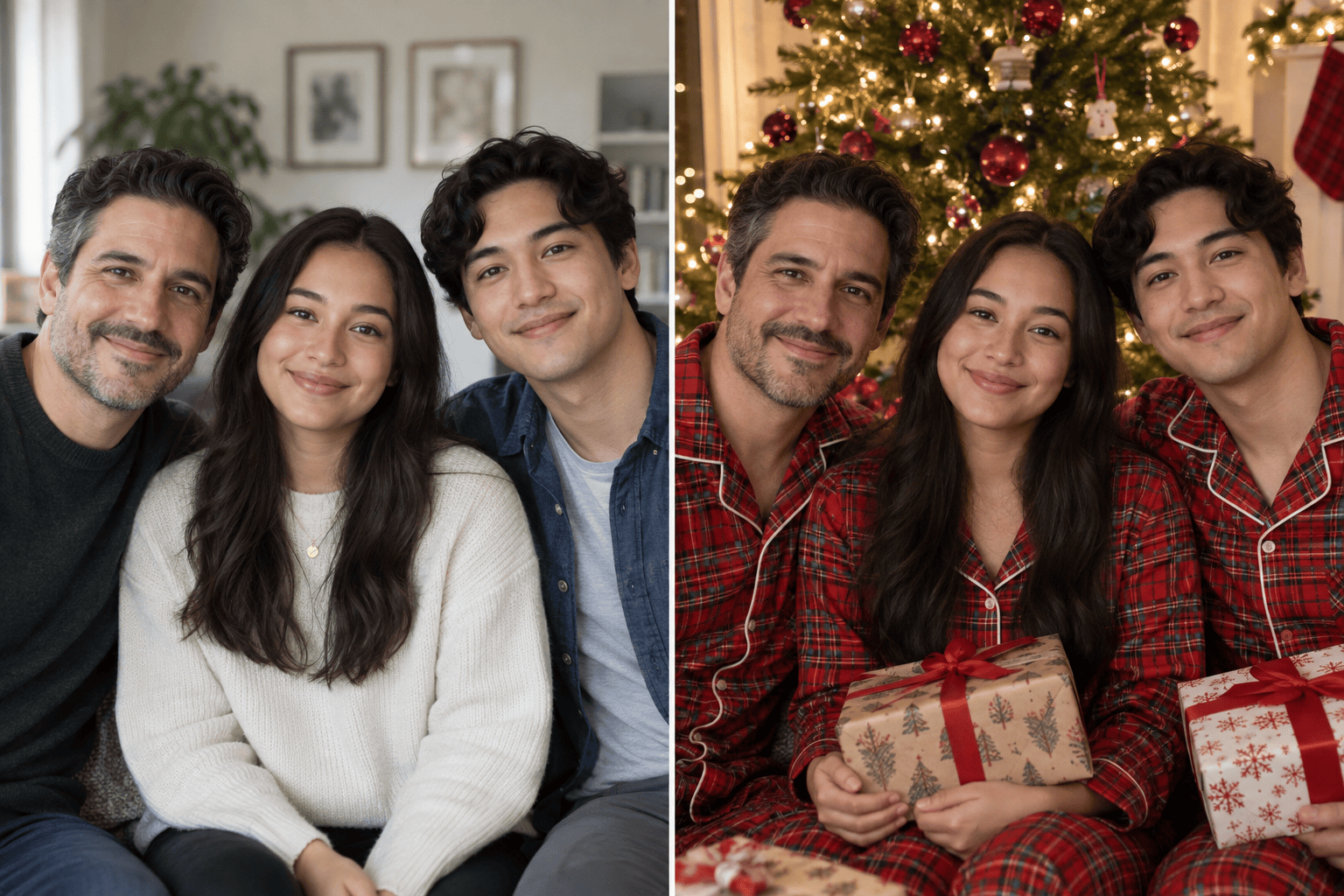
Map a Family Card Clearly
In a group Christmas face swap, name each reference and identify its target by position or clothing. Review every person before using the image.
Correct Details in Chat
If a beard line, elf ear, or smile looks odd, use Chat Edit to request a focused correction without intentionally changing the whole photo.
Try Festive Looks with Free Credits
Sign up to test this online Christmas face swap workflow with free AI credits. Generation uses credits; finished still images can be exported without a watermark.
Compare Card and Profile Versions
Ask for another crop or a different holiday mood after the first image, then choose the version that fits a personal greeting or social profile.
How to Get a Natural Holiday Face Swap
- Assign each image: Say which photo supplies the face and which supplies the Santa, elf, or holiday-card setting.
- Protect the scene: Name the outfit, hairstyle, pose, background, other people, and crop that should remain.
- Check the edges: Inspect hat shadows, beard lines, ears, jaw, skin tone, and sharpness at full size.
- Use photos responsibly: Use likenesses and scene images you have permission to edit. Label a realistic composite if someone might mistake it for a real event.
Christmas Face Swap Ideas to Try
Use my uploaded selfie as the face reference in my Santa portrait. Replace only Santa’s face. Keep the red suit, hat, beard, pose, and warm workshop background. Match the angle and light for a natural still photo.
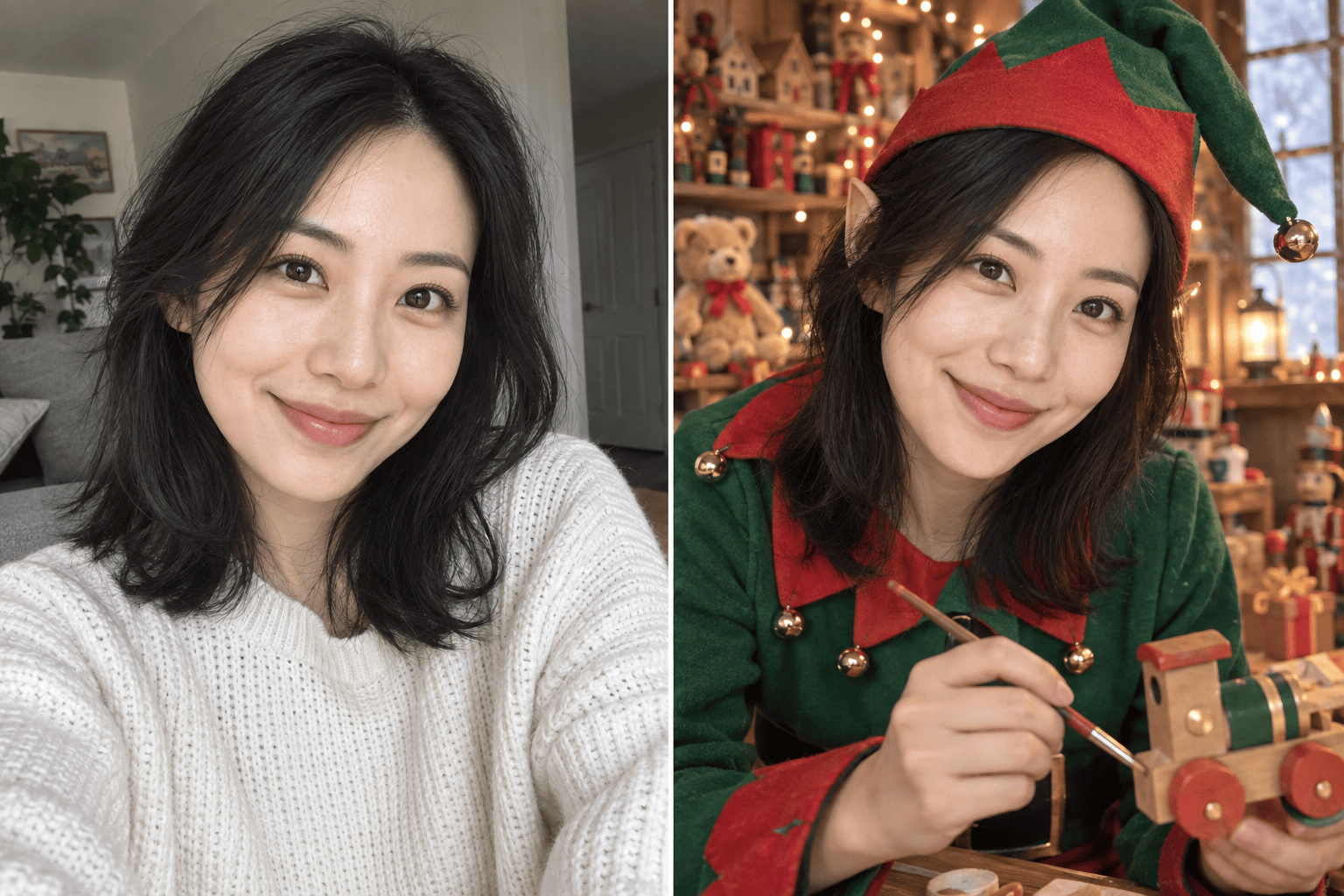
Put my face from the uploaded portrait into the Christmas elf photo. Keep the elf costume, pointed hat, toy-shop setting, and playful expression. Blend the face with the scene’s soft golden light.
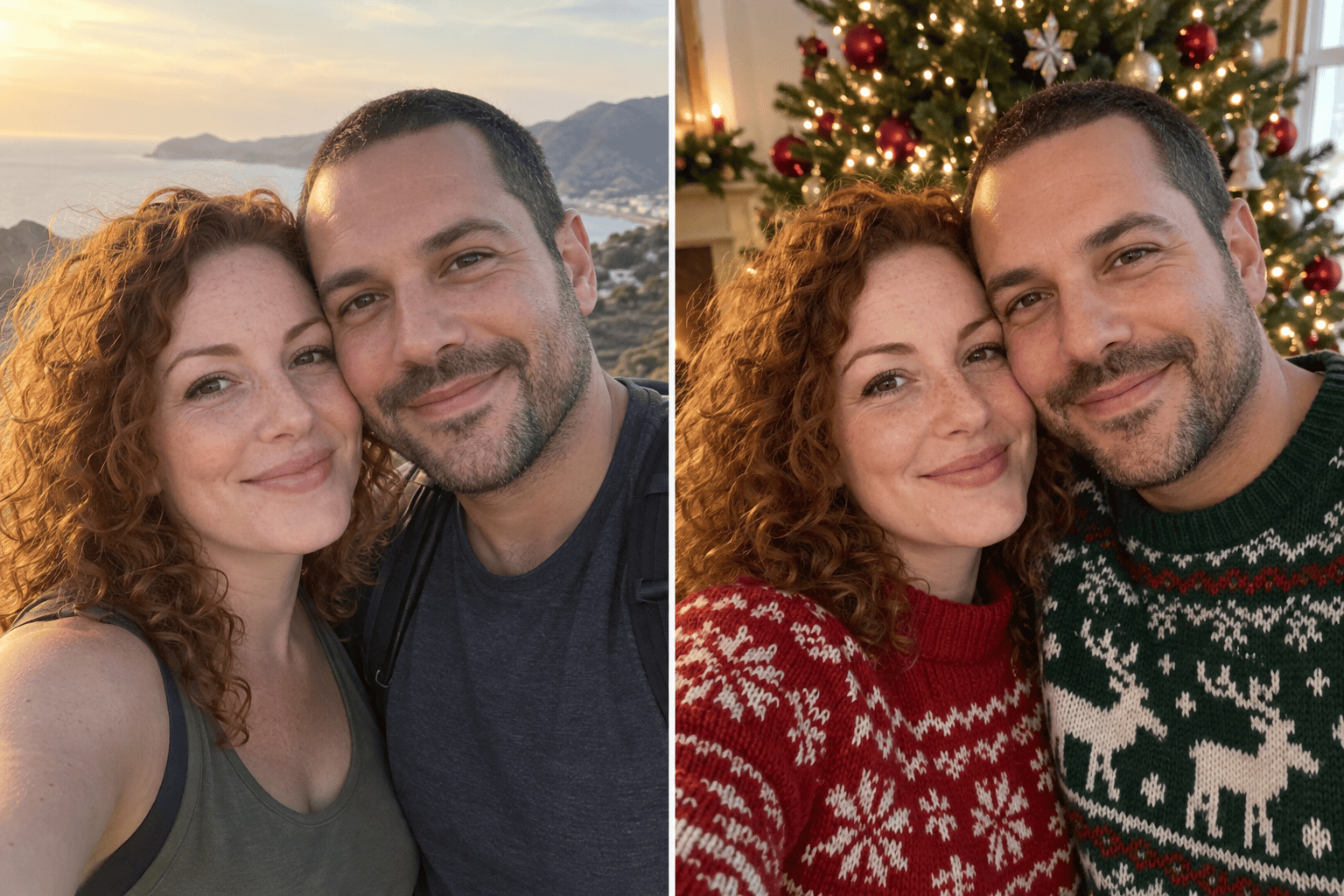
For our couple Christmas card, use each uploaded portrait for the matching person in the holiday scene. Keep our sweaters, poses, tree, and framing. Match both faces to the same warm light.
Create a family Christmas face swap using our group holiday photo as the base. Map each uploaded face reference to the person I name by position and clothing. Leave everyone else unchanged.
Refine the Santa face swap in my current result. The beard line is too sharp and the face is brighter than the neck. Fix only those transitions; keep the identity, hat, suit, pose, and background.
Make a vertical Christmas profile photo from my face swap result. Keep my face recognizable and the festive outfit intact. Reframe around the face and leave space for the hat; do not add text.





