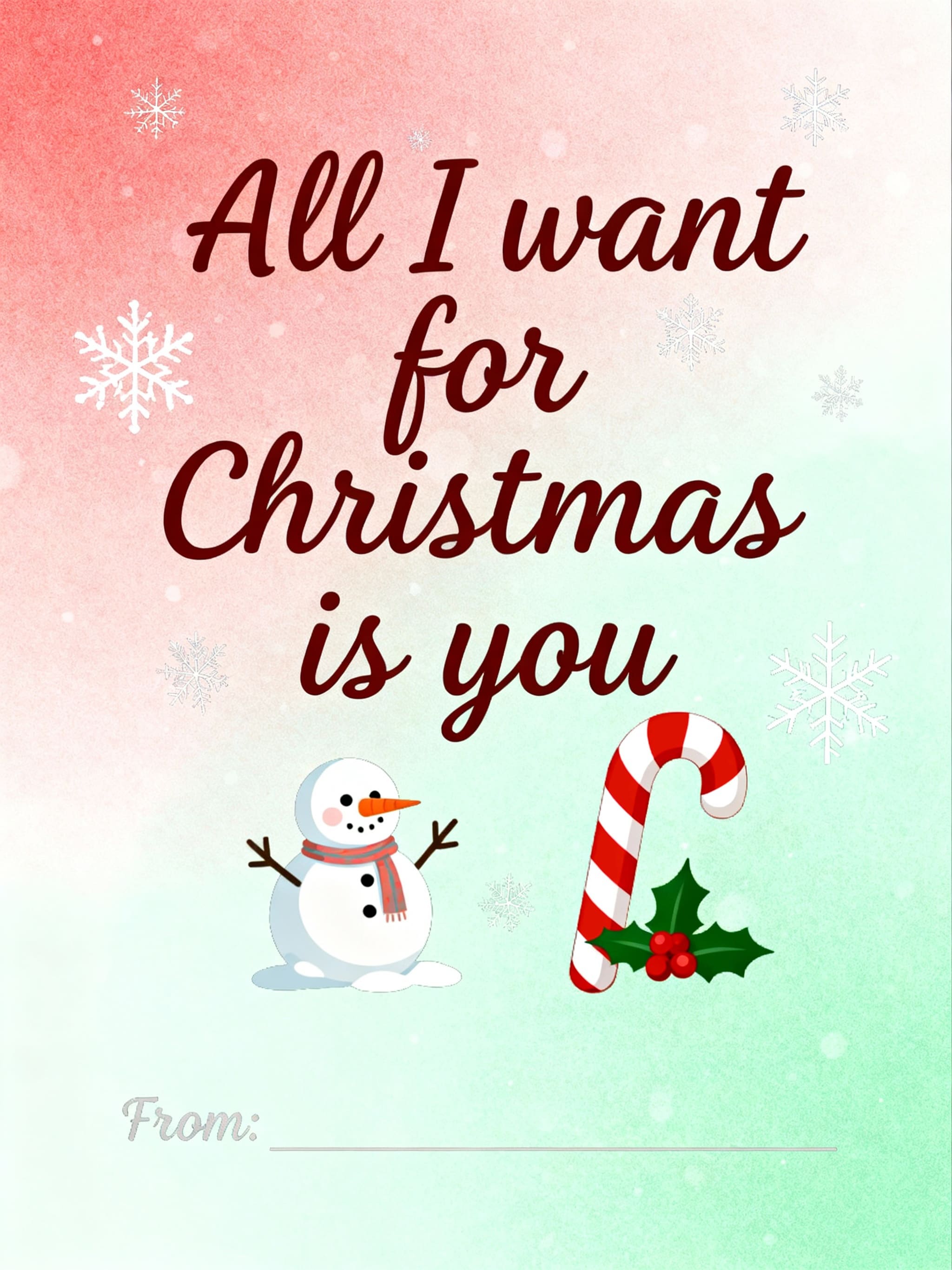
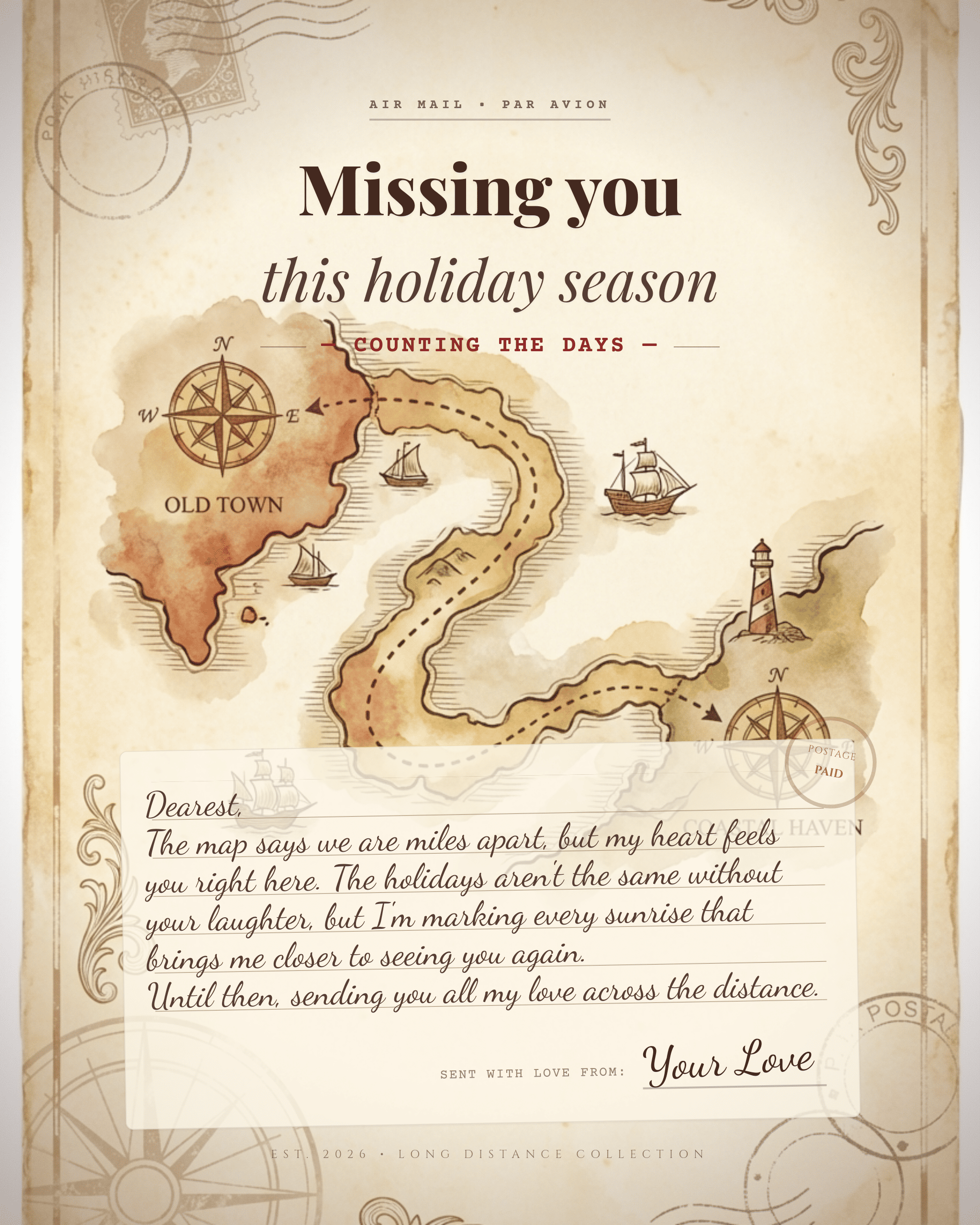
Free OnlineAI Christmas Card Generator
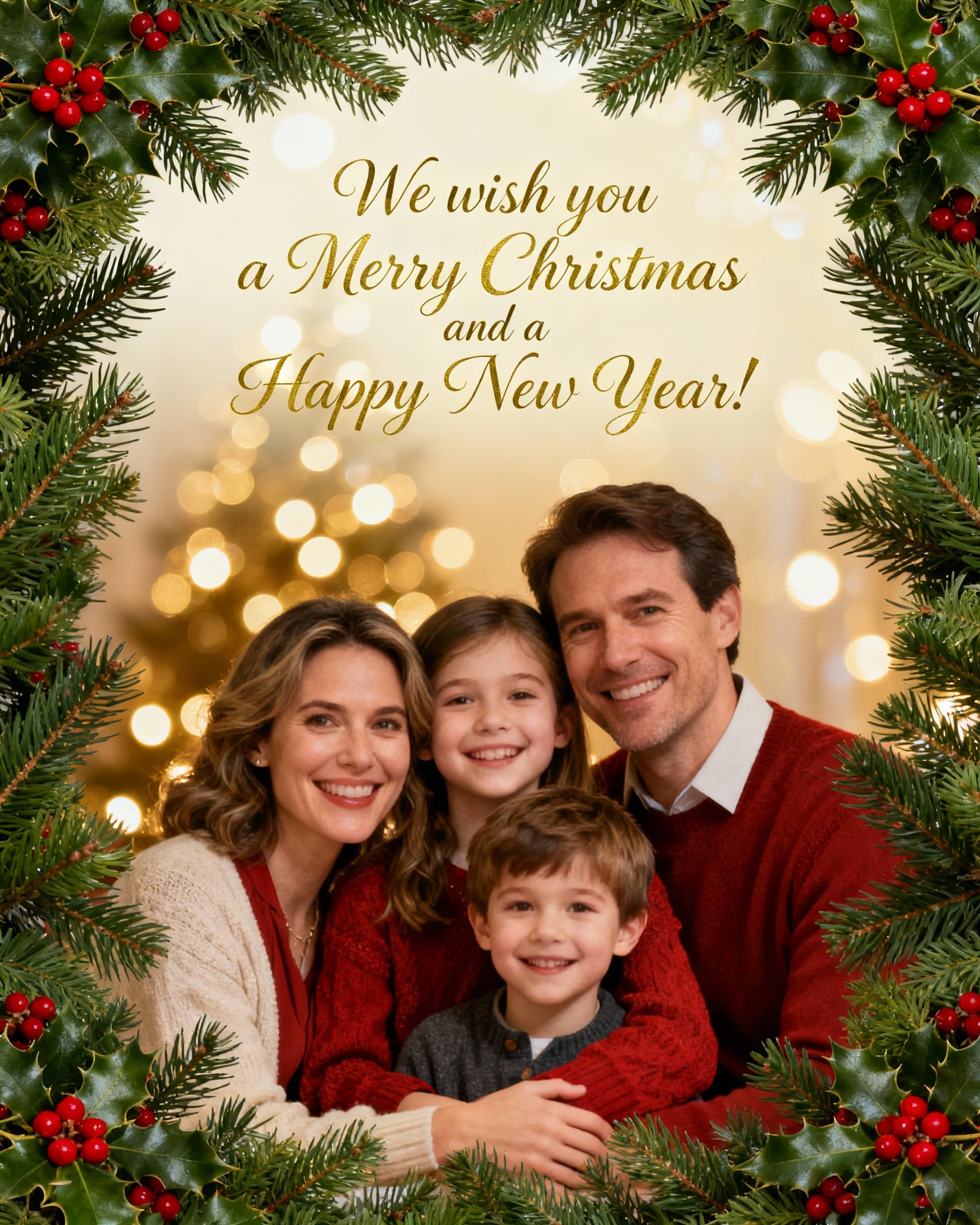
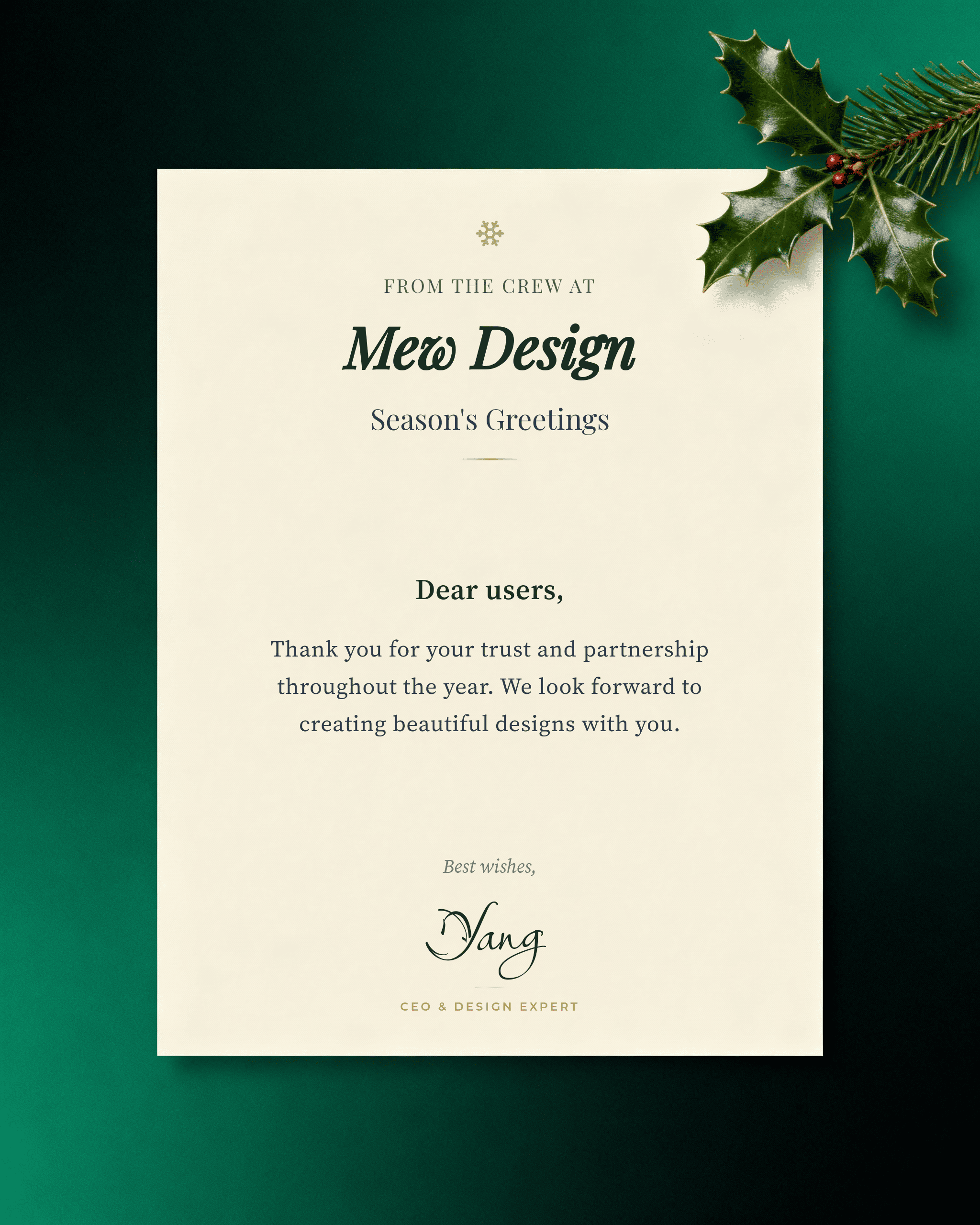
Create a unique, heartwarming Christmas card in seconds with Mew Design — an AI Christmas card generator that transforms simple text instructions into fully designed holiday cards. Whether you want a cozy family Christmas card, a playful greeting for friends, or a professional corporate holiday message, our AI Christmas card maker helps you design and edit cards through natural text dialogue. No layout struggles, no text hallucination — just clear creative control.

How To Make a Christmas Card With AI

Designing a custom Christmas card with Mew Design takes only a few minutes. Follow this simple workflow to generate, refine, and export your holiday card online.

1

Sign Up for Free Credits

Create a free Mew Design account. New users receive complimentary AI credits to generate their first Christmas card without cost.

2

Write Your Christmas Card Prompt

Describe the card you want — mood, style, message, colors, or whether you want to add a family photo. Then click Generate.

3

AI Agent Creates Your Design

Our AI agent analyzes your prompt and generates a high-quality holiday card. It places your text and images logically within the layout.

4

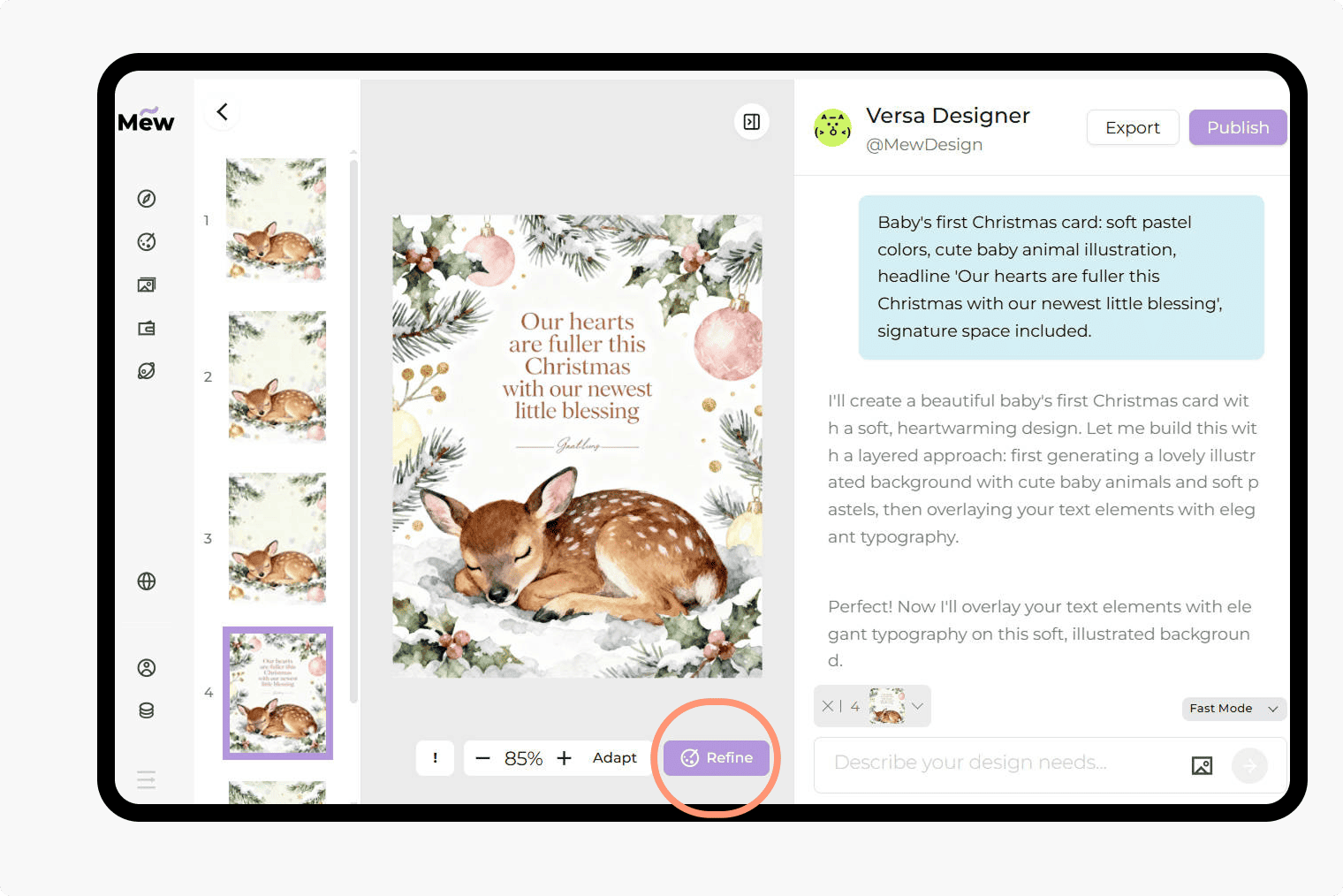
Refine and Edit the Card (Optional)

If the first draft isn't perfect, click Refine. You can simply type: "Change the background to red" or "Make the greeting text larger."

How to make demo

Why Choose Mew Design as Your AI Christmas Card Maker

Limitless Creativity from Text

Don't get stuck with rigid templates. Just describe your idea—whether it's a minimalist Christmas card or an elaborate festive scene—and our AI holiday card creator brings it to life. You are the creative director.

Deep Understanding of Intent

Our AI goes beyond simple keywords. It understands the context of a "holiday greeting," ensuring the mood, layout, and typography all work together to create a cohesive AI Christmas card.

Edit Designs via Conversation

You don't need complex design software. Mew Design’s conversational interface lets you modify the layout, swap colors, or edit the text just by asking the AI, giving you precise control.

Flawless Text Rendering

Most AI image tools misspell words. Mew Design guarantees no text illusions. When you type "Merry Christmas and Happy New Year, Grandma," that is exactly what appears on the card, crisp and clear.

Add Your Personal Touch

Make it truly yours. Upload a family portrait for a personalized Christmas greeting, or add your company logo for a professional business Christmas and Happy New Year card. The AI integrates these assets naturally.

Community Inspiration

Running low on ideas? Browse the Mew Design community to see the Christmas cards created by others. You can use their prompts as a starting point or share your own masterpiece.

How to Write a Good Prompt for an AI Christmas Card

Create a **minimalist Christmas card**. The background should be a solid, deep forest green. In the center, place a simple gold line-art illustration of a reindeer. Text at the bottom in an elegant serif font: 'Peace and Joy'. Below that, smaller text: 'The Wilson Family'.
👍
To get the best results from an AI Christmas card generator, clarity is key. Think of it as giving instructions to a human designer. Start with the type of card, then describe the imagery, and finally, specify the exact text you want to appear. Here are the key elements to include:
  • Recipient & Occasion: (e.g., "Card for my wife," "Business holiday card")
  • Visual Style: (e.g., Vintage, Minimalist, Watercolor, 3D Render)
  • Key Elements: (e.g., "Snowman," "Christmas Tree," "Family Photo")
  • Exact Text: (Label this clearly, e.g., "Headline: Merry Christmas")

Sample AI Christmas Card Prompts You Can Adapt

For Couples (Romantic): Generate a personalized Christmas greeting for couples. A cozy illustration of a couple sitting by a fireplace with hot cocoa. Style: Warm digital art. Headline: 'Our First Christmas'. Subtext: 'Love, Jack & Sarah'.

For Business (Corporate): Create a Christmas card for my company. A sleek, abstract design using geometric Christmas tree shapes in silver and blue. Headline: 'Happy Holidays'. Subtext: 'Wishing you a prosperous New Year from [Company Name]'.

For Family (Photo Upload): Create a cute Christmas card. Use my uploaded [photo.jpg] as the centerpiece. Surround it with a festive frame of gingerbread men and candy canes. Headline: 'Sweetest Wishes'. Style: cute, bright and colorful.

Vintage Style: A vintage-style Christmas and New Year card featuring a retro 1950s Santa Claus holding a sack of toys. Include the text: “Have a Holly Jolly Christmas and a Happy New Year 2026.” Use a textured, old-paper effect throughout.

Funny/Humorous: Create a funny Christmas card. A T-Rex trying to put a star on top of a Christmas tree but his arms are too short. Text: 'Reaching for a Great New Year!' Style: Comic book style.

Minimalist/Modern: Create a minimalist Christmas card. A clean white background with a single, red watercolor berry branch. Text in the center: 'Joy'. elegant and simple typography.


Frequently Asked Questions

Which AI can generate cards?
Several AI tools can create cards, but Mew Design is designed specifically for high-quality, customizable card layouts. It generates Christmas cards, holiday greetings, birthday cards, wedding invitations, and more based on simple text instructions. The AI understands layout composition, integrates photos, writes messages, and refines designs through natural prompts — making it one of the most flexible AI card generators available.
Is this AI Christmas card generator free?
Yes! Mew Design offers a free AI Christmas card generator tier. New users receive free credits upon signup, allowing you to generate and download cards without an immediate subscription.
Can I use my own family photos?
Absolutely. You can upload your own images. The Mew Design's AI design agent can frame your photo or integrate it into a festive scene while keeping your faces natural.
Can I print the Christmas cards I generate?
Yes. You can export your designs in high resolution. This makes them suitable for printing at home or sending to a professional print shop for physical distribution to family and friends.
Can I edit the card after it's generated?
Yes. Use the Refine function to adjust the card's layout, message, colors, or images.
Does the AI spell names correctly?
Yes. Unlike many other AI image tools, Mew Design is built to handle text accurately. If you type "Merry Christmas, Uncle Bob," or even long holiday messages, the Mew Design's AI design agent will render the text perfectly, without the common "text hallucinations" found in other models.
Can I use this for my company's holiday cards?
Definitely. Mew Design is a great AI Christmas card maker for business. You can upload your company logo and create professional, on-brand designs to send to clients and employees.
Do I need design skills to use this AI Christmas card generator?
No. Everything works through natural text instructions.
Does the AI support different Christmas card styles?
Yes — minimalist, cute, vintage, funny, elegant, photo-based, corporate, romantic, and more.

Ready to Generate Designs With AI?

Get Started - 50 Free Credits
No credit card required
© 2025 Mew Design. All rights reserved.️
Mew Design - Your AI design partner, now with full control. | Product Hunt