Free OnlineAI Border Generator
How to Create Border with AI
Describe the border brief
AI generates your border design
Refine the border details
Download and use

Why Mew Design Works Well for AI Border Generation
Designed for Real Content Layouts
Create borders with balanced margins and clean center spacing, making them suitable for invitations, certificates, worksheets, posters, and printable documents.
Symmetrical and Consistent Border Design
Our AI border maker understands border composition, including corner balance, edge alignment, decorative rhythm, and spacing consistency across the entire frame.
Flexible Decorative Styles
Generate floral borders, vintage frames, geometric outlines, holiday borders, classroom decorations, and elegant certificate layouts with one online AI border maker.
Smart Safe-area Awareness
The AI keeps important decorative elements near the edges while preserving a clear center area for text, photos, or document content.
Reference-based AI Border Creation
Upload a reference frame, invitation, or decorative style image. the AI border generator can recreate similar border aesthetics while adapting them to your own layout.
Free to Start and Easy to Edit
Start with free credits and refine your border through prompts or manual editing tools to adjust colors, spacing, ornaments, and frame thickness.
How to Write a Good Prompt for AI Border Design
- Name the border type: Explain where the border will be used, such as a certificate, invitation, worksheet, social post, or printable page.
- Set the visual direction: Describe style, color palette, ratio, mood, typography, and any constraints from the expected visual intent: Frames, corners, floral edges, certificate ornaments, transparent-background borders, printable margins, and balanced negative space.
- Content Safe AreaTell the AI to leave enough clean space in the center for text, photos, or document content.
- Orientation and FormatMention portrait or landscape orientation and whether the border is intended for print or digital use.
AI Border Prompt Examples You Can Modify and Use
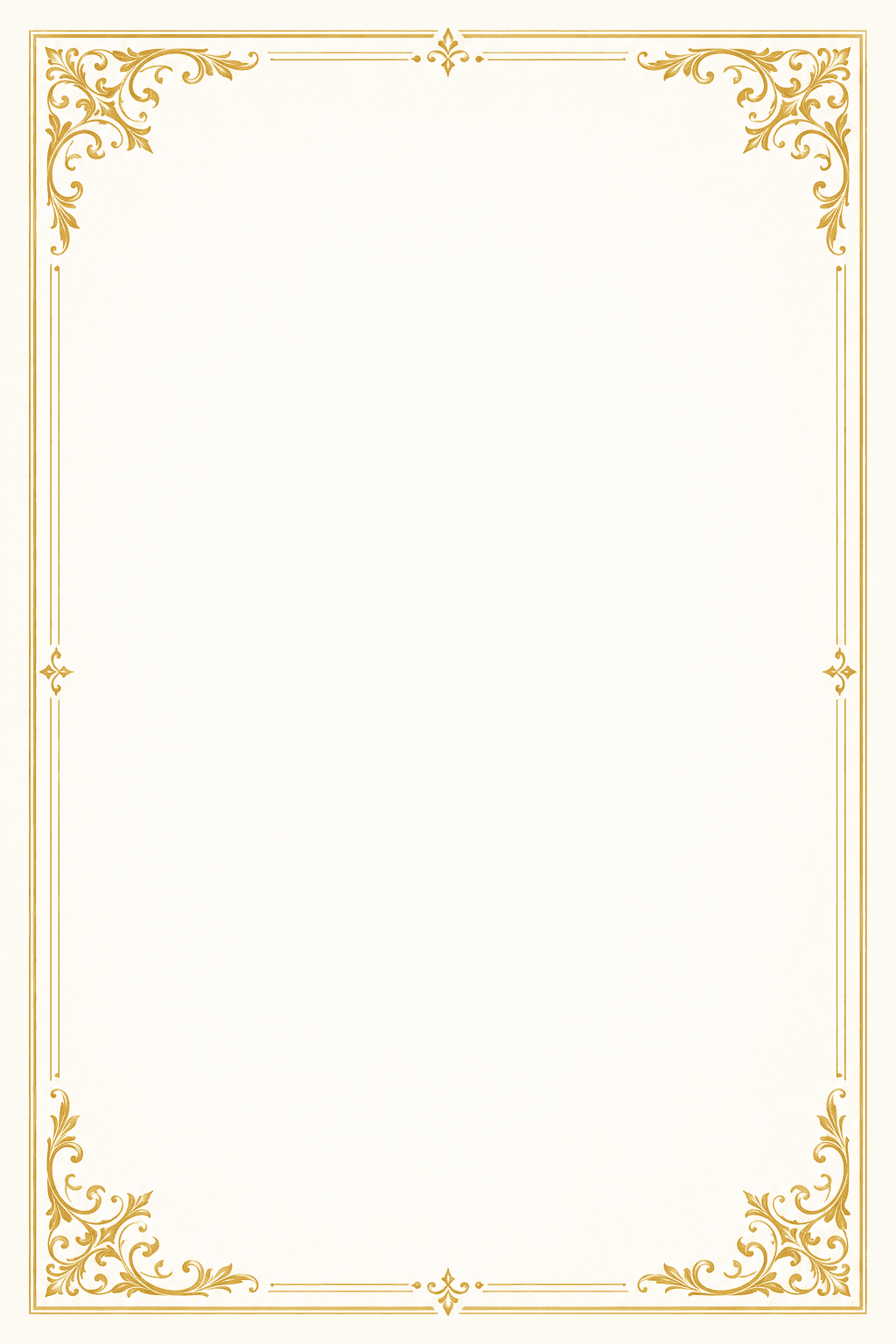
Elegant Certificate Border: Create a formal certificate border with gold decorative corners and subtle ornamental details. White background, balanced margins, thin elegant lines, and a large clean center area for official text.
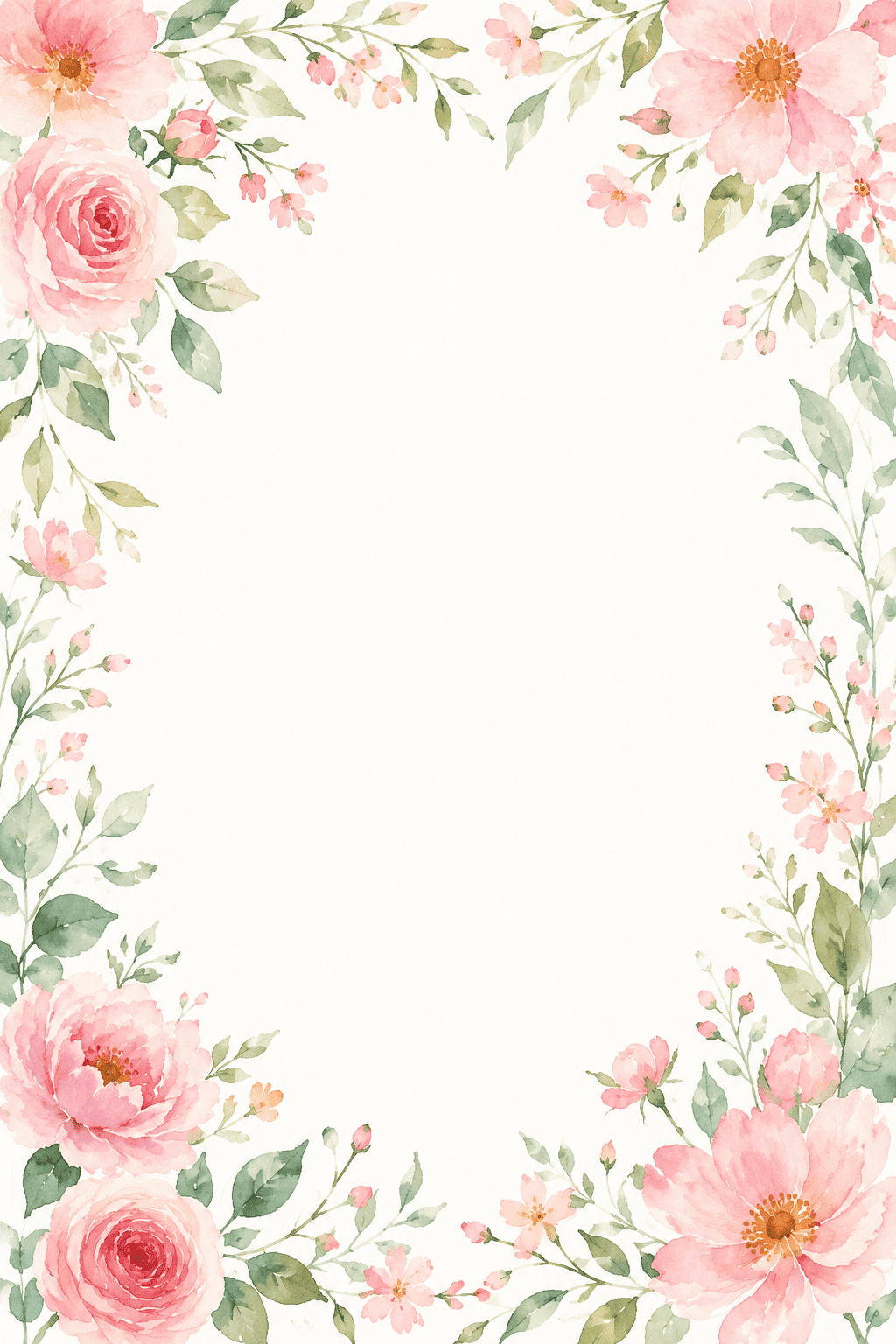
Wedding Invitation Floral Frame: Design a romantic floral border for a wedding invitation. Soft watercolor roses and greenery around the edges, blush pink and cream palette, elegant spacing for invitation text.
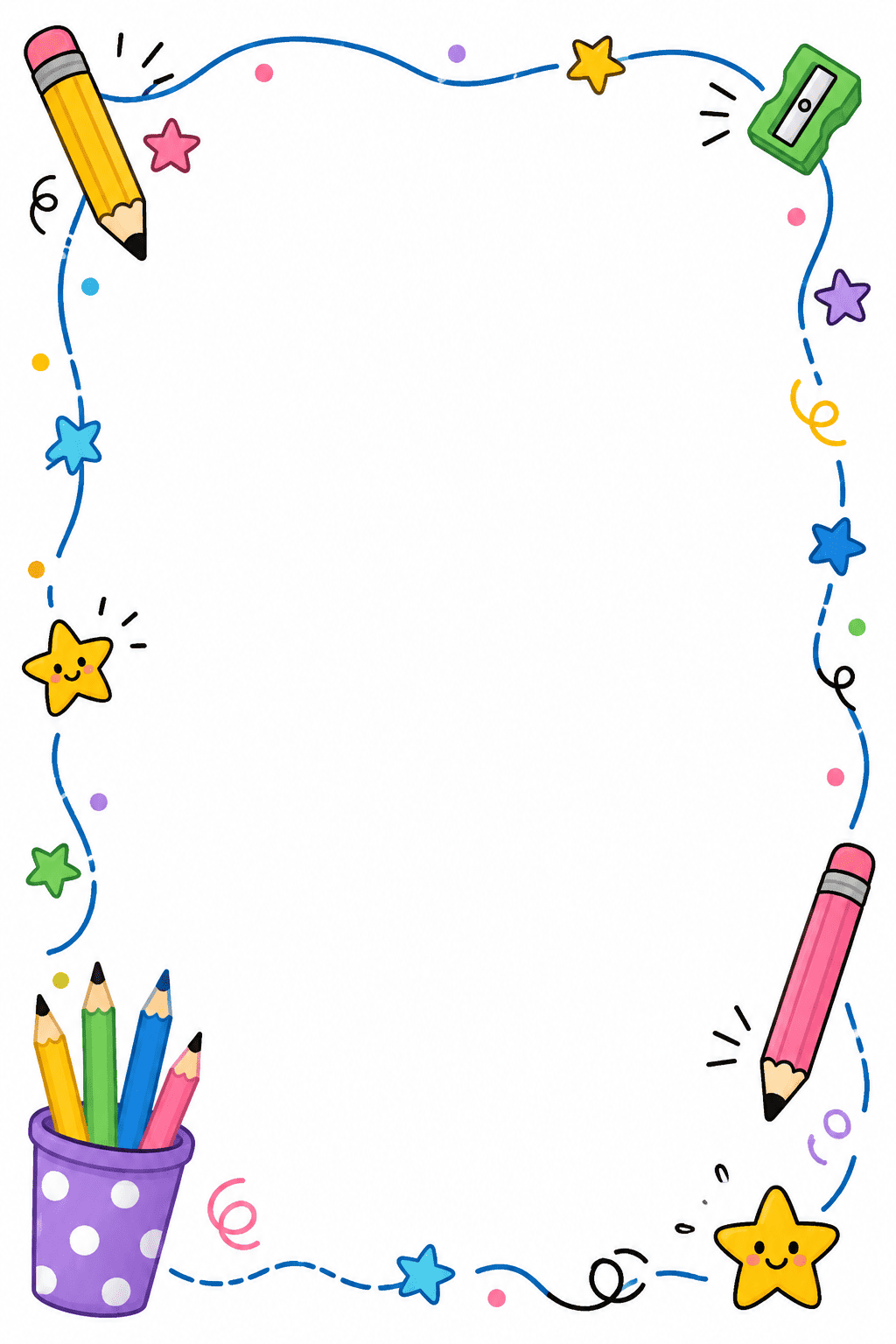
Cute Classroom Worksheet Border: Make a playful classroom worksheet border with pencils, stars, and small doodles, leaving a large white writing area.
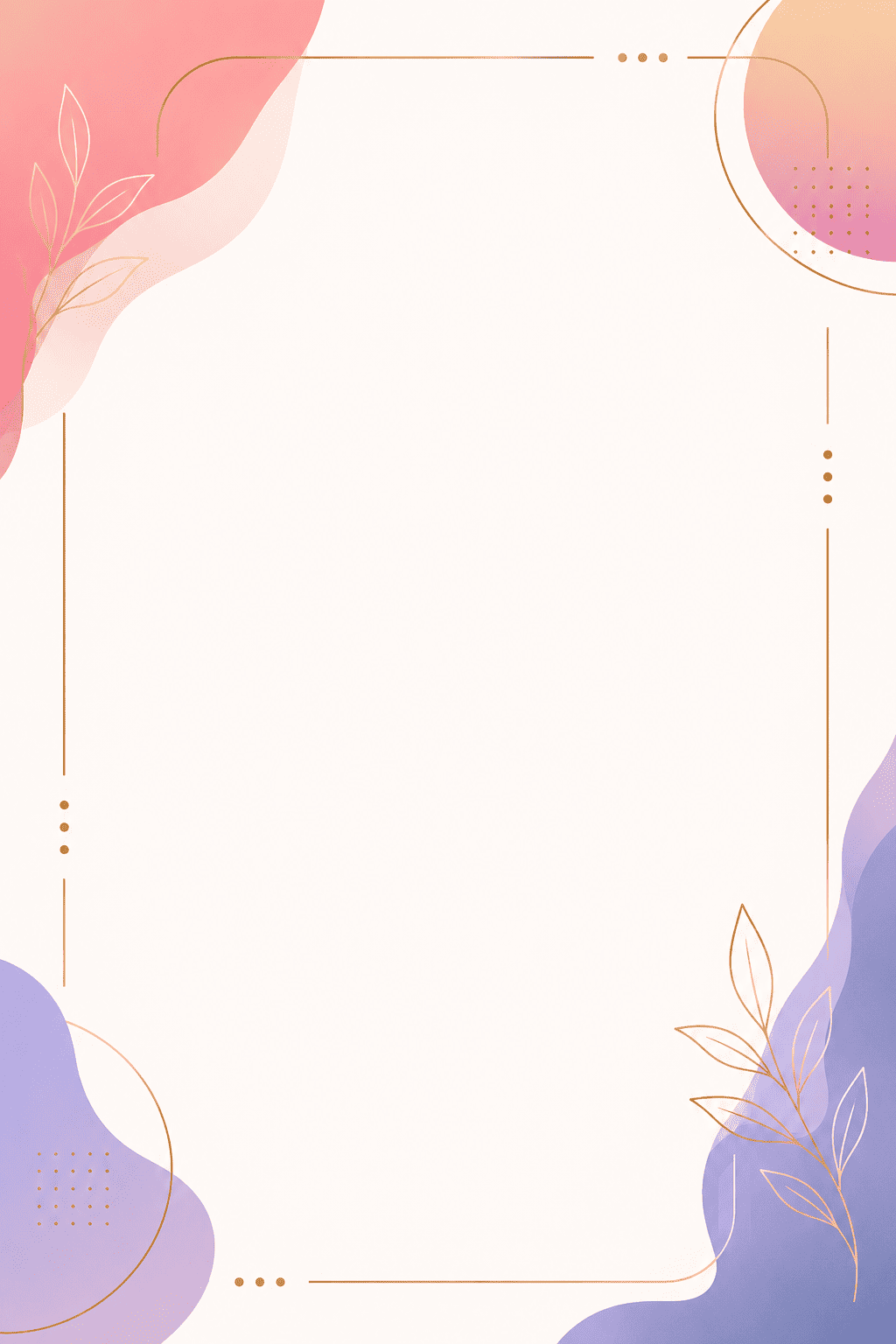
Minimal Social Media Border: Create a modern border for Instagram stories. Black and white geometric layout with subtle layered shapes and clean spacing for typography overlays.
Vintage Decorative Frame: Design a vintage border inspired by antique book illustrations. Muted brown tones, ornamental line art, textured paper background, elegant classic composition.
Holiday-themed Printable Border: Create a Christmas-themed printable border with pine branches, snowflakes, and warm festive colors. Leave enough clean space in the center for greeting text.





