Free OnlineAI Invitation Generator
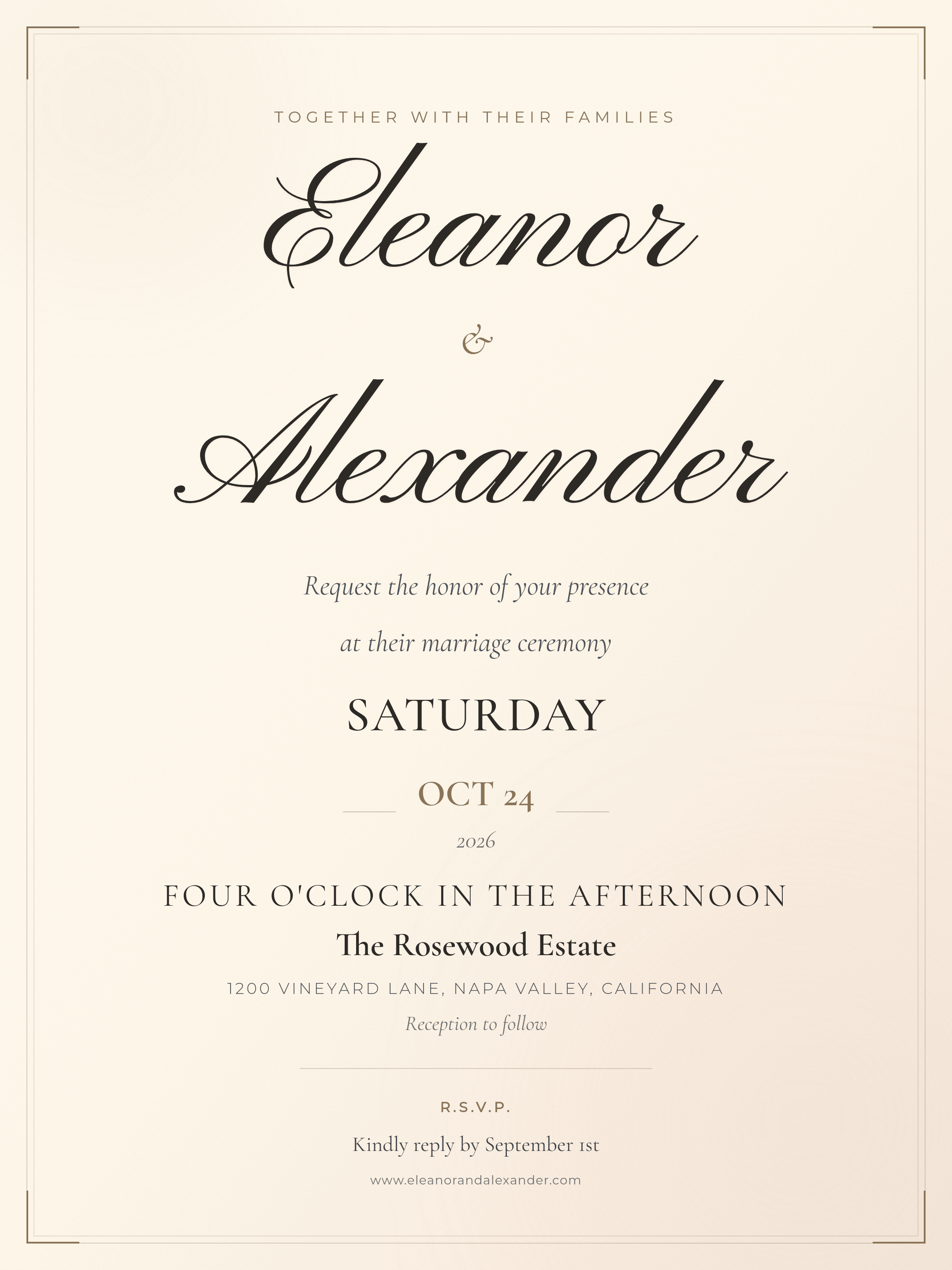
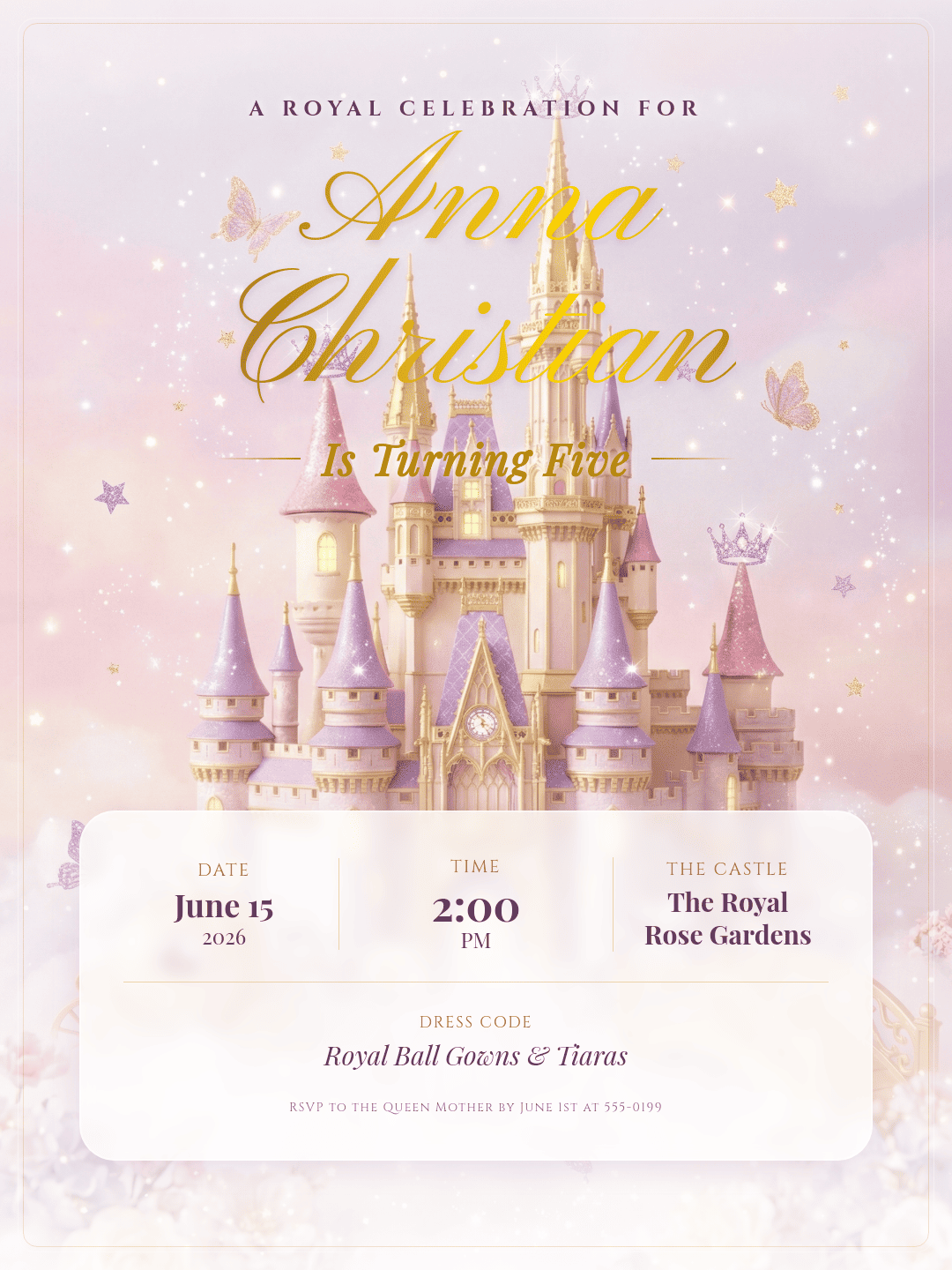
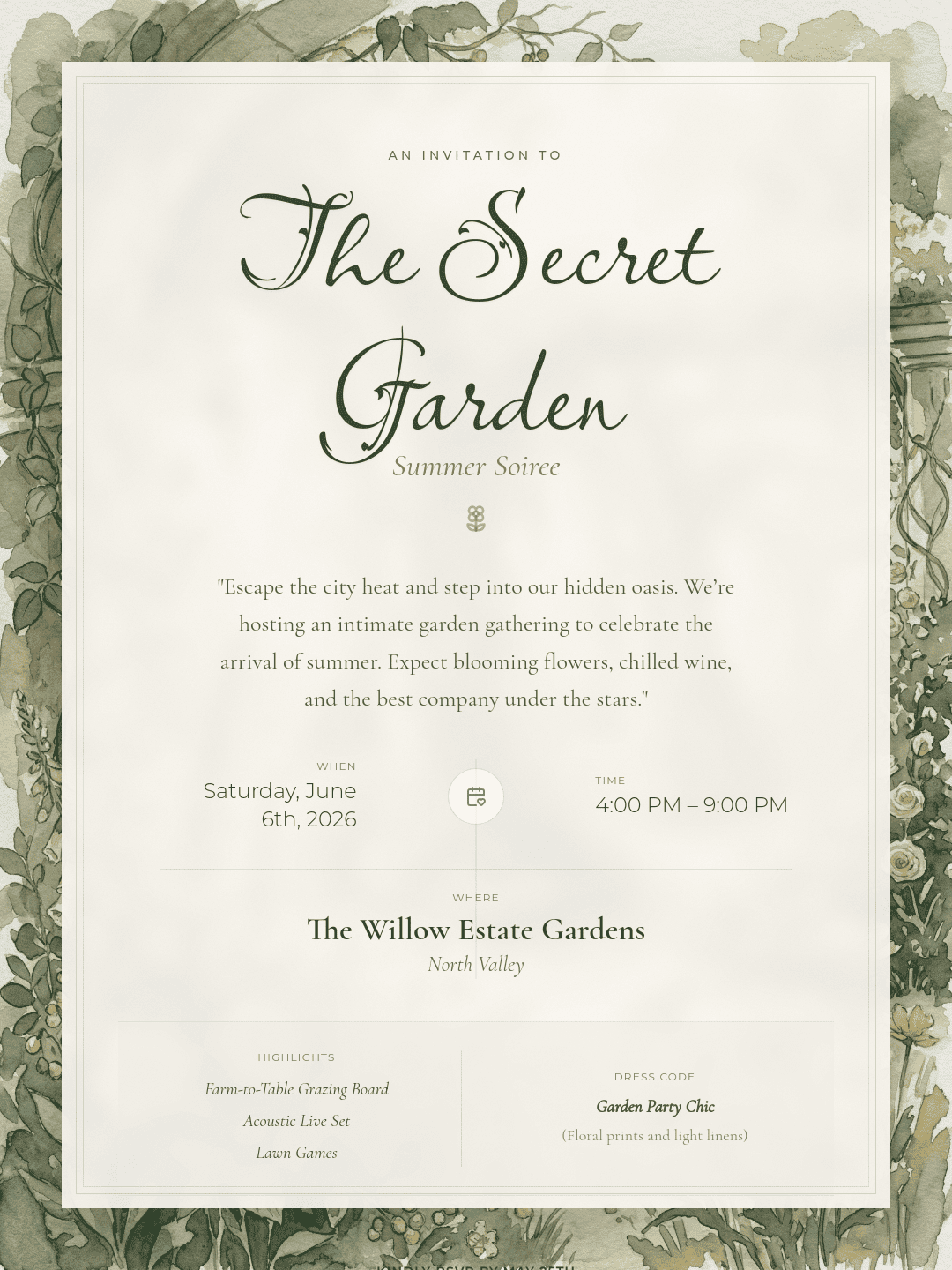
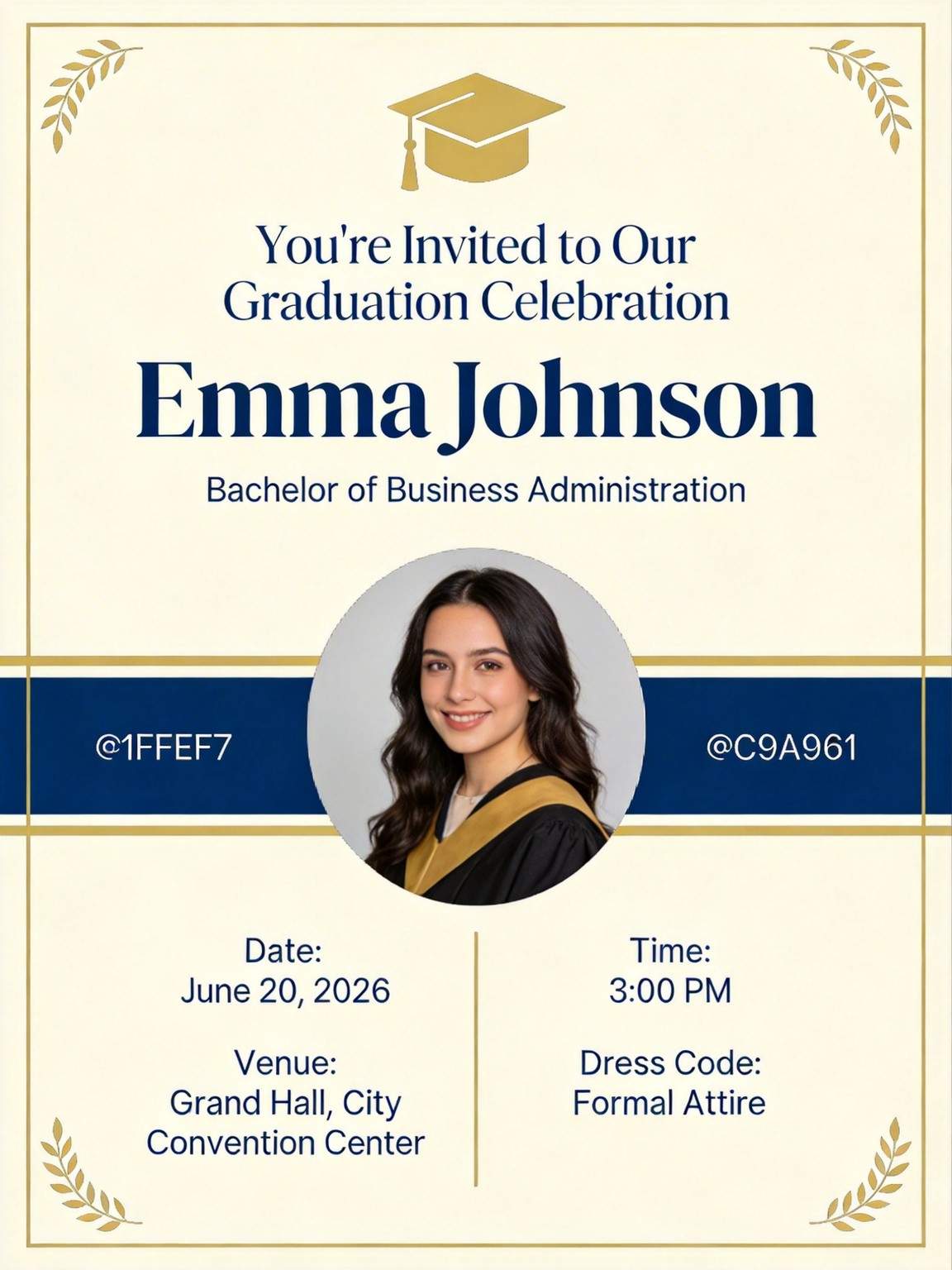
How to Create an Invitation with AI
Describe Your Invitation
AI Generates the Invitation
Edit and Refine
Download for Sharing or Printing

Why Choose Mew Design as Your AI Invitation Generator
Built for Invitation Structure, Not Generic Design
Invitations follow clear information logic: who, when, where, what, and how to respond. Mew Design understands this structure and automatically organizes content into readable visual hierarchy—without manual layout work.
Adapts Tone and Style to Each Event Type
From elegant weddings to playful birthdays and formal business events, our online free AI invitation maker matches typography, spacing, and visual rhythm to the emotional tone of your occasion.
Clear Typography with Zero Text Distortion
Dates, locations, names, and RSVP details remain accurate and readable. Titles and body text stay aligned, spaced, and visually balanced, avoiding layout errors common in image-based generators.
Flexible Editing by Text or Click Control
Refine your invitation by typing follow-up instructions or directly adjusting layout, fonts, spacing, and visuals using the online editor.
Upload Photos, Logos, and Reference designs
Add personal photos, couple portraits, brand logos, or reference invitations. You can also upload a design you like and let our AI invitation card generator recreate its style and layout.
Free to Start, Professional-grade Output
Sign up to receive free AI credits and create invitations online for free. Export HD images and print-ready PDFs suitable for digital sharing and professional printing.
How to Write an Effective AI Invitation Prompt
- Define the Event Type: Start with terms like Black-tie Wedding, Casual Backyard BBQ, or Modern Tech Product Launch.
- Organize the Info: Group details like the Date, Time, and Location so the AI understands the visual hierarchy.
- Suggest a Palette: Mention colors that fit your theme, such as Champagne and Gold, Dusty Rose and Sage, or High-contrast Monochrome.
- Direct the Hierarchy: Tell the AI to "use an elegant calligraphy font for the names" or "ensure the RSVP date is highly visible."
Sample Prompts to Help You Create Your Invitations with AI
For a Sophisticated Wedding: Use the aiImageTool to generate a floral wedding invitation. Visual: Intricate gold-pressed lilies on a deep navy background. Style: Romantic and high-end. Text: '[Names] invite you to celebrate their union'. Use a classic script font.
For a Professional Corporate Event: Create a professional invitation for a '2026 Tech Leadership Summit'. Style: Minimalist with slate blue and silver tones. [Upload Company Logo] for the top. Typography: Bold sans-serif. Include a placeholder for a QR code.
For a Birthday Party Invitation: Create a birthday party invitation for [name]'s [age] birthday. Details: Date: [date], Time: [time], Location: [venue], Theme: [party theme], Style: playful, colorful, fun layout. Assets: [upload photos if needed].
For a Personal Housewarming: Design a cozy housewarming invitation. Integrate my uploaded [Photo of the House] as the central visual. Message: 'We have a new address!'. Style: Warm, rustic, and inviting. Use a friendly handwritten font.
For a Whimsical Baby Shower: Generate a soft pastel baby shower invitation. Visual: A cute illustration of a baby elephant holding balloons. Style: Sweet and gentle. Typography: Rounded, playful font. Add: 'A New Adventure Begins'.
For a Simple Graduation Invite: Create a graduation invitation for [Name], Class of 2026. Visual: A minimalist graduation cap icon with gold confetti. Style: Clean and triumphant. Use a bold, academic serif font.





