Create Posters from Text with AI
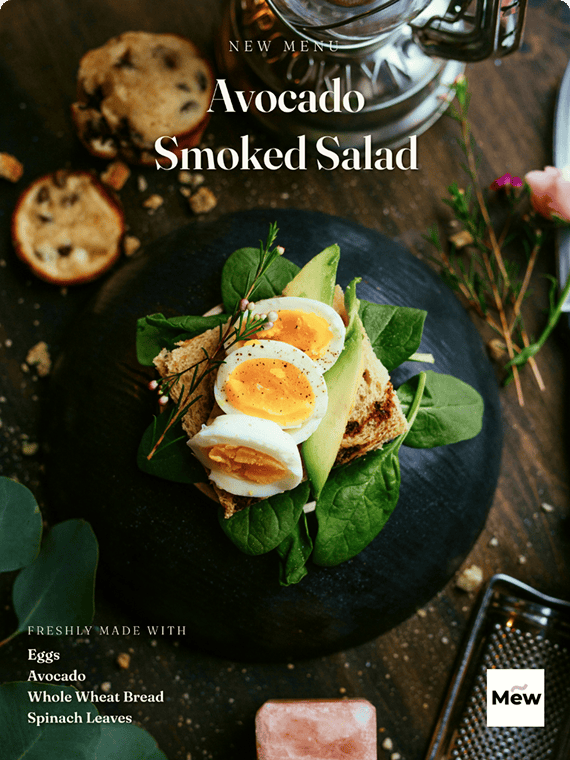
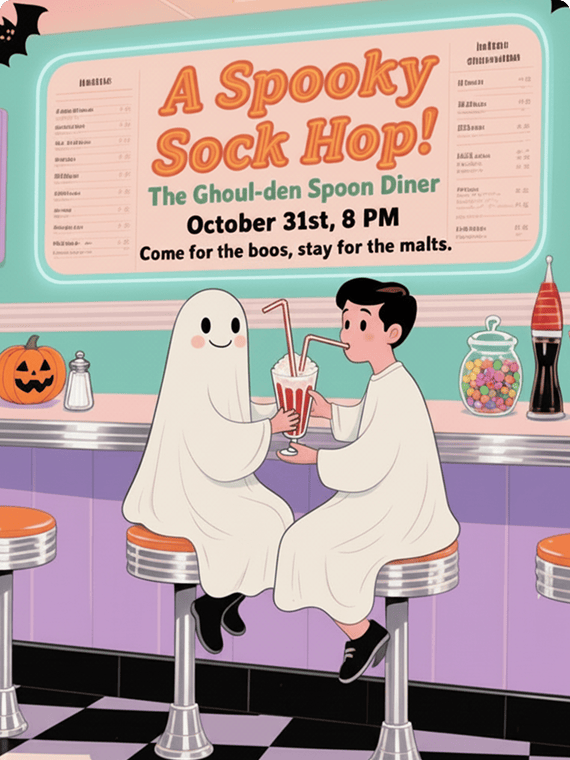
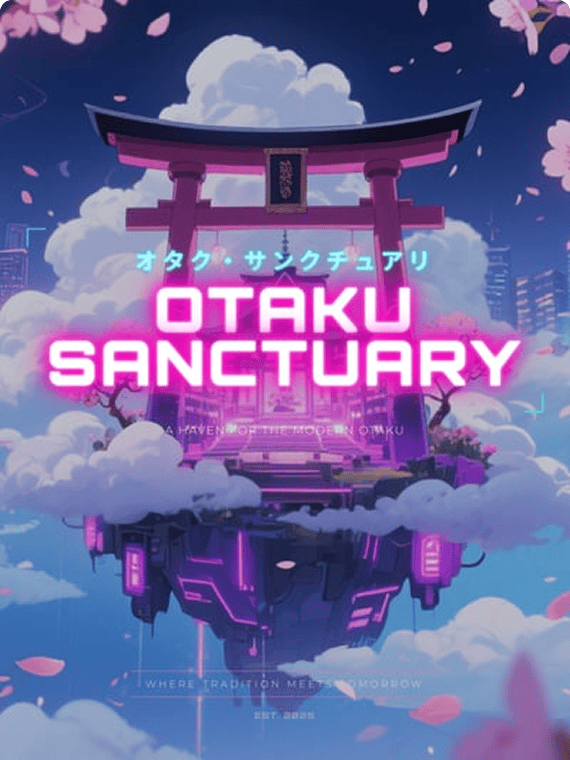
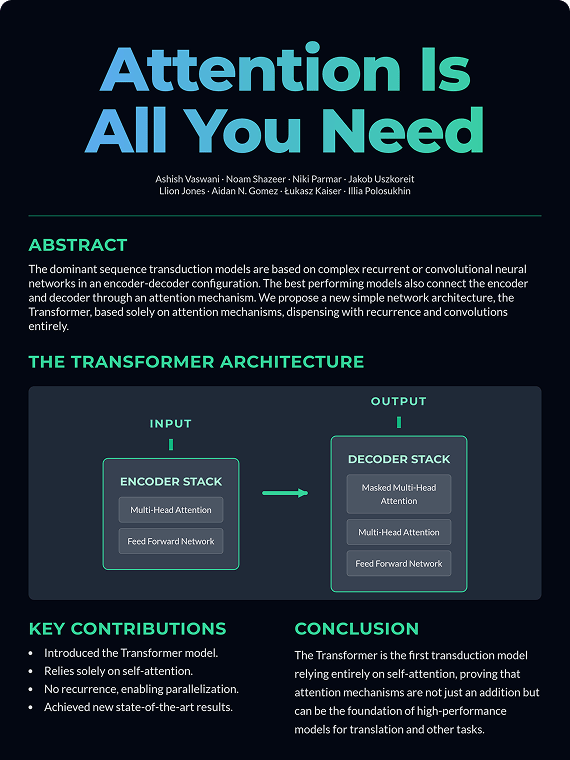
How to Make a Poster with AI in 5 Simple Steps
Create Your Mew Design Account
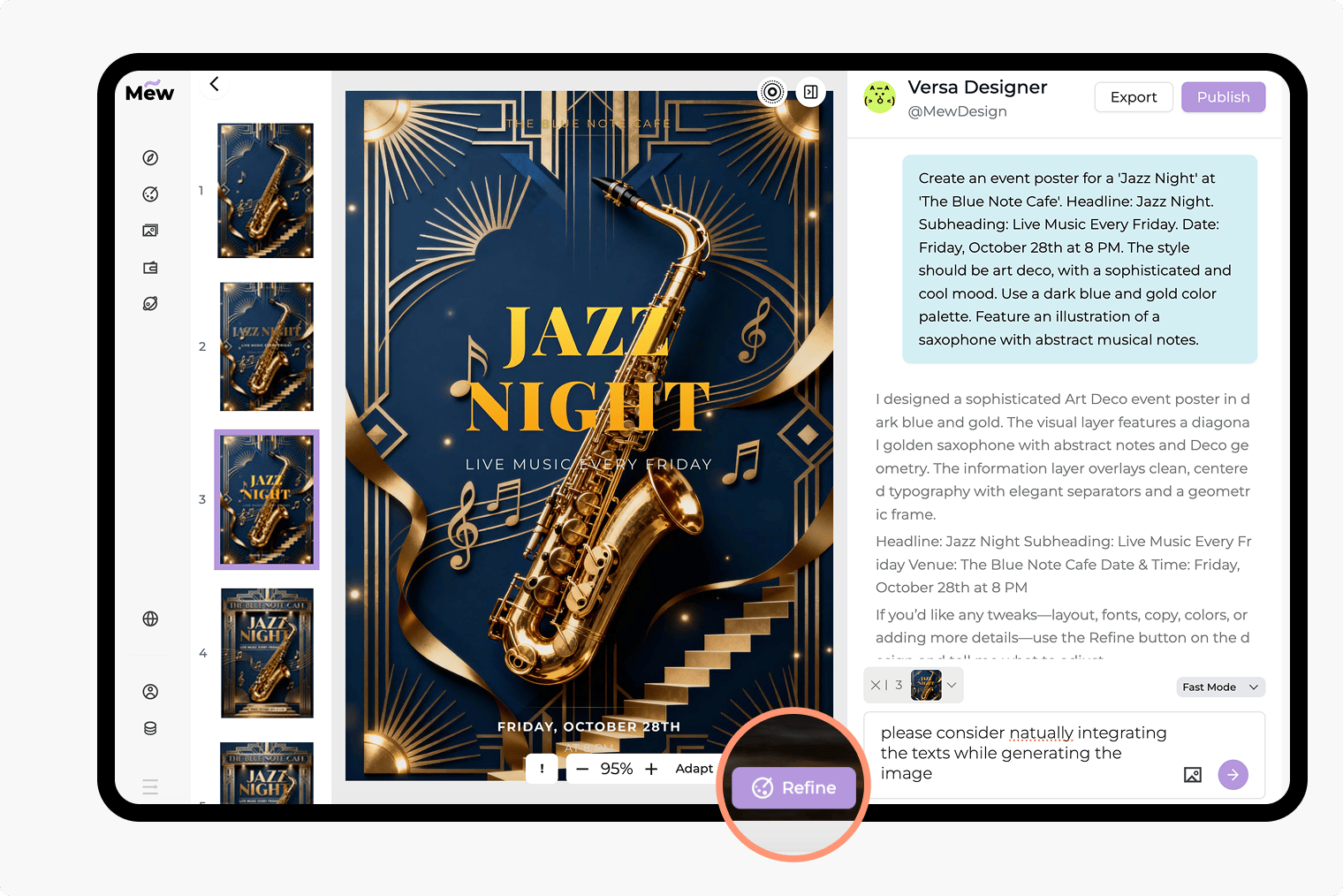
Write Your Design Prompt
Generate Your Poster
Refine and Edit with Simple Commands
Export Your Design
Why Mew Design is the Best AI Poster Creator for Your Needs
Go from Text to Poster in Seconds
Stop staring at a blank page. Just describe your concept, event, or promotion, and our AI will generate a complete poster design, helping you visualize your ideas easily and quickly.
Refine Text and Layout with Clear Feedback
Supply the exact wording you need, then ask for changes to hierarchy, spacing or placement. Check spelling, dates and contact details in the final poster before publishing.
Edit Your Design with Text Prompts
Fine-tuning your poster is as easy as sending a message. Ask the AI to change colors, adjust fonts, move elements, or swap images until the design is exactly what you want.
Advanced Understanding of Your Creative Intent
Mew Design AI poster generator goes beyond keywords. It understands design principles, context, and hierarchy, ensuring the final output is not only visually appealing but also communicates your message effectively.
Incorporate Your Brand or Visual Style
Maintain brand consistency with ease. Upload your logo, brand assets, or even a reference image, and our AI will use it to create a poster that aligns perfectly with your visual identity.
Join a Community of Creators
Share your successful designs with the Mew Design community to inspire others. Or, browse the gallery to get fresh ideas and find prompts you can adapt for your own projects.
How to Write an Effective AI Prompt for Poster Generation
- Content:Clearly list all essential text you want on the poster (e.g., "Headline: Summer Sale," "Date: July 20-25," "CTA: Shop Now").
- Style & Mood (Optional):Describe the desired aesthetic (e.g., minimalist, vintage 90s) or the feeling you want to evoke (energetic, sophisticated).
- Imagery (Optional): Mention a desired visual, such as a background image, a photo, or a specific graphic element.
- Brand Assets (Optional):If you've uploaded files, reference them in the prompt (e.g., "Please add the logo I uploaded").
Sample AI Poster Prompts You Can Modify and Use
Create a vertical poster for a community art fair. Use the exact headline “MAKE SOMETHING TOGETHER” and include “14 November 2026”, “10:00–16:00” and “Riverside Studio”. Use a warm cream background, bold dark typography and simple paper-cut shapes. Make the headline the main focus, keep event details readable and leave space for the organizer’s logo. Do not add extra dates, prices or sponsors.
Create a promotional poster for a flash sale. Use my uploaded [product_image_shoes.png] as the main visual. Place my [logo_brand.png] in the top right corner. Headline: 48-Hour Flash Sale. Text: 30% Off All Sneakers. CTA: ShopNow.com. Make the design bold and urgent.
Create a movie poster for a sci-fi film marathon. Title: 'Galaxy Quest'. Tagline: Three Films, One Night. Date: Nov 18th. Style should be retro 80s synthwave, with neon pink and blue colors and a starry background image.
A corporate poster for the 'Future of Tech Summit 2025'. Headline: Future of Tech. Subheading: AI, Robotics, and Beyond. Date: December 5-6, 2025. The design must be professional, modern, and clean, using a blue and gray color palette and a subtle geometric background.
Generate an inspirational poster with the quote 'Creativity is intelligence having fun.' - Albert Einstein. The design should be elegant and typography-focused, using a beautiful serif font on a textured, light gray background.
Generate a poster for a 5k charity run called 'Run for Hope'. Headline: Run for Hope 5k. Date: Sunday, Nov 12th. The style should be energetic and positive, featuring a dynamic photo of diverse people running. Use a bright and inviting color palette like teal and coral.