Free Online AI Bible Reading Plan Generator for 2027
How to Create a Bible Reading Plan with AI
Set Your Reading Goal
Design the First Page
Review and Refine
Download and Use Your Plan
Create a Custom, Printable Bible Reading Plan
2027 or Any Starting Date
Create a 2027 Bible reading plan or begin midyear. Choose dated pages or an undated checklist you can resume after a break.
A Pace That Fits Your Week
Ask this custom Bible reading plan maker for daily readings, five reading days, or a shorter book study. Leave room for catch-up and reflection.
Your Existing Schedule, Redesigned
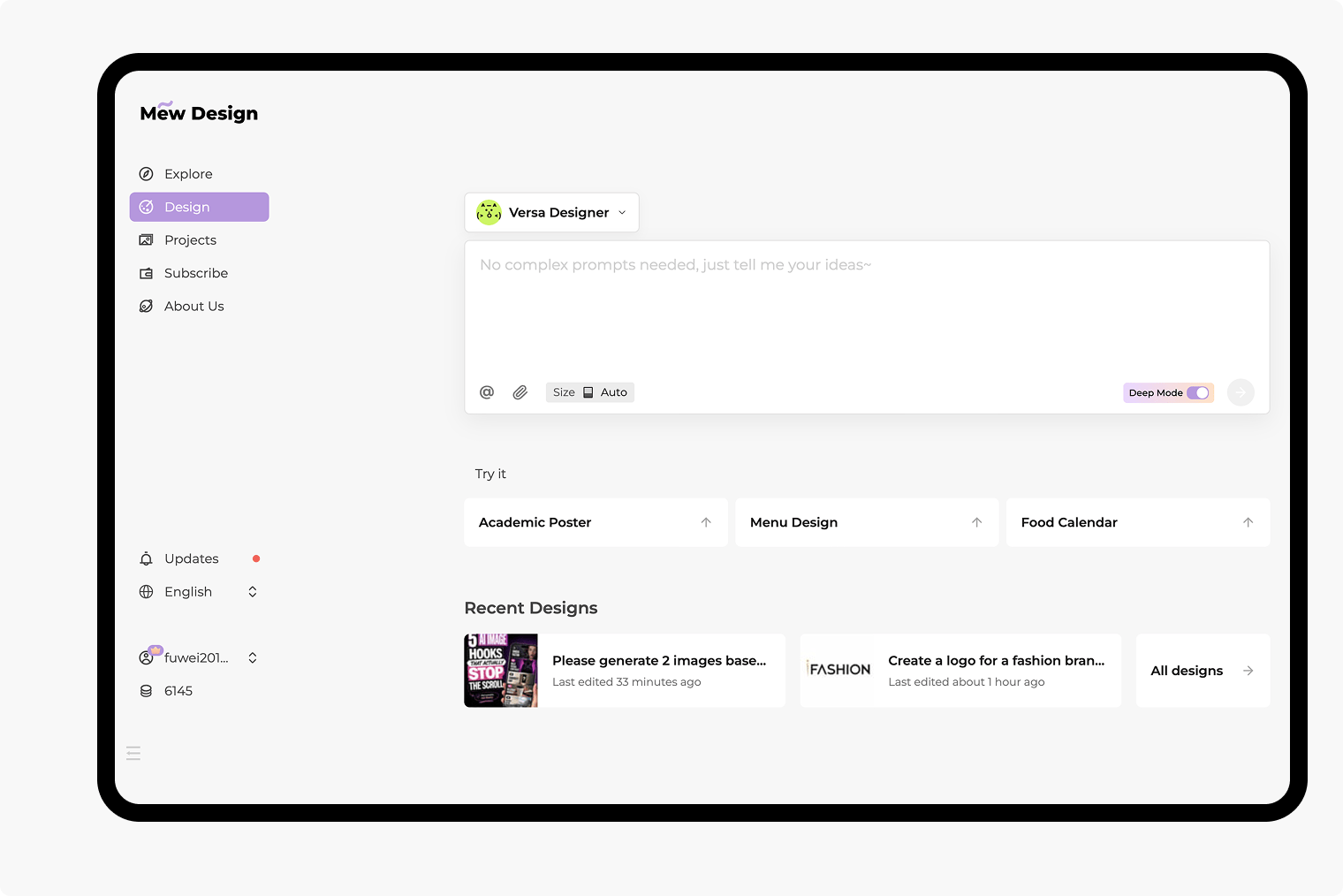
Upload a PDF, DOCX, or spreadsheet to the file library, reference it with @, and request a readable planner using your supplied passages.
Space for Study and Prayer
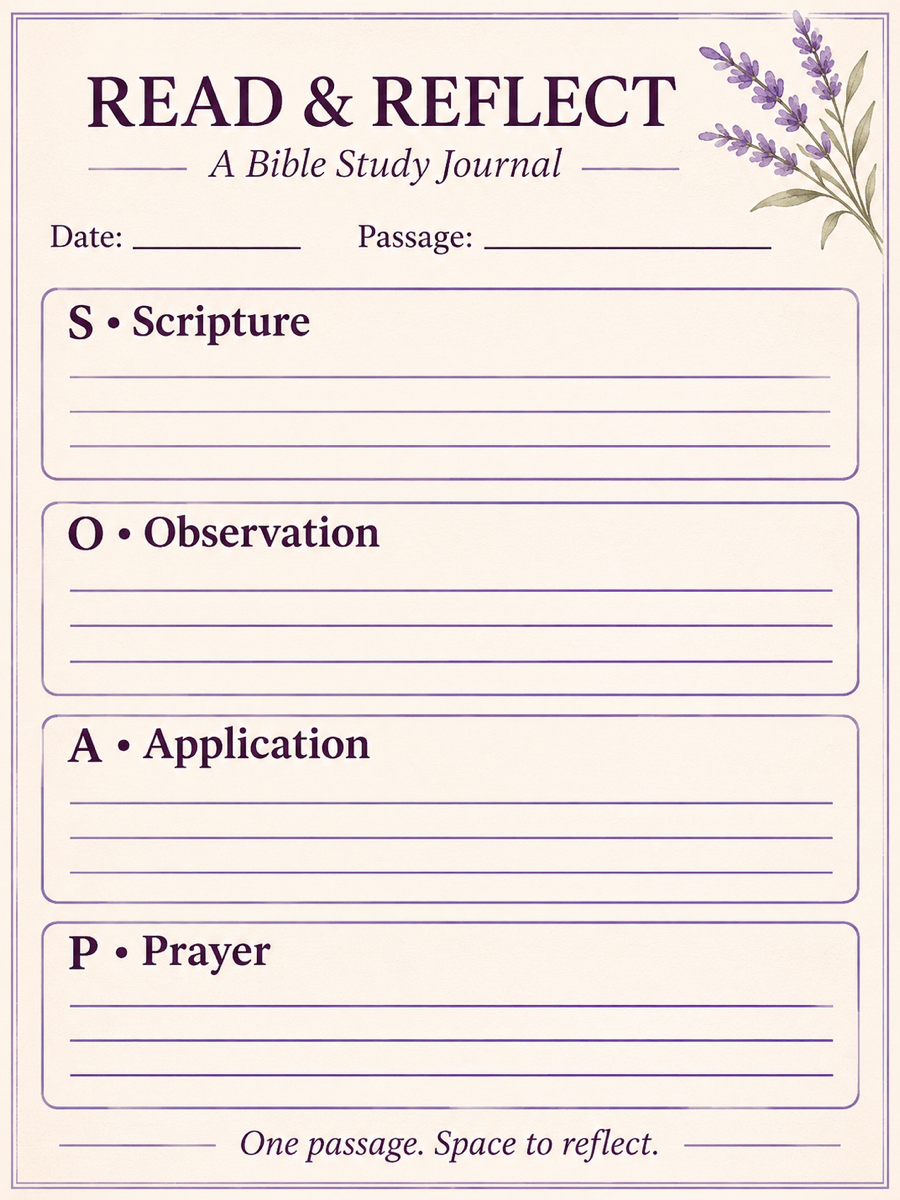
Add checkboxes, weekly notes, or a SOAP journal with Scripture, Observation, Application, and Prayer sections. Keep writing space beside your reading schedule.
Matching Pages Through Chat
Use one approved page as the visual reference for the next. Adjust typography, colors, and spacing with Chat Edit while reviewing each page’s content.
Printable Plans for Your Group
Create a printable Bible reading schedule with your church logo. Provide an exact group-resource URL to generate and place a QR code; test it after export.
How to Choose a Bible Reading Plan
- Pick an OrderCanonical follows your Bible’s book order; chronological follows an approximate historical sequence. Supply a trusted schedule when the exact sequence matters.
- Set a Realistic PaceSpecify reading days and catch-up days. A one-year plan needs enough reading on each active day to cover your chosen books.
- Leave Room to ReflectChoose short daily notes or a separate SOAP page. Avoid squeezing a full year of references into tiny text.
- Check the Finished PageCompare dates and passages with your source. For a separate monthly overview, try our AI calendar generator.
Printable Bible Reading Plan Ideas
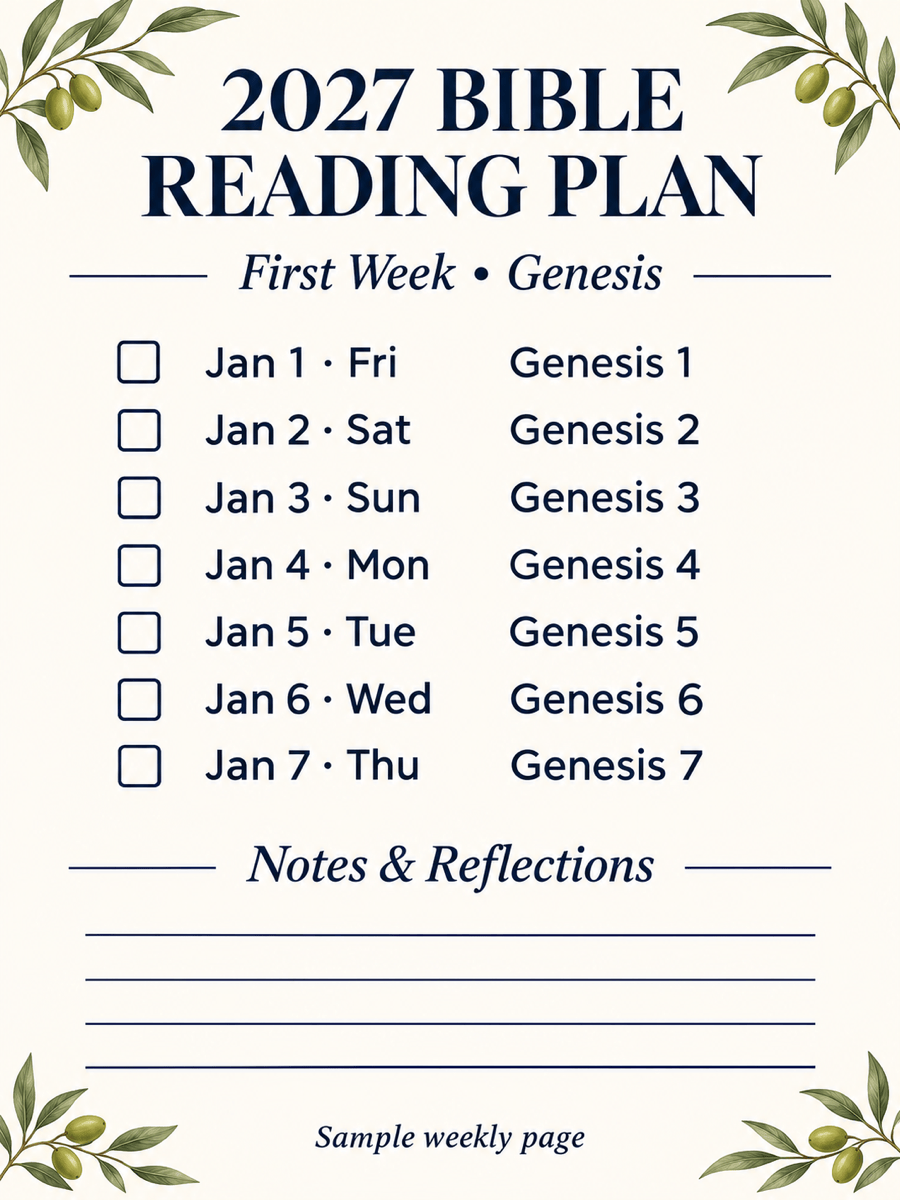
One-Year Plan: Help me draft a Bible reading schedule for January–December 2027. Ask which books and reading order to include. Start with January’s printable checklist for review before continuing.
Chronological Plan: Ask me for my preferred chronological reading schedule, then design its first month with dates, references, and checkboxes. Keep the supplied sequence and use a clear, uncluttered layout.
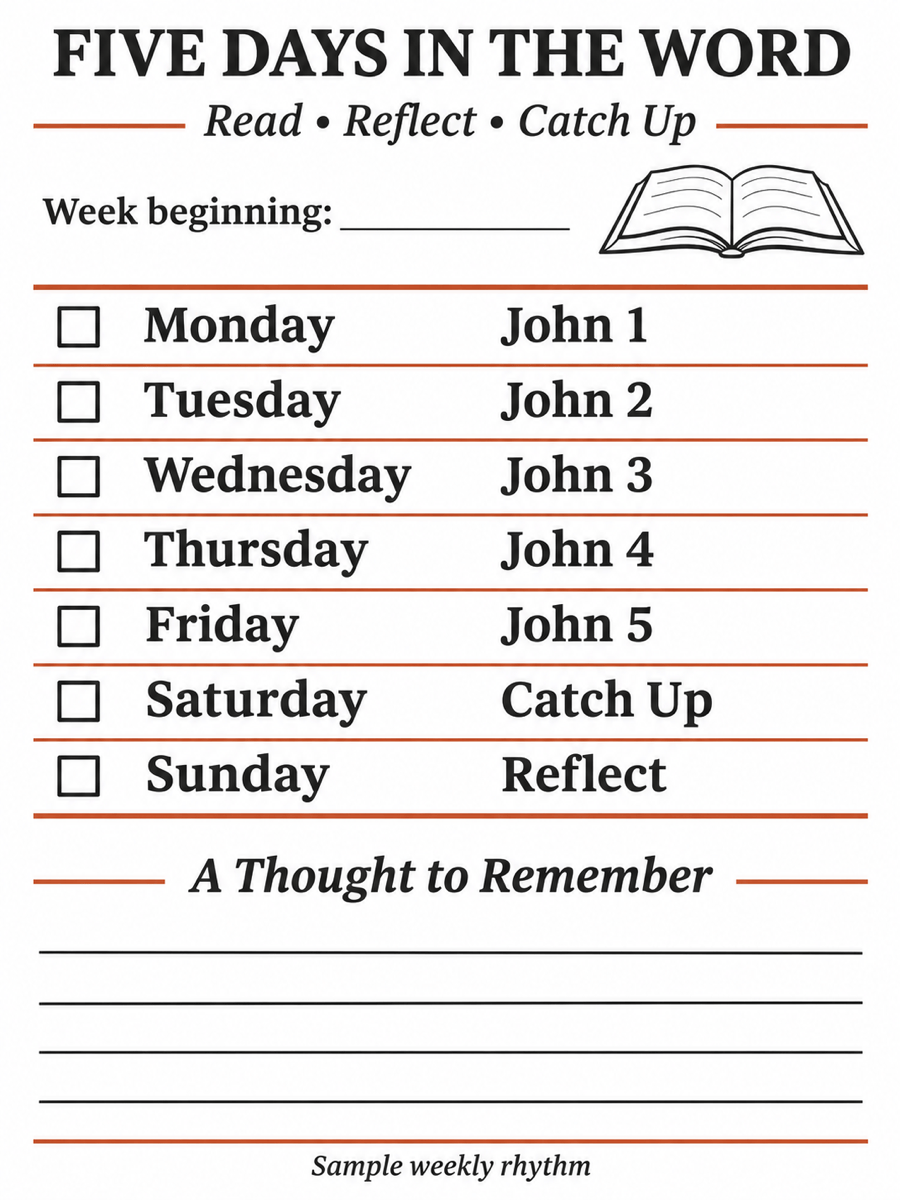
Five-Day Plan: Create an undated weekly checklist with John 1–5, one chapter Monday through Friday. Reserve Saturday for catch-up and Sunday for reflection. Add a notes area.
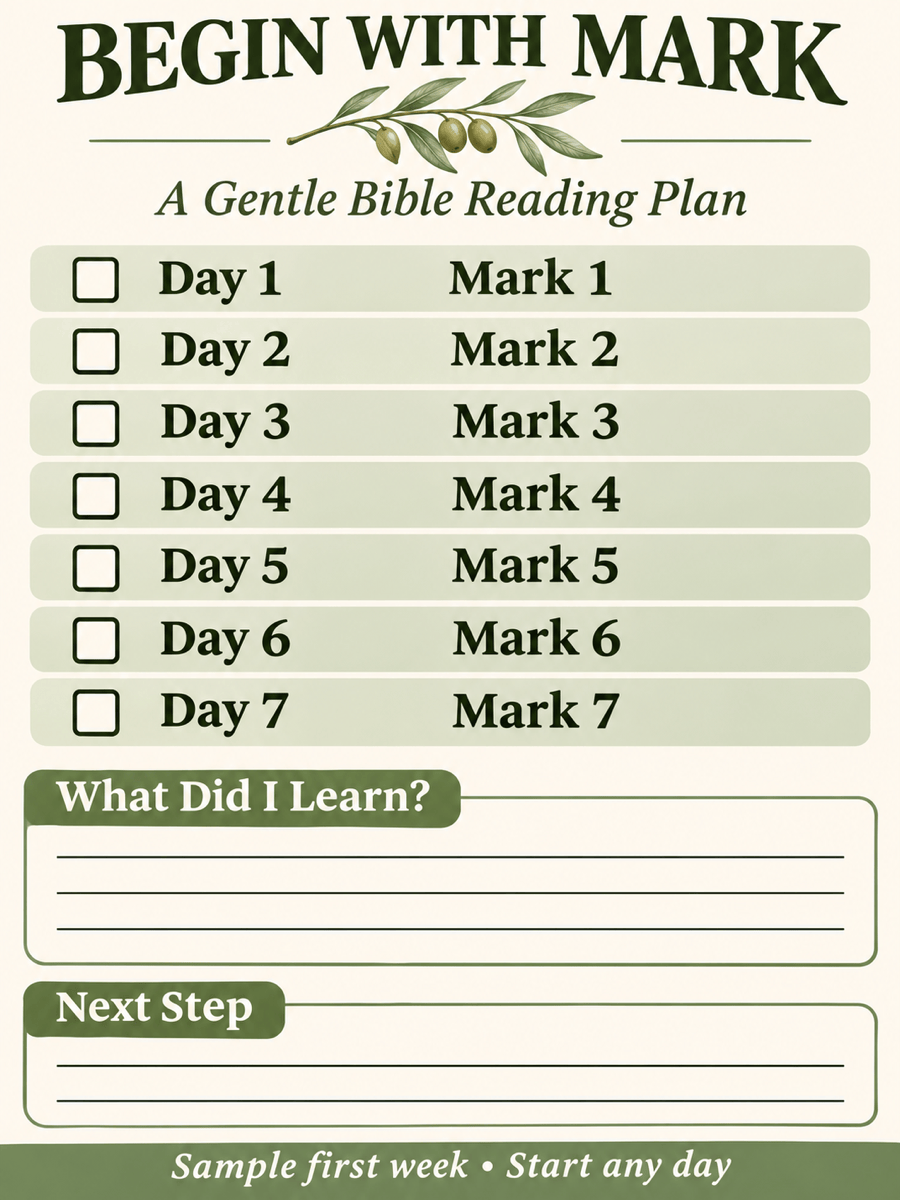
Beginner Plan: Create a first-week reading checklist covering Mark 1–7, one chapter a day. Use large type, daily checkboxes, and a short reflection area. Let me add my start date.
SOAP Journal: Design a printable Bible study journal with date and passage fields, plus Scripture, Observation, Application, and Prayer sections. Leave generous writing space and use calm lavender accents.
Church Group Plan: Ask me for our approved reading schedule, church logo, and group-resource URL. Design a monthly handout with checkboxes, discussion notes, and a QR code for that exact URL.