Free OnlineAI Planner Generator
How to Make a Planner With AI
Describe Your Plan
Generate the Planner
Edit With Chat Edit
Export and Share

Why Use Mew Design as Your AI Planner Maker
Plan Through Natural Chat
Mew Design works as an AI design agent, so you can describe your planner in everyday language and get a useful layout without design experience.
From Text to Planner Design
Write what the planner should include, and our AI planner generator turns your schedule, goals, tasks, and habits into a structured design.
Readable Sections and Text
Planner pages need clear labels, spacing, and hierarchy. Mew Design focuses on accurate text, clean tables, and practical writing areas.
Easy Planner Edits
Use Chat Edit to adjust the first draft. Ask for larger boxes, new sections, different colors, revised headings, or a cleaner printable format.
Brand and Reference Support
Upload logos, reference images, or brand components so your AI-generated planner fits a team, classroom, shop, or personal system.
Free to Try and Export
Try the free AI planner generator with signup credits, then export watermark-free planner designs as PNG, JPG, or PDF for print or sharing.
What Makes a Good Planner Prompt
- Add the exact sections: List time blocks, goals, tasks, meals, workouts, assignments, budgets, reminders, or notes.
- Set the format: Mention A4, letter, tablet, printable, dated, undated, landscape, portrait, or another format that fits your use case.
- Describe the user: Say whether the planner is for students, teachers, freelancers, teams, families, fitness, or personal routines.
- Include visual preferences: Add colors, icons, mood, typography, spacing, and whether the page should feel calm, playful, professional, or focused.
AI Planner Generator Prompt Examples
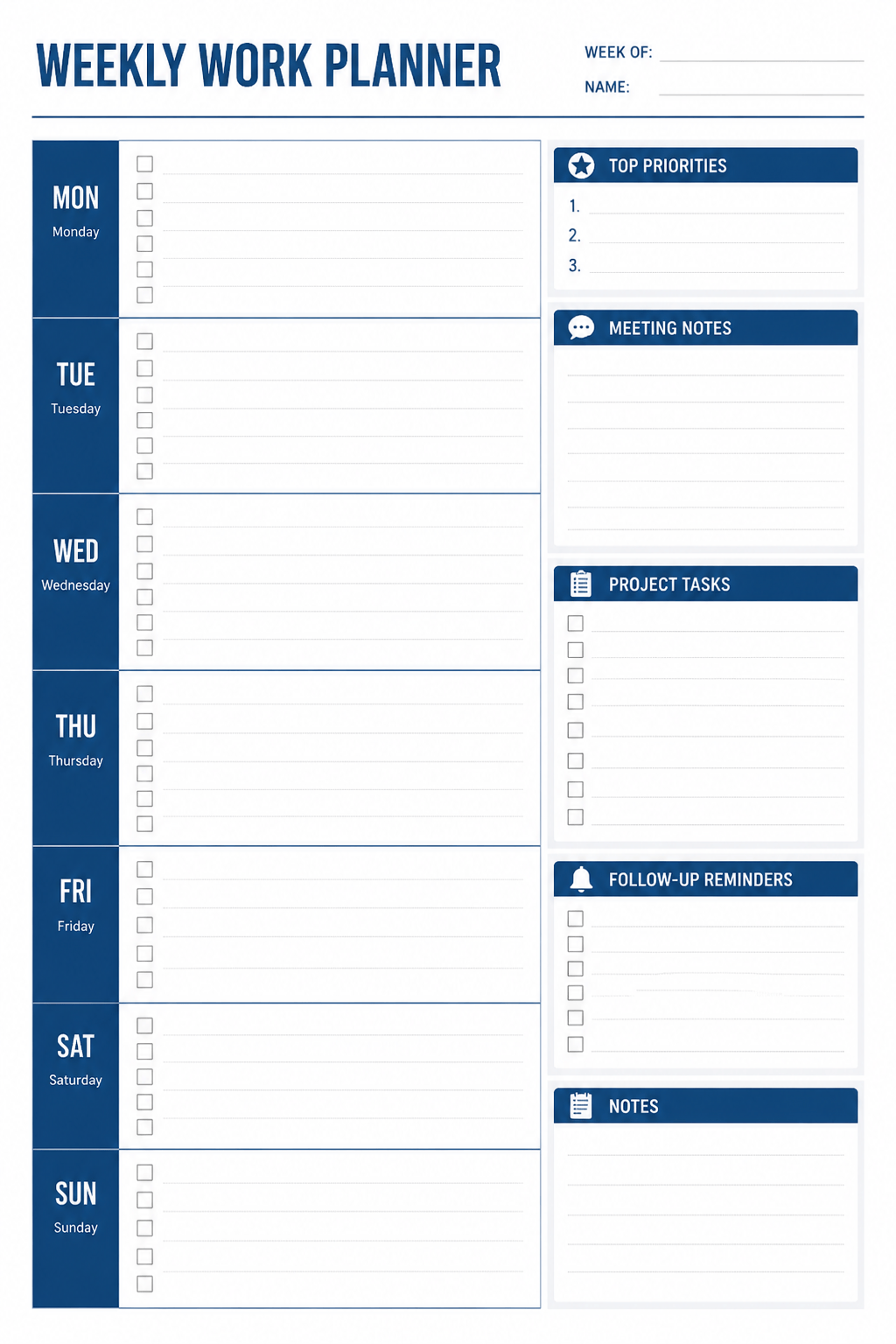
Create a printable weekly work planner. Include Monday to Sunday columns, top priorities, meeting notes, project tasks, follow-up reminders, and a notes area. Use a calm blue and white palette with clean typography.
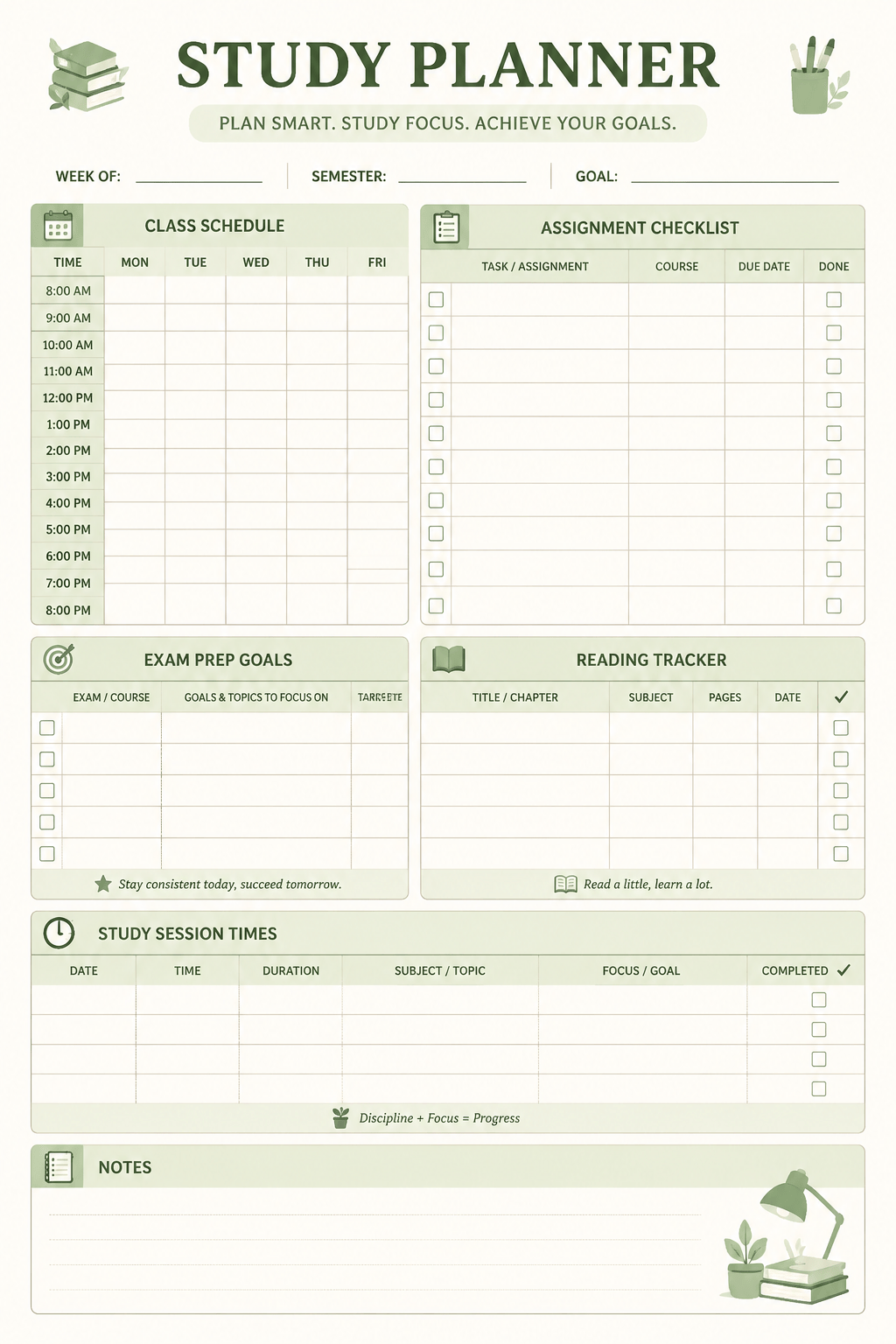
Design a student study planner template for exam week. Include class schedule blocks, assignment checklist, revision goals, reading tracker, exam dates, and a focus notes area. Use soft green accents and simple academic icons.
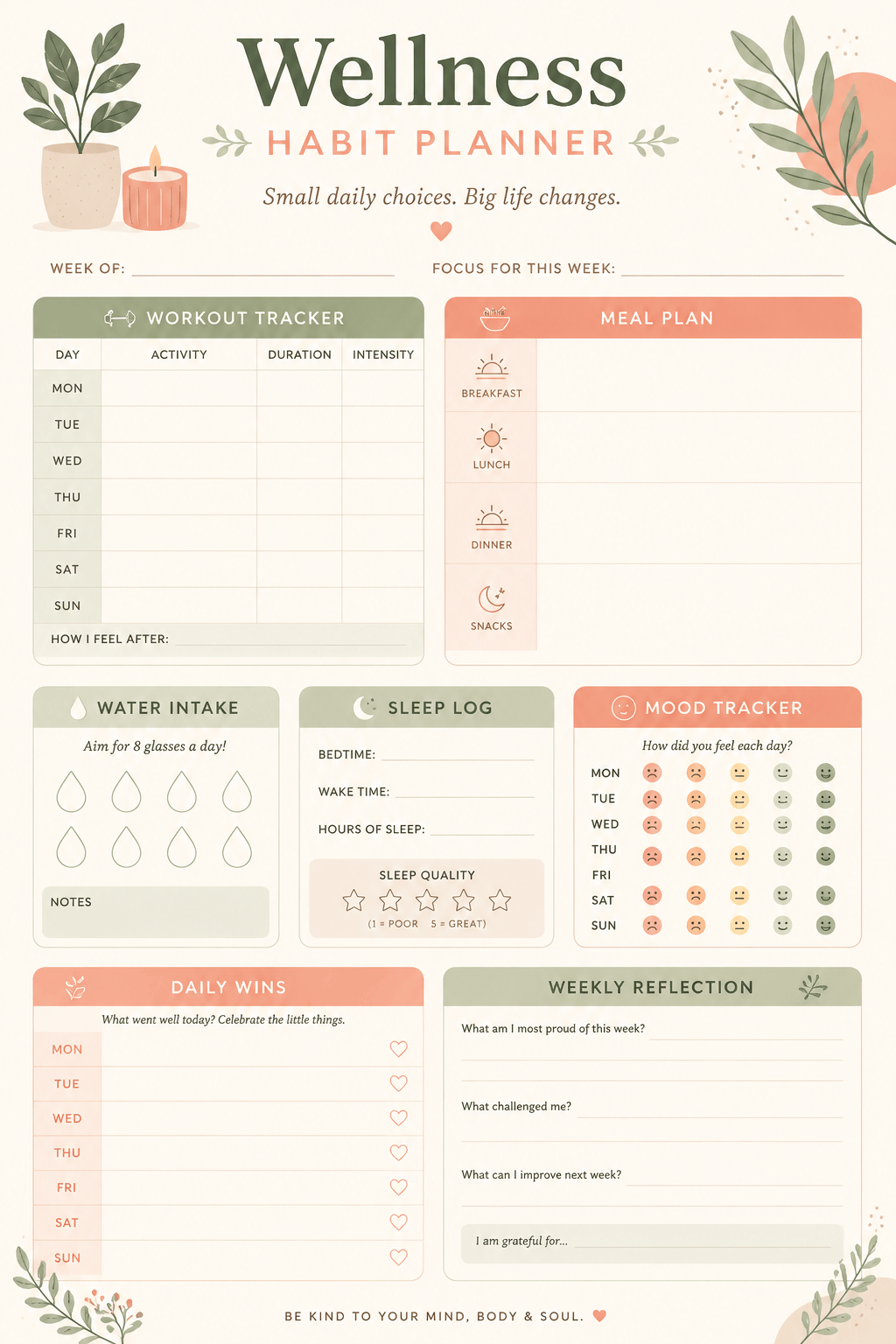
Make a wellness habit planner with sections for workouts, meals, water intake, sleep, mood, daily wins, and weekly reflection. Use a warm neutral color palette, rounded boxes, checkmarks, and a relaxed style.
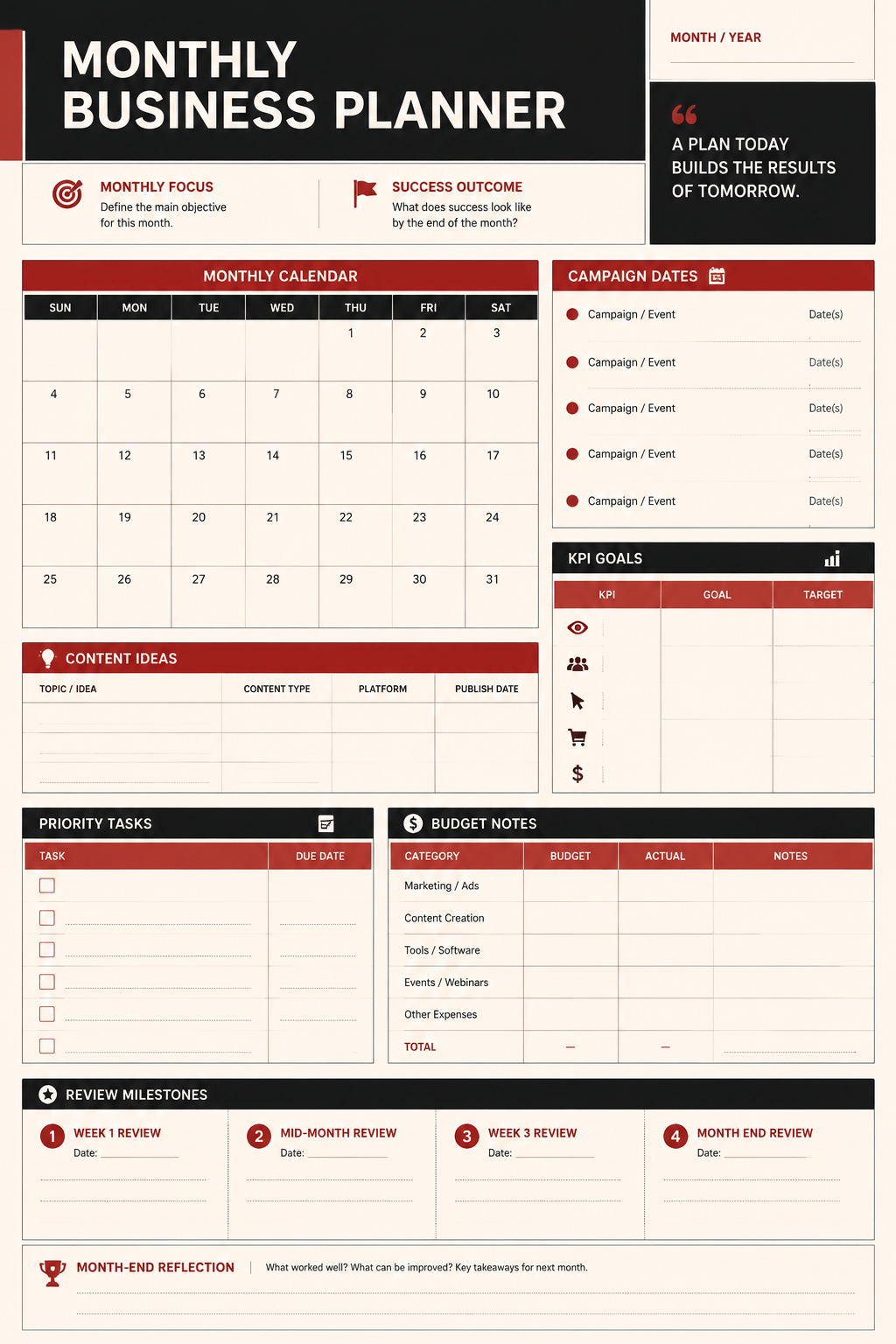
Create a monthly business planner for a small marketing team. Include campaign dates, content ideas, KPI goals, priority tasks, budget notes, and review milestones. Use a professional black, cream, and muted red palette.
Generate a daily planner for busy parents. Include morning routine, school pickup, errands, meals, appointments, family tasks, and evening notes. Make it friendly, printable, and easy to scan.
Design a minimal digital planner page for tablet use. Include today's schedule, focus goals, task checklist, habit tracker, and reflection prompt. Use thin lines, spacious white areas, and a modern monochrome style.





