Free OnlineAI Calendar Generator 2026
Get ready for the new year with Mew Design's AI calendar maker. Simply describe your ideal theme in natural language, and create a custom 2026 calendar in seconds—no design skills required. Unlike standard AI tools, our engine possesses real-world knowledge, ensuring every date, week, and holiday in 2026 is correct. You can even generate a full 12-month series in the Deep Mode with consistent style in a single click.

How to Design a 2026 Calendar with AI in 5 Steps

Customize each month individually, or generate a full 2026 planner in minutes with Deep Mode.

1

Sign Up for Free Credits

Create your free Mew Design account to start designing your printable AI calendar immediately.

2

Write Your Prompt

Describe your calendar. Specify the year, the month, and the visual style.

3

Generate Your Calendar

Our AI design agent analyzes your request, retrieves the correct date data for 2026, and generates a professional layout.

4

Refine with Chat

Need to add a specific anniversary? Simply click "Refine" and type: "Mark February 14th in red".

5

Export and Print

Export your design in high resolution. Your AI monthly planner generator output is ready to be printed for your wall, desk, or as a gift.

How to make demo

The Best AI Calendar Creator for 2026

Text-to-Calendar: Design via Conversation

You don't need to be a designer. Just describe what you want—"a minimalist monthly calendar with a nature theme"—and our AI builds the layout, grids, and typography for you instantly.

Deep Mode: Consistent 12-Month Series

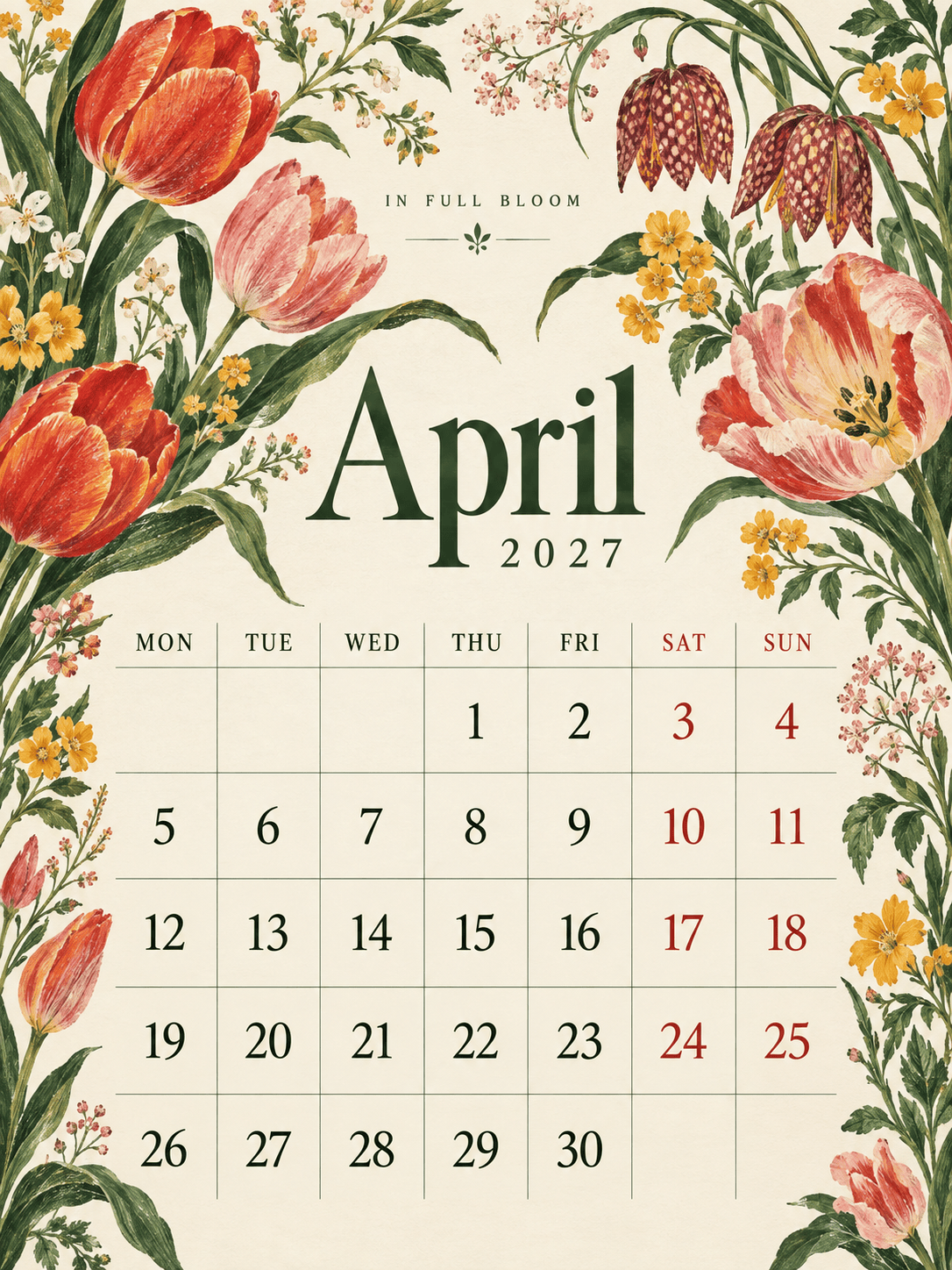
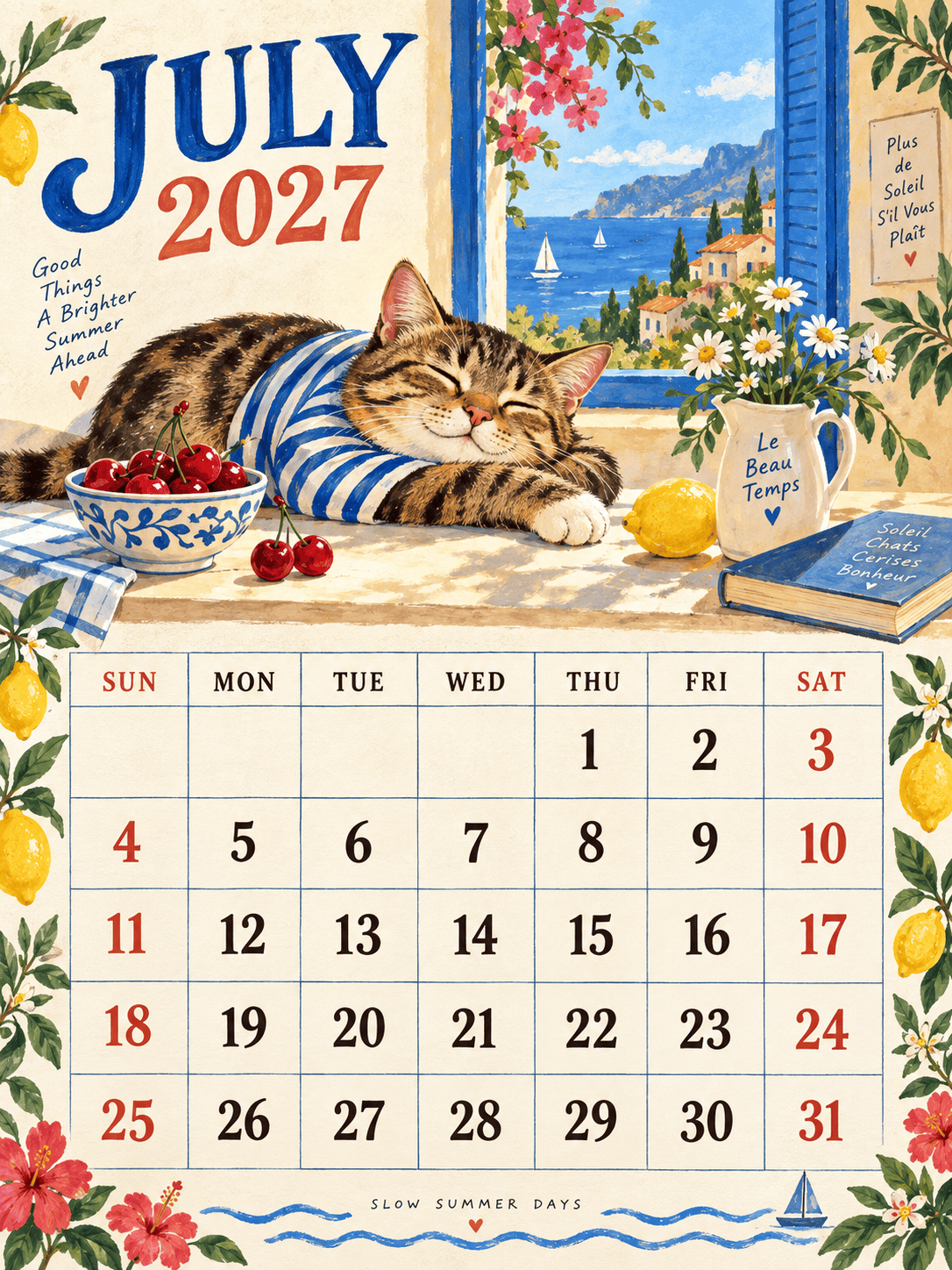
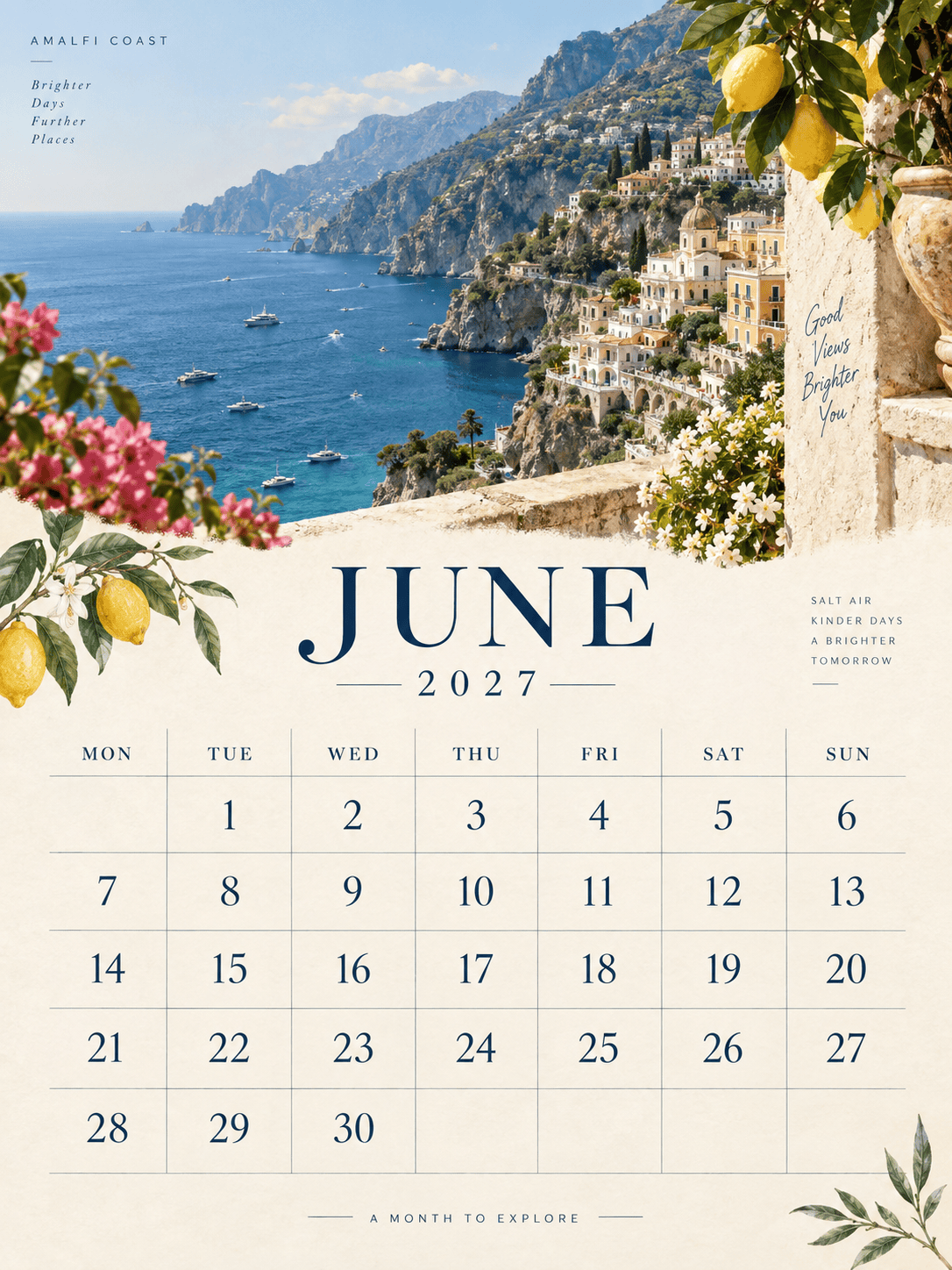
Creating a full year's calendar? Our Deep Mode allows you to generate all 12 months of 2026 in one go. The AI maintains a consistent visual style across every page while automatically updating the dates and months.

Real-World Date & Holiday Knowledge

Forget about checking the dates. Our AI knows the calendar for 2026. It automatically places the correct days of the week and can identify major holidays, ensuring your custom AI calendar is functionally perfect.

Zero Text Hallucinations

A calendar with wrong numbers is useless. Mew Design guarantees 100% accurate text. The numbers 1 through 31, the days of the week, and holiday names are rendered crisply and correctly every time.

Add Your Own Photos

Make it personal. As a powerful AI photo calendar maker, we let you upload family portraits, pet photos, or brand assets. The AI intelligently integrates your images into the calendar design.

Interactive Editing

Spot a detail you want to change? You don't need to regenerate from scratch. Use natural language commands like "Make the Sunday column red" or "Add a notes section at the bottom" to tweak the design.

How to Write a Good AI Prompt for Calendars

Create a **printable wall calendar template** for October 2026. Style: Spooky but cute Halloween theme. Visual: A pattern of ghosts and pumpkins at the top. Layout: Standard grid with space for notes on the right side. Mark October 31st as 'Halloween'.
👍
To get the best results from your AI calendar generator, be specific about the timeframe and the structure. Since calendars are functional tools, guiding the AI on the layout is just as important as the artistic style. Here are the key elements of a strong prompt:
  • Timeframe: Clearly state the Year (2026) and Month.
  • Content: Mention if you want a photo placeholder, a notes section, or specific holidays marked.
  • Style: (e.g., Minimalist, Vintage, Anime, Corporate).
  • Layout: (e.g., Grid at bottom, Vertical layout, Desk calendar style).

Sample AI Calendar Prompts You Can Adapt

Family Gift (Photo Integration): Design a 2026 calendar page for December. Layout: Large space at the top for my uploaded [family_photo.jpg]. Bottom half is the date grid. Style: Festive, red and green borders with snowflakes. Accurate dates for Dec 2026.

Corporate/Business (Full Year): Design a complete company branded calendar maker project for 2026 (Jan-Dec). Header: Include my [Logo.png] on every page. Style: Professional, clean lines, white background with navy blue branding. Mark standard US Holidays on all months.

Anime Style: Generate an anime style calendar page for August 2026. Visual: A summer festival scene with fireworks and anime characters in kimonos. Colors: Vibrant purple and orange. distinct, readable date grid.

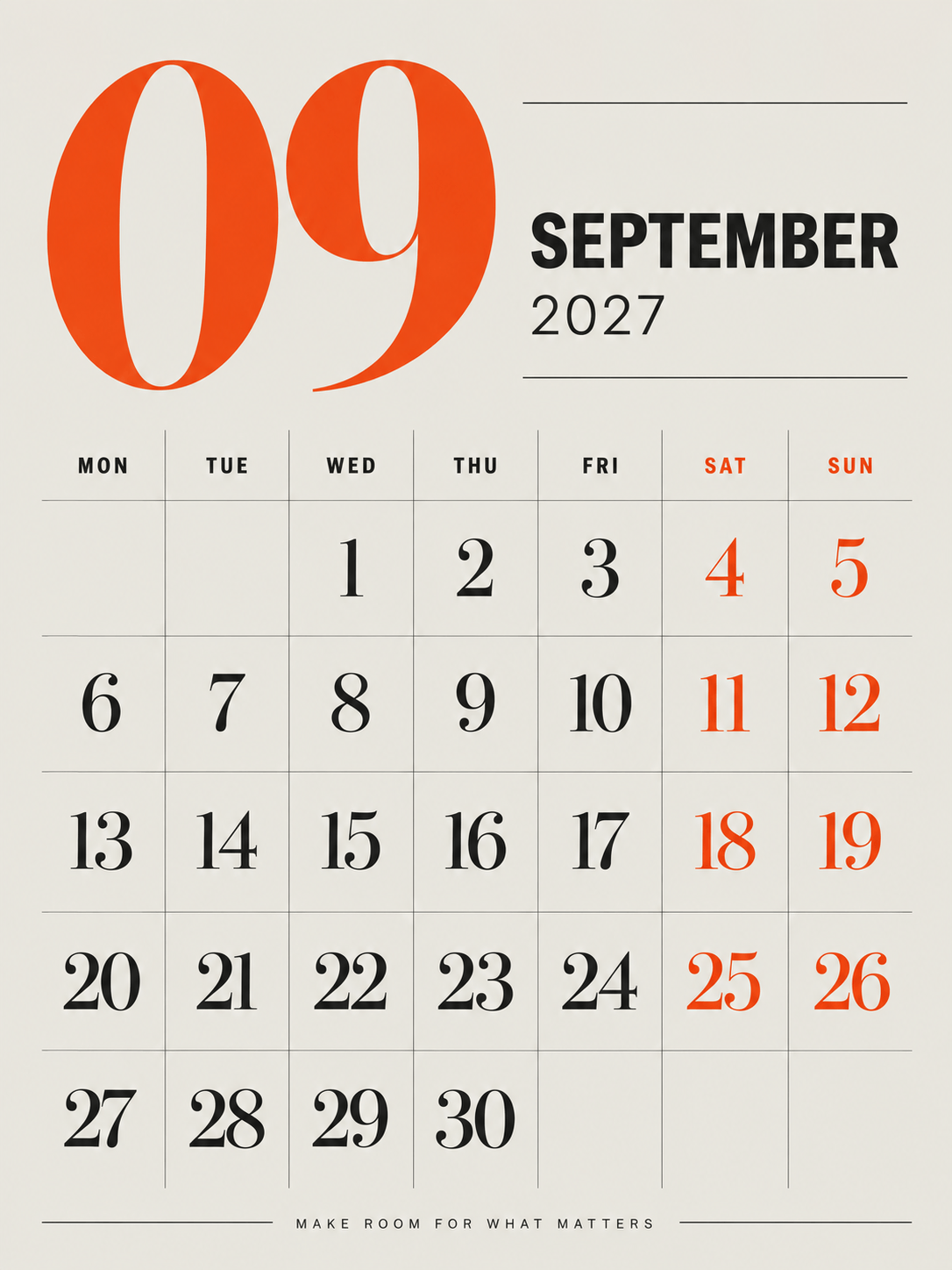
Minimalist Planner: A minimalist monthly calendar for September 2026. Design: Black and white only. Large, clean typography for the numbers. Plenty of white space for writing daily tasks. No illustrations, just functional design.

Pet/Funny (Custom Character): Create a custom pet calendar page for April 2026. Visual: A cat wearing a raincoat holding an umbrella. Style: Watercolor illustration. Soft pastel blue background. Mark April 1st as 'April Fools'.

Full Year Nature Series (Pro Mode): Generate a full 12-month 2026 calendar series. Theme: 'National Parks of the World'. Style: Vintage travel poster illustration. Ensure a consistent layout for all months from January to December 2026, with distinct artwork for each month.

FAQs About AI Calendar Generator

Can AI generate a calendar?
Yes. Specialized AI tools like Mew Design can generate complete, functional calendars. Unlike basic AI image generators that often create garbled numbers or random text, Mew Design is built with real-world date knowledge. It understands the structure of 2026, ensuring that days, weeks, and holidays are placed correctly within a professional layout.
Are there any free AI calendar generators?
Yes, for example, Mew Design. It's a free AI-powered calendar generator that provides free credits to every new user upon sign-up. This allows you to generate, customize, and download your own 2026 calendar designs without needing a credit card or an immediate subscription.
Can ChatGPT make me a calendar?
ChatGPT is primarily a text-based AI. It can generate a list of dates or a text table, but it cannot design a visual, ready-to-print calendar with images and styling. If you're looking for an AI calendar generator, you can try Mew Design. It handles the visual creation, combining accurate date data with your chosen artistic style and photos into a high-resolution, downloadable file. You can use ChatGPT to create your calendar prompt and then copy and paste it into Mew Design to generate the calendar.
Is Canva calendar free?
Canva offers free templates, but many premium photos, fonts, and features are locked behind a paid 'Pro' subscription. Furthermore, Canva is a manual design tool—you have to drag and drop elements yourself. An alternative to Canva, Mew Design is different; it is an AI-powered design agent. You simply describe what you want (e.g., 'a vintage flower calendar'), and the AI automatically creates the entire unique design for you in seconds.
Can AI generates all 12 months at once?
Yes! Using Mew Design's Deep Mode, you can generate a consistent series for the entire year. The AI will apply your chosen style (e.g., "National Parks Series") across all 12 months while automatically updating the dates for each respective month of 2026. Deep Mode requires a subscription to ensure you have enough credits to generate all 12 calendar page images. Generating 12 pages in one go requires at least 120 credits, depending on the complexity.
Can I add my own photos to the calendar?
Yes. You can upload your own images to create an AI family photo calendar or a custom pet calendar. Mew Design's AI agent will intelligently fit your photo into the design layout, making it a perfect personalized gift.

Ready to Generate Designs With AI?

Get Started - 50 Free Credits
No credit card required
© 2025 Mew Design. All rights reserved.️
Mew Design - Your AI design partner, now with full control. | Product Hunt