Free OnlineAI Palm Reading
How to Get a Palm Reading with AI
Photograph Your Dominant Palm
Upload and Set the Reading Scope
Review the Visible Evidence
Refine and Export Your Reading

A More Thoughtful AI Palm Reader
Begin with Your Own Palm Photo
This online palm reader from a photo starts with the hand you upload, not a random stock image. Tell Mew Design which hand it is and whether it is dominant before asking for an interpretation.
Separate Observation from Interpretation
Ask the AI to list only the palm lines, shapes, and markings it can clearly see before adding traditional meanings. This makes an AI palm line reading easier to question and review.
Explore the Questions You Care About
Guide the reading toward personality, communication, relationships, creativity, or career themes. Follow-up chat helps you move beyond one broad, fixed report.
Turn the Reading into a Clear Visual
Create an annotated palm image or structured palmistry card with readable labels and a balanced layout, then use Chat Edit to correct a label or simplify the text.
Compare Both Hands When Useful
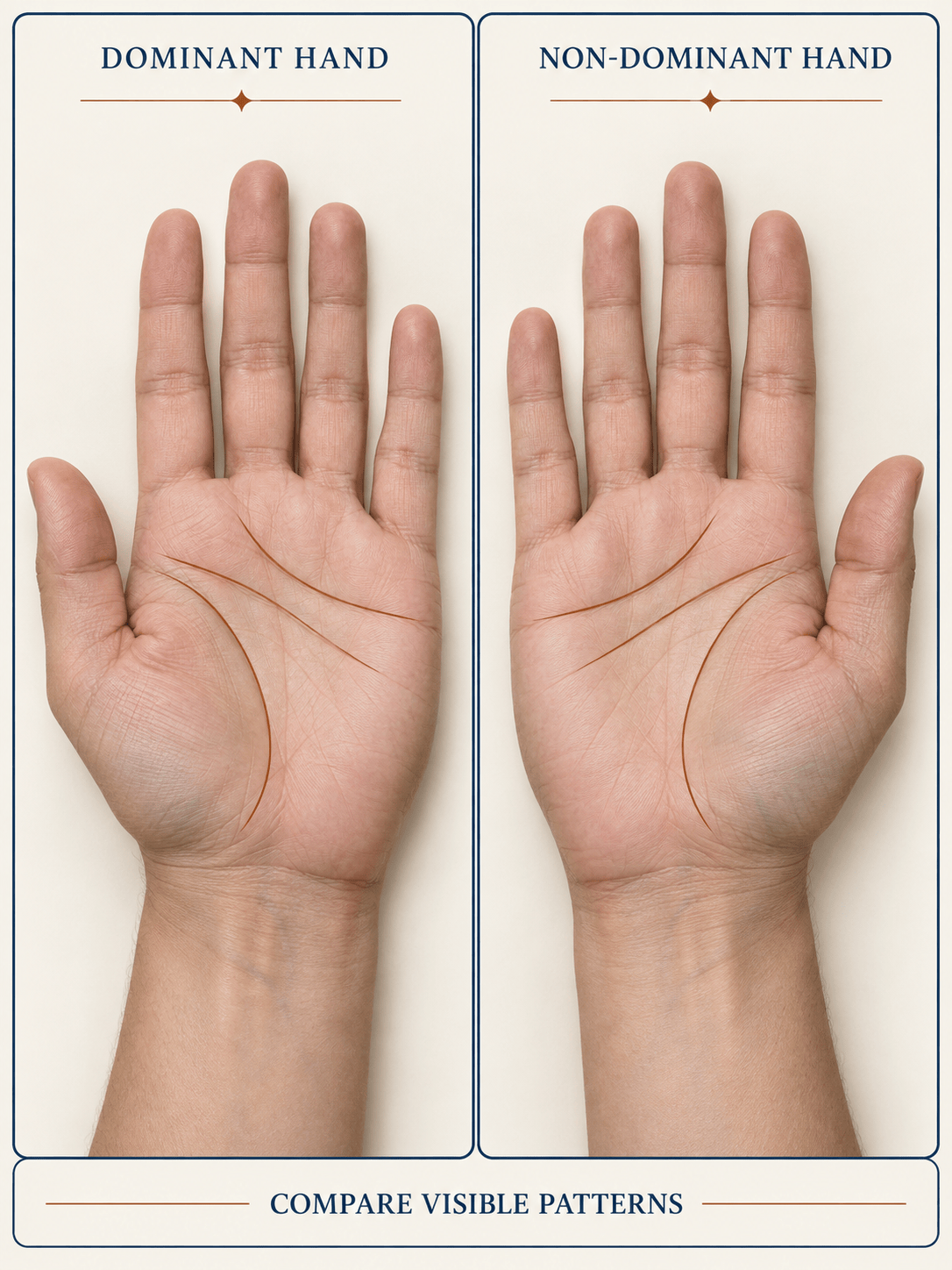
Start with the dominant hand for a simpler AI palmistry reading, or upload both hands and ask for a side-by-side comparison that keeps visible observations separate.
Try, Refine, and Export
New users can try the AI palm reader with signup credits. Refine a promising result through conversation and export an approved card as PNG or JPG without a watermark.
How to Take a Clear Palm Photo
- Use Soft, Even Light: Face a window or use bright indirect light. Avoid flash, hard side light, and reflections that flatten or hide fine lines.
- Keep the Palm Flat: Relax your hand with fingers slightly apart. Point the palm directly at the camera instead of tilting it away.
- Fill the Frame and Focus: Show the whole central palm and enough of the fingers for context. Tap to focus and retake any blurred image.
- Identify the Hand: Say whether the image shows your left or right hand and which hand is dominant. Add the other palm only when you want a comparison.
AI Palm Reading Requests to Try
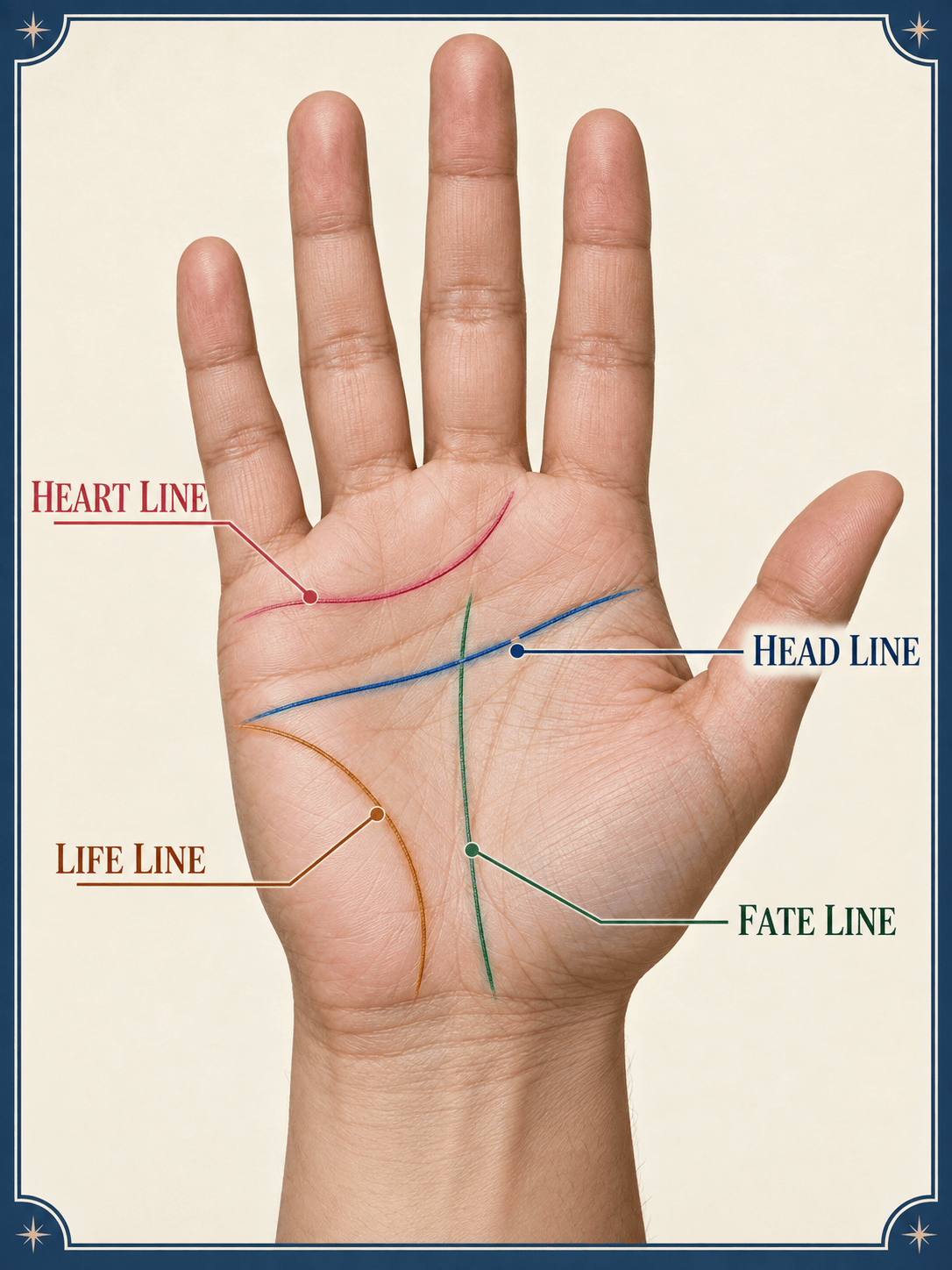
Use @my dominant-palm photo. Identify only the heart, head, life, and fate lines that are clearly visible. Describe their observable length, depth, curve, or breaks, flag uncertain details, then give a concise palmistry-style reflection.
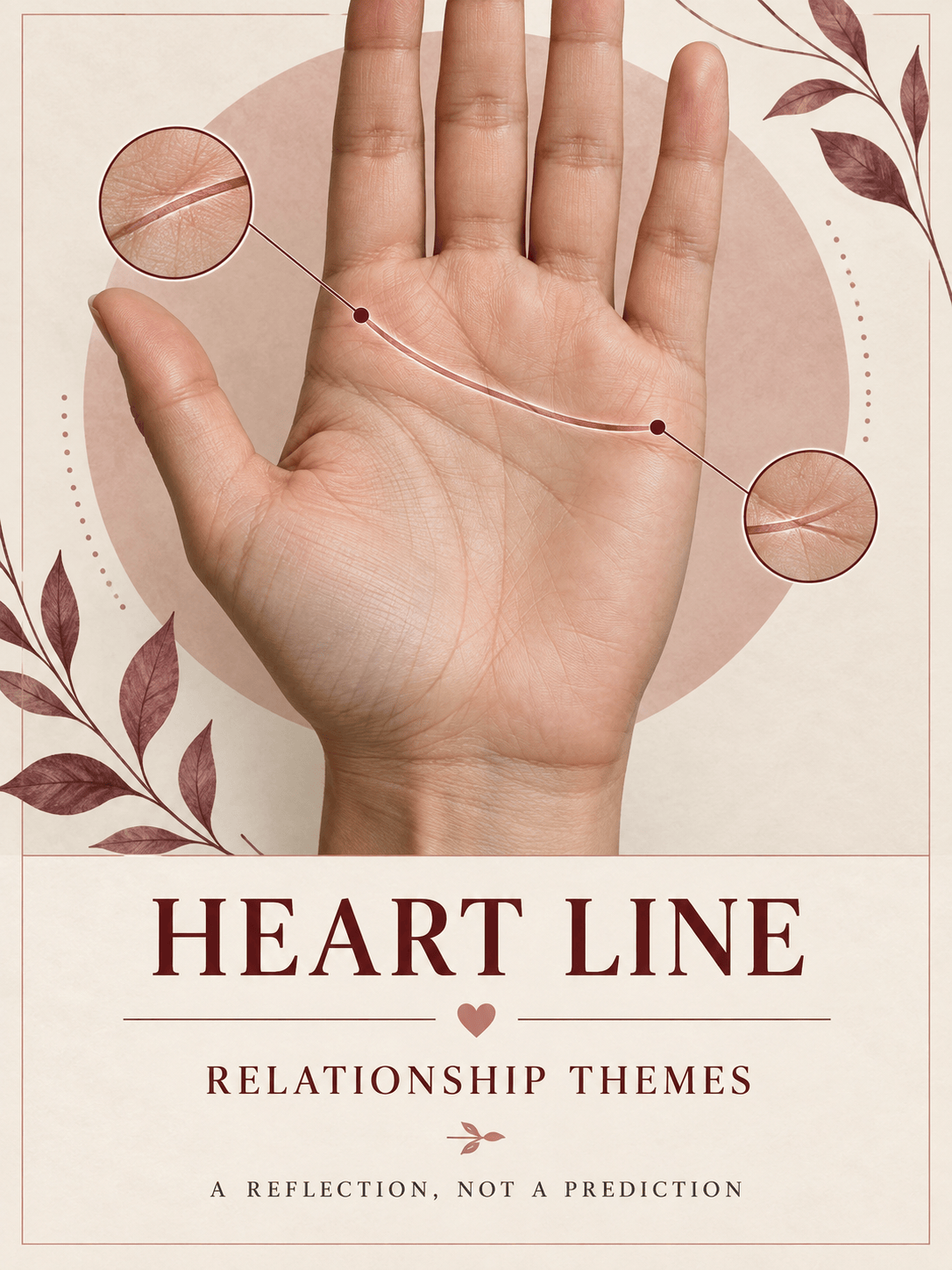
Use @my palm photo for a love and relationship reading. Start with visible features of the heart line, avoid fixed predictions, and present the traditional interpretation as prompts for self-reflection.
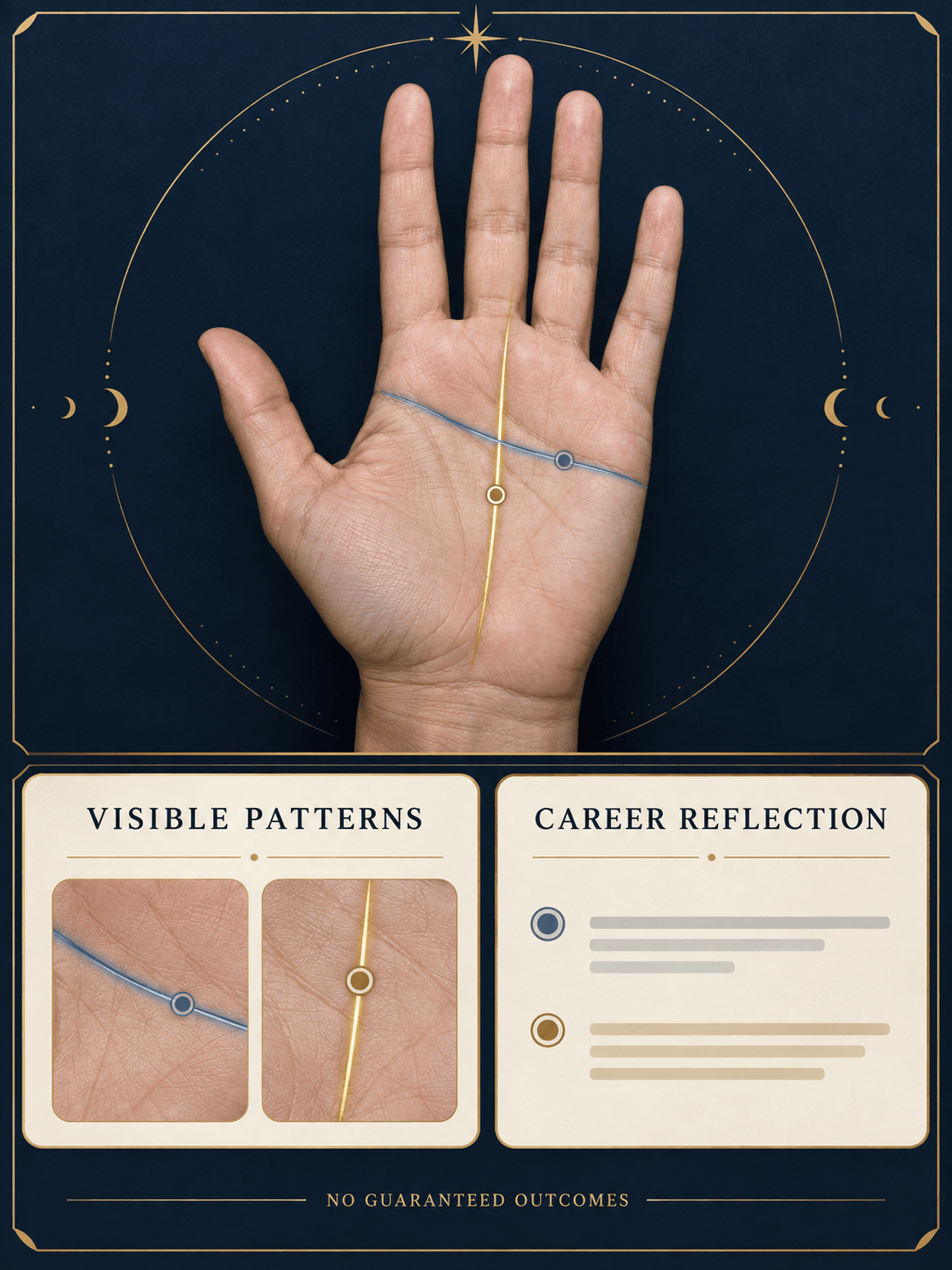
Use @my dominant-palm photo for a career-themed reading. Discuss visible head- and fate-line patterns when clear, separate observation from symbolic meaning, and avoid guaranteed claims about money or future success.
Compare @my left-palm photo and @my right-palm photo. Label which is dominant, describe visible differences in the major lines first, then give a balanced traditional comparison without treating either hand as fixed destiny.
Create a clean 3:4 annotated palm reading card from @my photo. Label only clearly visible major lines, add short reflective notes, use calm ivory and deep blue colors, and include the text ‘For entertainment and self-reflection.’
Review @my palm photo cautiously. List which features are clear, unclear, hidden by glare, or too faint to assess. Suggest a retake if needed and do not infer health, lifespan, medical conditions, or guaranteed future events.





