Free OnlineAI Background Generator


How to Create a Background with AI
Choose the Subject or Canvas
Describe the New Scene
Generate and Inspect the Blend
Chat Edit, Resize, and Export

Why Mew Design Works for Custom AI Backgrounds
Upload a Photo or Start from Text
Use the AI photo background generator to restage an existing image, or begin with an empty canvas and describe an original backdrop. Both paths stay in the same conversational workspace.
Direct What the Edit Must Preserve
Tell Mew Design to change only the setting while keeping the face, pose, product shape, label, material, or other important foreground details intact. Review delicate edges before export.
Design Light, Shadow, and Space Together
A believable backdrop needs more than a theme. This custom AI background generator lets you direct the surface, camera angle, light direction, contact shadow, depth, and negative space as one composition.
Fix One Background Detail in Chat
Keep the parts that work and use Chat Edit for focused revisions: cool the light, simplify the room, remove a prop, strengthen the floor shadow, or open space for campaign copy.
Guide Variations with Brand References
Upload authorized brand assets or visual references to guide color, mood, and art direction. Create related square, vertical, and landscape versions without treating every channel as a separate idea.
Free to Try and Easy to Repeat
Start the free AI background maker with credits after signup and export finished PNG or JPG images without a watermark. For recurring campaigns, save a successful background approach as a reusable Mew Skill.
How to Write a Background Prompt That Fits Your Subject
- Protect the Subject: List the details that must not change, such as a face, pose, silhouette, packaging label, logo, material, or product color.
- Build the Scene: Name the environment, surface, depth, props, palette, and mood. Keep supporting objects secondary to the main subject.
- Match the Camera and Light: Specify viewpoint, light direction, color temperature, shadow softness, reflections, and depth of field so the result feels photographed together.
- Name the Destination: State the aspect ratio and channel, then reserve negative space for a headline, product badge, profile crop, or other planned overlay.
AI Background Prompts for Common Photo Jobs
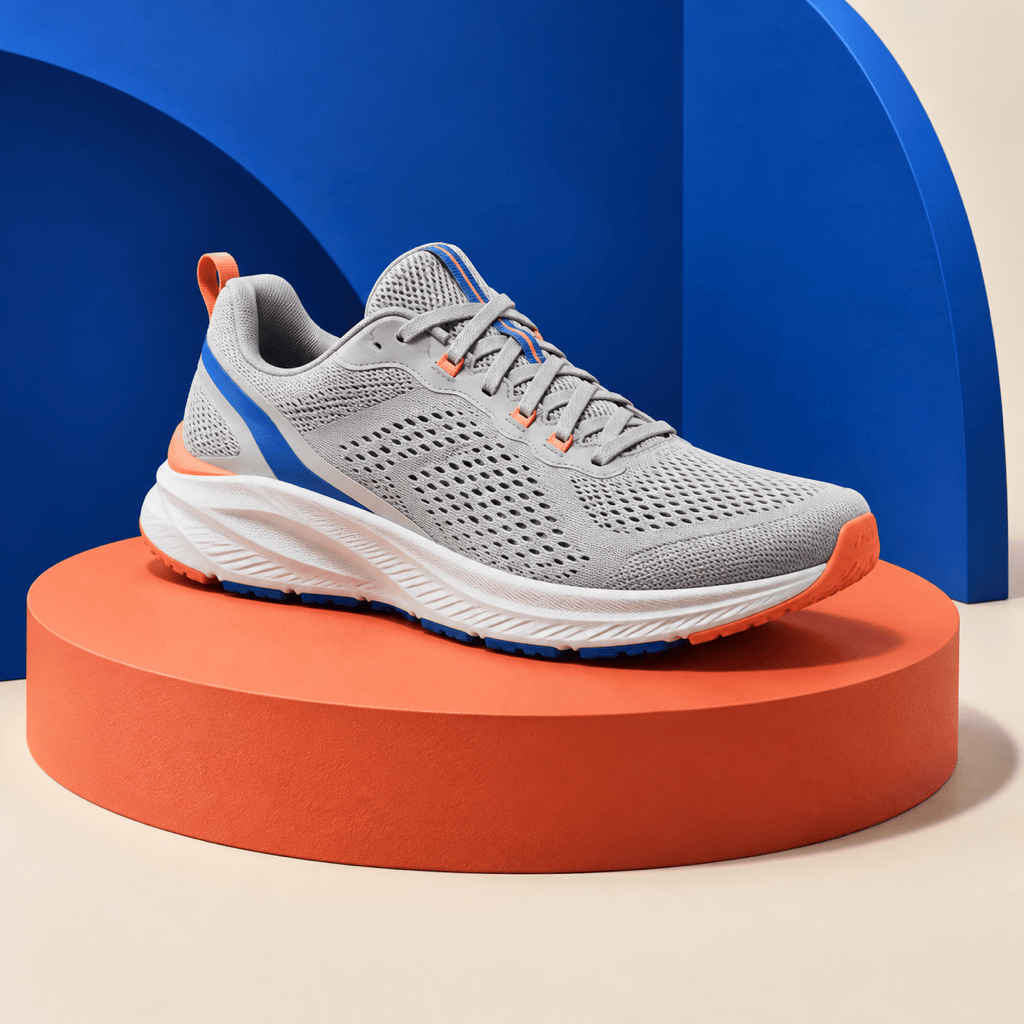
Replace only the background of my uploaded product photo with a seamless warm-white ecommerce studio. Keep the product shape, label, color, texture, and camera angle unchanged. Add soft even lighting, a subtle natural floor shadow, clean edges, and no props or text. Output a square listing image.
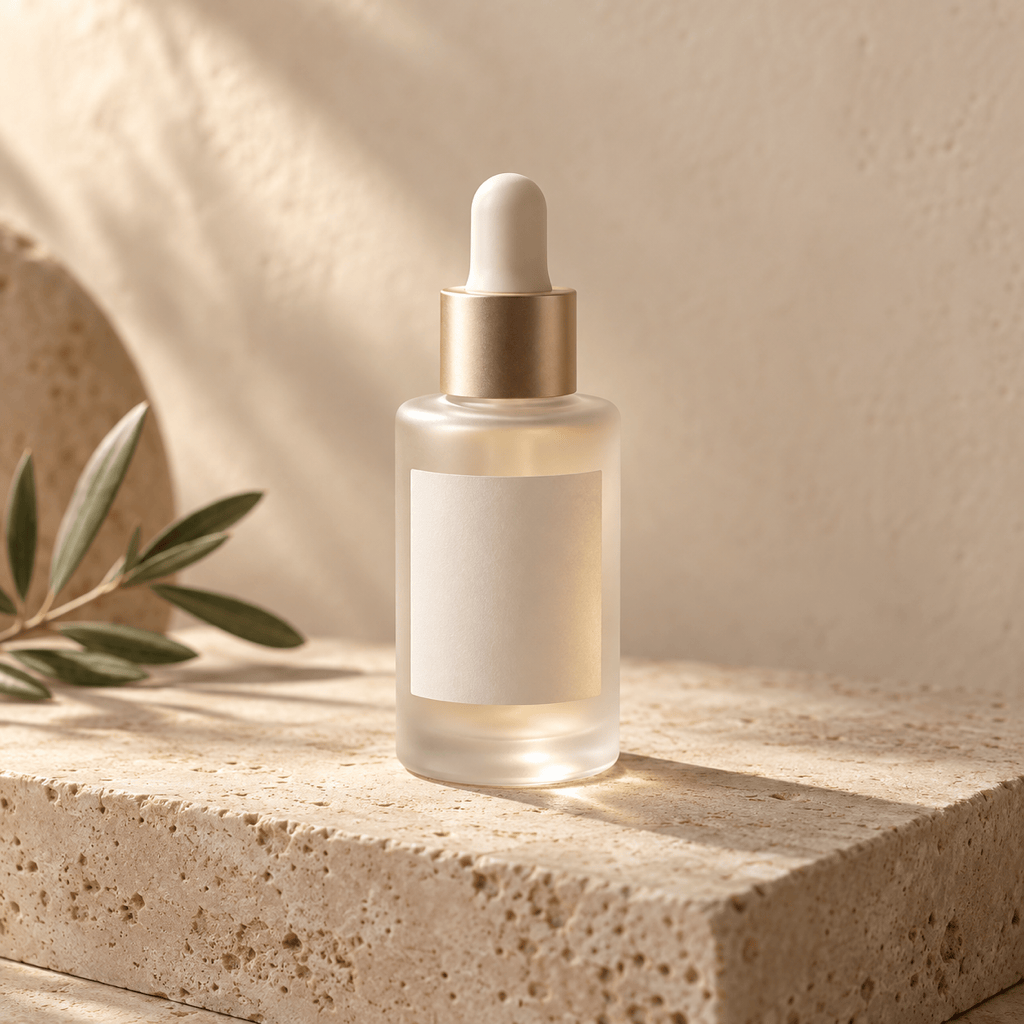
Place my uploaded skincare bottle on a pale travertine block in a sunlit Mediterranean bathroom. Preserve the bottle and readable label exactly. Add warm side light, a realistic contact shadow, soft beige plaster in the distance, one small olive branch, shallow depth of field, and clear space at the top for ad copy.
Replace the background of my uploaded headshot with a calm modern office in soft gray and warm wood. Keep the face, hair, clothing, pose, and crop unchanged. Match the original light direction, keep flyaway hair natural, use gentle depth of field, and avoid desks or chairs overlapping the shoulders.
Create a vertical 4:5 abstract background from text for a technology campaign. Use deep navy, translucent cobalt glass forms, one electric-cyan glow, fine grain, and layered depth. Keep the left third calm and dark for a white headline. No people, devices, logos, or text.
Create three related holiday backgrounds for my uploaded candle photo: winter greenery, warm window light, and restrained gold accents. Preserve the jar, label, wick, and proportions. Keep the same camera angle and shadow style across every version, with enough negative space for a seasonal offer.
Keep the foreground subject exactly as it is and repair only the generated background. Align the light with the subject from the upper right, reduce the floor reflection, remove the plant behind the silhouette, soften the depth blur, and add a more convincing contact shadow without changing the crop.





