Free OnlineAI Artist Generator
How to Create Art with AI
Describe the Artwork
Set the Art Direction
Generate and Compare
Chat Edit and Export

A More Direct Way to Make and Refine AI Art
Art Direction in Plain Language
This AI artist generator understands subjects, settings, moods, visual hierarchy, and common art formats. Describe the outcome in your own words instead of learning a complex command system.
Reference-Led, Not Reference-Locked
Upload a photo, sketch, or mood reference to guide the subject or composition. The photo to art AI workflow helps you preserve what matters while exploring a new medium, palette, or atmosphere.
Styles for Different Creative Jobs
Move between watercolor, ink, oil-like texture, paper collage, anime, pixel art, 3D illustration, or cinematic concept art. Mew Design can use models such as Nano Banana Pro and GPT Image 2.5 when they fit the request.
Focused Changes Through Chat
Keep the parts that work and ask for a specific correction. The online AI art maker can revise color, lighting, framing, objects, background, or texture without making you rewrite the entire brief.
Coherent Variations and Series
Explore several directions for one idea or request a related image series. Reference images and clear art direction help maintain recurring subjects, palette, and visual language across outputs.
Free to Try, Ready to Export
Sign up to receive free AI credits and test the free AI artist generator before choosing a plan. Export finished images without a watermark as PNG or JPG for digital projects and artwork layouts.
How to Prompt an AI Artist for Better Artwork
- Build the Scene: Name the main subject, its action, the setting, and the one detail viewers should notice first.
- Choose Visual Traits: Describe the medium and characteristics you want, such as loose watercolor edges, carved linocut marks, geometric collage, or glossy 3D forms. Prefer these traits over requesting the exact style of a living artist.
- Direct the Composition: Specify close-up or wide view, focal placement, foreground and background depth, negative space, and the required aspect ratio.
- Plan for the Destination: Say whether the art is for an album cover, game scene, story page, social post, editorial header, or wall print so the layout suits its use.
AI Art Prompts for Six Distinct Creative Uses
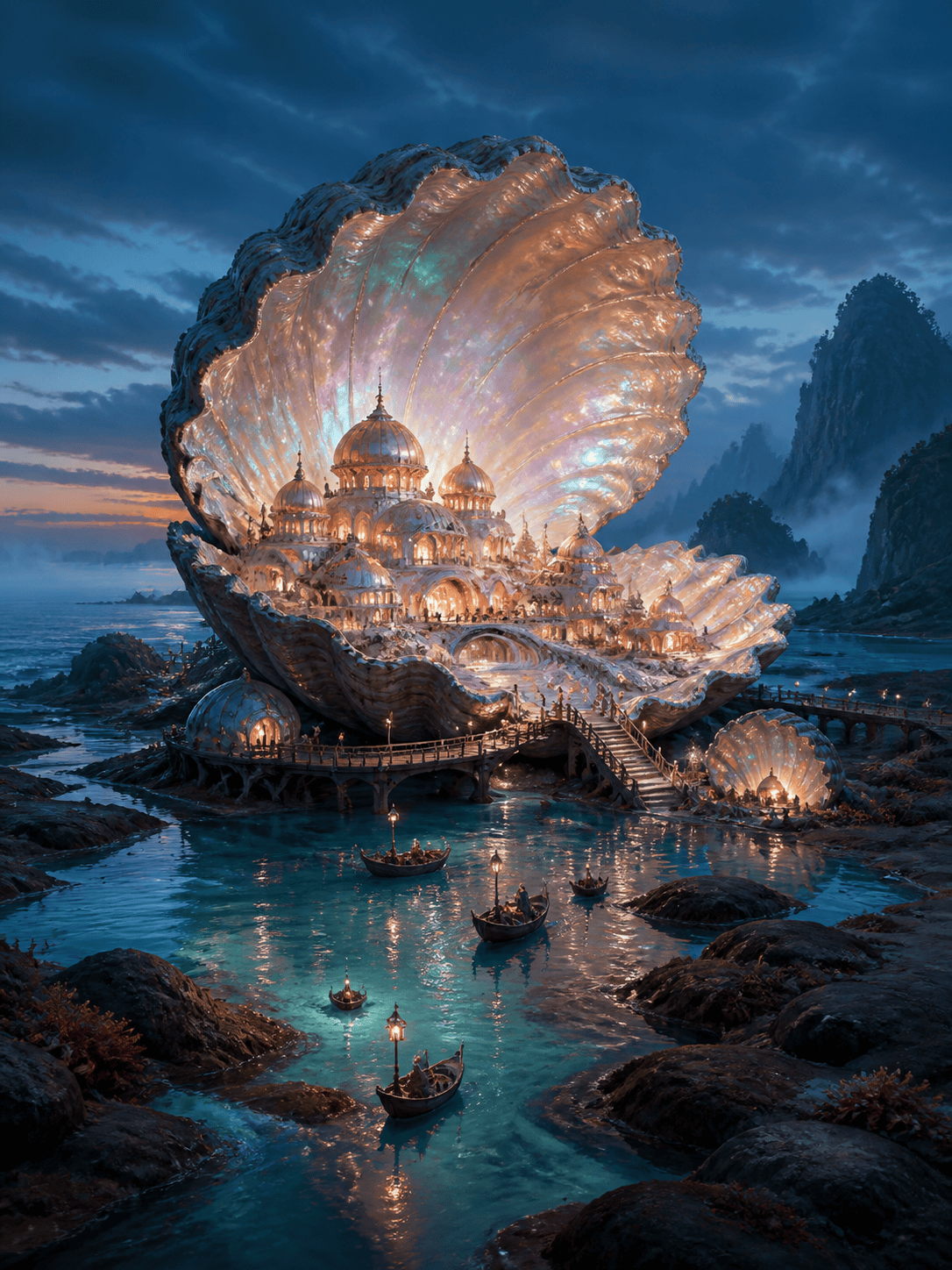
Fantasy Concept Art: Create a 16:9 environment painting of a city built inside a colossal seashell at low tide. Tiny bridges connect pearl-lit chambers. Cinematic wide shot, misty turquoise atmosphere, coral and copper accents, strong depth, detailed but readable silhouettes, no text.
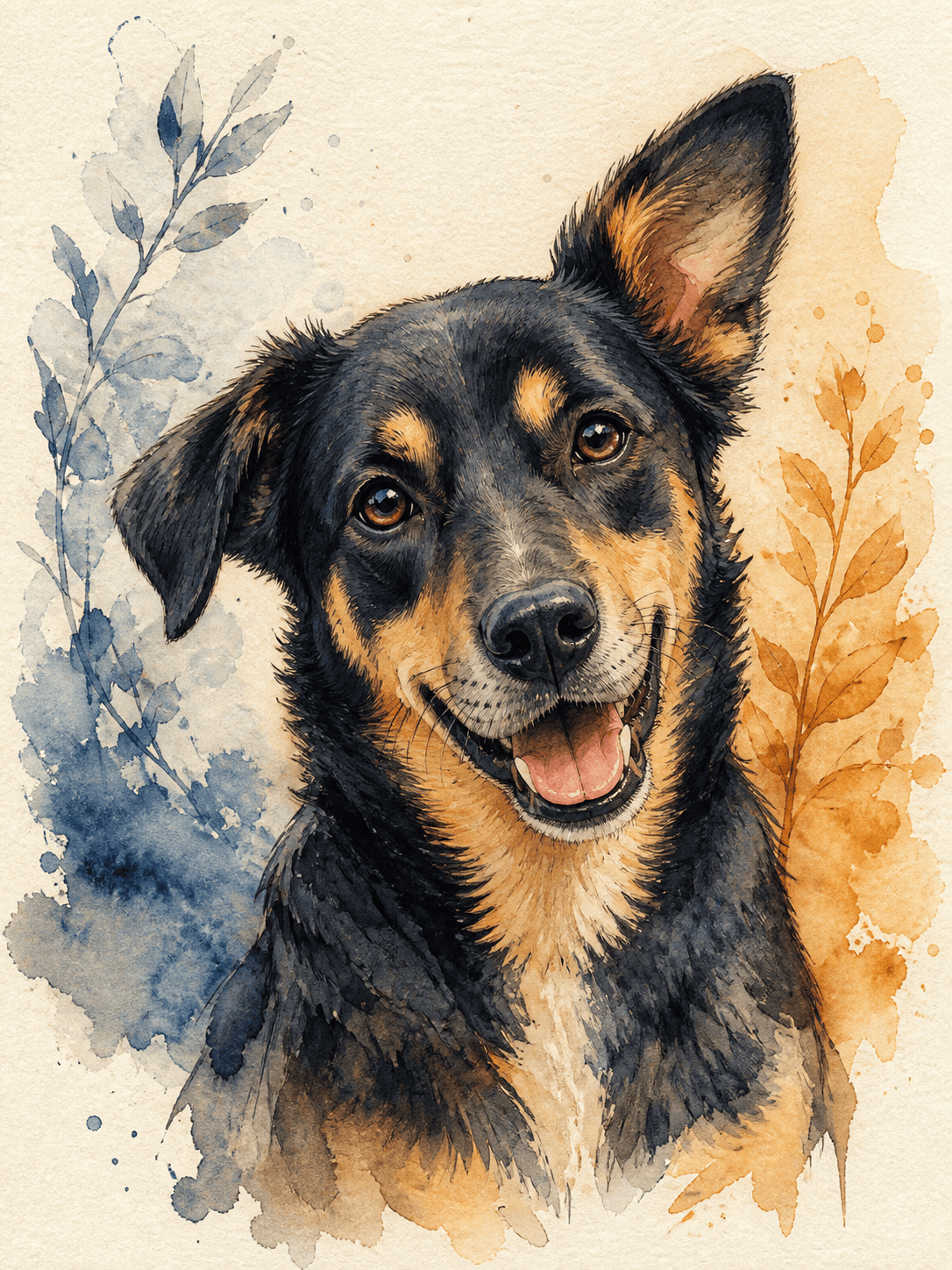
Watercolor Pet Portrait: Turn my uploaded dog photo into a square watercolor portrait. Keep the dog's face, markings, and ear shape recognizable. Use soft wet-on-wet blue and ochre washes, delicate ink accents, a simple cream paper background, and a warm, playful mood.
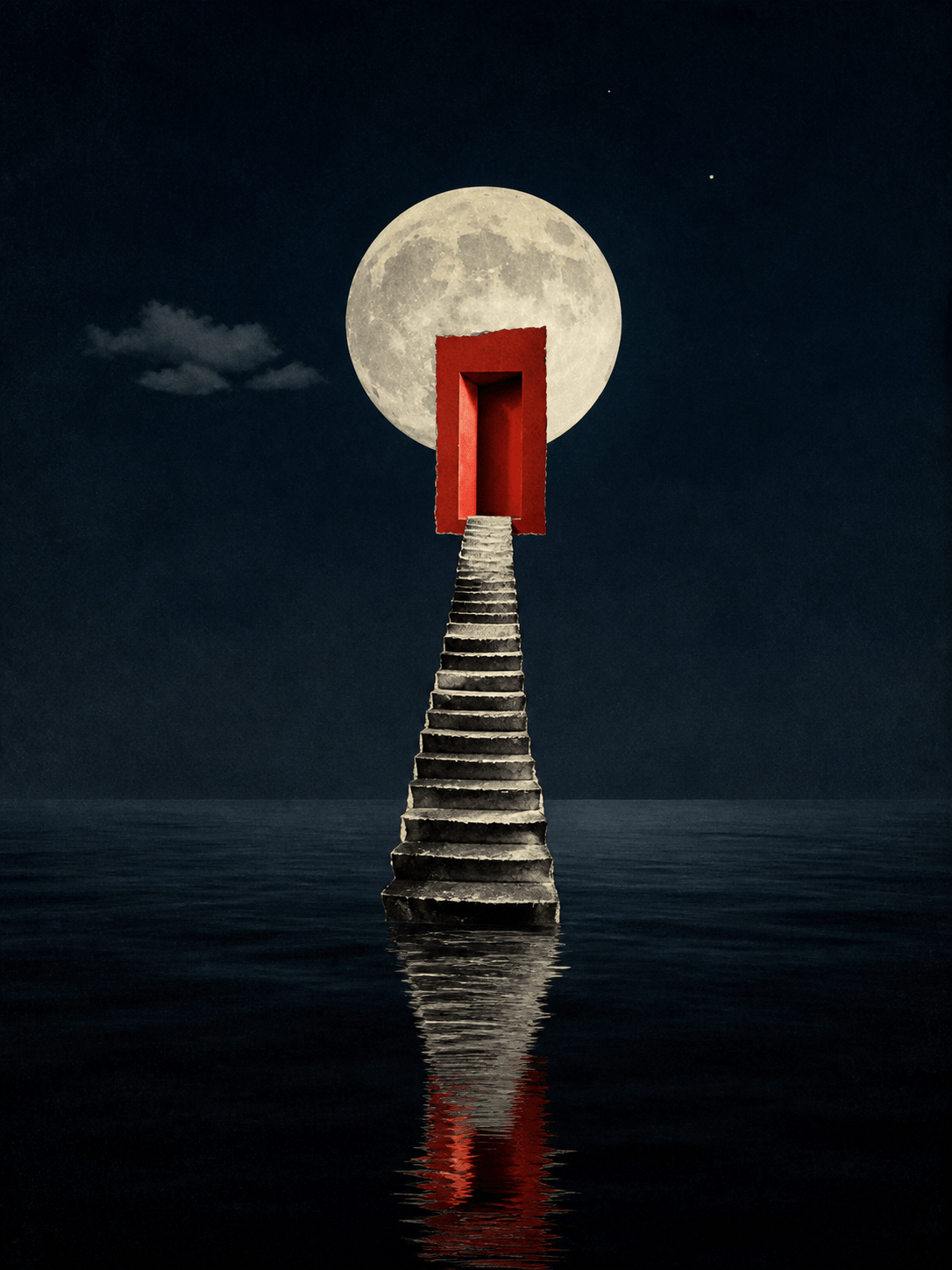
Surreal Album Cover: Make square digital collage art for an ambient album. A staircase rises from a calm black ocean into a floating red doorway. Minimal composition, subtle film grain, deep navy and vermilion palette, moonlit reflections, generous space for title placement, but do not add text.
Children's Book Illustration: Create a 3:4 storybook scene of a shy fox delivering a lantern to a sleepy forest village. Gouache texture, rounded shapes, expressive body language, warm amber windows, cool blue night, child-friendly details, clear storytelling focal point, no words.
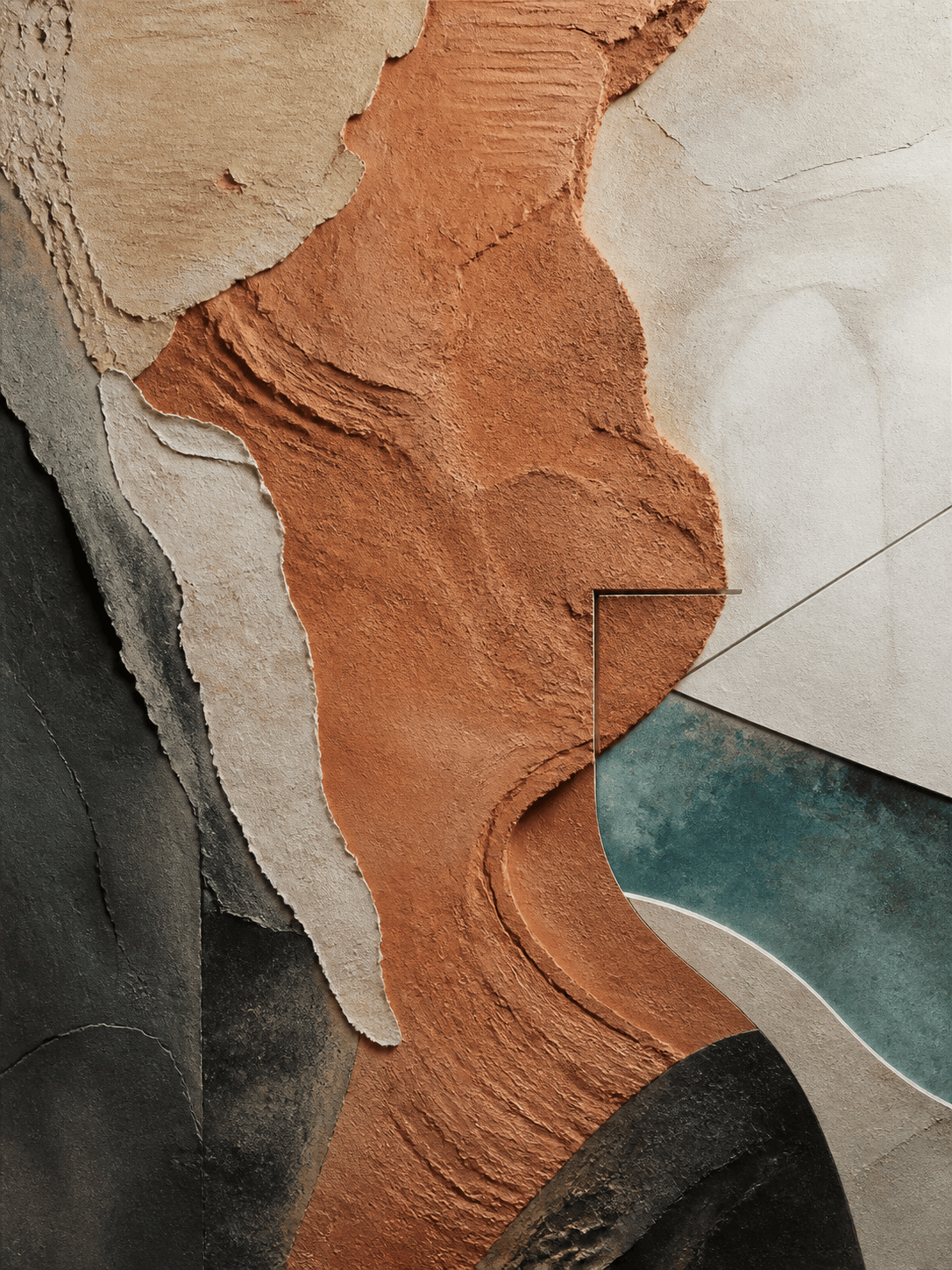
Printable Abstract Wall Art: Generate a 2:3 abstract composition inspired by desert geology. Layered terracotta, sand, charcoal, and muted teal shapes, tactile plaster and paper textures, balanced asymmetry, calm modern interior mood, edge-to-edge artwork, no frame and no text.
Pixel Art Game Background: Design a 16:9 pixel-art background for a retro science-fiction platformer. Abandoned observatory on an icy moon, parallax foreground rocks, glowing cyan instruments, distant ringed planet, limited 32-color palette, crisp pixel clusters, clear paths for gameplay, no characters or text.





