Free OnlineAI Art Style Generator
How to Create and Restyle Artwork with AI
Set the Subject and Destination
Describe the Style You Can See
Generate Controlled Style Tests
Correct Drift and Export

Style Control Beyond a Preset Filter
Direct Observable Visual Traits
Tell Mew Design how marks, edges, materials, color, light, and depth should behave. This gives the AI art style maker more useful direction than a broad word such as artistic, vintage, or modern.
Start From Words or a Permitted Image
Create a new scene from a written brief, or upload a photo, sketch, mood board, or artwork you have the right to use. Explain whether the reference should guide the subject, composition, palette, texture, or overall atmosphere.
Separate Content From Style
Protect the face, silhouette, layout, product geometry, or pose as content anchors, then describe the visual treatment separately. Clear roles reduce the risk that AI art style transfer changes the subject while repainting it.
Compare Directions on Equal Terms
Hold the subject, crop, focal point, and required colors steady while trying watercolor, linocut, pixel art, low-poly 3D, collage, or another direction. Controlled comparisons reveal which style serves the message rather than which generation changed the most.
Build a Repeatable Visual Language
Reuse an approved reference and repeat the same palette, line weight, texture, lighting, shape language, and detail level across related images. Review each result for drift before treating it as part of a campaign, story, or brand series.
Try Styles Free, Without a Watermark
Sign up for free AI credits, explore original art-style variations online, and export approved PNG or JPG images without a watermark. The workflow produces finished raster images rather than editable paint layers or native vector paths.
How to Prompt AI for a Distinct Art Style
- Lock the Content Anchors: Identify the face, pose, object geometry, camera angle, composition, or brand colors that must survive the style change. If you upload a photo, say which details should remain recognizable.
- Describe Visible Technique: Replace a generic style word with concrete traits such as dry-brush streaks, torn-paper edges, monoline ink, limited pixel clusters, flat cel shadows, carved linocut marks, or translucent glaze layers.
- Control Palette and Depth: Choose a limited or expressive palette and explain whether the image should feel flat, layered, atmospheric, volumetric, graphic, soft, or high contrast. These choices often define style more clearly than a genre label.
- Name the Destination and Avoid List: State the crop and use, then exclude text, logos, extra objects, subject drift, over-polished surfaces, copied signatures, protected characters, or direct imitation of a living artist when they do not belong in the result.
AI Art Style Prompts for Distinct Visual Directions
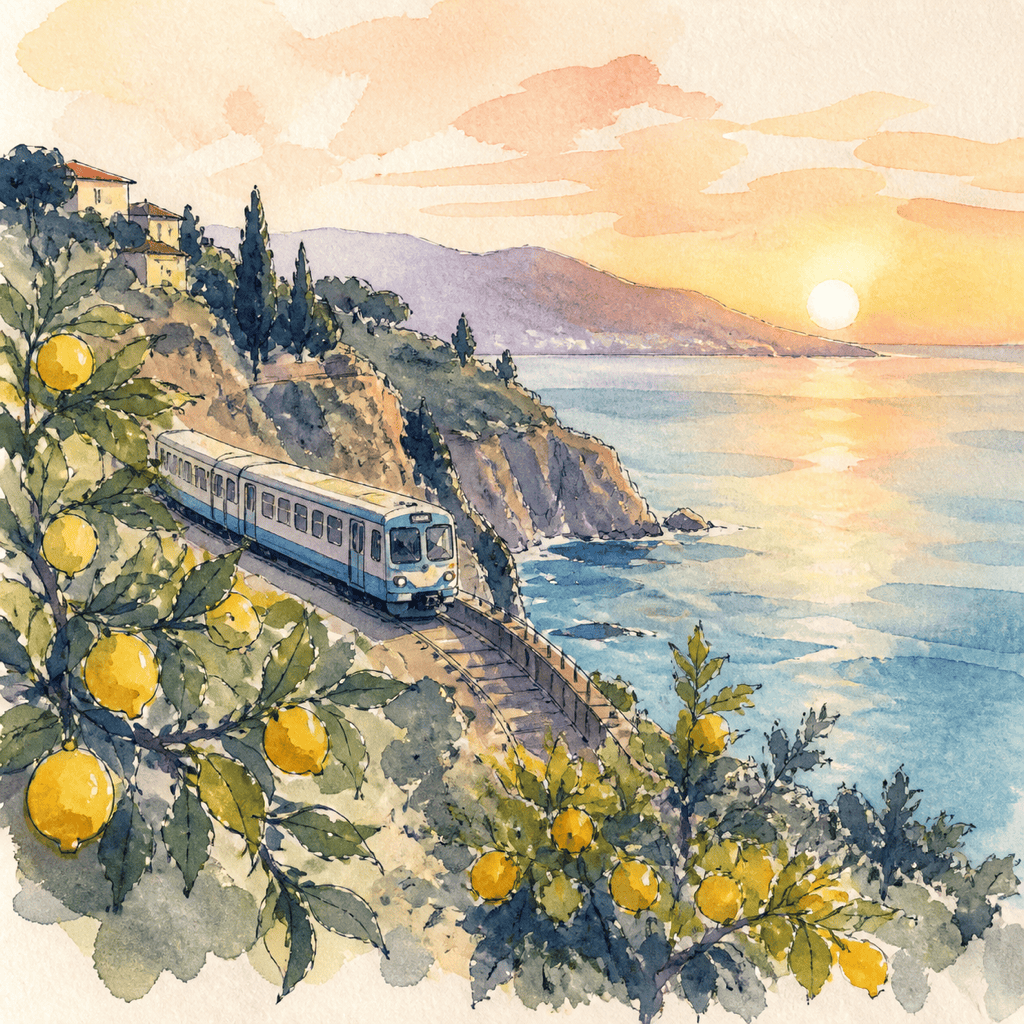
Watercolor Travel Scene: Create a wide view of a small coastal train passing lemon groves above a blue bay at sunrise. Transparent watercolor washes on cold-pressed paper, loose indigo linework, wet-on-wet sky, granulated shadows, citrus yellow and sea-blue palette, atmospheric distance, no text, border, logo, photorealism, signature, or watermark.
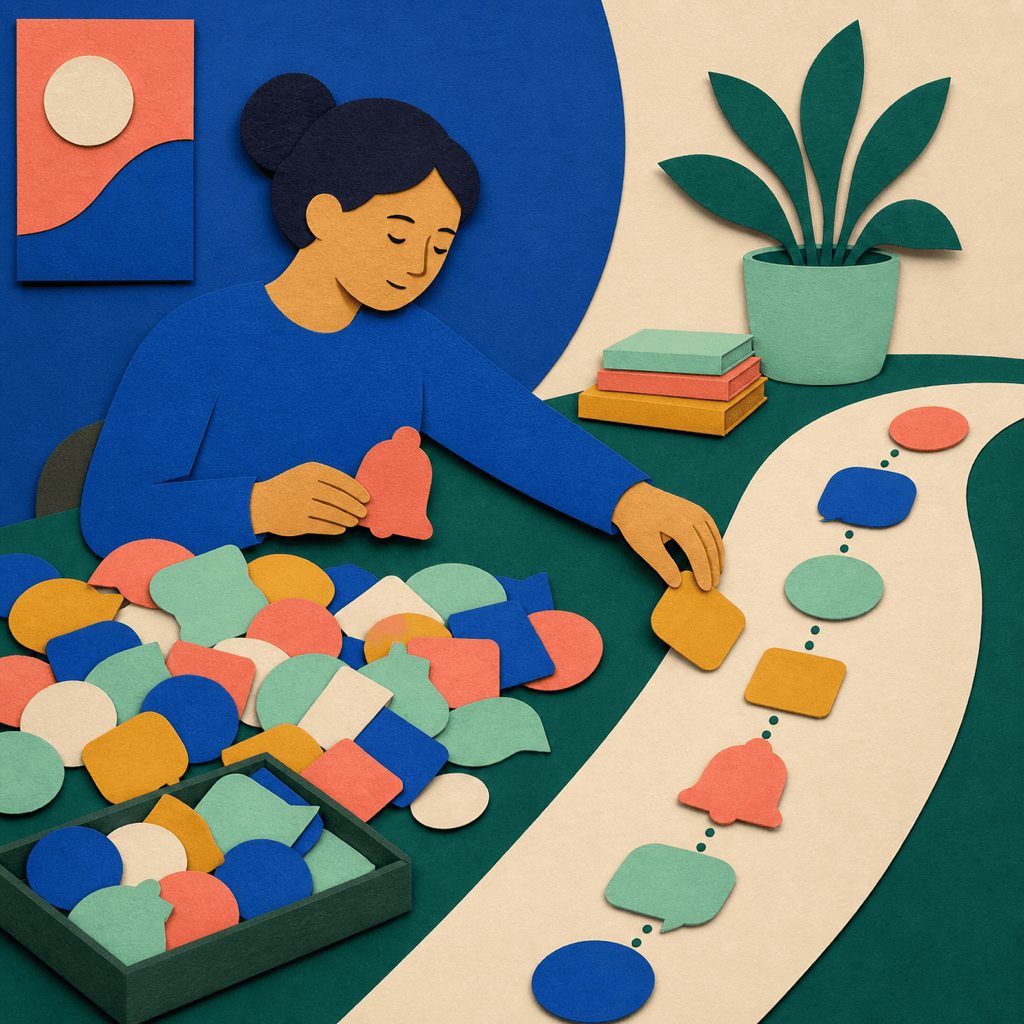
Cut-Paper Editorial Graphic: Illustrate a person sorting noisy notifications into one calm weekly plan. Layered paper shapes, visible fibers, hand-cut edges, shallow shadows, flat perspective, cobalt, coral, mint, and cream, strong central metaphor, generous margin for an article layout, no interface text, logo, gradients, signature, or watermark.
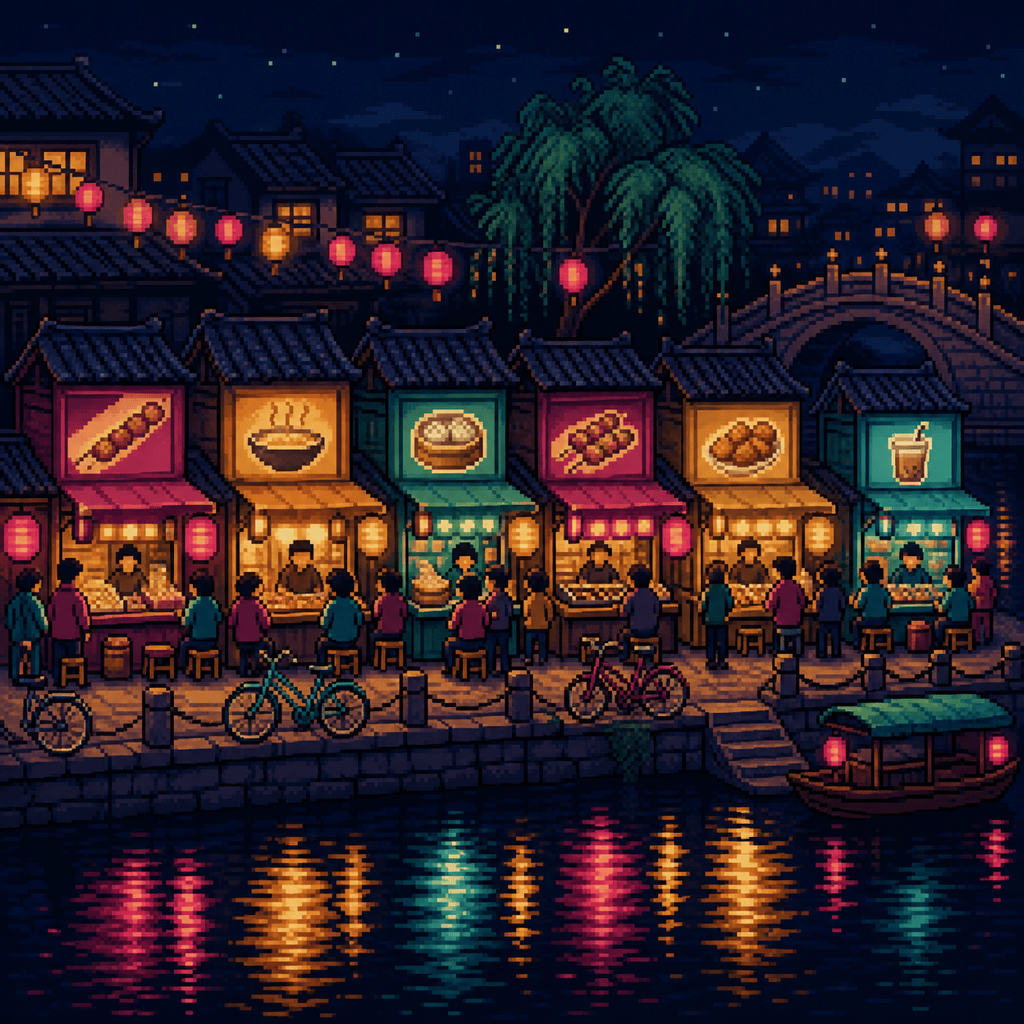
Pixel-Art Night Market: Design a 16-bit-inspired night market beside a canal, with six readable food stalls, bicycles, paper lanterns, and reflections in dark water. Deliberate pixel clusters, limited navy, magenta, amber, and teal palette, crisp silhouettes, no smoothing, tiny lettering, brand marks, photorealistic texture, or watermark.
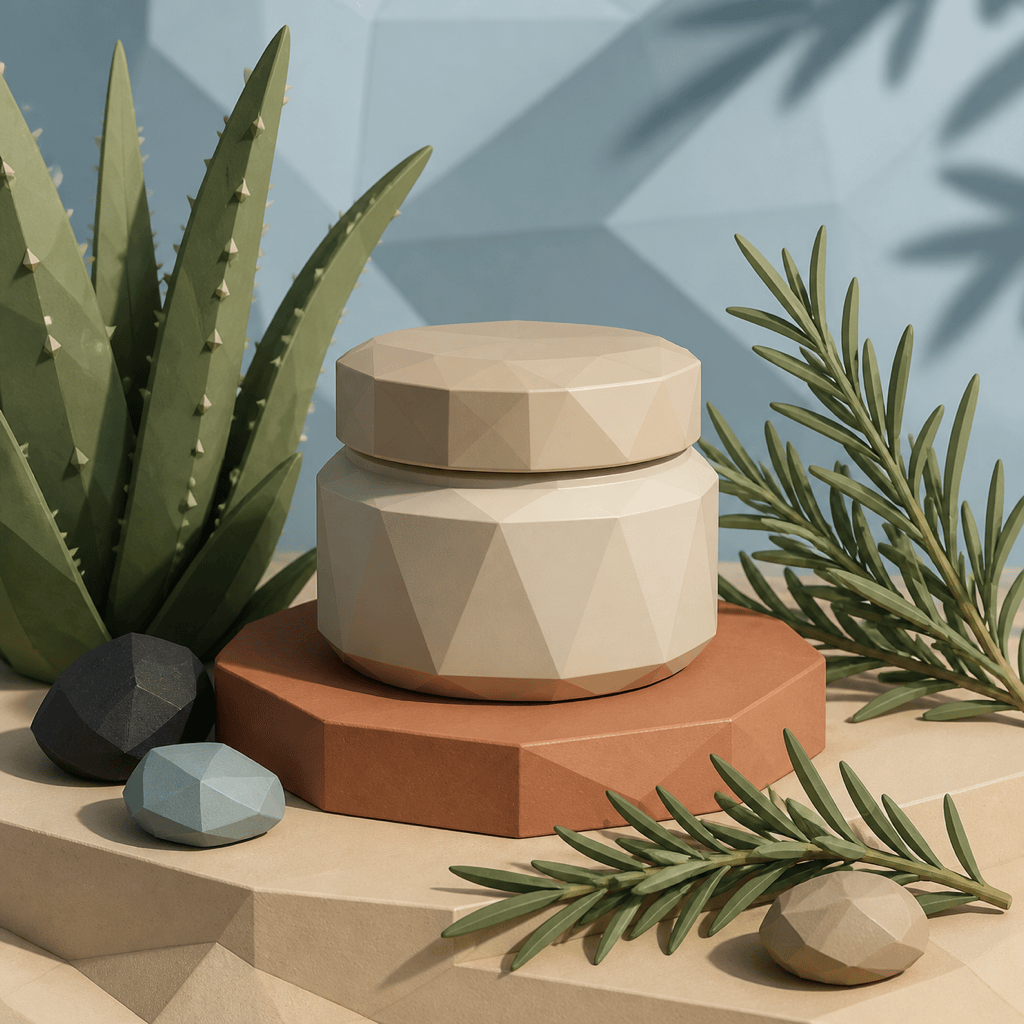
Low-Poly Botanical Product Scene: Create a square visual of an unbranded ceramic hand-cream jar surrounded by aloe, rosemary, and smooth stones. Faceted low-poly 3D forms, matte materials, soft directional shadows, sage, clay, sand, and charcoal palette, clean product hierarchy, no label, readable text, glass gloss, famous packaging, or watermark.
Linocut Music Poster Art: Depict an original jazz trio performing under a crescent moon. Bold carved black marks, uneven ink coverage, cream paper, rust-red and cobalt spot colors, energetic diagonal rhythm, simplified faces and instruments, portrait composition, no event text, logos, copied print, artist signature, or watermark.
Cel-Shaded Sci-Fi Character: Create an original courier in a compact solar-powered flight suit standing on a wind farm platform. Clean contour lines, two-step cel shading, graphic highlights, turquoise, orange, white, and deep navy, dynamic three-quarter pose, readable silhouette, no franchise armor, emblem, lettering, extra gear, signature, or watermark.
Photo-to-Gouache Pet Portrait: Restyle my permitted dog photo as a warm square gouache portrait. Preserve the dog's face, ear shape, white chest patch, red collar, seated pose, and camera angle. Use opaque brush shapes, subtle dry-brush edges, muted ochre, teal, and brick, simple cream background, no extra collar, text, frame, signature, or watermark.
Coordinated Brand Illustration Series: Create four square spot illustrations for an imaginary neighborhood seed library: borrowing seeds, planting a balcony pot, sharing a harvest, and saving seeds. One consistent rounded shape language, monoline accents, forest green, peach, sky blue, and beige, subtle stipple texture, equal scale and padding, no words, real logos, duplicated scenes, or watermark.





