Free OnlineAI Pencil Sketch Generator
How to Create a Pencil Sketch with AI
Choose a Photo or Describe the Subject
Define the Pencil Drawing Style
Generate and Refine the Sketch
Inspect, Export, and Use

Why Mew Design Works for Pencil Sketch Creation
Transform a Photo or Start from Text
Use Mew Design as a pencil sketch generator from a photo, or create an original drawing from a written scene. The same conversation can combine a subject reference with instructions for crop, mood, medium, and finish.
Protect Recognizable Details
A portrait pencil sketch generator should do more than apply gray edges. Ask the AI to preserve face shape, expression, pose, pet markings, product silhouette, or architectural structure while changing the rendering medium.
Control Line and Graphite Character
Describe precise contours, loose gesture, varied line weight, soft tonal modeling, hatching, cross-hatching, eraser highlights, and visible paper tooth. This helps distinguish a believable drawing from a uniform digital filter.
Edit Specific Problems in Chat
If the first draft misses the likeness or feels muddy, use Chat Edit to change only the weak area. Request cleaner eyes, natural hands, quieter skin texture, stronger foreground values, corrected vanishing lines, or a simpler background.
Build a Coherent Sketch Series
Generate portrait, pet, venue, or product variations with a shared pencil grade, paper tone, stroke language, and framing. Compare multiple directions before choosing a final image for a set or campaign.
Create and Export Online
Try the free AI pencil sketch generator with signup credits, refine your selected result online, and export watermark-free PNG or JPG files. Check fine strokes at the intended screen or print size before publishing.
How to Write an Effective Pencil Sketch Prompt
- Name the Pencil Medium: Choose realistic graphite, a loose pencil study, clean line drawing, cross-hatched illustration, charcoal-like darks, or colored pencil. Add a pencil grade only when it helps describe the intended softness or contrast.
- Separate Lines from Values: Describe contour quality and line weight separately from light direction, midtones, deep accents, highlights, hatching, and blending. This gives the drawing a clearer hierarchy.
- Specify Paper and Background: Mention white, cream, toned, smooth, or lightly textured paper. Ask for a clean margin, soft fade, simplified room, or minimal ground shadow so background marks do not compete with the subject.
- Plan the Output and Verify It: Add the aspect ratio and destination, then inspect identity, anatomy, perspective, lettering, and fine hatching at the real display or print size. Request targeted edits when any detail looks wrong.
Pencil Sketch Prompts for Photos and Ideas
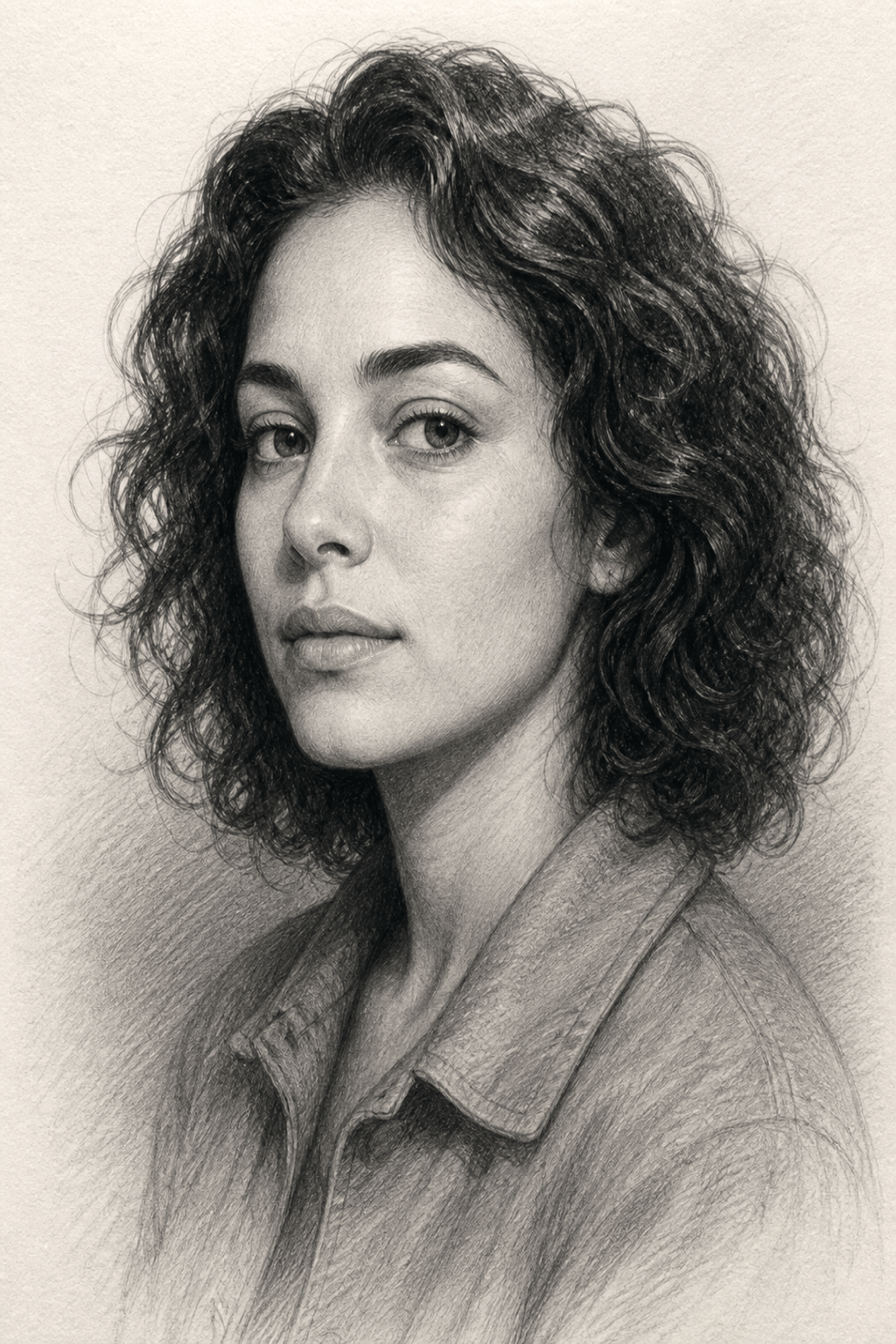
Realistic Portrait from Photo: Turn my uploaded headshot into a refined graphite pencil portrait. Keep the exact face shape, eye spacing, calm expression, hairstyle, and shoulders. Layer soft values with crisp dark accents around the eyes, subtle skin texture, warm white paper, and a faded background. Vertical 3:4, no text or signature.
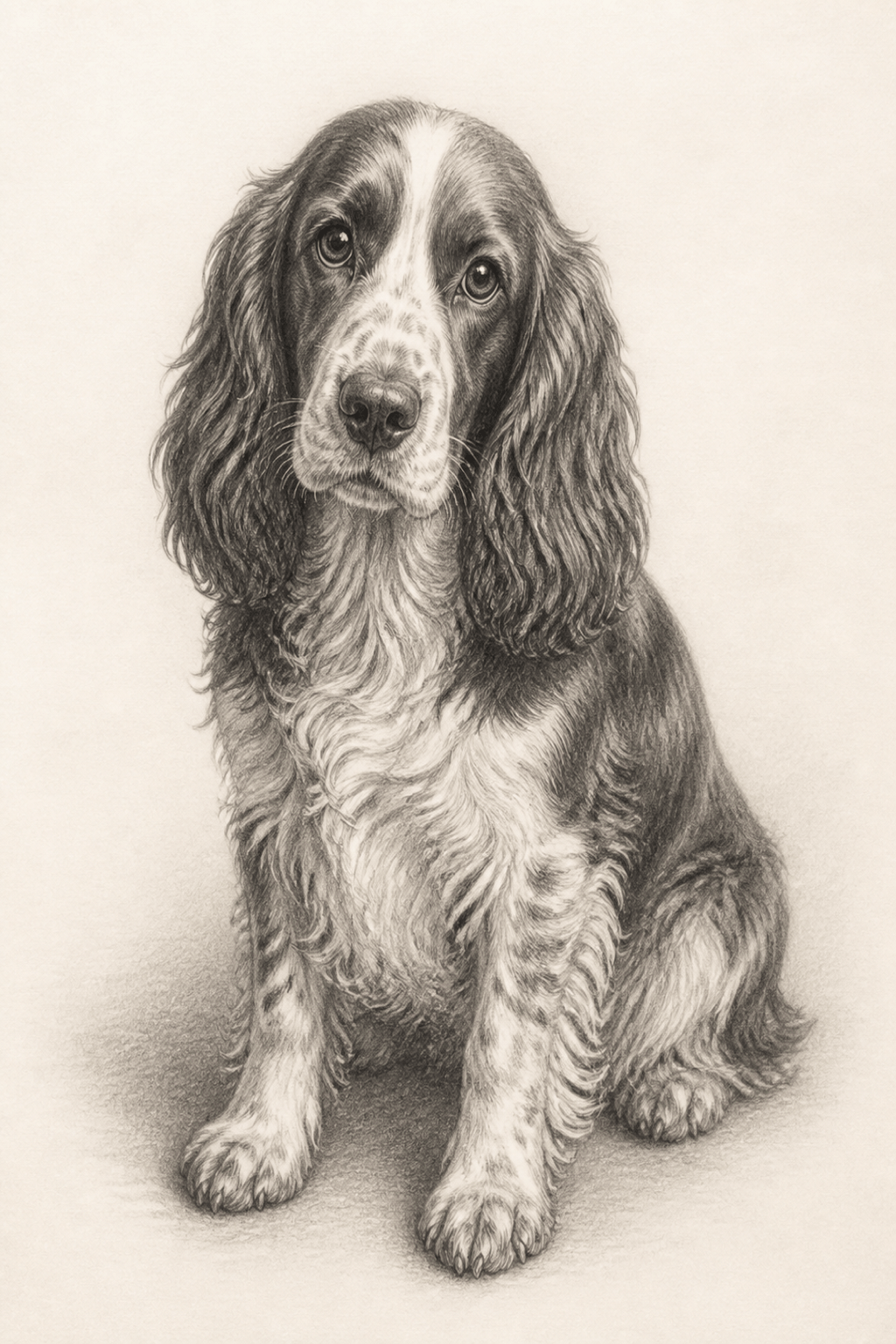
Pet Pencil Drawing: Create a detailed graphite portrait from my dog's photo. Preserve the floppy ears, white muzzle marking, bright eyes, and seated pose. Use directional strokes that follow the fur, delicate whiskers, a light ground shadow, and a clean paper background. Gift-print composition, no collar text or added props.
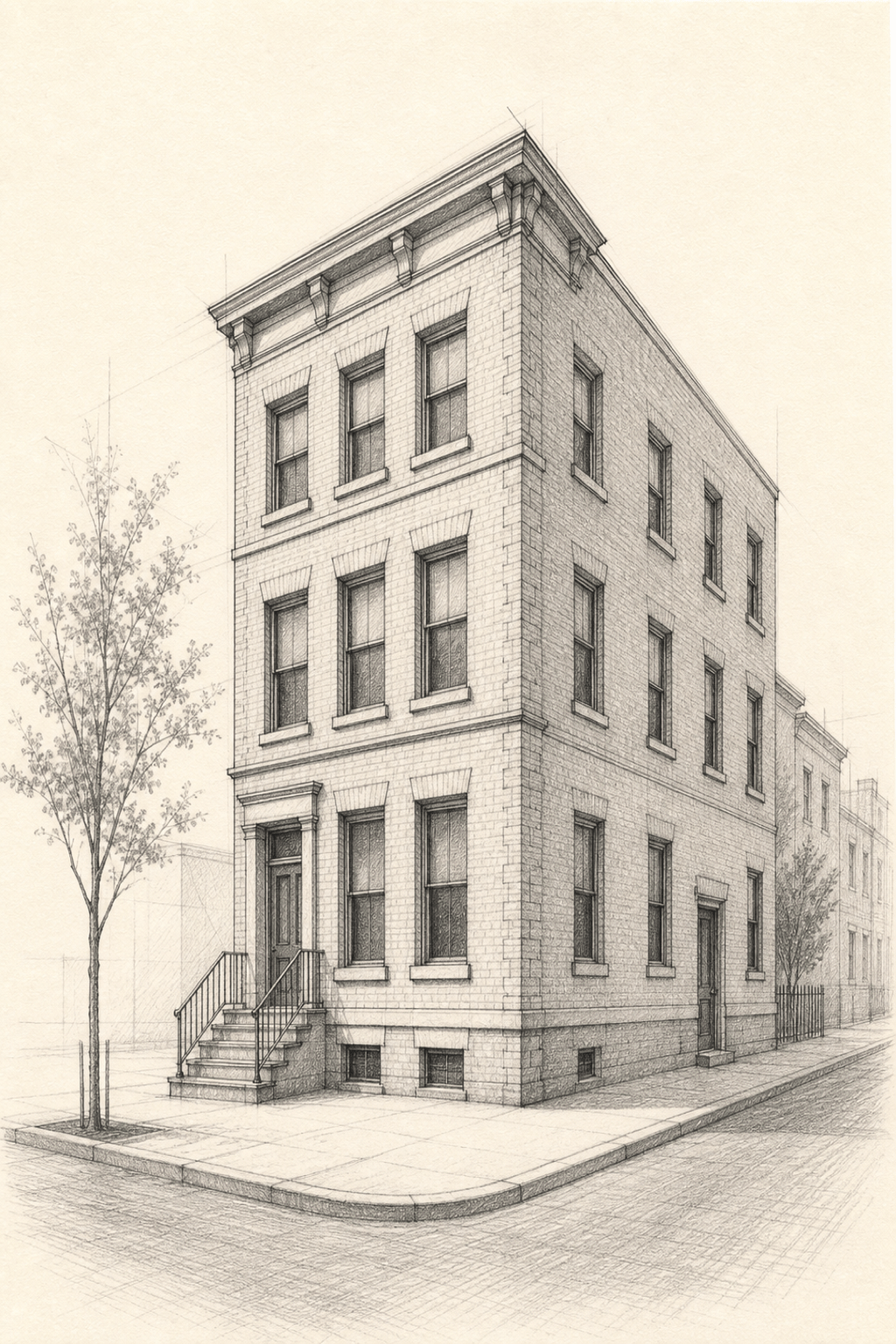
Architectural Sketch: Draw a three-story brick townhouse on a quiet street in realistic graphite. Keep verticals and two-point perspective coherent, use precise construction lines, varied contour weight, cross-hatched window recesses, cast shadows, and sparse trees. Cream sketchbook paper, vertical 3:4, no people or signs.
Mountain Landscape: Create a wide graphite landscape of a pine valley below layered mountain peaks. Use darker textured marks in the foreground, softer broken lines in the middle ground, pale atmospheric distance, and untouched paper for snow highlights. Calm hand-drawn field-study style, no buildings or text.
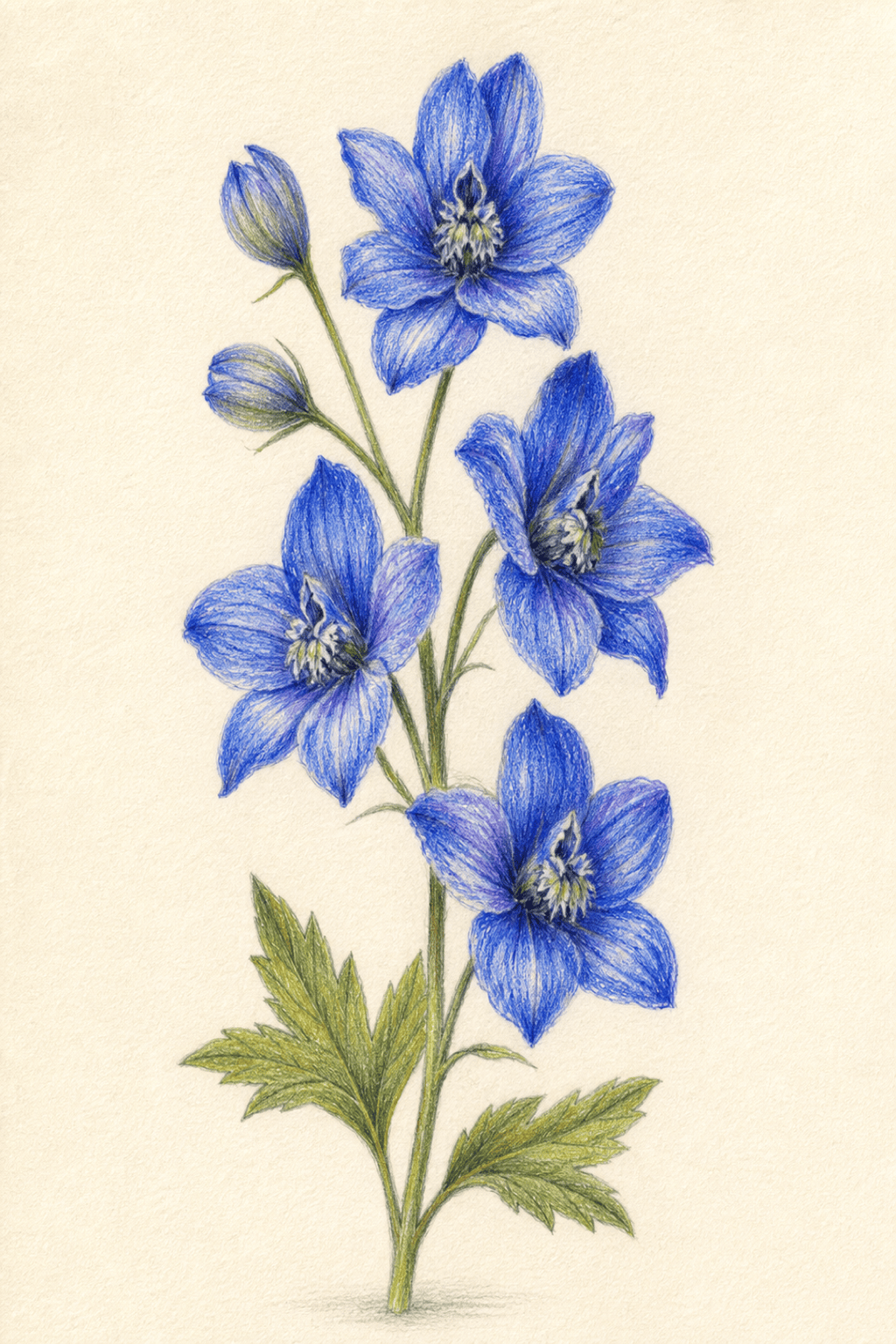
Colored Pencil Botanical: Illustrate a sprig of blue delphinium with two leaves on ivory paper. Use visible layered colored-pencil strokes, accurate petal structure, cool blue-violet shadows, natural green veins, and a restrained cast shadow. Clean vertical specimen composition with generous margins, no label or border.
Fashion Pencil Study: Sketch a full-length tailored evening coat on a neutral fashion figure. Combine loose construction lines with confident final contours, graphite folds, selective burgundy colored-pencil accents, readable lapels and seams, and ample white space. Editorial concept page, no brand logo or caption.
Product Concept Drawing: Generate a graphite concept sketch of a compact desk lamp with an adjustable arm. Show one main three-quarter view and two small detail studies, clear ellipse perspective, varied line weight, light marker-like shadow in graphite, and neat white paper. No dimensions, labels, or copied product design.
Wedding Couple Sketch: Convert the uploaded couple photo into an elegant pencil drawing for a keepsake. Preserve both faces, expressions, hand placement, clothing silhouettes, and bouquet shape. Use delicate contours, soft graphite shading, brighter paper around the faces, and a lightly suggested garden background. Vertical portrait, no date or names.





