Free OnlineAI Watercolor Generator
How to Turn a Photo Into Watercolor Art with AI
Choose a Photo or Write an Idea
Describe the Watercolor Look
Generate and Compare the Result
Refine, Download, and Share

Photo-to-Watercolor Control Beyond a One-Click Filter
Start From Photos, Sketches, or Words
Convert a photo to watercolor, guide a sketch toward a painted finish, or create original watercolor art from a text prompt. Reference images help preserve the subject and composition while changing the medium.
Prompt Real Watercolor Character
Ask for cold-pressed paper grain, transparent glazing, pigment blooms, feathered edges, dry-brush marks, ink-and-wash detail, or untouched white paper instead of a generic painted overlay.
Protect Faces and Defining Details
For a watercolor portrait, pet keepsake, house painting, or wedding venue illustration, specify the faces, markings, windows, roofline, clothing, pose, and silhouette that must remain recognizable.
Explore More Than One Watercolor Style
This AI watercolor art generator can test loose botanicals, detailed architectural washes, airy portraits, dreamy landscapes, ink-and-wash scenes, and children's-book art without forcing every result through one preset.
Correct Drift With Chat Edit
Change one detail at a time: restore a face or pet marking, simplify the background, move the crop, lighten a wash, reduce splatter, add invitation-ready white space, or try another palette.
Free to Try and Ready to Export
Use free AI credits after signup to test the watercolor generator. Export watermark-free PNG or JPG files when the artwork is ready for a print, gift, invitation, story, campaign, or personal project.
How to Get Better Photo-to-Watercolor Results
- Use a Clear Source: Choose a well-lit photo with a readable face, pet, building, or object and a background that can be simplified without losing the story.
- Protect the Subject: List the facial features, markings, pose, roofline, bouquet, product shape, or clothing details that should stay recognizable.
- Name the Paint Behavior: Ask for transparent washes, glazing, granulation, wet-on-wet blooms, dry brush, ink outlines, soft bleed, hard edges, splatter, or untouched paper.
- Match the Destination: Specify a portrait gift print, square social post, landscape wall print, book spread, isolated botanical asset, or invitation layout with open space for text.
Photo-to-Watercolor Prompts for Portraits, Pets, and Places
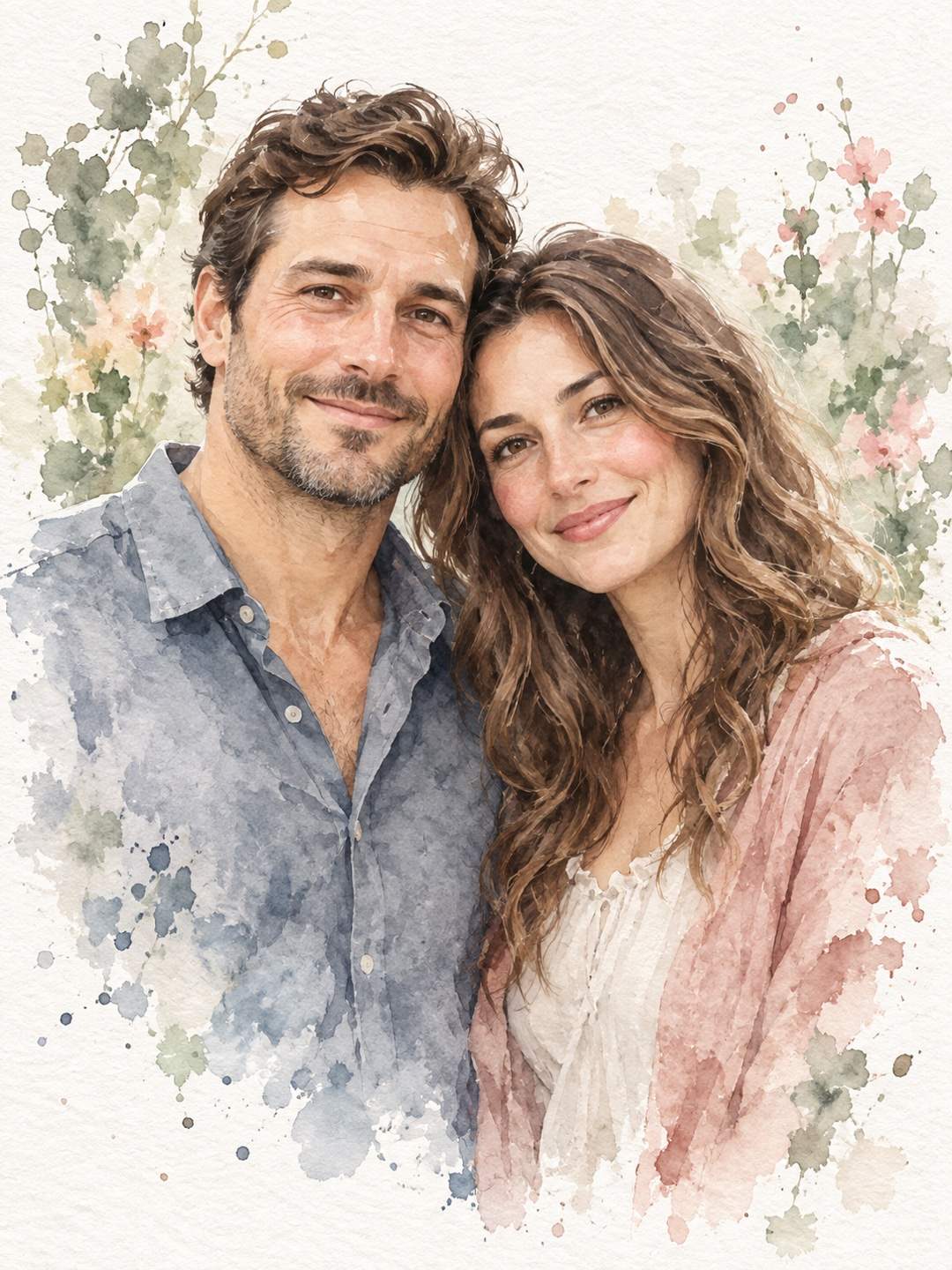
Couple Watercolor Portrait: Transform my uploaded couple photo into a warm watercolor keepsake. Preserve both faces, hairstyles, expressions, clothing colors, and pose. Use transparent skin-tone washes, soft blue-gray shadows, delicate dry-brush detail, a mostly white paper background, and a vertical 4:5 gift-print composition with no text or frame.
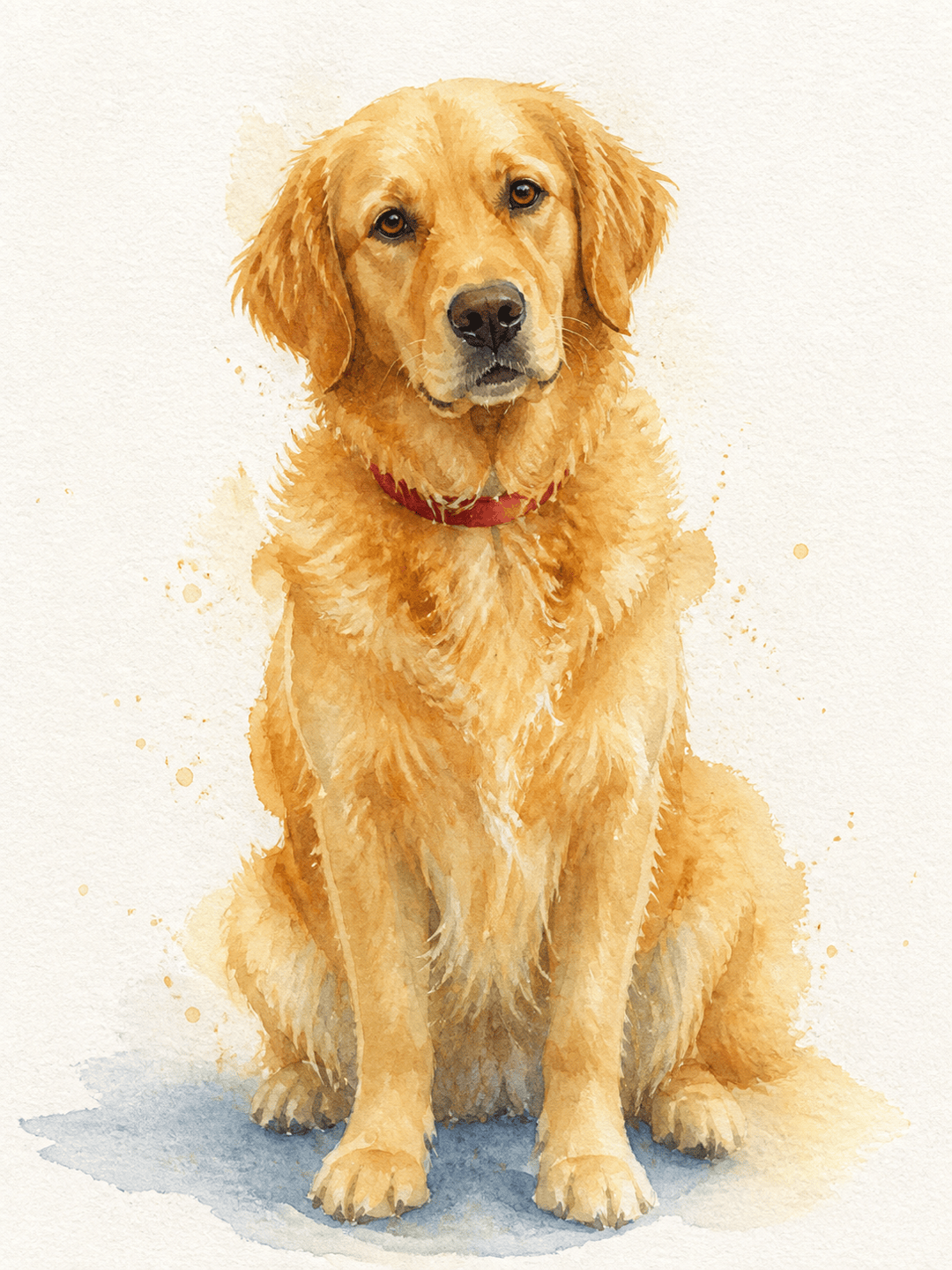
Watercolor Pet Portrait: Turn my uploaded golden retriever photo into a loose watercolor pet portrait. Keep the face, golden coat markings, red collar, and seated pose recognizable. Add warm ochre washes, subtle indigo shadows, feathered edges, and a few restrained splatters on clean paper.
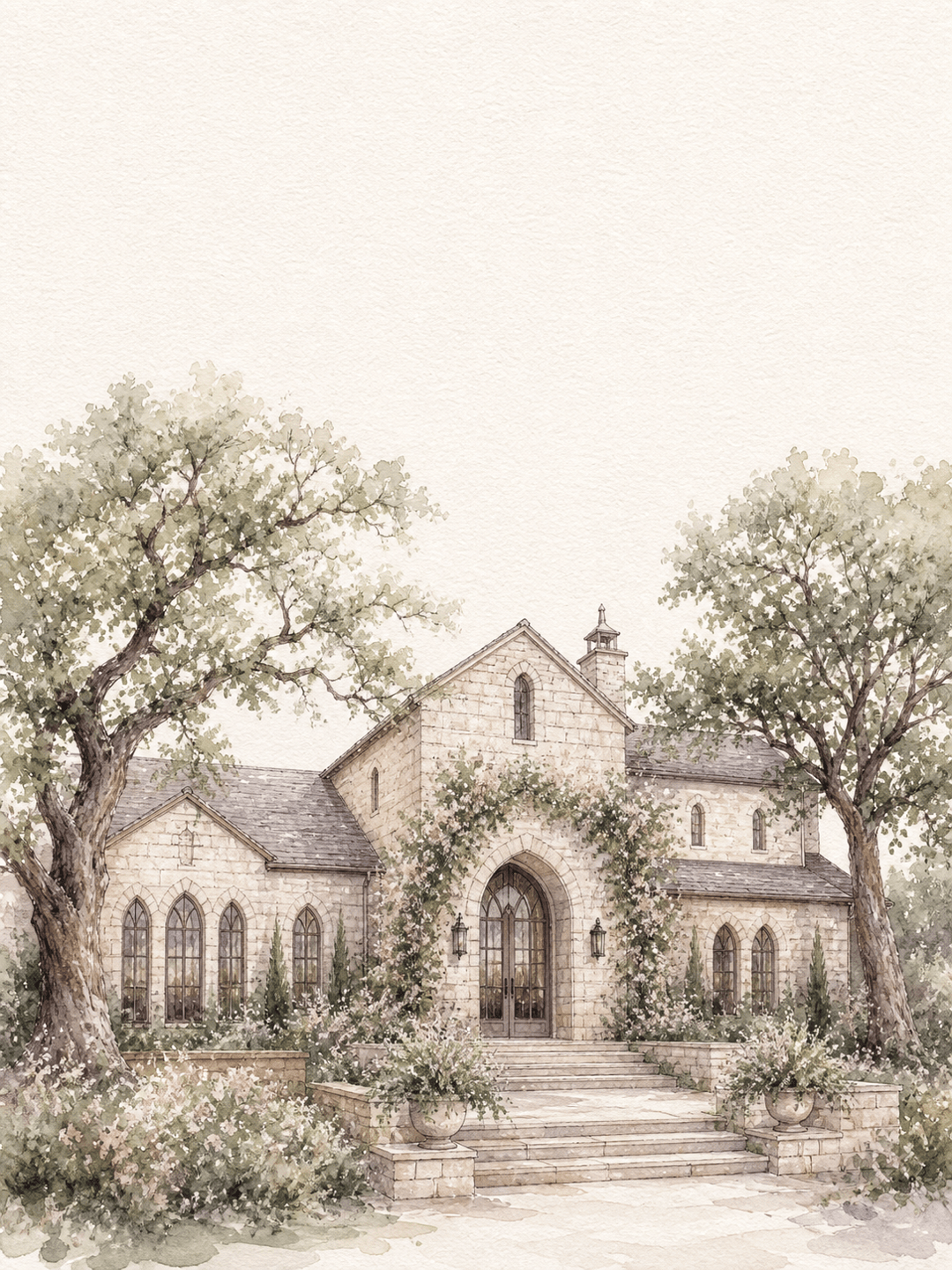
Wedding Venue Watercolor: Convert my venue photo into an elegant ink-and-watercolor illustration for a save-the-date. Preserve the roofline, arched windows, entrance, and surrounding trees. Use fine sepia linework, pale sage and blush washes, soft paper grain, and generous white space above for invitation text.
House Portrait From Photo: Repaint my uploaded home photo as a detailed watercolor house portrait. Keep the facade, window count, front door color, roof shape, and garden path accurate. Use light ink contours, transparent earth-tone washes, soft greenery, and clean white margins for an 8 × 10 inch print.
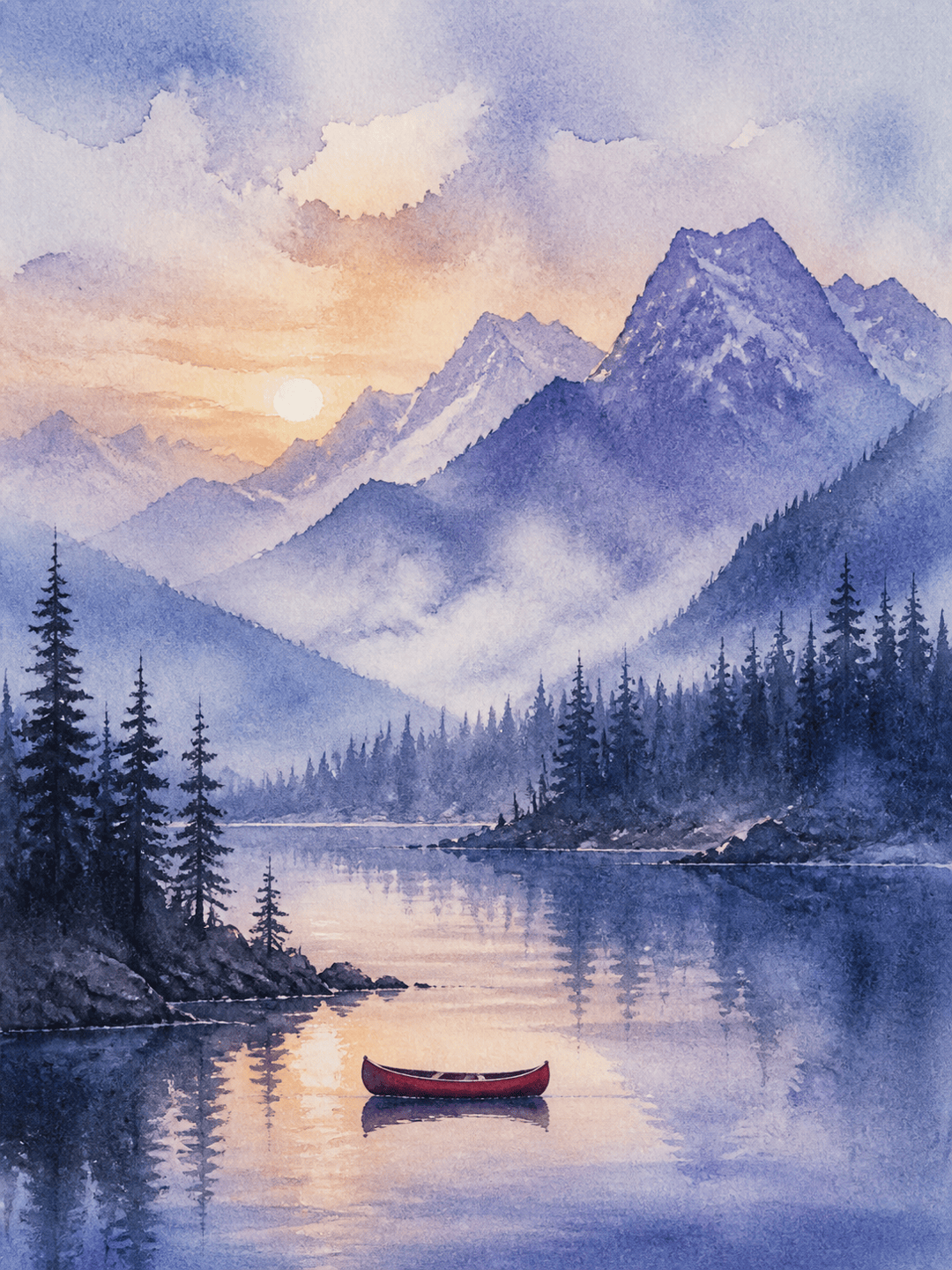
Watercolor Landscape From Text: Paint a misty mountain lake at sunrise with pine silhouettes, a small red canoe, and reflections dissolving into the water. Use wet-on-wet blue and violet washes, soft atmospheric edges, subtle granulation, visible paper texture, and a wide 3:2 wall-art composition.
Children's Book Watercolor: Illustrate a curious fox carrying a tiny lantern through a moonlit garden. Use warm orange and moss-green washes, gentle ink outlines, expressive but readable features, layered foliage, soft blooms around the light, and a horizontal storybook composition with no words.





