Free OnlineAI Art Generator
How to Create Digital Art with AI
Set the Subject and Creative Goal
Generate Contrasting Art Directions
Direct the Details in Chat
Check the Artwork and Export

A More Directed Way to Explore AI-Generated Art
Match the Model to the Visual Job
Mew Design can route suitable requests through capable image models such as GPT Image 2.5 or Nano Banana Pro. That gives the brief room to prioritize prompt accuracy, visual polish, text handling, or reference-aware editing.
Guide with a Photo, Sketch, or Reference
An AI art generator with reference image support can start closer to the composition you have in mind. Upload material you have permission to use and explain whether it should guide the subject, pose, palette, lighting, texture, or overall layout.
Compare Meaningfully Different Variations
Ask the AI artwork generator for a coherent set or for clearly separated directions. You can compare three color scripts, alternate camera distances, day and night moods, or different media without rewriting the entire creative brief.
Control Composition Beyond a Style Preset
Specify focal point, camera height, foreground and background layers, edge detail, negative space, palette, light source, texture, and aspect ratio. These choices make the image useful for a cover, post, print, mood board, or character concept.
Refine the Chosen Image Conversationally
Chat Edit lets you direct a targeted revision instead of starting over. Preserve the composition while changing the sky, remove a distracting object, strengthen the gesture, clean up a hand, or extend the background for a new crop.
Move from Experiment to Usable File
Try the free AI art generator online with signup credits, then export finished artwork as watermark-free PNG or JPG. Check the final pixel dimensions, crop, usage rights, and any recognizable people, characters, logos, or reference material before publishing.
Build an Art Direction, Not Just a Style Word
- Anchor the Scene: Name the main subject, what it is doing, and the environment. Add time of day, weather, era, or visual story only when it helps the image.
- Describe the Medium: Use material language such as layered gouache, carved linocut, soft pastel, ink wash, paper collage, 3D clay, or cinematic digital painting instead of relying only on an artist's name.
- Compose the Frame: State orientation, camera distance, focal-point placement, foreground layers, negative space, and crop safety. Mention the intended destination when it affects the layout.
- Set Boundaries: List unwanted text, logos, duplicate objects, anatomy errors, busy corners, or direct imitation. Use only references you have permission to upload and review the result before commercial use.
AI Art Prompts for Distinct Creative Directions
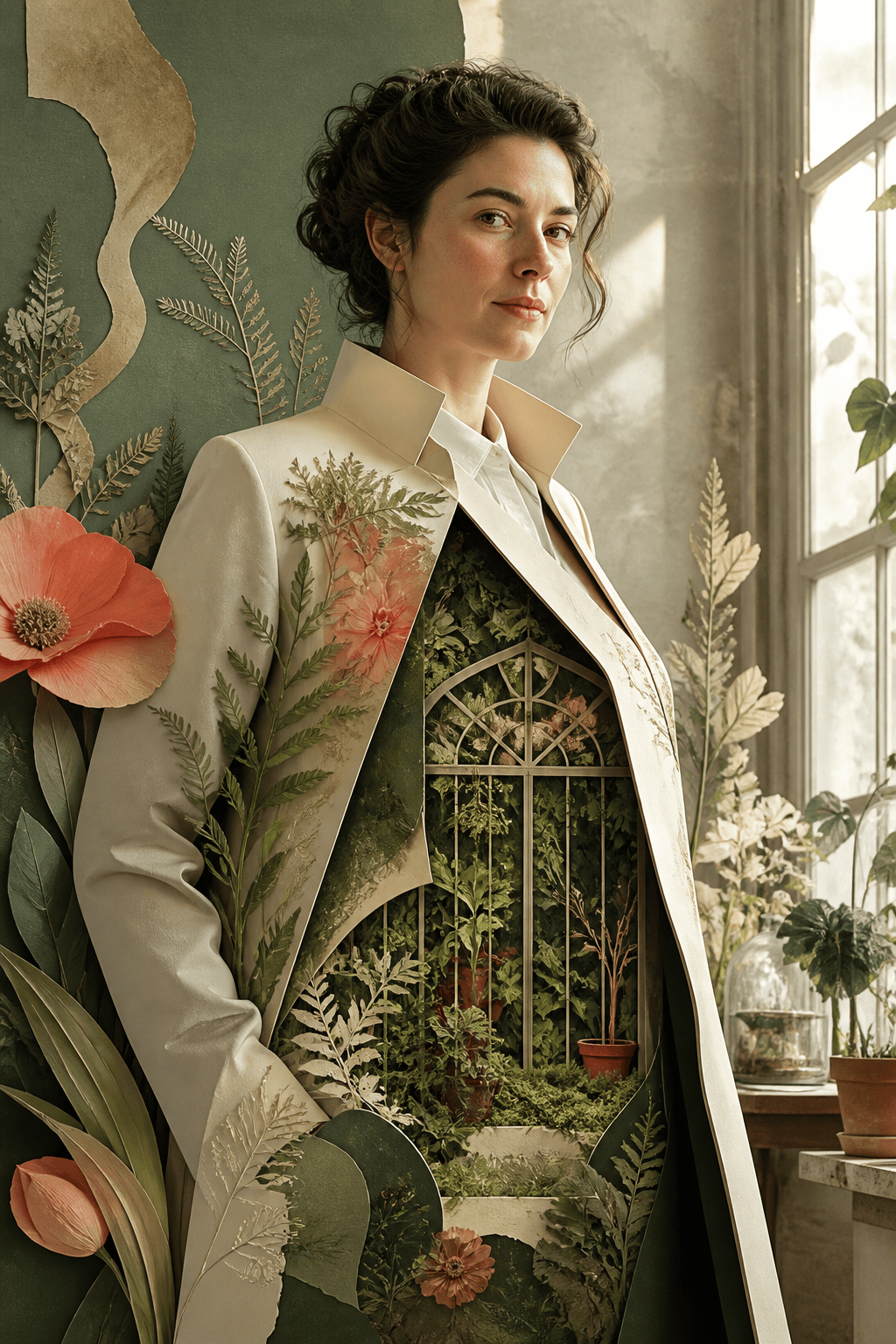
Surreal Editorial Portrait: Create a vertical portrait of an original fictional botanist whose coat opens into a miniature greenhouse, paper-collage realism, precise cut edges, moss green and coral palette, eye-level composition, soft window light, thoughtful expression, no text or recognizable brand symbols.
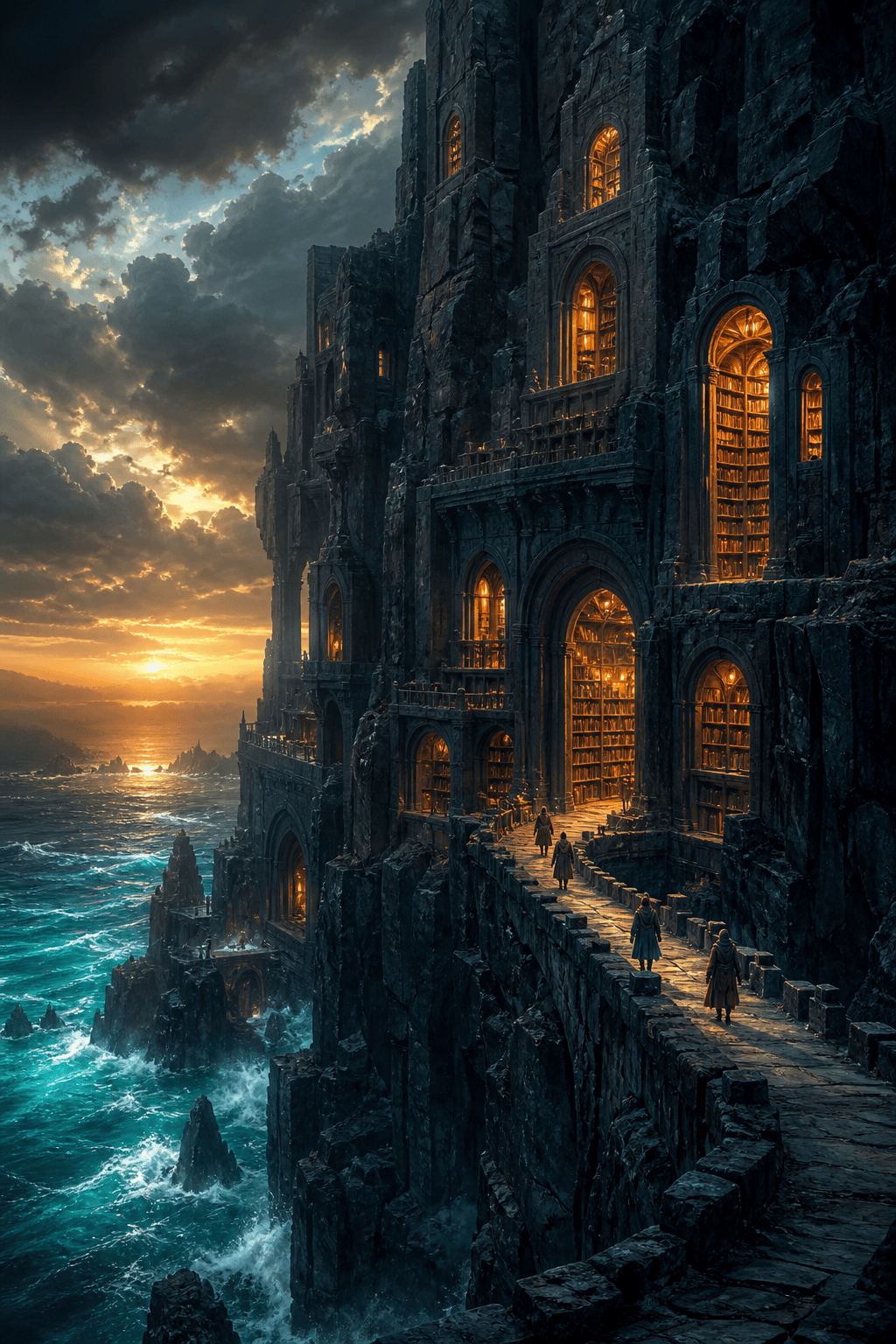
Fantasy Environment Concept: Paint a cliffside library carved into black basalt above a luminous sea, tiny travelers for scale, layered atmospheric depth, warm windows against a cold teal storm, cinematic digital painting, wide sense of space within a vertical frame, no existing franchise elements.
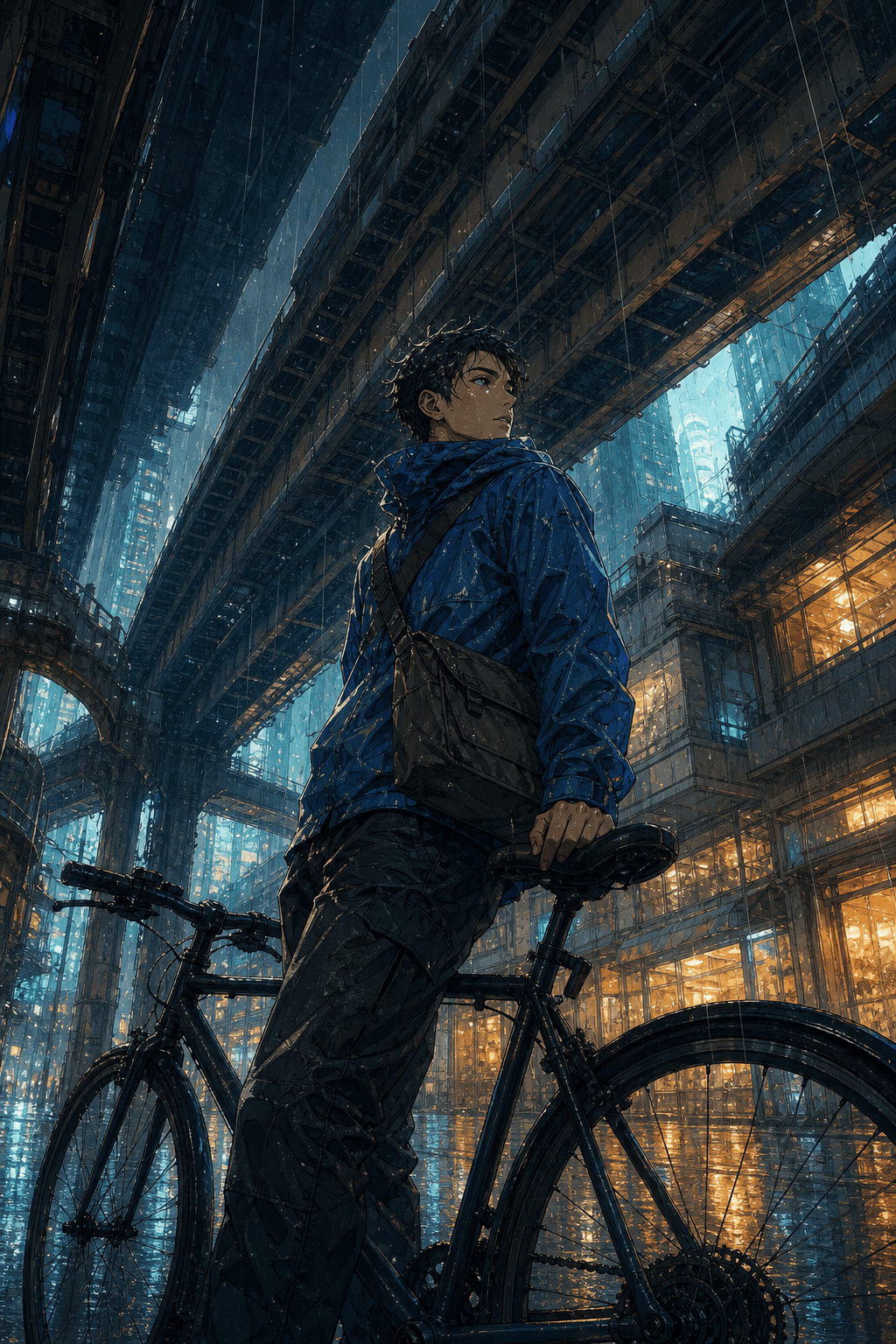
Original Anime-Inspired Scene: Illustrate an original young adult bicycle courier pausing beneath elevated trains in a rainy future city, expressive animation aesthetic, cyan reflections and amber shop light, dynamic perspective, clean facial features, wind in the jacket, no recognizable characters or logos.
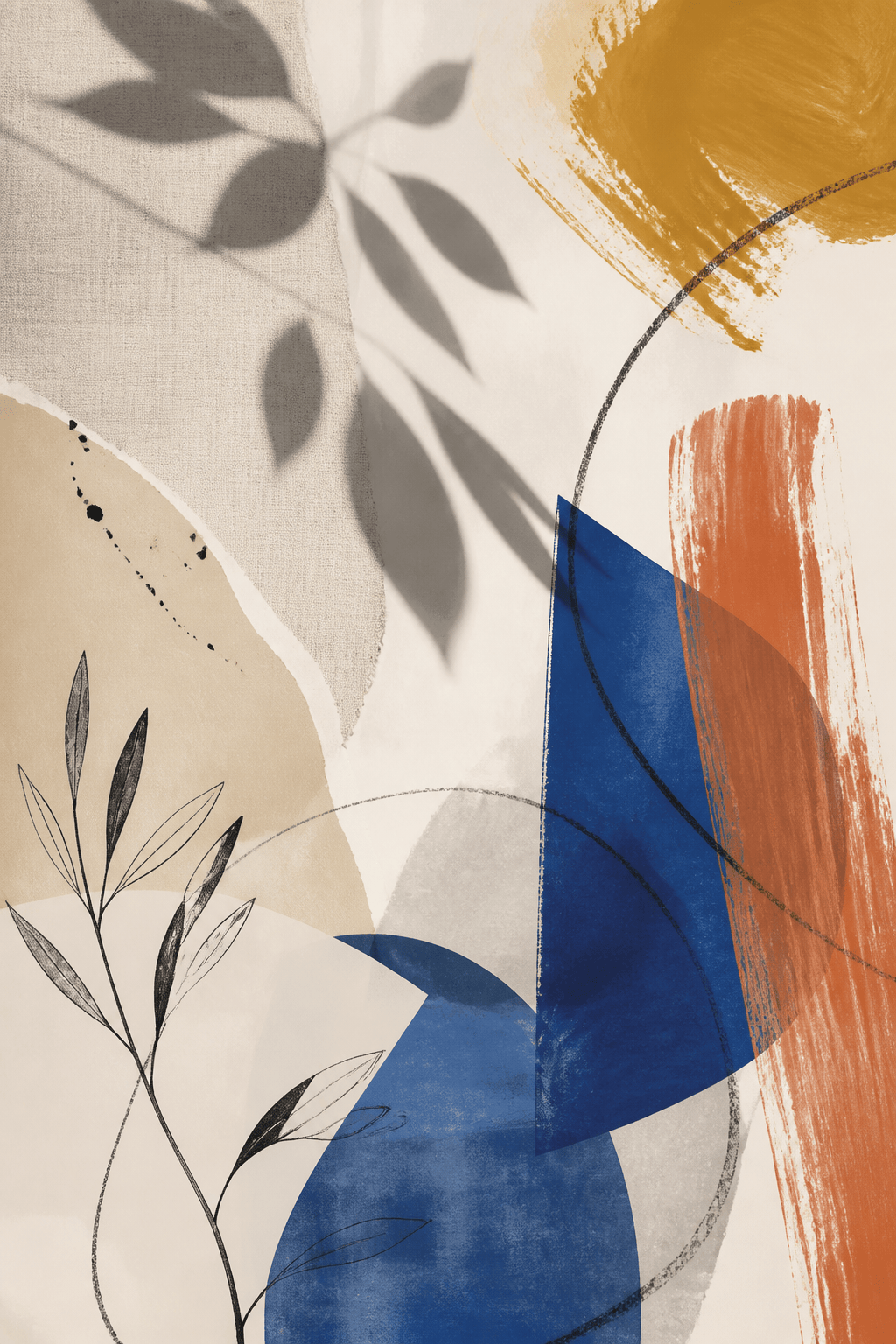
Abstract Botanical Wall Art: Create a gallery-ready vertical composition built from oversized leaf shadows, translucent cobalt shapes, ochre brush marks, linen texture, generous warm-white negative space, balanced asymmetry, screen-print and acrylic mixed-media feel, no lettering.
Children's Book Illustration: Draw an original red panda cartographer mapping a floating island garden for a picture book, warm watercolor and colored-pencil texture, gentle rounded shapes, clear foreground path, friendly wonder, readable silhouettes, no text and no resemblance to known characters.
Indie Album Cover Art: Create a square-ready illustration cropped safely inside a vertical canvas: an empty motel pool reflecting a second moon at midnight, quiet surrealism, grainy analog color, deep navy and faded peach, centered geometry with space for later typography, no embedded words or logos.





